
00:00
00:00
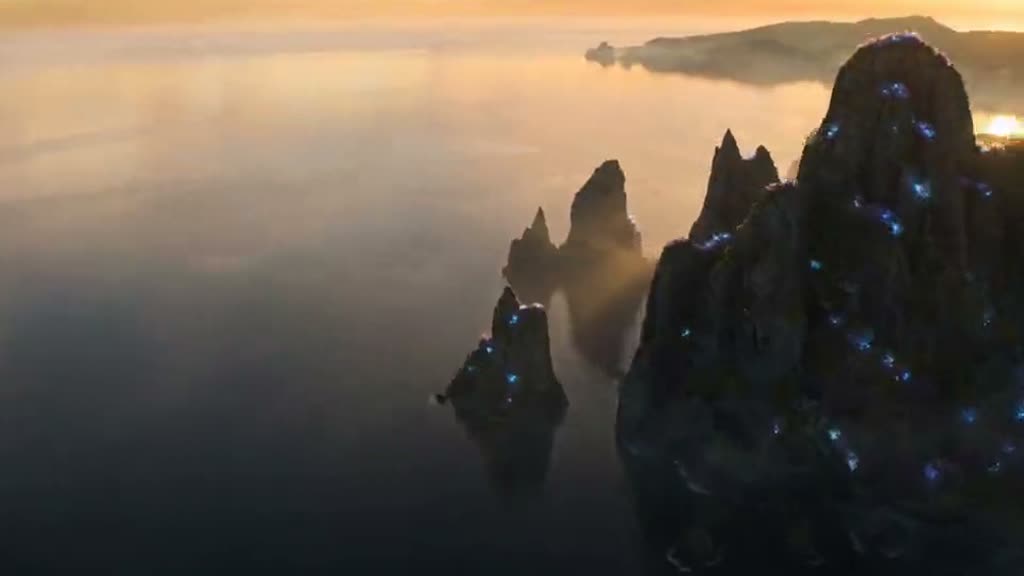
Generate Cinematic Scenes From Prompts
00:00
00:00
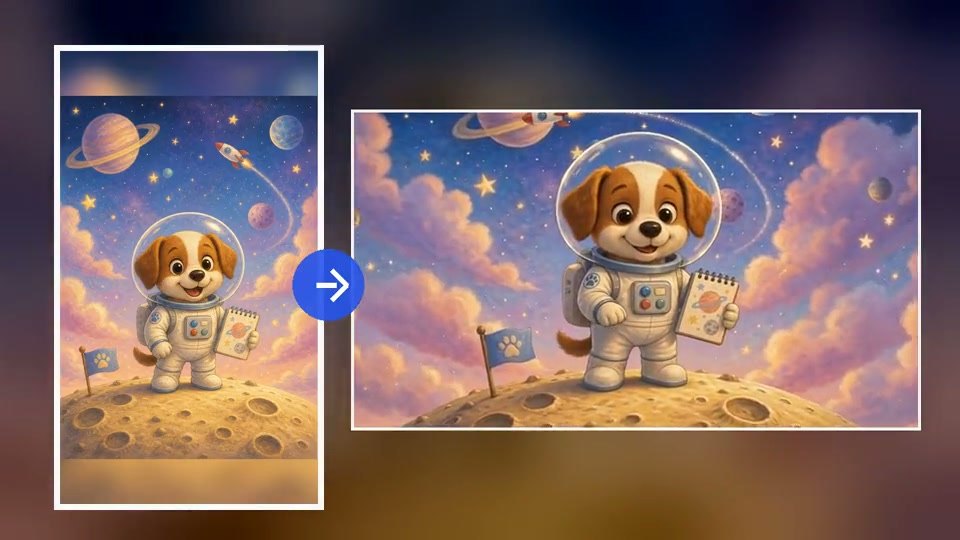
Turn Images Into Movie-Style Clips
How to Create an AI Movie Video
Step 1: Upload an Image or Enter a Scene Idea
Start with a movie poster, character image, reference frame, or a written story idea. You can create from text alone or guide the video with an uploaded image.
Step 2: Describe the Cinematic Direction
Write the genre, setting, camera movement, lighting, pacing, aspect ratio, and mood in your prompt. Use the prompt to control the style and format of the final scene.
Step 4: Download Your Movie Video
Download the finished movie-style video and use it for trailers, story previews, social posts, mood boards, or creative planning.
Step 3: Generate and Refine Your Movie Clip
Create the video, review the motion and style, then adjust the prompt until the scene feels ready for a trailer, concept preview, or short story clip.
Make Movie-Style Videos for Every Story Idea
From script concepts to social hooks, turn creative ideas into cinematic video moments.

Writers Visualizing Story Beats
Turn a short scene idea, chapter moment, or script beat into a cinematic preview before developing a full storyboard.

YouTube Creators Making Cinematic Intros
Create film-like openings, channel teasers, and dramatic hooks for long-form videos, YouTube Shorts, or story-driven edits.

Brands Making Movie-Style Story Ads
Use cinematic scenes to introduce products, campaigns, or brand stories with stronger emotion, atmosphere, and visual polish.

Social Creators Making Film-Like Shorts
Produce dramatic, fantasy, romance, or adventure-style clips for TikTok, Reels, and Shorts without filming from scratch.
Why Choose insMind AI Movie Video Generator

Text and Image Workflows
Create movie clips from prompts, reference images, posters, or character visuals in one simple creative flow.

Cinematic Prompt Control
Guide lighting, camera movement, pacing, genre, mood, and aspect ratio directly through your prompt.

Built for Storytelling
Move beyond generic clips with scenes shaped around characters, emotion, setting, and visual narrative.

Social-Friendly Outputs
Make widescreen cinematic clips or vertical film-style shorts for YouTube, TikTok, Reels, and other platforms.

Fast Creative Previsualization
Test story moments quickly before committing time to filming, editing, animation, or full production.

Trailer-Ready Visual Style
Generate polished scenes that feel suitable for teasers, story previews, cinematic intros, and concept videos.
FAQs About AI Movie Video Generator
What is an AI Movie Video Generator?


An AI Movie Video Generator is a tool that turns prompts, images, or story ideas into cinematic video clips with AI-generated motion, lighting, and scene pacing.
Can I create a movie video from text?
Yes. Enter a prompt describing the genre, setting, camera movement, mood, and duration, and insMind can generate a movie-style video from text.
Can I turn an image into a movie-style video?
Yes. Upload a poster, character image, or scene reference, then describe how you want it animated into a cinematic clip.
Is insMind’s AI Movie Video Generator free to try?
You can start creating movie-style videos online with insMind and explore the available generation options before scaling your workflow.
What kinds of movie scenes can I create?
You can create trailers, fantasy scenes, character close-ups, animated adventure moments, story previews, cinematic intros, and social-ready film clips.
Can I control the camera angle or visual style?
Yes. Use your prompt to guide camera movement, shot type, lighting, pace, atmosphere, aspect ratio, and cinematic style.
Can I make videos for TikTok, Reels, or YouTube Shorts?
Yes. Describe a vertical ratio such as 9:16 and write for short-form pacing, hooks, and mobile-friendly cinematic framing.
Can I keep the same character across scenes?
For stronger consistency, use the same character reference image and keep your prompts aligned across scenes. Results can vary by model and prompt detail.
Does the tool add audio, dialogue, or music?
You can include audio direction in the prompt when the selected generation setup supports sound. For dialogue-heavy scenes, describe the speech and tone clearly.
More Movie Video and Storytelling Tools
00:00
00:00
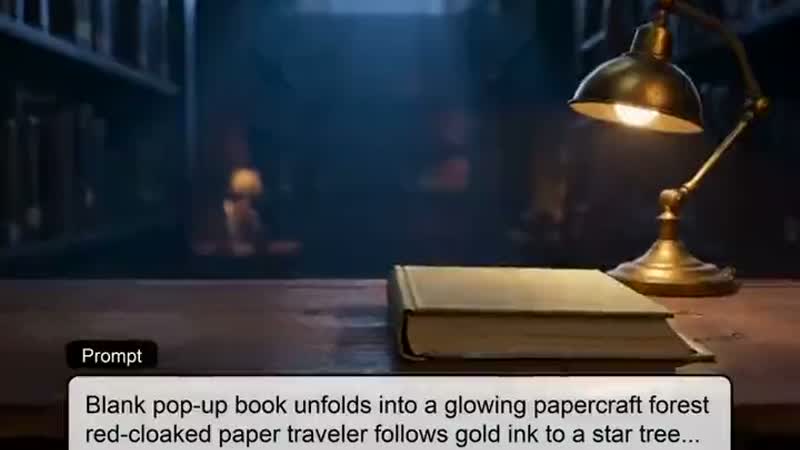
AI Story Video Generator
Turn scripts and story ideas into animated videos automatically.
00:00
00:00
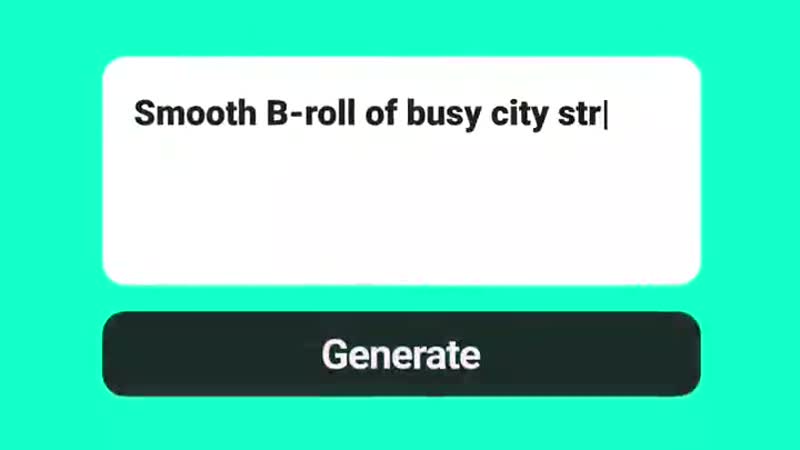
Text To Video Generator
Turn any text prompt into high-quality videos in minutes.
00:00
00:00
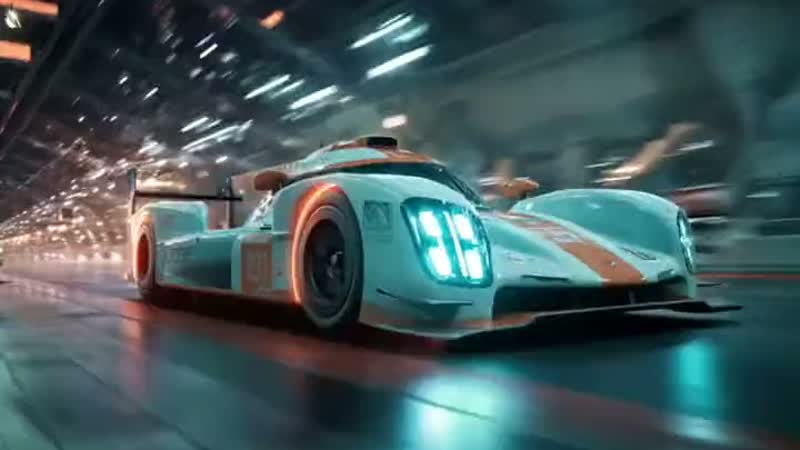
AI Video Generator
Create high-quality videos from text and images with AI tools.
00:00
00:00
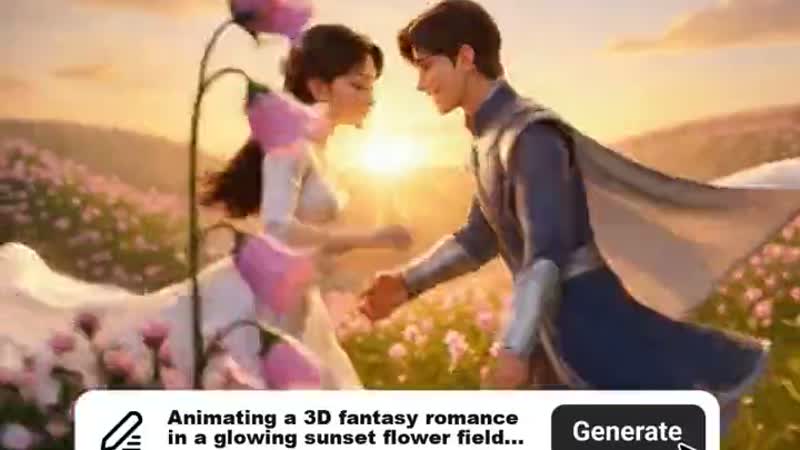
AI Animation Video Generator
Generate professional animation videos from scripts and images with AI.
00:00
00:00
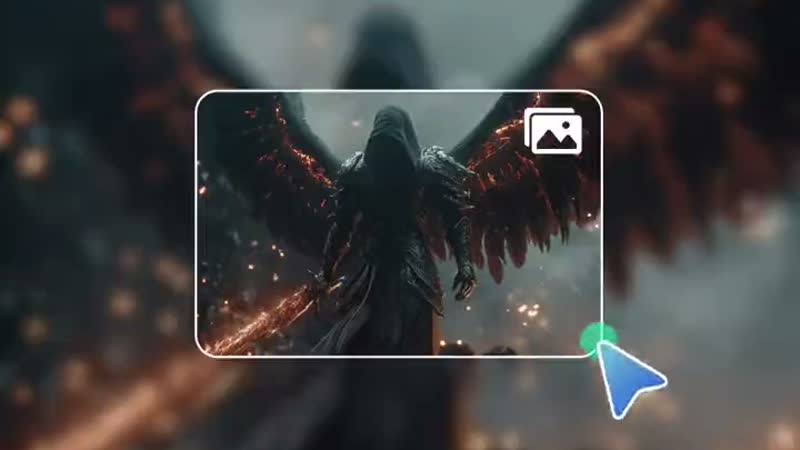
Dark Fantasy AI Video Generator
Create cinematic dark fantasy videos from text or images.
00:00
00:00
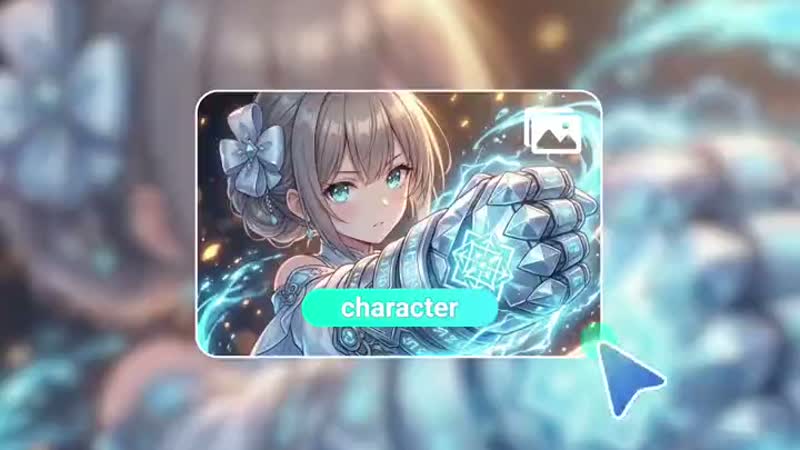
AI Anime Video Generator
Animate anime images into smooth, consistent character videos.
00:00
00:00
AI Character Animation
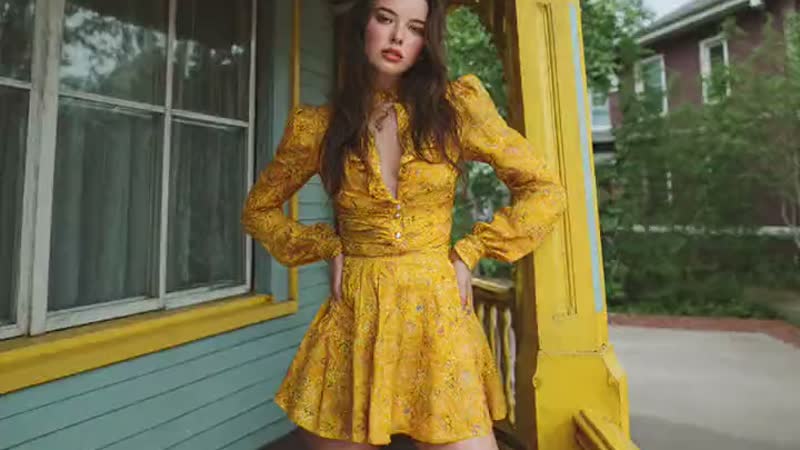
Transform any photo into a moving AI character video.
00:00
00:00
AI YouTube Shorts Generator
Create viral YouTube Shorts instantly with smart, easy-to-use AI tools.