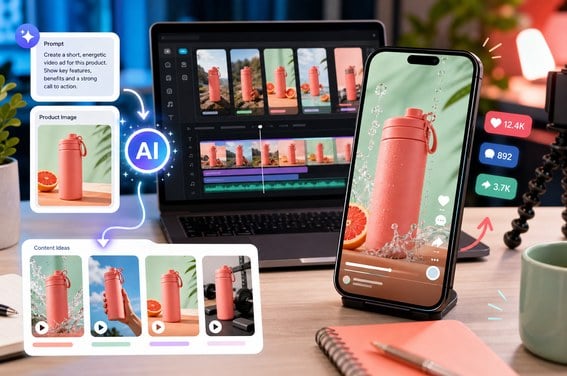
Create Facebook Ad Magic from Product Photos
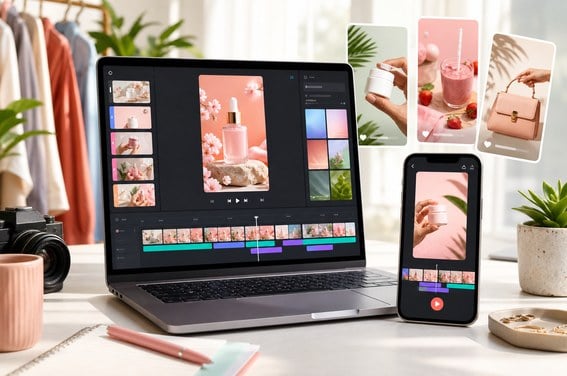
Turn static product photos into scroll-stopping Facebook ad videos that feel built to sell. insMind Facebook video maker adds cinematic motion, clear product focus, and social-feed pacing, helping brands create polished ecommerce ads without expensive shoots or complex editing.

Dominate the Feed with AI Facebook Reels
Dominate the feed with Facebook Reels, trend-ready clips, and AI presenter videos for your brand. Describe the hook, avatar, style, or campaign message, then generate mobile-friendly Facebook videos fast enough to react to new offers, audience trends, and social moments.
Facebook Video Types You Can Create
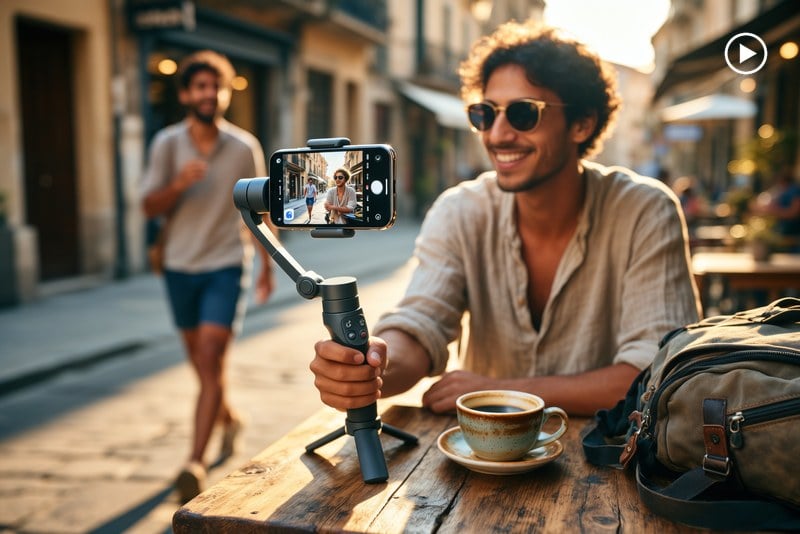
Facebook Reels
Creators can turn trends, product hooks, travel moments, and daily ideas into vertical Reels designed for quick mobile viewing.
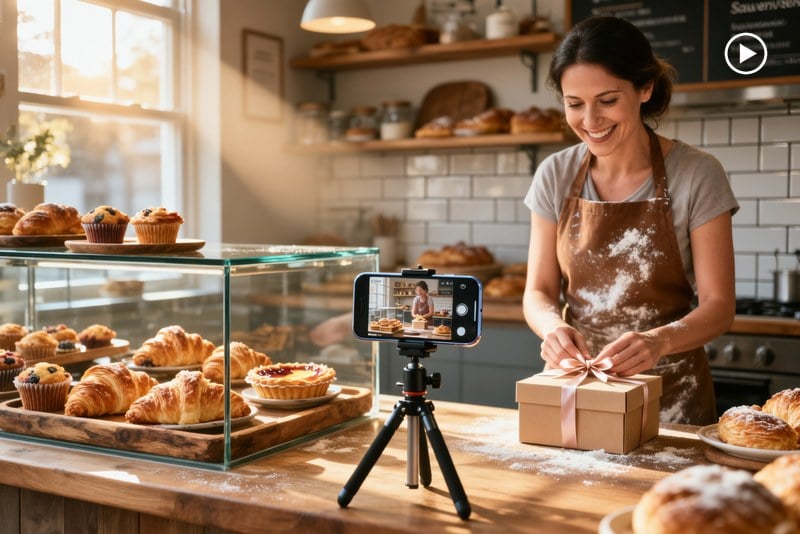
Facebook Stories
Brands and small businesses can create Story videos for offers, events, launches, and limited-time announcements.
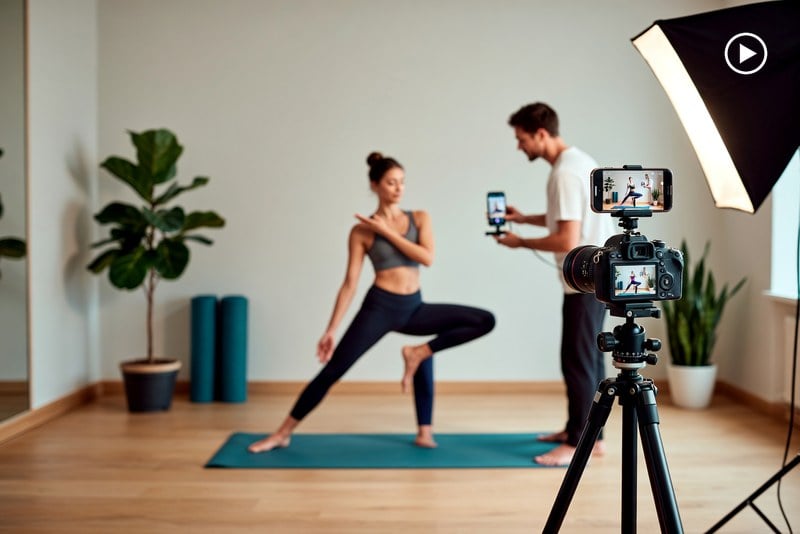
Facebook Page Videos
Teams can make polished page videos that introduce services, show products, recap events, or keep followers engaged.
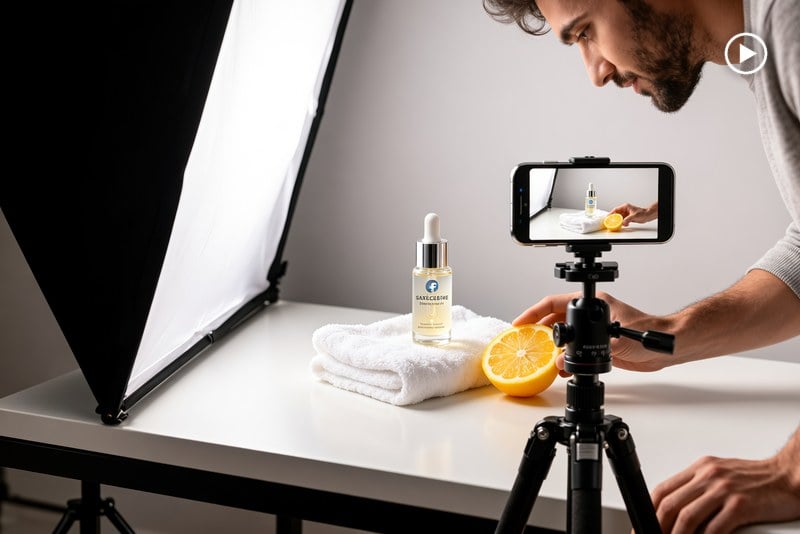
Facebook Ads
Marketers can test multiple ad angles from one brief, product image, or campaign idea before spending on production.
How to Make a Video for Facebook with insMind
Step 1: Upload Your Image
Start by uploading the image you want to turn into a Facebook-ready video. It can be a product photo, event poster, creator portrait, customer moment, lifestyle shot, or brand visual that needs social-ready motion.
Step 2: Enter Your Prompt
Tell insMind what kind of Facebook video you want to create. Describe the Reel, Story, Page post, or ad style, then add details like mood, pacing, audience, camera motion, aspect ratio, and final message.
Step 3: Generate Your Video
Click generate and let insMind turn your uploaded image and prompt into a Facebook-ready video draft. The AI adds motion, scene direction, and social pacing for Reels, Stories, Page posts, or ads.
Step 4: Edit or Download
Preview the result and adjust the prompt if you want a different hook, cleaner background, faster cuts, or another Facebook placement. When it looks right, download the finished video for posting or campaign use.
Why Choose insMind Facebook Video Maker

Built for Facebook Formats
Create vertical Reels and Stories or landscape Page videos from one workflow, with prompts that match each placement.

Start with Text or Images
Use prompts, product photos, posters, or lifestyle images to make Facebook videos without planning a full shoot.

Fast Social Video Drafts
Move from a rough post idea to a video draft in minutes, useful for creators, shops, events, and campaigns.

Connected Video Toolkit
Expand your workflow with AI video editor tools for refining clips, plus product video, social video, and ad video tools across insMind.

Simple Editing Flow
Refine scene direction, pacing, background, camera motion, and final mood through follow-up prompts instead of manual timeline edits.

Better Creative Testing
Generate different hooks, styles, ratios, and ad angles before choosing the Facebook video you want to publish.
FAQs About insMind Facebook Video Maker
What is a Facebook video maker?


How do I make videos on Facebook with AI?
How to make a video on Facebook from photos?
How do you make a Reel on Facebook?
Can I edit a Facebook story video before posting?
Can I create Facebook ad videos with insMind?
Is insMind Facebook Video Maker free to try?
Is this a free download FB videos online tool?
More Facebook and Social Video Tools from insMind

AI Video Generator

Image to Video
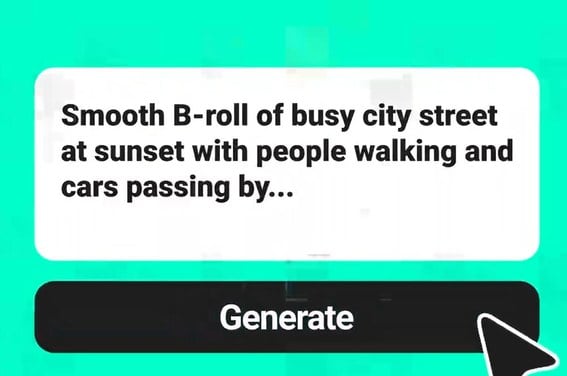
Text to Video

AI Video Editor
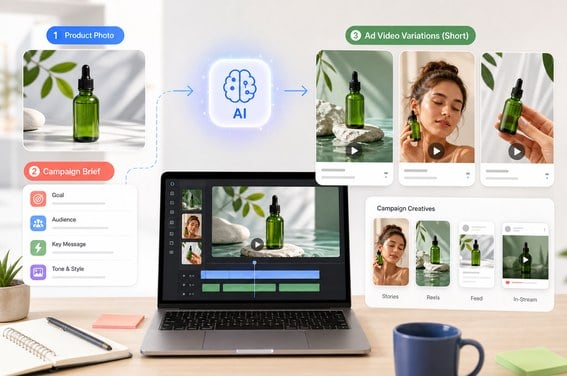
AI Ad Video Generator
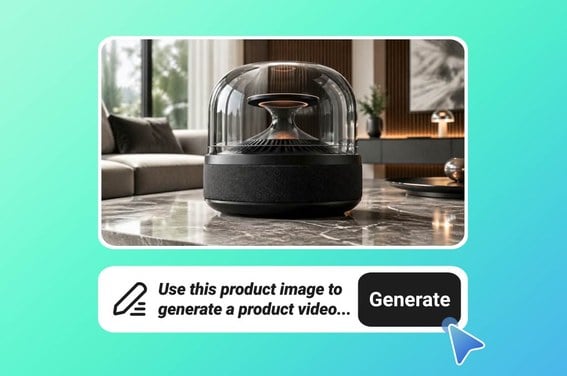
AI Product Video Generator
Instagram Video Generator