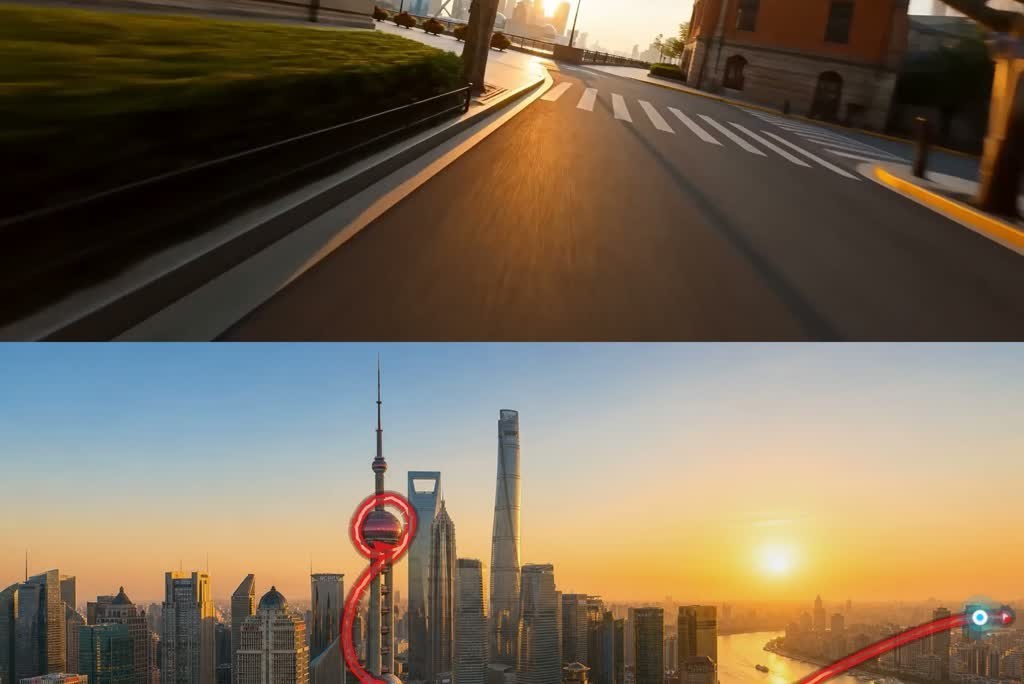
Upload a scene image, draw a red route or arrow on it, then describe how the camera should move. insMind can use that marked image as a visual guide for a drone fly-through, so the final video follows the intended direction while the guide mark stays out of the finished look.

00:00
00:00
Draw a Flight Path and Turn It into a Fly-Through Video
00:00
00:00
Turn Any Photo into a Creative FPV Flying Video
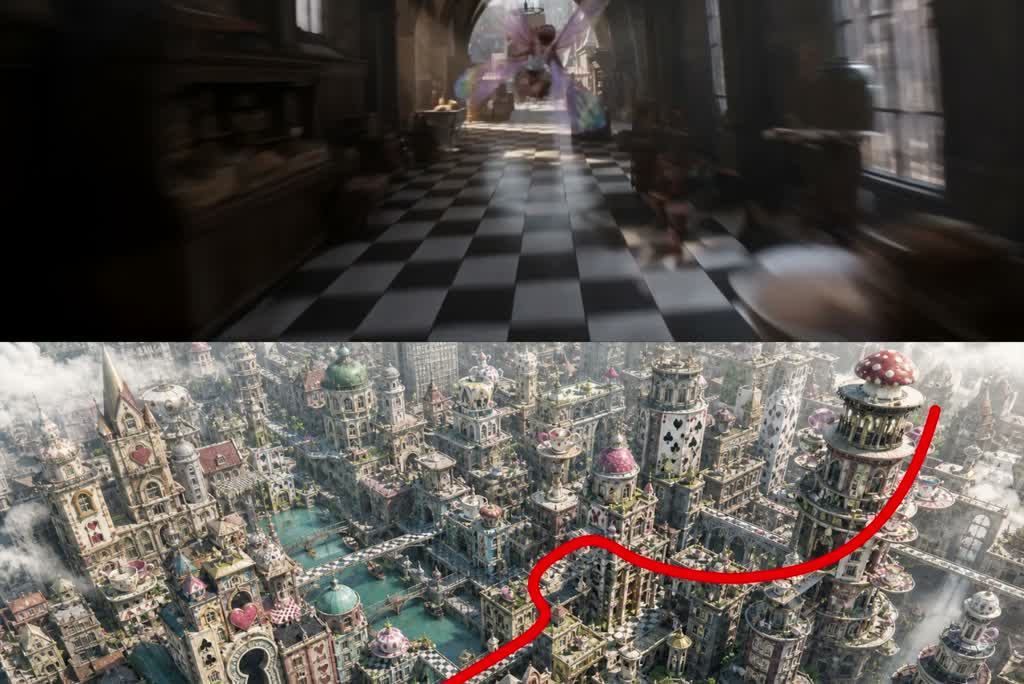
City streets, waterfronts, mountains, products, interiors, and fantasy scenes can all become creative FPV flying videos. Start with an image to video workflow, then describe the flight direction, speed, camera height, curve, reveal, and mood you want.
00:00
00:00
Create AI Drone Videos from Text Prompts
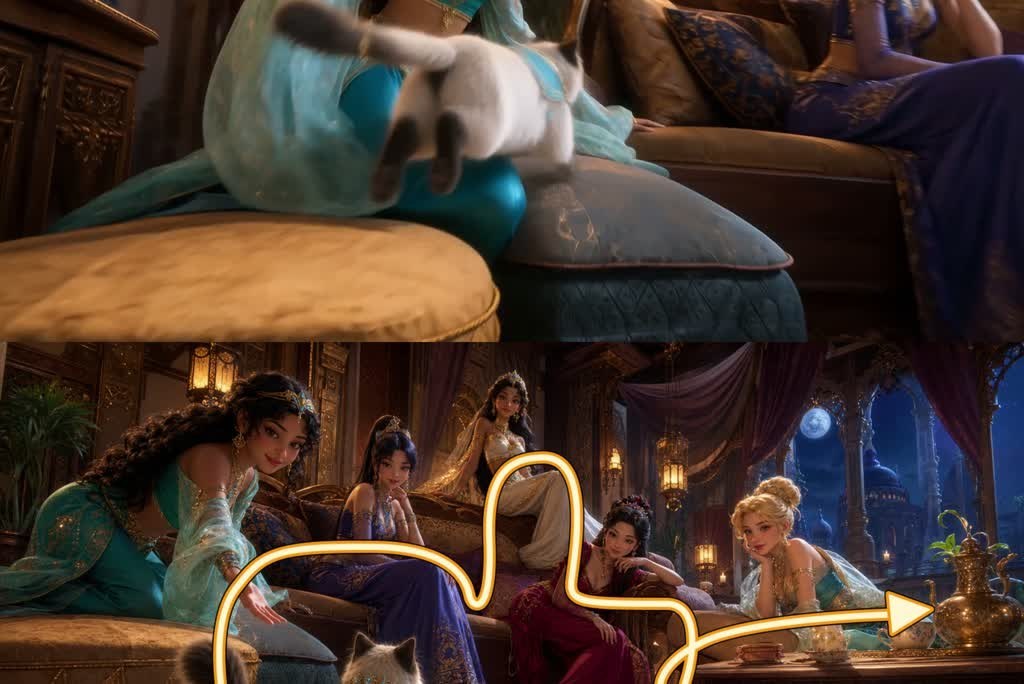
No image ready yet? Start with text. Describe the location, camera path, flight height, direction, lens feel, lighting, and final reveal. insMind's text to video workflow is useful when you want to draft a drone scene before creating or uploading a reference image.
How to Create an AI Drone Video
Step 1: Draw the Flight Path in Your Picture
Mark the route you want the drone camera to follow with a clear red line or arrow. Keep the path readable, use smooth turns, and make the start and direction easy to understand.
Step 2: Upload Your Photo and Enter the Prompt
Upload the marked image, then write a prompt that explains the camera movement, height, speed, scene mood, and final reveal. Tell the AI that the red path is only a guide and should not appear in the final video.
Step 3: Generate the Video
Let insMind create the drone video from your photo and prompt. Preview the result and check whether the camera motion, scene focus, and aerial feel match your idea.
Step 4: Download the Video
Download the final video for social posts, campaigns, concept previews, travel content, or creative projects.
Best Ways to Use AI Drone Video Generator
Explore social, travel, marketing, and concept-art ideas for AI drone videos.

Social Drone Clips
Create FPV drone visual hooks for TikTok, Reels, Shorts, and short-form edits. A drawn path can help the clip feel intentional, with camera movement that leads viewers through the scene instead of staying static.

Travel and City Fly-Throughs
Turn travel photos, skyline images, waterfront views, and architecture shots into moving aerial videos. This is useful for creators, local guides, destination pages, and anyone who wants motion from a still scene.

Product and Campaign Flyovers
Use drone movement to add energy to product visuals, campaign scenes, or branded concepts. For product-led videos, the AI product video generator can help keep the item visually clear while the camera motion adds impact.

Concept Art and Fantasy Worlds
Designers, game creators, and visual storytellers can turn concept art into cinematic fly-throughs. Prompt the camera path, atmosphere, scale, and reveal to explore a world before building a full animation.
Why Use insMind as Your AI Drone Video Maker

Path Guidance
Draw a route on the image and use it as a visual guide for camera movement, without treating it as real drone flight planning.

Photo to Motion
Transform a still scene into a moving drone video with prompt-controlled speed, direction, curve, and reveal.

Free Credits
If you are looking for an AI drone video generator free option, insMind offers a free trial for core features, and users can earn free credits through platform activities.

Creator Friendly
Build aerial visuals for travel posts, product campaigns, social hooks, concept previews, and creative experiments.

FPV Energy
Create low, fast, curved, or cinematic fly-through shots that feel closer to FPV footage than a static image pan.

Prompt Flexibility
Start from text when you do not have an image, then describe the drone shot, setting, mood, and camera path in plain language.
Frequently Asked Questions
What is an AI drone video generator?


An AI drone video generator helps create drone or FPV videos from prompts, photos, or marked reference images. With insMind, you can describe camera movement, upload a scene image, or guide the shot with a drawn path.
Can I draw a path on an image to guide the drone shot?
Yes. You can mark the intended camera route on a reference image, then explain in the prompt how the AI should use that route. The path should guide the drone movement; avoid wording that promises perfect physical route control.
Will the red line appear in the final video?
You can ask the AI to treat the red line as a guide and remove it from the final output. For best results, make the line clear enough to read, but keep the prompt explicit that guide marks should not appear in the finished video.
Can I create an AI drone video from text only?
Yes. You can start with a written prompt and describe the location, camera movement, flight height, speed, mood, and reveal. Text-to-video works well for concept scenes, fantasy worlds, and drone video ideas without a source image.
Is this the same as controlling a real drone?
No. This page is for AI-generated drone videos, not physical drone operation, GPS route planning, or aviation software. It helps create a drone or FPV camera move from images and prompts.
Is insMind's AI drone video generator free?
insMind offers a free trial for core features, and users can earn free credits through platform activities. Availability may depend on the current account, feature, and credit rules, so avoid assuming unlimited free generation.
What should I write in an AI drone video prompt?
Mention the starting point, camera direction, flight height, speed, turns, scene mood, and final reveal. If you drew a path, say that the path is only a movement guide and should not appear in the final video.
What images work best for drone videos?
Use images with clear depth, readable paths, and a strong subject or destination. City streets, water views, mountains, interiors, products, and concept scenes work well when the route is easy for the viewer to follow.
Recommended AI Video Tools for Drone Creators
00:00
00:00
AI Video Generator
Create high-quality videos from text and images with AI tools.
00:00
00:00
Image to Video
Create custom videos from your photos with AI.
00:00
00:00
Text To Video Generator
Turn any text prompt into high-quality videos in minutes.
00:00
00:00
AI Product Video Generator
Turn static product visuals into high-converting video ads in seconds.

AI Promo Video Maker
Generate high-converting marketing video ads instantly from static brand assets.
00:00
00:00
AI Animation Maker
Generate professional animation videos from scripts and images with AI.
00:00
00:00
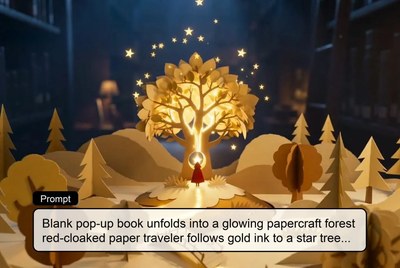
AI Story Video Generator
Turn scripts and story ideas into animated videos automatically.
00:00
00:00
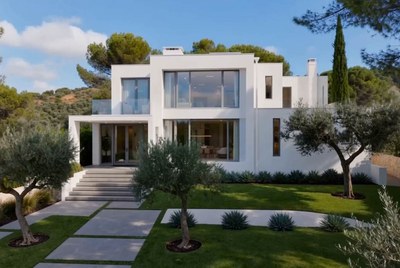
AI Real Estate Video Generator
Create cinematic real estate videos with AI from text prompts or property photos.