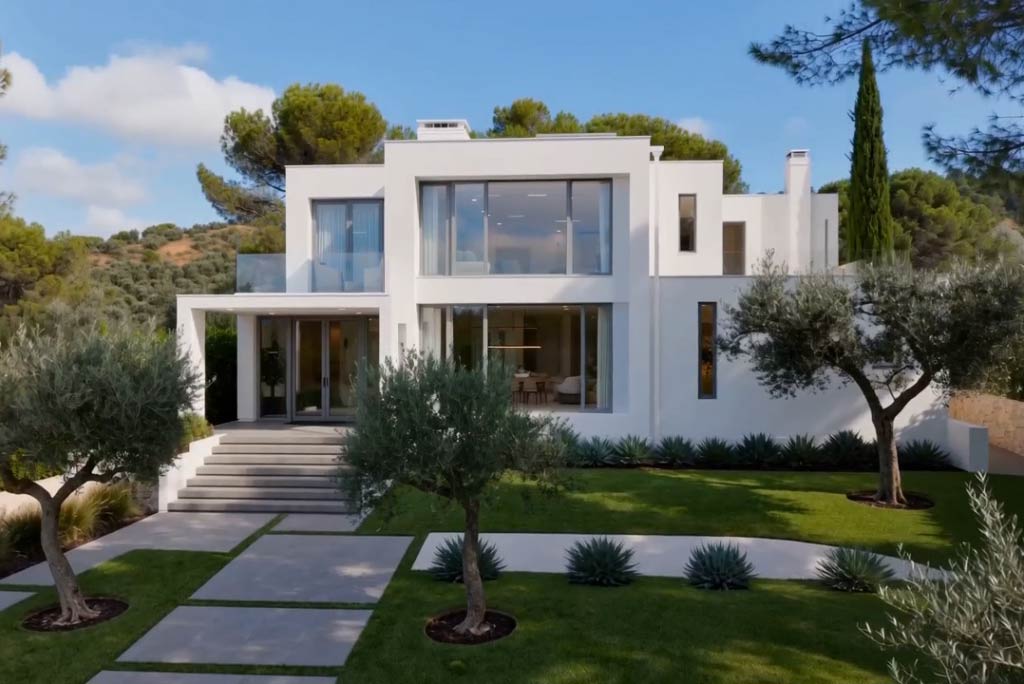
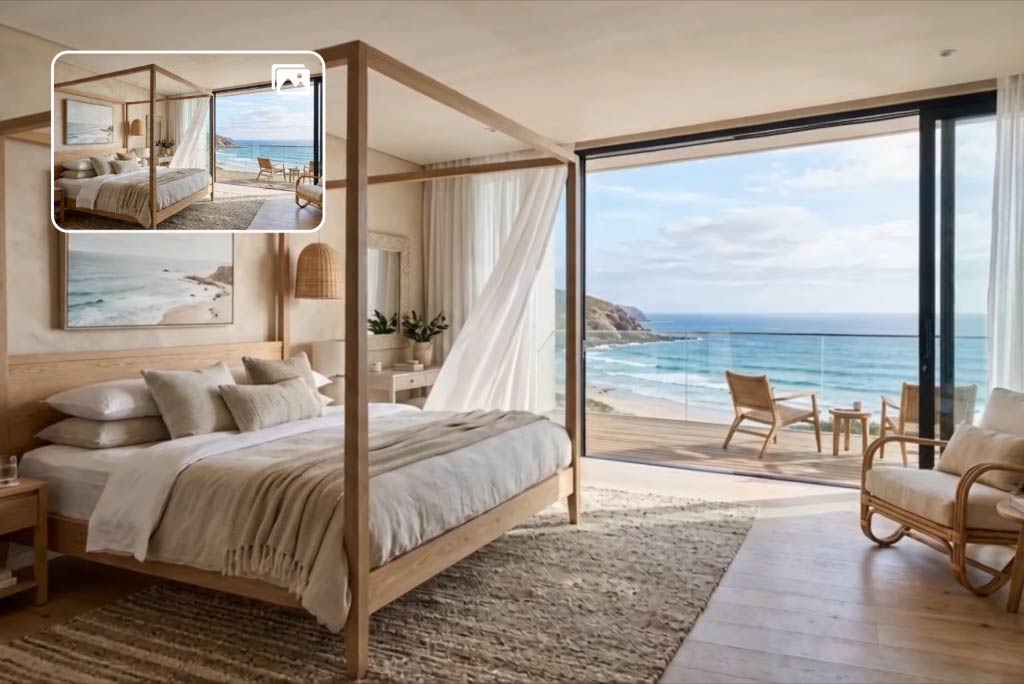
Upload a real estate image, architectural rendering, home exterior, or interior photo, and let AI turn it into a dynamic video in one click. This AI real estate video generator adds motion, camera flow, and visual depth to static property visuals, making spaces feel more immersive and presentation-ready.
It is perfect for architecture showcases, listing previews, design concepts, and residential property storytelling. With Photo Animator, you can instantly make still property images look more alive and cinematic.

All-in-one AI Real Estate Video Generator
00:00
00:00
00:00
00:00
00:00
00:00
One Click to Transform Architecture Photos into Video
00:00
00:00
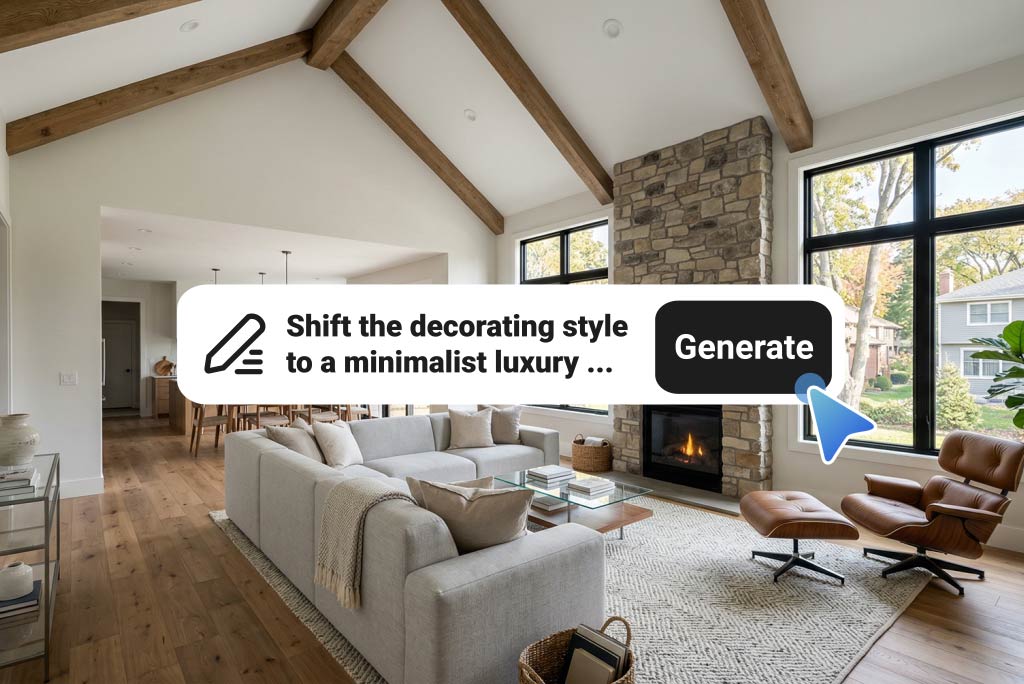
Generate Interior and Exterior Renovation Videos with AI
Create renovation and design visuals faster with an AI home renovation videos generator built for both interiors and exteriors. From kitchen updates and bathroom redesigns to facade refreshes, garden improvements, and full home transformations, this tool works as an AI interior design video generator and AI exterior design video generator in one place.
You can generate videos from text prompts or photos to present remodeling ideas, compare design directions, and show before-and-after concepts more clearly.
00:00
00:00
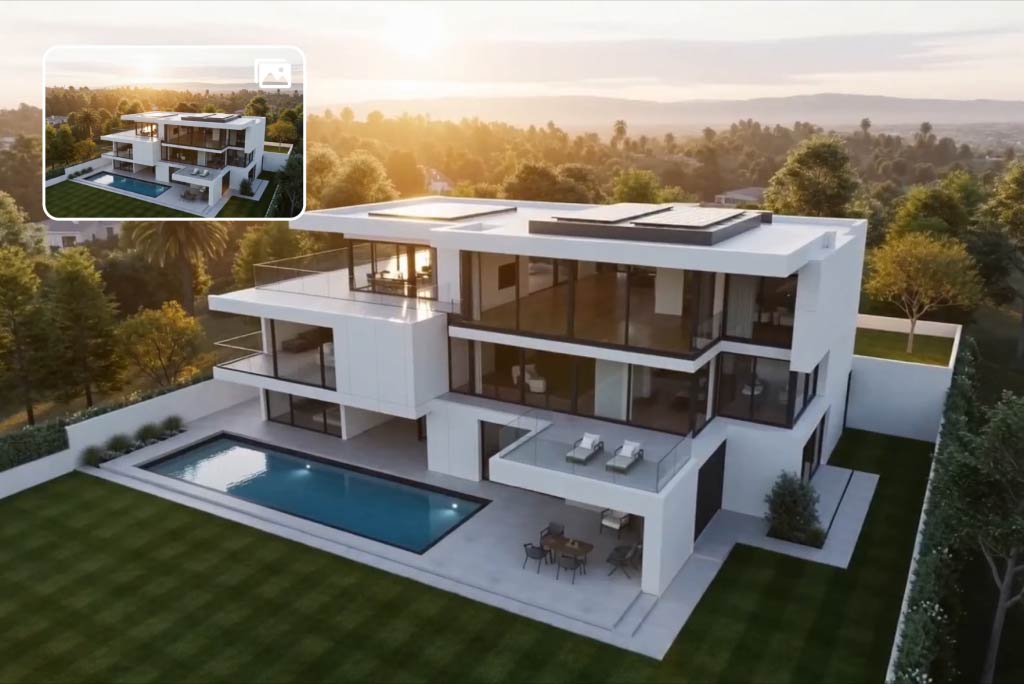
Make Your Property Videos Stand Out
Create stronger real estate marketing videos with AI for listings, ads, websites, and social media, and make every property look more polished and eye-catching.
Turn property photos into promo videos, home tour videos, and room showcase clips with ease. The insMind generates real estate videos with high clarity and sharp, clean visuals for more professional results.
How to Create a Real Estate Video with insMind?
Step 1: Choose Your Creation Mode
Select text-to-video to generate from a written idea, or image-to-video to turn a property photo into a dynamic real estate video.
Step 2: Customize the Scene with Prompts
Describe the property, camera movement, atmosphere, and highlights, such as modern interiors, exterior views, luxury rooms, or renovation details.
Step 3: Generate the Real Estate Video
Click "Generate". The insMind AI creates a polished real estate video with smooth motion, cinematic flow, and professional property presentation.
Step 4: Preview and Download
Preview your result, enhance the video if needed, and download it for listings, ads, websites, or social media.
What Users Say About Our AI Real Estate Video Generator
Why Choose insMind AI Real Estate Video Generator?

All-in-one Video Creation
Use one tool as your AI real estate video generator, AI home tour video generator, and AI house design video maker.

Multiple Creation Modes
Create real estate videos from written prompts, listing photos, room images, renders, and design references.

No Editing Experience Required
No timelines, no keyframes—just upload, describe, and generate.

Made for Real Estate Marketing
Ideal for agents, brokers, designers, developers, and marketers creating stronger real estate marketing video AI content.

Optimized for Social Sharing
Formats and visuals tailored for Reels, Shorts, and YouTube.

No Watermark Output
Download clean videos ready for sharing or publishing.
FAQs About insMind AI Real Estate Video Generator
What is an AI Real Estate Video Generator?


An AI real estate video generator is a tool that creates property videos from text prompts or photos. It can turn listing images, home interiors, exteriors, and architecture visuals into engaging video content.
Can I create a real estate video from just one photo?
Yes. You can upload a single property image and turn it into a smooth, visually appealing real estate video.
Can I generate real estate videos from text prompts?
Yes. With text-to-video, you can describe the property, style, camera movement, atmosphere, and visual focus, and the AI will generate a video based on your instructions.
What kinds of videos can I make with this tool?
You can create property listing videos, home tour videos, room showcase videos, renovation videos, architecture videos, building showcase videos, exterior design videos, interior design videos, and real estate marketing videos.
Is this good for real estate marketing?
Yes. It is built to support real estate marketing video AI use cases, including listing promotions, paid ads, website hero videos, social media campaigns, and presentation materials for clients or investors.
Who should use this AI property video generator?
This tool is useful for real estate agents, brokers, property marketers, developers, architects, interior designers, home stagers, and content creators who need high-quality property videos quickly.
Do I need video editing experience to use it?
No. The workflow is simple and beginner-friendly. You just choose your mode, upload a photo or enter a prompt, generate the video, and download the result.
Where can I use the finished real estate videos?
You can use them on listing websites, landing pages, real estate ads, social media platforms, property presentations, email campaigns, and promotional videos for buyers, renters, or investors.
Explore Other Hot Video Tools from insMind
00:00
00:00
Video Start-End Frame Generator
Transform your images into seamless videos with AI start and end frame generation.

00:00
00:00
AI Video Editor
Edit videos naturally using AI—no timeline or manual tools.
00:00
00:00
AI Video Enhancer
Easily improve your video quality with AI video enhancer.

00:00
00:00
AI Couple Video Generator
Turn photos or prompts into romantic AI couple videos.

AI Cartoon Video Generator
Generate high-quality cartoon videos from text or images.

00:00
00:00
AI YouTube Shorts Generator
Create viral YouTube Shorts instantly with smart, easy-to-use AI tools.

00:00
00:00
Image to Video
Create custom videos from your photos with AI.

Text to Video
Turn any text prompt into high-quality videos in minutes.

00:00
00:00
Dark Fantasy AI
Create cinematic dark fantasy videos from text or images.

AI Influencer Video Generator
Create virtual influencer videos without filming or real creators.
@LiamR, Property Marketer