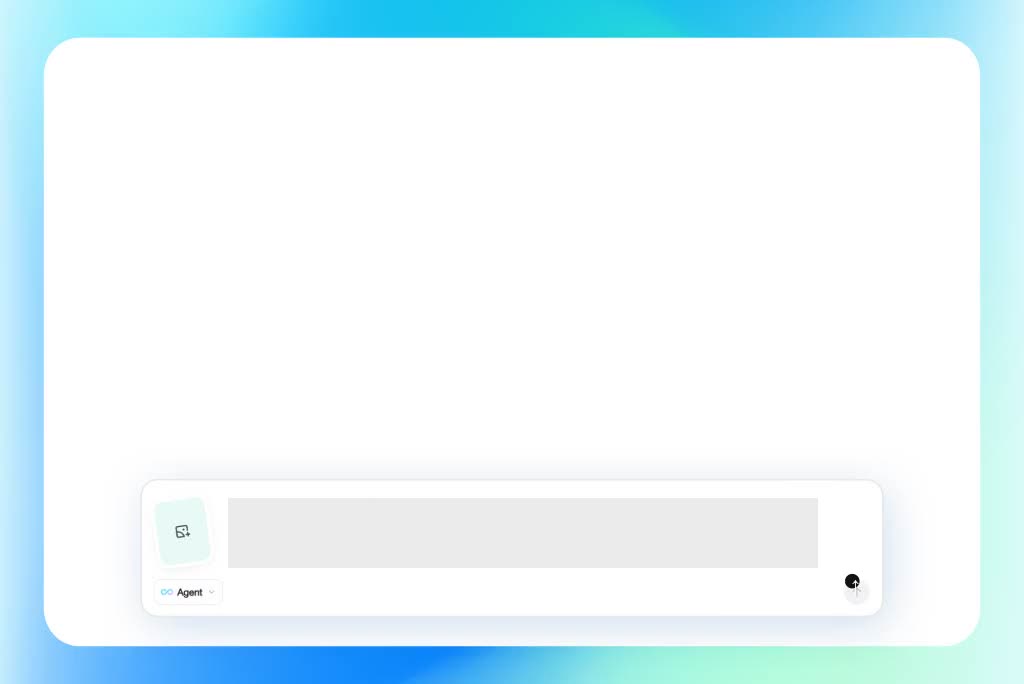
A blank prompt box can make a good video idea feel unfinished. Talk with the AI video director about your film scene, ad concept, product video, or social clip, then refine theme, audience, tone, story, and pacing. The result is a more focused creative brief before generation starts.

00:00
00:00
Direct Videos Through AI Conversation
00:00
00:00
From AI Creative Direction to Generated Video
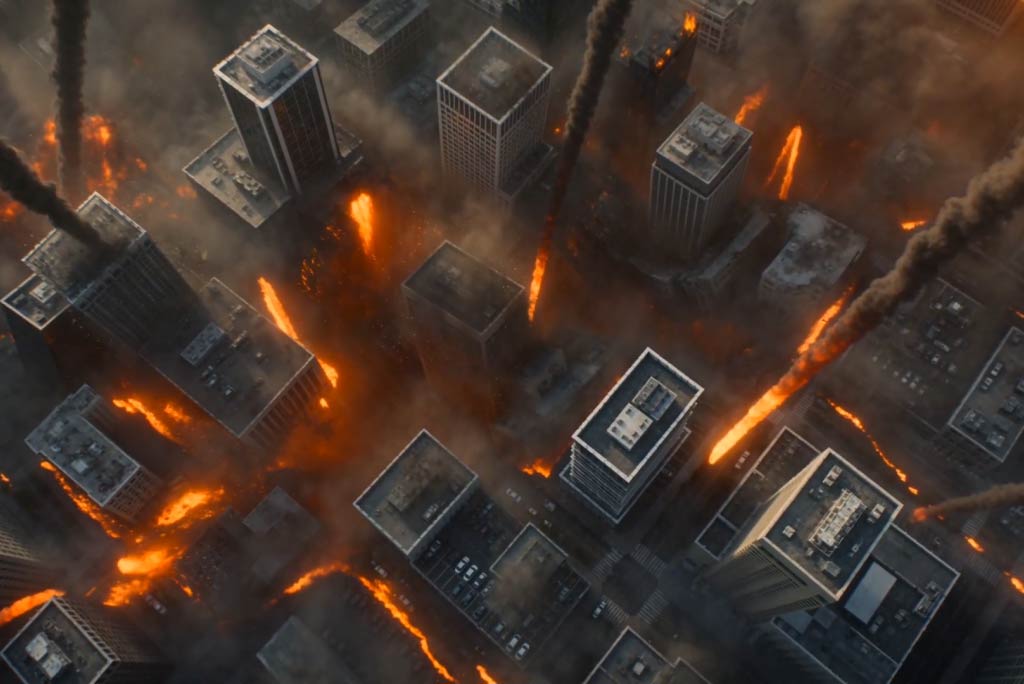
Creative direction only matters if it can become a usable asset. Built on the AI video agent workflow, insMind connects your director plan to scene frames, video draft generation, prompt-based edits, canvas preview, and download. You can use model pairings such as GPT Image 2 + Seedance 2.0 while moving from concept to a shareable video.
00:00
00:00
Plan AI Scenes, Shots, and Camera Direction
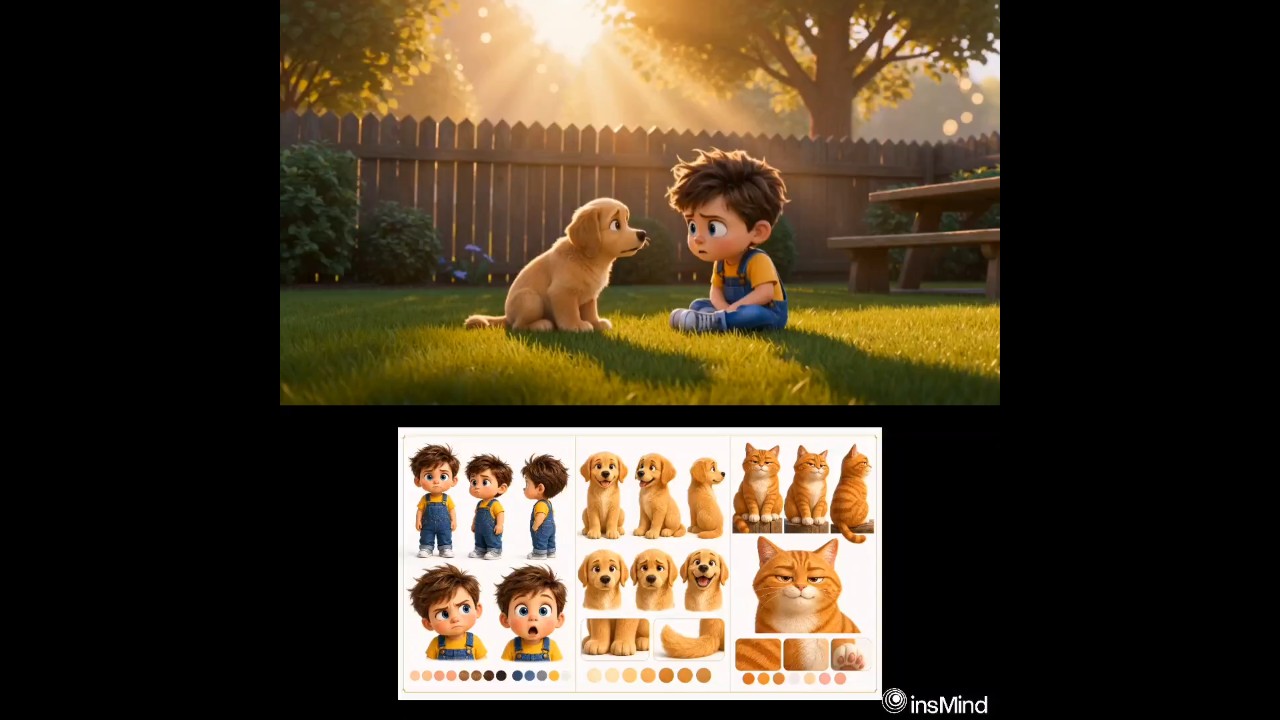
Strong videos need more than a subject and style. Use AI-assisted directing to organize scene order, shot sequence, camera angles, composition, character action, transitions, and visual mood. Your idea can become an AI storyboard before it becomes a video.
How to Create a Video With an AI Director
Step 1. Share Your Video Idea
Enter a rough movie scene, ad concept, short film idea, product video direction, partial script, or reference image. Keep the input natural; the first draft only needs the subject, goal, and mood.
Step 2. Discuss With the AI Video Director
Continue the conversation as the AI analyzes your idea. It may ask about audience, story, style, scene details, shot needs, camera direction, visual tone, and pacing so the concept becomes more precise.
Step 3. Build the Scene and Shot Plan
Review the direction and adjust any weak parts. The AI can organize scene order, angles, shot composition, visual style, character action, motion ideas, and transition notes into a usable production plan.
Step 4. Generate, Edit, and Download
Ask insMind to generate the video from the approved direction. Preview the draft on the canvas, refine supported visuals with follow-up prompts, and download the finished result when it is ready.
Why Creators Use This AI Video Director

No Directing Experience Needed
Shape a scene plan without film school language; the AI translates plain ideas into usable directing choices.

Clearer Creative Direction
Clarify story, mood, audience, and pacing before generation, so the video follows a stronger creative path.

Idea-to-Video Flow
Keep idea discussion, direction, generation, canvas preview, prompt edits, and download in one connected insMind workflow.

Promptless Co-Creation
Start from an unfinished idea and refine it through follow-up questions instead of writing a polished prompt first.

Flexible Video Concepts
Use one planning method for short films, commercials, product demos, cinematic scenes, and social clips without changing your creative process.

Plan Before Generation
Review the structure before creating a draft, with scene beats arranged as a practical pre-generation checkpoint. For scene-heavy concepts, the AI scene generator can help turn direction into clearer visual moments.
Who Should Use the AI Video Director?
Filmmakers
Short film ideas often start with mood, character action, and a few rough moments. Use the AI director to arrange scene order, camera direction, and visual tone before creating frames. You get a clearer visual draft for testing story rhythm.
Ad Creators
Commercial concepts need more than a product line and a slogan. Shape the audience, reveal moment, pacing, and camera movement before video generation begins. The result is an ad direction that feels planned instead of stitched together.
Content Creators
Social ideas can lose focus once they move from note to video. Turn the hook into scene beats, motion ideas, and shot direction before building the draft. You get an editable clip concept that matches the intended pace.
Product Marketers
Product videos need clear moments for packaging, use cases, and detail shots. Plan those scenes with branded style, object focus, and visual flow before creating the video. Your draft starts with a stronger product story.
Frequently Asked Questions
What is an AI director?


An AI director is an assistant for shaping video ideas before production. It can discuss your concept, organize scenes, suggest shots, guide camera direction, and define visual storytelling choices. The goal is to turn a rough idea into a clearer creative plan.
How is an AI video director different from an AI video generator?
An AI video director focuses on planning and creative direction before generation. An AI video generator creates video from a prompt, image, or prepared direction.
Can it help plan movie scenes or ads?
Yes, it can help structure scene ideas, ad concepts, shot sequences, mood, camera angles, character action, and pacing.
Do I need a finished script?
No, you can start with a rough idea, short brief, product direction, scene note, or partial script.
Can I edit the video after generation?
Yes, you can preview the generated draft and use follow-up prompts to refine supported visual details before downloading.
Can I use it for commercials, short films, or social videos?
Yes, it works for commercials, short films, product demos, cinematic scenes, and social clips.
Is there a free way to try it?
Yes. insMind gives credits to new users and also offers daily login credits, so you can try the AI director workflow before deciding whether you need more capacity.
Explore Other Hot Video Tools from insMind
00:00
00:00
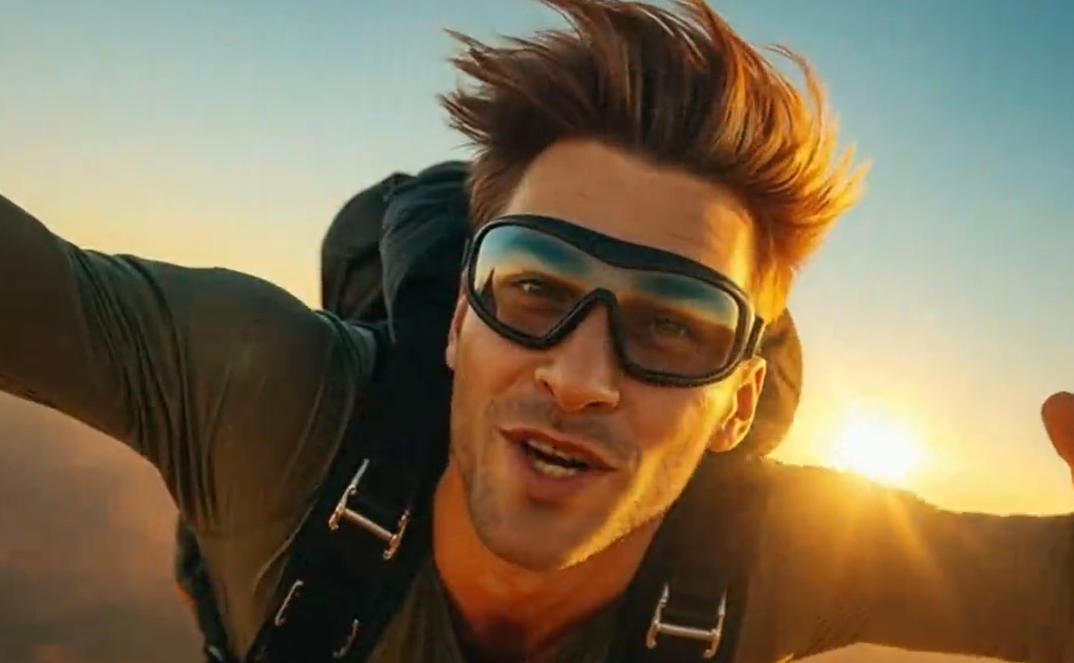
Script to Video AI
Turn written scripts into videos with AI instantly.
00:00
00:00
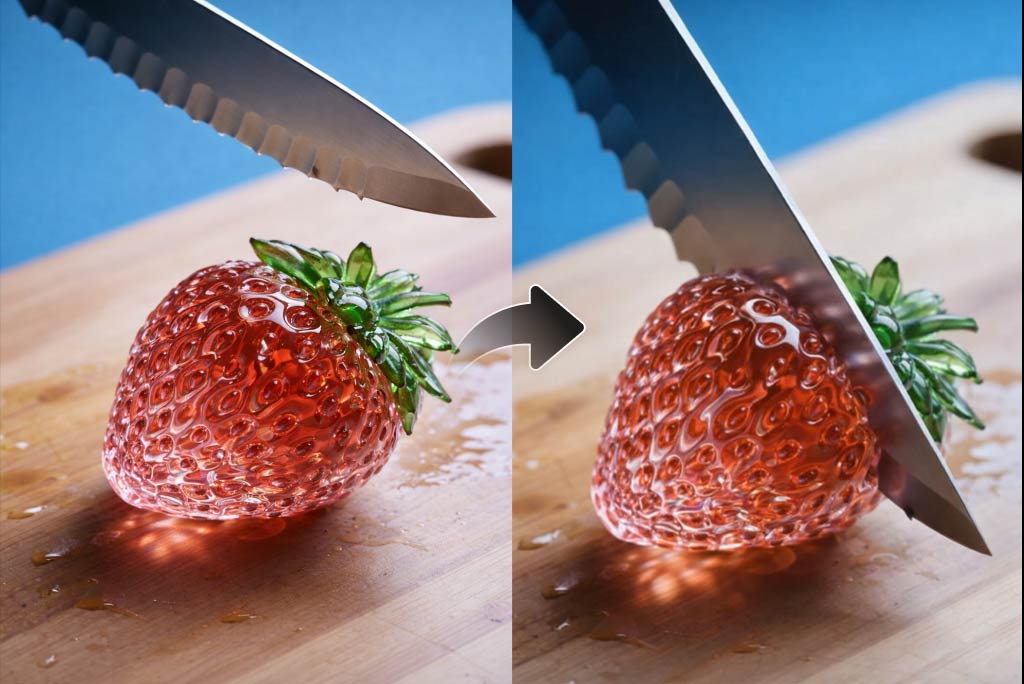
AI YouTube Shorts Generator
Create viral YouTube Shorts instantly with smart, easy-to-use AI tools.
00:00
00:00
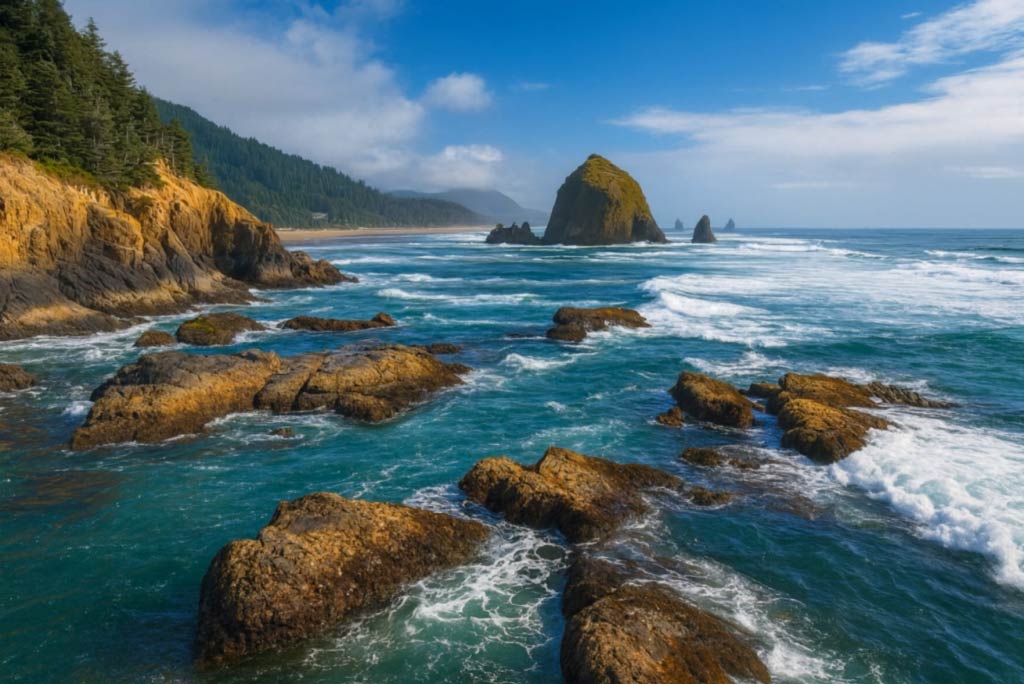
AI ASMR Generator
Create calming AI ASMR videos with perfectly synced sound.
00:00
00:00
AI Video Editor
Edit videos naturally using AI—no timeline or manual tools.
00:00
00:00
AI Video Enhancer
Easily improve your video quality with AI video enhancer.

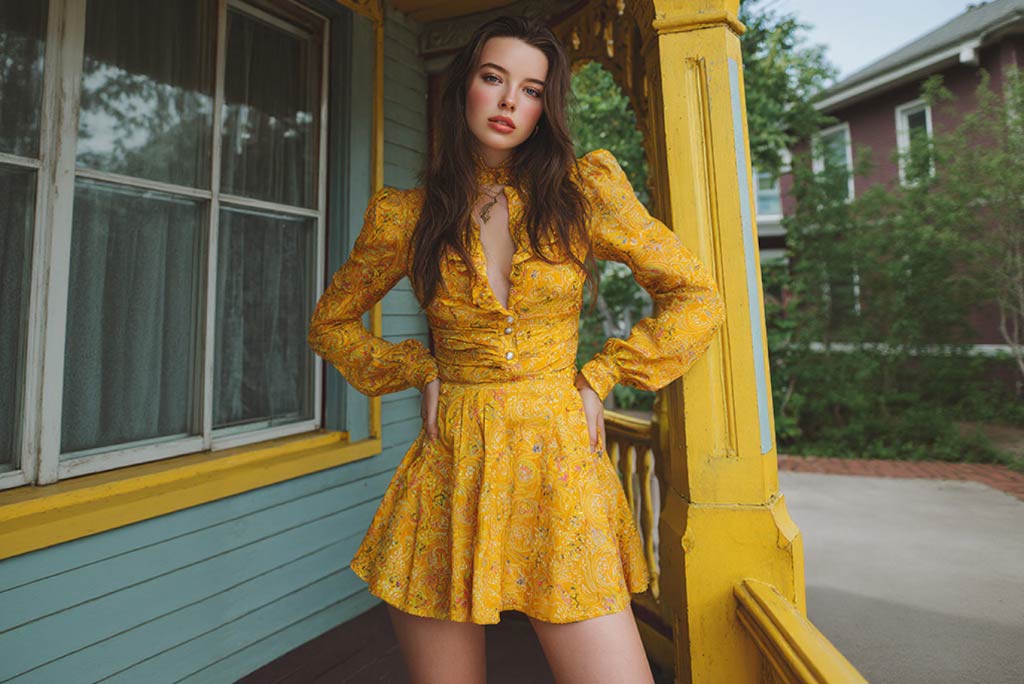
AI Cartoon Video Generator
Generate high-quality cartoon videos from text or images.
00:00
00:00
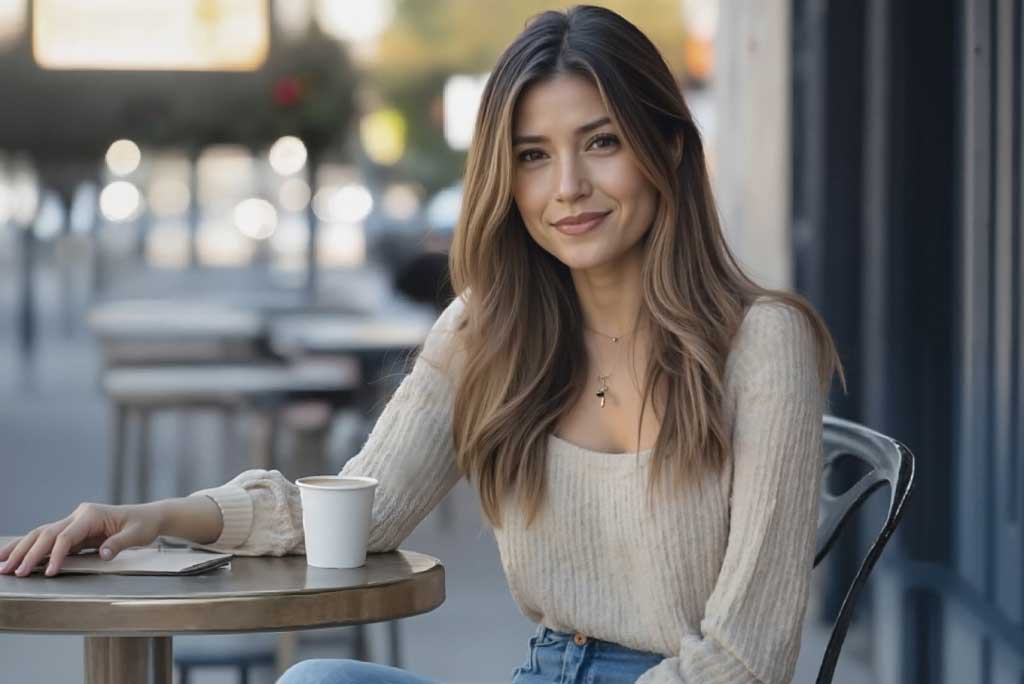
AI Character Animation
Transform any photo into a moving AI character video.
00:00
00:00
Image to Video
Create custom videos from your photos with AI.

Text to Video
Turn any text prompt into high-quality videos in minutes.
@Priya Nair, Social Video Producer