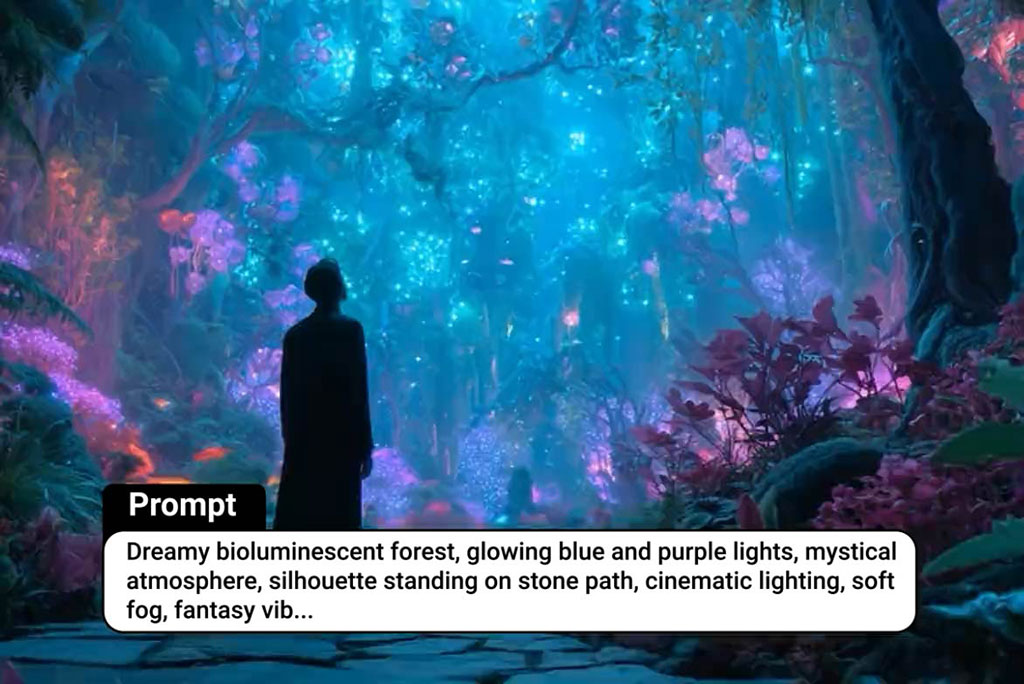
Wan 3.0 AI Video Generator Online

Coming Soon: Get ready for Wan 3.0 video creation while generating cinematic clips with Wan 2.7 on insMind today.

How to Use Wan 3.0 AI Video Generator on insMind

Step 1: Start with Wan 2.7

Wan 3.0 is coming soon, so the generator uses Wan 2.7 by default. Enter your prompt, keep Video selected, and choose the ratio and duration that match your target channel.

Step 2: Write a Wan 3.0-Ready Prompt

Describe the subject, scene order, camera movement, motion style, reference needs, audio mood, and output goal in one clear prompt. Mention 4K-style detail, 30-second pacing, or six connected shots when planning for Wan 3.0.

Step 3: Generate and Review the Clip

Create your Wan 2.7 video first, then review motion, character consistency, shot transitions, product details, and audio direction. Adjust the prompt until the scene reads clearly.

Step 4: Download Your Finished Video

Once the result looks right, download the finished video for ads, product pages, presentations, or social posts. Keep your strongest prompt so you can upgrade the same concept when Wan 3.0 becomes available.

FAQs About insMind Wan 3.0 AI Video Generator

What is Wan 3.0?

insmind expand icon
Wan 3.0 is the next expected generation of the Wan AI video model family. It is being discussed for higher-quality, longer, more coherent video creation, including 4K-style detail, multi-shot storytelling, stronger character consistency, richer reference control, and audio-ready generation workflows.

Why does the generator use Wan 2.7 by default?

insmind expand icon
Wan 3.0 is still coming soon, so insMind guides users to start creating with Wan 2.7 first. Test prompt structure, pacing, references, and model behavior now, then reuse your strongest concepts when Wan 3.0 is available.

What can I create with Wan 3.0?

insmind expand icon
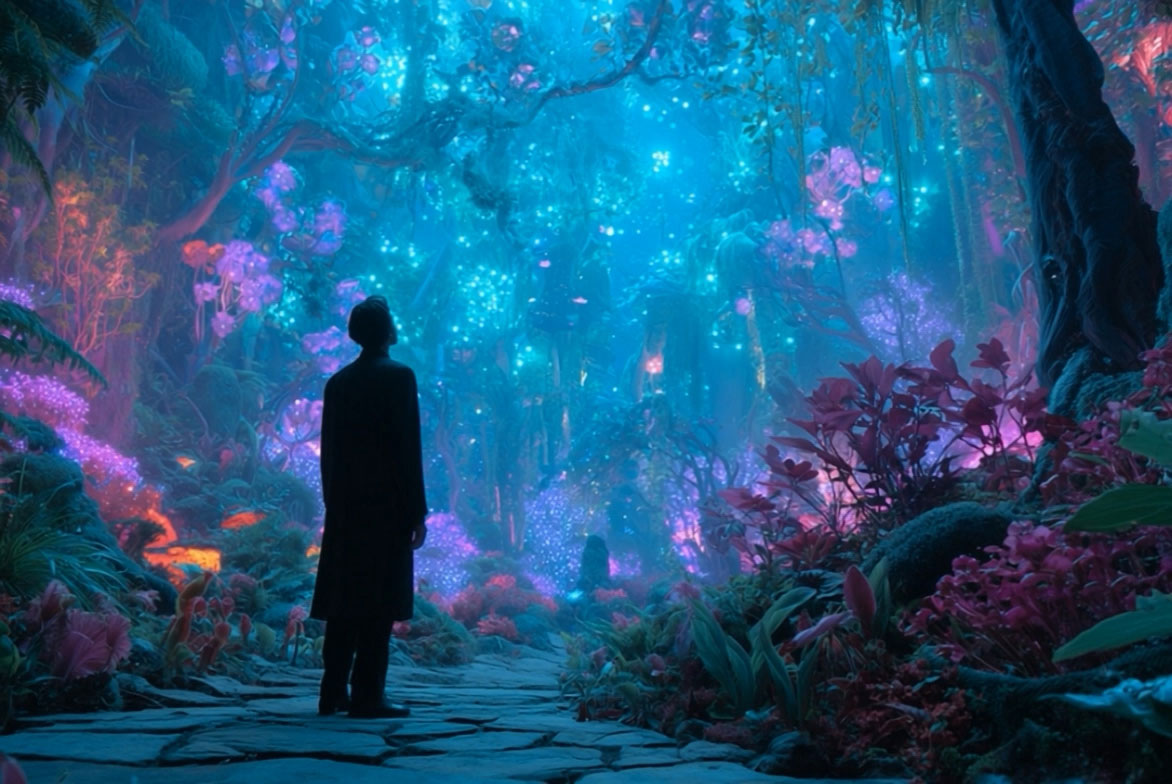
Plan product ads, cinematic trailers, social reels, character stories, concept films, branded shorts, fashion videos, music promos, and narrative clips that benefit from longer duration, connected shots, consistent identity, references, and polished motion.

Can Wan 3.0 keep characters consistent?

insmind expand icon
Wan 3.0 is expected to focus more heavily on character and subject consistency across longer clips. Describe the same character clearly, keep clothing and identity cues stable, and use reference images when supported.

How many reference images can Wan 3.0 use?

insmind expand icon
Competitor pages describe support for up to 12 reference images. On insMind, this remains a coming-soon capability until final Wan 3.0 backend settings are confirmed. For now, use Wan 2.7 to practice reference-driven prompting.

Does Wan 3.0 generate audio with video?

insmind expand icon
Wan 3.0 is commonly positioned around same-pass audio generation, allowing video and sound to be planned together. Until the final model is confirmed, describe the audio mood in your prompt and generate with Wan 2.7.

What is the difference between Wan 3.0 and Wan 2.7?

insmind expand icon
Wan 2.7 is the current default model on this page. Wan 3.0 is upcoming and positioned for native 4K quality, longer 30-second clips, six connected shots, stronger identity consistency, more reference images, and integrated audio generation.

Can I use Wan 3.0 for product ads?

insmind expand icon
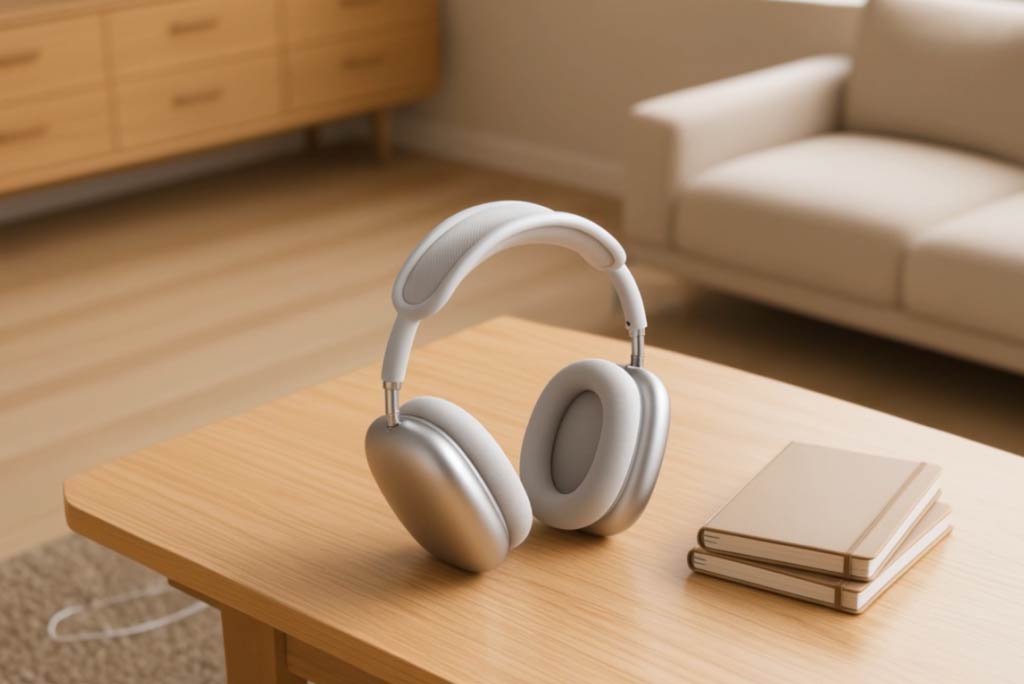
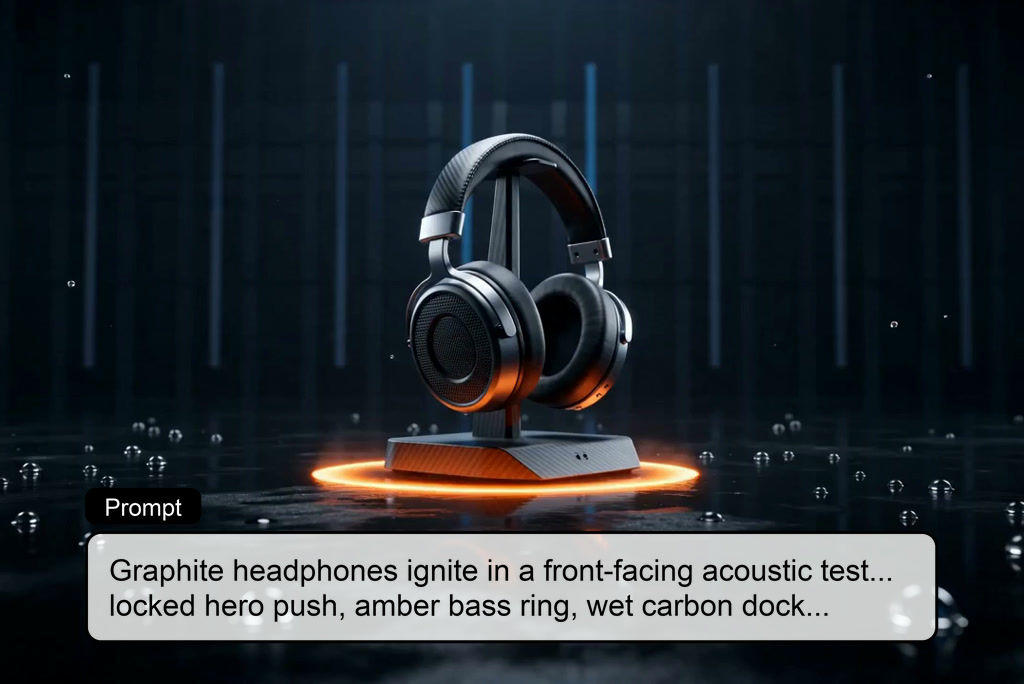
Yes. Wan 3.0-style workflows can combine hero reveals, close-up details, lifestyle context, consistent product appearance, and music direction. While Wan 3.0 is coming soon, you can draft and test product-ad prompts with Wan 2.7.

Explore More Wan and AI Video Model Tools