
Seedance 2.0 Mini: Lower-Cost AI Video Generator

00:00
00:00
00:00
00:00
How to Use Seedance 2.0 Mini on insMind
Step 1: Add Your Input
Enter a prompt, or upload a product image, storyboard still, or other reference image to guide the first frame and visual direction.
Step 2: Select Seedance 2.0 Mini
Choose Seedance 2.0 Mini in the model menu, then set the ratio, duration, resolution, and audio option you want for this video draft.
Step 3: Generate the Video
Click Generate to send your prompt and start creating the video. Keep the prompt focused on the subject, scene, action, style, and result you want.
Step 4: Preview and Download
Watch the generated video, check whether the result fits your idea, then download it or adjust the prompt and generate another version.
Why Use Seedance 2.0 Mini Video Generator

Fast Creative Testing
Use Seedance 2.0 Mini to explore prompts, visual hooks, and video concepts before spending more time on production-level outputs.

Lower-Cost Iteration
Draft more variations for product ads, creator content, social clips, and pitch ideas when you need options quickly.

Text and Image Starts
Move from a written scene or an image reference into a short video preview without switching between separate creative tools.

Easy Upgrade Path
Compare Mini with Seedance 2.0 and Seedance 2.5 so you can decide when a concept needs a stronger model workflow.

Prompt Learning
Use quick previews to learn which subject details, camera moves, lighting notes, and pacing cues improve your AI video prompts.

More AI Video Models
Keep exploring related Seedance 2.0, Seedance 2.5, Kling, Veo, Wan, and PixVerse options on insMind.
Frequently Asked Questions
What is Seedance 2.0 Mini?


Seedance 2.0 Mini is a lightweight Seedance video model option for faster creative previews, prompt testing, and short AI video draft workflows.
Is Seedance 2.0 Mini the same as Seedance 2 Mini?
In most search contexts, people use Seedance 2.0 Mini and Seedance 2 Mini to refer to the same lightweight Seedance 2 generation path.
Can I use Seedance 2.0 Mini as an AI video generator?
Yes. You can use it to draft short AI videos from prompts or image-led ideas, especially when you want to test concepts quickly.
How is Seedance 2.0 Mini different from Seedance 2.0?
Seedance 2.0 Mini is better for fast previews and lower-cost iteration. Seedance 2.0 is the stronger standard workflow for more polished generation tasks.
How does Seedance 2.0 Mini compare with Seedance 2.5?
Seedance 2.5 is positioned for higher-end cinematic quality and more advanced production goals, while Mini is better for early creative testing and quick drafts.
Can Seedance 2.0 Mini create product video concepts?
Yes. It is useful for testing product reveal ideas, ad hooks, visual moods, and short campaign concepts before producing a final version.
Can I create image-to-video previews with Seedance 2.0 Mini?
Yes, image-led starts are useful when you want a product photo, mood board, or storyboard frame to guide the preview direction.
Is Seedance 2.0 Mini good for social media videos?
It works well for short social-first drafts, hook testing, ad concepts, and creator-style previews where speed and variation matter.
Do I need editing skills to use Seedance 2.0 Mini?
No. Start with a clear prompt or reference image, generate a preview, then refine the prompt based on what you want to improve.
When should I upgrade from Mini to Seedance 2.0 or Seedance 2.5?
Upgrade when a concept is ready for higher visual quality, stronger scene control, longer storytelling, or a more polished final production workflow.
More Seedance and AI Video Models from insMind
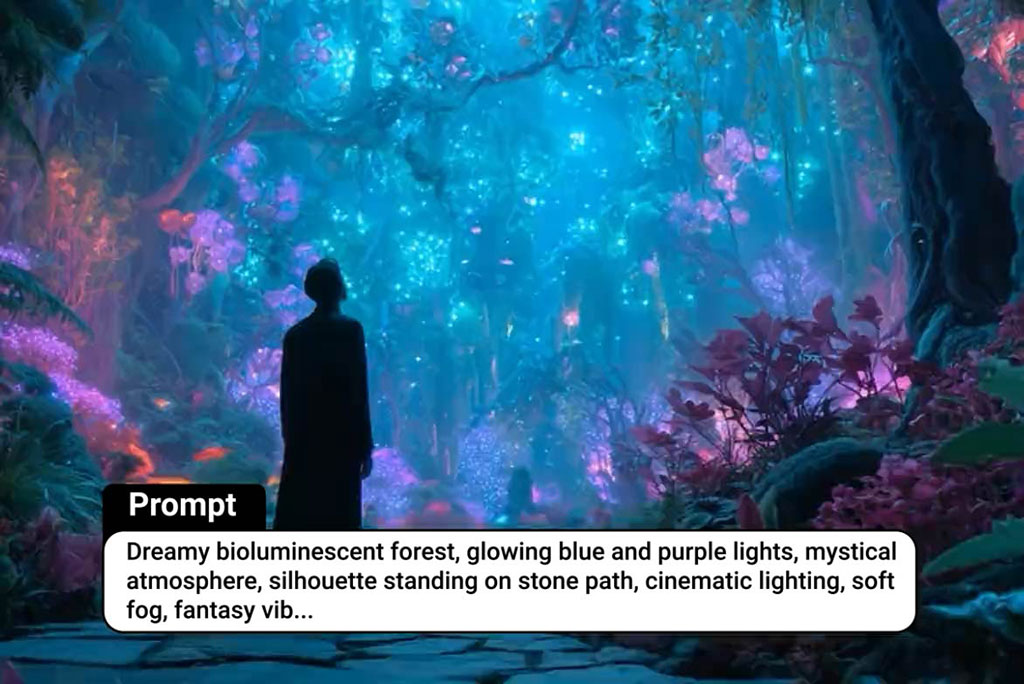
00:00
00:00
Seedance 2.0
Generate professional AI videos from prompts, images, or references with Seedance 2.0.

00:00
00:00
Seedance 2.5
Explore the upgraded Seedance workflow for cinematic prompts, reference-led scenes, and higher-quality video concepts.
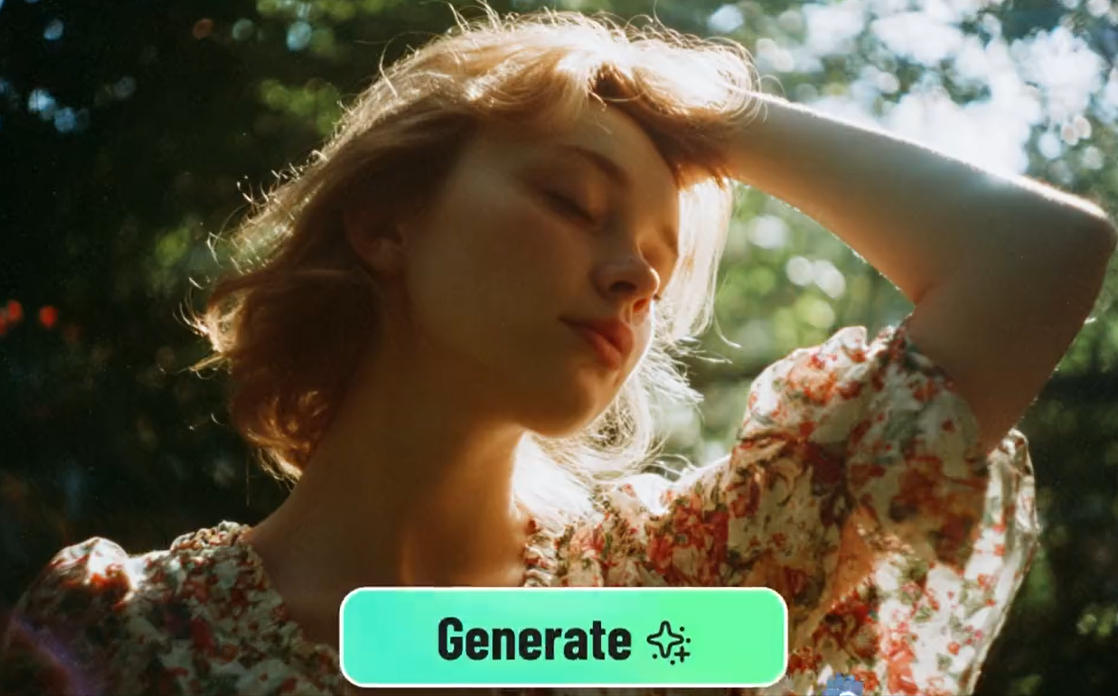
00:00
00:00
Kling AI
Transform text or images into high-quality AI videos with Kling models.
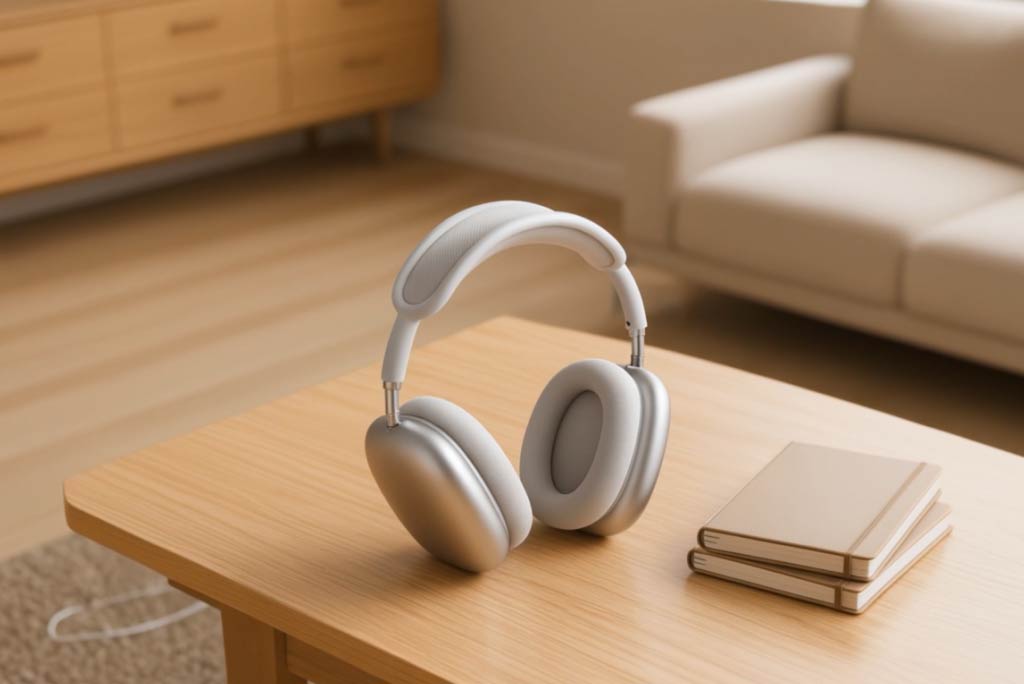
00:00
00:00
Google Veo 3.1
Turn text or images into cinematic AI videos with Google Veo 3.1.

00:00
00:00
Kling 2.5 Turbo
Create cinematic videos from text or images using Kling 2.5 Turbo AI.
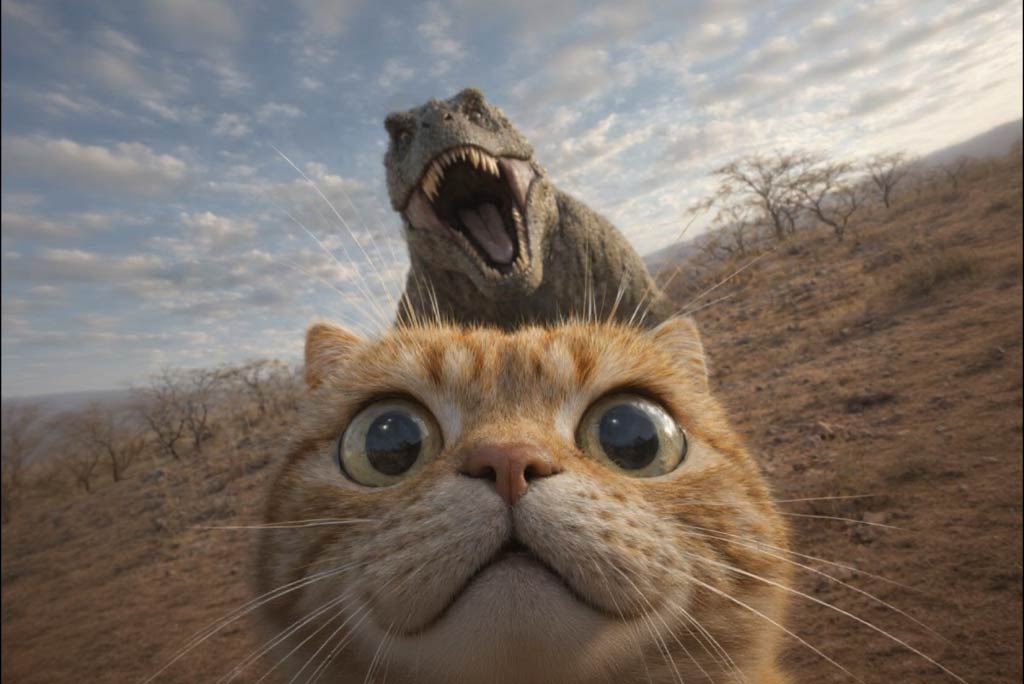
00:00
00:00
Wan 2.6 AI
Generate cinematic AI videos with synced audio and character-friendly workflows.
00:00
00:00
Wan 2.7
Create high-detail AI videos with motion, audio, and stronger prompt control.

00:00
00:00
PixVerse AI
Create quick social clips, stylized motion, and image-to-video tests with PixVerse.