
AI Ad Video Prompts
Explore ready-to-use prompts for product showcases, social media ads, and brand campaigns.
How to Create an AI Ad Video with Prompts
Step 1: Choose an Example and Upload Your Product
Find an ad example that fits your campaign, then upload a clear product image. Show the entire item and keep important details, packaging, and labels visible.
Step 2: Customize Your Ad Video Prompt
Replace the example details with your product and campaign idea. Describe the opening shot, product action, setting, lighting, camera movement, duration, and aspect ratio.
Step 3: Generate and Refine Your Ad
Generate a video in insMind, then review the product details, motion, framing, and pacing. Adjust one part of the prompt at a time to improve the result.
Step 4: Preview and Download Your Video
Preview the finished clip and check the visuals and audio. Download your video, then complete any captions, voiceover, or call to action needed for your campaign.
AI Ad Video Prompts for Your Next Campaign
Explore practical starting points for product promotions, social content, new launches, and local business campaigns.
E-commerce Product Ads
Create short product clips for online stores, marketplace listings, and campaign landing pages. Start with a clear product photo and describe one benefit through a close-up, demonstration, or lifestyle scene. The image-to-video tool gives your creative brief a visual reference to work from.
Social Media Campaigns
Develop vertical ad concepts for TikTok, Instagram Reels, and YouTube Shorts. Describe a clear opening shot, simple action, and compact ending that suits a mobile feed. For a creator-led direction, explore the AI UGC video generator and adapt the script to your product and audience.
New Product Launches
Give a new product a consistent visual introduction across launch teasers and promotional posts. Describe the reveal, materials, lighting, and brand mood in your prompt. When your campaign starts with a written idea, use script to video to explore how that message could unfold on screen.
Small Business Promotions
Create promotional video ideas for a café, boutique, homeware shop, or local service. Focus on one product, setting, or experience your customers can recognize. Use the generated clip as a starting point, then add verified offer details and a clear call to action before sharing the promotion.
FAQs About AI Ad Video Prompts
What are AI ad video prompts?


How do I write an effective AI video ad prompt?
How do I create an ad video with insMind?
What product image should I upload?
How can I keep my product consistent in an AI video?
Can I create UGC-style video ads with AI?
Which aspect ratio should I use for social media ads?
How do I add captions, voiceover, and a call to action?
How do I preview and download my ad video?
Explore More AI Tools for Video Ads
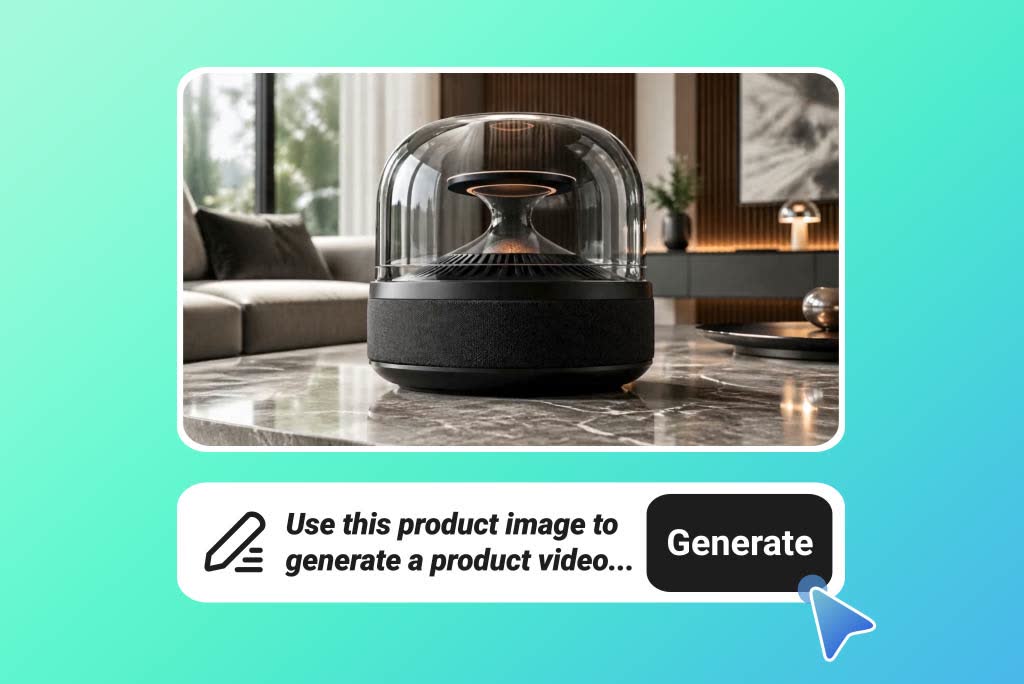
AI Product Video Generator
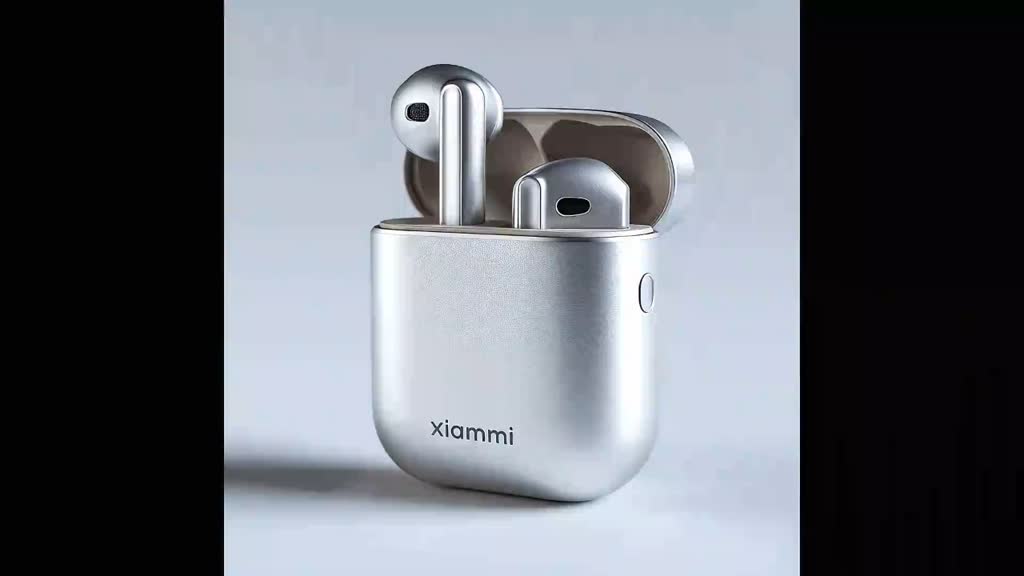
AI Commercial Video Generator
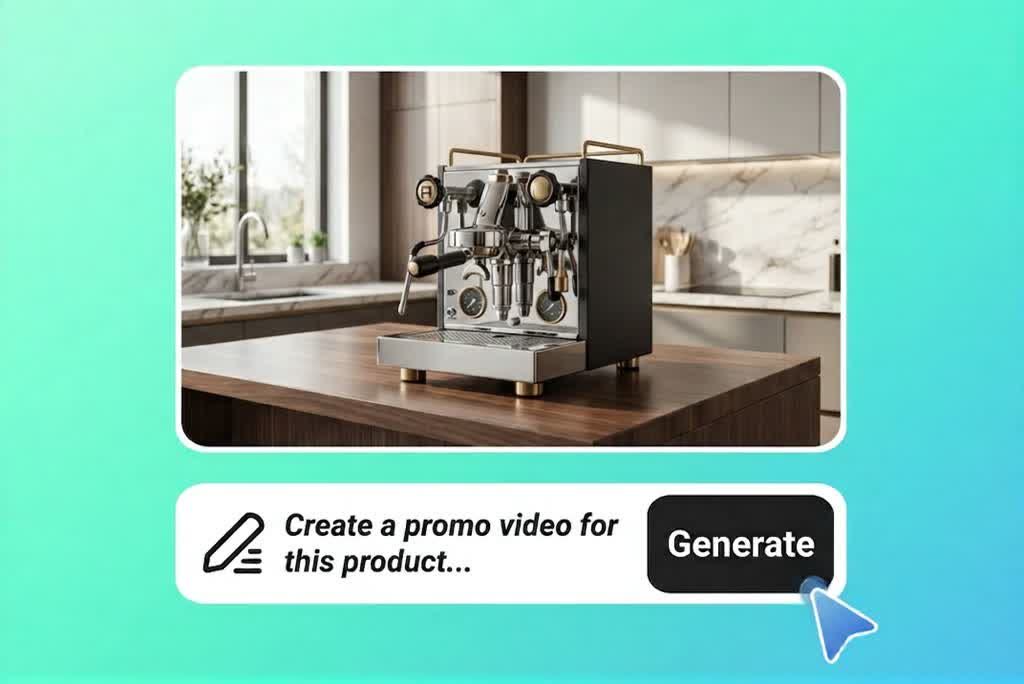
AI Promo Video Generator

AI Product Demo Video Generator

AI UGC Video Generator

Image to Video
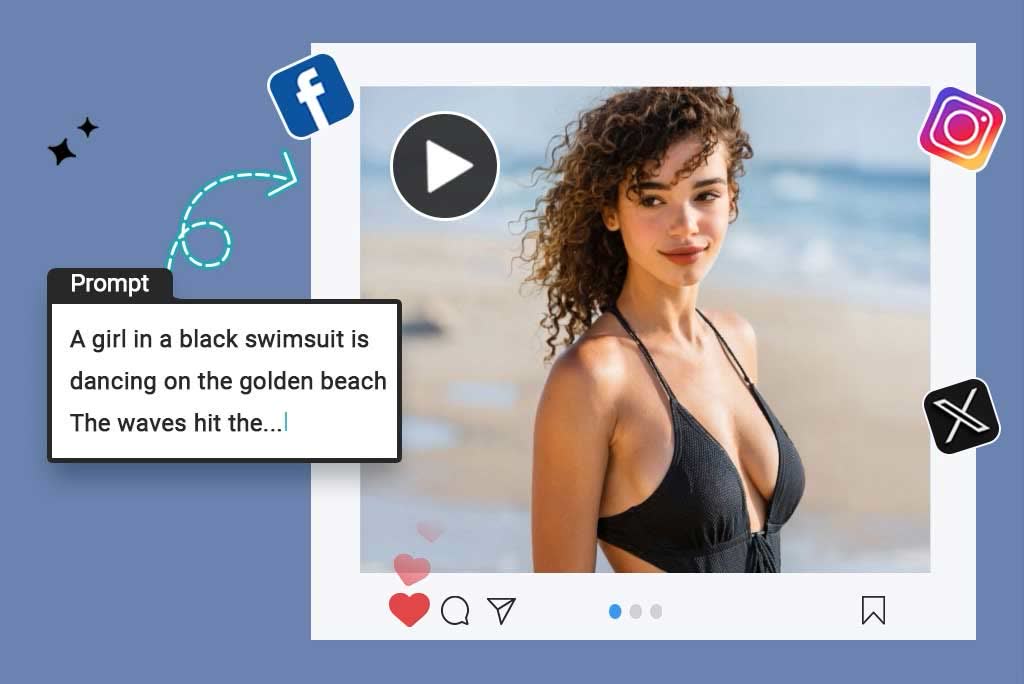
Script to Video
