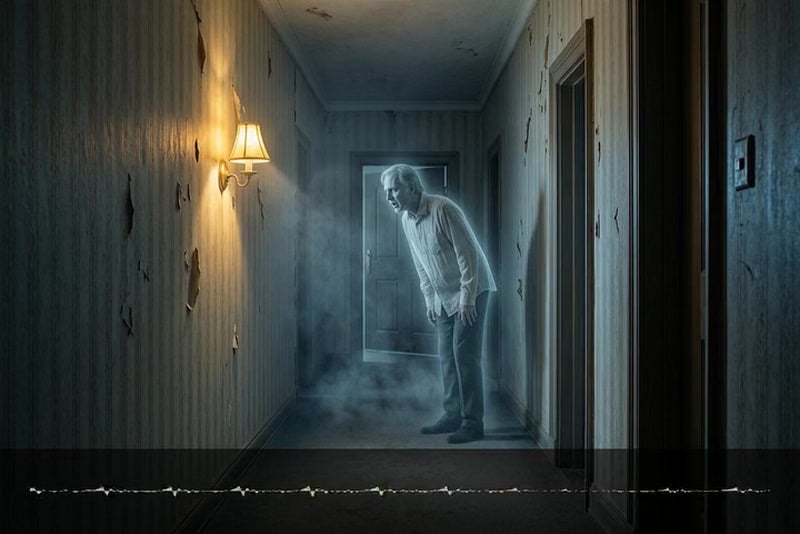
Turn Any Creepy Script Into a Scary AI Voice
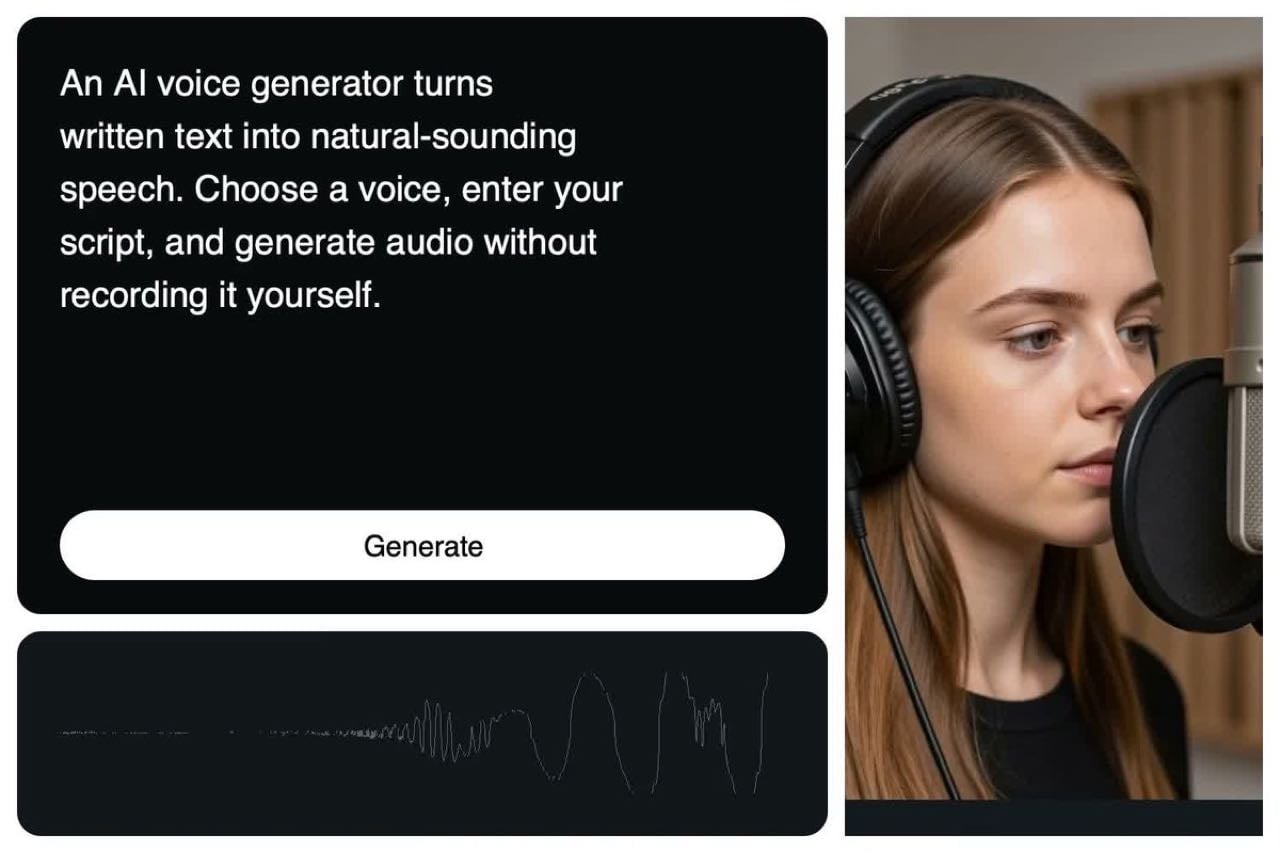
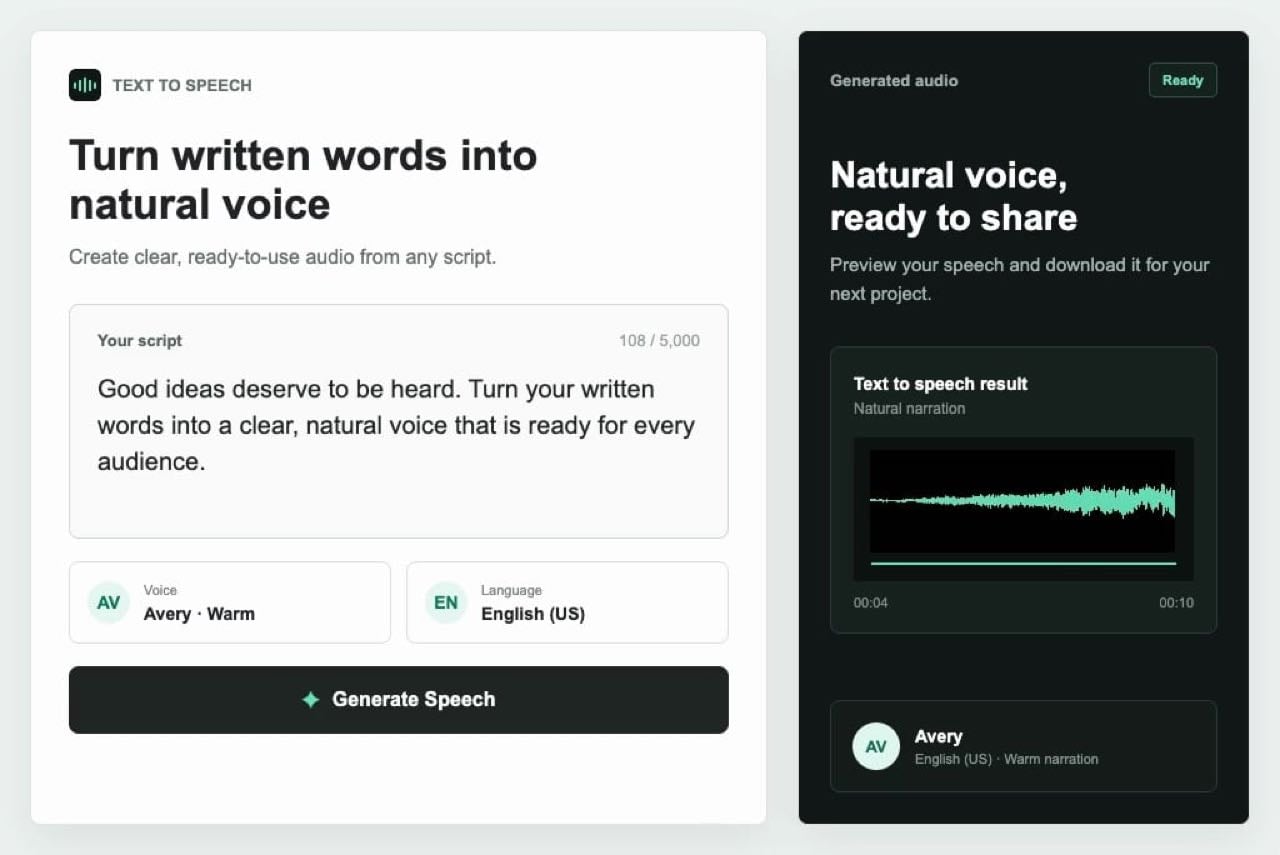
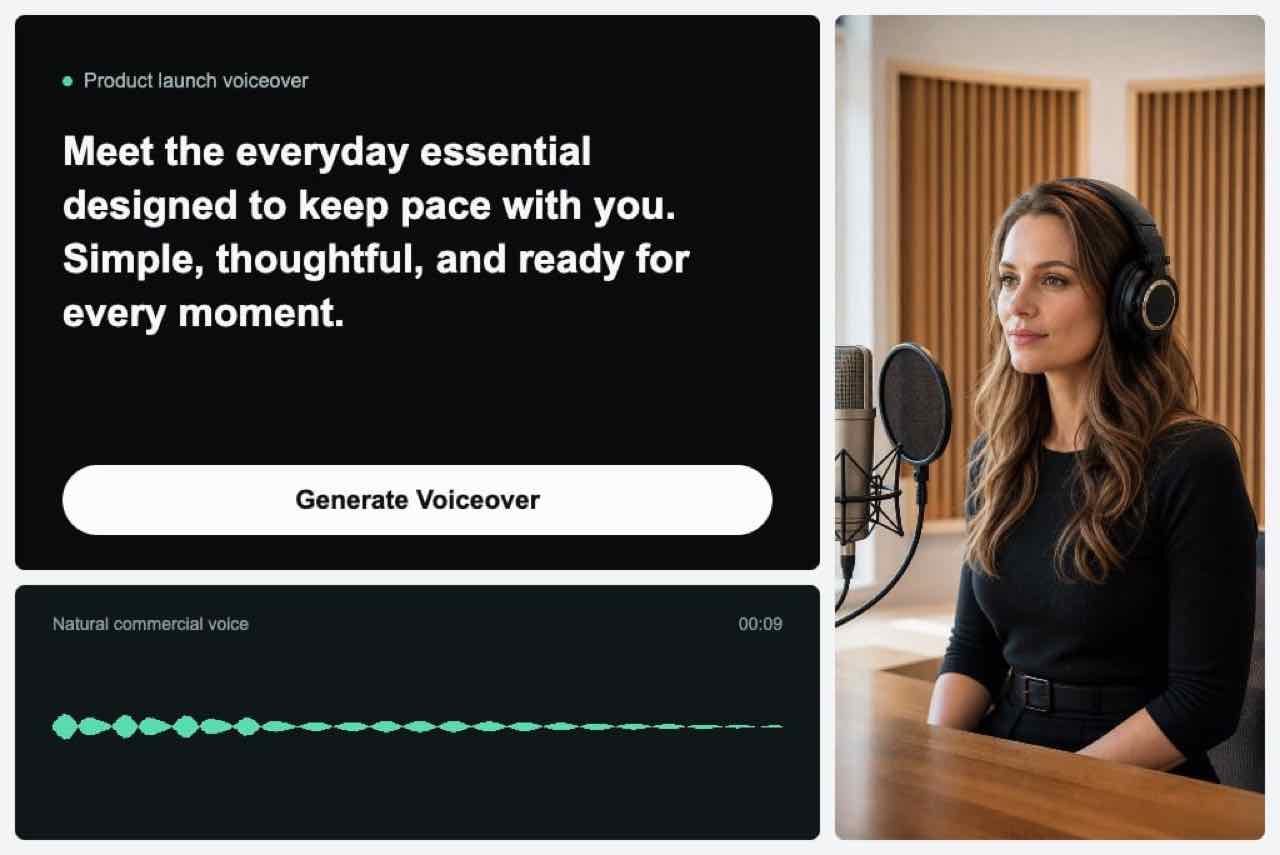
Write or paste the script you want to hear, then take it from text to speech with insMind to create a scary voice shaped by chilling pacing and expressive delivery, giving you polished audio that is ready to place directly into your project without requiring a microphone or a separate recording session.
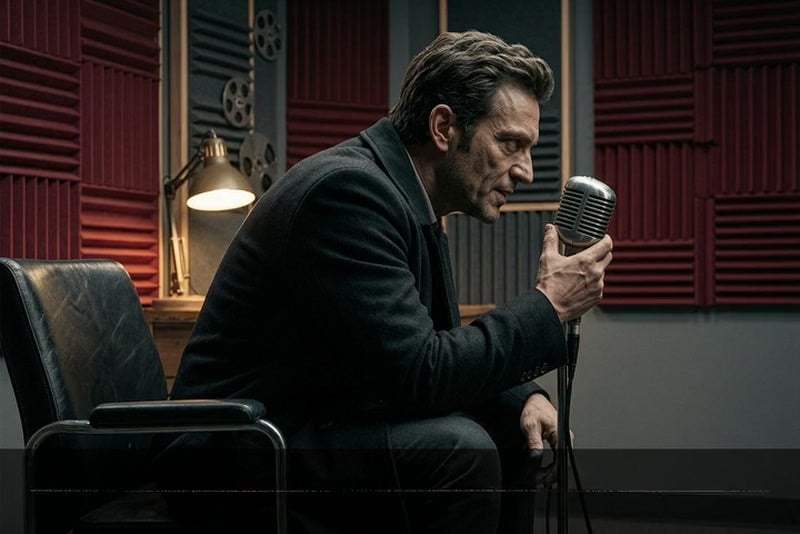
Create Creepy AI Voices for Ghosts, Monsters, and Villains
The creepy voice generator gives each character a distinct performance by letting you select a style that matches its personality and role, then refine the script until the voice sounds convincingly sinister while remaining clear, controlled, and easy for your audience to follow throughout the scene.
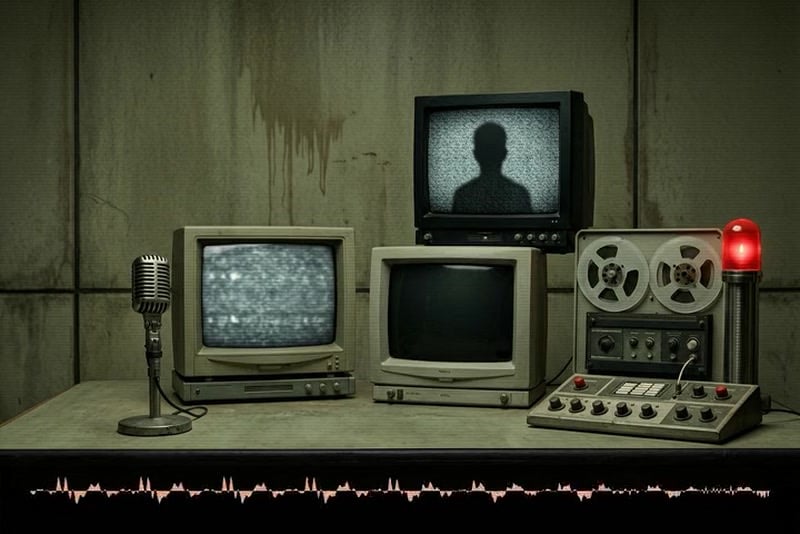
Make Analogue Horror Voices for Disturbing Broadcasts
Choose an analog horror voice in the text-to-speech tool, then combine restrained narration with deliberate pacing to give your project the controlled, unsettling sound of a transmission that should never have been heard, so the finished performance feels authentic to the format instead of resembling ordinary dramatic speech.
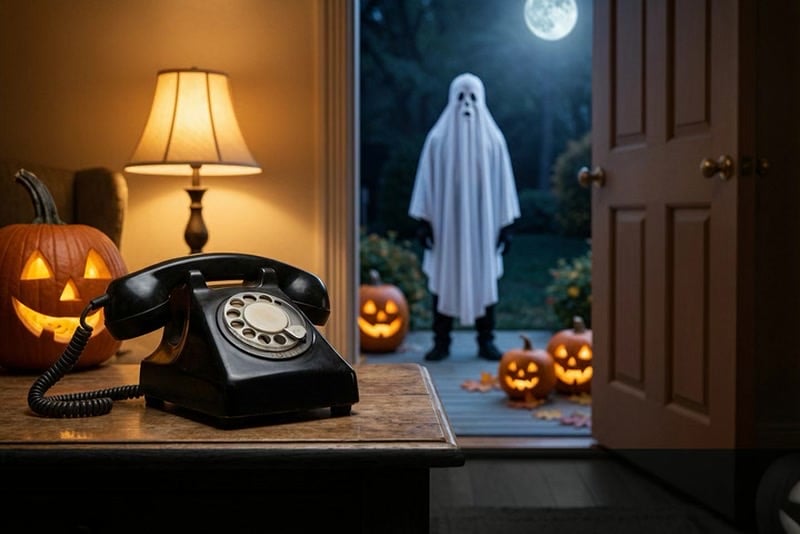
Produce Creepy Voice Messages Without Recording Yourself
Go from text to speech by choosing a spooky voice for your script, then adjust the wording until the tone feels exactly right and download the finished audio for direct use in your project, all without arranging a recording session or speaking into a microphone yourself.
Scary AI Voices for Every Horror Story
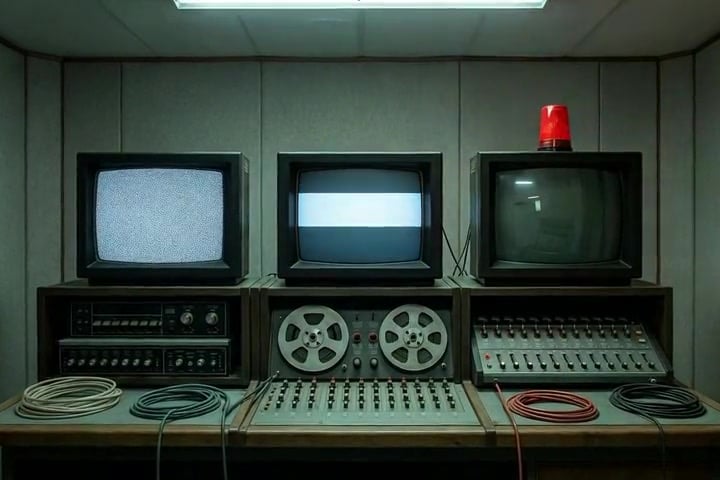
Analog Horror Broadcasts
ARG and analog horror creators can produce emergency announcements, corrupted transmissions, and institutional warnings for VHS-style stories.
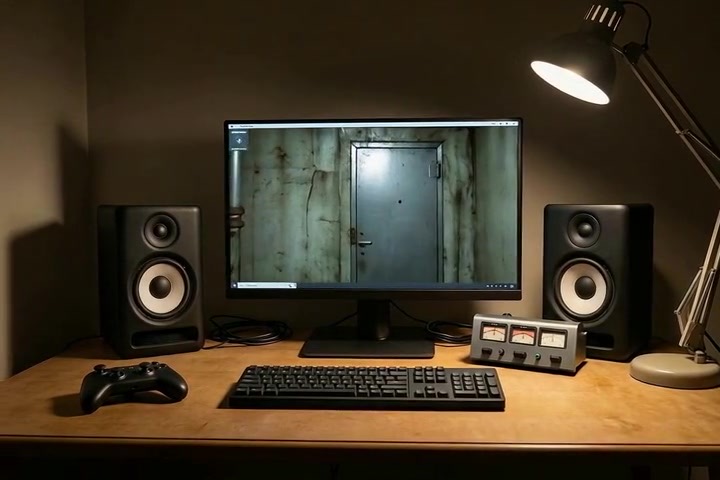
Horror Game Villains
Game developers can create dialogue drafts for villains, ghosts, monsters, and other characters before recording final in-game performances.
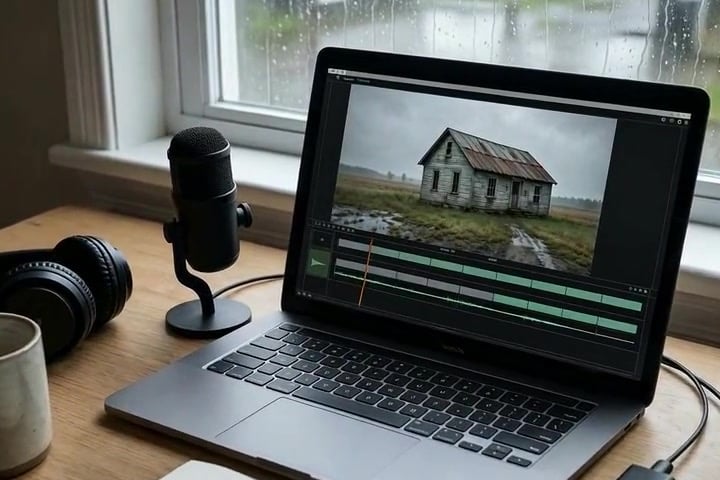
Scary YouTube Narration
Video creators can add unsettling narration to ghost stories, paranormal breakdowns, found footage, and short horror films.
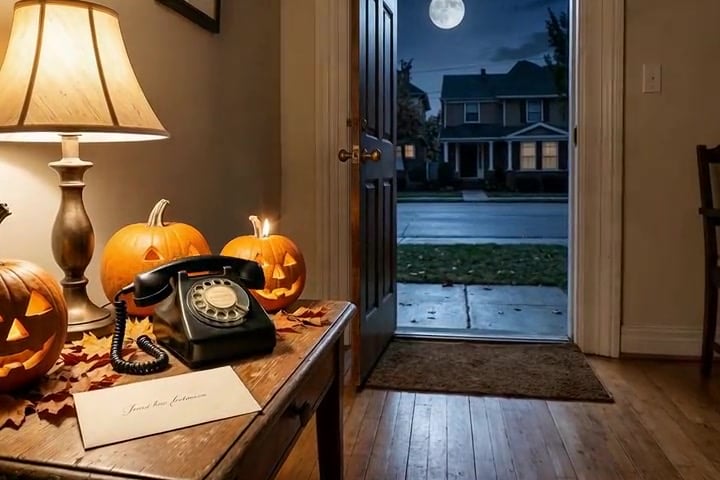
Halloween Voice Messages
Party hosts and creators can turn invitations, greetings, and playful warnings into memorable Halloween audio messages.
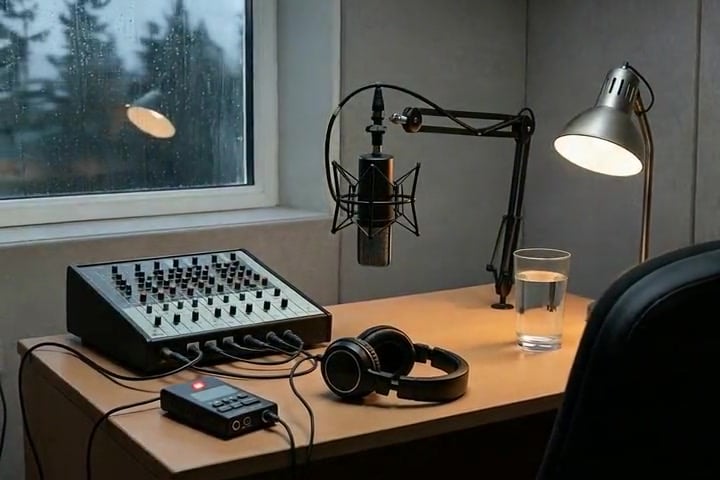
Horror Podcast Intros
Podcasters can generate ominous episode openings, fictional announcements, and recurring character voices for suspense-focused shows.
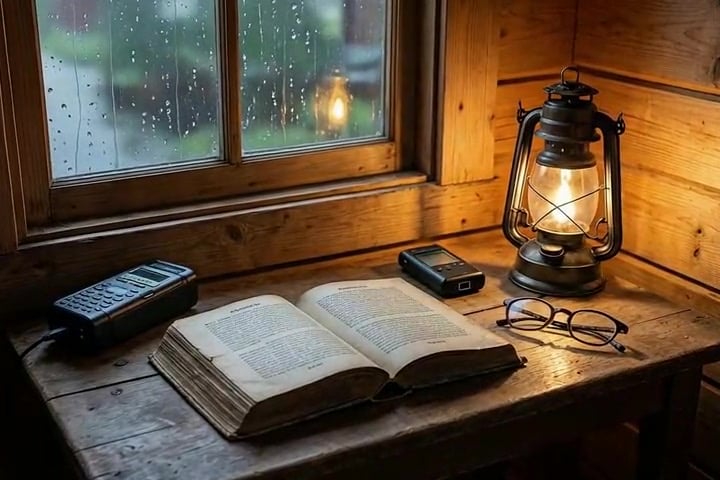
Ghost Story Voiceovers
Storytellers can give campfire tales, urban legends, and supernatural fiction a whispered or haunted narrative voice.
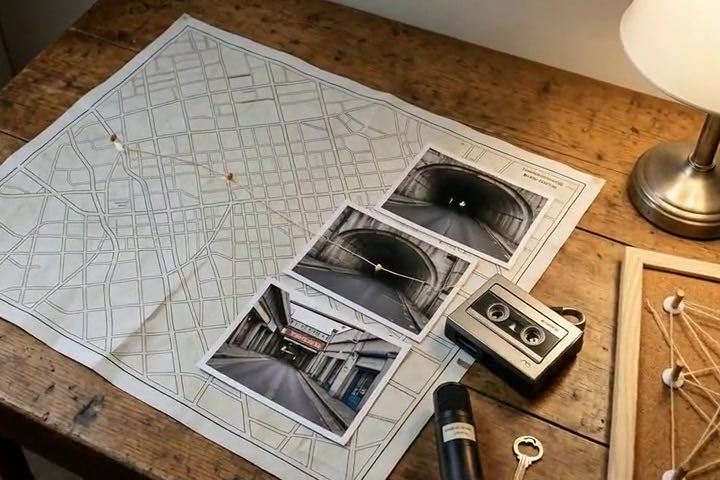
ARG Audio Clues
Interactive storytellers can create mysterious recordings, hidden warnings, and character messages that guide players through an ARG.
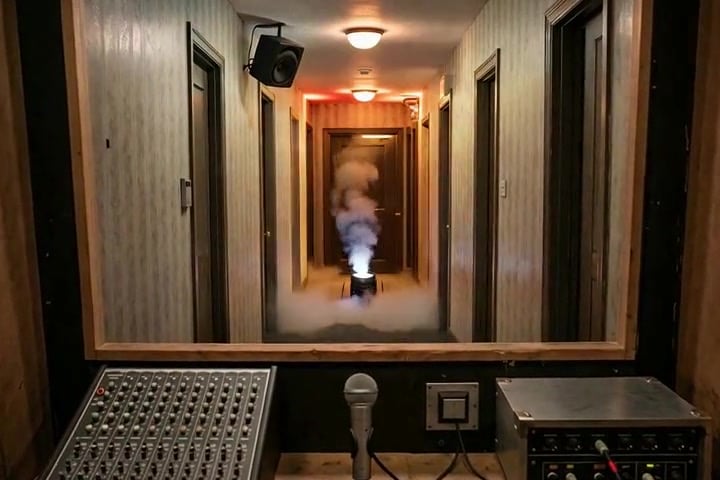
Haunted House Announcements
Attraction teams can prepare creepy queue instructions, room introductions, and atmospheric announcements for seasonal events.
How to Generate a Scary AI Voice With insMind
Step 1: Enter the Text for the AI to Speak
Type or paste the exact words you want the AI to say into the text to speech box, whether it is horror dialogue, narration, a warning, or a creepy message.
Step 2: Choose a Voice Type
Open the voice menu in the upper-left corner of the AI voice generator, then select the voice type that best fits your scene.
Step 3: Generate the Scary Voice
Click the Generate button in the lower-right corner. insMind will process your text and create the audio using your selected voice type.
Step 4: Edit or Download the Audio
Preview the result, then revise the text or change the voice type if needed. When the audio sounds right, download it for your project.
Why Choose insMind Scary Voice Generator

Multiple Horror Voice Styles
Explore ghostly, villainous, monstrous, whispered, and broadcast-inspired voices for different horror scenes and characters.

Text-to-Speech Simplicity
Turn written text into a creepy voice and produce polished horror audio without recording your own performance or learning complicated production software.

Expressive Scary Delivery
Shape pacing, mood, and intensity so each line supports suspense instead of sounding like flat narration.

Analog Horror Ready
Create fictional emergency broadcasts, VHS narration, recorded warnings, and other audio suited to analog horror projects.

No Recording Equipment Needed
Produce usable character dialogue and narration online without recording your own voice or hiring performers for drafts.

Made for Creative Projects
Use generated audio in horror videos, podcasts, games, trailers, Halloween content, and interactive story experiences.
FAQs About insMind Scary Voice Generator
What is a scary voice generator?


How do I generate a scary AI voice?
Can I turn text into a scary voice?
What types of creepy voices can I create?
How do I make an analogue horror voice?
Can I create creepy voice messages with insMind?
Can I use scary AI voices in videos, podcasts, or games?
Can I download the generated scary voice?
Is insMind Scary Voice Generator free to try?
Is a scary AI voice the same as voice cloning?