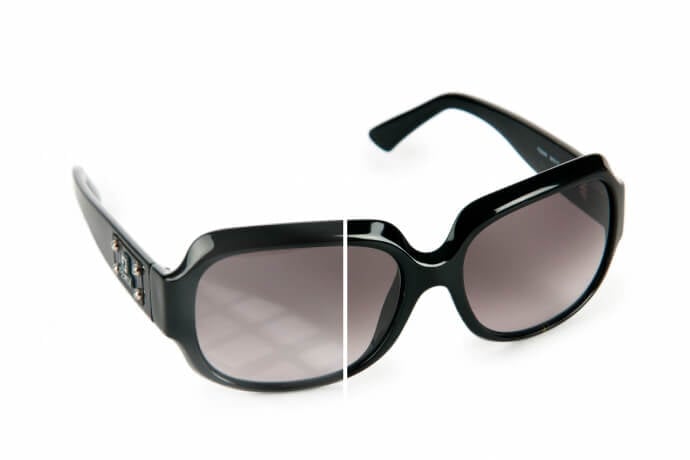
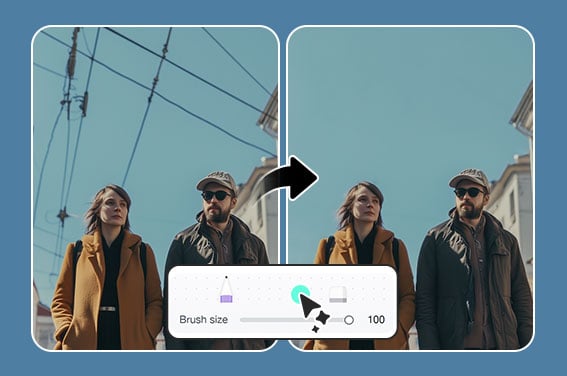
Use insMind when a good portrait is held back by frames, glare, or a lens reflection. Upload the image, prompt the AI to remove the glasses, and review the eye area before downloading.

Remove Glasses from Photo Online with AI
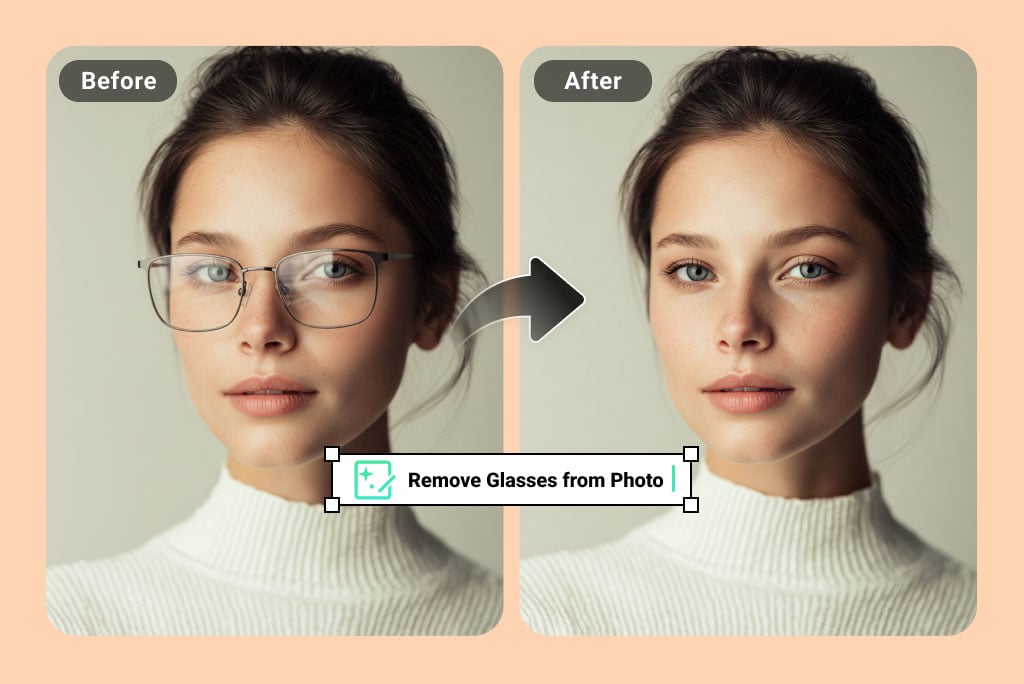
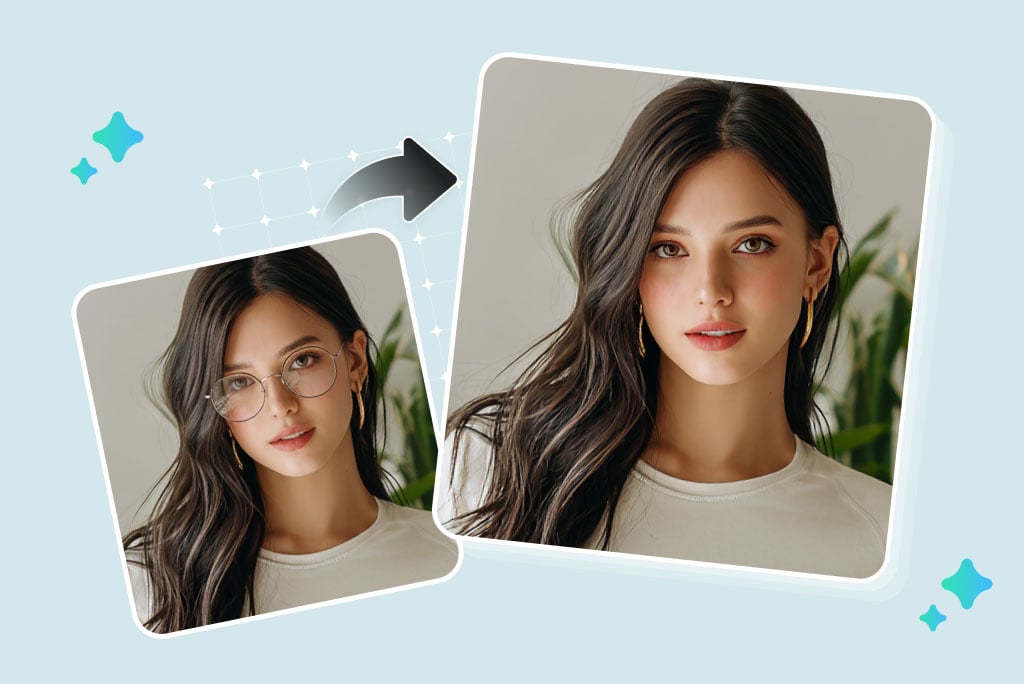
Remove Glasses from Photos Without Re-Shooting
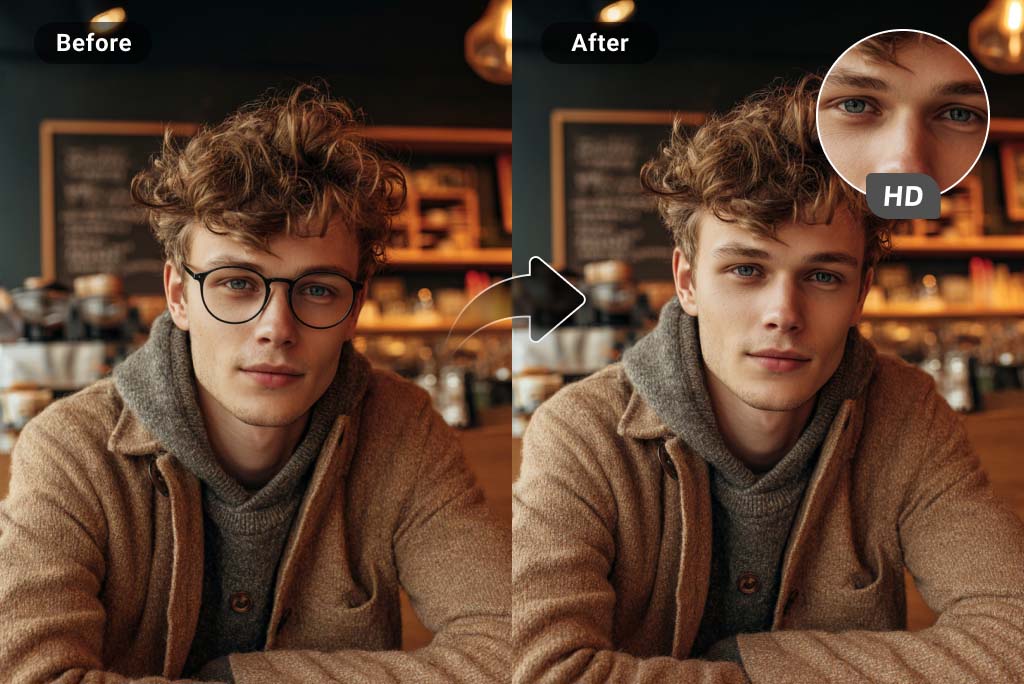
Keep Eyes, Brows, and Skin Texture Believable
A no-glasses edit should not flatten the face. Check the eye shape, lashes, brows, nose bridge, and skin tone after generation; these details decide whether the result looks usable.
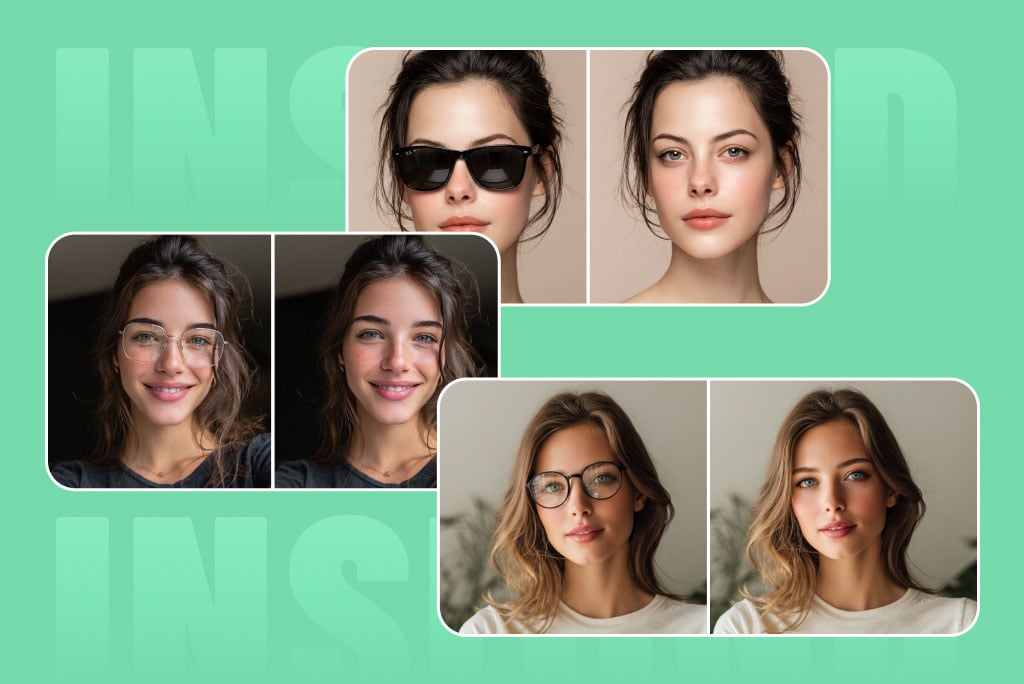
Works Best on Common Glasses and Sunglasses
The tool is useful for prescription glasses, reading glasses, thin frames, sunglasses, and fashion eyewear. Results are harder when the frame fully hides the eyes or the lenses are very dark.
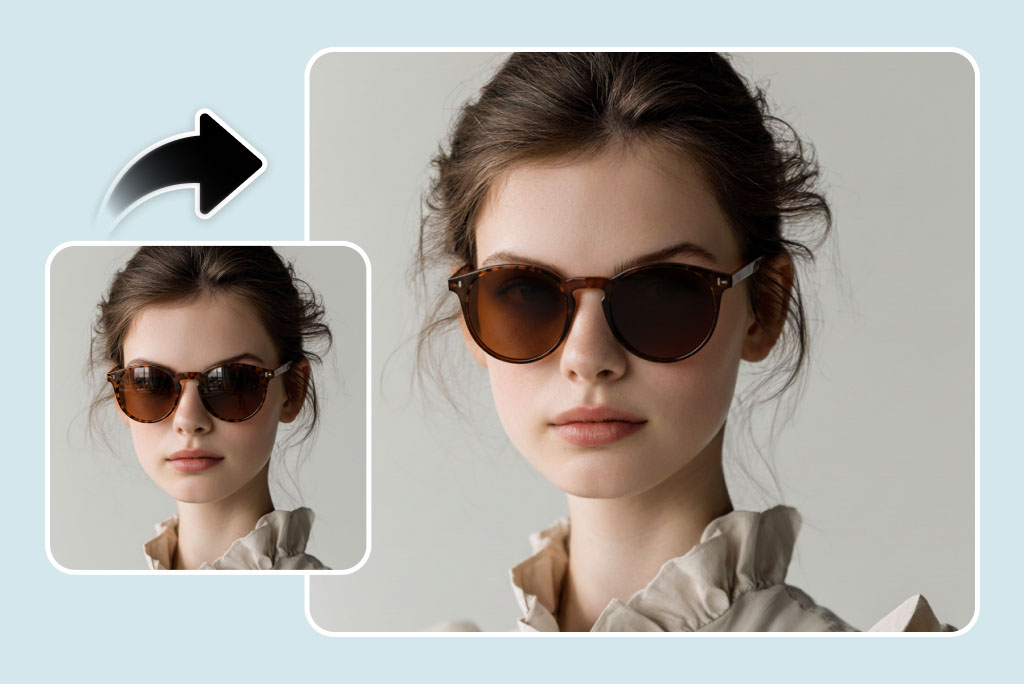
Only Need to Remove Glare? Use the Right Tool
If you want to keep the glasses but remove a reflection, use Remove Glare from Photo instead. That keeps the frame visible while cleaning the lens reflection.
Photos Where a Glasses Remover Helps
Use it for portraits where frames or reflections distract from the face. Avoid making promises for photos where the eyes are fully hidden.
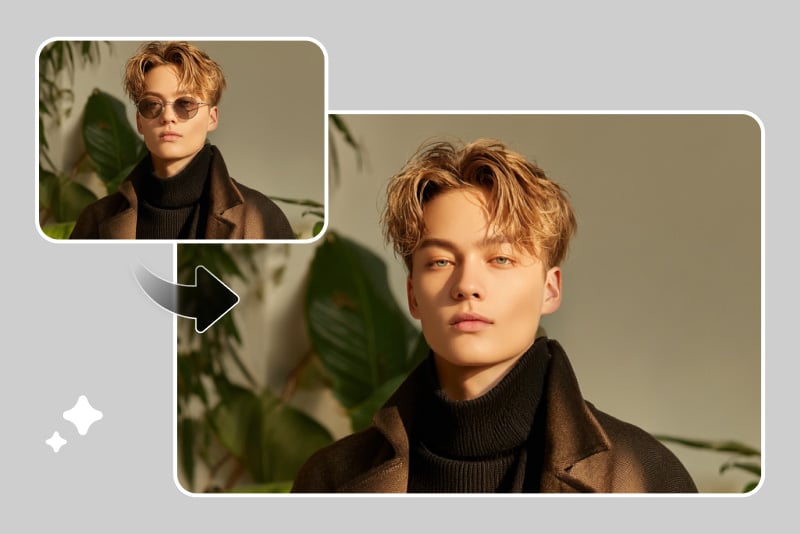
Headshots and portraits
Remove glasses from LinkedIn photos, resume portraits, or profile images when the frame distracts from the face. Check that the eyes still look consistent before using the result professionally.
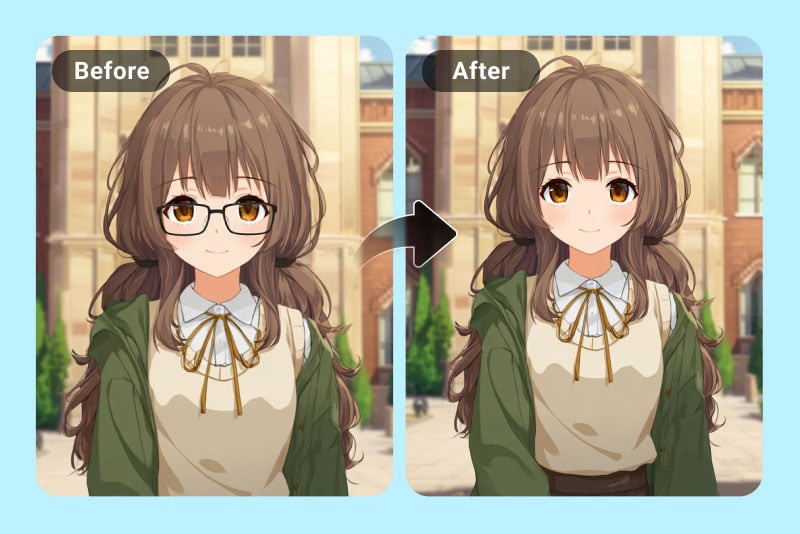
Cartoon or AI portraits
If an AI portrait or cartoon character picked up unwanted glasses, remove the frames and keep the expression. This works best when the eye shape is already visible.
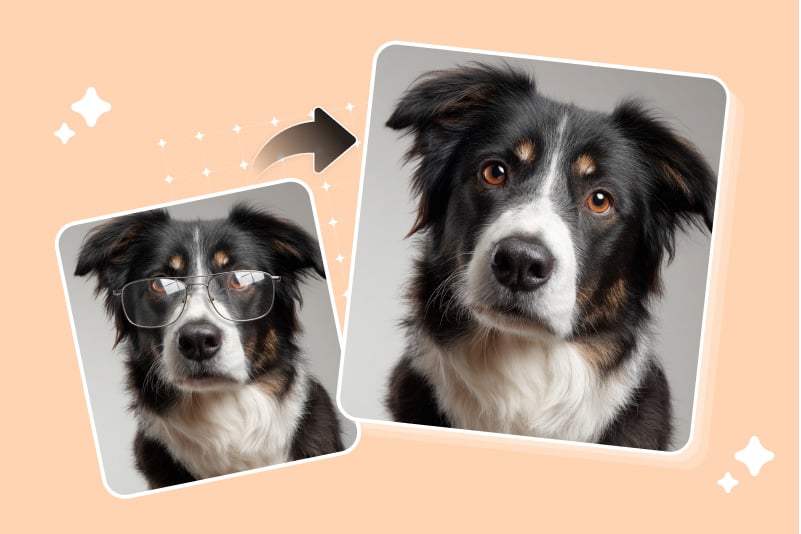
Pet or fun edits
For playful pet or meme images, remove novelty glasses when they cover the eyes. Use a short prompt and check the fur or face texture around the frames.
Group photos
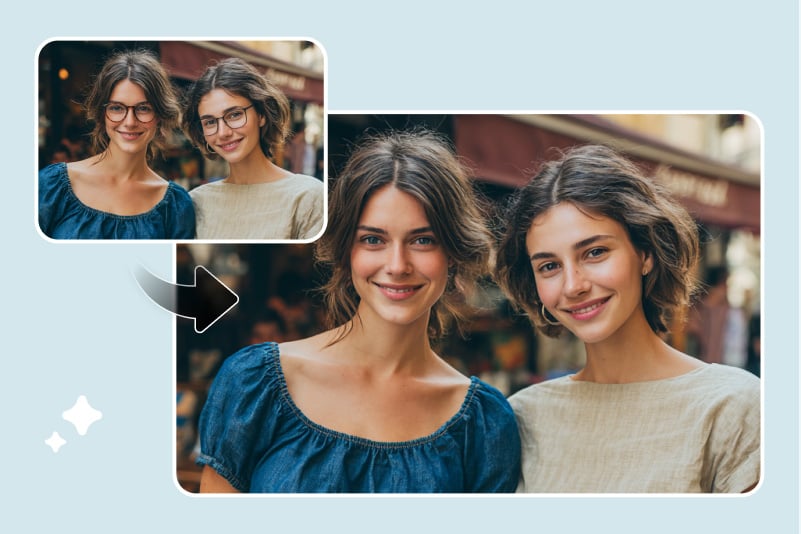
Clean up one face in a group shot when glare or frames pull attention. Work on the affected area only so other people in the photo stay unchanged.
Why Use an AI Glasses Remover?
The goal is not to over-edit a face. It is to remove frames or reflections while keeping the portrait useful for the place you want to use it.
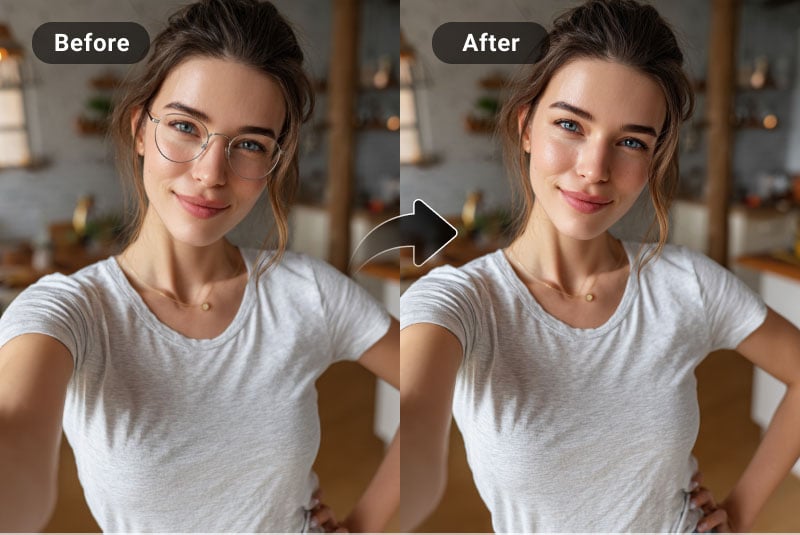
Reveal the Eyes More Clearly
Frames and glare can hide eye contact. A careful edit helps the eyes read better while keeping the rest of the face close to the original.
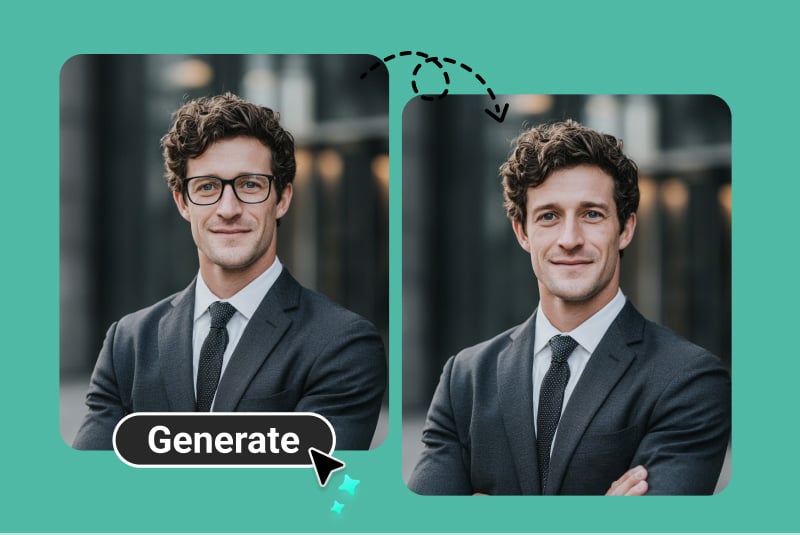
Prepare a Cleaner Headshot
For a business profile or application photo, remove glasses only if the result still looks natural. Do not use a result where the eye area appears over-smoothed.
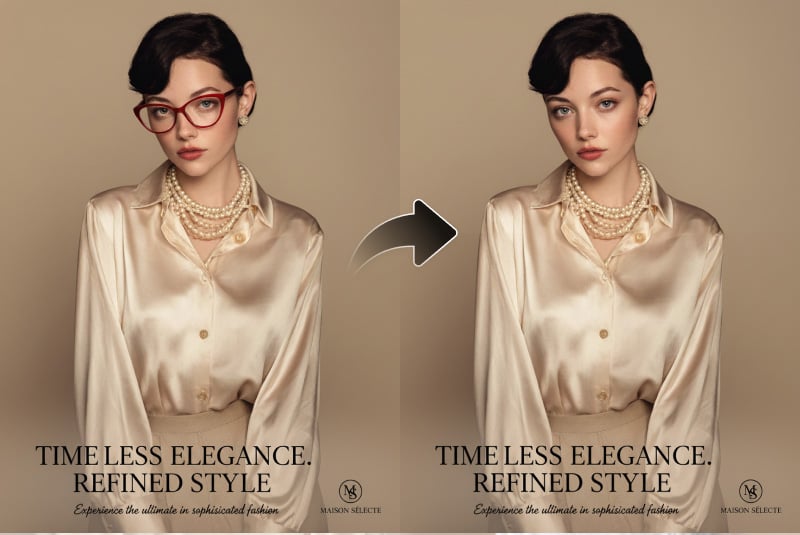
Clean Up Ads and Creative Images
Use the tool when eyewear distracts from the subject in a campaign image, product visual, or creative portrait. For lens glare only, route to the glare remover.
Why Choose insMind for No-Glasses Edits?

Focused Eye-Area Editing
The workflow focuses on frames, lenses, glare, and nearby facial details instead of changing the whole portrait.

Useful for Real Portrait Checks
You can inspect the result before download and retry with a narrower prompt if the first edit leaves frame shadows or smudged edges.

Connected Photo Editing Tools
After removing glasses, you can still adjust lighting, reduce glare, enhance image quality, or remove other small distractions.
Frequently Asked Questions
How do I remove glasses from a photo online?


Upload your photo, describe the edit with a prompt such as “remove glasses and keep natural eyes,” then generate and inspect the eye area before downloading.
Can AI remove glasses if the eyes are hidden?
Results are weaker when dark lenses or thick frames fully hide the eyes. Use a clear photo where the eyes are at least partly visible whenever possible.
Can I remove glasses glare without removing the frames?
Yes, but that is a different task. If you want to keep the glasses and only clean the reflection, use the Remove Glare from Photo tool.
Does it work for sunglasses?
It can help with sunglasses, but very dark lenses are harder because the eye details are not visible. Check the result closely before using it.
Is this the same as a no-glasses filter?
Yes, in practice it works like a no-glasses filter for portraits: it removes frames and lenses while trying to keep the face consistent.
Can I use it on a phone?
Yes. Open the tool in your mobile browser, upload the photo, enter the prompt, and download the edited image after review.
More Tools for Cleaner Portrait Edits
Use these when the photo needs a smaller fix than full glasses removal, or another distraction remains after the edit.