
Convert Photo from Portrait to Landscape or Vice Versa Online


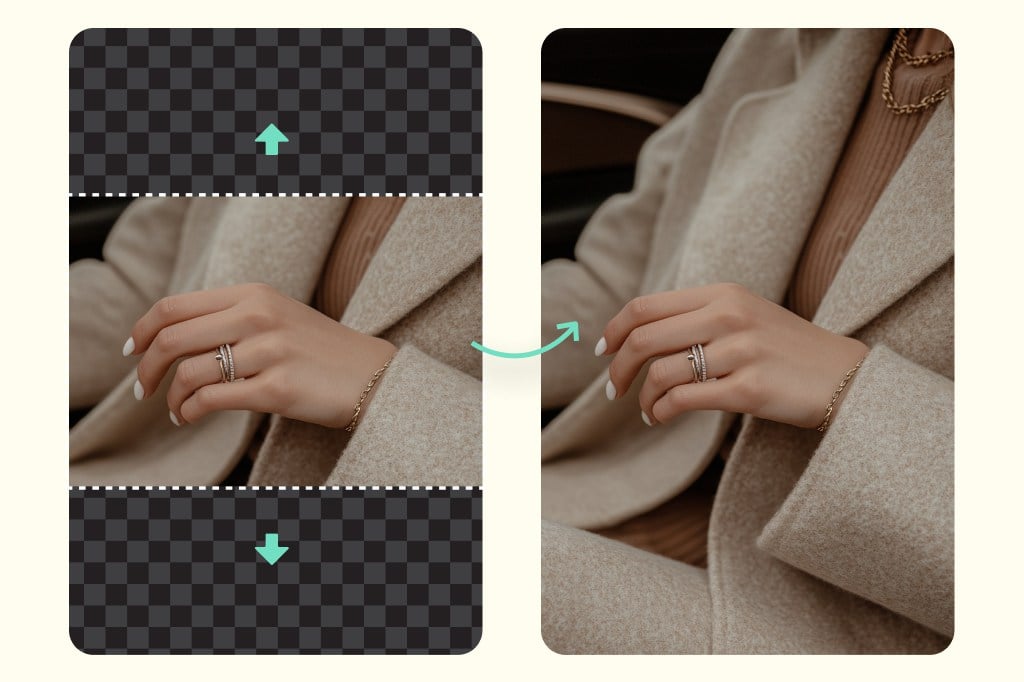
Switch Between Portrait and Landscape Instantly
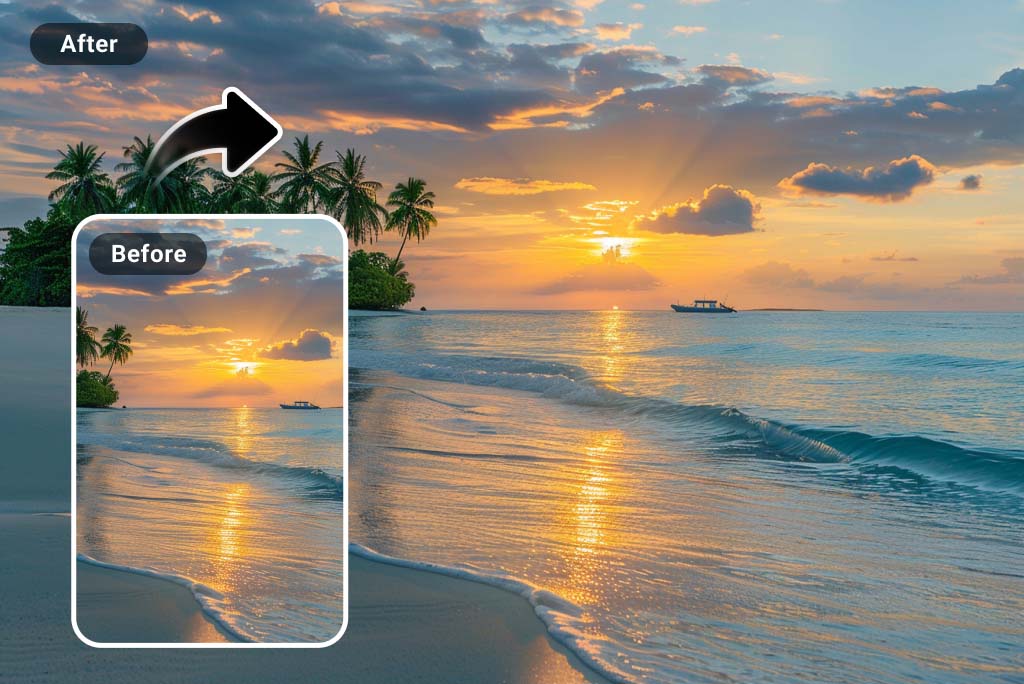
Change photos from portrait to landscape, landscape to portrait, or even square to landscape. Our AI converter lets you expand or crop your images to achieve the perfect framing.
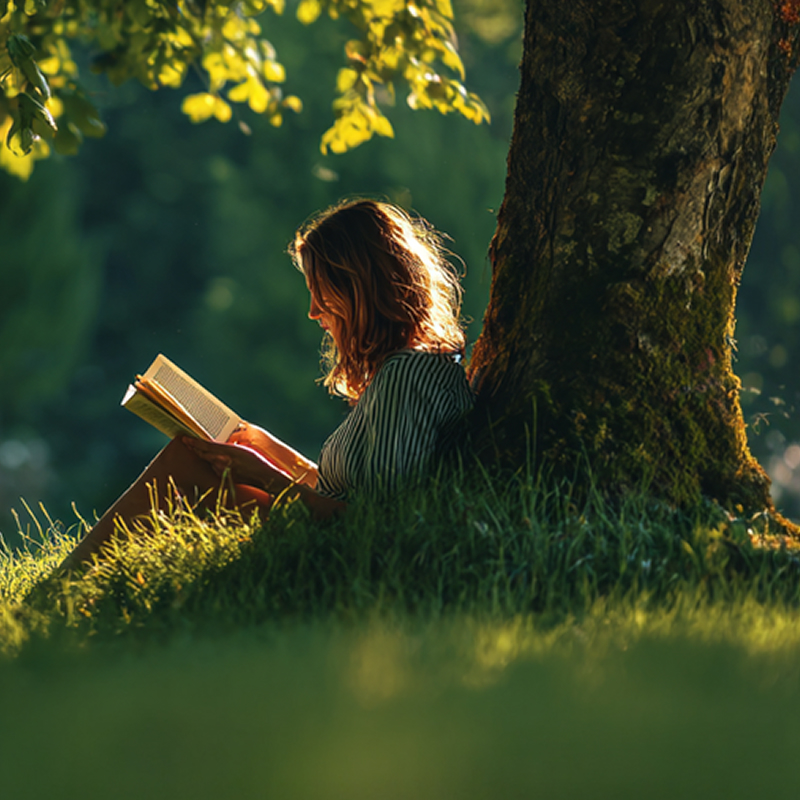
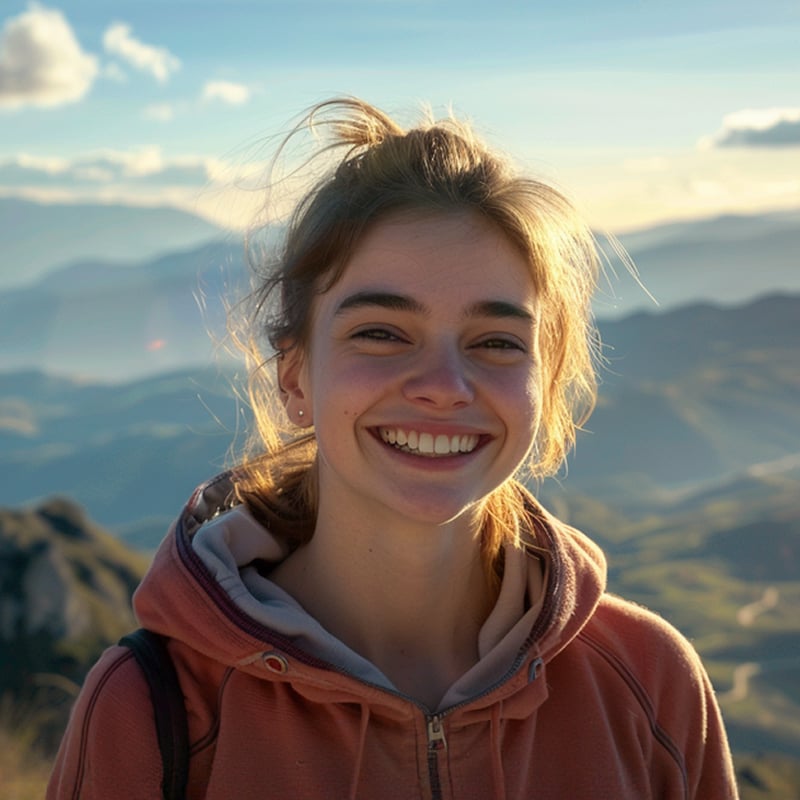
Some photos—like art or travel shots—look more stunning in a wide landscape view, while others, such as profile or social media portraits, shine best in a vertical frame.
Whatever your purpose, our smart AI ensures your main subject always stands out. It maintains balance, structure, and focus to create eye-catching photos that express exactly what you want to share.
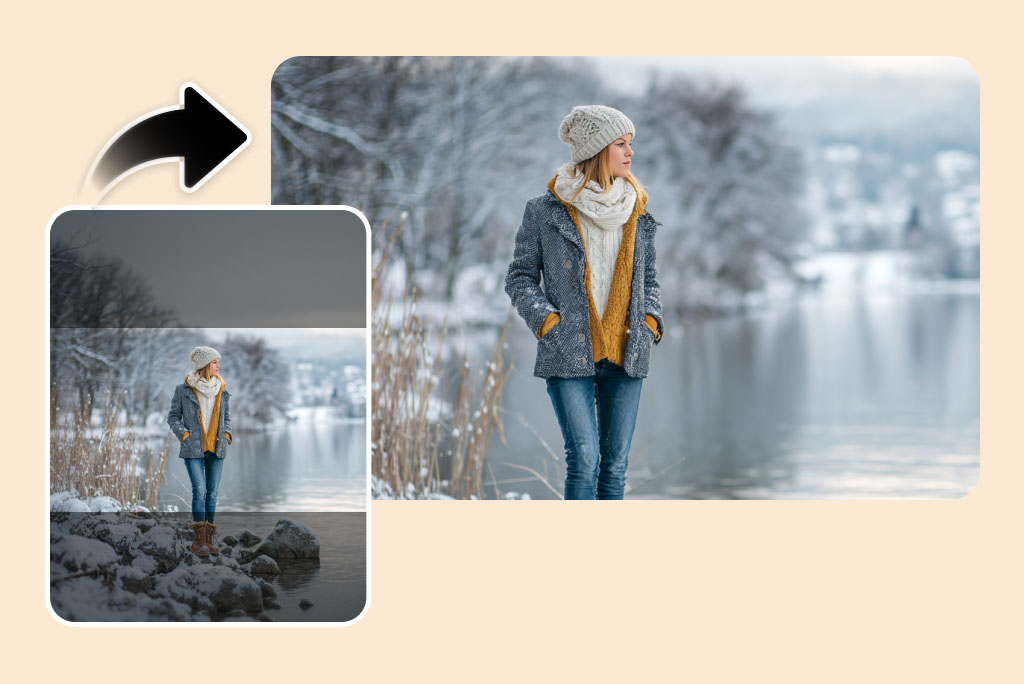
Convert Portraits to Landscapes with Zero Quality Loss
Worried about losing quality when turning your photo from portrait to landscape? Don't worry — our converter ensures your transformed images retain every original detail with high-quality output. Even after expanding a portrait into a landscape frame, the clarity of your photo remains untouched.
Our advanced image-enhancement algorithm refines textures, sharpens edges, adjusts lighting, and expands the background seamlessly to fit the new landscape orientation. Enjoy professional, natural-looking results that appear as if they were captured in the original format.
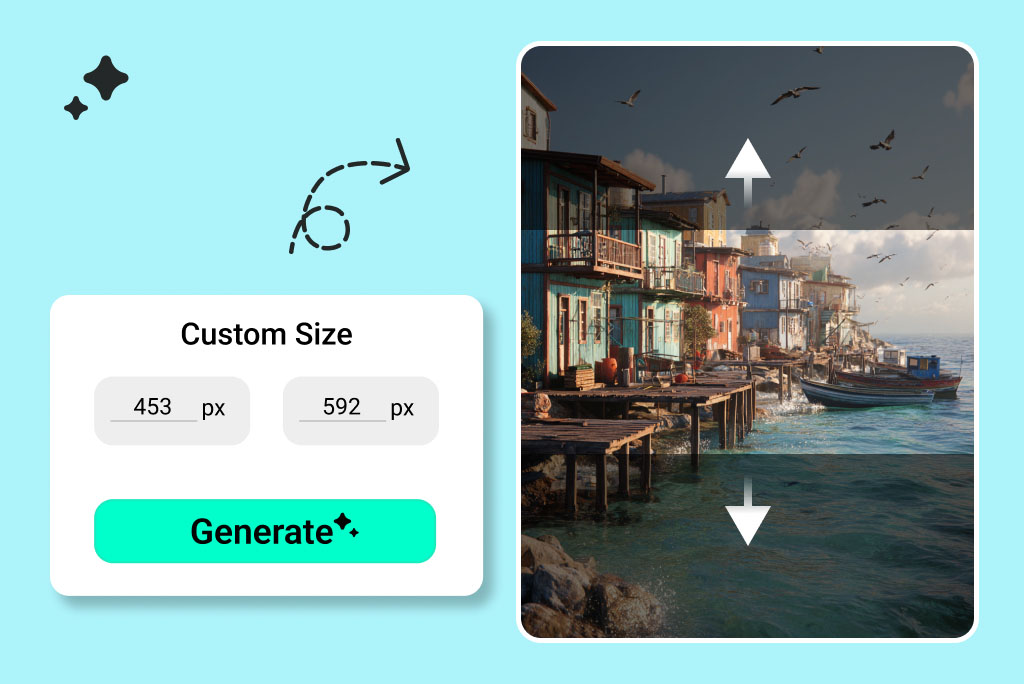
Customize Any Aspect Ratio for the Best Composition
Your image, your ratio. insMind makes it simple to adjust a photo's aspect ratio to any format you want. You can choose from preset 1:1, 16:9, 4:3, or 2:1 options to design a perfect desktop wallpaper, social media banner, YouTube thumbnail, or professional cover photo.
You also get complete freedom in defining your own dimensions. You can drag the borders to customize the aspect ratio manually and then let the AI adapt your image to fit the new proportions. You get studio-quality results with preserved objects, clarity, and natural background extension.
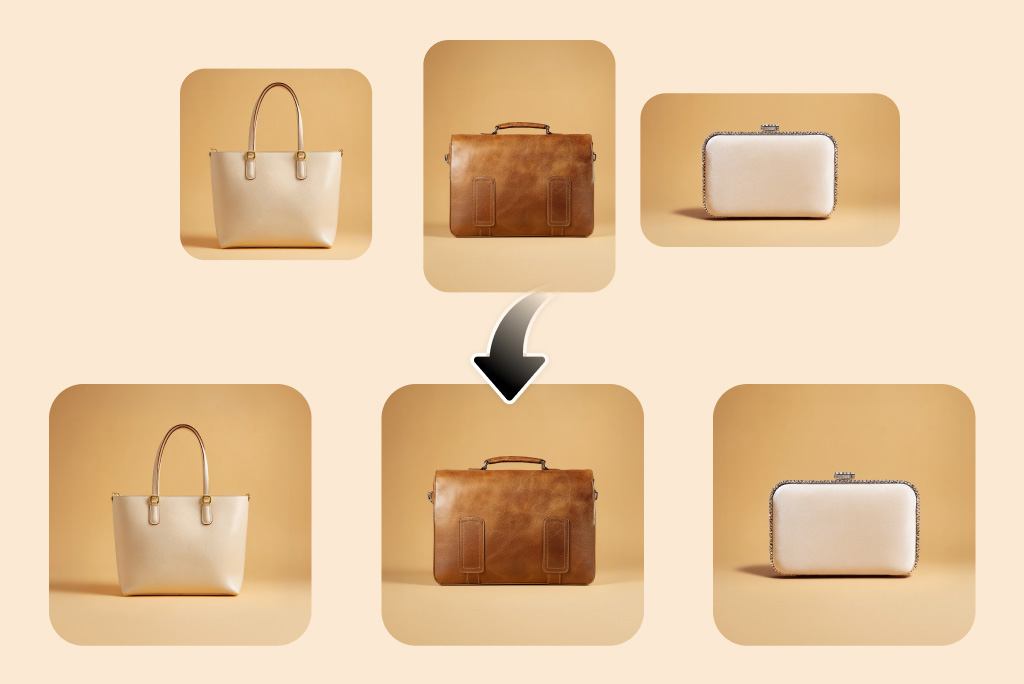
Batch Convert Portrait Images to Landscape
Got dozens of photos to reformat? No problem. insMind's batch photo editor lets you convert up to 30 photos from landscape into a landscape size in one go.
Simply upload your images, select your preferred aspect ratio, and the AI processes them all simultaneously. This saves you hours of manual editing and maintains consistent quality across every image. It is best for photographers, marketers, and anyone managing large photo collections.
How to Change a Portrait Photo to Landscape with AI
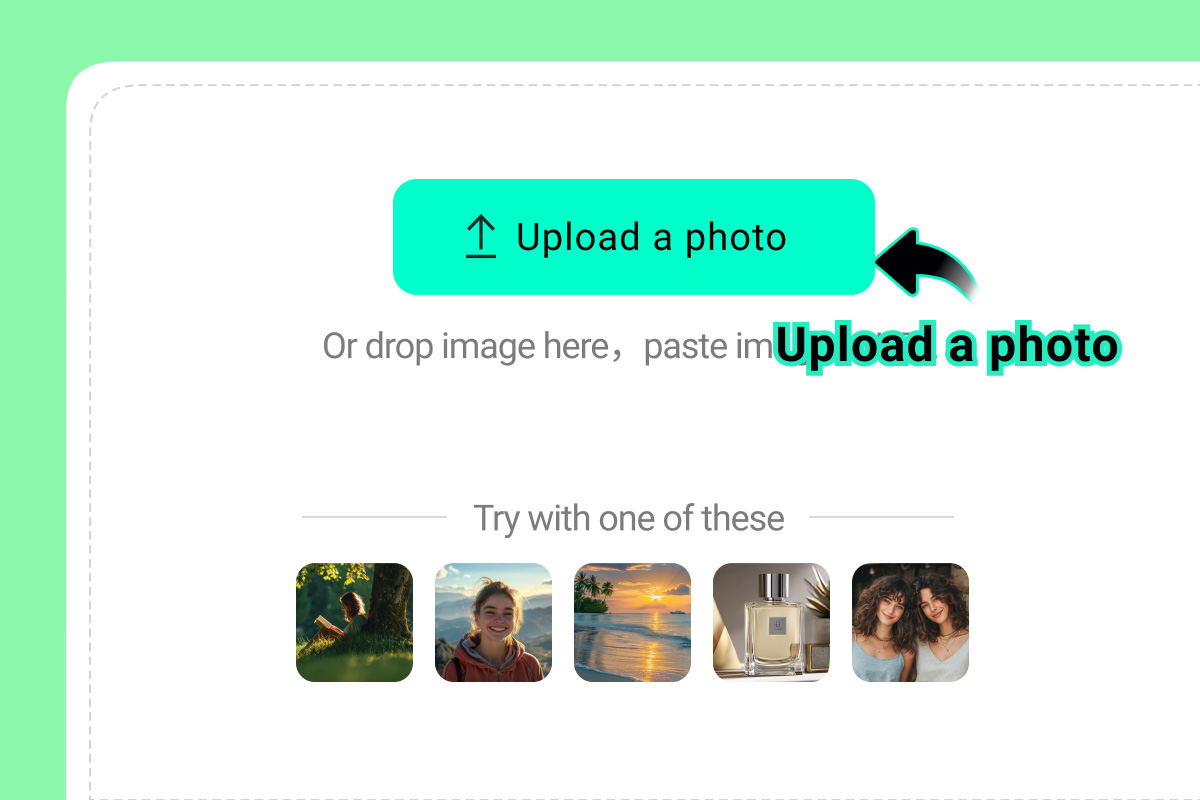
1 Step 1: Upload Your Photo
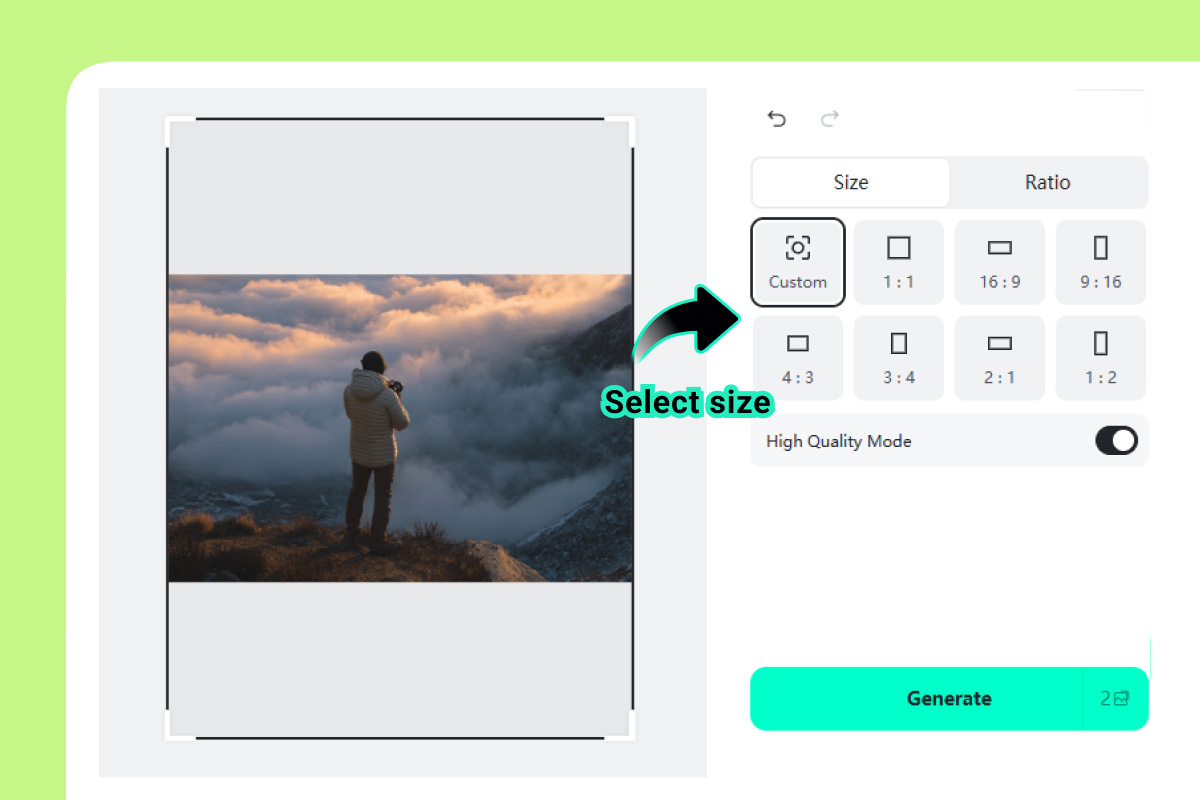
2 Step 2: Select the Aspect Ratio
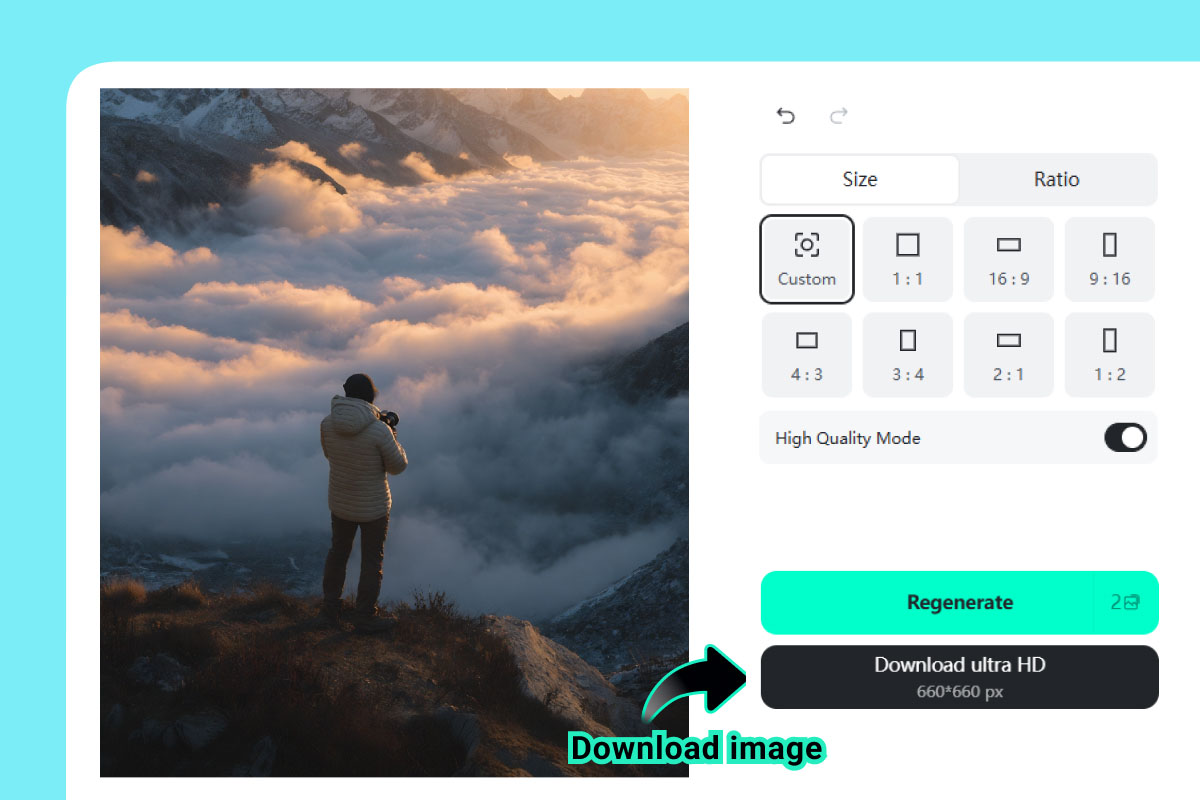
3 Step 3: Convert and Download
3 Methods to Convert Portrait Photos to Landscape
insMind supports three simple methods to change a portrait photo to landscape. Whether you need AI-assisted expansion, smart cropping, or automatic resizing, you can choose the method that best suits your needs.
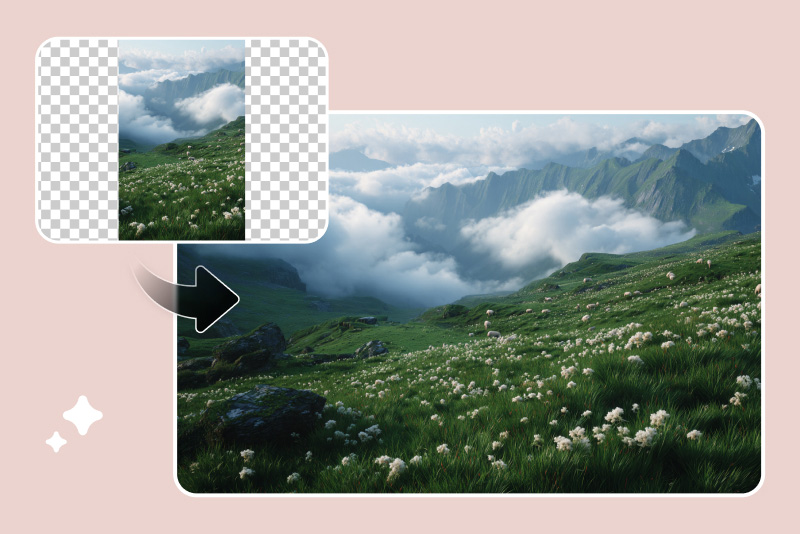
Method 1. Convert Portrait to Landscape with AI Expander
insMind's AI image expander helps you expand the background, size, and aspect ratio of photos with a smart AI image expander. It's ideal when you want to extend the photo background naturally without losing context.
Access the AI image expander tool and upload your photo.
Select the aspect ratio for the AI to expand. You can use preset aspect ratios or set your own custom ones.
Click "Generate", and the AI will fill in the image background to fit your desired landscape size.
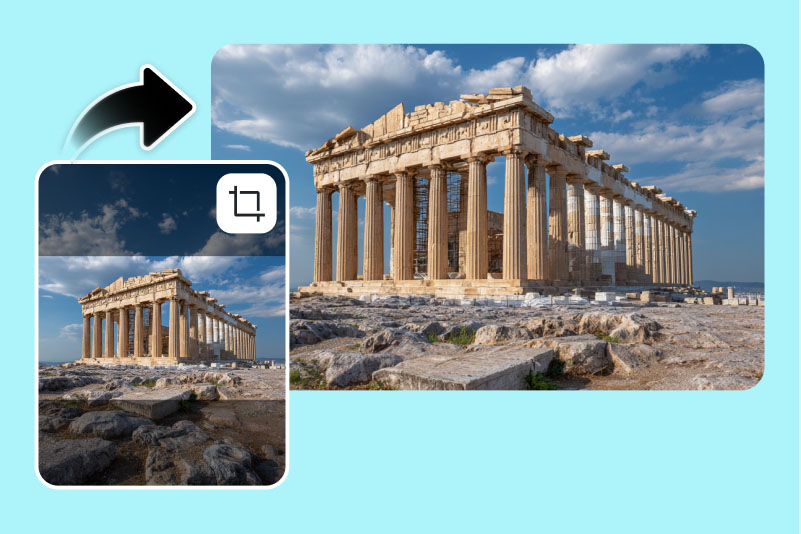
Method 2. Turn Portrait Photo into Landscape with Image Cropper
insMind's image cropper is perfect if you want precise manual control over which part of your image remains visible. You can cut out a specific portion from the image without compromising the quality. It's best when you need exact composition adjustments or want to remove extra space.
Access the image cropper tool and upload your photo.
Select the aspect ratio to crop your image. You can also customize the cropping area by manually dragging.
Click "Generate" and download your new high-quality landscape image.
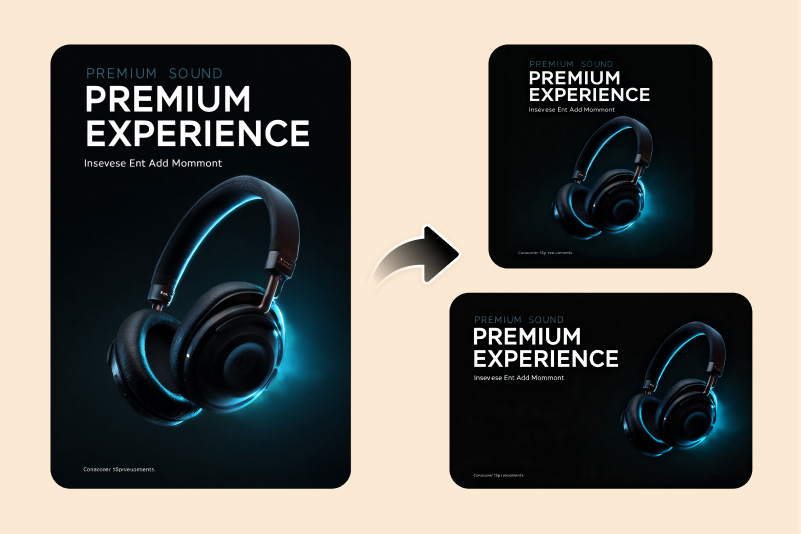
Methods 3. Change Photo from Portrait to Landscape with Smart Resize
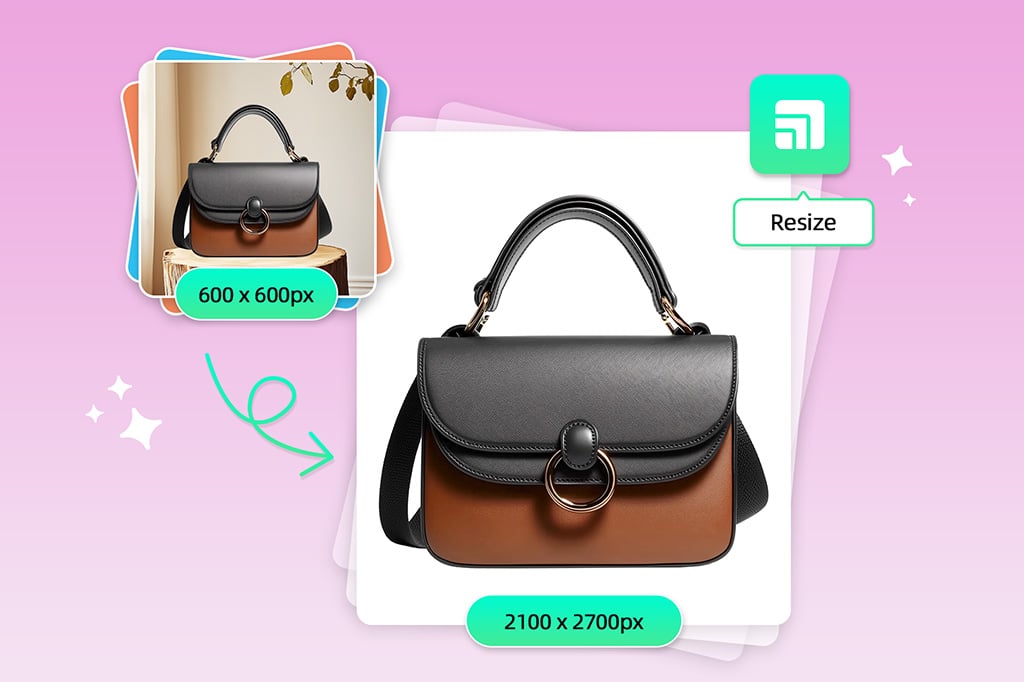
insMind's smart image resize lets you automatically resize images for different media channels, like Facebook, Instagram, Shopify, etc. You can generate multiple sizes with one click. It's ideal for designers and marketers who need perfectly sized visuals without stretching or distortion.
Access the smart resizer tool and upload your photo.
Select the size. You can select multiple sizes at once to create multiple versions.
Click "Add New Canvas", and your photo will adjust automatically to the selected sizes.
Why Convert Portrait Photos to Landscape (and Vice Versa)?
Changing photo orientation helps you adapt images for different uses. You may want to orient the photo for social media or get it ready for marketing banners. Adjusting between portrait and landscape makes your photos fit across different platforms and layouts.
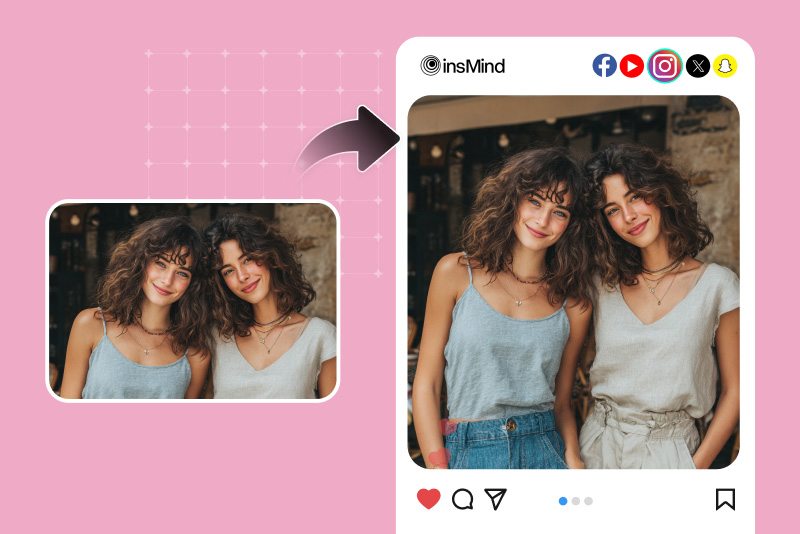
Landscape to Portrait Photo for Social Media
Social media platforms often require portrait orientation for the best mobile visual display. Converting your landscape photos to portrait makes your images fill the screen and capture more attention on Instagram, TikTok, and other platforms.
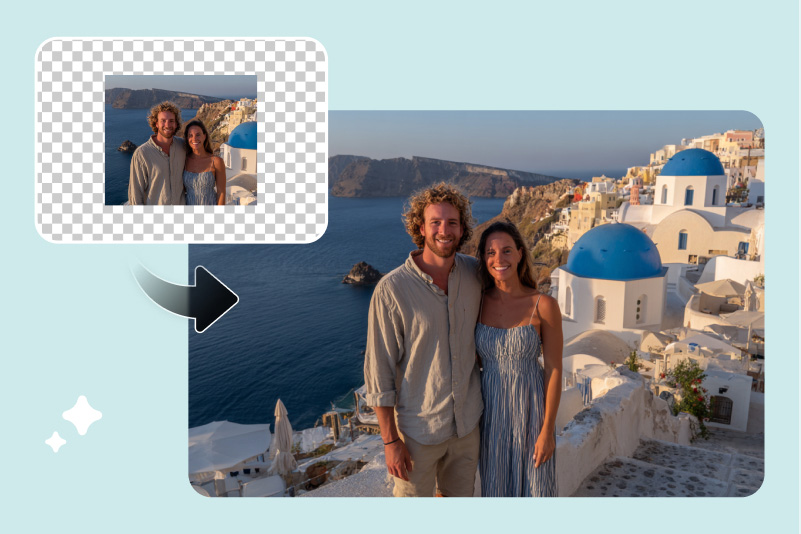
Make Your Travel Photo More Beautiful
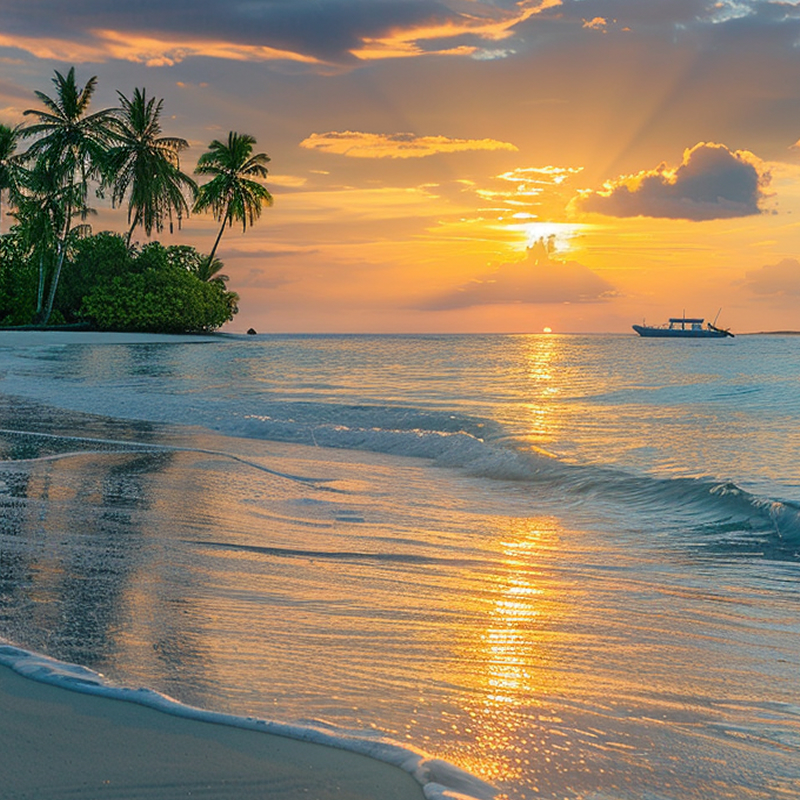
Convert your portrait photo to landscape to capture wider views and scenic horizons. It makes your travel photos more detailed and visually complete for sharing or printing.
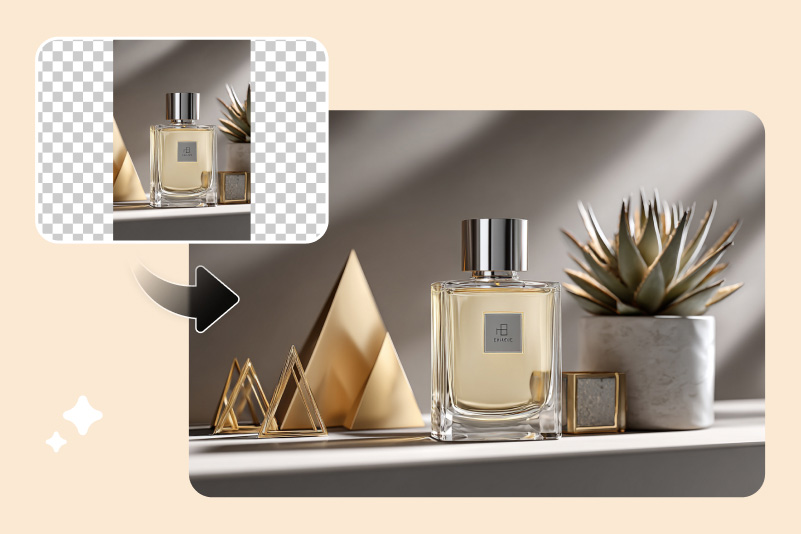
Enhance Product Photos to Boost Sales
Make your portrait photo into a landscape for professional product banners or ads. The wider layout fits best on websites and online stores. This leads to improved visibility, click-through rate, and ROI.
What Sets Our Portrait to Landscape Converter Apart

High Quality Conversion
Every portrait-to-landscape conversion maintains exceptional clarity and detail. Our AI technology enhances edges, backgrounds, lighting, and color balance — ensuring your final photo looks as natural and authentic as the original.

User Friendly
insMind's converter is designed for everyone. Whether you're a casual creator or a professional, all you need to do is upload your photo, choose your preferred aspect ratio, and let the AI handle the rest — reorienting your image into a perfect portrait or landscape version within seconds.

Multiple Methods
insMind offers multiple tools to meet different needs and scenarios. You can simply crop an image to keep only your main subject, resize it to new dimensions, or use our AI-powered expander to extend the background naturally. All these tools help you transform photos from portrait to landscape effortlessly while keeping perfect balance and composition.
Frequently Asked Questions
What is the portrait orientation?


What is the landscape orientation?
What are the differences between portrait and landscape orientation?
Can I change a portrait photo to landscape?
Can I change a landscape photo to portrait?
Which image orientation should I use?
You might be interested in
Make your pictures pop with creative AI tools you can explore during a free trial.
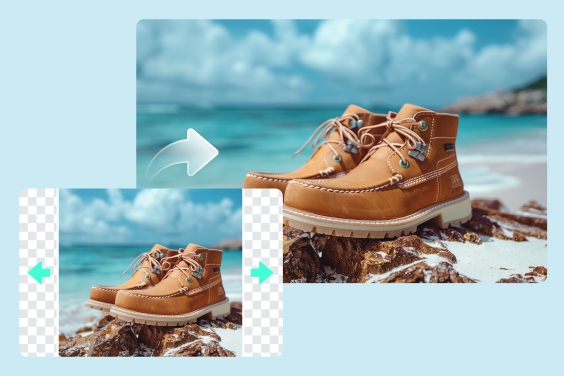
Uncrop Photo
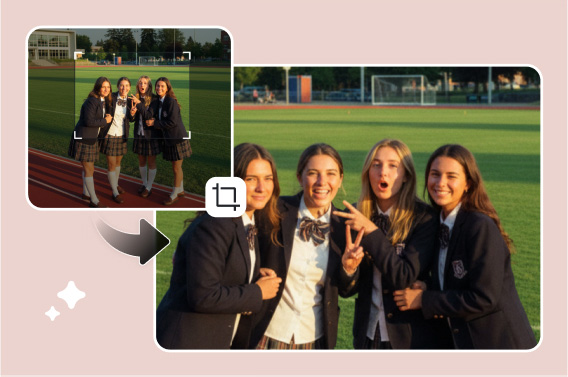
Image Cropper
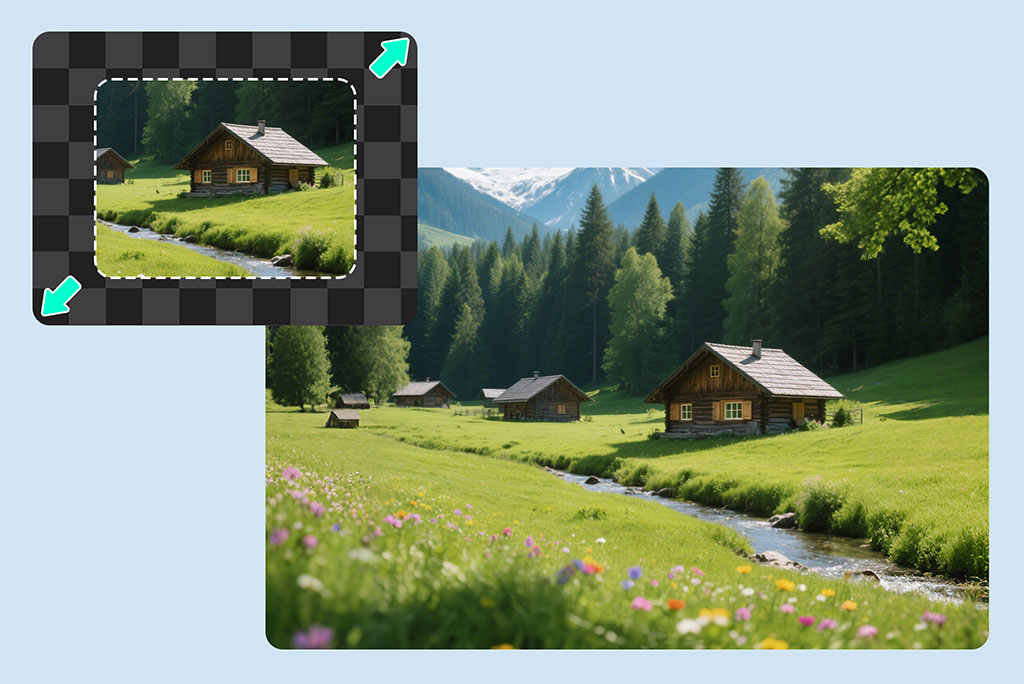
AI Image Expander
AI Image Enhancer
Al Background Changer
Smart Image Resize
Remove Image Background
AI Magic Eraser

Add Shadow to Image
Al Image Generator
"It's a really handy tool for designers like me. Whenever I need to adjust a photo's size, I open insMind in my Chrome browser. It delivers high-quality results that perfectly meet my requirements."
@louis