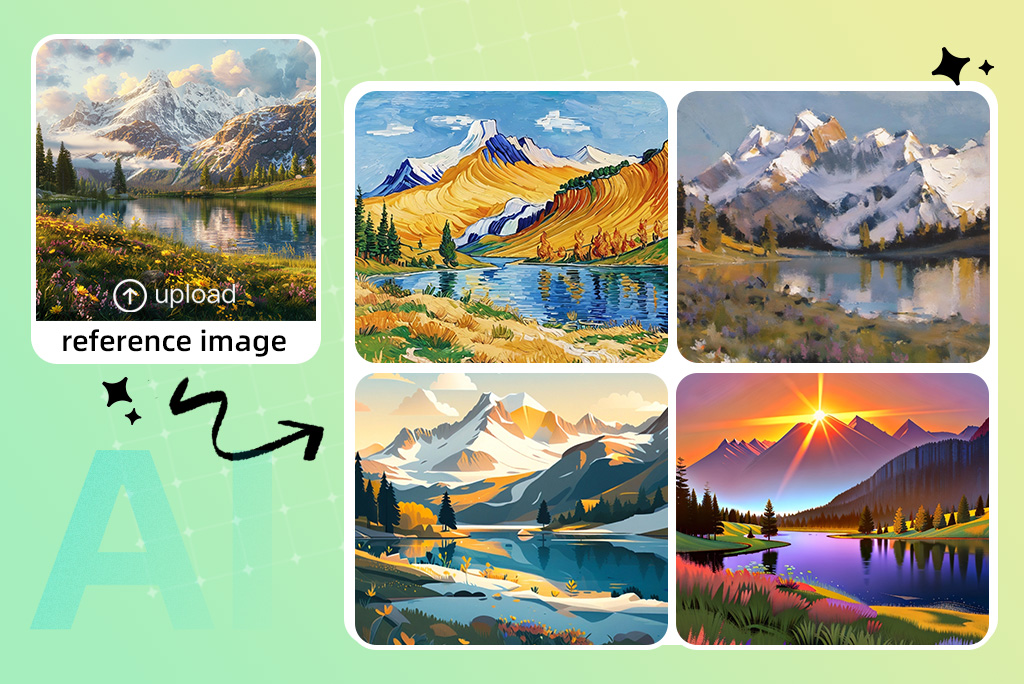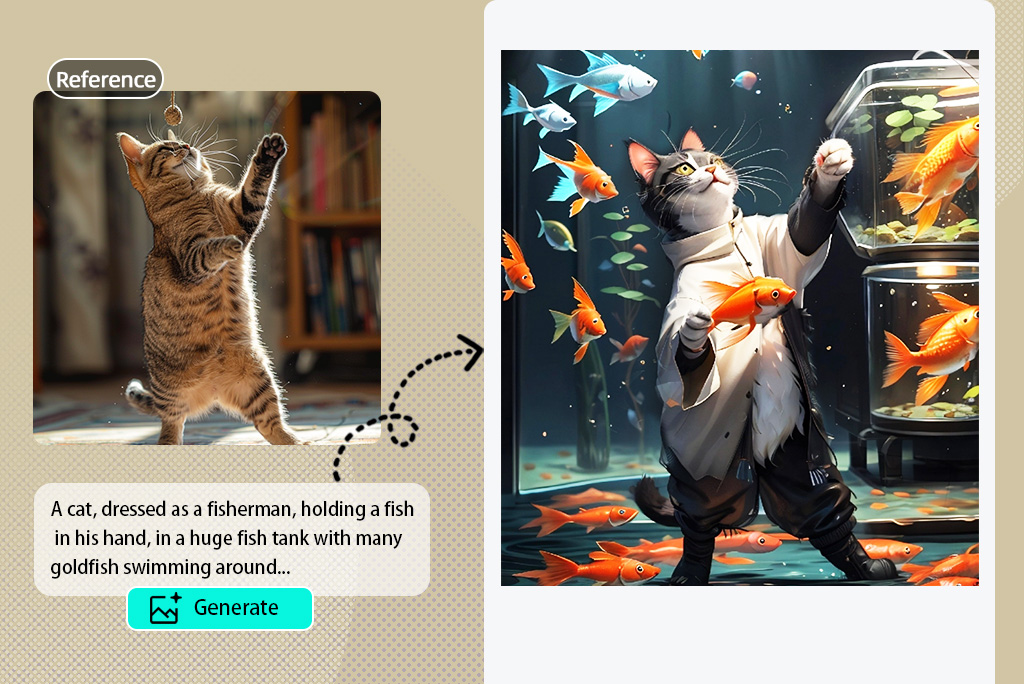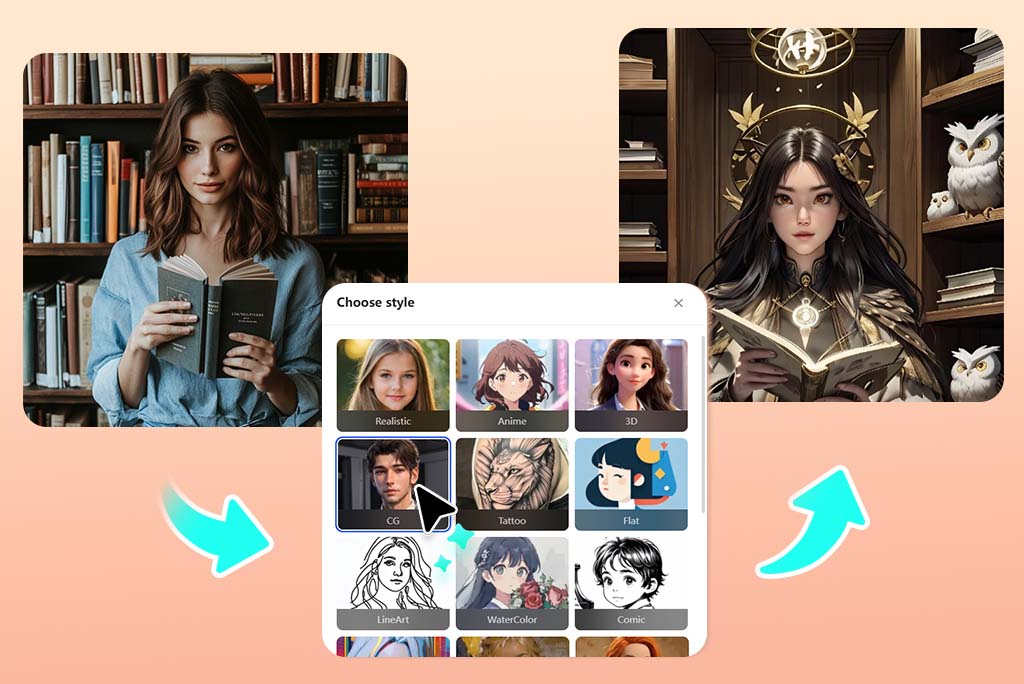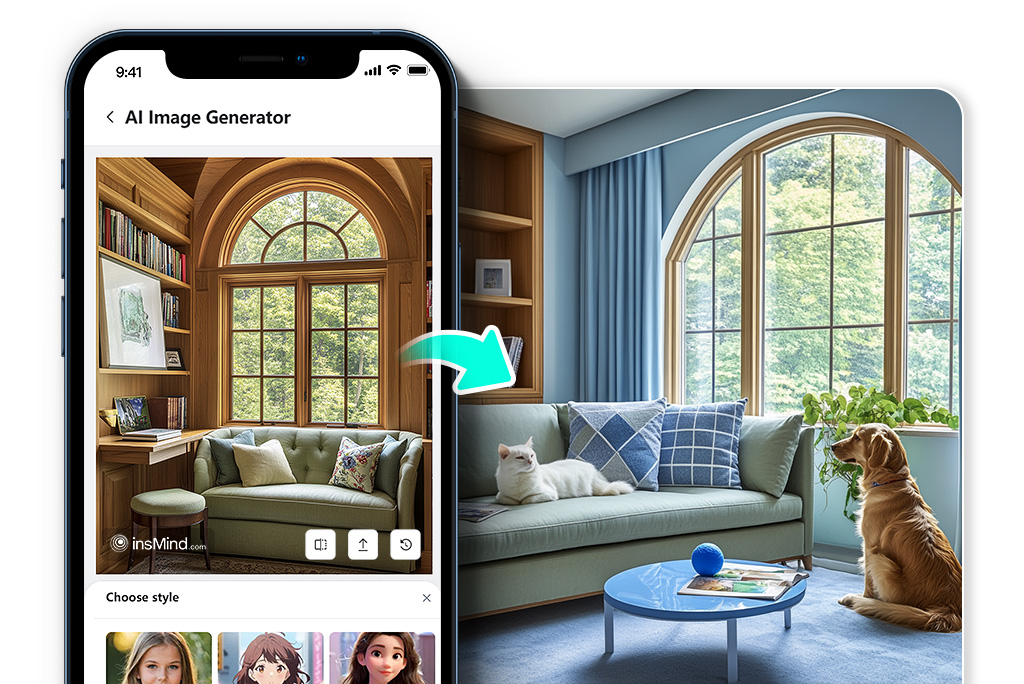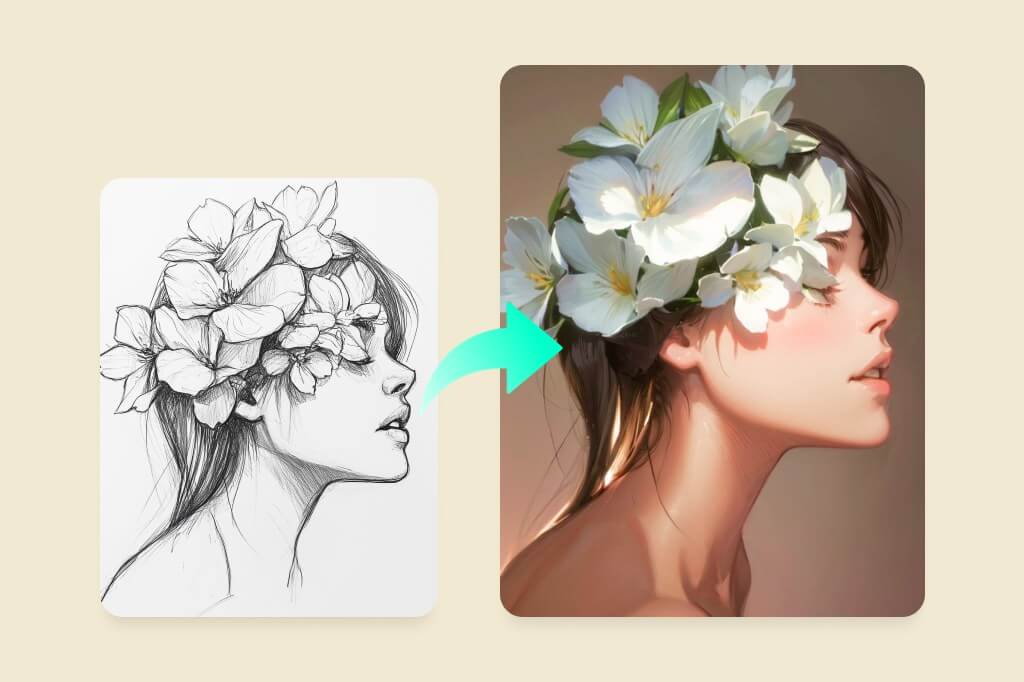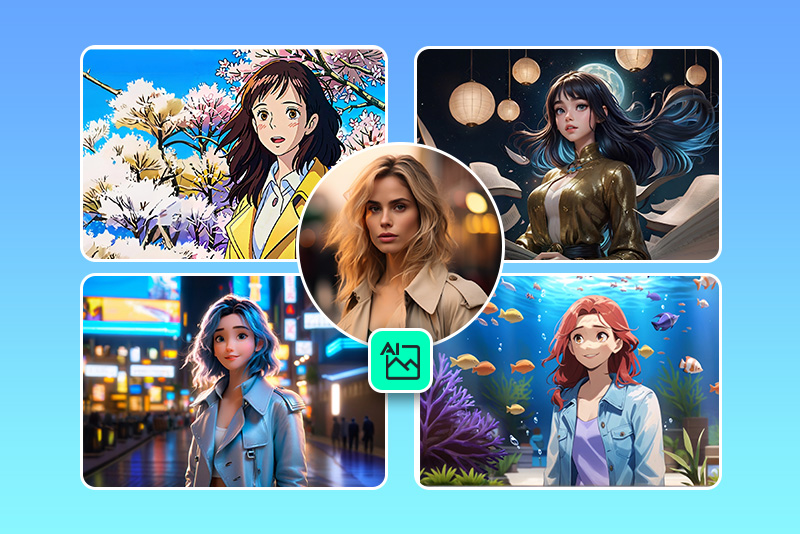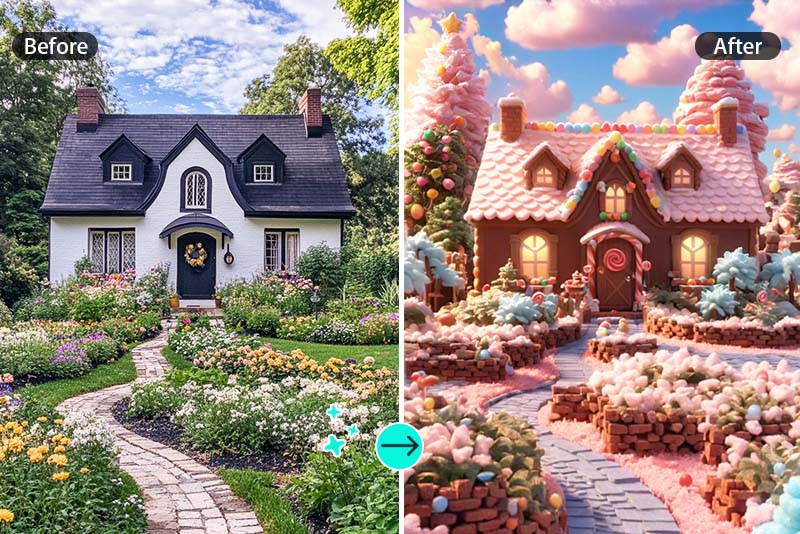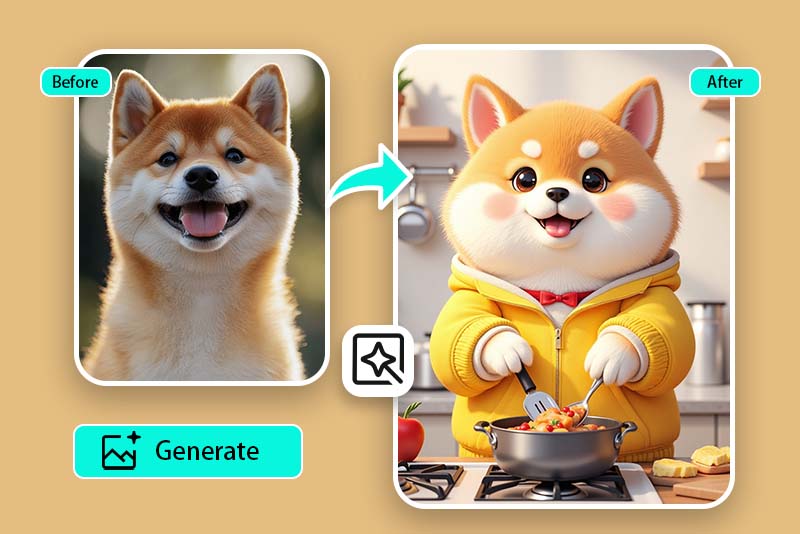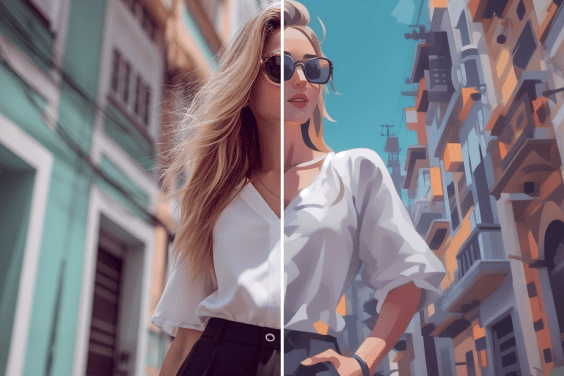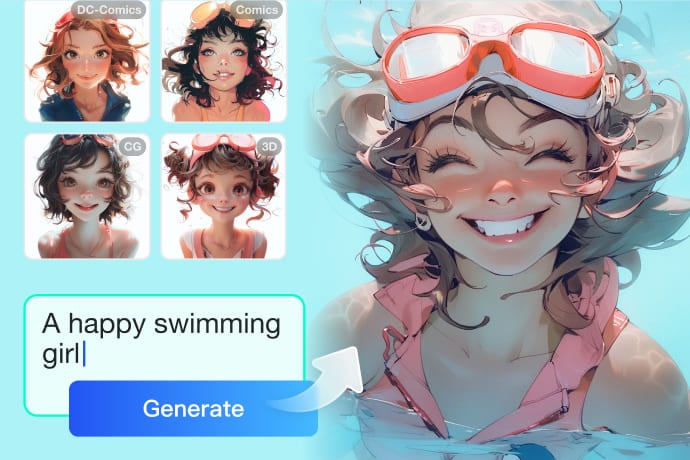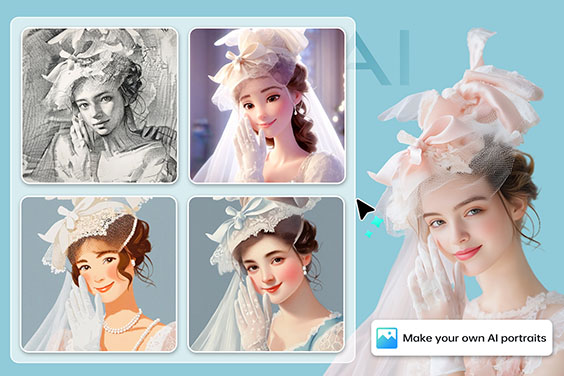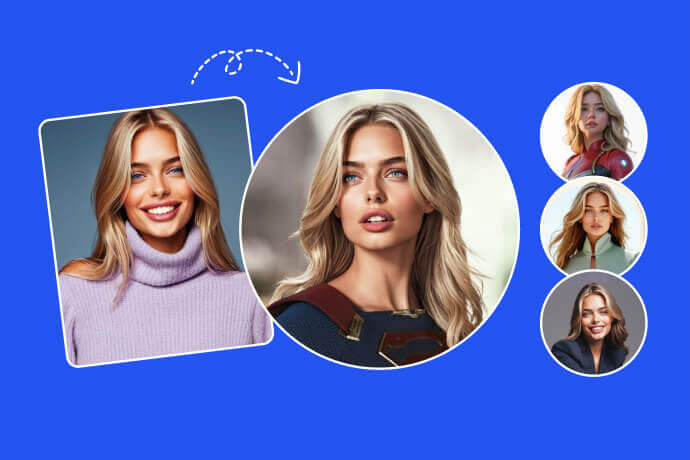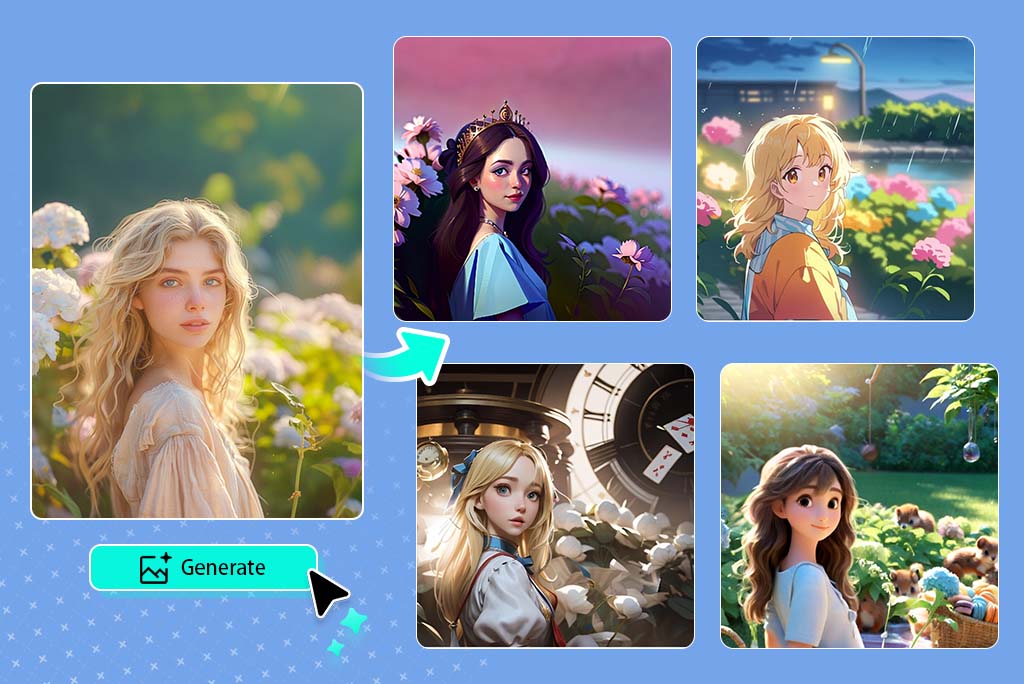
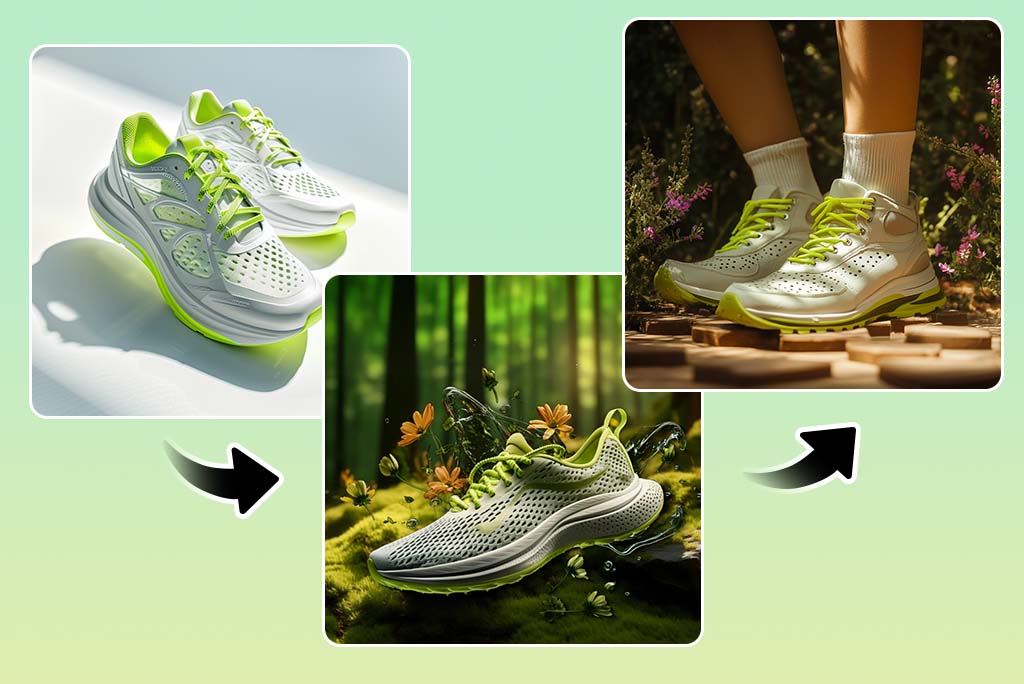
With image to image AI, you can turn one picture into many new versions without losing your original structure. Upload a clear image and let the tool build fresh outputs that match your prompt. You can change the style, mood, background, or colors while keeping the main shapes recognizable. You can explore creative ideas faster, since you can test many looks in seconds. Our ai image to image generator makes it simple to experiment with different artistic tones, realistic edits, or fun variations. It is an easy way to expand your ideas without starting from nothing each time.
How to Generate a Picture from a Source Image

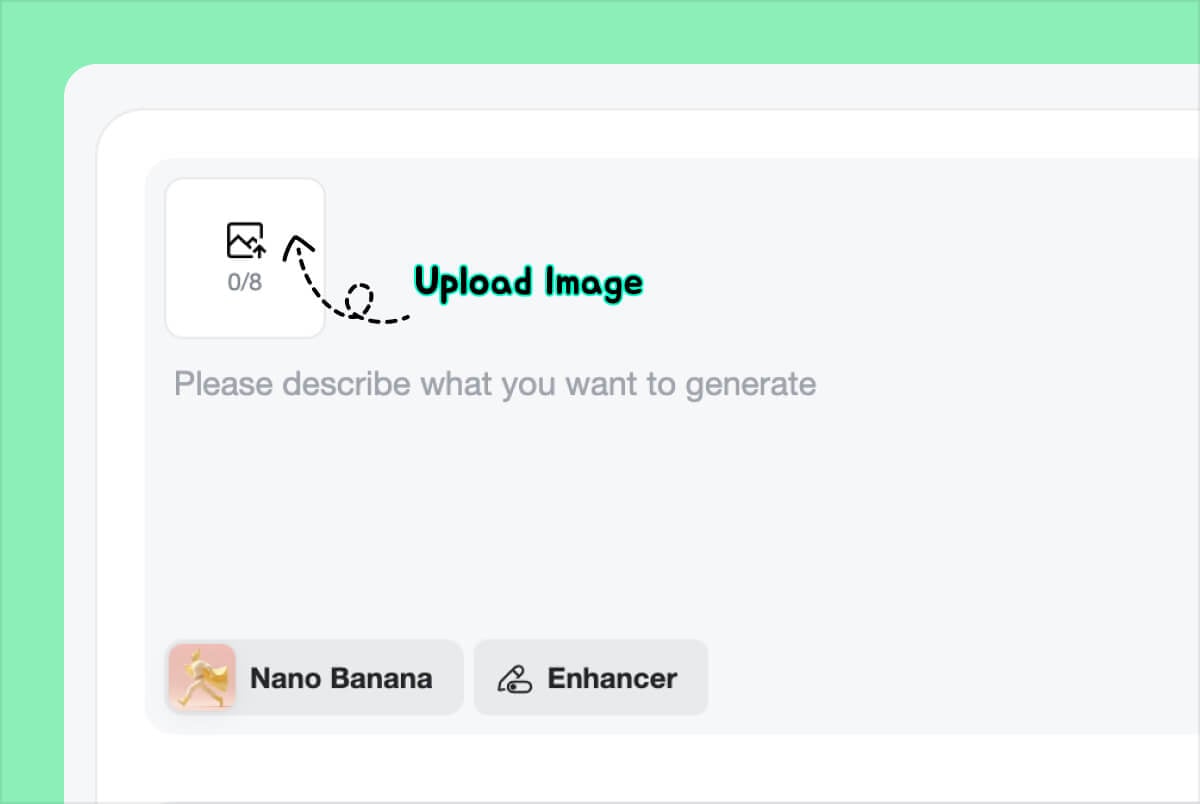
1 Upload Your Reference Image

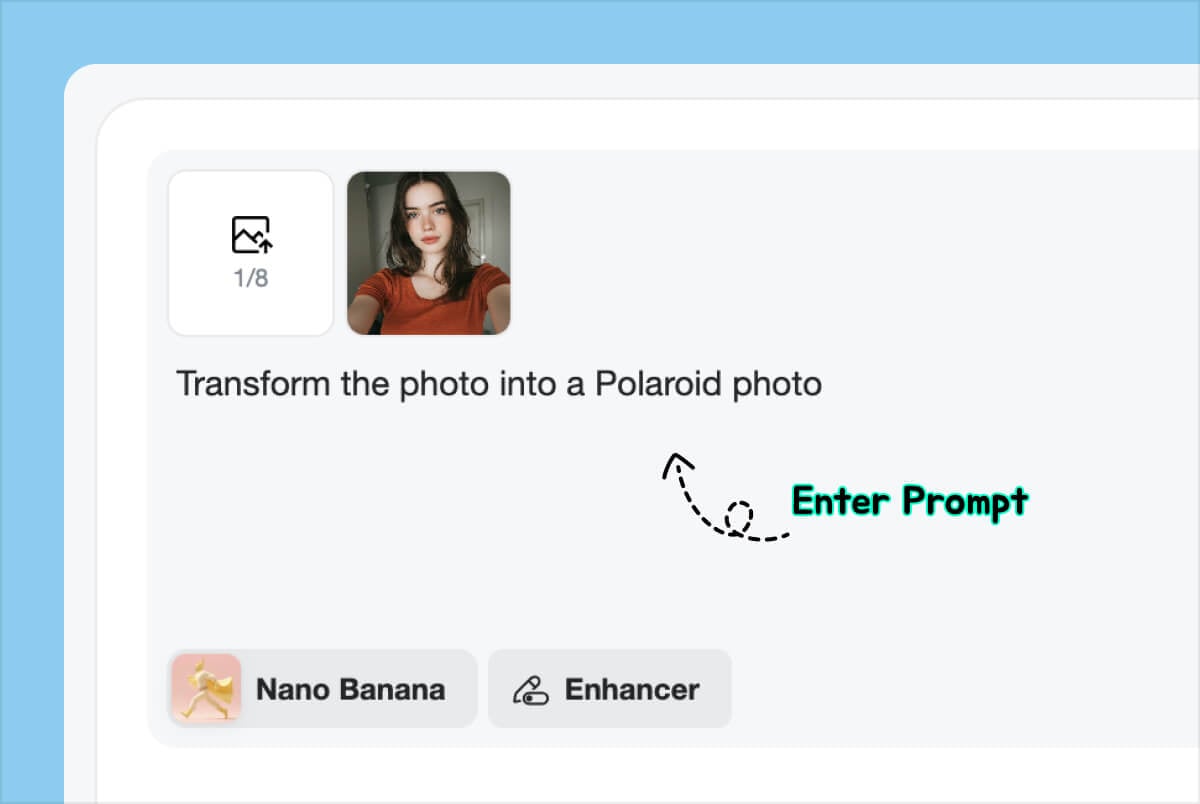
2 Enter Your Prompt

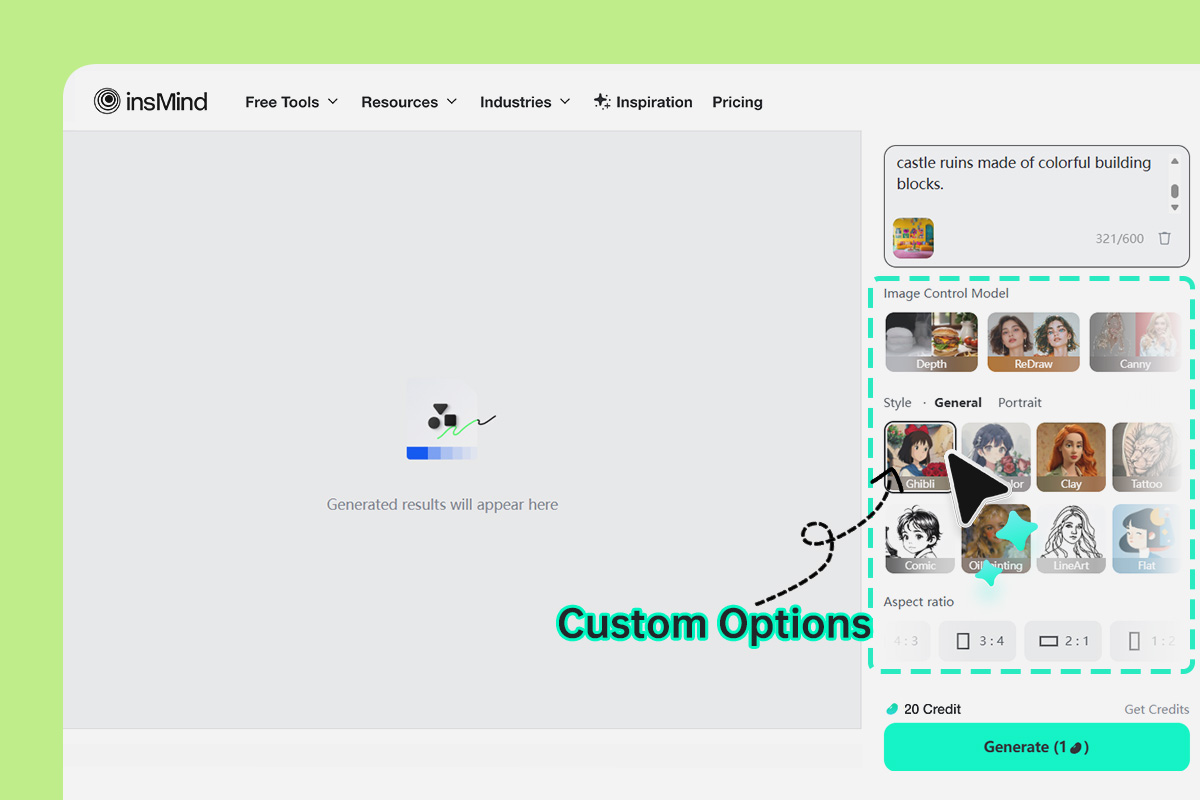
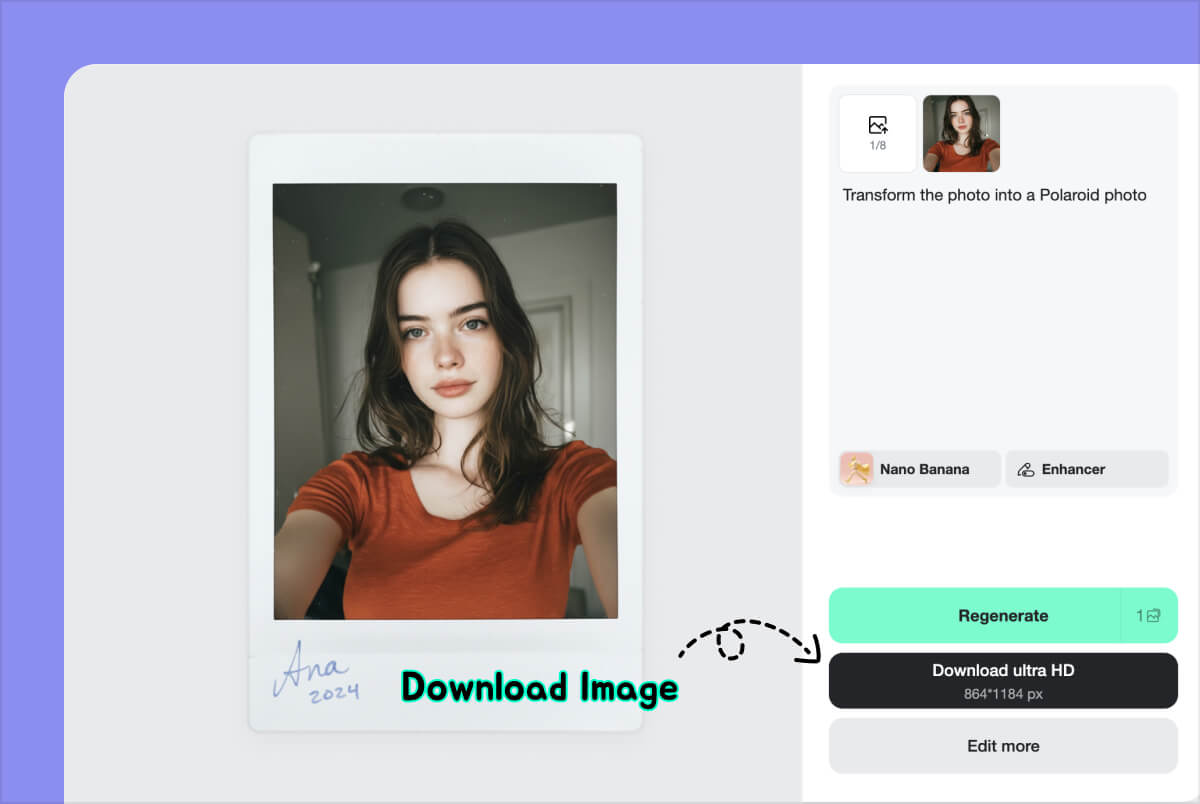
3 Generate and Explore Variations


Control Every AI Image Transformation Using Simple Text Prompts You Write
InsMind's Image to image AI lets you guide the final result with short text. You can tell the AI to adjust the lighting, scene, object style, background design, or overall mood. Because the tool listens to natural language, you do not need editing knowledge or special terms. Just describe what you want and the ai image to image generator handles everything. This gives you full control while saving time, since you do not have to rebuild your image from scratch. Both beginners and creative professionals can use this feature to shape their pictures quickly and get the style they imagined.

Remix Sketches and Concepts Faster with Creative AI Image Tools
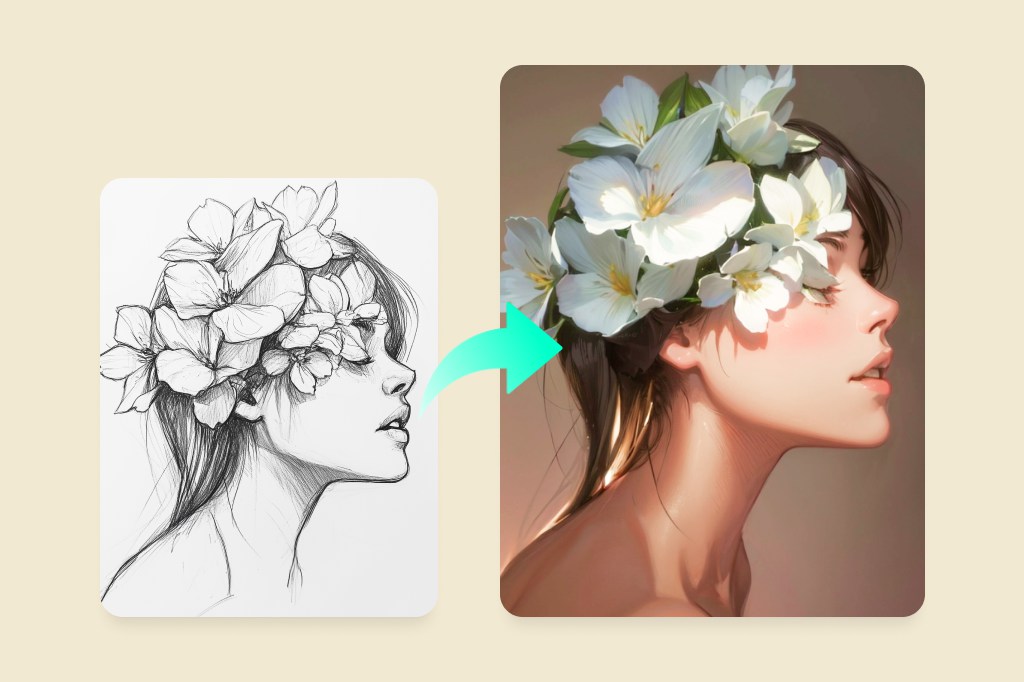
Image to image generator helps you turn fast sketches, simple drafts, or basic ideas into more complete visual concepts. You can upload a rough drawing, choose a style, and see it become a detailed design while keeping the same structure. The ai image to image generator also lets you remix one picture into different directions like fantasy, sci-fi, cute, dark, or surreal art. This makes it a great tool for artists, designers, and anyone exploring creative ideas. Instead of restarting the work, you can adjust the prompt and quickly test new versions until you find the look you like.

Apply Many Artistic Styles Instantly Using AI Image to Image

Create AI Image Transformations Anywhere Using Mobile Browser Friendly Tools
You can use image to image AI on your phone without downloading anything. Just upload your picture, enter your prompt, and generate results on the go. It is helpful for quick edits while traveling, working outside, or testing ideas anytime. The ai image to image generator works in your browser, so you do not need extra tools or apps. You get the same strong features on mobile as on a computer, making it great for fast creative work. With this access, you create new versions of your images anytime you want.
Explore more AI Photo Editing features
AI Image-to-Image Generator for All Types of Pictures
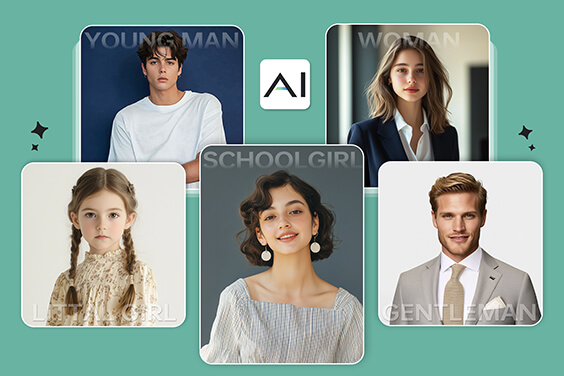
insMind's image-to-image AI generator can transform any type of picture. You can upload portrait, landscape, or pet images and get exceptional AI photos in new styles instantly.

Transform Rough Sketches
It helps designers turn rough sketches into polished visuals by adding color, enhancing details, and completing missing elements. With AI refinement, simple drafts become cohesive, high-quality designs ready for presentation.

Restyle Selfie Photos with AI
Transform your selfie into a new style using image to image AI. Change the background, lighting, or full look while keeping your face clear. The ai image to image generator gives your portrait a fresh mood with simple prompts.

Turn Landscape Photos into Art
Use image to image AI to turn landscapes into oil paint, watercolor, or dreamy artistic scenes. The tool keeps the same shapes but adds new textures and styles. It is great for creating calm, expressive visuals.

Give Your Pet a Creative Touch
Transform your pet photo into cute cartoon styles, fun fantasy looks, or stylized art using the ai image to image generator. The tool keeps your pet’s identity while adding charm and personality.
Why Choose insMind's Image to Image AI Generator?

One-Click Generation
Create new image variations fast with easy controls. Upload a picture, enter your idea, and the image to image AI generator builds fresh results in seconds. It saves time, removes stress, and helps you try many concepts without extra steps.

High-Quality Output
Get sharp details, clean colors, and balanced results that look ready for real use. The AI image to image generator keeps important features while adding your chosen changes. You can trust each output for design tasks, marketing, or personal ideas.

Flexible Personalization
Control the final look by typing simple prompts. Change style, mood, lighting, or scene without any design experience. The image to image AI tool understands natural language, so you can personalize each result freely and match any creative direction you want.
FAQs about Image to Image AI
What is image to image AI?
How does our Image to Image AI generator work?
Can I customize the image generation result?
How long does it take to generate a picture?
Is the AI image generator from image free to use?
What image formats are supported for image to image AI?
Can I use the generated images for commercial purposes?
Do I need design or AI experience to use the generator?
What types of images work best with image to image AI?
You might be interested in
Make your pictures pop with features that are completely free.

AI Cartoon Generator

AI Image Generator

Avatar Maker

AI Portrait Generator

AI Face Generator


"What impressed me most is the speed and consistency. I can upload an image, describe what I want to change, and get high-quality results in seconds. insMind makes image-to-image editing feel simple, flexible, and reliable for daily design work."
@Daniel Kowalski, Visual Designer