AI Sketch to Realistic Image Generator – Turn Drawings into Real Photos Online

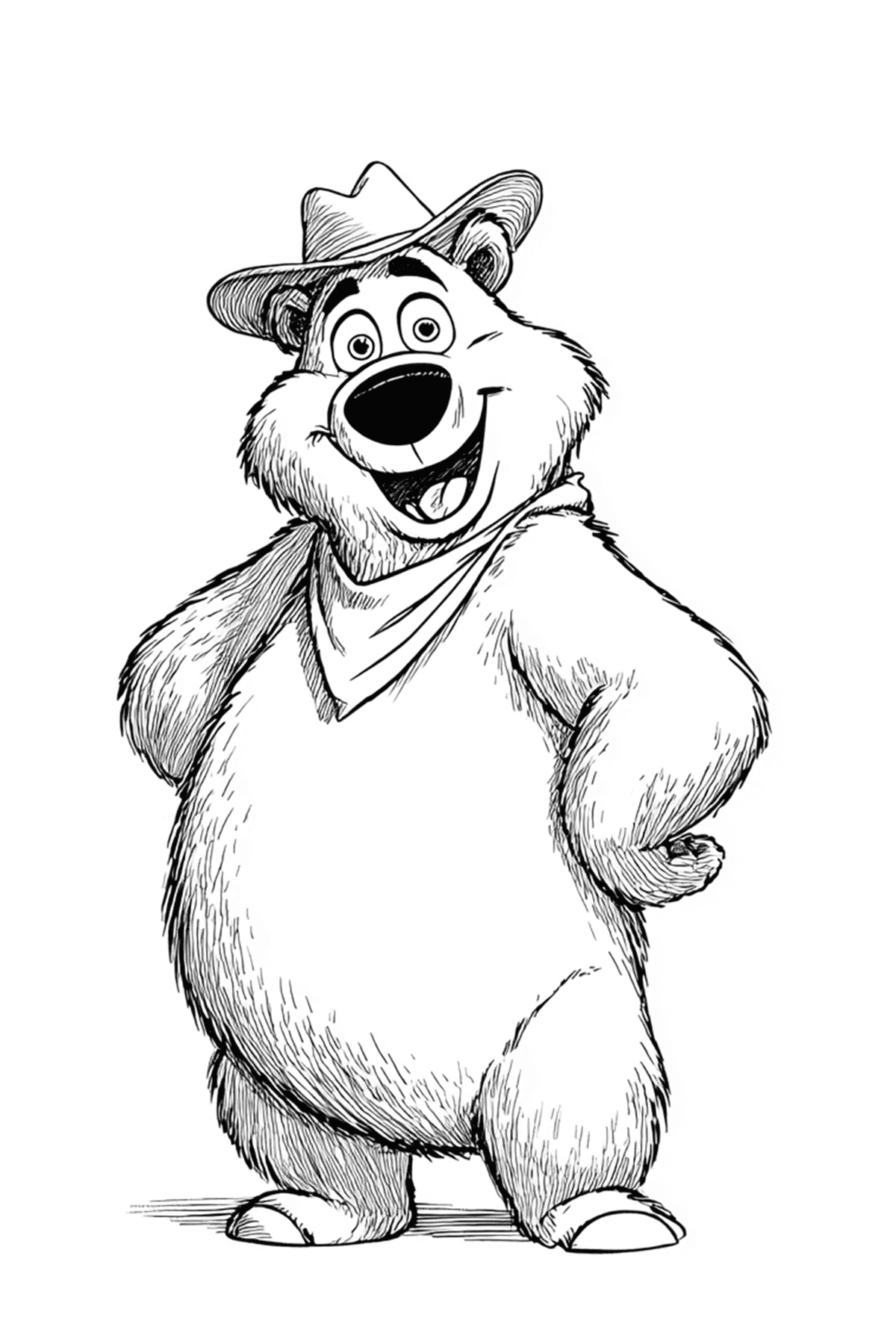
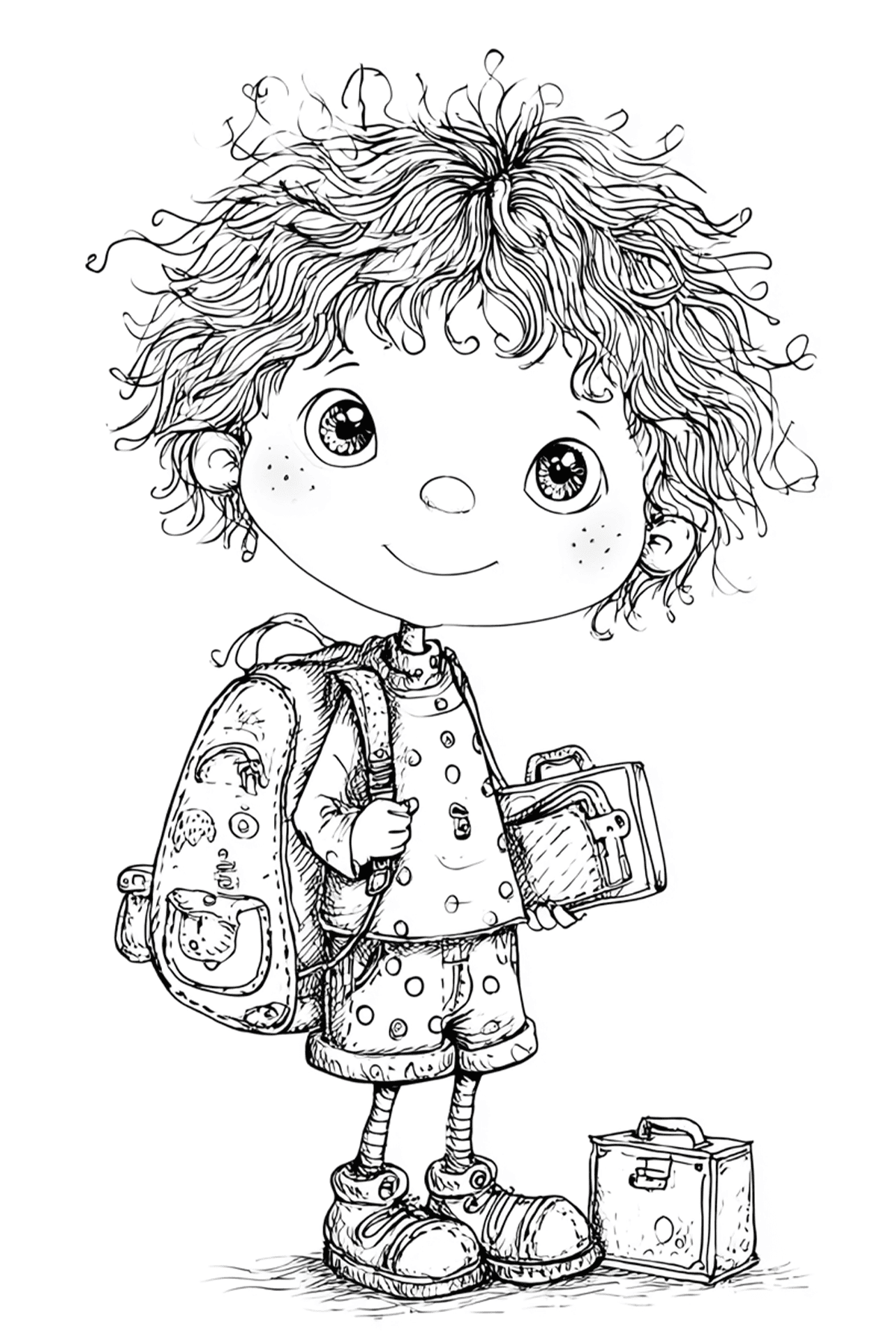
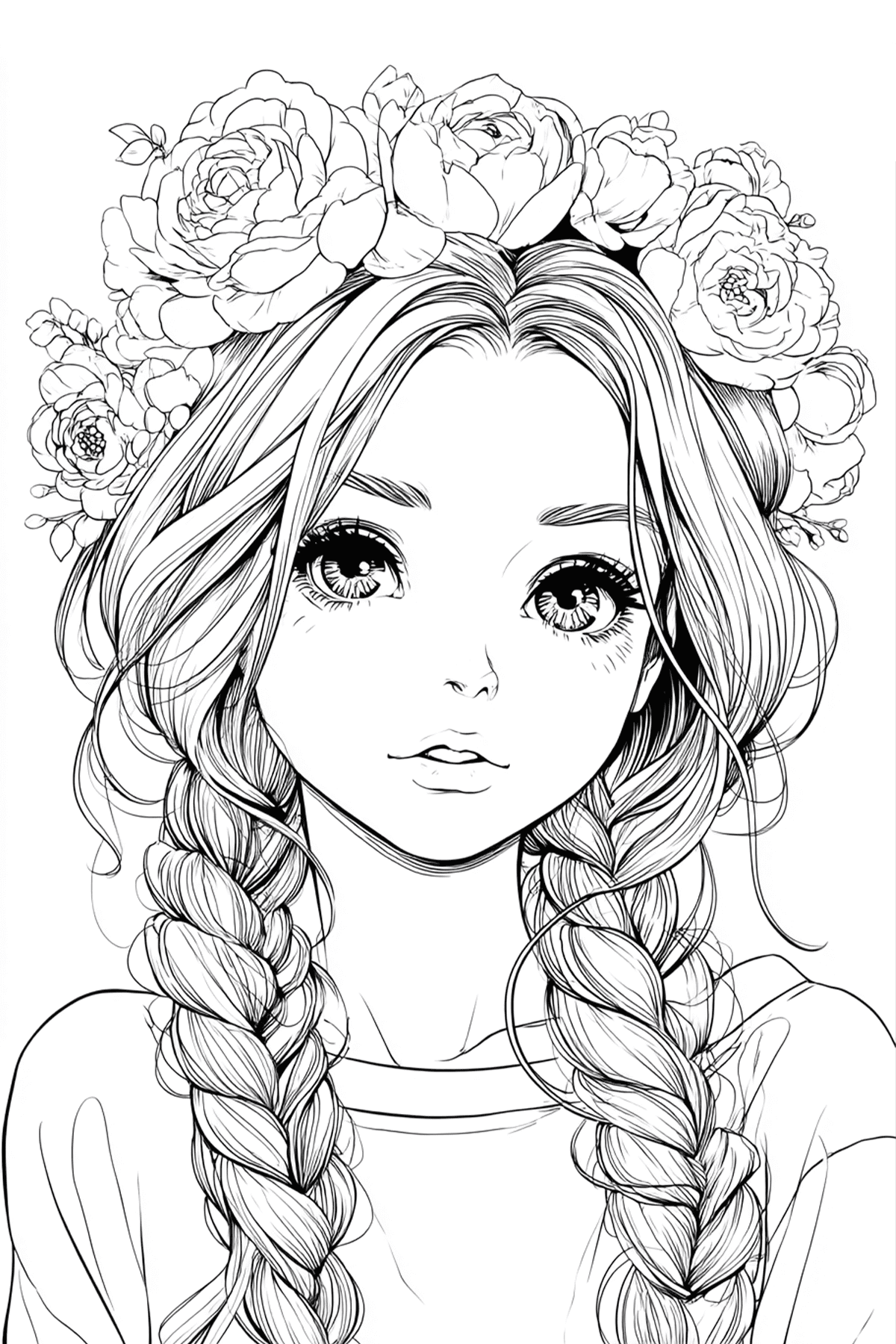
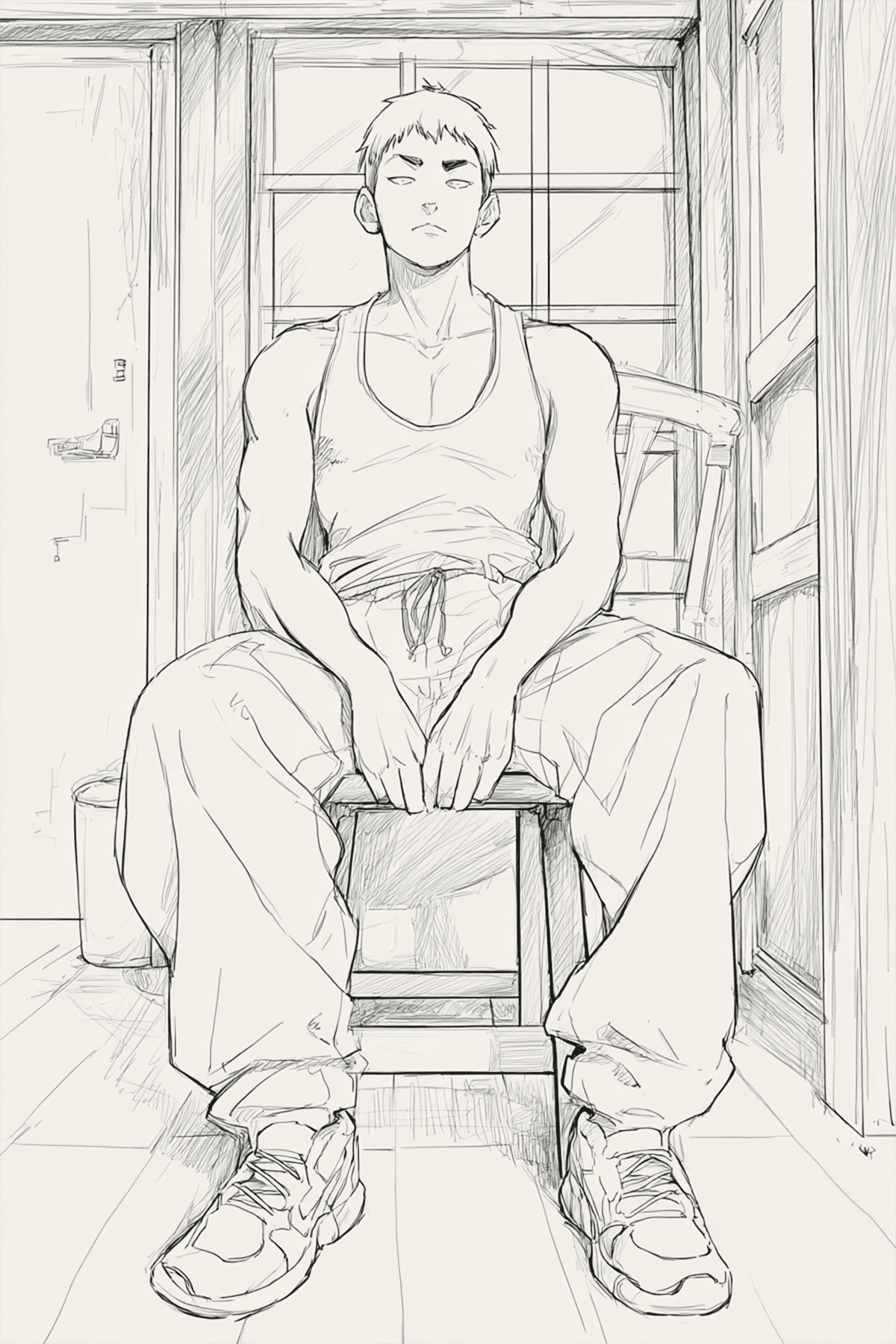
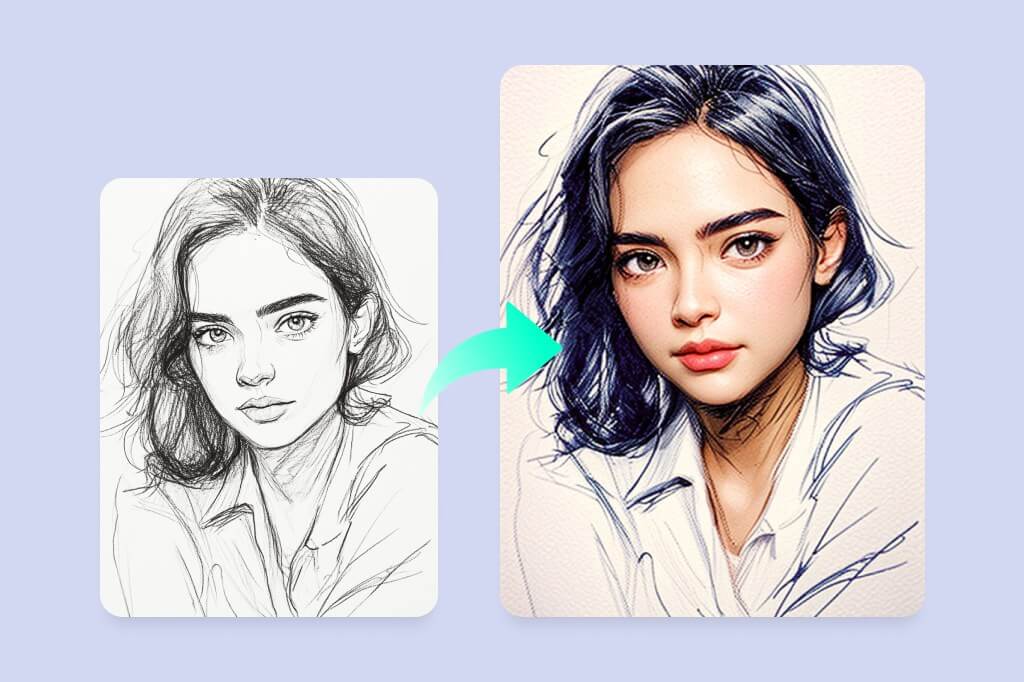
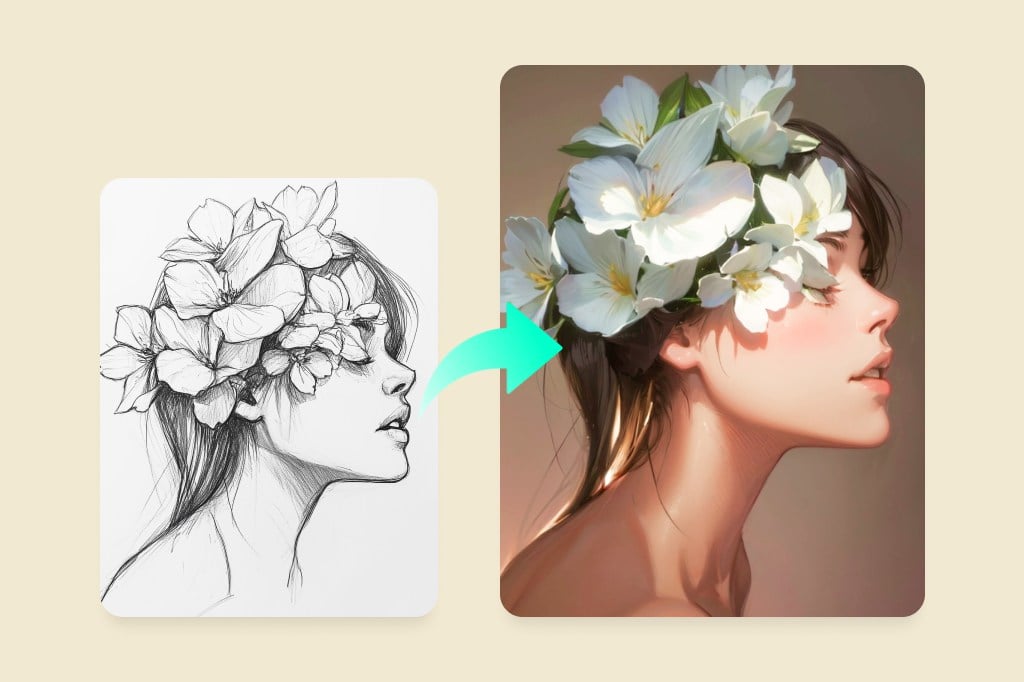
Turn your sketch or drawing into a realistic image online with AI instantly. Whether it's an interior design draft, product concept, or portrait, our AI transforms your sketches into stunning, high-detail artwork. Simply upload your drawing and turn it into any style of realistic image with just one click.

AI Sketch to Realistic Image Generator – Turn Drawings into Real Photos Online
Or drop image here, paste image or URL
Try with one of these
insMind AI Crying Filter Sample 1
insMind AI Crying Filter Sample 2
insMind AI Crying Filter Sample 3
insMind AI Crying Filter Sample 4
insMind AI Crying Filter Sample 5
AI Sketch to Realistic Image Generator – Turn Drawings into Real Photos Online
Accelerate Design Workflow with AI Sketch to Art Conversion

Accelerate Design Workflow with AI Sketch to Art Conversion

Want to turn your creative ideas into stunning artwork? A rough sketch is all you need. With our AI sketch generator, transforming sketches into polished images is easy.


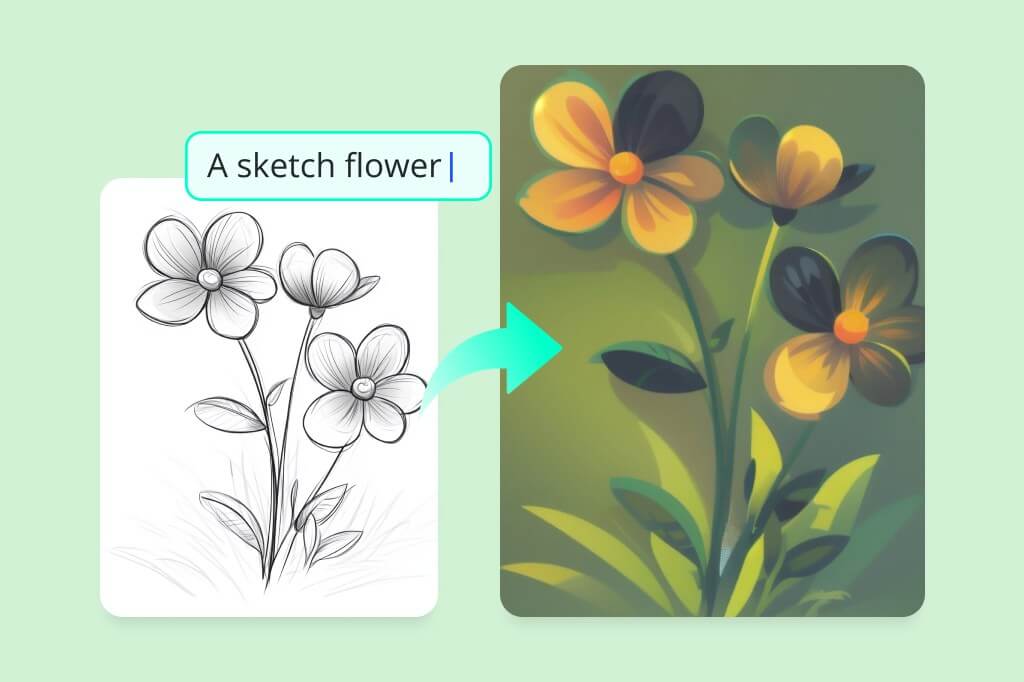
Simply upload your sketch, add a brief description, and our AI will instantly create vibrant, refined art. Perfect for speeding up the design process, it saves designers time and effort, allowing them to focus more on creativity rather than repetitive tasks.
Turn Sketch into Image with AI
Convert Sketches to Different Style Images Effortlessly

Convert Sketches to Different Style Images Effortlessly

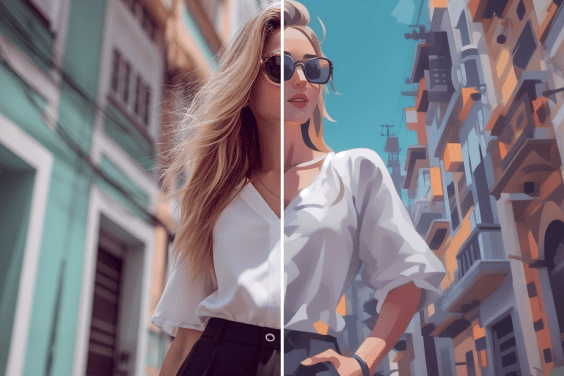
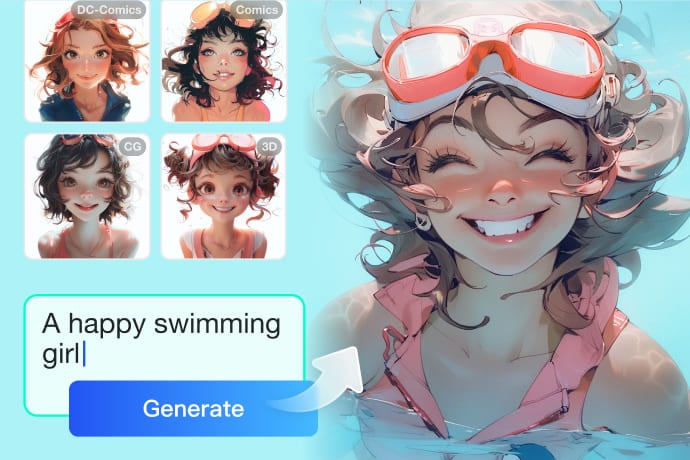
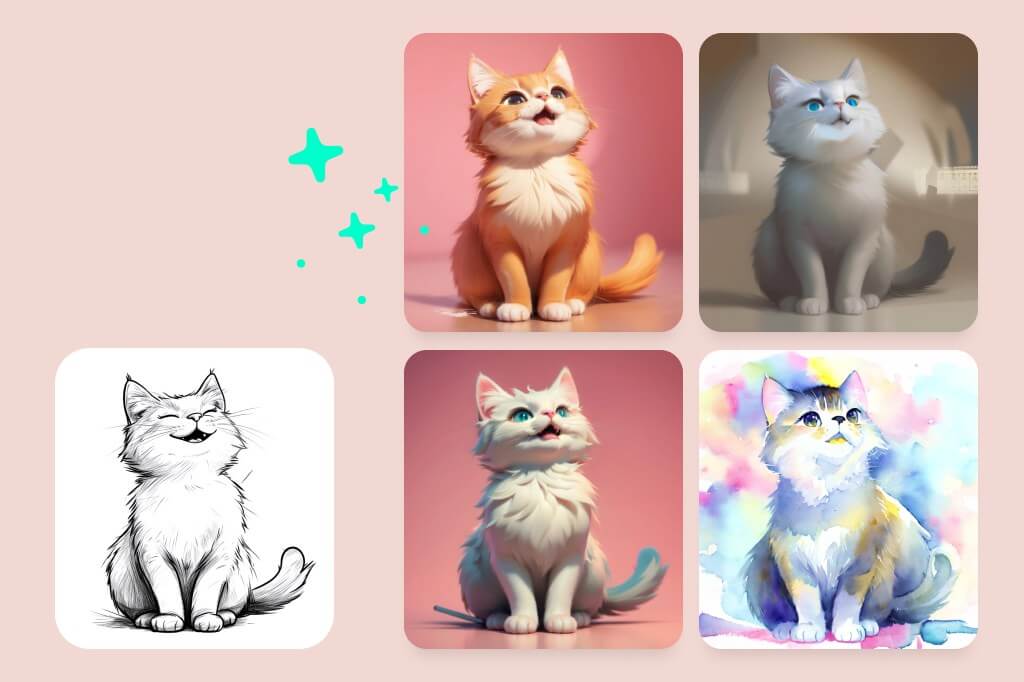
With the help of insMind, you can transform your sketches into images in various styles, including 3D, CG, anime, cartoons, and more. Bring your ideas to life by exploring a wide range of styles and choosing the perfect one that suits your vision, all with high-detail precision. Whether you're drafting a building design, creating fashion concepts, or crafting artwork, insMind's online sketch to image AI tool has you covered.
Convert Sketches to Artwork Now
Drawing to Realistic AI: Convert Rough Drawings to Realistic Digital Images

Drawing to Realistic AI: Convert Rough Drawings to Realistic Digital Images

Can't find the image that matches your vision? No problem—just draw a simple sketch, and let our AI sketch-to-photo generator do the rest. With just a few clicks, turn rough sketches into detailed images, ready to enhance your presentations, learning materials, websites, and more.
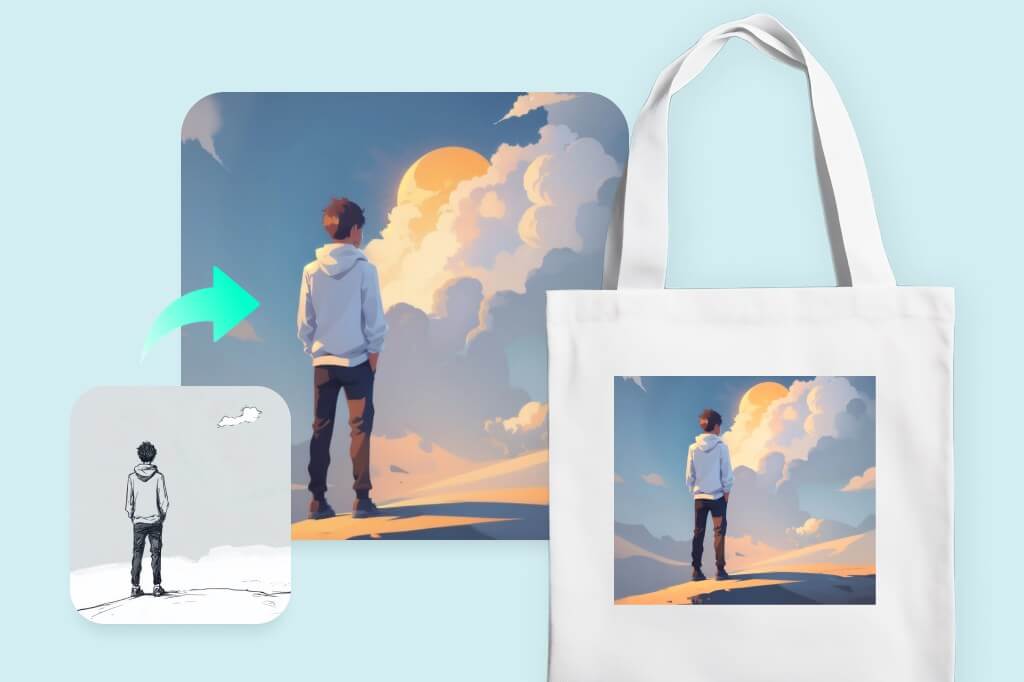
Turns Drawings into Photos for Free
Quickly Move from Concept Sketch to Printed Art

Quickly Move from Concept Sketch to Printed Art

  • insMind provides a seamless platform for transforming your sketches into printed products. Once your image has been generated, you can enhance it using versatile photo editing features, including cropping, resizing, enlarging, etc. Additionally, insMind offers multiple templates for you to choose from. With insMind, you have all the resources you need to turn your ideas into products, whether for advertising, marketing, branding, or personal use.
  • Try insMind AI Sketch Generator

    How to Turn a Sketch into Digital Art with AI
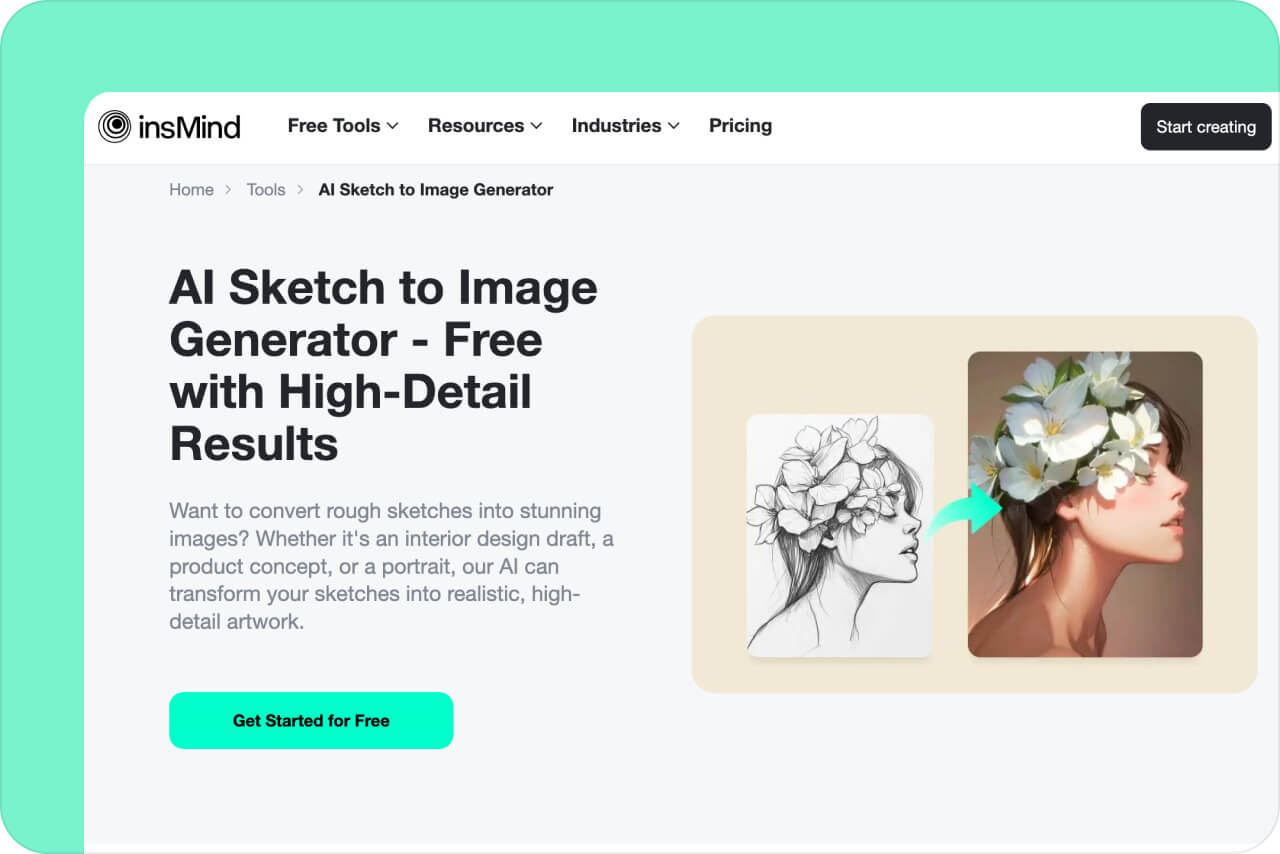
    Open insMind AI Sketch Generator
    1

    1 Open insMind AI Sketch Generator

    Access insMind using any web browser. When you can on the AI Sketch Generator webpage, click the "Get Started for Free" button to access the tool. Alternatively, click the "Try it Free" button on the header of the website, and access the workspace. In the workspace, you can open the "AI Image Generator" tool.
    Step 2: Upload Your Sketch as Reference
    2

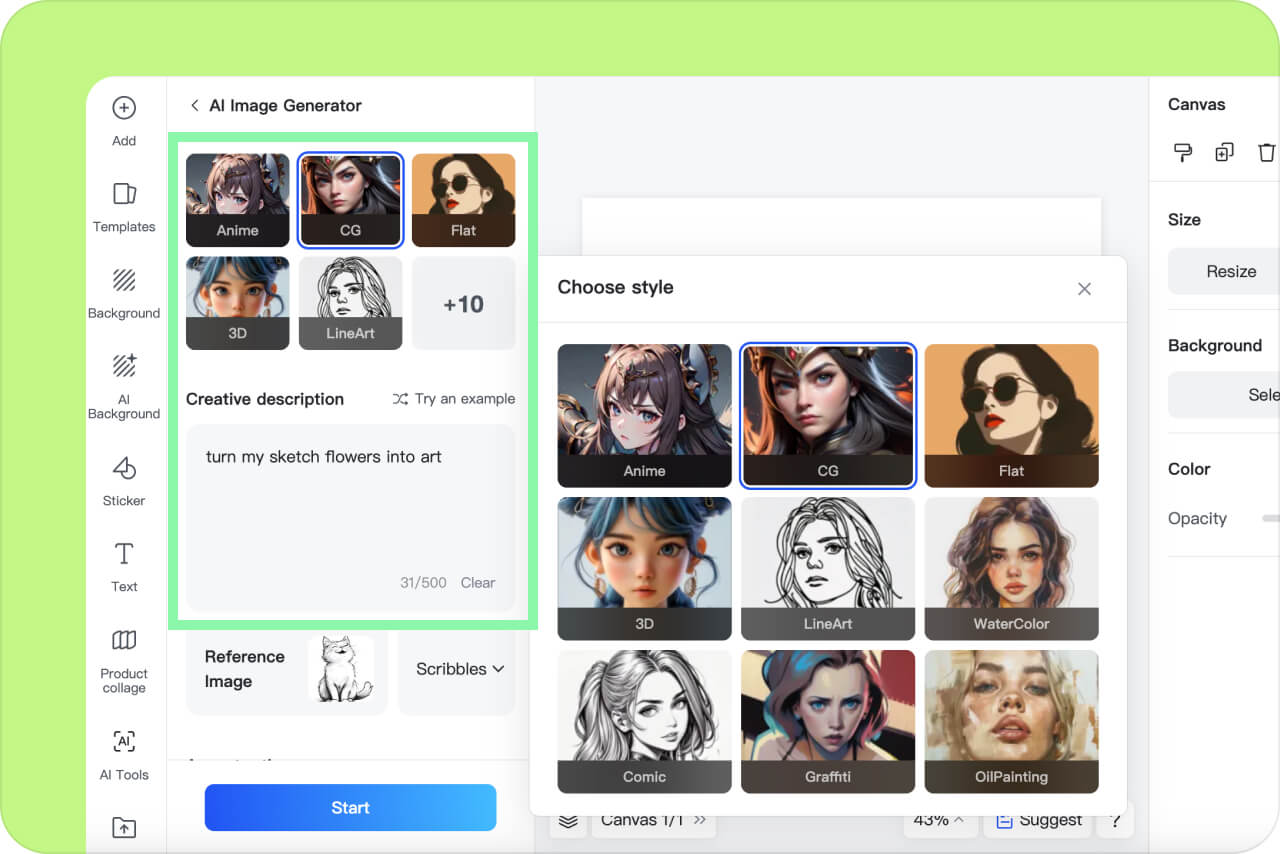
    2 Step 2: Upload Your Sketch as Reference

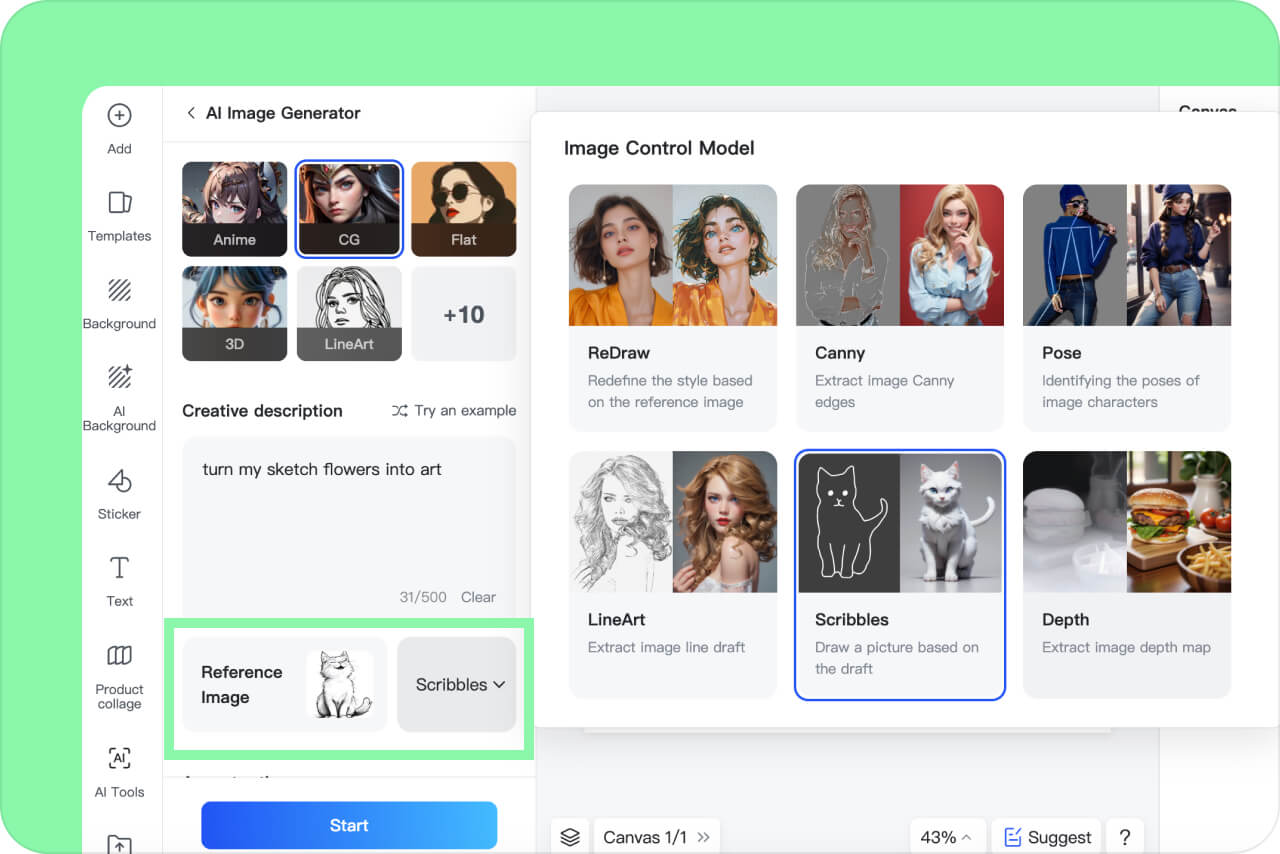
    Once you have opened the AI sketch to image generator, upload the sketch you drew from your device in the "Reference image" area. Click the "ReDraw" drop-down button and you can select the "Scribbles" option, which can help you "Draw a picture based on the draft".
    Step 3: Add Text Descriptions and Select Style
    3

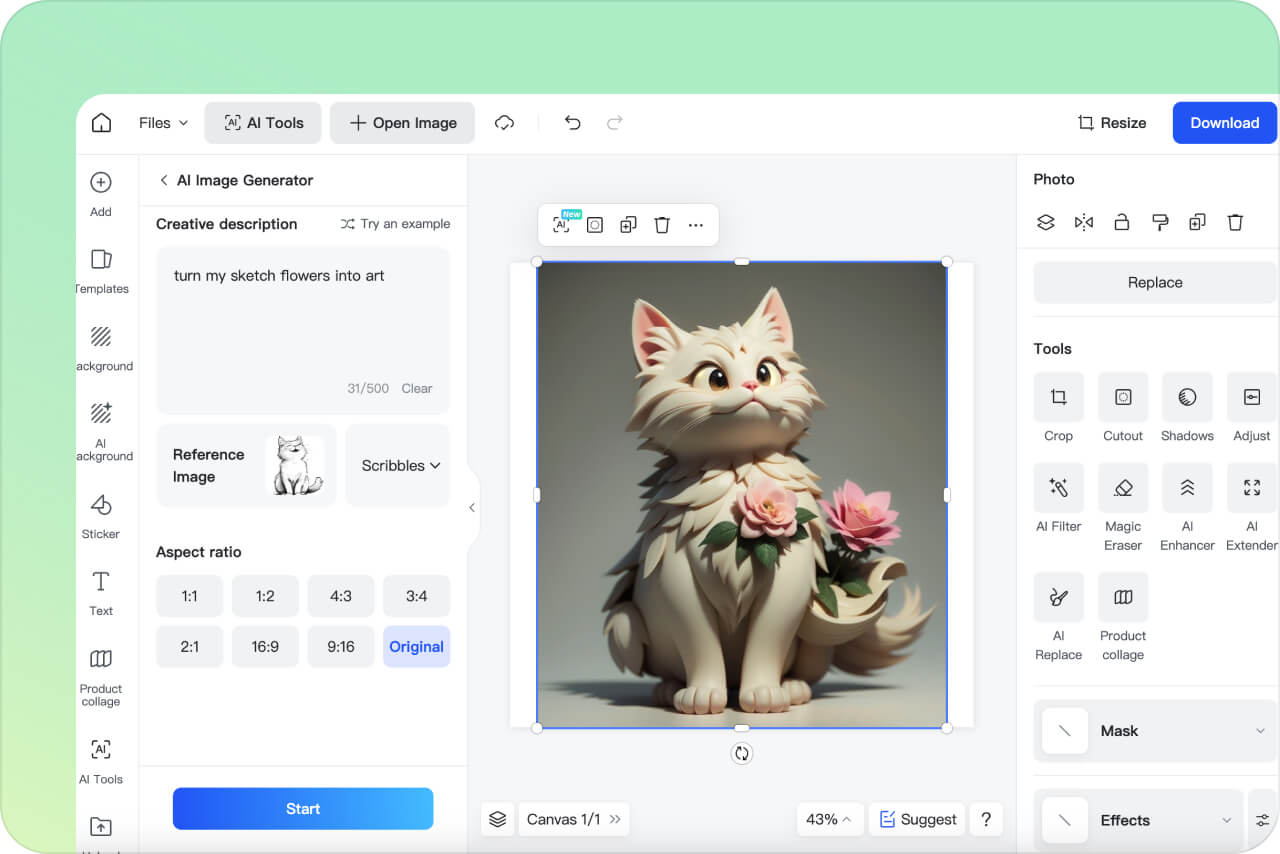
    3 Step 3: Add Text Descriptions and Select Style

    Next, write a brief description of your requirements. The AI will use this as a guide to hone the details. Be as descriptive as possible to get the most extraordinary final results. Select the style you want your image to be, such as CG, anime, flat, 3D, etc.
    Step 4: Generate Image and Download
    4

    4 Step 4: Generate Image and Download

    Now, select an aspect ratio from 1:1, 1:2, 4:3, 9:16, etc., and click the "Start" button. The AI will transform your sketch into a detailed digital image within a few seconds. Once processing is complete, click the "Download" button on the top-right corner to save the image easily.

    Explore more AI Photo Editing features

    AI Sketch to Image Converter: Versatile Across All Industries

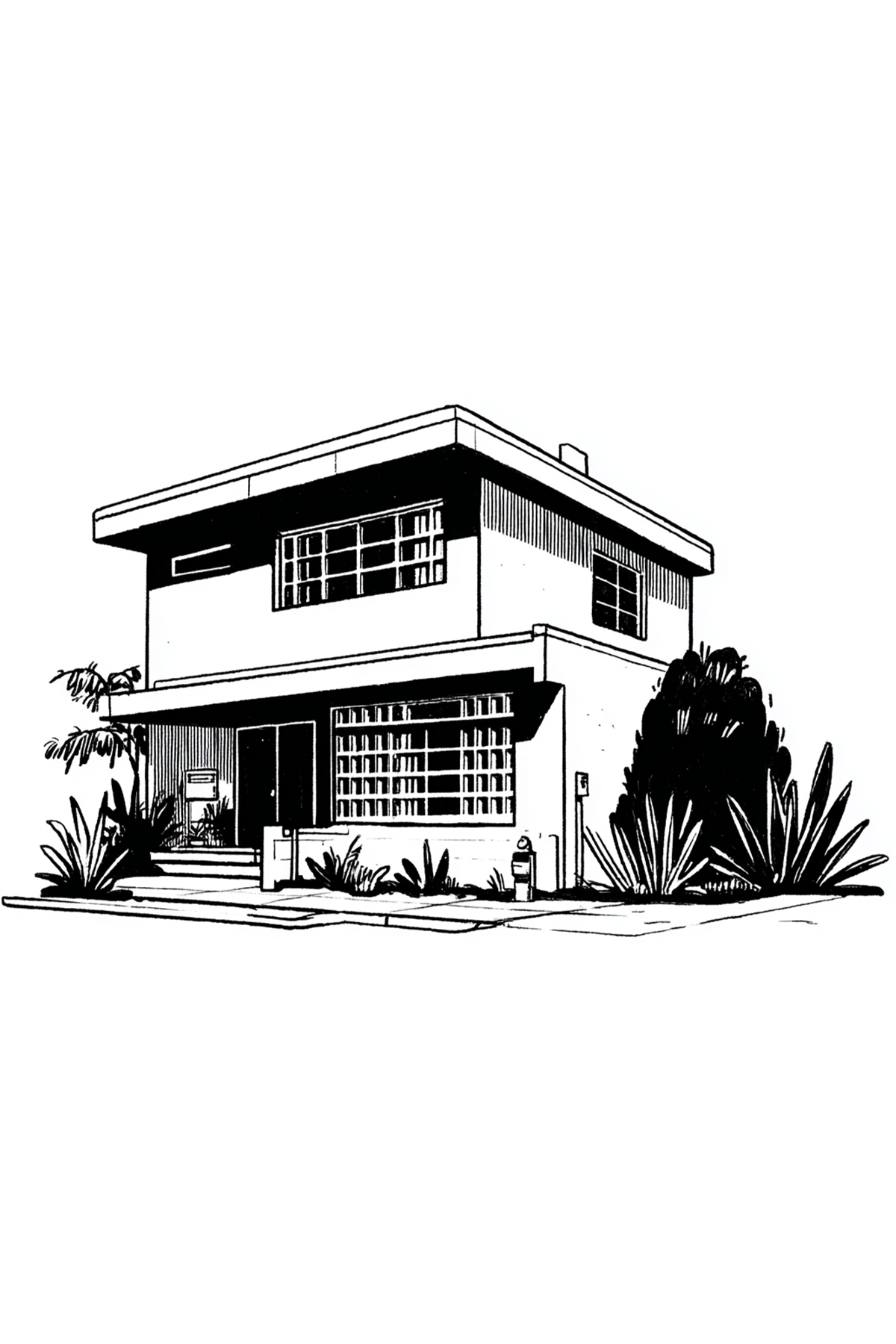
    The AI sketch to image AI is adaptable and appropriate for several industries. It allows rapid sketch to polished photograph conversion for entrepreneurs and architects alike, saving time and simplifying creation.
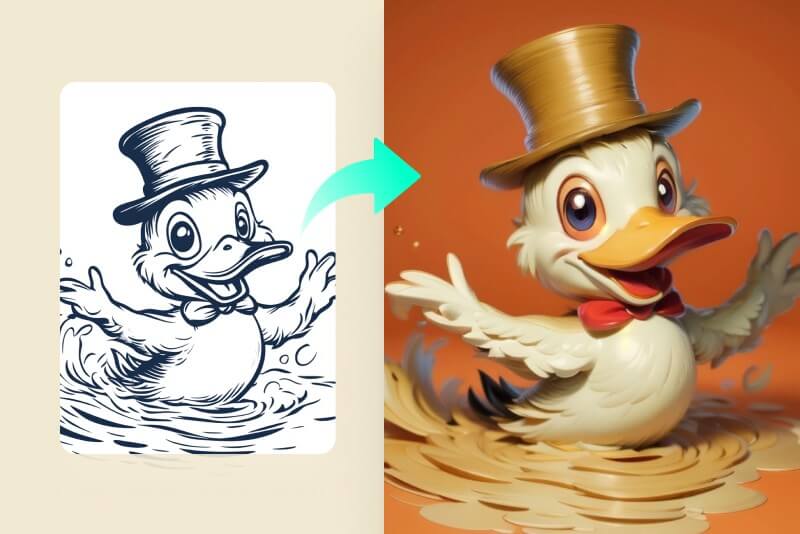
    Convert Sketch to Digital Arts

    Convert Sketch to Digital Arts

    Turn sketches into stunning digital images in seconds, perfect for designers eager to streamline their workflow and bring artistic visions to vivid life.
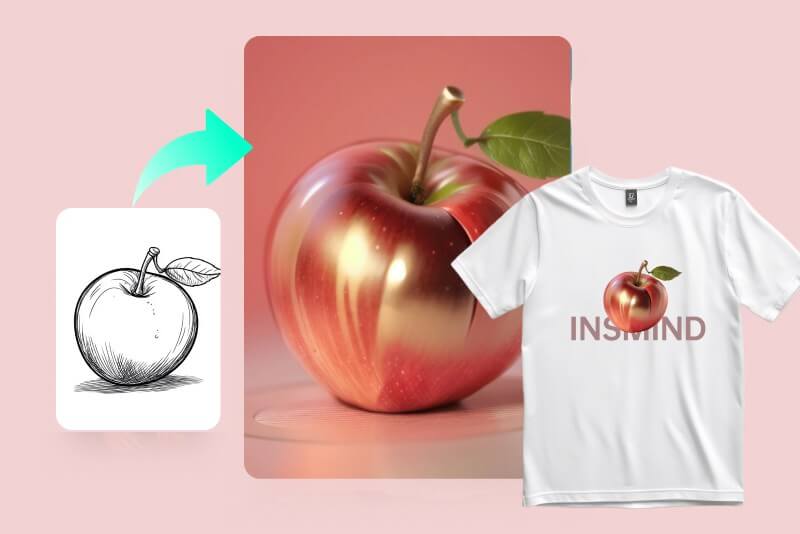
    Transform Drawings to Marketing & Ads

    Transform Drawings to Marketing & Ads

    Quickly turn sketches into compelling ads. Boost engagement with unique visuals. This is ideal for campaigns and product promotions, as it reduces the time required to develop promotional content material.
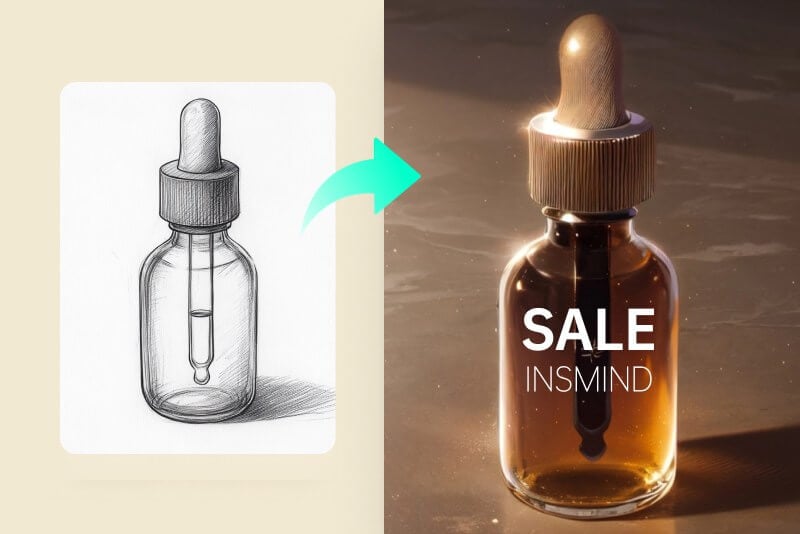
    Turn Drawings into Studio-Level Product Photography

    Turn Drawings into Studio-Level Product Photography

    The sketch to image AI generator facilitates the creation of product photos for online outlets. Instantly turn sketches into product images. Attract customers with striking visuals. Enhance your online store's appeal. Simplify image creation for faster listings.

    Why Choose insMind AI Sketch to Art Generator?

    Multiple Styles

    Multiple Styles

    insMind's sketch-to-image generator offers a variety of styles, including CG, cartoon, anime, and 3D. Choose the style that best suits your artistic vision and bring your sketches to life.

    One-Click Generation

    One-Click Generation

    With just one click, you can turn your simple sketch strip into a beautiful image. This quick tool is perfect for designers and marketers.

    Realistic Effects

    Realistic Effects

    Use the latest AI technology to create stunningly realistic effects. Level up your projects with lifelike images from sketches. Ideal for high-quality visual content.

    FAQs about AI Drawing to Image Converter

    Can I turn a rough sketch into beautiful images?

    insmind expand icon
    Yes. insMind AI sketch-to-image generator quickly turns a rough sketch into a lovely, adequately done digital photograph. The tool uses advanced AI to enhance and convert sketches into polished artworks suitable for various applications. Just upload your sketch, choose your preferred style, and let the AI do the rest.

    Is there a free AI to make sketches into digital?

    insmind expand icon
    Yes. insMind offers a free AI sketch-to-image generator that effortlessly transforms sketches into digital images. Accessible online from any web browser, this tool lets you experience AI-enhanced image generation without any cost. It's a convenient way to bring your sketches to life.

    What are the benefits of an AI sketch to image converter?

    insmind expand icon
    AI sketch generators save time and effort, eliminating the need for advanced design skills to create professional-looking images. With quick customization, you can transform your hand-drawn drafts into polished digital artwork. The AI enhances creativity by helping you explore unique styles, colors, and effects.

    Who can use the AI sketch to picture tool?

    insmind expand icon
    AI sketch-to-image generators are ideal for marketers, designers, and photographers. They create digital images for product displays, branding, and advertising, offering versatility across industries. The tool is also valuable for personal projects, such as artwork and drawings.

    What types of sketches does the AI support?

    insmind expand icon
    It supports all kinds of sketches, including portraits, product designs, architecture drafts, and simple line drawings.

    Can I upload a pencil drawing or scanned sketch?

    insmind expand icon
    Yes! You can upload hand-drawn pencil sketches, scanned drawings, or digital sketches — the AI works with all of them.

    What image formats are supported?

    insmind expand icon
    insMind supports JPG, JPEG, PNG, and WEBP formats for upload and download.

    Can I choose different art styles?

    insmind expand icon
    Yes. You can select from multiple styles like Realistic, Cartoon, Pixar, Anime, and Color Line Art to match your creative goal.

    Is my uploaded file safe?

    insmind expand icon
    Absolutely. All uploaded images are processed securely and automatically deleted after enhancement. Your files are never shared or stored.

    You might be interested in

    Make your pictures pop with features that are completely free.