
AI Image Generator from Photo
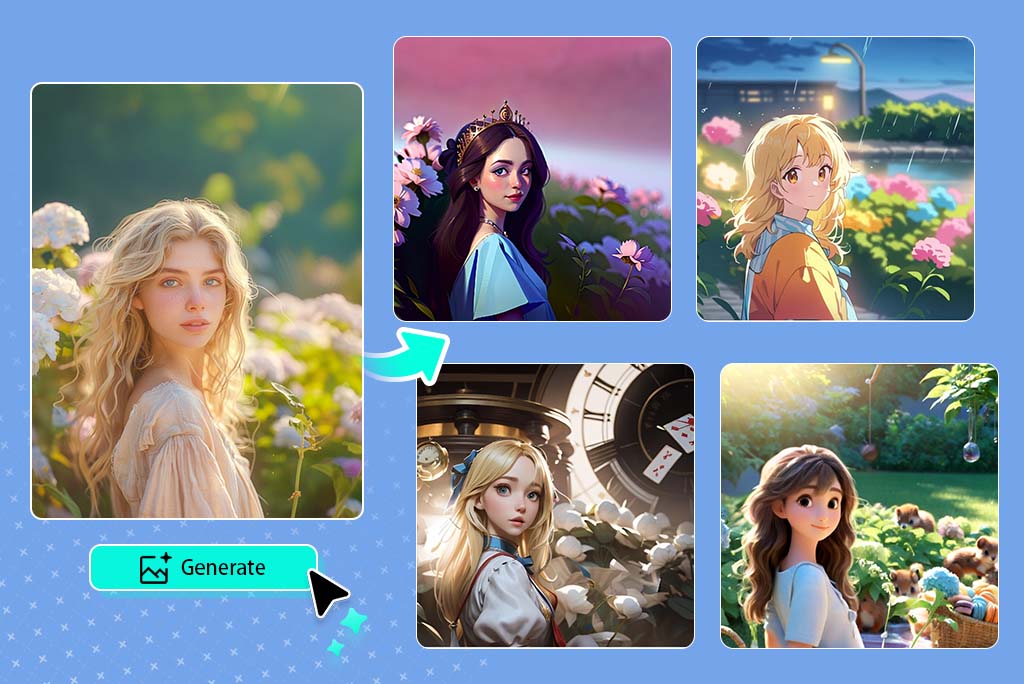
How to Generate AI Images from a Photo
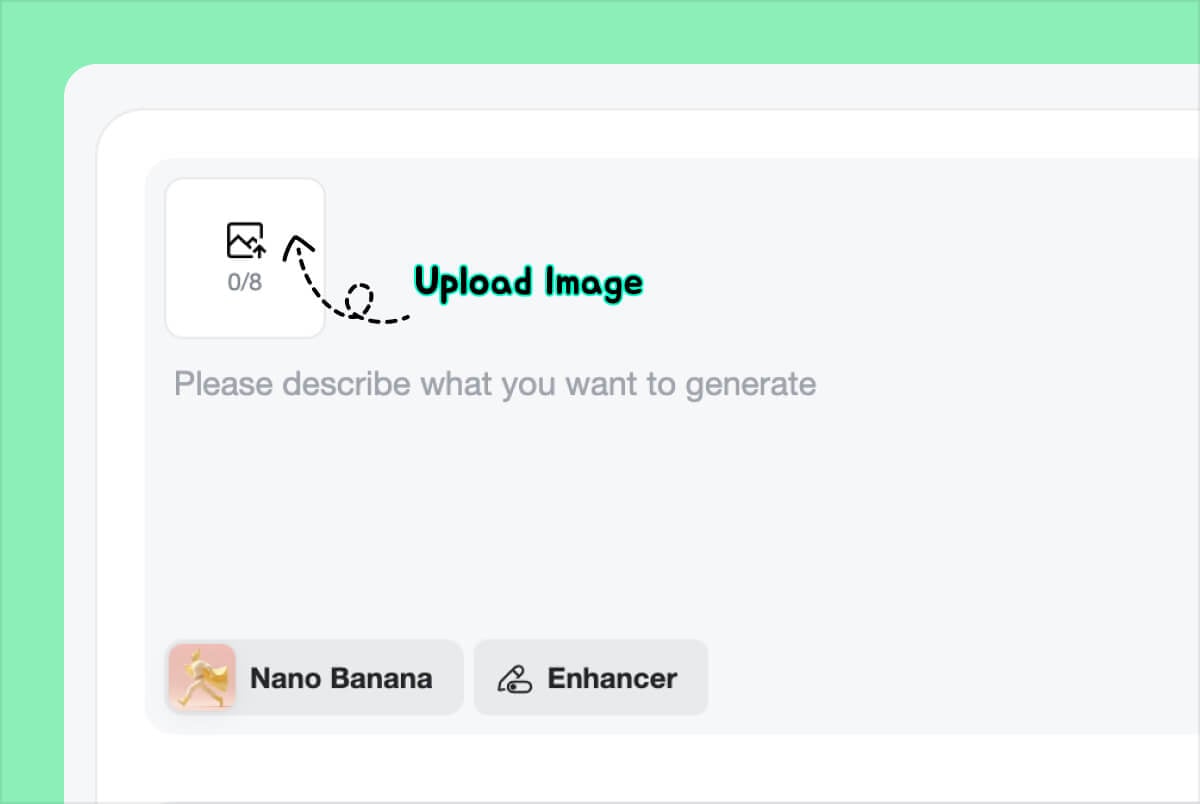
1 Upload your reference photo
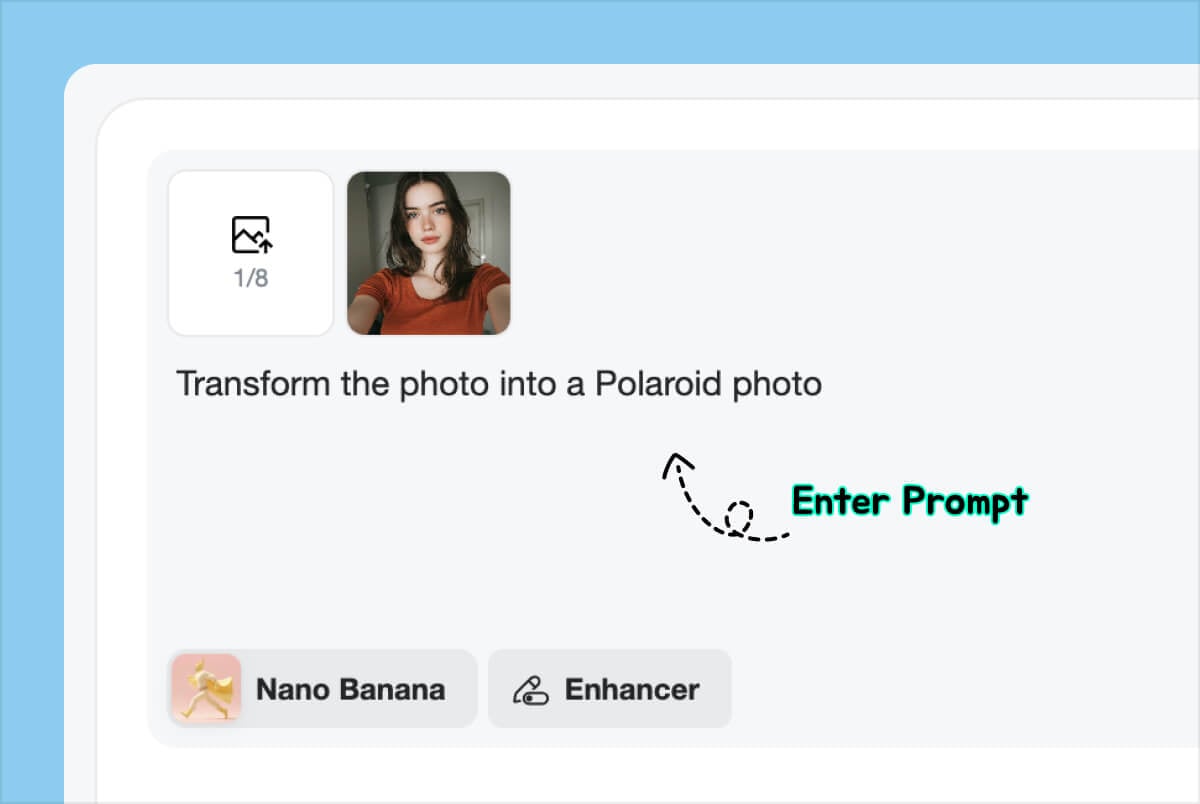
2 Describe the image you want
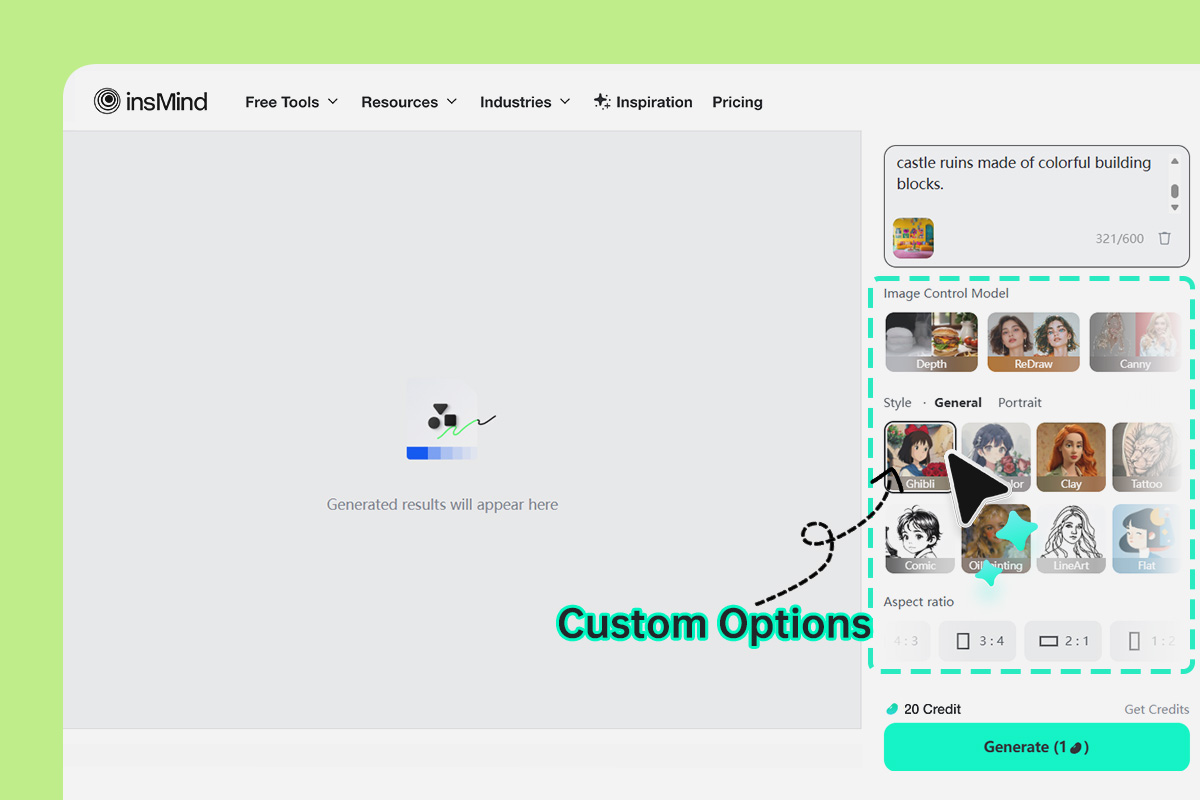
3 Adjust the style or strength
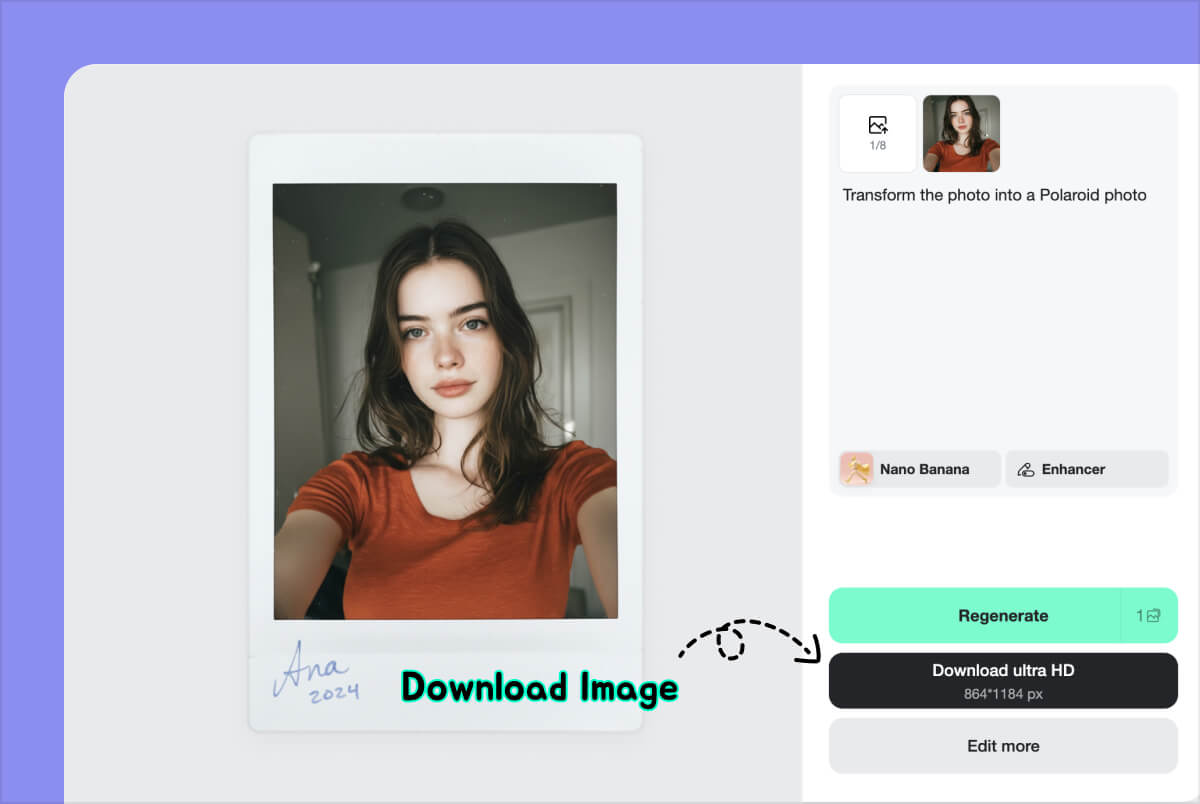
4 Generate, compare, and download
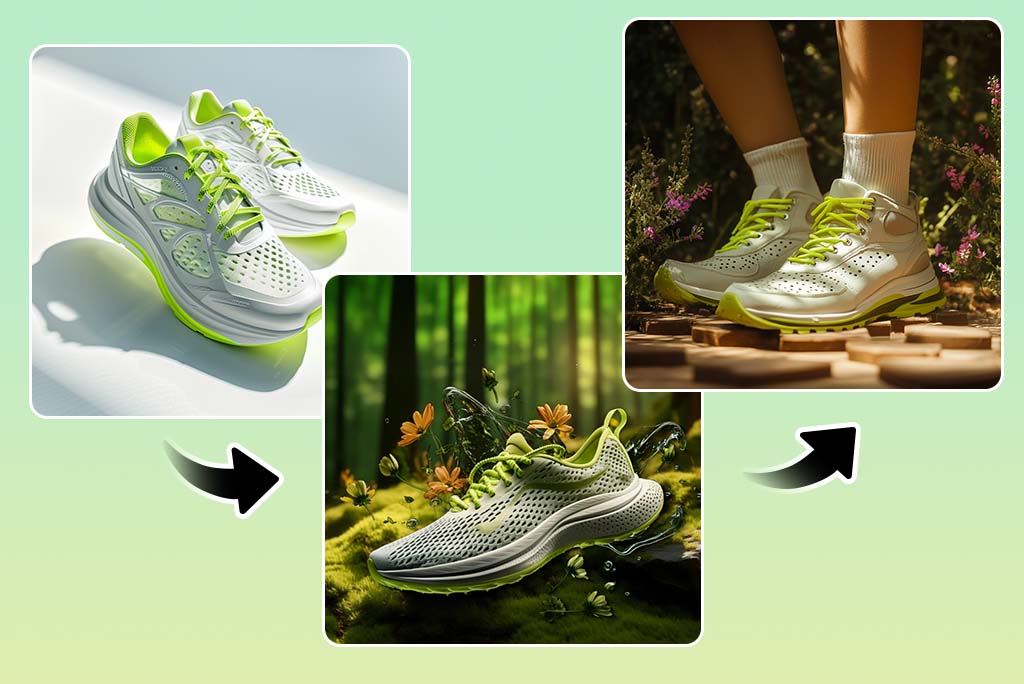
Generate AI Images from a Reference Photo
Use insMind when you have a picture to start from and want a new version of it. Upload a portrait, product shot, sketch, or design draft, then describe the direction you want.
The source picture gives the AI a visual structure to follow. You can keep the subject, pose, or composition while testing a new background, style, color palette, or mood. If you do not have a reference picture, start with the AI image generator instead.
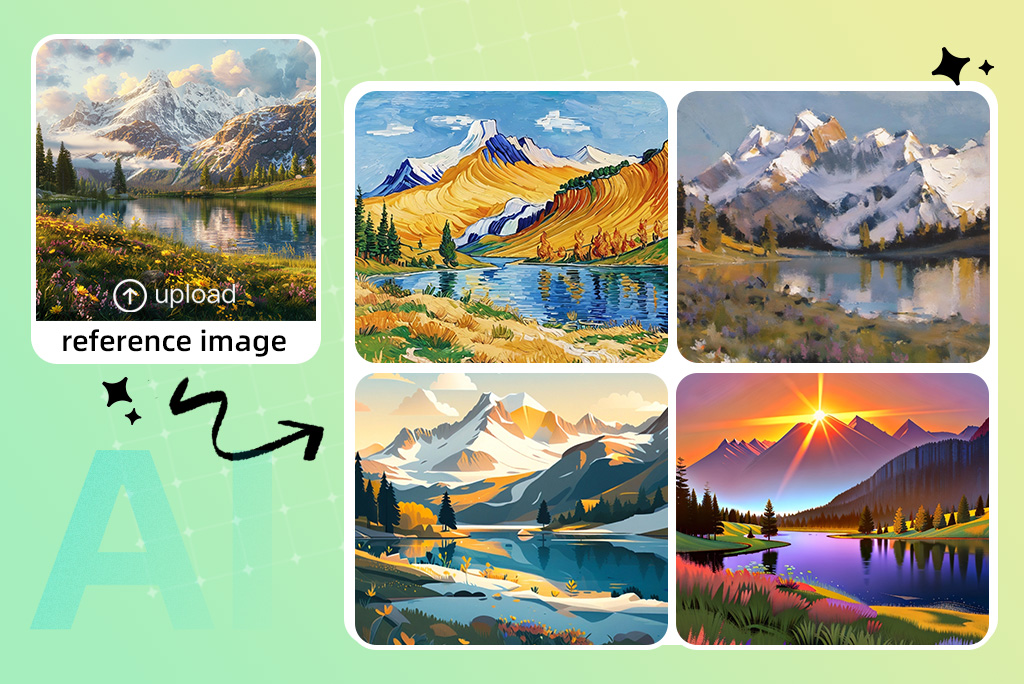
Turn One Photo into New Image Variations
This workflow is useful when the original photo is close, but not quite right. You can ask for warmer lighting, a studio background, a watercolor style, a cyberpunk scene, or a cleaner product look.
If the output drifts too far, make the next prompt narrower. Mention what to keep, then add one or two changes instead of rewriting the whole idea.
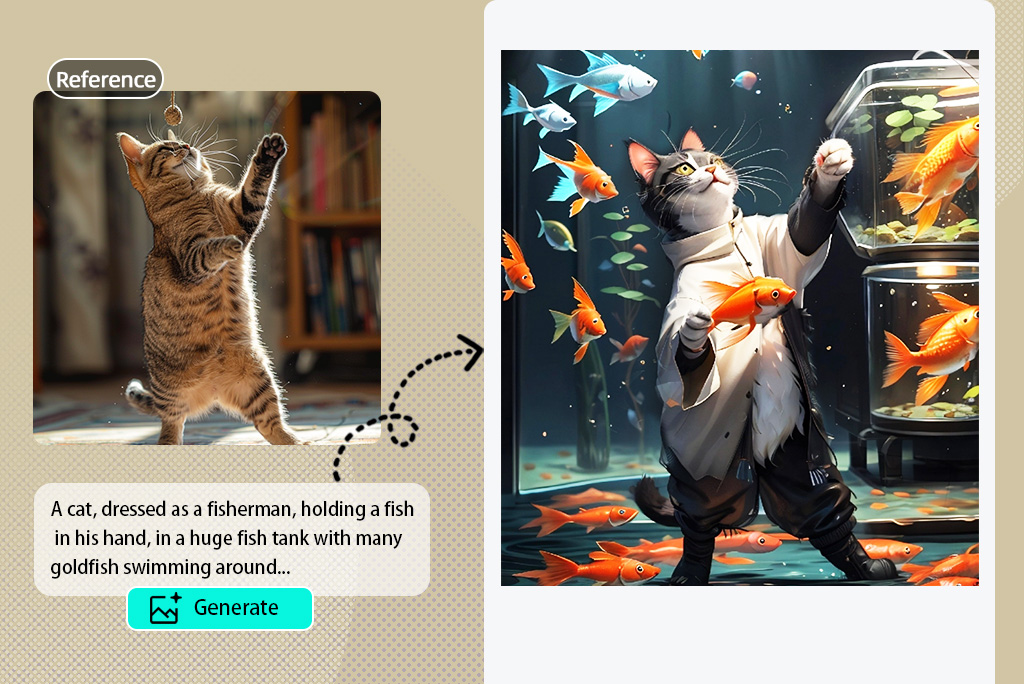
Turn Sketches and Drafts into Finished Concepts
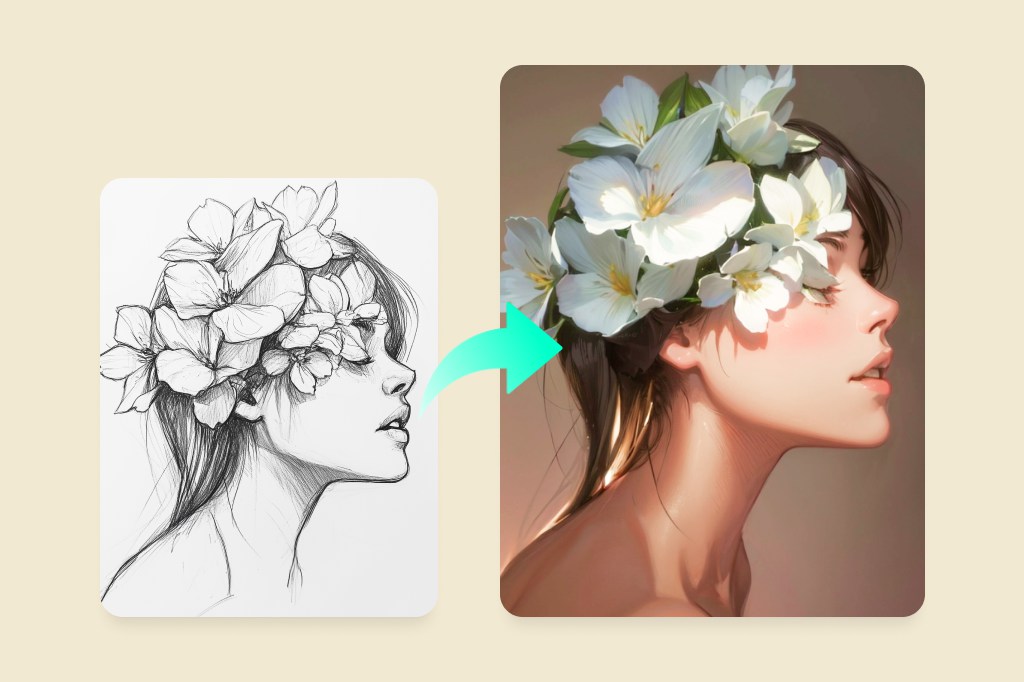
Image to image tools are useful for rough sketches, layout drafts, fashion ideas, product concepts, and early character designs. The original image sets the shape; the prompt gives the AI a direction.
For hand-drawn sketches, start with clean lines and avoid tiny notes or clutter around the drawing. If your whole task is turning a sketch into finished art, the AI sketch to image tool is more focused.
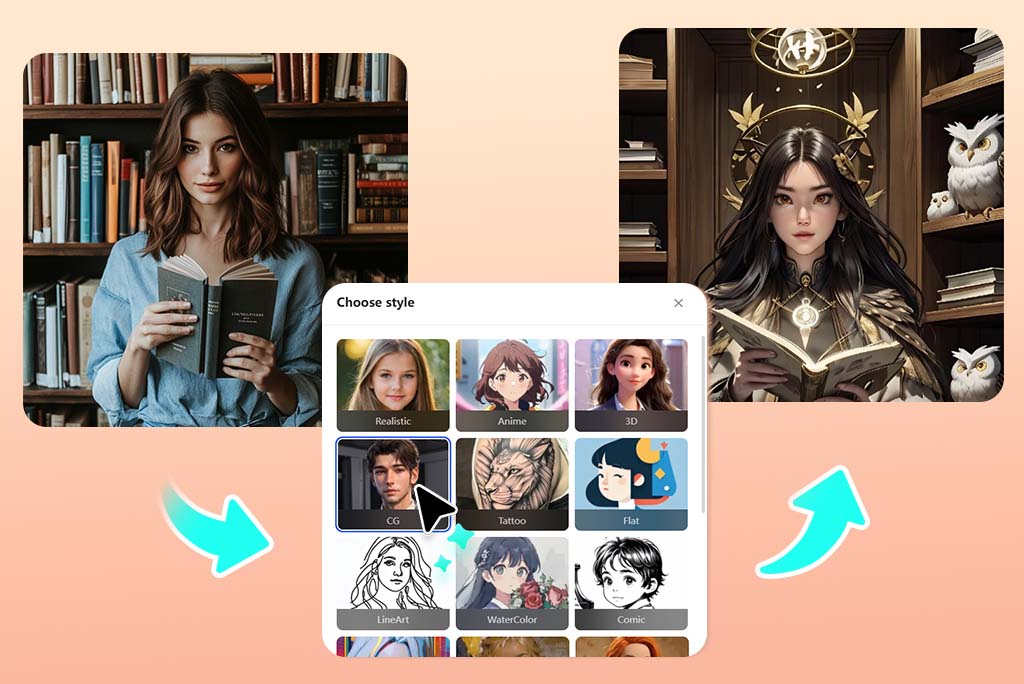
Restyle Photos into AI Art
Change a photo into a different visual style without starting from a blank prompt. Try sketch, watercolor, cartoon, cinematic, product-ad, fantasy, or soft digital art directions.
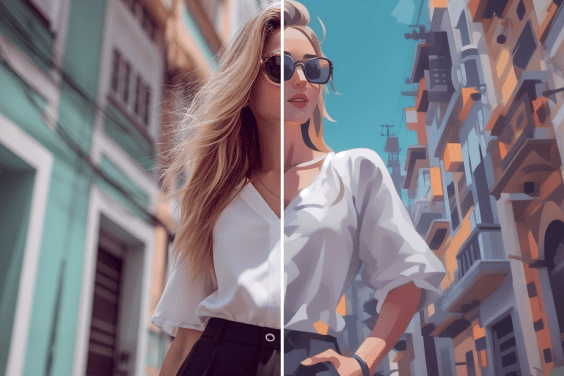
Style changes work best when the original has one clear subject. If the main goal is a cartoon-style result, use the AI cartoon generator; keep this page for broader image-to-image variations.
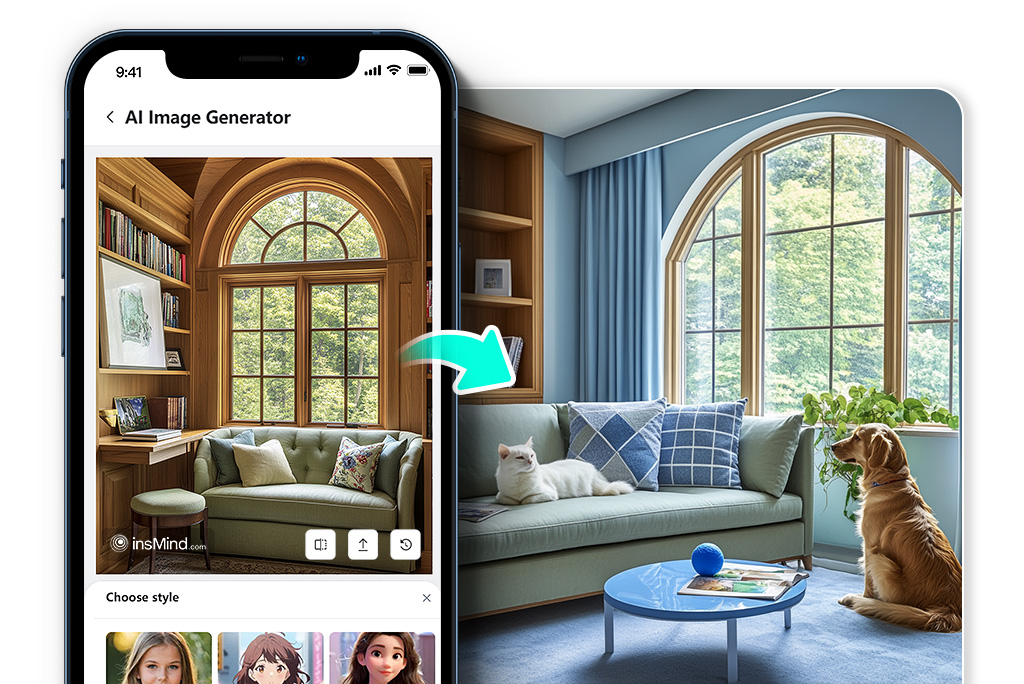
Create from Source Images on Desktop or Mobile
Open insMind in a browser, upload the source image, and test a few variations from it. This is useful when you want quick options for a social post, product visual, concept board, or personal edit.
Mobile photos can work well, but sharp images with visible details usually give steadier results than screenshots, heavy filters, or very dark photos.
Related AI Image Tools
What Can You Make from One Photo?
Use this page when the starting picture matters: a portrait, product photo, pet picture, landscape, sketch, or rough concept. The goal is controlled variation from a source image, not a generic text-to-image result.
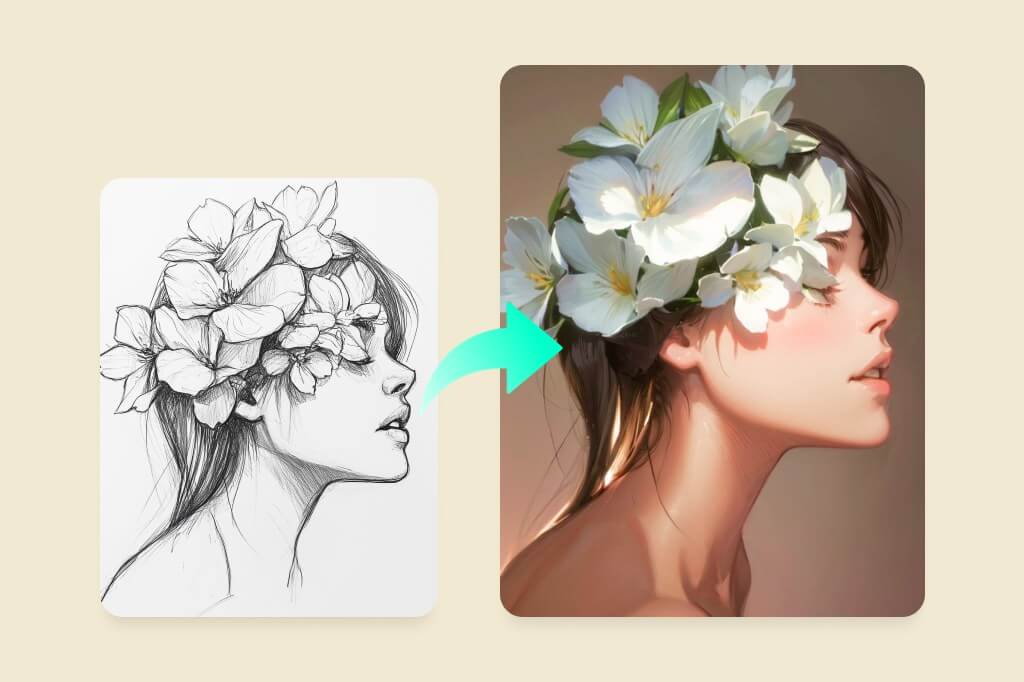
Create Variations from Product Photos
Start from a product image or campaign visual and test a new scene, color direction, or creative angle. Keep factual product details under review before using the result commercially.
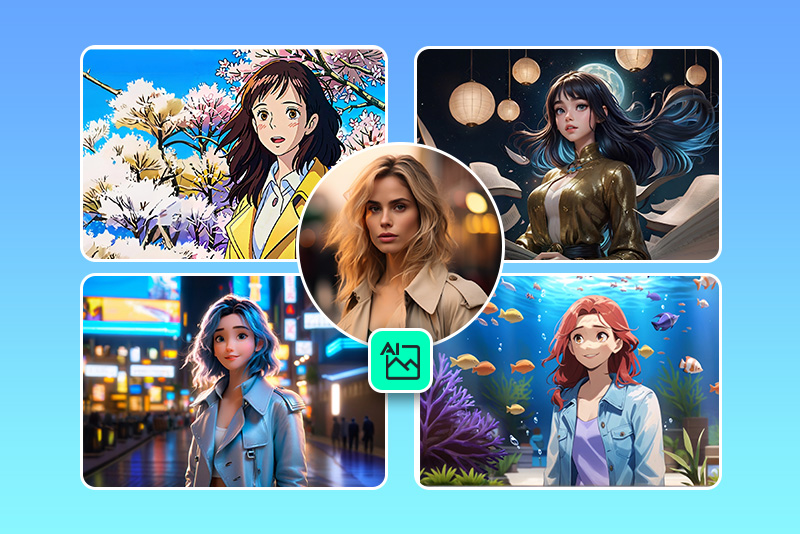
Restyle Portrait and Selfie Photos
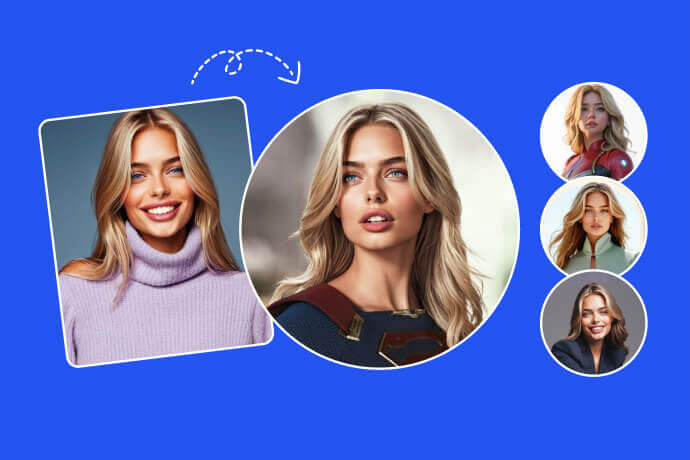
Use a portrait as the reference and change the lighting, background, or art style while keeping the person recognizable. A front-facing photo usually gives the AI a clearer starting point. If you need a finished profile-style result, try the AI portrait generator.
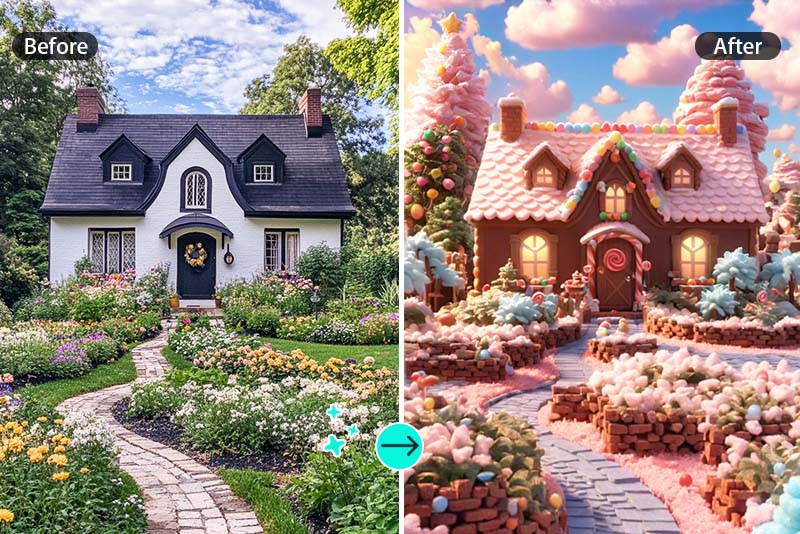
Turn Rough Sketches into Concepts
Upload a drawing, moodboard detail, or early layout and use a prompt to turn it into a cleaner visual concept. Keep the sketch simple if the layout is important.
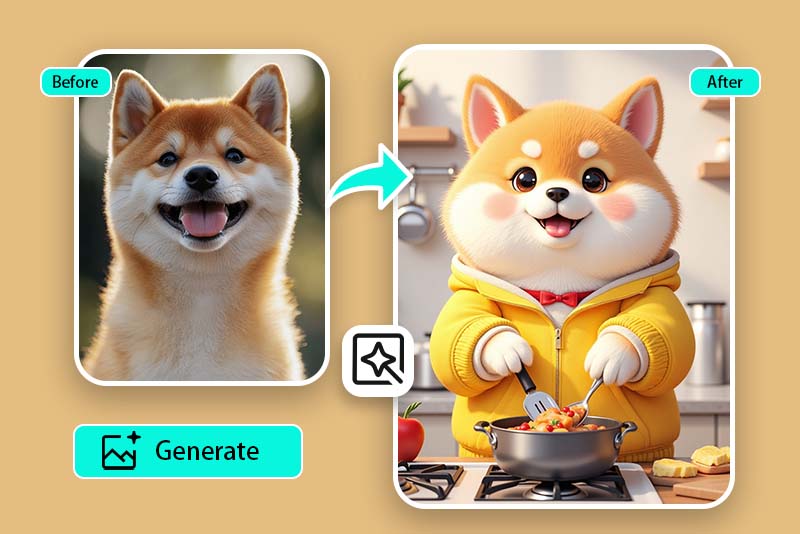
Remix Pets, Landscapes, and Scenes
Try a pet photo, travel shot, room image, or landscape when you want a more stylized version. Clear subjects and balanced lighting usually make the variations easier to compare.
Why Use insMind's Image to Image AI Tool?
Start from a Real Reference
Upload an existing picture instead of starting from a blank prompt. The tool uses your photo or sketch as a visual guide when composition, subject, or pose matters.
Prompt the Changes You Need
Type what should change, then adjust and regenerate. You can test a background, style, lighting, or mood without rebuilding the whole image by hand.
Compare Multiple Variations
Generate several directions from one source picture and compare them. This works well for concept testing, product ideas, social visuals, and personal creative edits.
AI Image Generator from Photo FAQs
What is an AI image generator from photo?


Can I generate AI images from an existing image?
How is this different from a text-to-image generator?
What should I write in the prompt?
Is the AI image generator from photo free to try?
What photos work best?
Can I turn a sketch into AI art?
Can I use generated images for commercial projects?
Do I need design experience to use it?
More AI Image Tools to Try Next
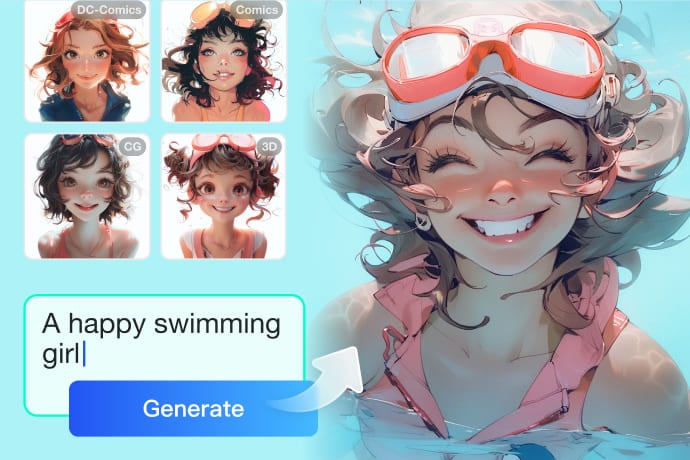
If your task is more specific than generating from a reference picture, choose a focused tool for text-to-image, sketches, cartoons, faces, portraits, or avatars.
AI Cartoon Generator
AI Image Generator
AI Sketch to Image Generator
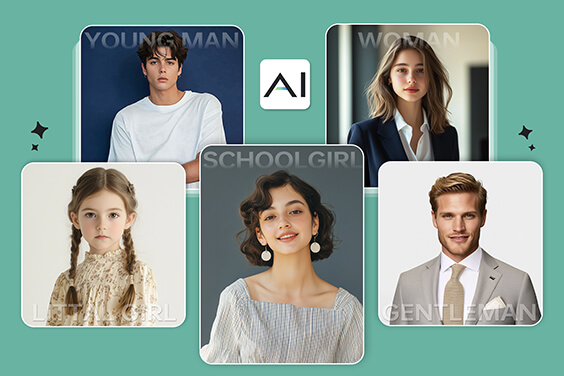
AI Face Generator
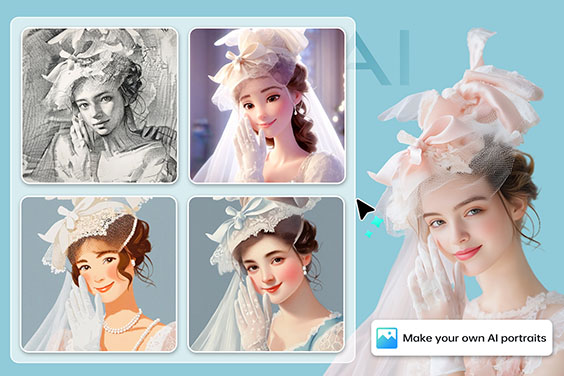
AI Portrait Generator
"What impressed me most is the speed and consistency. I can upload an image, describe what I want to change, and get high-quality results in seconds. insMind makes image-to-image editing feel simple, flexible, and reliable for daily design work."
@Daniel Kowalski, Visual Designer