
Generate AI Landscapes From Prompts or Photos Instantly
Create Realistic Landscapes from Just a Prompt
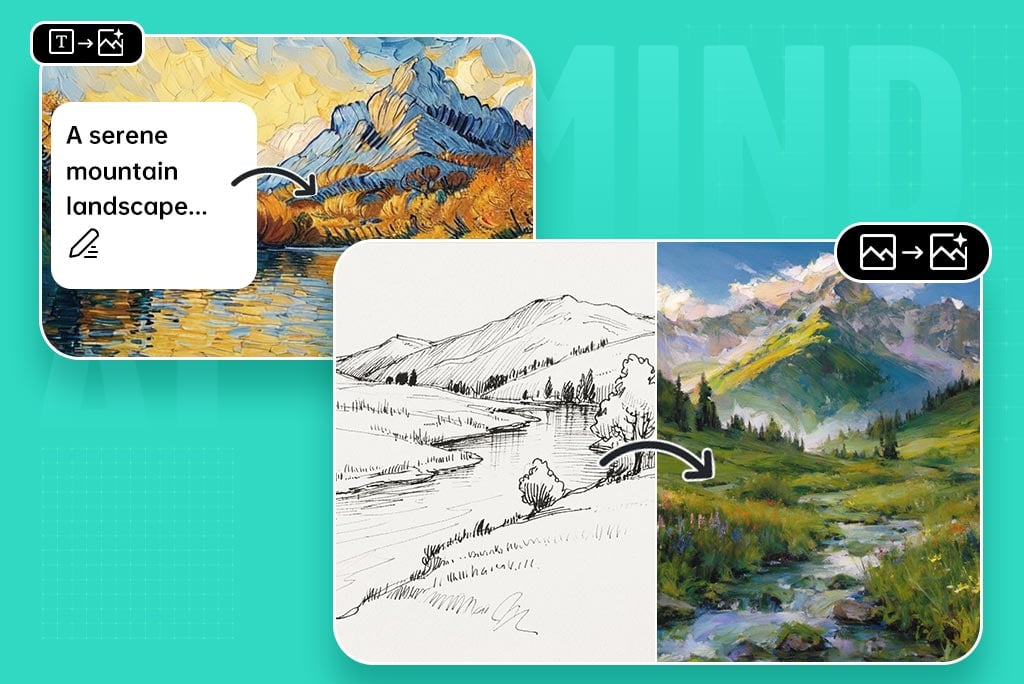
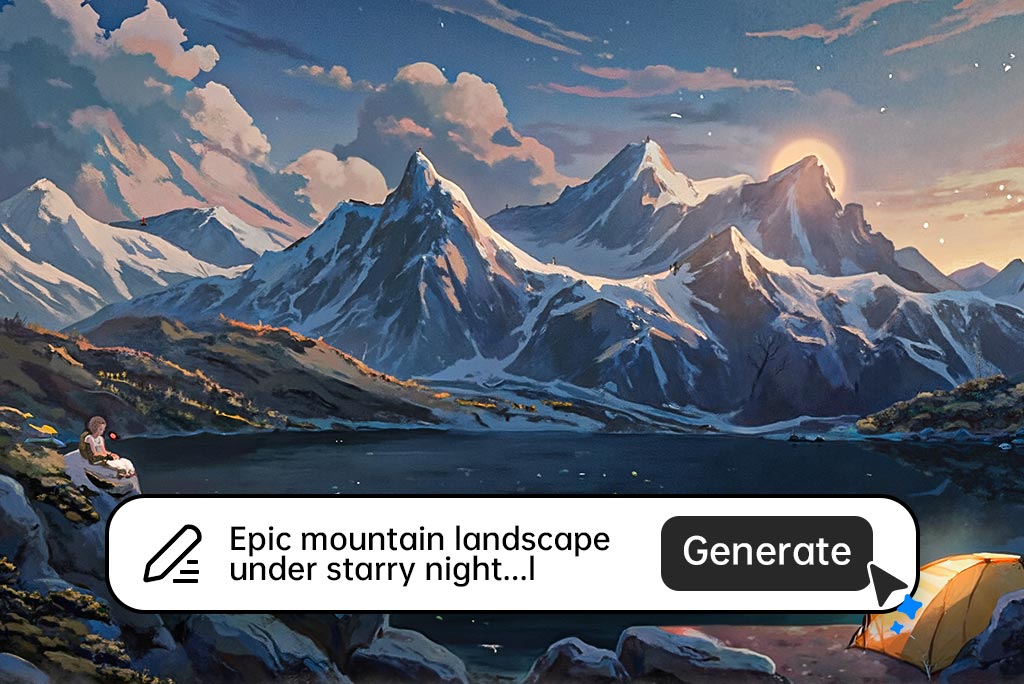
Have you ever wished you could summon a mountain sunset by a word or two? With insMind's AI landscape generator, you can do exactly that. The only thing you have to do is to type in a prompt like snow-capped peaks at sunrise or sunlit forest lake and our AI will generate astonishing beautiful detail detail-rich outdoor art within a few seconds.
Meanwhile, courtesy of cutting-edge AI scenery generator technology, the results combine natural-looking textures, lighting, and atmospheric effect to generate high-Definition landscapes that have the look of hand-painted art. It is perfect when creators, writers, and designers are interested in choosing a gorgeous and quick background to use to support a tale or deliver a presentation.
Create Realistic Landscapes from Your Image
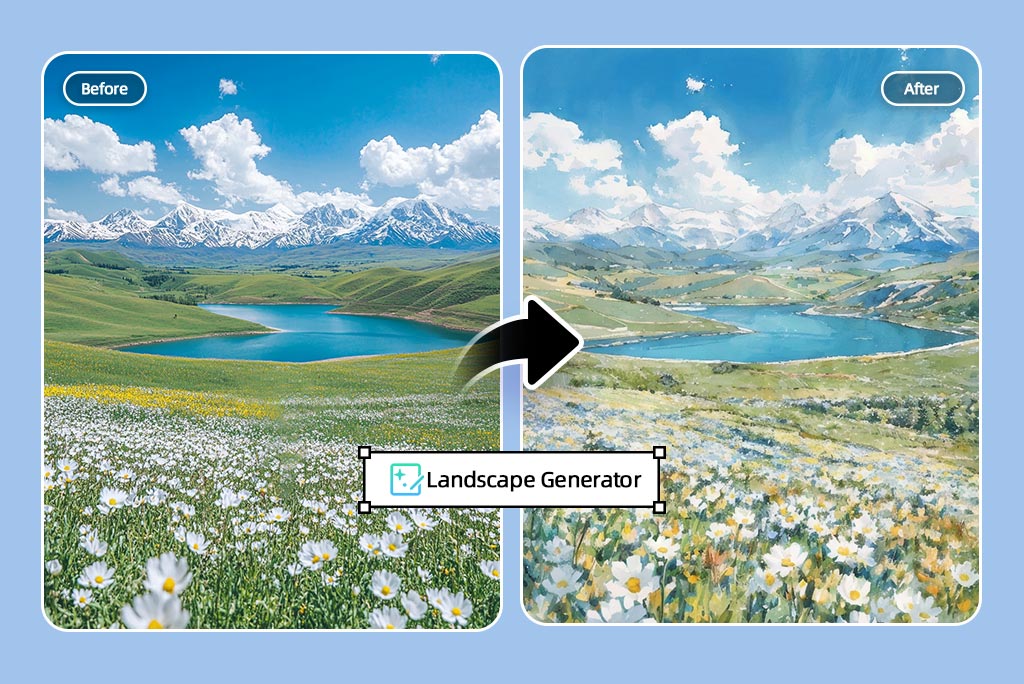
Desire to make your images prestigious in the form of an extended landscape? With the photo feature, you can upload any photo, such as a snap of your backyard or a travel memory. Moreover, you can transform it into a cinematic scene with the help of the AI landscape generator.
It expands horizons artificially using AI landscape algorithms, alters lighting, and enhances textures without losing the essence of the photo made. Meanwhile, the outcome is your original file's vibe with a visual improvement that is perfect for social media content, printed art, or work. No need to use complex design software; you only need to select your photo, and the AI will do the residual magic.
Explore Various Scenery Styles with AI's Power
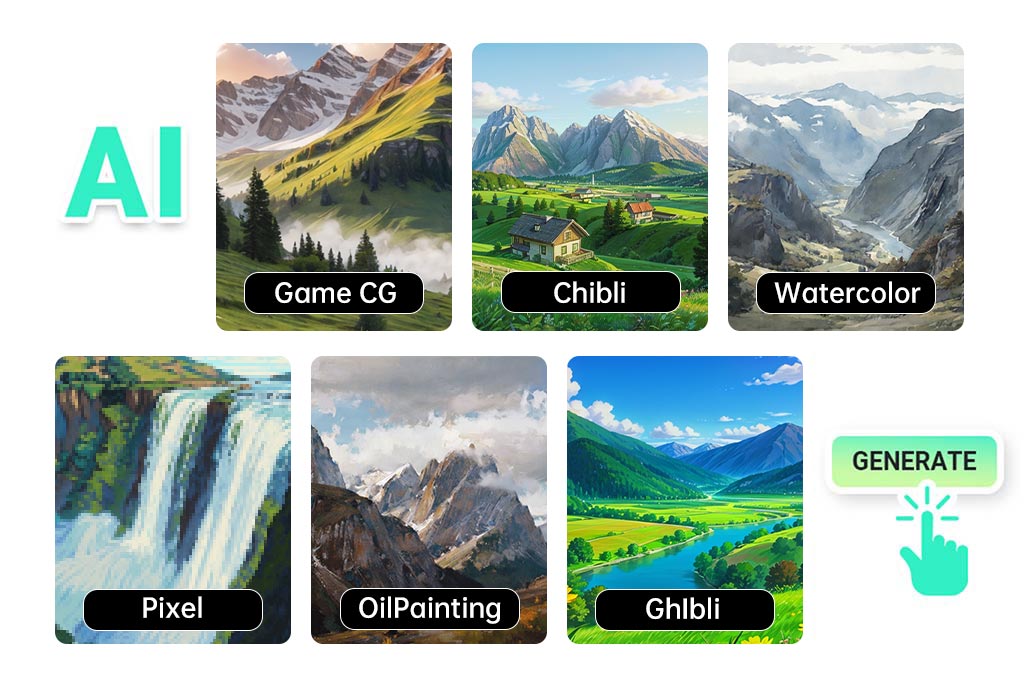
Expand your scene, choosing a style like Ghibli, watercolor, comic, graffiti, or line art. As a top-tier scenery creator, insMind lets you select a design language that suits your mood from vibrant cinematic skies to sketchy, artistic interpretations.
As another example, a watercolor representation of a nature image would focus on brush strokes and watercolor shades, and a line art finish provides you with sharp contour lines that are ideal when drawing outlines or drafts. Moreover, all these stylized illustrations can be used as a solution to various tasks like websites, posters, presentations, or even decor.
Discover More AI Landscape Generator Features
How to Create a Landscape with AI?
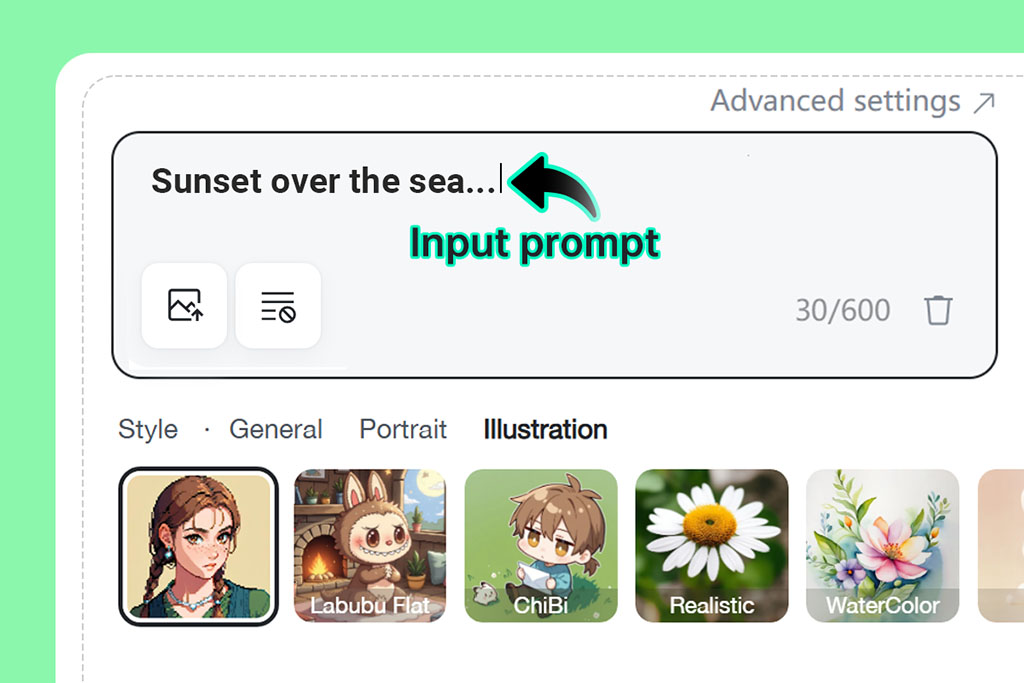
1 Step 1: Enter a landscape prompt
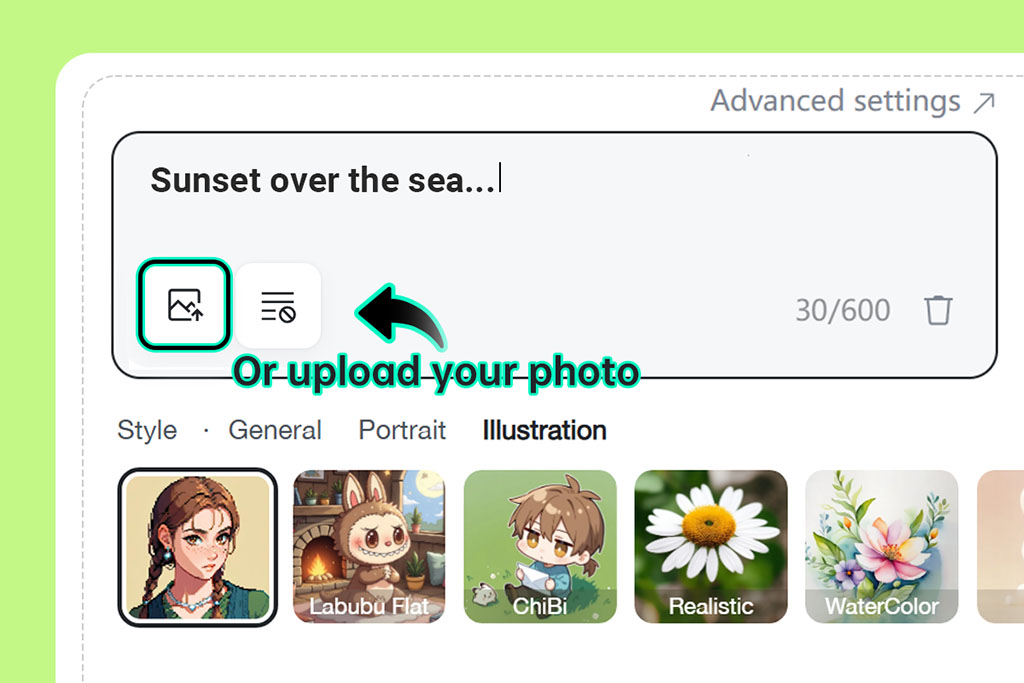
2 Step 2: (Optional) Upload your reference photo
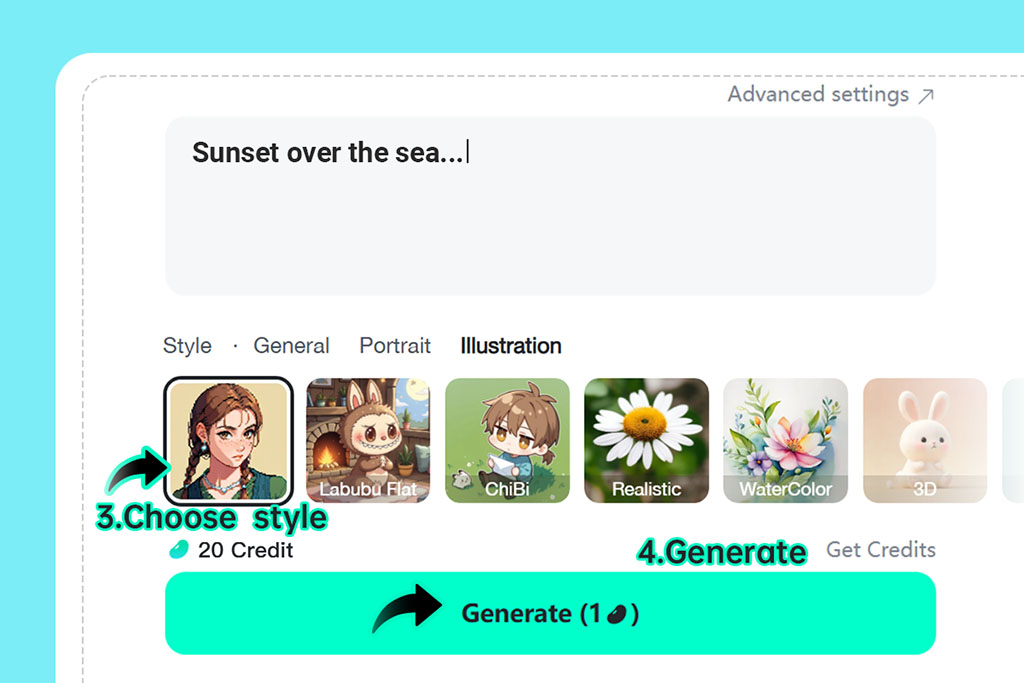
3 Step 3: Choose a landscape style and Click "Generate"
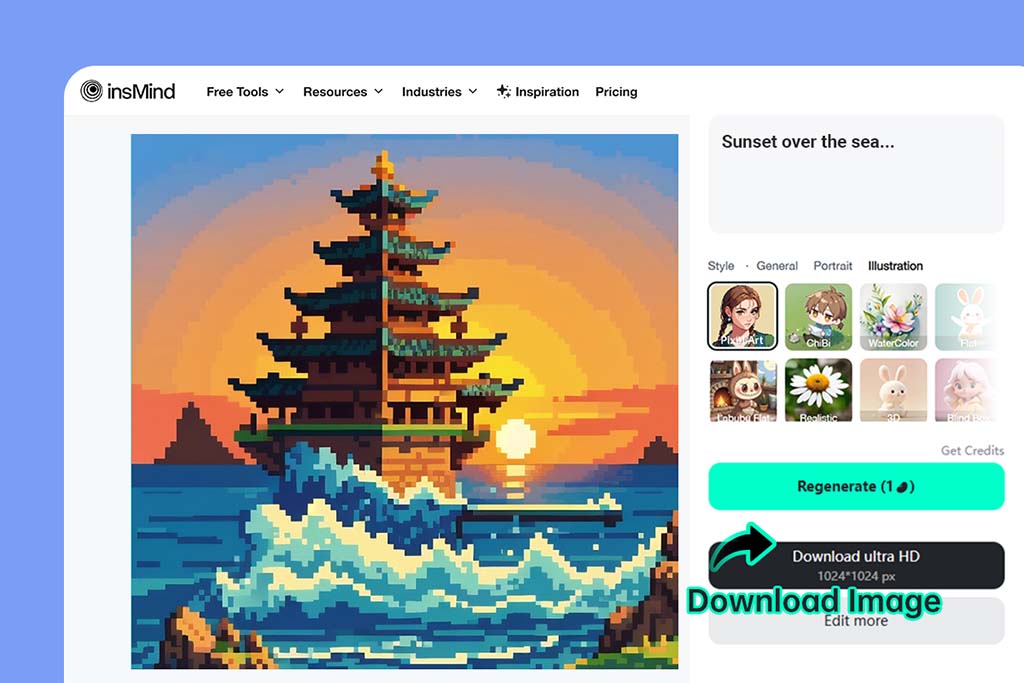
4 Step 4: Download and share your scene
Why Use insMind's AI Landscape Generator?

Fast Generation
Create full outdoor scenes instantly using AI-generated landscape technology, with no waiting or rendering delays as it takes merely a few seconds to create the whole scenery.

Text & Photo Support
Start with your imagination or your image using the AI landscape generator from the photo tool. You can use either or use both photo and image with the insMind landscape generator for the best results.

Variety of Styles
Choose from realistic, artistic, or stylized scenes crafted by our landscape AI generator. Moreover, you can give the prompt or image to the AI, and it will generate results accordingly.
FAQs About insMind AI Landscape Generator
Is the AI landscape generator free to use?


Can I generate a landscape from a photo?
What types of landscapes can I create?
How long does it take to generate a landscape?
Can I use this AI landscape generator on mobile?
You might be interested in
Make your pictures pop with creative AI tools you can explore during a free trial.

Text to Ghibli AI Generator

AI VTuber Maker
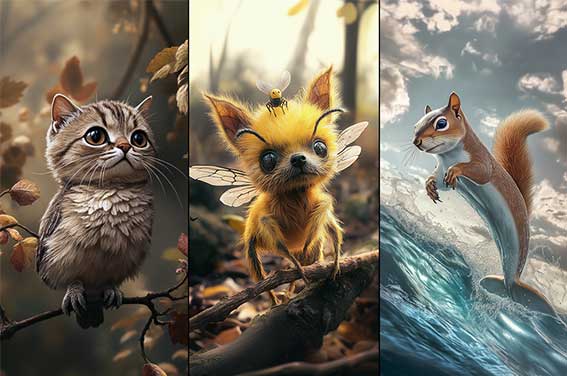
AI Animal Hybrid Generator
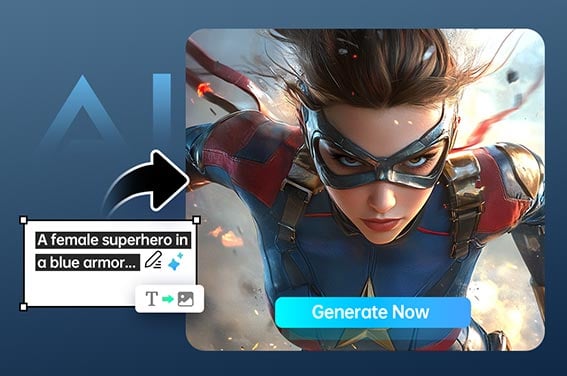
AI Superhero Generator
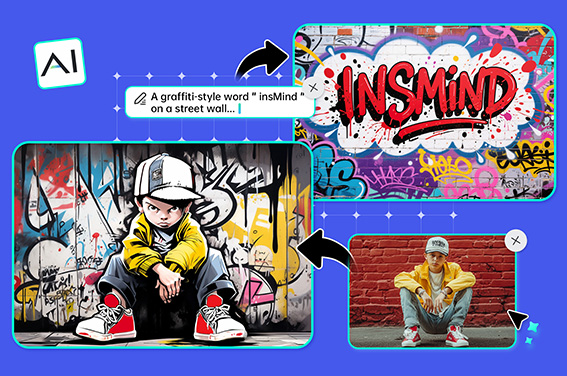
AI Graffiti Generator
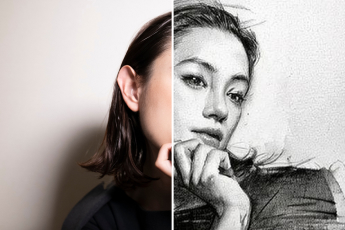
Photo to Sketch
Photo to Outline
Comic Book Filter
Photo to Cartoon
Photo to Watercolor
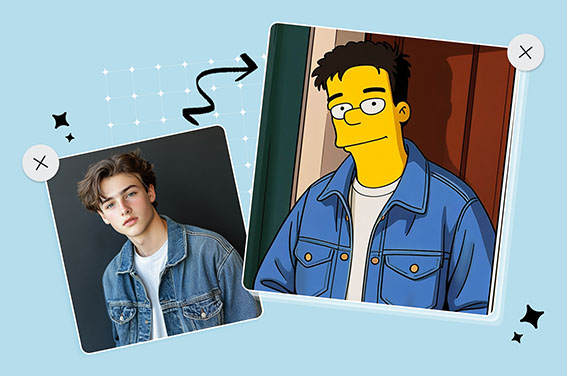
Simpsons Character Creator
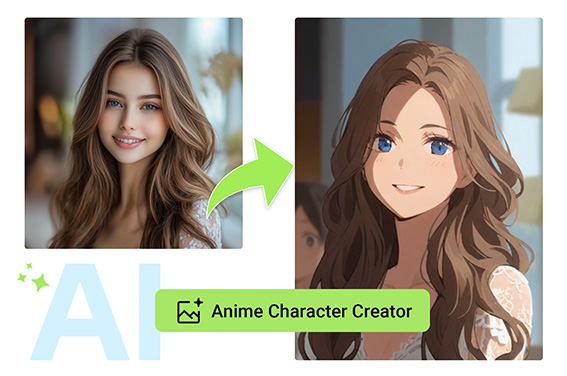
Anime Character Creator
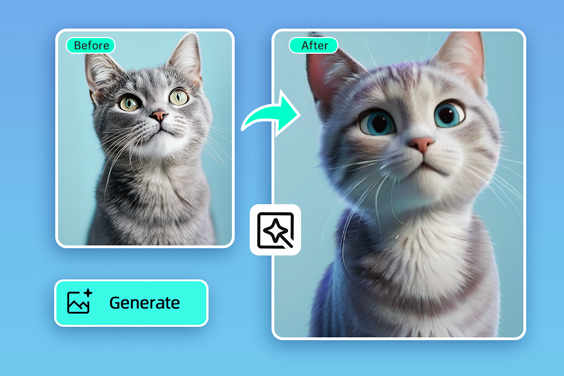
"The watercolor filter made the forest look like a fairytale."
@Luis