
Caricature Maker Online – Turn Photos into Cartoons
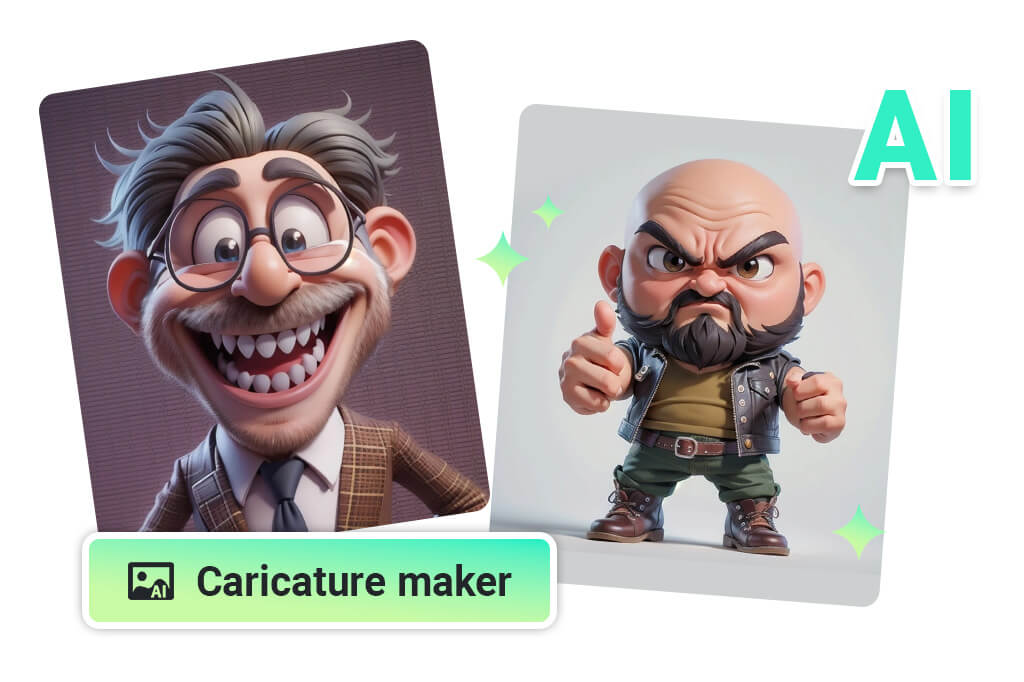
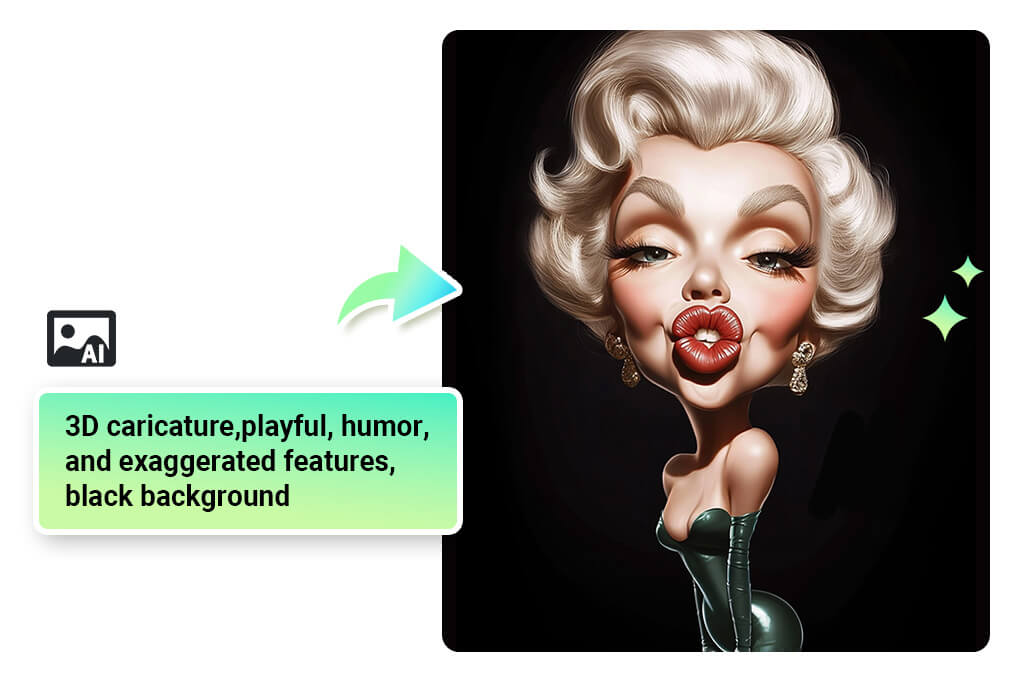
Convert a Photo to a Caricature Without Drawing Skills
Start with a clear face photo and let insMind build the exaggerated portrait for you. The tool keeps the main expression readable while pushing the features toward a fun caricature look, so you can test a selfie, couple photo, or profile shot before downloading.
For best results, use a front-facing image with good light. Busy backgrounds and tiny faces can make the exaggeration less clear.
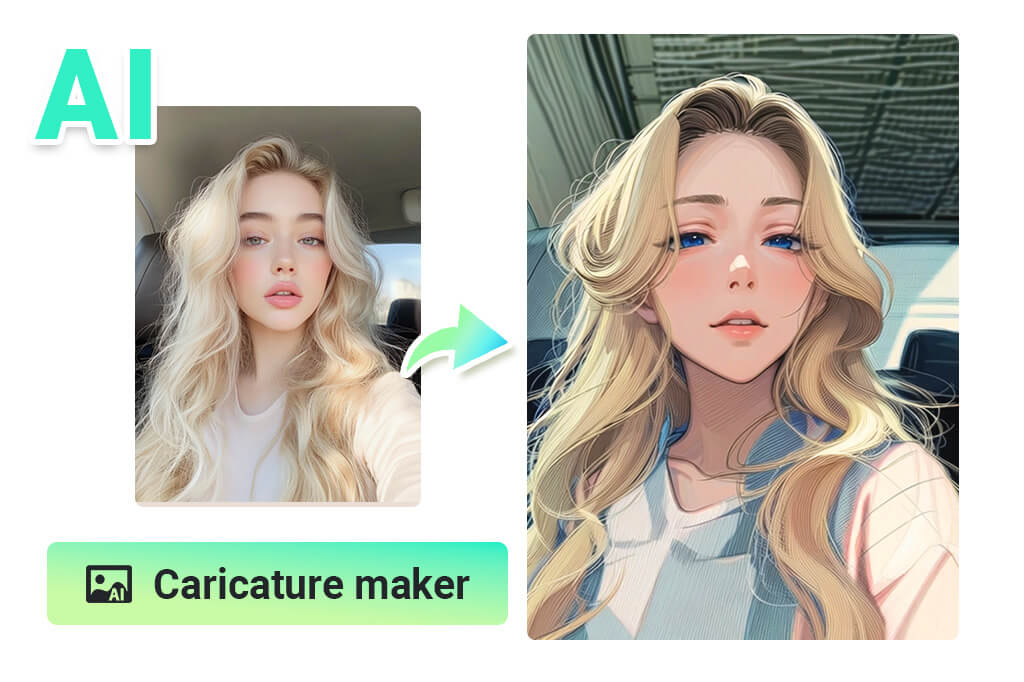
Make Funny Caricatures from Selfies and Portraits
A good caricature should still feel like the person in the photo. Upload a selfie, choose a style with the right level of exaggeration, and check the eyes, smile, hair, and face outline before saving.
Use a lighter cartoon style when you want a friendly profile picture. Pick a stronger exaggerated style when the goal is a joke, party card, or meme.
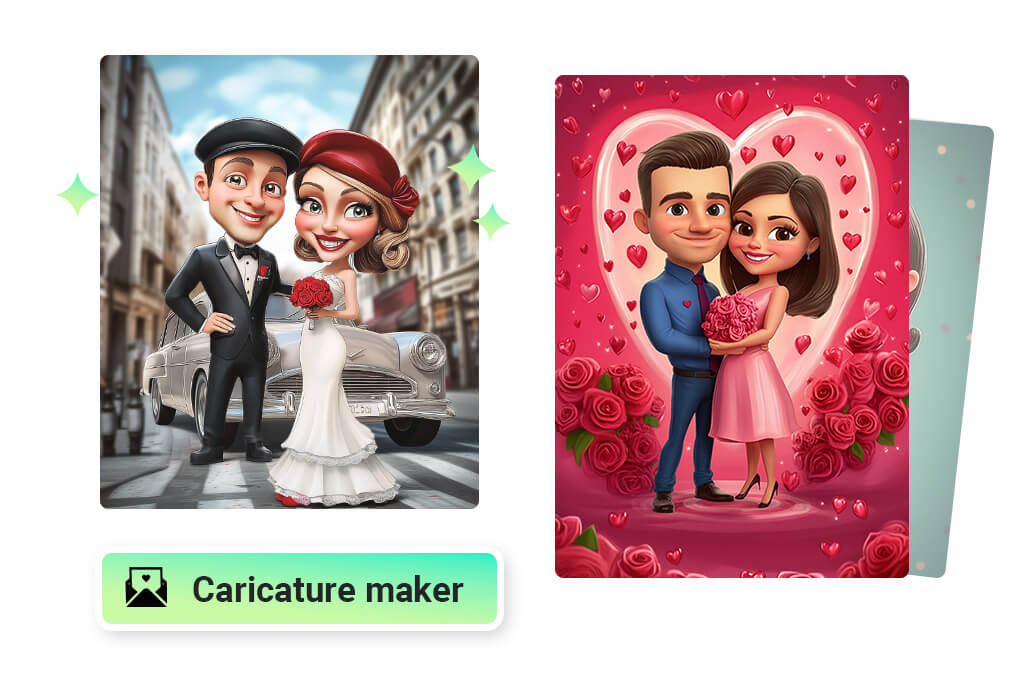
Create Couple and Wedding Caricatures Online
Couple photos work well when both faces are clear and close enough to read. Turn the result into a wedding caricature, save-the-date visual, anniversary card, or simple keepsake without hiring an artist for a first draft.
After generation, compare both faces. If one person looks less recognizable, try a clearer crop or a softer caricature style.
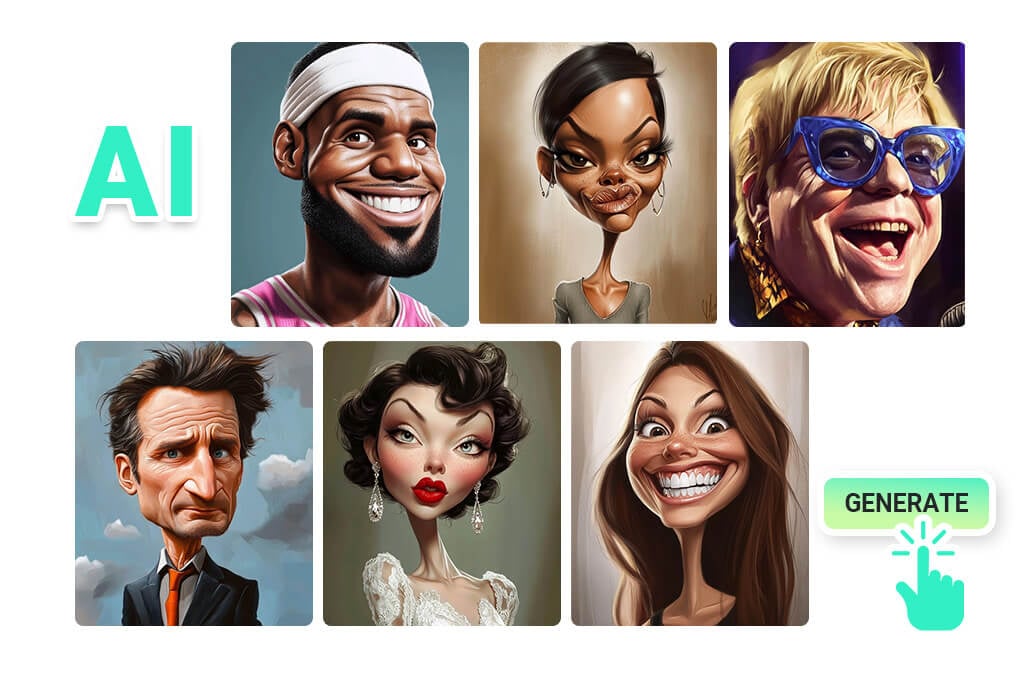
Try Text Prompts When You Want a More Invented Caricature
Photo conversion is the fastest path when likeness matters. Text prompts are better when you want a made-up character, a specific costume, or a more imaginative scene. Describe the face, mood, outfit, and caricature style, then generate a few versions to compare.
Keep the prompt concrete. A short style note such as funny office caricature or sketch caricature usually works better than a long list of abstract adjectives.
Explore Related Photo-to-Art Tools
How to Make a Caricature from Text
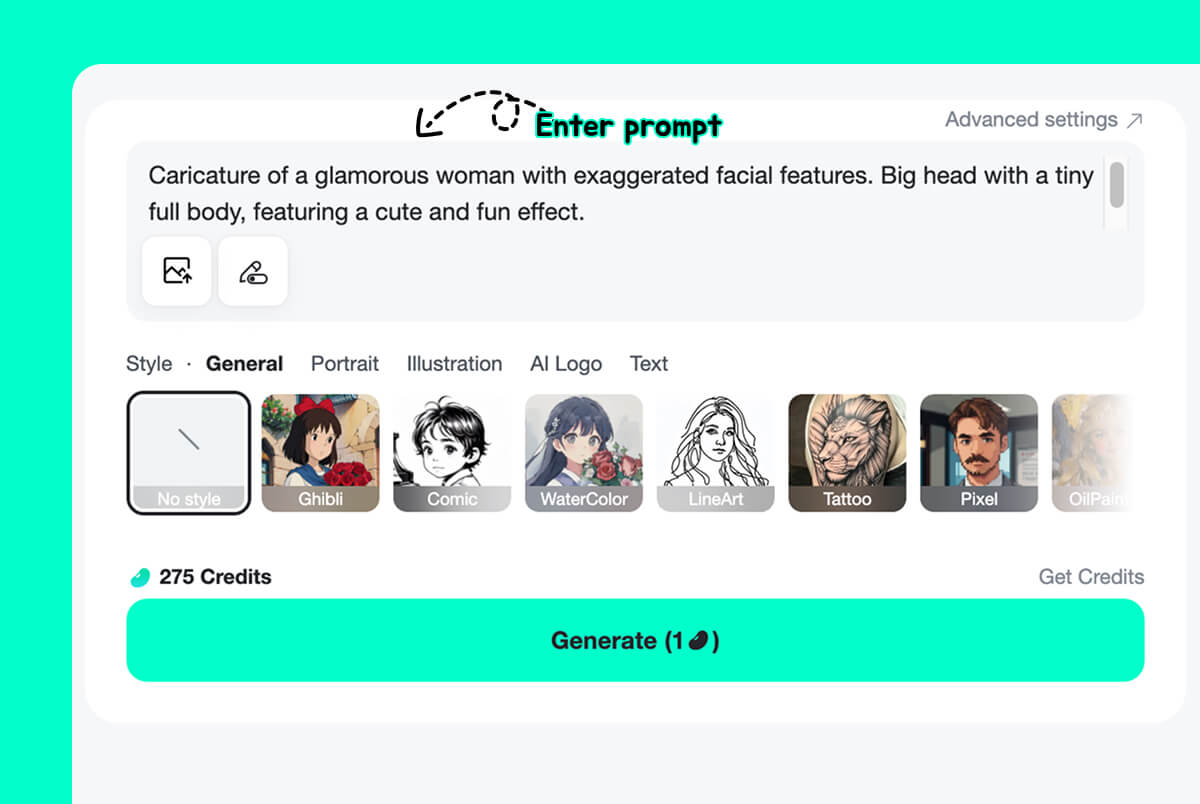
1 Describe the Caricature
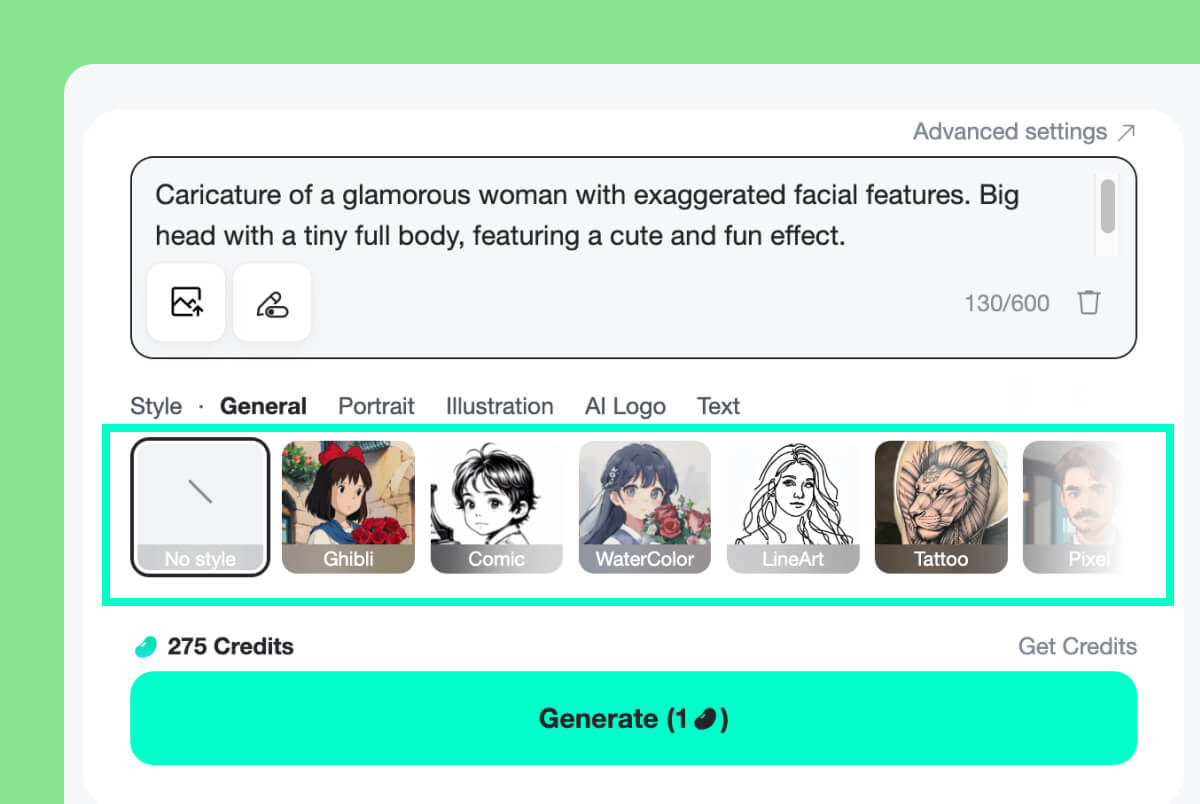
2 Choose a Caricature Style
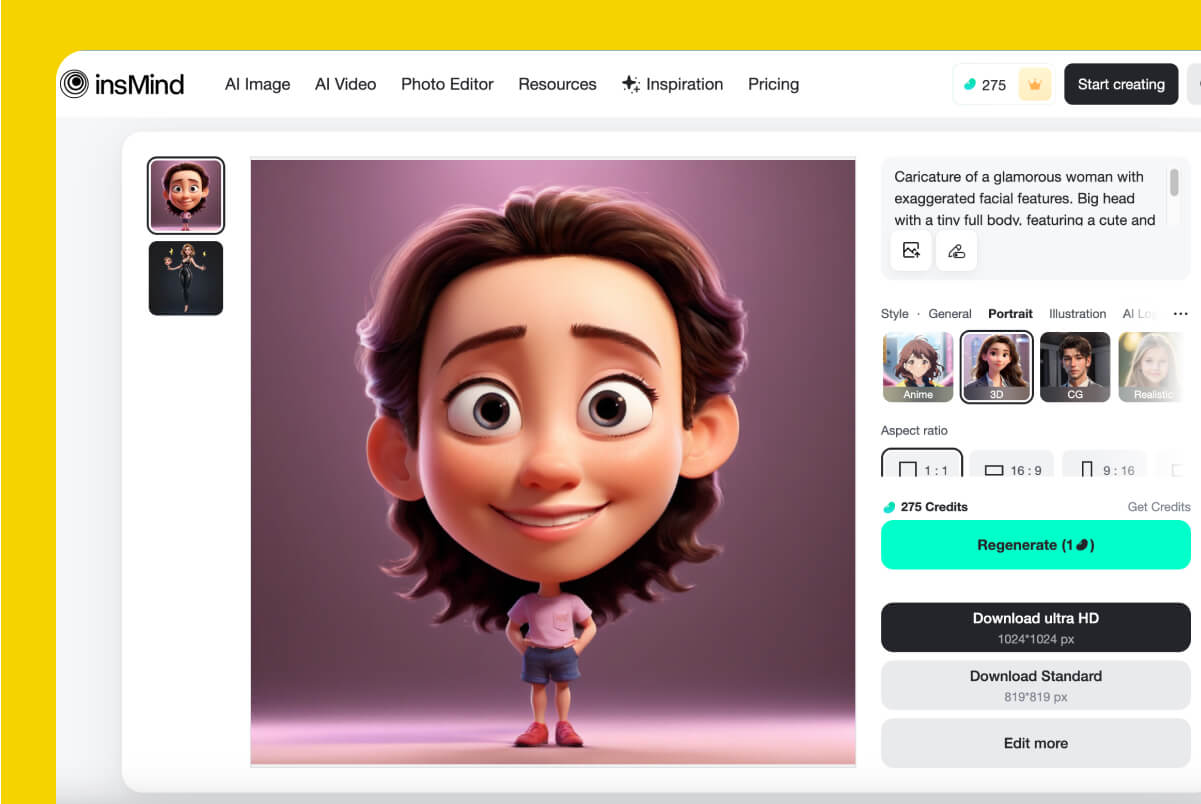
3 Generate, Compare, and Download
How to Make a Caricature from a Photo
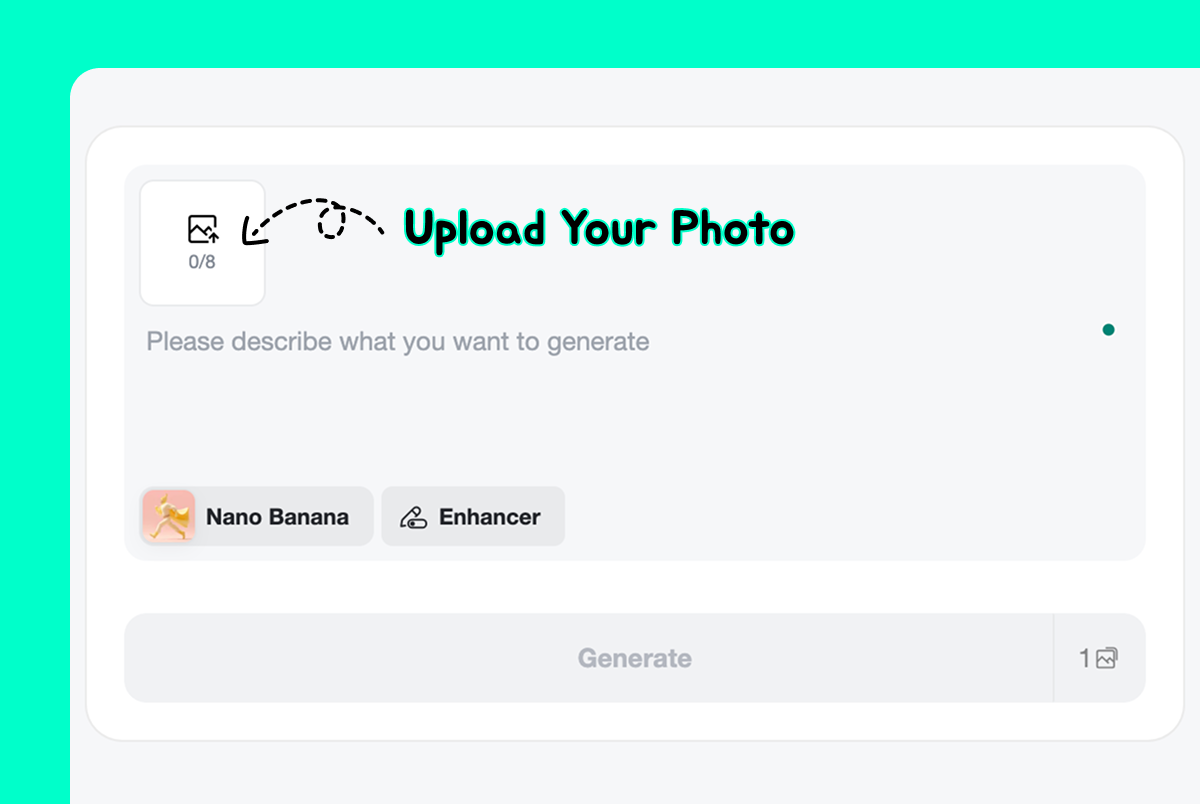
1 Upload a Clear Photo
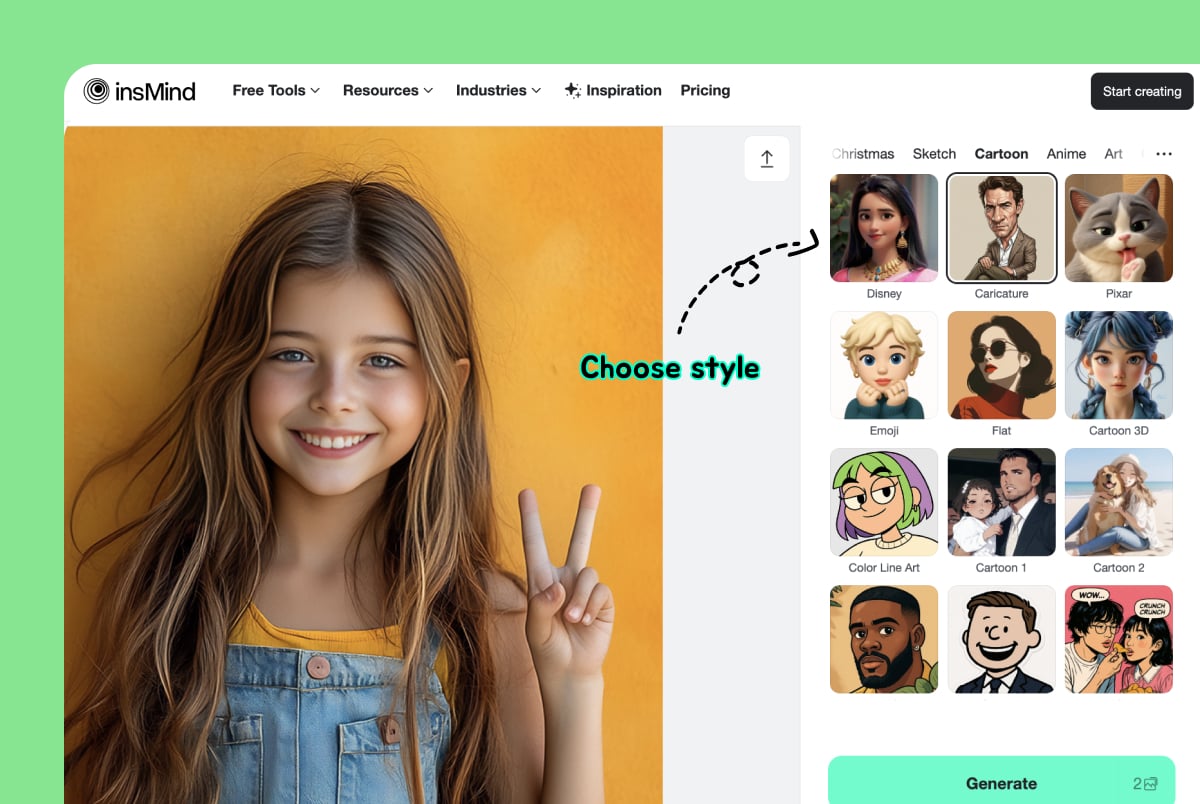
2 Select the Right Style
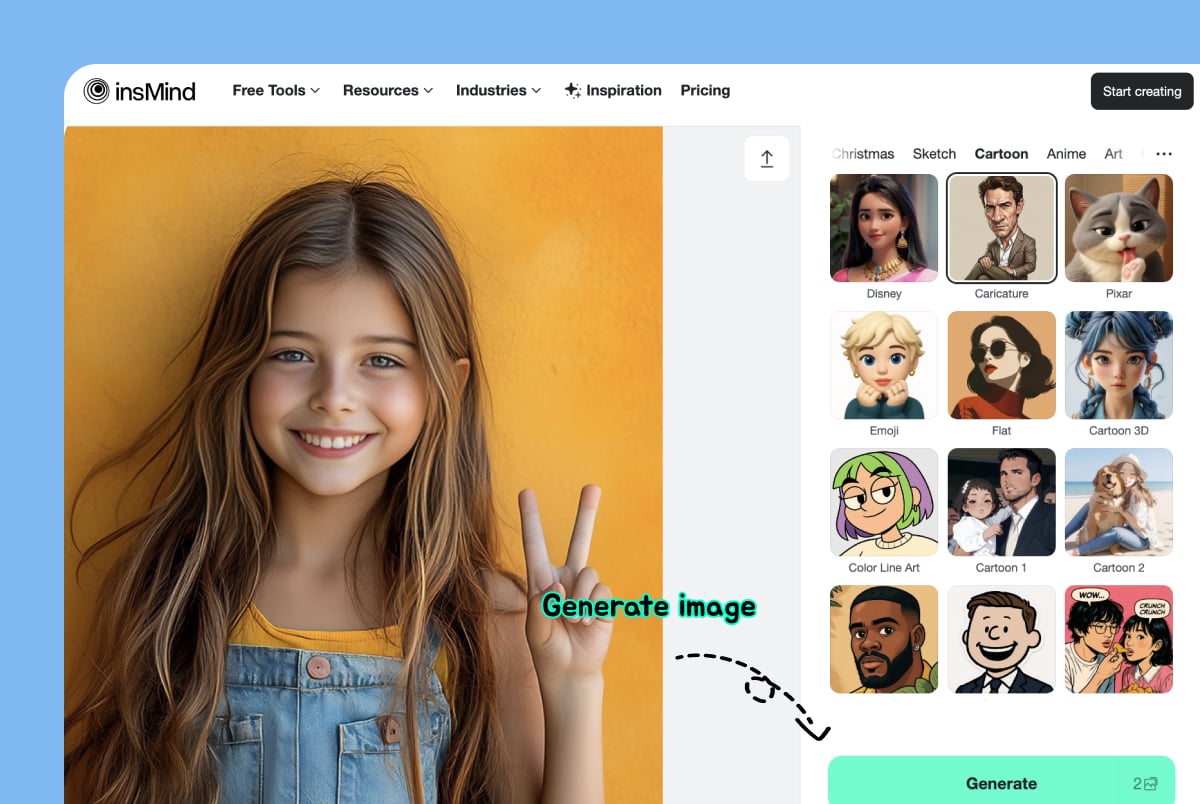
3 Preview and Download
Caricature Styles for Photos, Gifts, and Profiles
Use the caricature maker when you want a recognizable portrait with a playful twist. Choose a mild cartoon look for profile pictures, a stronger exaggerated style for jokes, or a sketch-like result for printable gifts.
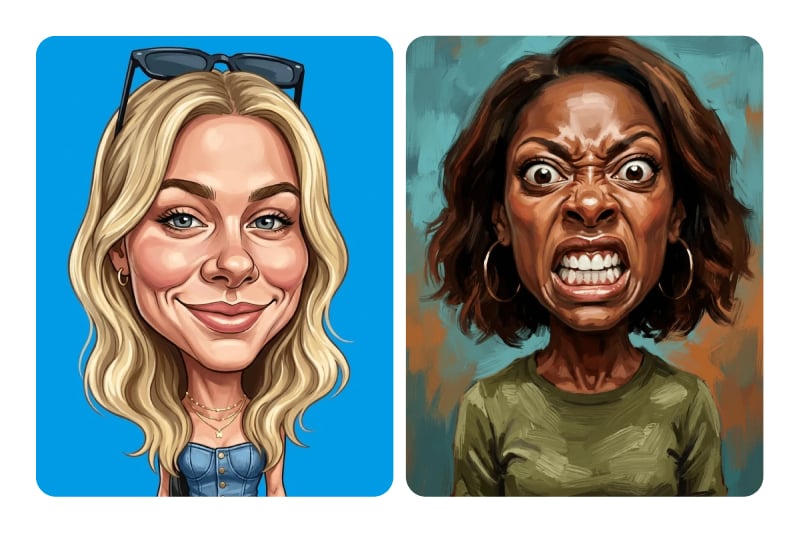
Exaggerated Caricatures
Make facial features more playful while keeping the person recognizable. This style is useful for party invitations, birthday cards, team icebreakers, and social posts where a normal portrait feels too plain.
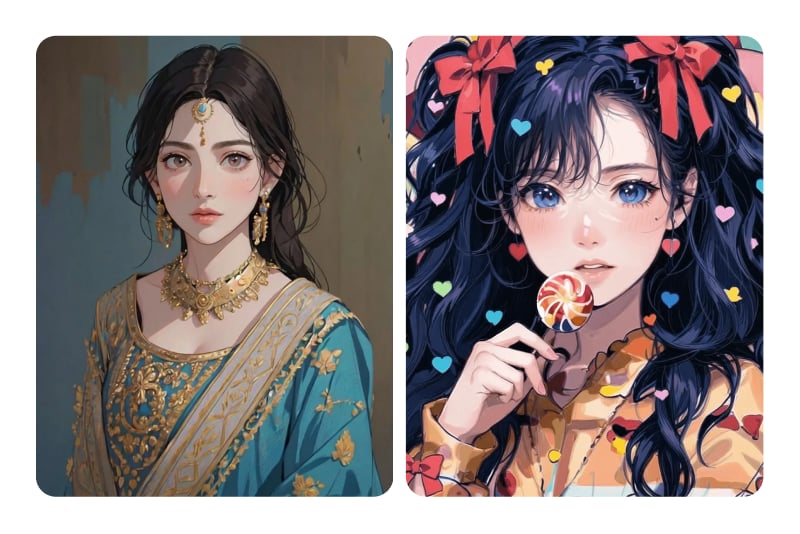
Cartoon Profile Portraits
Turn a selfie into a colorful cartoon-style caricature for avatars, creator profiles, stickers, or channel artwork. Use a centered face and a simple background so the result still reads clearly at small sizes.
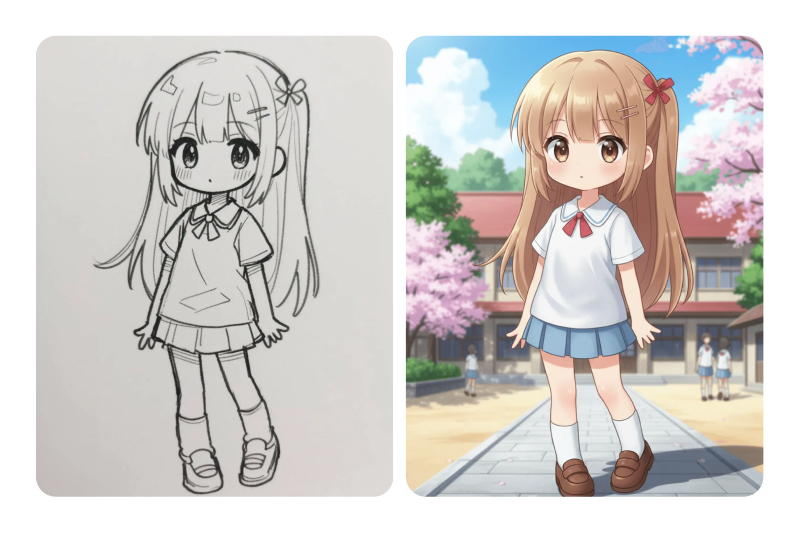
Sketch and Artistic Caricatures
Pick a sketch-like or artistic style when you want something closer to a drawn portrait. These versions work well for printable keepsakes, greeting cards, and rough references for a hand-drawn illustration.
Where to Use a Photo Caricature
A caricature works best when the final image has a clear job: make someone laugh, make a profile more memorable, or give a brand/team photo a more personal tone.
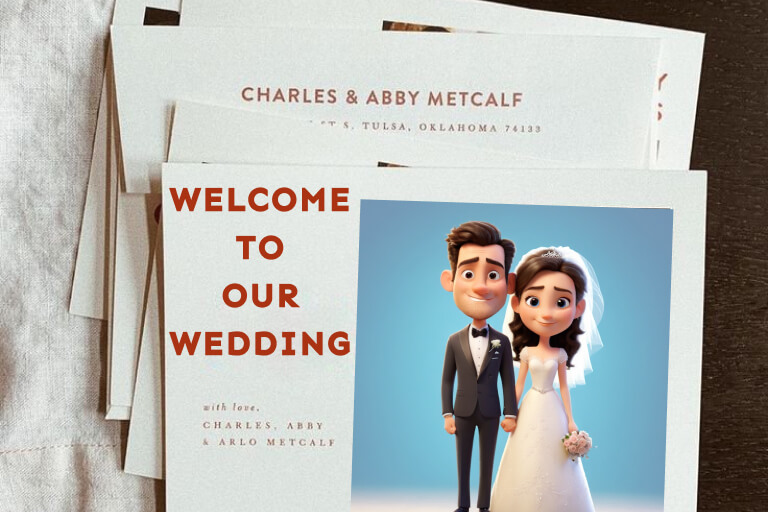
Personal Gifts and Party Cards
Convert a photo to caricature for birthdays, anniversaries, graduation cards, or small surprises. Choose a photo with a clear smile or expression, then pick a style that feels funny without making the person unrecognizable.
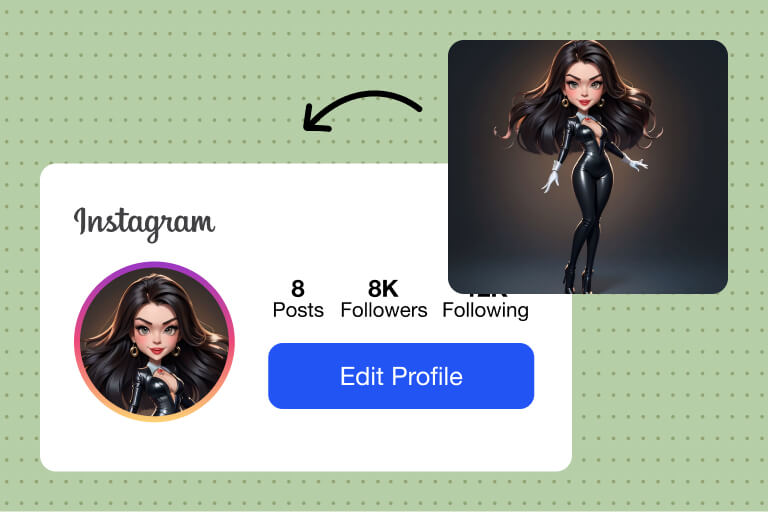
Social Media Profile Pictures
A photo to caricature result can make a profile picture feel more relaxed than a standard headshot. Keep the face centered, avoid overly busy backgrounds, and choose a style that still looks clean in a circular crop.
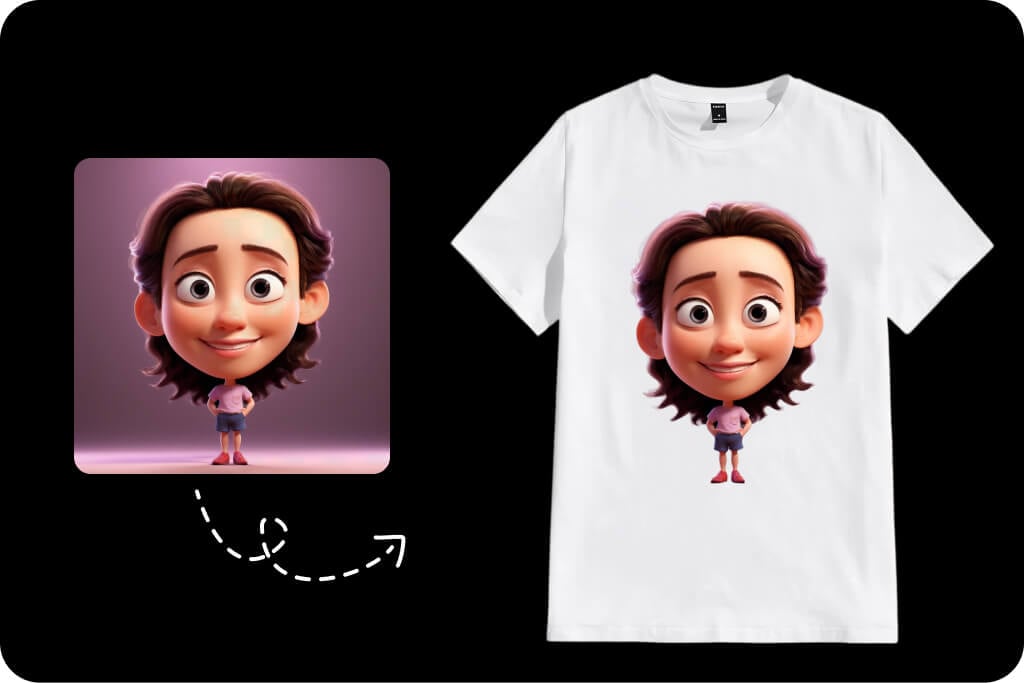
Team, Brand, and Event Portraits
Use caricature-style portraits for About pages, event posters, internal team slides, or light brand campaigns. For business use, keep the exaggeration moderate so the image feels friendly rather than distracting.
Why Use insMind as Your AI Caricature Maker?

Photo and Prompt Workflows
Use photo upload when likeness matters, or start from text when you want an invented caricature character. This keeps the page useful for both photo-to-caricature and creative prompt tasks.

Fast Online Creation
You do not need drawing software or manual tracing. Upload a photo, pick a style, preview the result, and download a caricature directly from the browser.

Useful Style Choices
Try cartoon, sketch, artistic, 3D, and exaggerated styles to match the final use. A profile avatar, a wedding card, and a joke portrait usually need different levels of exaggeration.
FAQs About Making Caricatures Online
How do I use a caricature maker online?


Can I make a caricature from a photo for free?
What kind of photo works best for photo to caricature?
Can I convert a picture to caricature online without drawing skills?
What is the difference between a caricature and a cartoon portrait?
Can I create a couple or wedding caricature?
Can I make a caricature from text instead of a photo?
Why does my caricature not look like the original photo?
Can I use a caricature as a profile picture?
More Ways to Turn Photos into Art
Try these related tools when you want a cartoon, character, sketch, avatar, or cleaner final image after making a caricature.
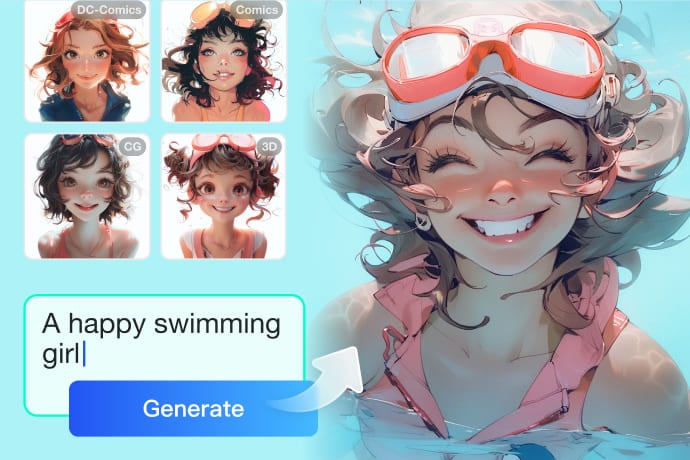
AI Image Generator
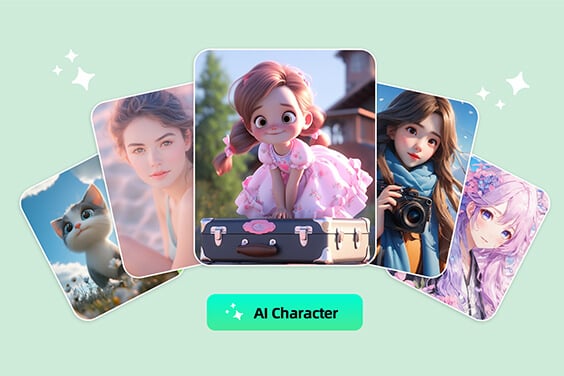
AI Character Generator
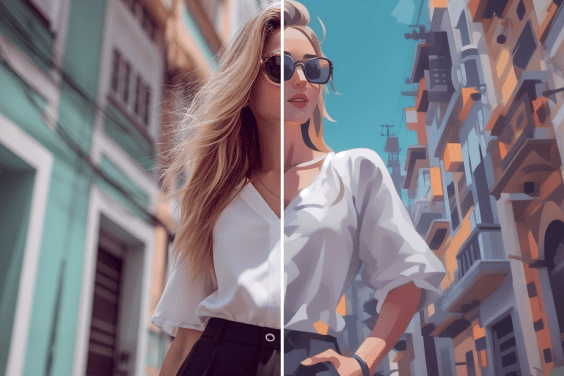
AI Cartoon Generator

AI Background Changer
AI Tattoo Generator
AI Logo Generator

This tool helped turn my plain photos into amusing caricatures, and it is incredibly simple to use even for beginners.
@Natalia Kowalska