Preview black, brown, blonde, red, pastel, or fantasy shades on your own photo before committing to a salon visit or home dye.

Try New Hair Colors on Your Photo with AI
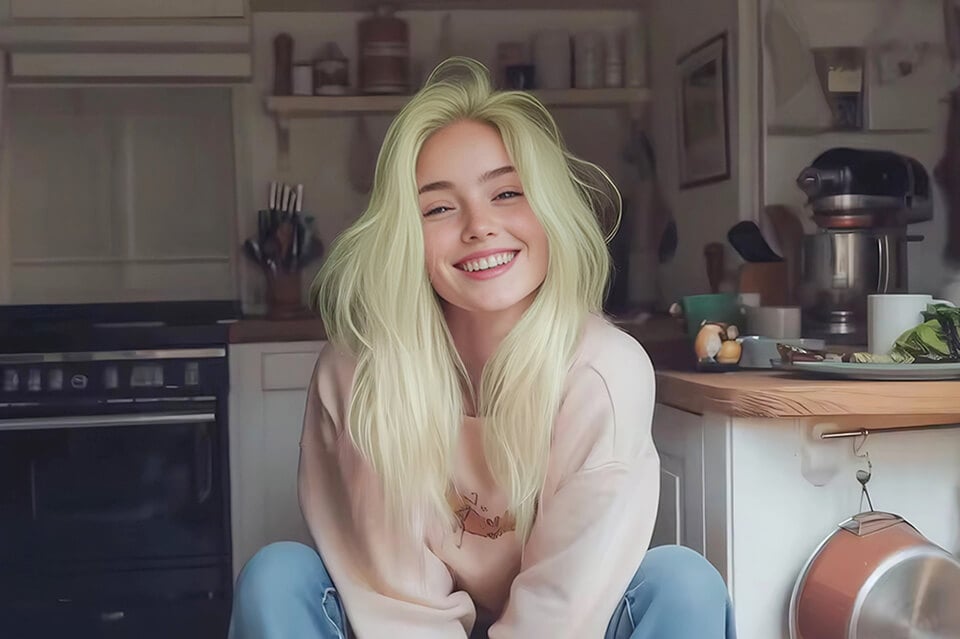
After
Before
Or drop image here, paste image or URL
Try with one of these
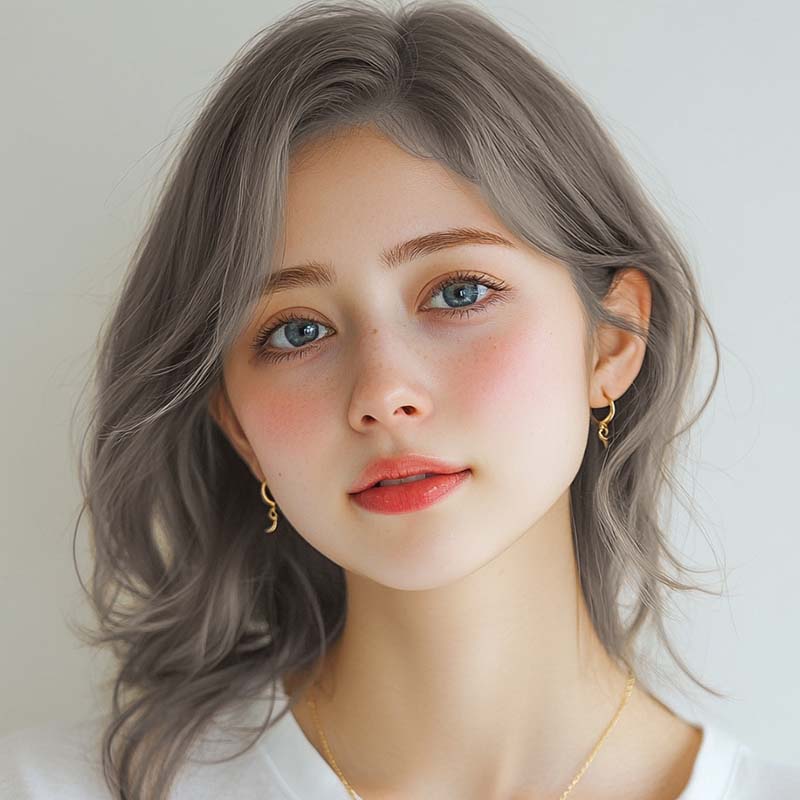
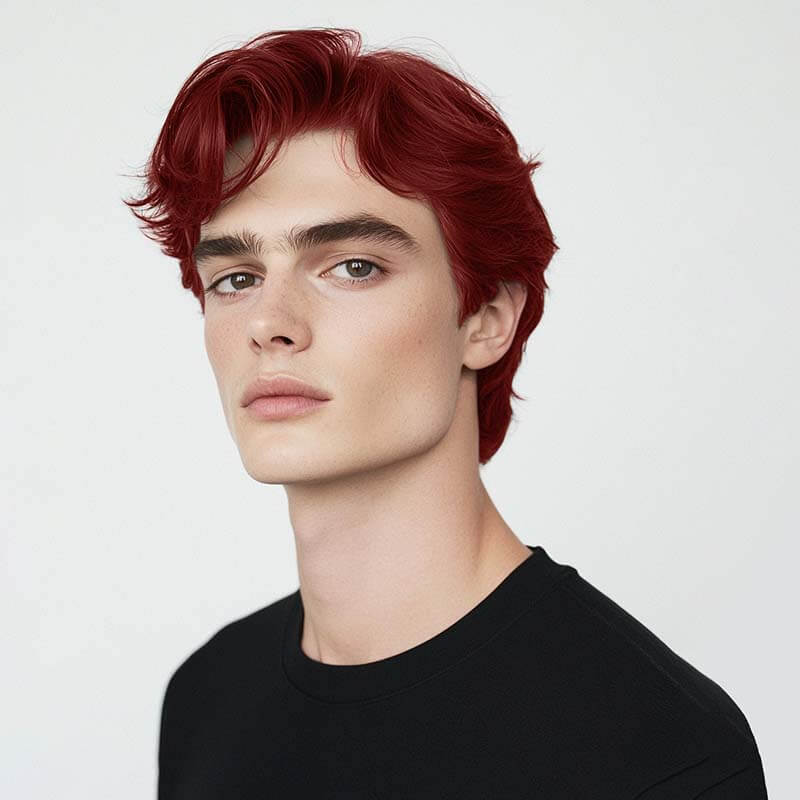
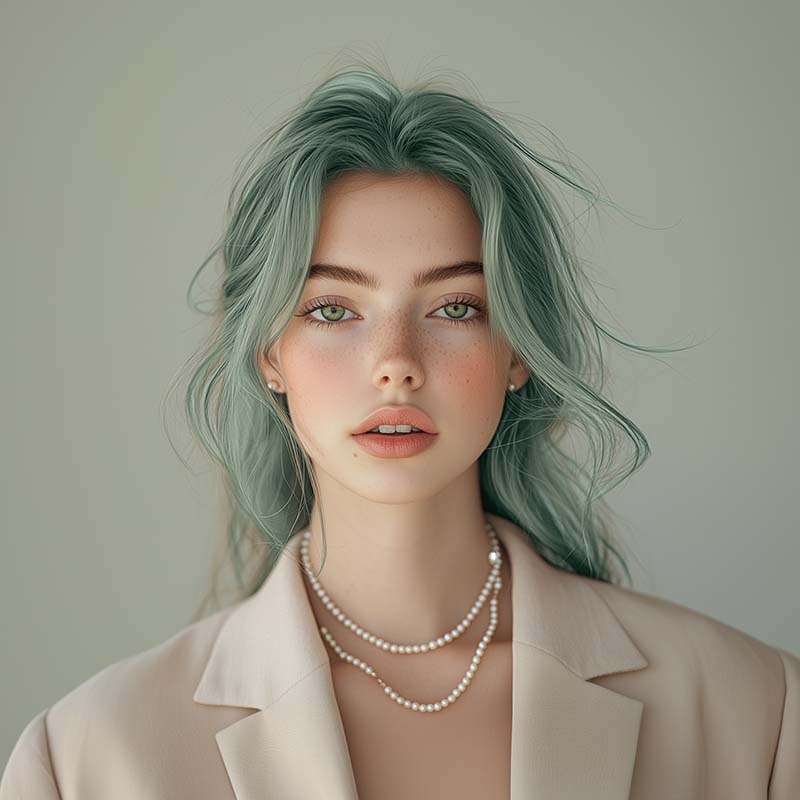
After
Before
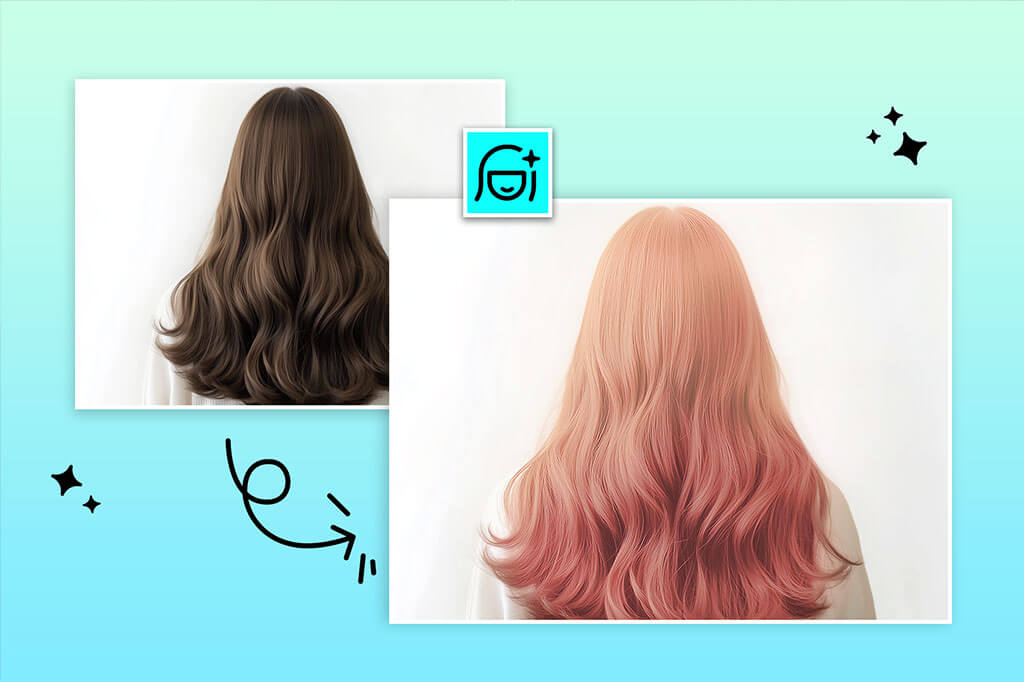
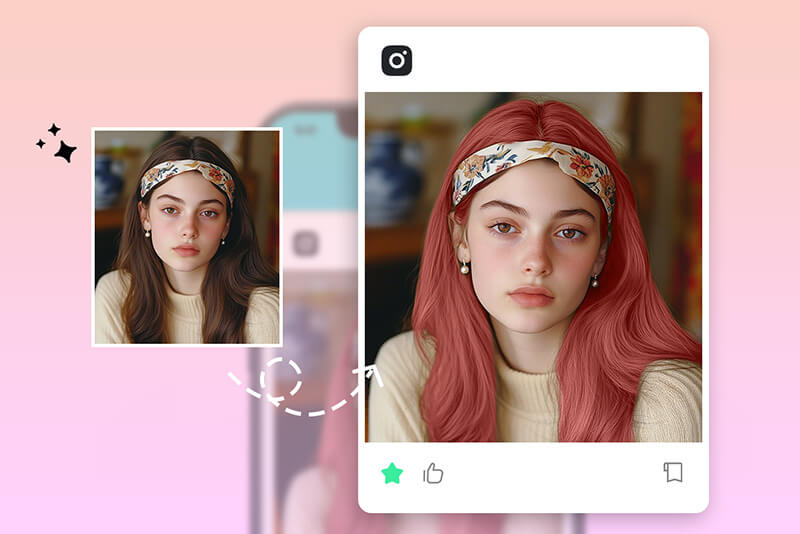
Try hair colors before dyeing
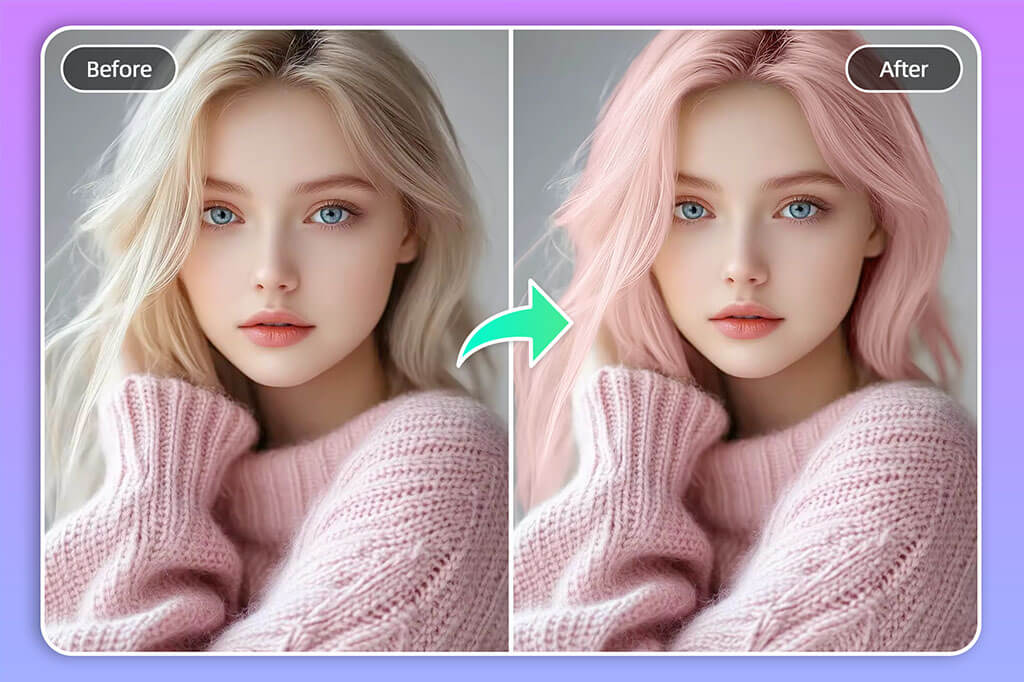
Change hair color in photos with AI
Brush over the hair area, describe the shade you want, and generate a new version while keeping the rest of the portrait intact.
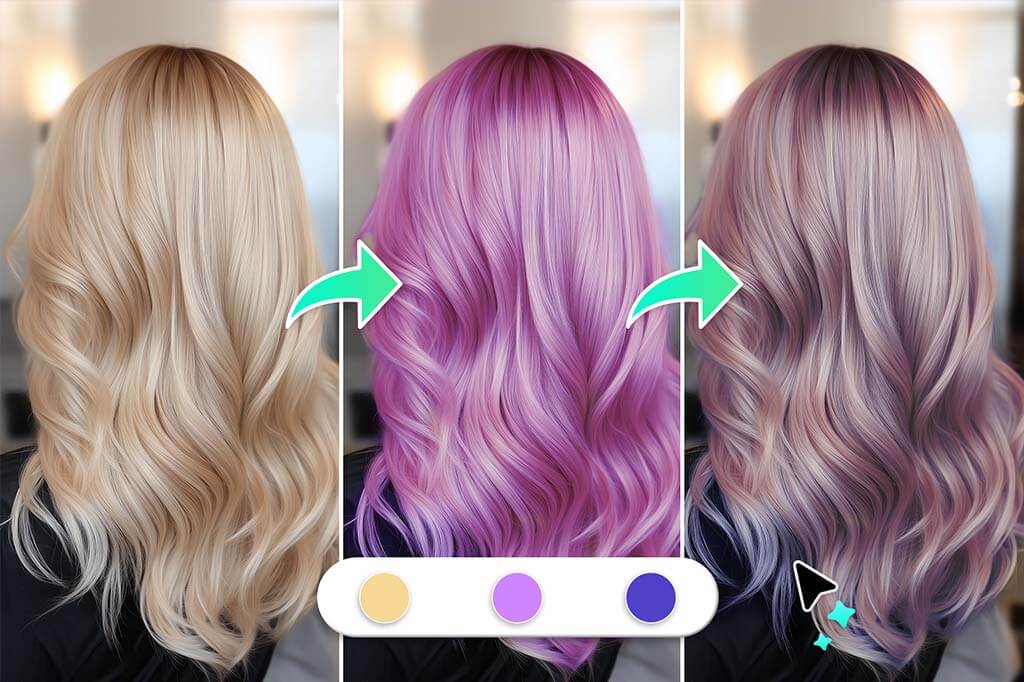
Create hair color filter looks for social posts
Test bold colors, subtle highlights, or seasonal looks for profile photos, reels, thumbnails, and creative posts.
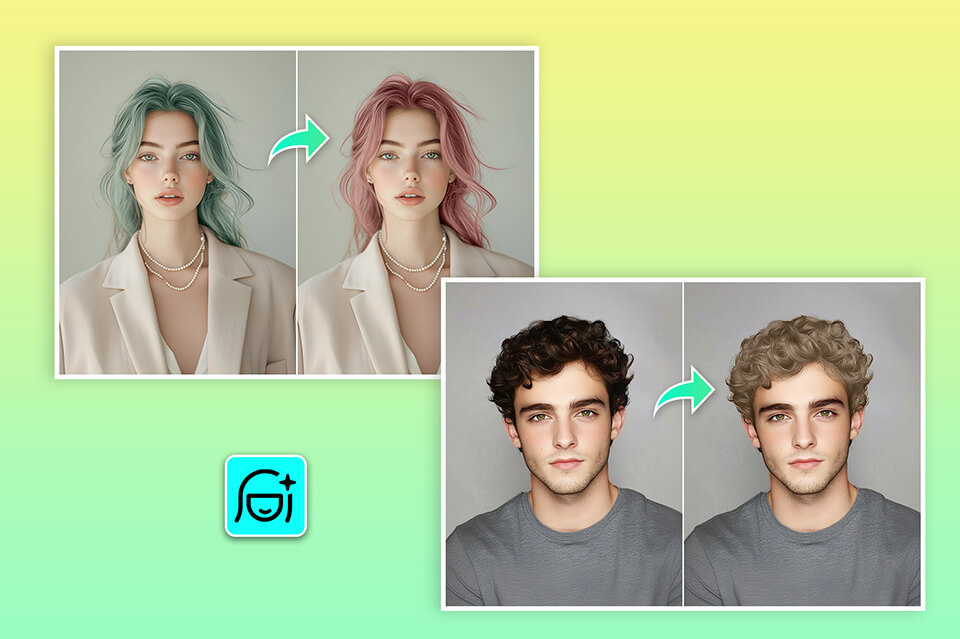
Works for different hair lengths and styles
Use the tool on short hair, long hair, curls, bangs, and layered styles. For complex edges or loose strands, zoom in and refine the selected area.
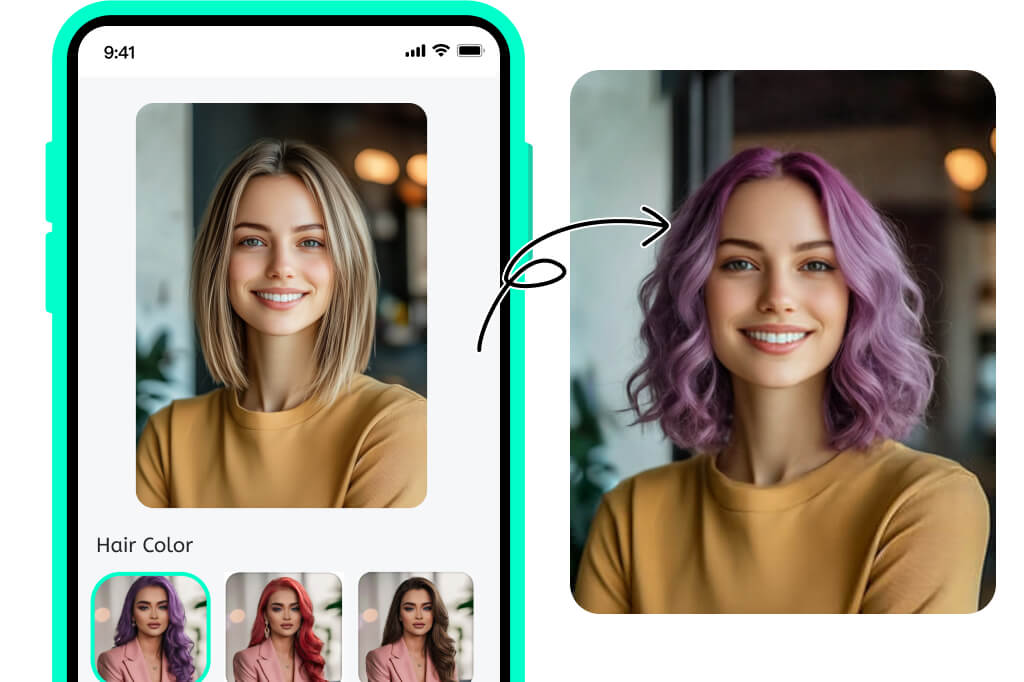
Use it online on desktop or mobile
Open the tool in your browser, upload a photo, and try a new shade without installing a separate hair color app.
How to Change Hair Color in a Photo
1
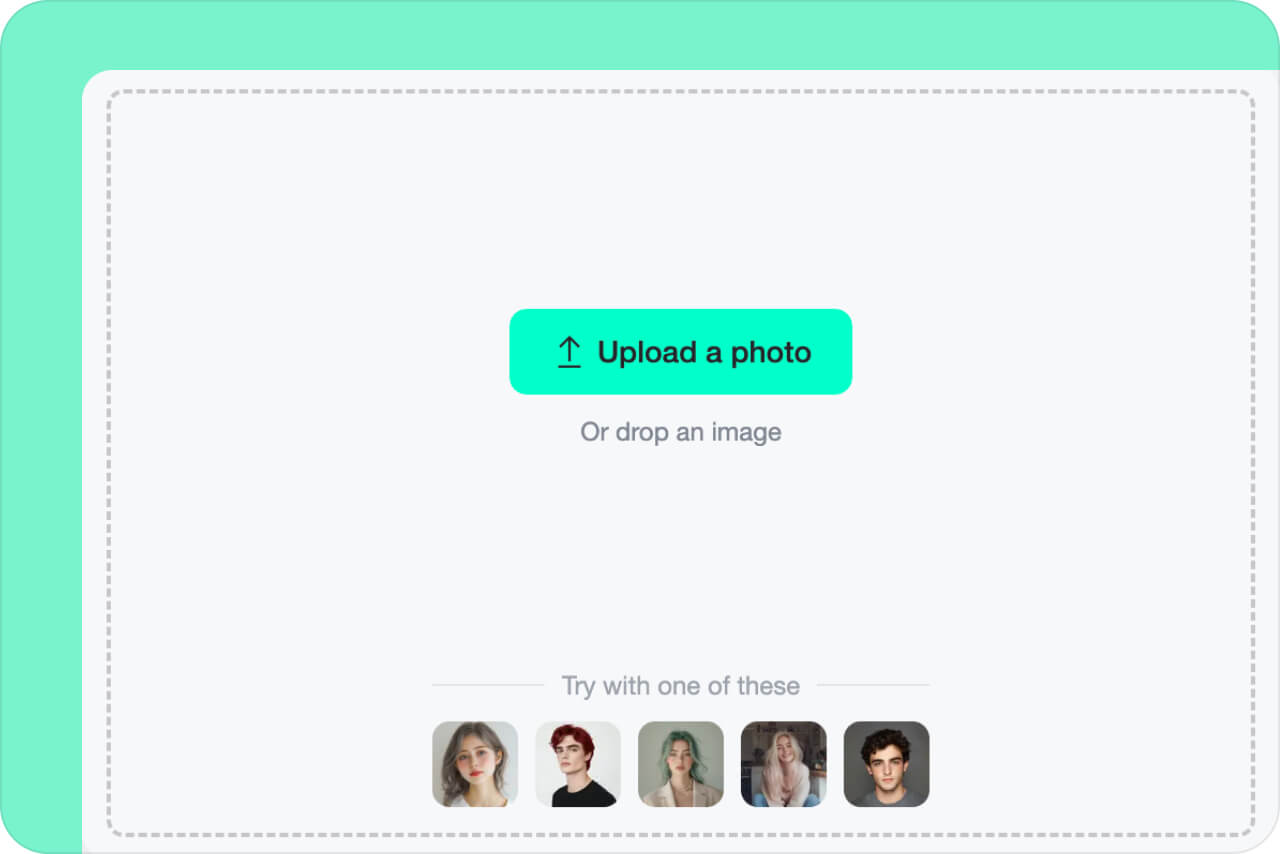
1 Upload your portrait
Click Upload a photo and choose a clear portrait where the hair is visible. Avoid heavy shadows or hair that blends into the background.
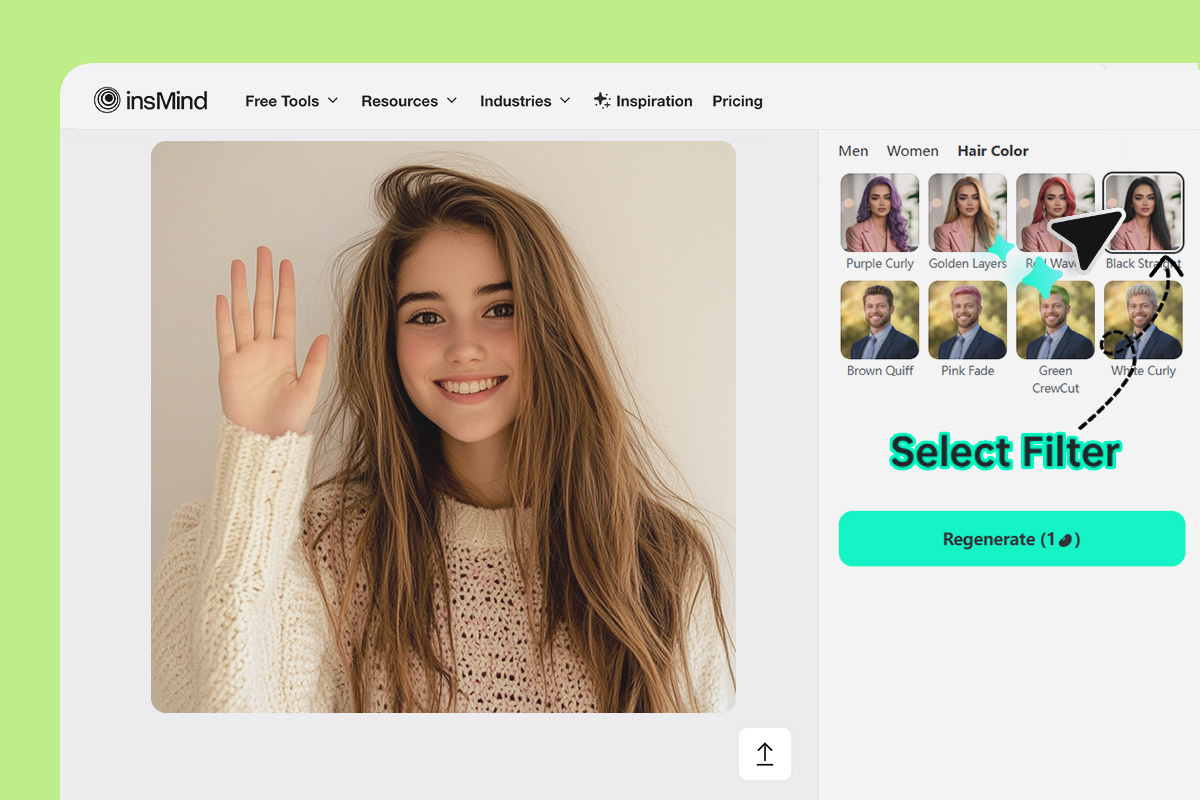
2
2 Select the hair area
Brush over the hair you want to recolor. Zoom in around edges, bangs, curls, and loose strands for a cleaner selection.
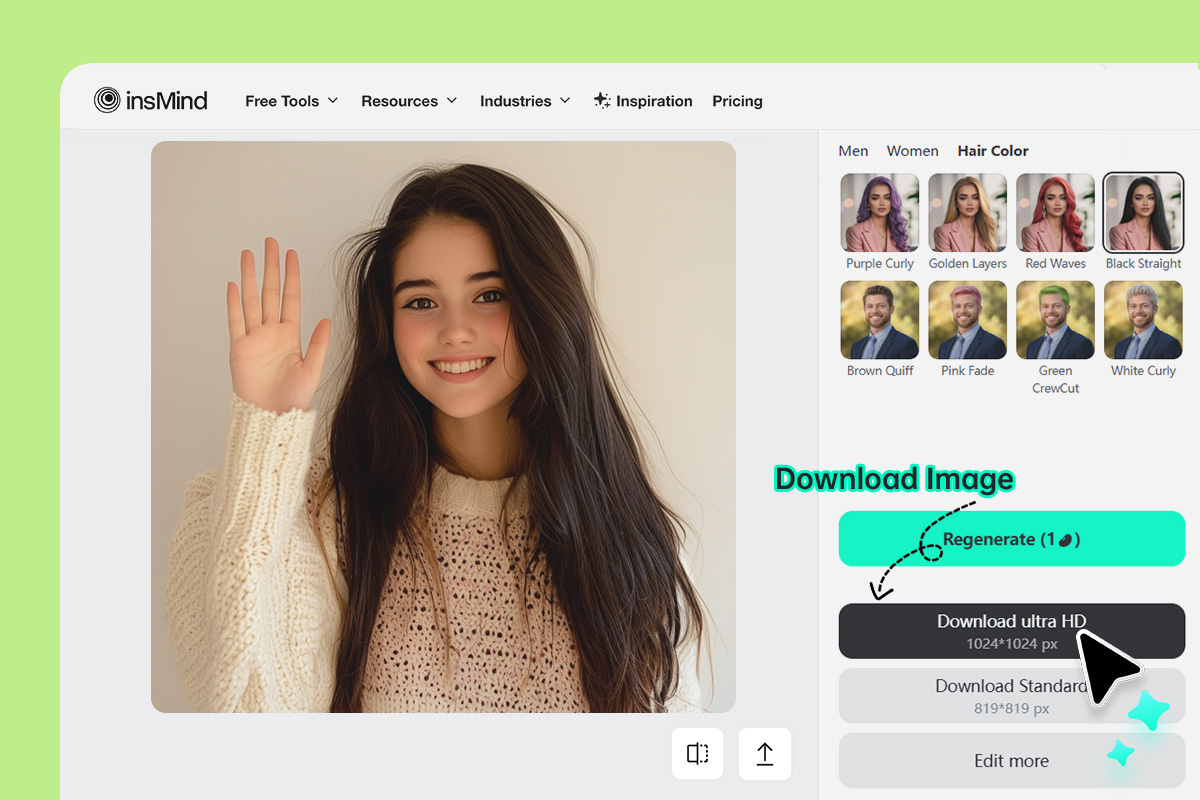
3
3 Enter the color and generate
Type a shade such as copper brown, ash blonde, burgundy, pastel pink, or blue highlights. Generate the preview, then check the hairline and skin edges before downloading.
Use AI Hair Color Changer for Style Planning and Creative Photos
Preview realistic or bold hair shades for everyday style decisions, social content, and visual experiments.
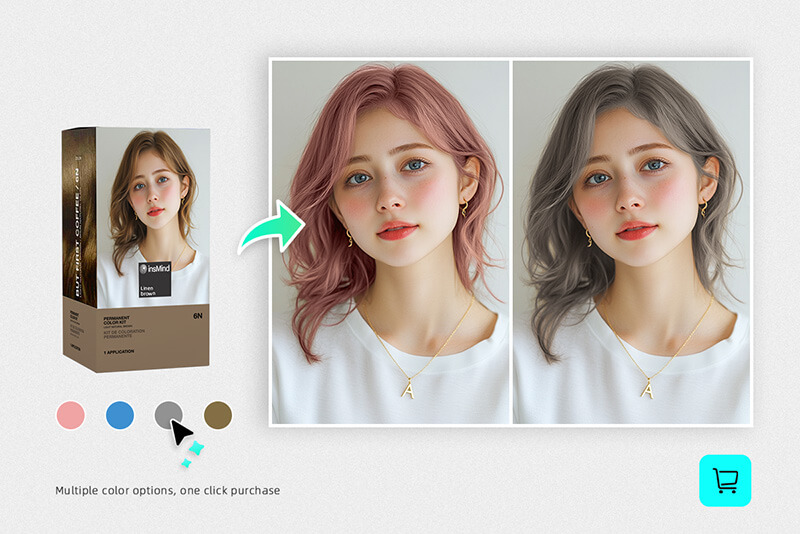
Before a salon appointment
Compare a few shades on your own face before asking for a permanent color change.
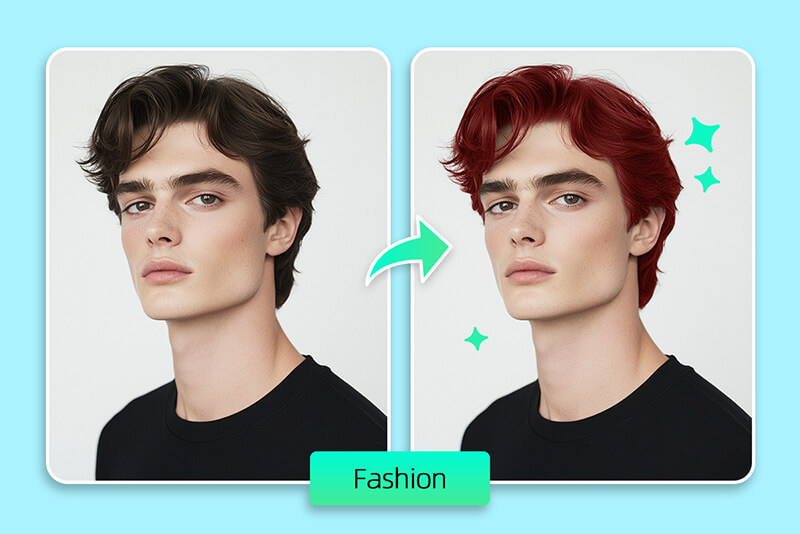
Social profile updates
Create a fresh hair color look for avatars, posts, thumbnails, or profile photos.
Cosplay and creative edits
Try fantasy colors, highlights, or character-inspired shades without dye or a wig.
Controlled hair-area selection

Easy to Use
insMind is incredibly easy to use and has a smart and intuitive interface. Try professional image editing easily and instantly with AI-powered, easy-to-use tools.

Powered by AI
Equipped with the best AI tools, you can change hair color in photos effortlessly. No need for manual photo editing—AI can handle it for you.

High-Quality Outputs
Get professional image results with insMind's AI hair color changer. No need to worry about precision – it accurately changes your hair color in photos with ease.
Explore More AI Photo Editing Features
FAQs About Changing Hair Color in Photos
How can I change hair color in a photo online?


Upload your portrait, select the hair area, enter the color you want, and generate a preview. Check the hairline and edges before downloading.
Can I try hair color virtually before dyeing?
Yes. Use the AI hair color changer to preview shades on your own photo before deciding whether a color fits your face, style, or outfit.
What photo works best for changing hair color?
Use a clear portrait with visible hair and good lighting. Very dark hair, busy backgrounds, hats, or hair covering the face can make the selection harder.
Can I create natural hair colors and fantasy colors?
Yes. You can try natural shades such as brown, black, blonde, copper, or red, and more creative colors such as pink, blue, purple, or highlights.
More Hair and Portrait Editing Tools
Try related tools for hairstyles, profile photos, portraits, and creative looks.

Old Filter
Apply an old-age filter to your photo and see a realistic preview of your future self!
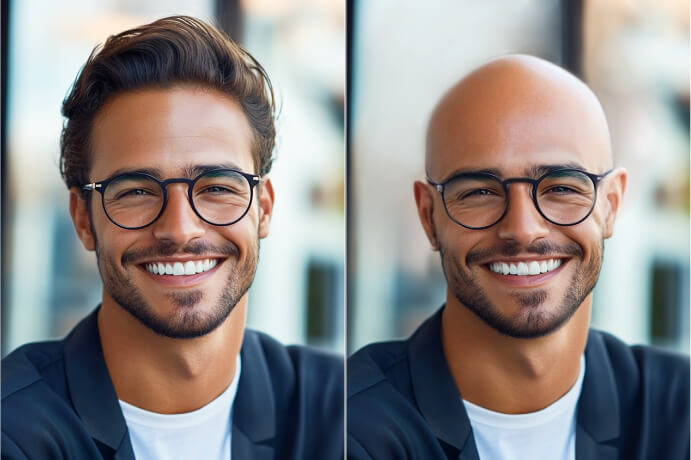
Bald Filter
Apply the bald filter to see what you would look like without hair!
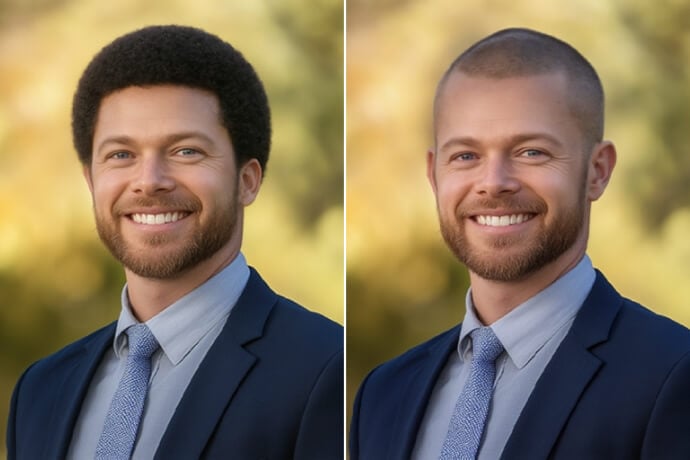
Buzz Cut Filter
Virtually try on a buzz cut hairstyle with ai online for free!
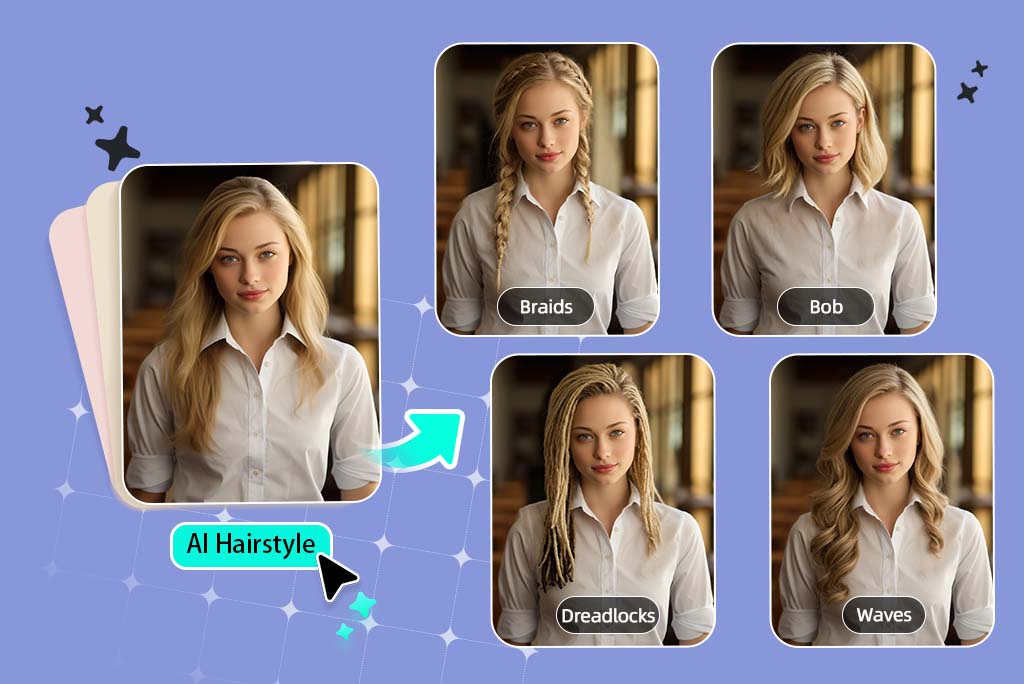
Female Hairstyle Changer
Try stylish female haircuts with our AI simulator.
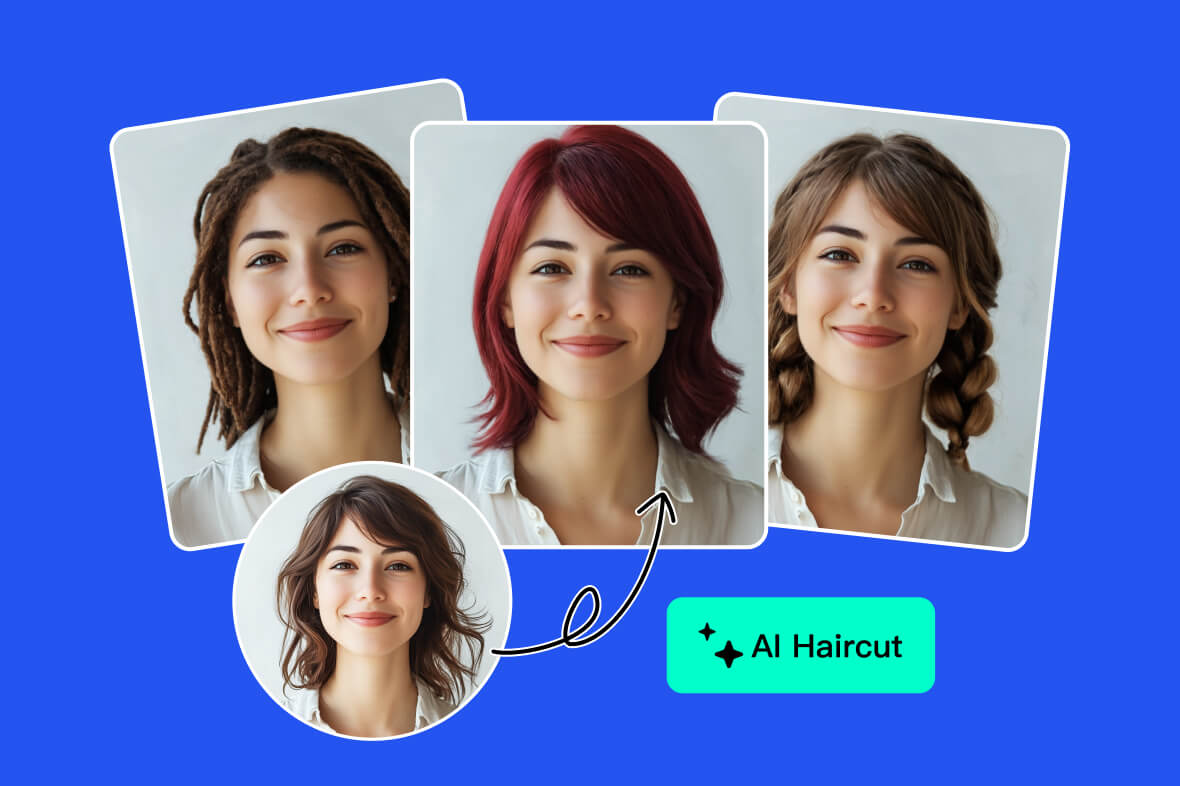
AI Hairstyle Changer
Virtually change your hairstyle online for free with AI.
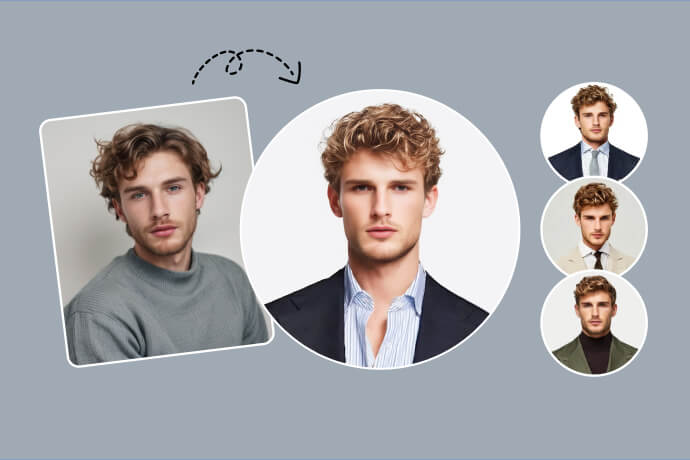
AI Headshot Generator
Turn your selfie into a professional headshot with AI in seconds.
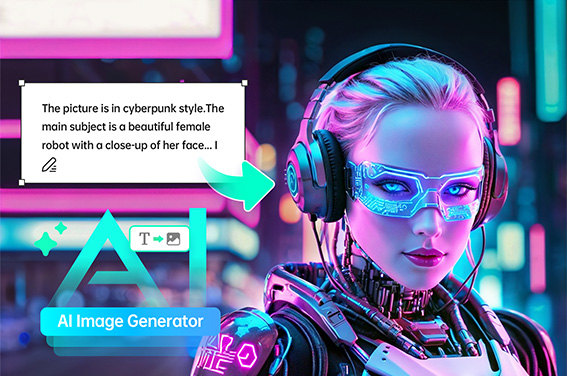
AI Image Generator
Transform your text into stunning images with a simple prompt.
"We wanted to edit the hair color of our models and tried insMind on a friend's recommendation. The AI hair color filter edits photos so naturally that they look original! It produces precise and impressive results."
@Tom Limian