
Spanish AI Video Generator
Create Spanish videos for products, UGC ads, and social media. Start with a prompt or photo, then describe the visuals and Spanish dialogue you want.

Turn Product Photos into Spanish Video Ads
Start with a clear product photo and describe how it should appear in motion. Show a skincare bottle on a bathroom shelf, a handbag in use, or a drink being poured. Add a short Spanish line that explains why the product matters.
The Spanish AI video generator helps turn one image into a moving ad scene. Check the product shape, label, and spoken words before publishing.

Create Spanish UGC-Style Videos with AI
Make a natural product recommendation with a person speaking to camera. Describe the setting, product, and exact Spanish line. A relaxed home scene, natural gestures, and a close view of the item can help the clip feel like a real creator video.
Use the Spanish video generator to test a few hooks and opening lines for UGC product ads. Review lip movement, pronunciation, and product details in each result.

Make Spanish Social Media Ads for Products
Create short Spanish-language ads for a feed, story, or product launch. Try a quick product close-up, a person using it, and a simple closing message. Choose a vertical format when the selected model supports it.
A Spanish AI video maker helps you create social media video ads for the same item from different angles. Keep each ad focused on one product benefit and check any on-screen Spanish text.

Add Spanish Dialogue to Story-Led Videos
Set a scene and write the line you want a character or narrator to say in Spanish. You can describe a friendly recommendation, a short explainer, or a warm brand message. Specify a Spain or Latin American tone if it fits your audience.
Choose a video model with audio support for spoken dialogue. Listen to the result and refine the wording if the voice or accent does not fit.
Where Can You Use Spanish AI Videos?
Make Spanish-language clips for shopping, social campaigns, and everyday stories.

Ecommerce Product Pages
Show a product from a photo in a short moving scene. Add a simple Spanish explanation to help shoppers see the item in use.

Beauty and Skincare Ads
Pair a product close-up with a natural bathroom or vanity scene. Use a short Spanish recommendation and check label details.

Food and Drink Promotions
Bring a snack, coffee, or bottled drink into a real setting. Show someone using the product with a lively Spanish line.

Social Media Campaigns
Test short vertical clips with different hooks for a Spanish-speaking audience. Keep the product and message clear in the first moments.

Travel and Local Businesses
Introduce a café, hotel, or destination with a local-feeling scene and a concise Spanish invitation.

Apps and Service Explainers
Show a person using an app or service and explain one benefit in Spanish. Review any interface text before sharing.
How to Create Spanish Videos with AI
1. Choose Your Scene and Audience
Decide what the video should show and who will watch it. For a product ad, start with a clear product image. Say whether the Spanish should feel natural for Spain or a specific Latin American audience.
2. Write the Spanish Line and Visual Prompt
Add the exact Spanish words you want spoken, plus the setting, person, product action, and camera movement. Keep the message short enough for the clip length.
3. Select a Video Model and Generate
Choose a model that supports audio if you need spoken Spanish. Set a supported aspect ratio and duration, then generate the video from your prompt or image.
4. Check, Refine, and Download
Watch and listen to the full clip. Check pronunciation, accent, lip movement, product details, and any Spanish text. Adjust the prompt and generate another version if needed.
Why Choose insMind for Spanish Videos?

Easy to Start
Describe a scene in plain words or upload a product photo. You can start without filming a new clip.

Image and Text Inputs
Use a product image as a visual reference or build a scene from a text prompt.

Multiple Video Models
Explore the video models available in insMind and choose one that fits your visual and audio needs.

Spanish Dialogue Options
Write the Spanish line you want in the prompt when using a model with audio support. Review the generated voice before publishing.

Social-Ready Formats
Choose a supported vertical or wide ratio to fit a social post, product page, or campaign.

Space to Compare Ideas
Keep product images and video drafts together on an infinite canvas while you compare different ad directions.
FAQs About Spanish AI Video Generation
What is a Spanish AI video generator?


Can I create Spanish videos with AI from a product photo?
Can the video include a Spanish voiceover or dialogue?
Can I choose Spanish from Spain or Latin America?
Can I make Spanish UGC ads?
Is the Spanish AI video maker free?
Can I add Spanish subtitles?
What should I check before posting a Spanish video ad?
Explore More AI Video Tools

Image to Video

AI Product Demo Generator
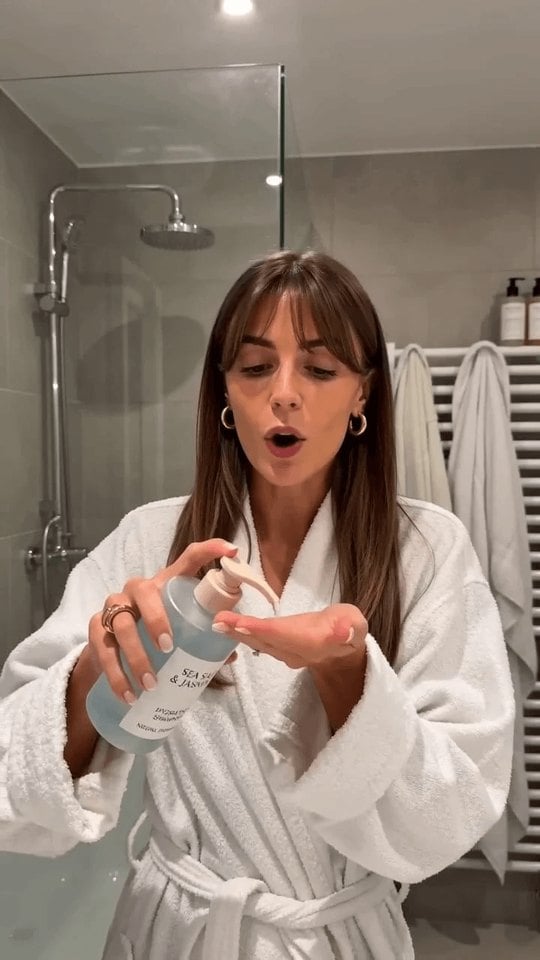
AI UGC Video Generator
Instagram Video Generator

AI Tiktok Video Generator

AI Video Generator
Business Video Maker
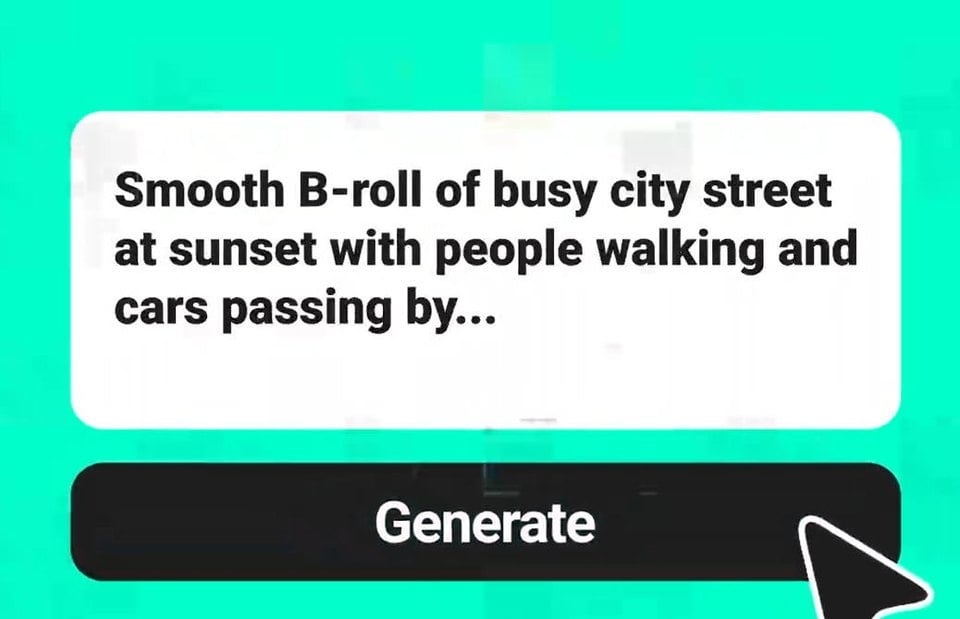
Text To Video Generator
Start Creating Spanish Videos for Your Next Campaign
Bring a product photo or simple idea. Make a Spanish-language video for an ad, product page, or social post.