Narrative Music Video Maker
Upload a music-scene image and use prompts to turn it into story-driven MV clips for love stories, artist promos, dream-pop visuals, and social teasers.
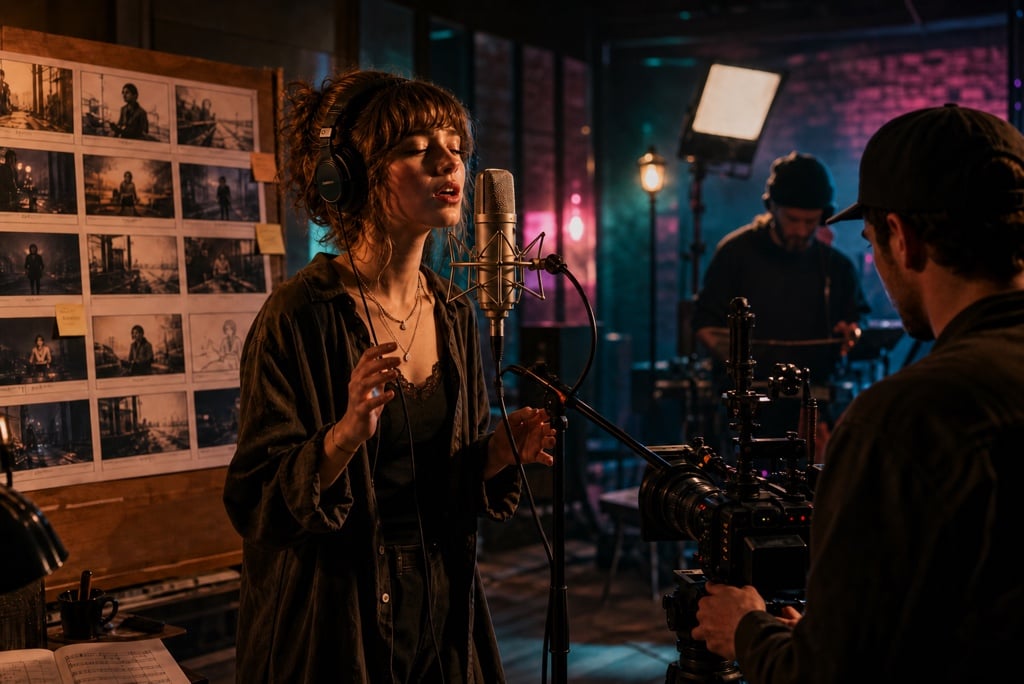
Turn Music Images into Story-Driven MV Clips
A strong singer photo, band still, album visual, or performance frame can become more than a static promo asset. Upload the image, then guide the MV moment with a prompt: soft singing, guitar strumming, stage light movement, a slow camera push, or a clear emotional beat. For tighter control over how the still image moves, explore the AI motion control video workflow.
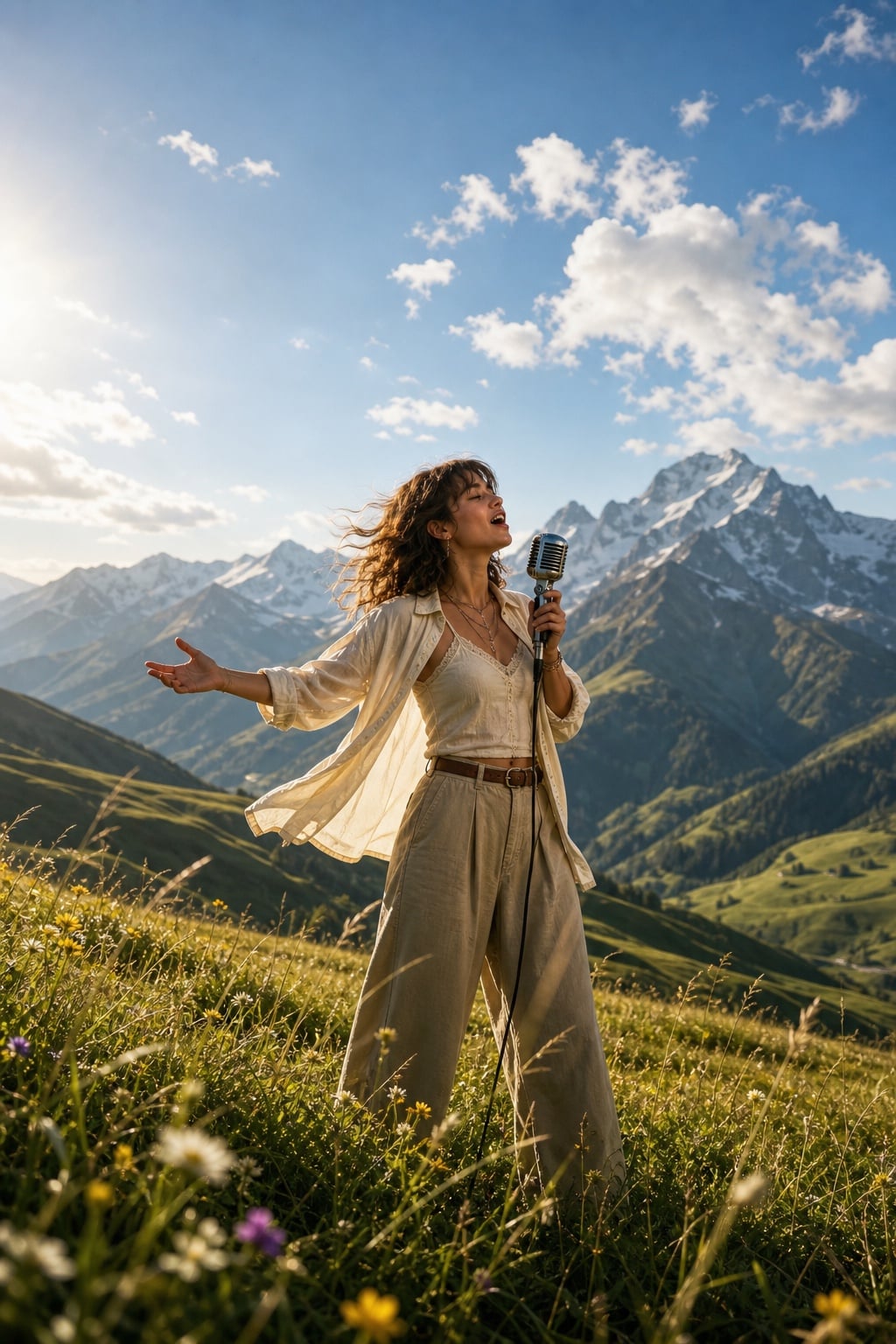
Generate Narrative Music Videos in Different Styles
Create romantic, breakup, dream-pop, or artist-promo narrative music videos from the same reference image. Use prompts to guide mood, camera movement, ratio, and final beat, or plan the sequence first with the AI storyboard generator.
How to Use Narrative Music Video Maker
Step 1: Upload a Music-Scene Image
Start with a singer photo, band still, album visual, or performance frame. Choose an image with a clear subject, setting, and mood so the generated MV clip keeps a strong visual anchor.
Step 2: Add Your MV Prompt and Settings
Describe the music-video direction you want, such as soft singing, guitar strumming, stage lights, a slow camera push, or a romantic story beat. Then set the ratio and short duration for your clip.
Step 3: Generate the Narrative MV Clip
Start generation and let insMind turn the reference image and prompt into a short video with motion, mood, and cinematic pacing. Review whether the subject stays recognizable and the scene fits the song idea.
Step 4: Download and Use the Video
Download the finished clip for a release teaser, artist promo, social post, or MV concept preview. When you need another direction, update the prompt or format and generate a new version from the same image.
Why Choose insMind Narrative Music Video Maker

Turn Song Ideas into Scenes
Start with a lyric line, song mood, genre, or chorus idea, then describe the classroom choir, lakeside guitar, artist promo, or love-story scene you want to generate.

Use a Reference Image
Upload a singer photo, band still, storyboard frame, or performance image as the visual anchor, then pair it with a prompt to create a more directed music video.

Guide the Story Beat
Define the opening shot, main performance moment, emotional shift, and final frame so the result feels like a short narrative MV instead of a random visual loop.

Control Camera and Mood
Specify close-ups, slow push-ins, golden-hour light, classroom warmth, lake reflections, or details to avoid such as readable text, logos, and warped hands.

Create Social-Ready Formats
Generate 16:9 videos for artist pages and YouTube-style previews, or 9:16 teasers for TikTok, Instagram Reels, and YouTube Shorts.

Test Multiple MV Directions
Try a choir version, acoustic lakeside version, dreamy pop visual, or artist promo before committing to a shoot, edit, or release campaign.
FAQs About insMind Narrative Music Video Maker
What can I create with Narrative Music Video Maker?


How do I turn lyrics or a song idea into a video?
What should I include in the prompt?
Do I need editing skills, and what formats can I make?
Explore More AI Music and Video Tools
AI Video Generator
Text To Video Generator