Graduation Video Maker
Turn graduation photos and milestone moments into heartfelt videos your family, classmates, and friends will want to keep and share.
Turn Graduation Photos into Keepsake Videos
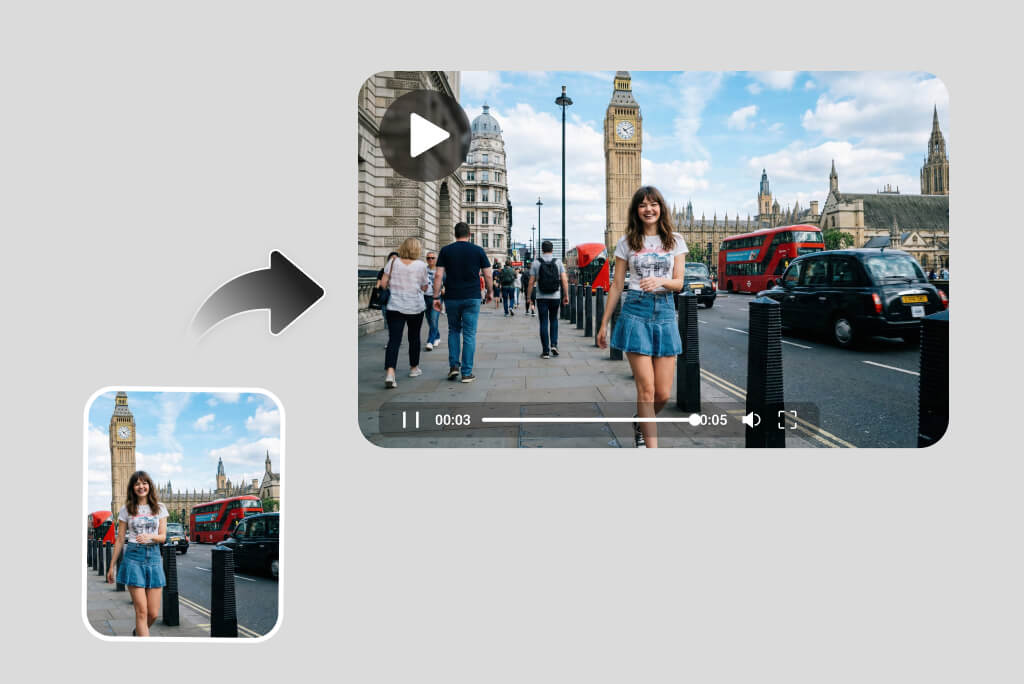
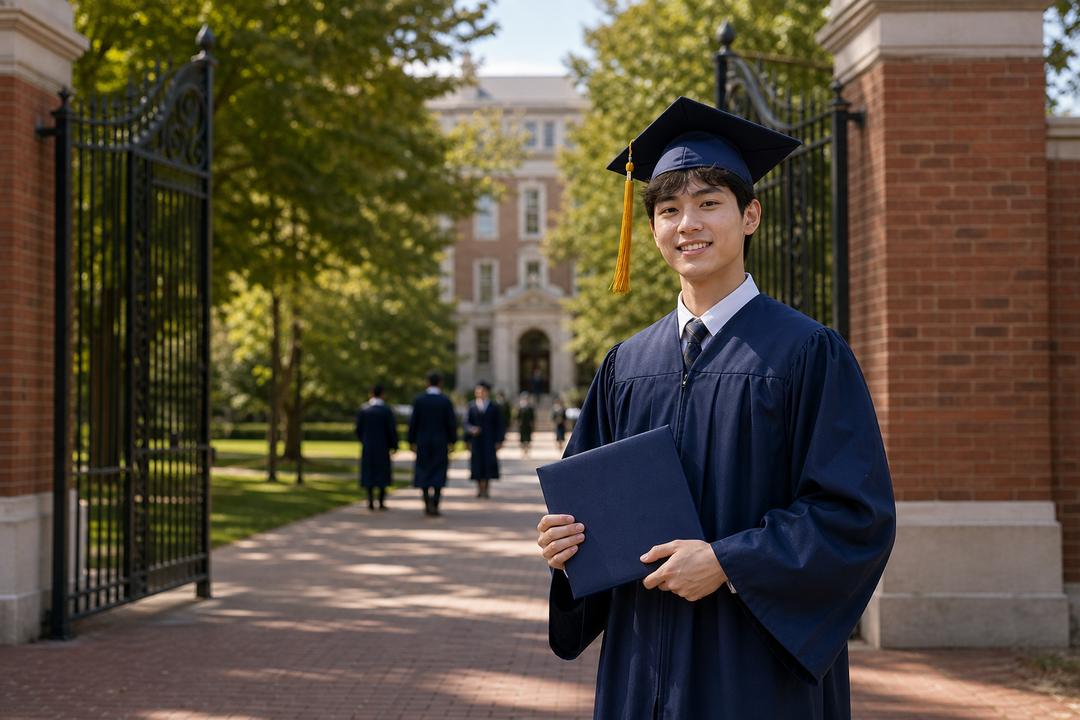
Graduation photos already hold the big moments: a campus portrait, family picture, diploma handoff, school-gate snapshot, or ceremony scene. Upload one to insMind and use the image to video tool to add gentle camera motion, soft lighting, and music-ready pacing. Create a polished graduation video for announcements, family messages, ceremony screens, or social posts without rebuilding a timeline by hand.
Create Class Tribute Videos from Real Graduation Moments
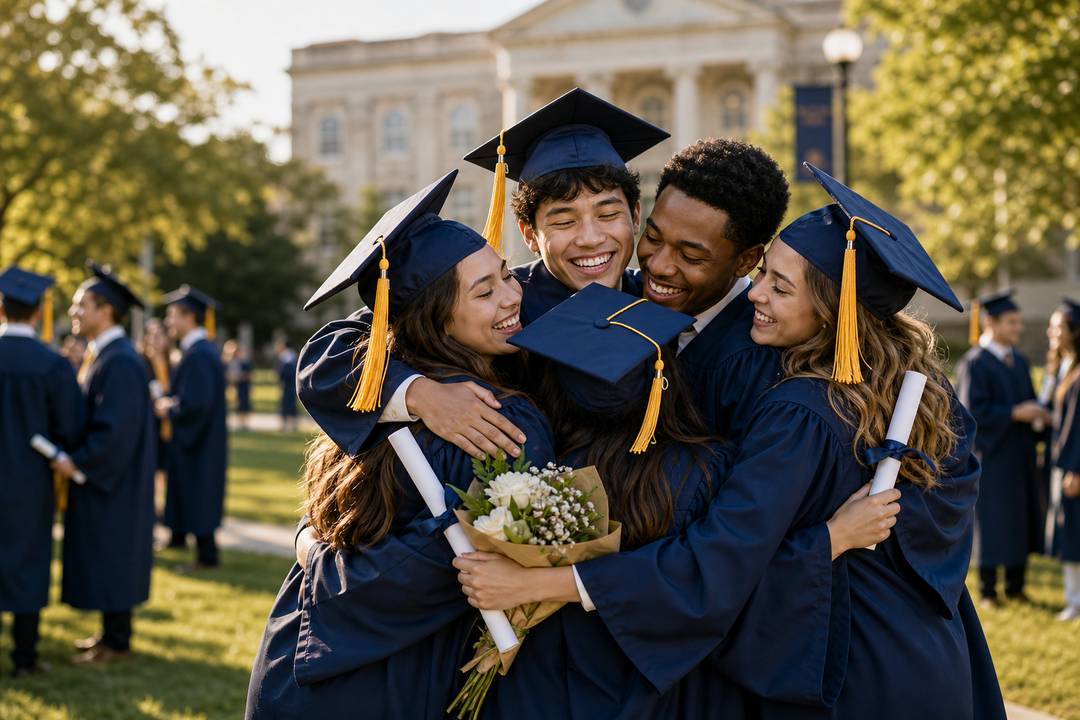
Classmate hugs, group portraits, classroom memories, and celebration photos can become a warm graduation recap instead of staying as one static picture. Describe the people, mood, and final message, then let insMind shape the result like a tribute video maker clip with natural motion, campus atmosphere, and an emotional ending for classmates, families, or your school community.
How to Make a Graduation Video with insMind
Step 1: Upload Your Graduation Photos
Add a graduation portrait, school-gate photo, family picture, class photo, diploma moment, or ceremony snapshot. Use clear images where faces, caps, gowns, and the main background are visible, so the AI can keep the memory recognizable while turning it into video.
Step 2: Choose Video Settings and Scene
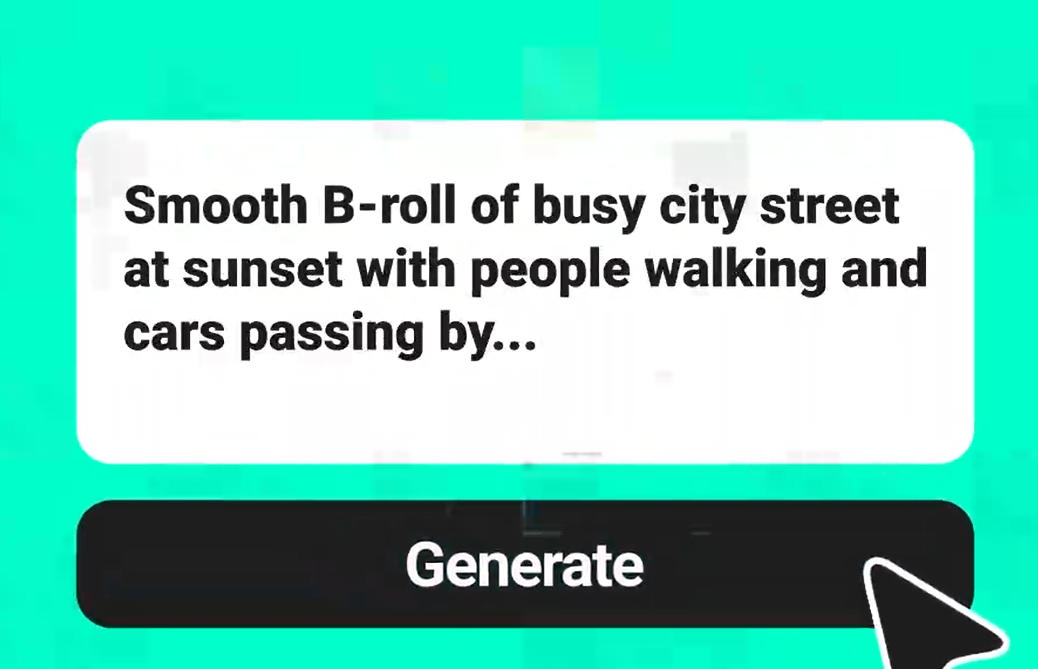
Select the graduation direction you need, such as a photo memory video, class tribute, ceremony recap, or family keepsake. Set the format to 16:9 for screens or 9:16 for social posts, choose a short duration like 10 seconds, and add a prompt for the scene, mood, and music feel.
Step 3: Generate the Graduation Video
Start generation and let insMind animate your photo with practical motion, such as a gentle camera pull, soft campus light, classmates celebrating together, family applause, or a proud diploma close-up. The result becomes a polished graduation clip with movement, pacing, and an emotional video style.
Step 4: Download and Share the Memory
Preview the finished video, then check that faces, hands, caps, gowns, and background edges look natural. Refine the prompt if needed, then download the graduation video for family chats, class groups, ceremony screens, party recaps, Instagram Reels, TikTok, or YouTube Shorts.
Why Choose insMind Graduation Video Maker

Animate Real Graduation Photos
Upload school-gate portraits, family photos, classmate hugs, or ceremony shots and turn them into short videos with natural motion.

Keep the Memory Recognizable
Use clear source photos to preserve faces, caps, gowns, diplomas, and campus details while adding gentle camera movement.

Guide the Graduation Scene
Describe a family tribute, class recap, ceremony highlight, or party invite with specific mood, motion, and aspect ratio.

Generate Without Timeline Editing
Start from one photo and a practical prompt instead of trimming clips, arranging transitions, or building a slideshow manually.

Create Polished Recap Results
Make graduation videos with smooth pacing, soft lighting, subtle parallax, and a finished look for family or school sharing.

Share Across Graduation Moments
Export videos for family groups, graduation parties, ceremony screens, Instagram Reels, TikTok, YouTube Shorts, or private links.
FAQs About insMind Graduation Video Maker
How do I make a graduation video with insMind?


Can I make a graduation video with pictures and music?
What photos work best for a graduation video?
Can I create and share graduation videos online for free?