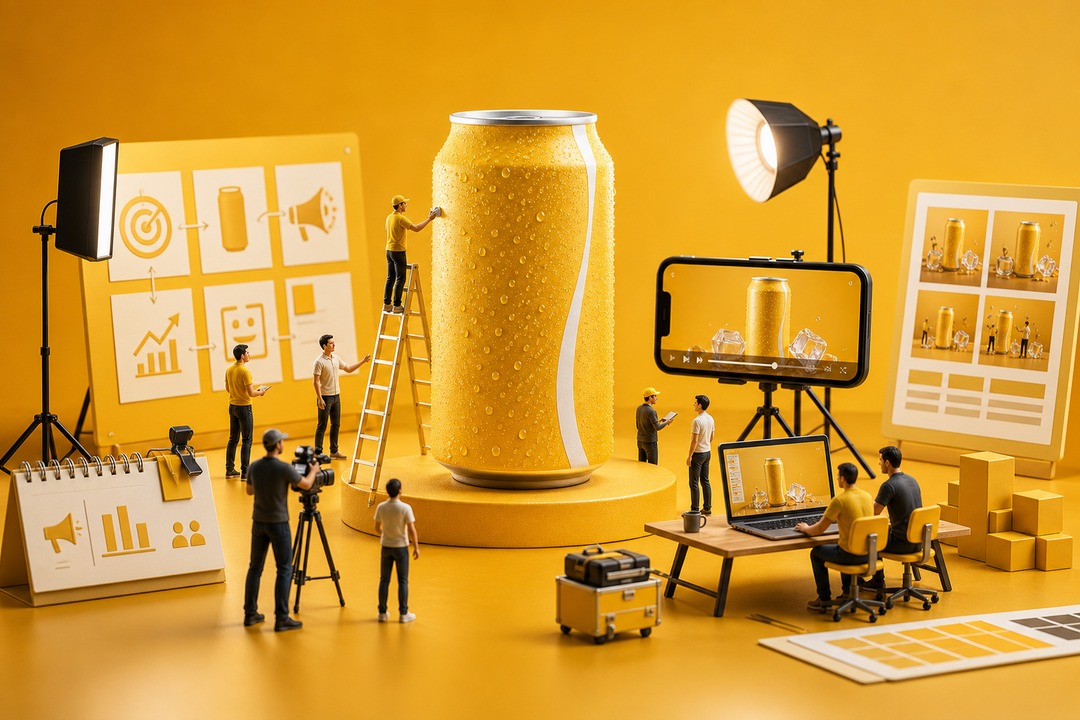
A strong campaign often starts as a messy brief: a product launch date, a target audience, one offer, and a few notes about the message. With insMind Campaign Video Maker, you can turn that raw idea into a short video direction without hiring a crew or building a timeline from scratch. For example, a beverage brand can describe a summer launch, a refreshing first sip, bright product lighting, and a CTA-ready ending, then generate a video concept for ads or landing pages. If your campaign begins with a script or written brief, the text-to-video tool workflow helps turn those words into motion fast.

00:00
00:00
Build Campaign Videos Without a Full Production Plan

00:00
00:00
Turn Product Visuals into Social-Ready Campaign Ads
Not every campaign needs new footage. Sometimes the best starting point is the product image you already trust: a clean bottle shot, a food photo, a package mockup, or a hero frame from your brand kit. insMind can use that visual as the anchor for a campaign video, so the product stays recognizable while the scene gains movement, pacing, and a stronger ad hook. A fitness brand, for instance, can start with a protein tub image and build a short creator-style promo around a gym scene, product lift, and social-ready ending. When you want to animate existing assets, the image-to-video tool workflow is the practical shortcut.
How to Make a Campaign Video with insMind
Step 1: Pick Your Creation Mode and AI Model
Open the insMind generation workspace and choose Agent, Image, or Video mode based on how you want to start your campaign. Then select a model that fits the goal, such as a launch-style product scene, a social ad concept, or a polished brand promo, since each model can create a slightly different motion style and visual finish.
Step 2: Add Your Brief and Adjust the Settings
Write a prompt that explains the campaign brief, audience, product, offer, key visual moment, and desired CTA. Set the video duration and aspect ratio before generating. If you are not sure where to begin, use the preset campaign examples on the page as a starting point, then adapt the hook, scene order, and visual tone to your own campaign.
Step 3: Start the Campaign Video Creation
Click the generate button in the lower-right corner, and insMind will start turning your prompt into a campaign video. The process usually takes a few minutes, depending on the selected model, video length, and scene complexity.
Step 4: Check the Output and Keep Improving
When the result is ready, check whether the first seconds, product clarity, pacing, and CTA-ready ending match your campaign goal. You can download the video if it works, or continue typing in the chat box to adjust the hook, change the format, refine the scene details, and generate a stronger version.
Why Choose insMind Campaign Video Maker

Brief-to-Video Workflow
Turn campaign goals, scripts, and launch notes into video concepts without starting from a blank timeline.

Built for Multiple Campaign Types
Create product launches, food promos, luxury campaigns, fitness ads, event promos, and brand messages from one workflow.

Social-Ready Formats
Generate landscape videos for pages and social-ready clips for campaign testing, paid ads, and short promotional content.

Connected Marketing Toolkit
Expand campaigns with ad video, product video, business video, UGC, and script-to-video workflows across insMind.

Faster Creative Testing
Produce several campaign angles before committing budget to a shoot, agency edit, or paid media push.

Prompt-Friendly Creative Control
Guide the hook, audience, mood, camera movement, audio style, and final CTA moment in natural language.
FAQs About insMind Campaign Video Maker
What is a campaign video maker?


A campaign video maker helps turn a campaign brief, script, event idea, product launch, or social cause into a short video. With AI, you can describe the goal, audience, message, format, and style, then generate a campaign-ready video concept without manual timeline editing.
How do I create a campaign video with AI?
Start by entering your campaign goal, audience, main message, visual style, ratio, duration, and CTA. Then generate the video and refine the prompt if you want a stronger hook, a different format, or a clearer audience focus.
How do I make a campaign ad video?
For a campaign ad video, include a strong first-frame hook, one clear benefit, a proof or lifestyle moment, and a CTA-ready ending. Use clear pacing, camera movement, audio mood, and restrictions in the prompt.
What should I include in a campaign video prompt?
Include the campaign type, audience, offer or mission, key visual moments, pacing, camera movement, audio mood, video ratio, and restrictions such as no readable text or watermarks.
Can I make campaign videos for social media?
Yes. You can prompt for short-form pacing, a strong opening hook, lifestyle motion, and a final CTA-ready scene that fits social ads, landing pages, and campaign posts.
Can I create campaign videos from a script?
Yes. A script can be the starting point for a campaign video. Add notes about the desired scene, audience, visual tone, and CTA so insMind can turn the written message into a more visual result.
Is the Campaign Video Maker free to try?
insMind offers core features with a free trial experience. Users can also earn free credits through platform activities, making it easier to test campaign video ideas and compare variations.
Can I make multiple campaign versions from one brief?
Yes. Reuse the same brief to create different angles, such as product benefit, problem-solution, event invite, social proof, awareness story, or limited-time offer.
Explore More Campaign and Marketing Video Tools

AI Video Generator
Create high-quality videos from text and images with AI tools.

AI Product Video Generator
Create product videos for ecommerce, ads, and product showcases.

AI UGC Video Generator
Create product-style UGC videos with AI for ads and social media.

Business Video Maker
Generate business videos, promo videos, and brand videos with AI.

AI Explainer Video Generator
Create explainer videos for products, ideas, and business messages.

AI YouTube Shorts Generator
Create short vertical videos for YouTube Shorts and social campaigns.

Script to Video AI
Turn scripts into videos with AI for explainers and campaigns.

Text To Video Generator
Create videos from prompts, campaign ideas, and creative descriptions.