
00:00
00:00
Generate Viral Meme Scripts
00:00
00:00
Create Talking Meme Characters
How to Make an AI Brainrot Video with insMind
Step 1: Add an Absurd Idea or Image
Enter a strange meme concept or upload a clear image of a person, pet, object, or original character you want to animate.
Step 2: Describe the Brainrot Story
Explain the action, joke, voice, camera movement, visual style, and sound. Keep the scene focused around one memorable setup and punchline.
Step 3: Generate Your Brainrot Video
Choose a vertical format when creating for short-form platforms, then click generate to turn the prompt and image into a moving meme clip.
Step 4: Preview and Download
Review the motion and sound, refine the prompt if needed, and download the finished MP4 for TikTok, Reels, Shorts, or meme communities.
Create Brainrot Videos for Every Meme Feed
Make vertical meme clips for talking pets, surreal characters, TikTok trends, and YouTube Shorts.
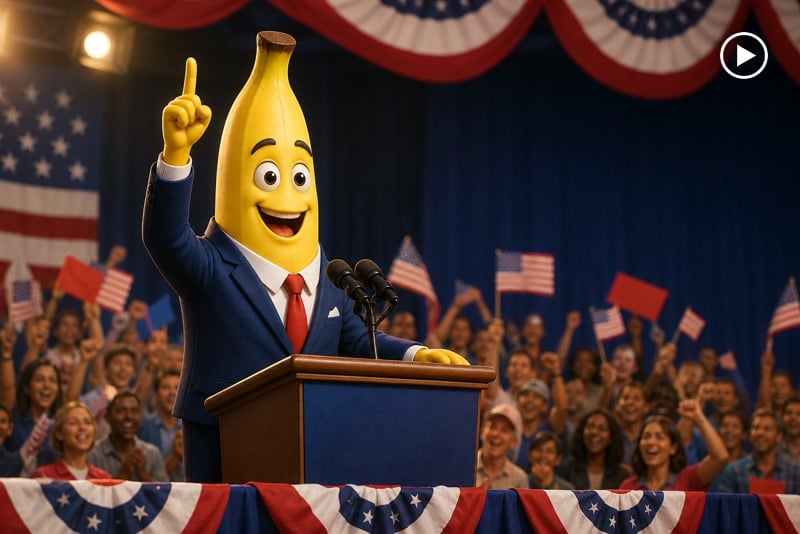
TikTok Brainrot Videos
Create fast, strange, vertical meme clips with expressive characters and punchy sound for TikTok trends and recurring content series.
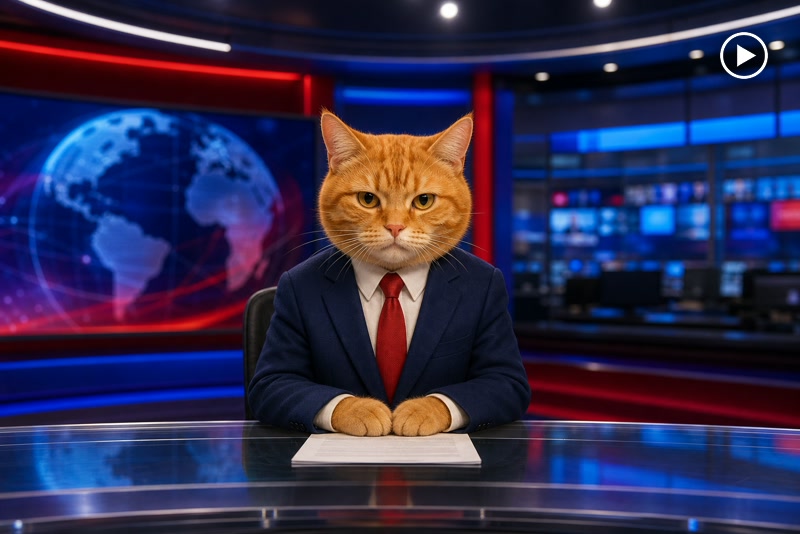
Talking Pet News
Turn a pet photo into a mock news report, dramatic announcement, or absurd talking-animal update with synced mouth movement.
YouTube Shorts Memes
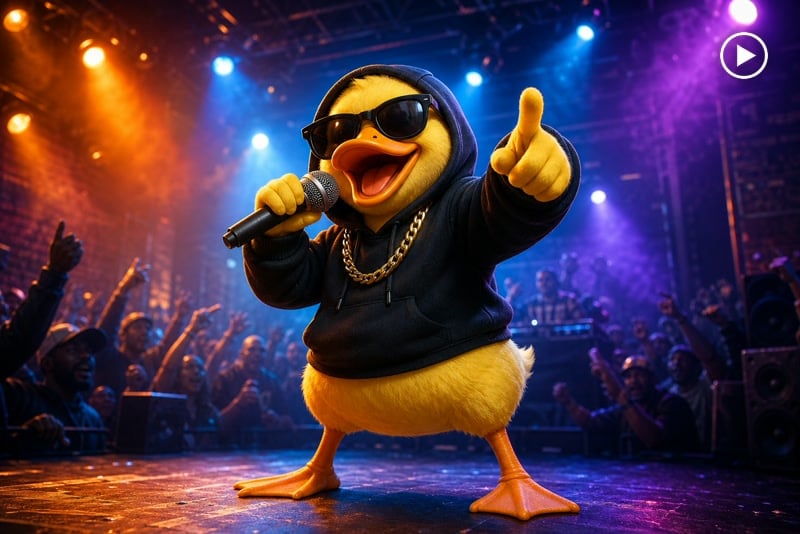
Build compact character jokes, surreal mini-scenes, and loopable visual punchlines in a format designed for YouTube Shorts.
Surreal Meme Stories
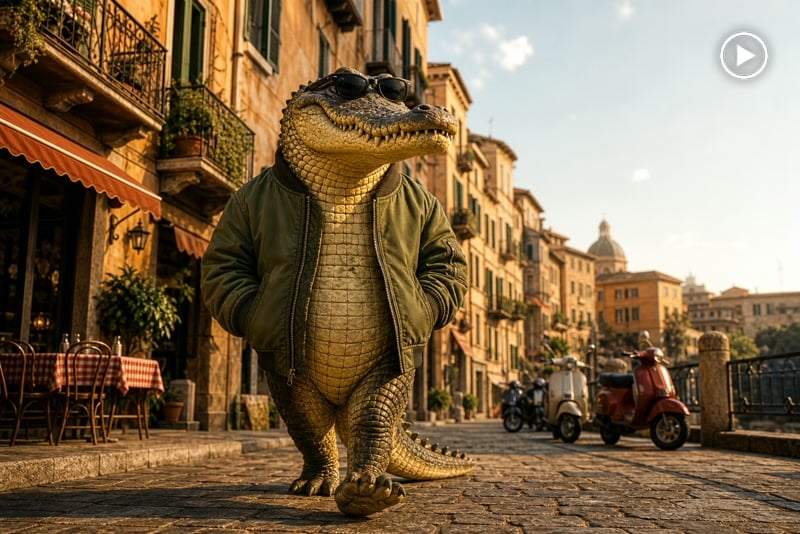
Combine unexpected characters, settings, camera direction, and sound to create original mini-stories that feel bizarre but visually coherent.
Why Create AI Brainrot Videos with insMind

Ideas Become Meme Stories
Start with one strange concept and shape it into a focused setup, character action, and comic payoff without writing a long production script.

Animate Any Character
Bring pets, objects, mascots, and surreal creations to life by using insMind to turn an image into a video.

Talking Character Motion
Create expressive speaking or performing characters with synchronized mouth movement, gestures, and scene-appropriate reactions.

Sound Built into the Scene
Guide voices, music, ambience, and action effects in the prompt so the finished meme feels more complete and ready to share.

Vertical Social Output
Create portrait clips for TikTok, Reels, and YouTube Shorts without manually reframing a landscape video.

No Advanced Editing Skills
Upload, describe, generate, preview, and download online without building a complicated timeline or filming every surreal scene yourself.
FAQs About insMind AI Brainrot Video Generator
What is an AI brainrot video generator?


An AI brainrot video generator turns absurd ideas, prompts, or images into short meme-style videos. You can describe a strange character, unexpected situation, voice, motion, camera direction, and sound, then generate a shareable clip without filming the scene yourself.
How do I make an AI brainrot video?
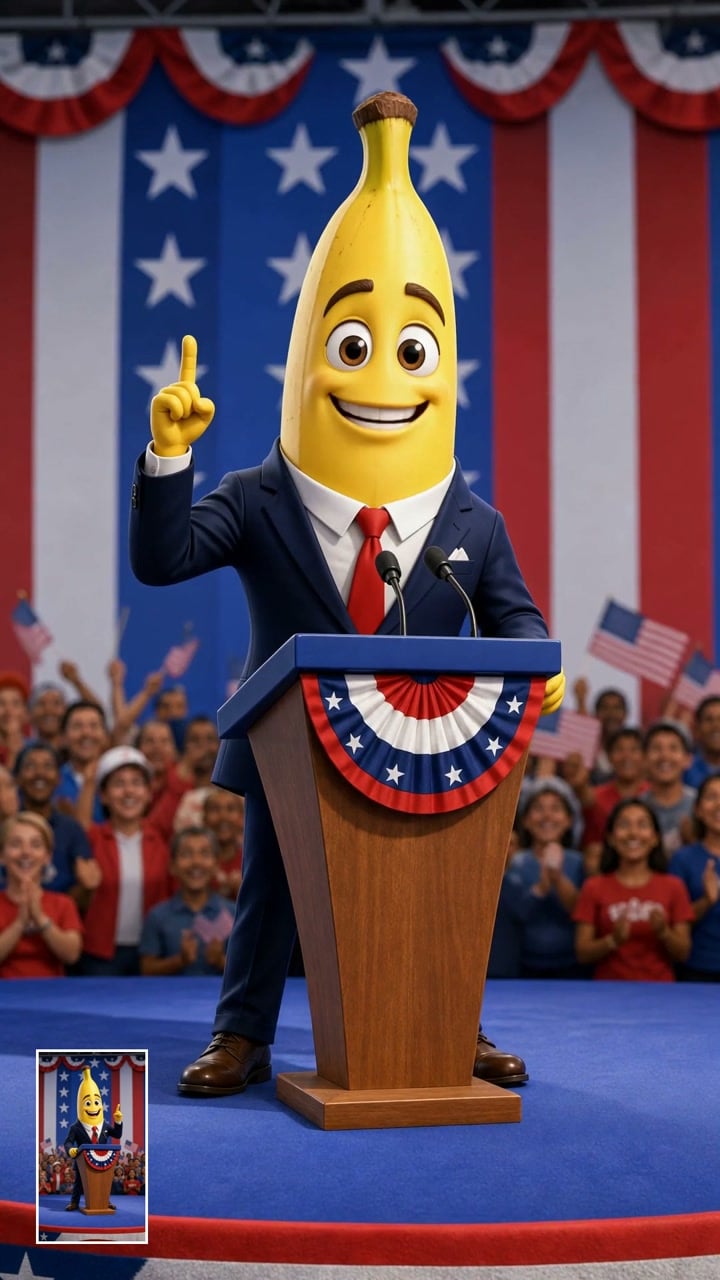
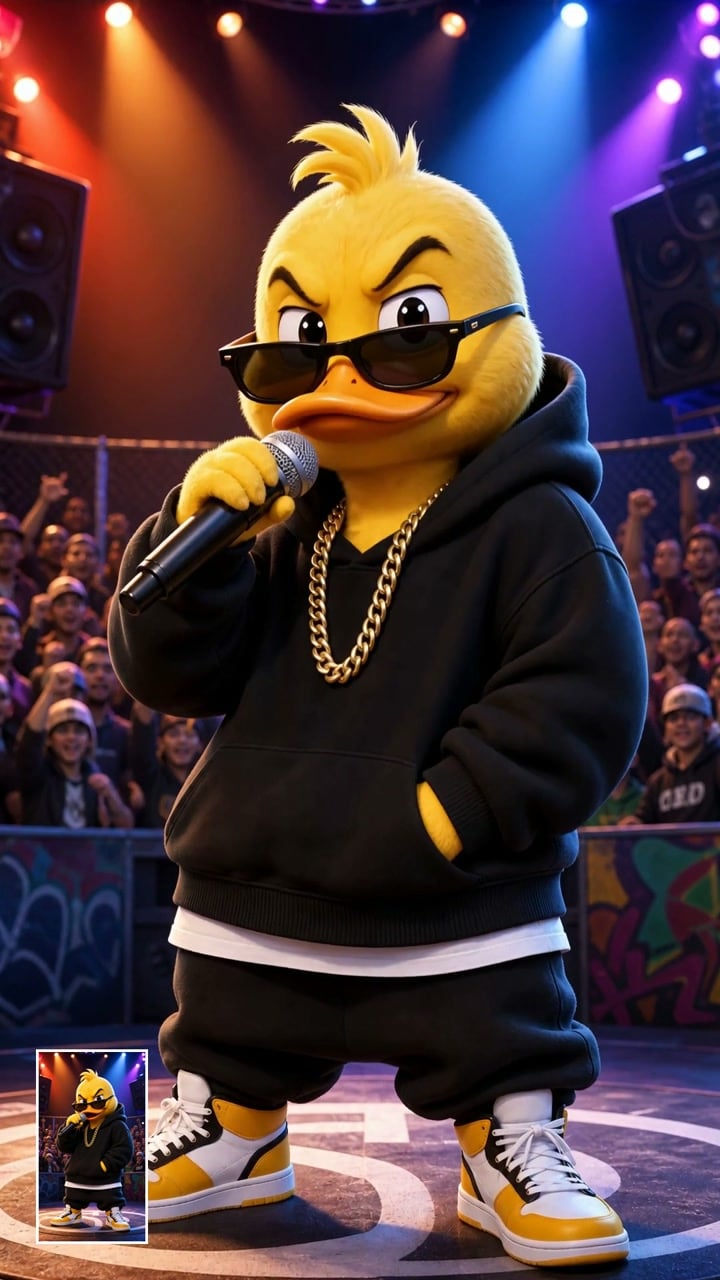
Start with one clear comic idea, such as a banana running for president or a duck entering a rap battle. Add an image or describe the character, explain the main action and sound, select the preferred ratio, and generate the video. A focused setup and punchline usually work better than many unrelated events.
Can I create a brainrot video from an image?
Yes. Upload a clear image of a person, pet, object, mascot, or surreal character and describe how it should move, speak, or react. A front-facing subject with visible facial details is especially useful when you want talking motion or expressive reactions.
Can I generate Italian Brainrot characters?
Yes. You can create or upload an original surreal character and describe an Italian Brainrot-inspired scene with exaggerated motion, unusual character design, dramatic camera direction, and original operatic-style sound. Avoid copying protected characters, songs, logos, or another creator’s exact work.
Does the generated video include sound?
You can request scene-specific audio such as dialogue, character voices, music, ambience, footsteps, crowd reactions, or comic sound effects when the selected generation workflow supports audio. Describe each important sound clearly in the prompt and keep the audio direction consistent with the scene.
Can I make talking animal brainrot videos?
Yes. Upload a clear animal portrait and add the line it should say. You can create a cat news reporter, a duck rapper, a talking dog, or another playful character. Keep the face and mouth visible, use a short line, and request natural blinks and small head motion for a more stable result.
How do I download my brainrot video?
After generation, preview the result and confirm that the motion, sound, and framing match your idea. Then use the download option to save the finished MP4. You can publish it directly or add final captions and platform-specific text in your preferred editor.
Is the AI Brainrot Video Generator free to use?
You can try this tool online for free. Available features and usage limits may vary by account and permissions.
Can I generate vertical videos for TikTok and Reels?
Yes. Choose a 9:16 portrait format for TikTok, Instagram Reels, and YouTube Shorts. Mention vertical framing in the prompt and keep the main character near the center so important facial expressions and actions remain visible after generation.
What image should I upload?
Use a sharp, well-lit image with one main subject and a clean composition. For talking characters, make sure the eyes and mouth are visible. For full-body motion, include the complete body and leave enough room around the subject for walking, dancing, or camera movement.
Explore More AI Meme and Video Generators
00:00
00:00
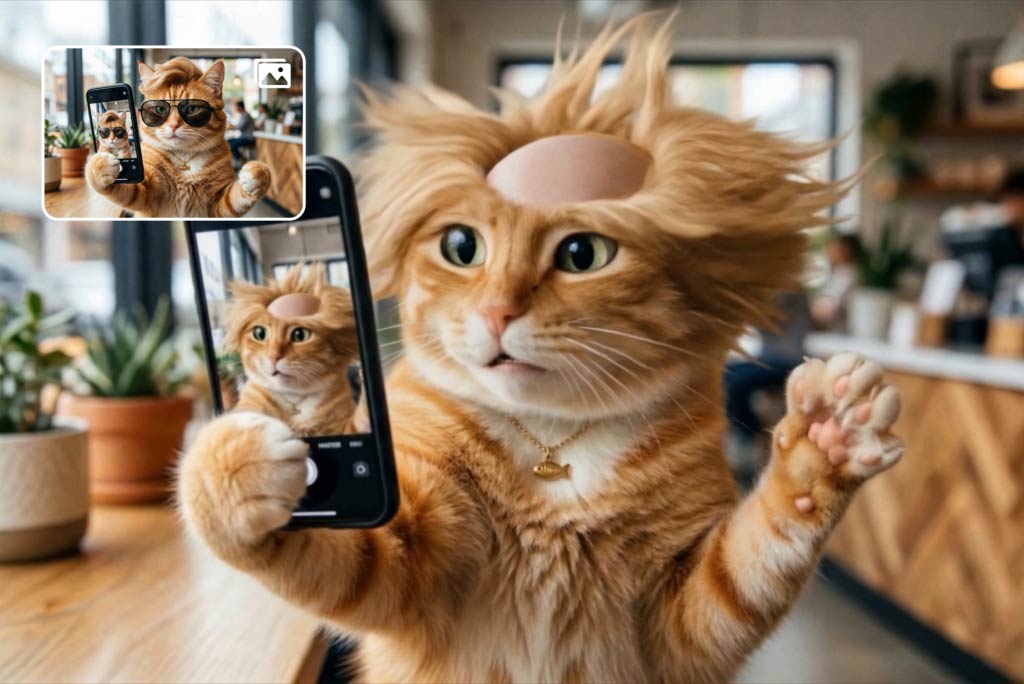
Funny Video Generator
Create hilarious AI funny videos from text and images instantly.
00:00
00:00
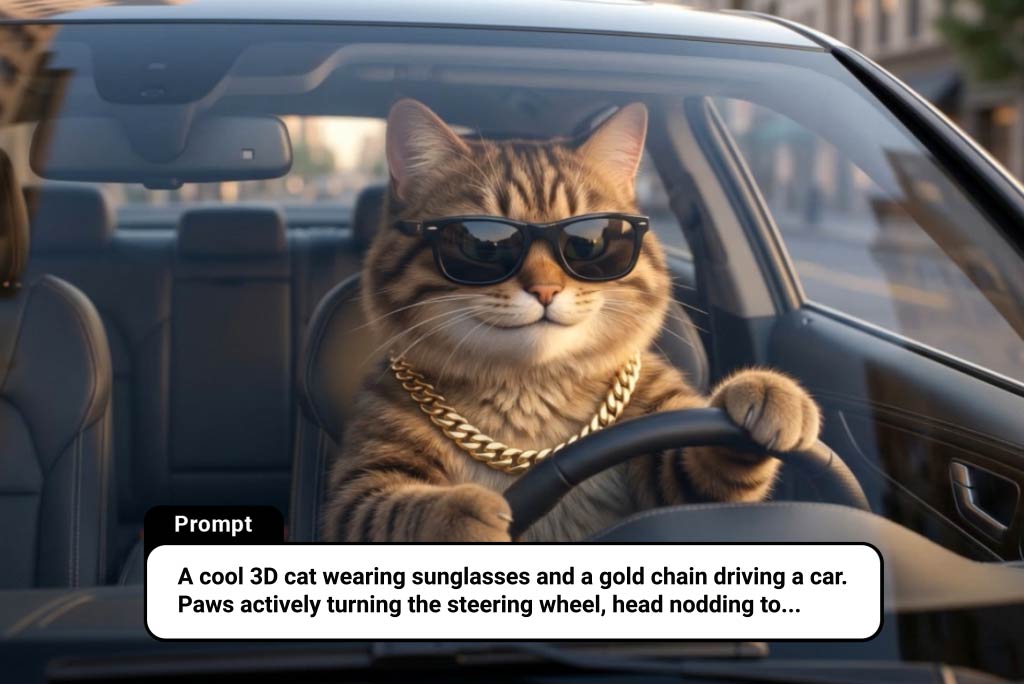
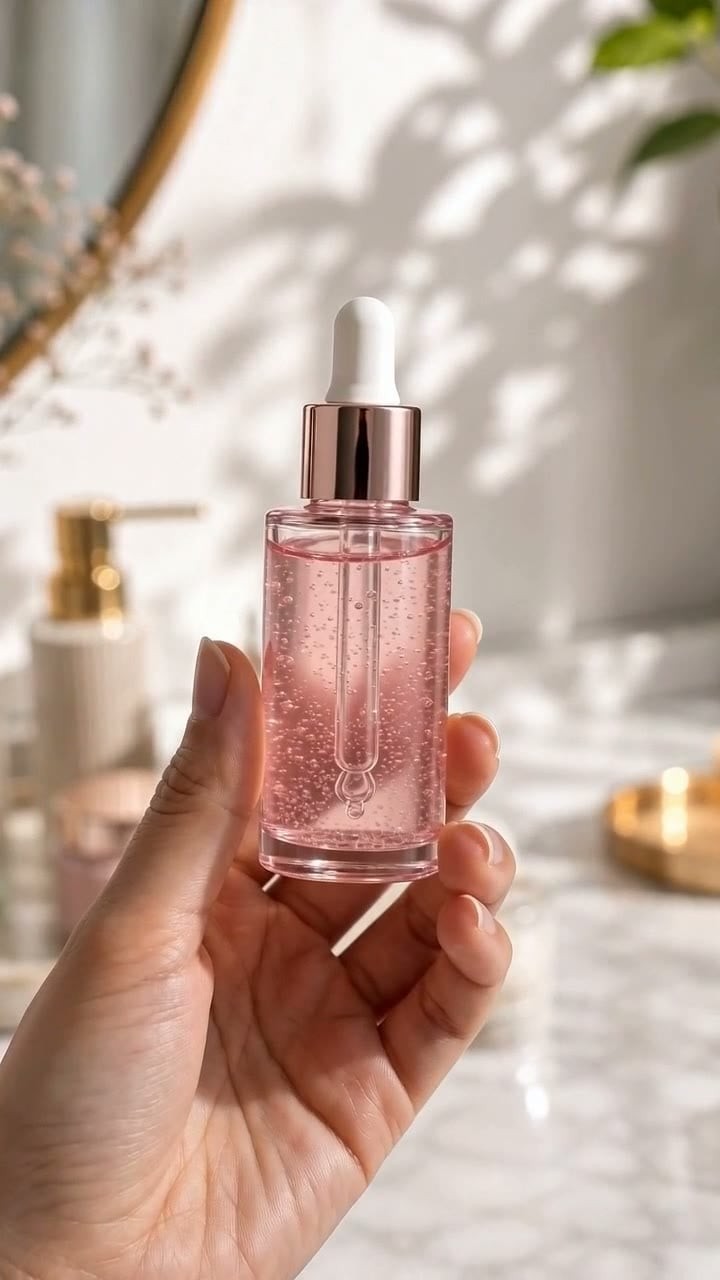
AI Cat Video Generator
Turn ideas or images into animated cat videos instantly.
00:00
00:00
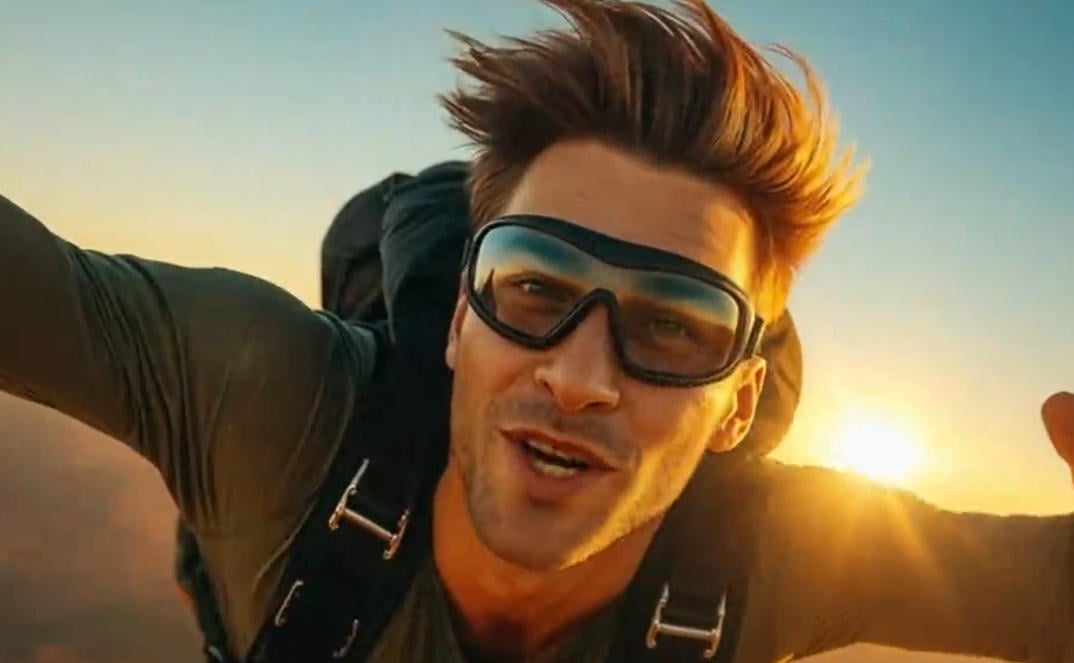
AI TikTok Video Generator
Create vertical AI videos made for TikTok trends and social posts.
00:00
00:00
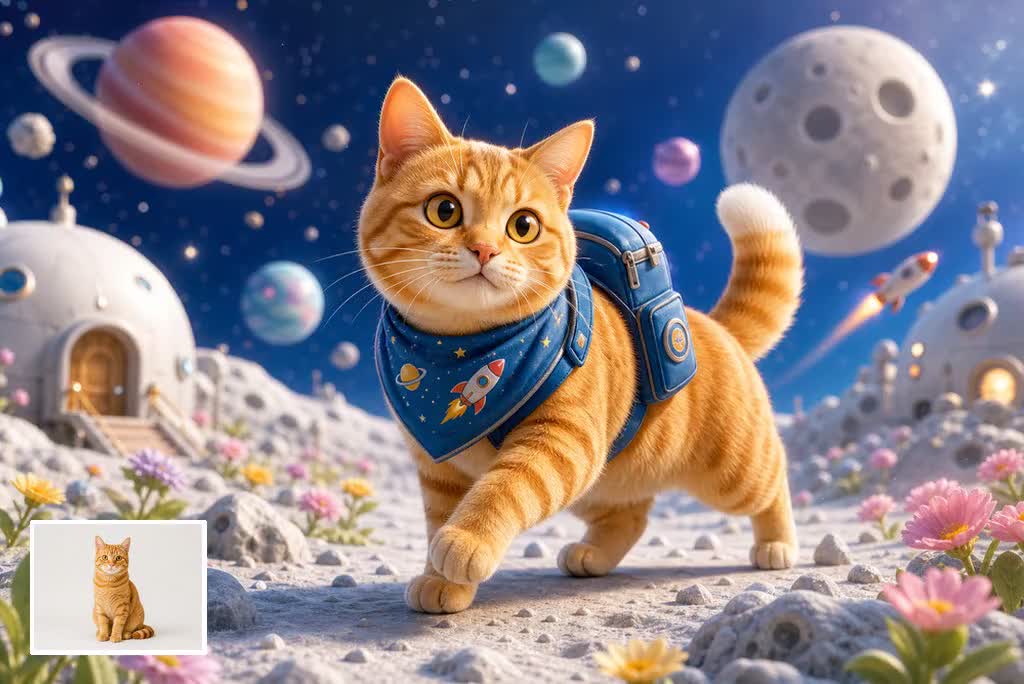
AI YouTube Shorts Generator
Create viral YouTube Shorts instantly with smart, easy-to-use AI tools.
00:00
00:00
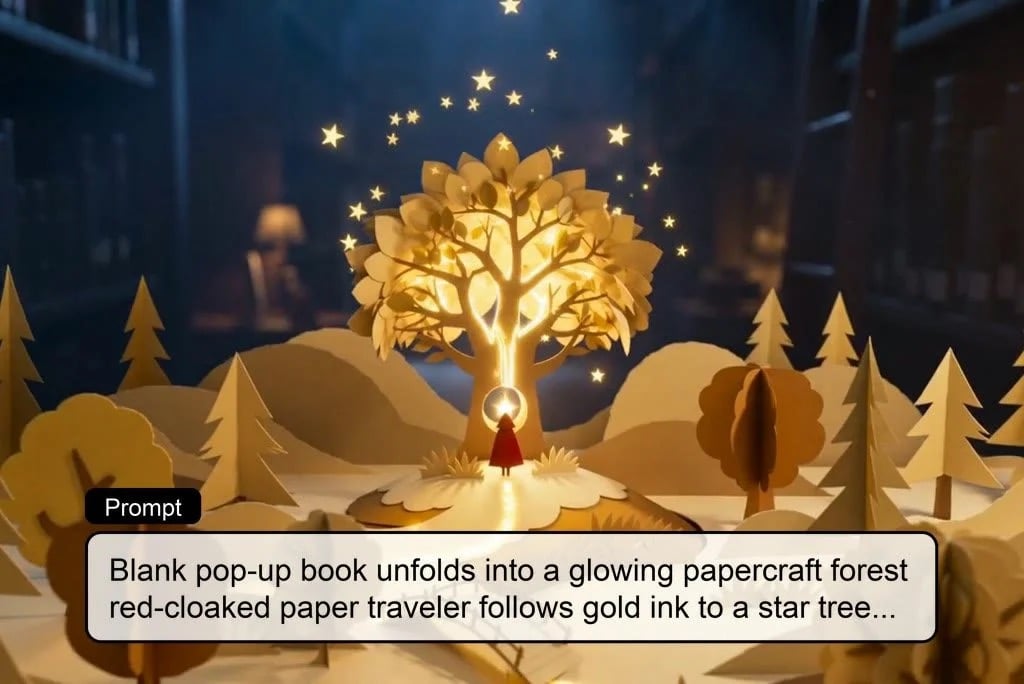
AI Cartoon Video Generator
Generate high-quality cartoon videos from text or images.
00:00
00:00
AI Story Video Generator
Turn imaginative ideas into engaging AI story videos.
00:00
00:00
AI Video Generator
Create high-quality videos from text and images with AI tools.