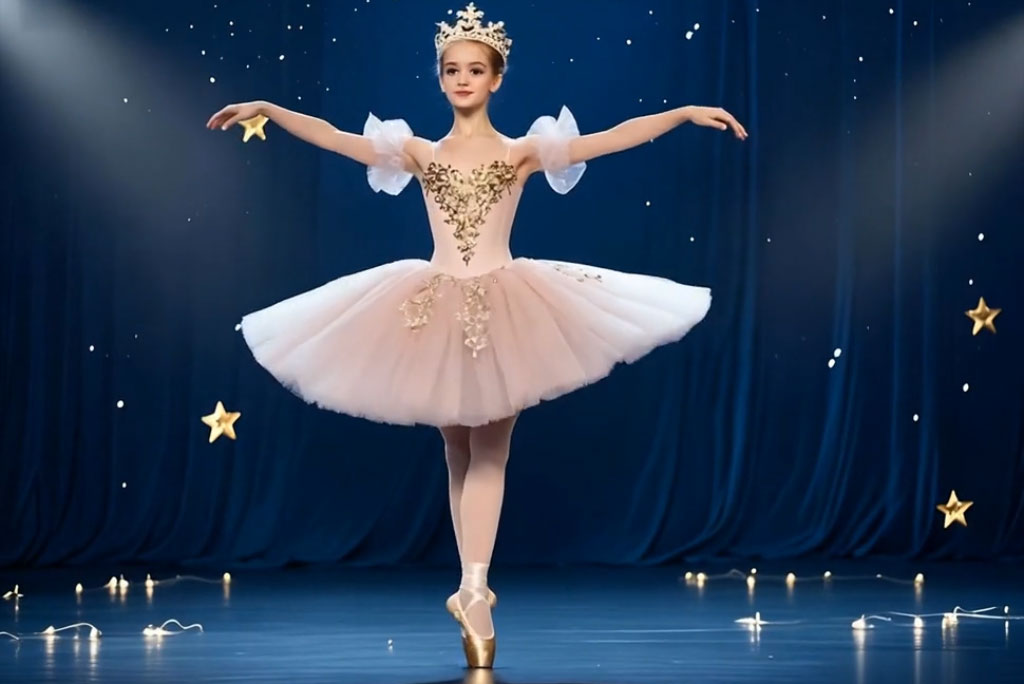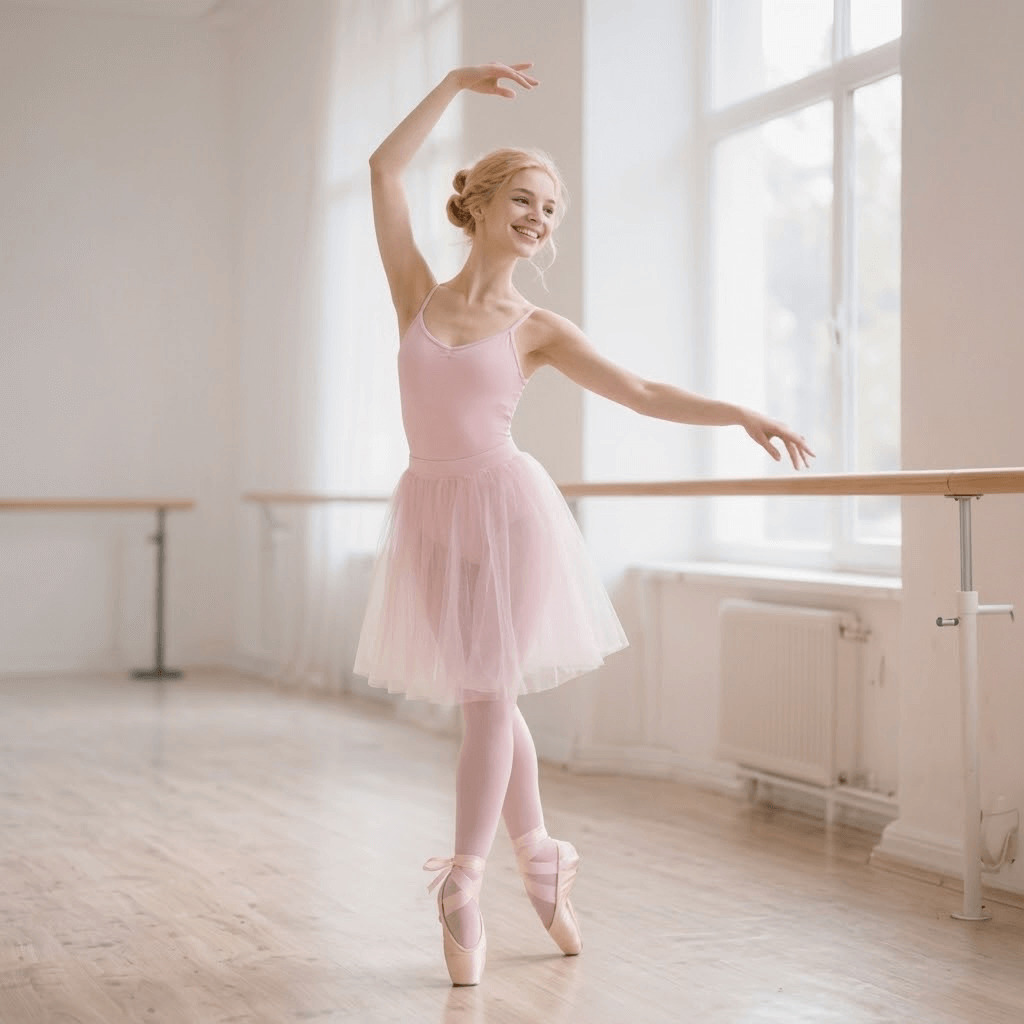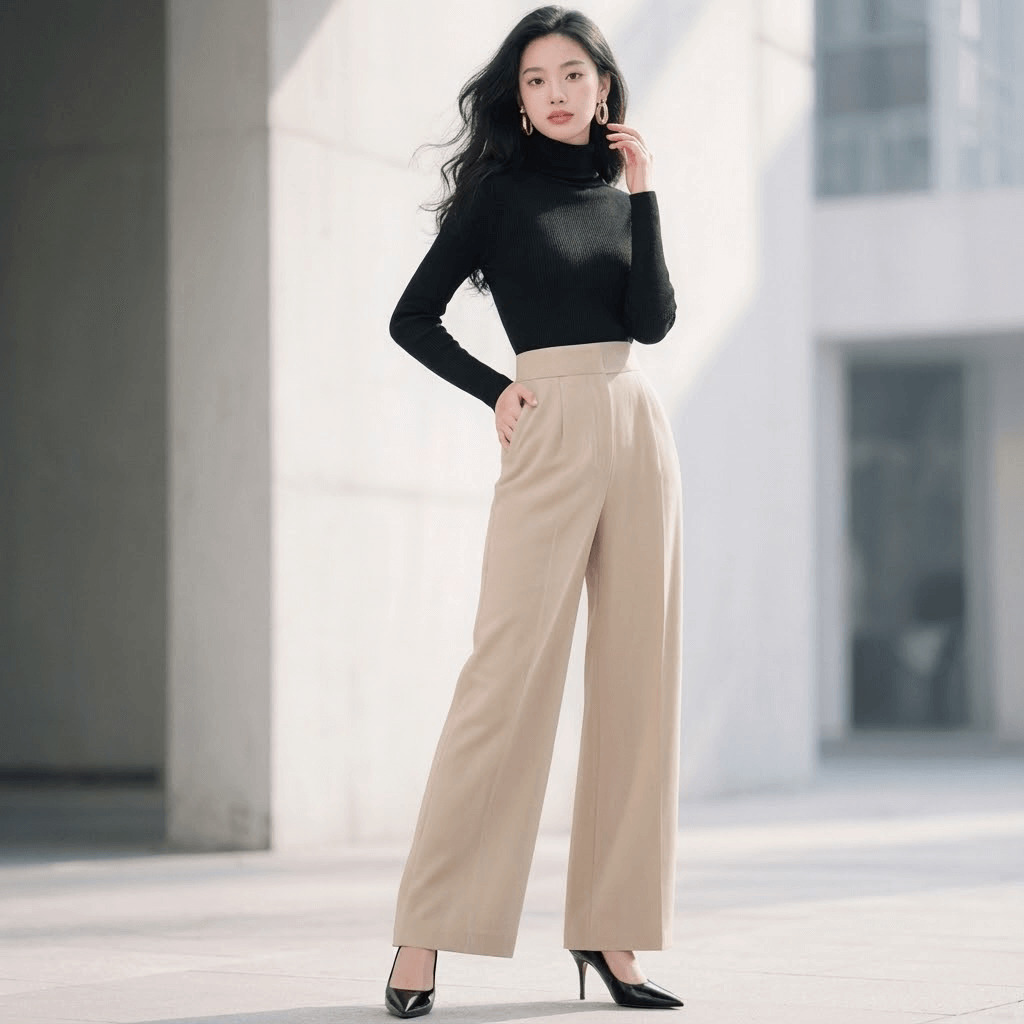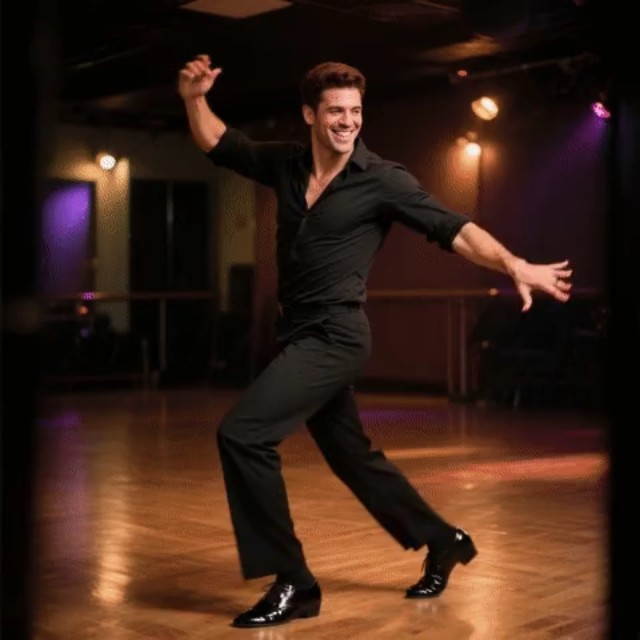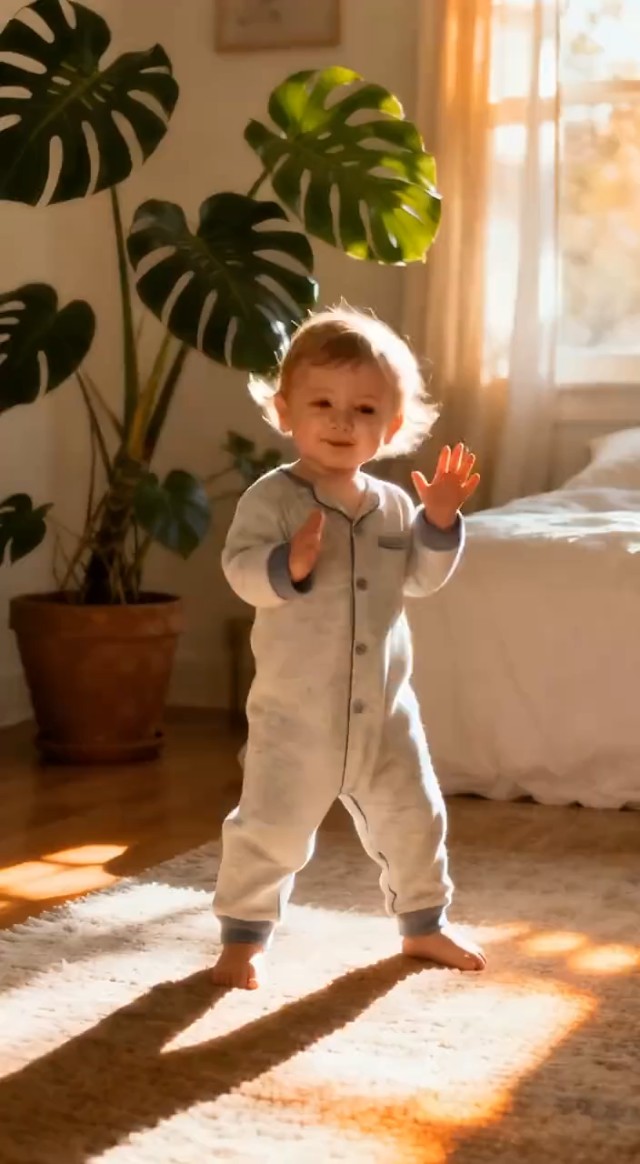
AI Tyla Dance Generator: Turn Your Photo into a Viral Tyla Dancing Video

Use AI Tyla Dance Generator to turn your portrait into a stylish Tyla dancing clip with smooth motion, trendy vibes, and eye-catching visual energy.

00:00
00:00
00:00
00:00

How to Create a Tyla Dance Video Online with AI

Step 1. Upload Your Photo

Start by uploading a clear portrait photo. Well-lit images with visible facial and body features work best. The AI instantly analyzes your image and prepares it for the photo to Tyla dance video transformation.

Step 2. Enter Your Prompt

Enter your prompt to ask the AI to transform your photo into Tyla dance video. The system applies stylish dance motion, rhythm-inspired body movement, and trend-driven visual styling to match the popular Tyla dance trend.

Step 3. Click Generate

Ready to see the magic? Click "Generate" to start the AI tyla dance generation. The AI processes your photo and turns it into a lively Tyla dancing video with smooth movement and a fun social-ready look in just seconds.

Step 4. Download Your Video

Once processing is complete, preview and download your finished Tyla dance video. You'll receive a high-quality MP4 file ready for social media sharing or creative use.

Why Use an AI Tyla Dance Effect?

Join the Tyla Dance Trend Fast

Turn a single photo into a trendy dance clip inspired by the viral Tyla dance trend. The AI Tyla Dance Filter makes it easy to create fun, scroll-stopping content without filming a real dance video.

Make Social Content More Engaging

Use the AI Tyla Dance Effect to transform selfies, portraits, or creator photos into energetic short videos. This helps your content feel more dynamic and entertaining across TikTok, Reels, and Shorts.

Create Fun Character-Style Dance Videos

Try the Photo to Tyla Dance Video Effect on personal photos, influencer-style portraits, or themed character images. It is a playful way to create stylish dance content for edits, fan pages, or trend-based posts.

Boost Visual Appeal with AI Motion

Static photos can feel limited on fast-moving platforms. With the AI Tyla Dance Generator, you can add rhythm, motion, and personality to still images, making them more likely to catch attention and encourage shares.

Why Use insMind AI Tyla Dance Filter?

One-Click Trendy Dance Animation

One-Click Trendy Dance Animation

Turn a still photo into a lively Tyla-style dance clip instantly. The AI applies motion and visual rhythm automatically, making it easy to create trend-based video content without filming.

Smooth Motion with Viral Style

Smooth Motion with Viral Style

Our advanced AI models such as Seedance 2.0 and Kling 3.0 generate fluid body movement and stylish animation that fit short-form video trends. The result feels lively, modern, and perfect for users who want an AI Tyla Dance Effect that stands out.

Fast Video Creation for Daily Posting

Fast Video Creation for Daily Posting

If you post often, speed matters. This tool helps you create short dance videos in seconds, making it easier to keep up with trends and maintain a steady content flow.

FAQs about AI Tyla Dance Video Effect

What is an AI Tyla Dance Video Effect?

insmind expand icon
An AI Tyla Dance Video Effect transforms your photo into a short dancing clip inspired by the Tyla dance trend. It adds motion, rhythm, and a stylish visual look to create fun social media content in seconds.

How does the AI Tyla Dance Generator work?

insmind expand icon
The AI analyzes your uploaded photo, detects facial and body details, and applies dance-style animation automatically. This turns your image into a smooth Tyla dancing video without manual editing.

Can I turn any photo into a Tyla dance video?

insmind expand icon
Yes. You can upload a clear portrait or character photo and use the photo to Tyla dance video tool to generate an animated dance clip. Clear images usually produce better results.

What kind of photos work best for the AI Tyla Dance Filter?

insmind expand icon
Front-facing or slightly angled photos with good lighting and a clear subject work best. Images with visible facial details and a simple background usually help the AI create cleaner dance animations.

Is this effect suitable for TikTok and Reels?

insmind expand icon
Yes. The AI Tyla Dance Effect is ideal for short-form platforms like TikTok, Instagram Reels, and YouTube Shorts. It helps you create trendy and entertaining dance content quickly.

Do I need video editing skills to use this tool?

insmind expand icon
No. The process is fully automatic. Just upload your image, choose the effect, and let the ai Tyla dance generator create the video for you.

Can I use this tool for fun edits or fan-style content?

insmind expand icon
Yes. Many users create dance edits, trend-inspired clips, and playful fan content with this effect. It is a simple way to make portraits feel more lively and current.

Why is the Tyla dance trend so popular for AI videos?

insmind expand icon
The Tyla dance trend is visually catchy, energetic, and easy to recognize in short-form video culture. That makes it a great match for AI-generated dance clips designed for social sharing.

Other Video Templates and Effects from insMind