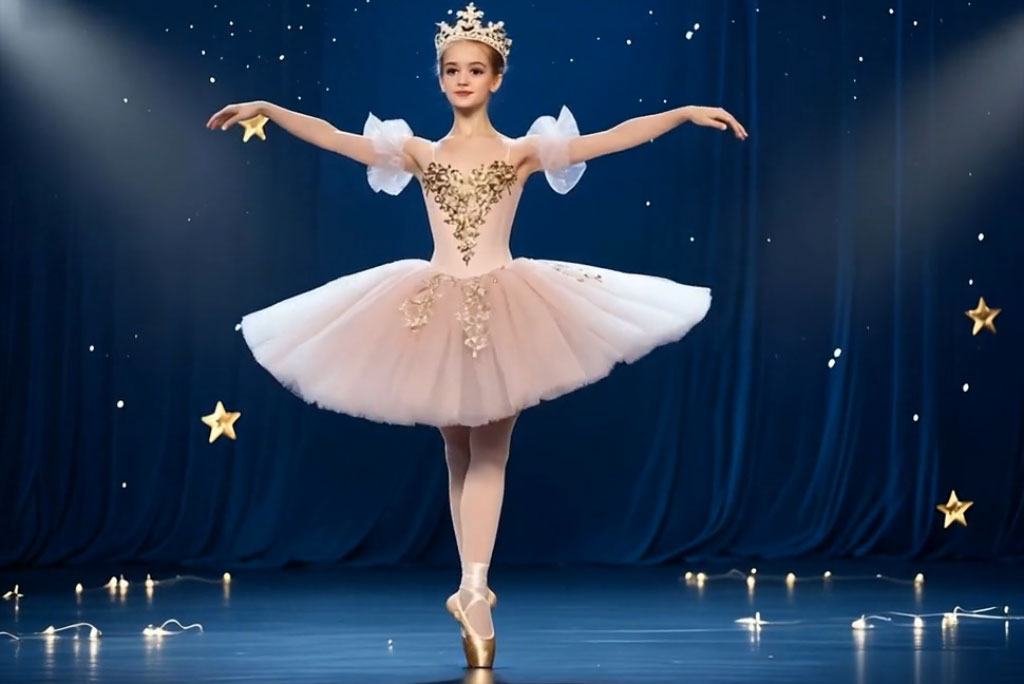
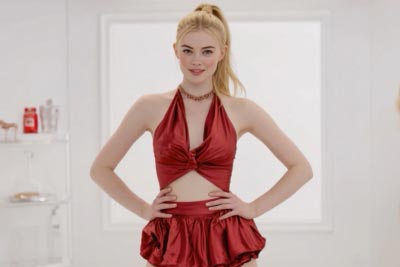
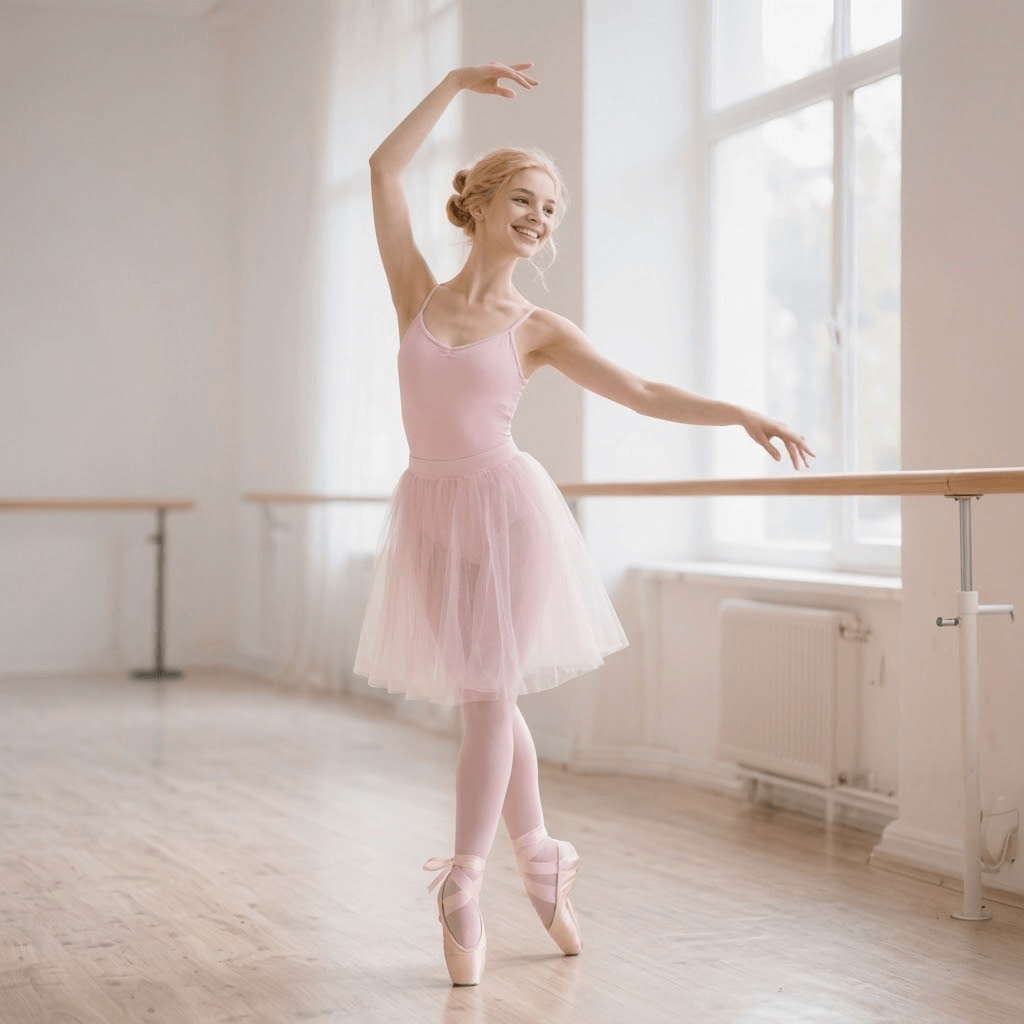
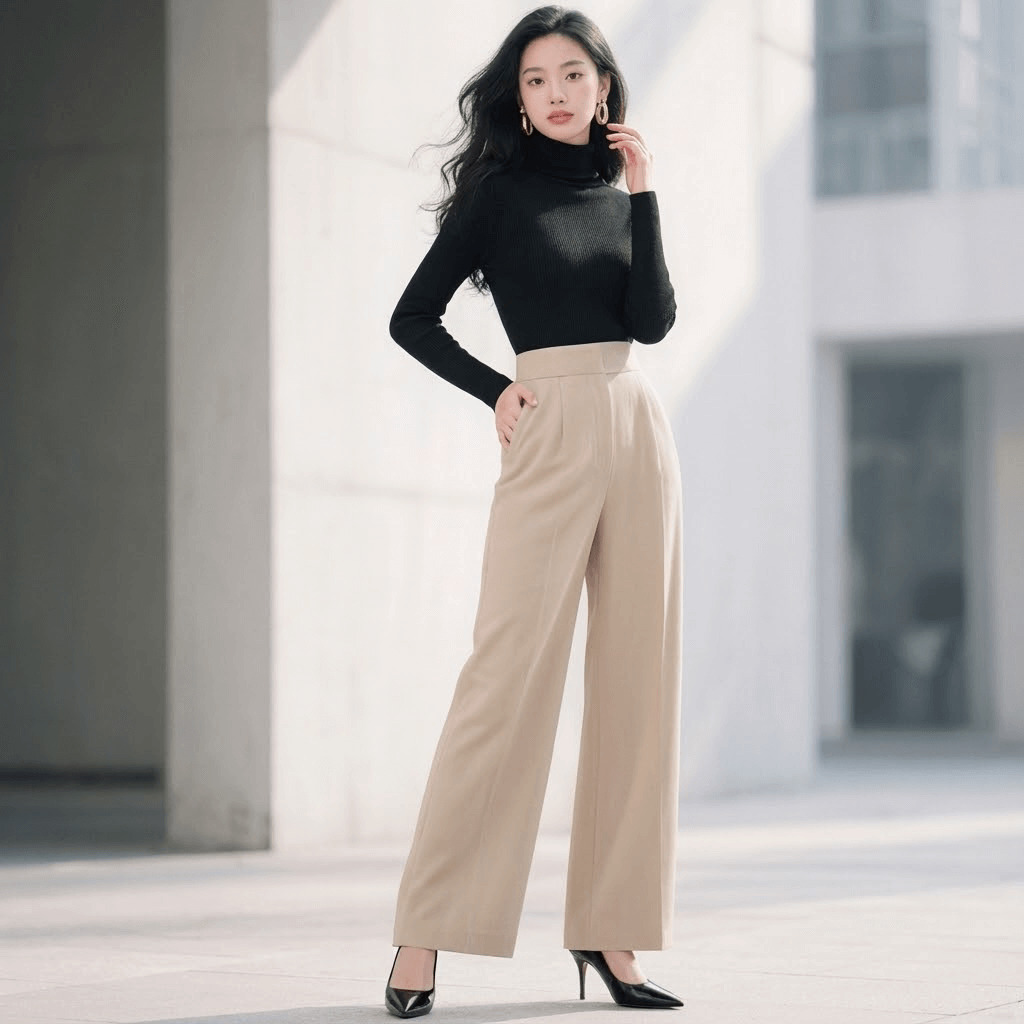
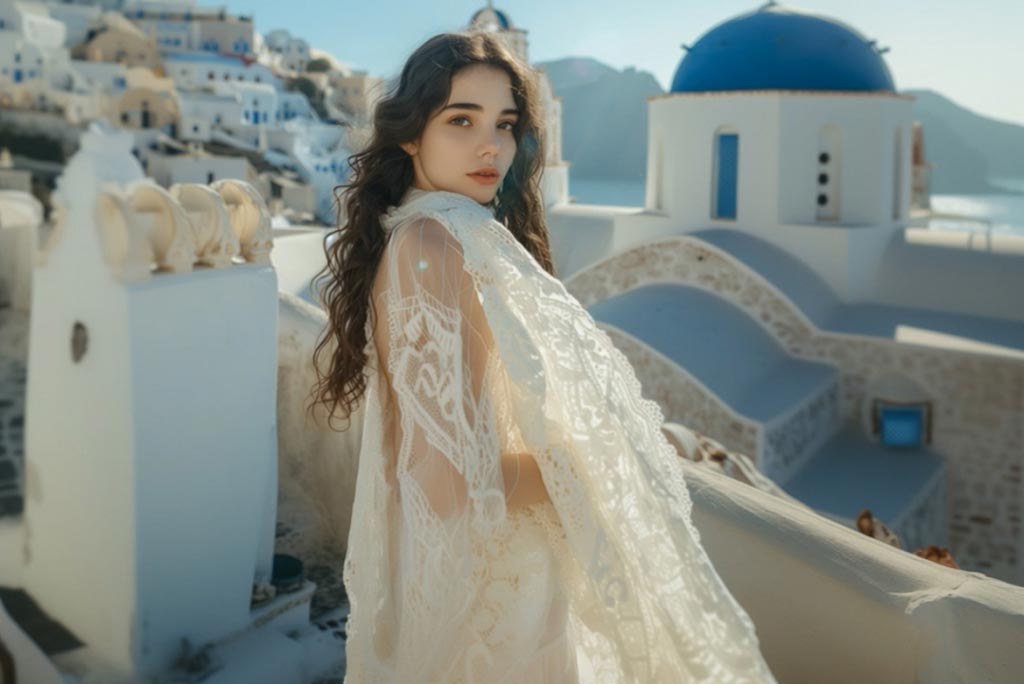
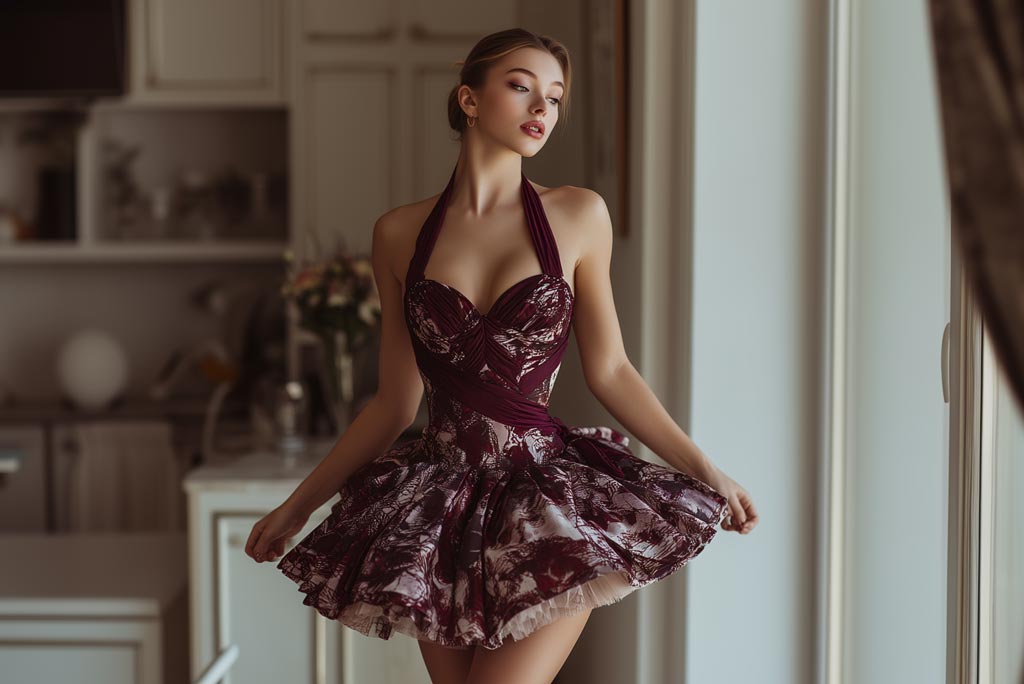
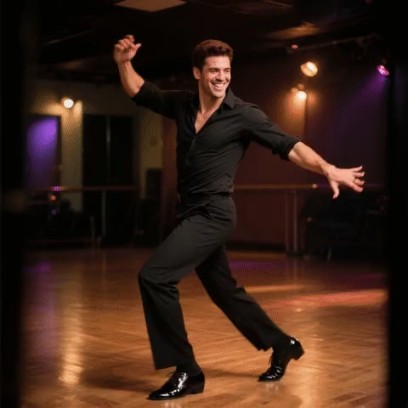
AI Cha Cha Dance Generator: Turn Your Photo into a Cha Cha Slide Video

Upload a photo and let AI animate it into a lively cha cha slide dance video with smooth movements and rhythmic steps. No editing skills needed, just generate and share your AI dance video in seconds.

00:00
00:00

How to Create an AI Cha Cha Dance Video Online

Step 1. Upload Your Photo

Start by uploading a photo with a clear person in it. Front-facing or full-body images work best. The AI automatically detects the subject, analyzes posture and body structure, and prepares the scene for generating a smooth AI cha cha dance animation.

Step 2. Choose the AI Cha Cha Dance Effect

Browse the available video effects and select the "AI Cha Cha Dance" or "AI Cha Cha Slide" effect. The AI calculates dance movements and timing, mapping realistic cha cha slide steps to the subject for a lively and rhythmic dance scene.

Step 3. Click Generate

Click the "Generate" button to start creating your AI cha cha dance video. The system uses advanced motion synthesis technology to animate the character with coordinated cha cha slide dance moves and natural body motion.

Step 4. Preview and Download Your Video

Once the animation is ready, preview your AI cha cha dance video and download it instantly. You'll receive a high-quality MP4 that’s perfect for sharing on TikTok, Instagram, or other social media platforms.

Why Use AI Cha Cha Dance Generator?

Create Fun Social Media Dance Clips

AI cha cha dance videos are perfect for TikTok, Reels, and Shorts. Turn any portrait photo into a lively cha cha slide dance performance that instantly grabs attention and adds playful motion to your content.

Make Friends and Family Photos Dance

Transform static photos of friends, couples, or family members into animated cha cha slide dance clips. It is a fun way to bring old memories to life and surprise people with entertaining AI-generated videos.

Generate Viral Meme-Style Videos

The cha cha slide dance is a widely recognized rhythm and meme format online. With AI cha cha slide effects, you can easily turn any character, selfie, or avatar into a funny dancing meme ready to share.

Create Animated Characters and Avatars

Creators and gamers often use AI cha cha dance to animate avatars or characters. Whether it is a profile picture or a generated character, the AI can bring it to life with smooth cha cha dance moves.

Trending Disintegration Video Effect Prompts to Copy

Cinematic Ash Drift Dissolve

"Use the uploaded photo as the subject. The person remains naturally posed while a fine ash-like particle disintegration begins from one shoulder and gradually spreads across the body over about five seconds. Dust fragments drift softly with subtle wind motion while the original background stays completely stable. Particles are ultra-fine, softly glowing, color-sampled from clothing and skin tones, ending in full transparency."

Thanos-Style Snap Dust Effect

"Apply a dramatic Thanos dust effect AI transformation to the uploaded image. The subject remains still as glowing cracks briefly appear before the body breaks into layered dust particles starting from the lower edge upward. Particles swirl outward with directional motion, subtle ember glow, and cinematic contrast. Background remains unchanged and static while the subject fully dissolves into drifting dust."

Wind-Blown Sand Disintegration

"Transform the uploaded portrait into a desert-inspired dust dissolve video AI effect. Dissolution begins from one side of the body and moves naturally across the figure as sand-like particles scatter with strong horizontal wind flow. The original scene stays preserved. Particle size varies subtly for realism, with soft sunset-toned dust and smooth fade timing before complete disappearance."

Digital Glitch to Particle Fade

"Create a modern AI disintegration video effect where the uploaded subject first shows a subtle digital glitch along the outline, then transitions into pixel-sized dust fragments. Dissolution spreads gradually from the edge inward while neon-edged particles disperse into the air. Camera remains fixed, background stable, and the subject fully vanishes into clean transparency."

Why Choose insMind AI Cha Cha Dance?

One-Click Princess Carry Creation

One-Click Princess Carry Creation

Upload your couple photo and let the AI automatically detect both subjects and generate a cinematic bridal carry video instantly. No editing or design skills required.
High-Quality Romantic Animations

High-Quality Romantic Animations

insMind leverages advanced video models like Sora 2, Veo 3.1, and Kling 3, producing smooth motion, lifelike movements, and rich detail that make your bridal carry clips realistic and captivating.
Social Media-Ready Output

Social Media-Ready Output

Download your bridal carry video in high resolution, optimized for platforms like TikTok, Instagram Reels, or YouTube Shorts. Share instantly and engage your audience with a beautiful love story animation.

FAQs about AI Cha Cha Dance Generator

What is an AI Cha Cha Dance generator?

insmind expand icon
An AI Cha Cha Dance generator is a tool that animates a static photo into a dancing video. Using motion synthesis technology, the AI generates realistic cha cha slide dance movements based on the person in your uploaded image.

How does the AI Cha Cha Slide effect work?

insmind expand icon
The AI analyzes the subject in your photo and applies motion patterns that mimic real cha cha slide dance steps. It then generates a short animated video where the subject performs coordinated dance movements.

Do I need dancing skills to create an AI cha cha dance video?

insmind expand icon
No. The AI automatically generates the dance animation. You only need to upload a photo and click generate to create the AI cha cha dance effect.

What kind of photos work best?

insmind expand icon
Clear photos with a visible person work best. A front-facing or full-body image helps the AI generate more accurate cha cha dance movements.

Can I create AI cha cha slide dance videos for social media?

insmind expand icon
Yes. The generated videos are perfect for TikTok, Instagram Reels, YouTube Shorts, and other social media platforms.

How long does it take to generate the video?

insmind expand icon
Most AI cha cha dance videos are generated within seconds to a minute, depending on the model and processing speed.

Can I use avatars or AI-generated characters?

insmind expand icon
Yes. You can upload photos of real people, avatars, or AI-generated characters and animate them into cha cha slide dance videos.

Can I use this for wedding invitations?

insmind expand icon
Yes. Many couples use AI bridal carry videos as animated wedding invites, anniversary clips, or meaningful gifts to loved ones.

Can I download the generated dance video?

insmind expand icon
Yes. Once the video is generated, you can preview and download it as an MP4 file for sharing or saving.

Is it possible to generate multiple dance styles?

insmind expand icon
Yes. Besides cha cha slide dance, insMind also supports other AI dance and motion effects, allowing you to create many different animated video styles.