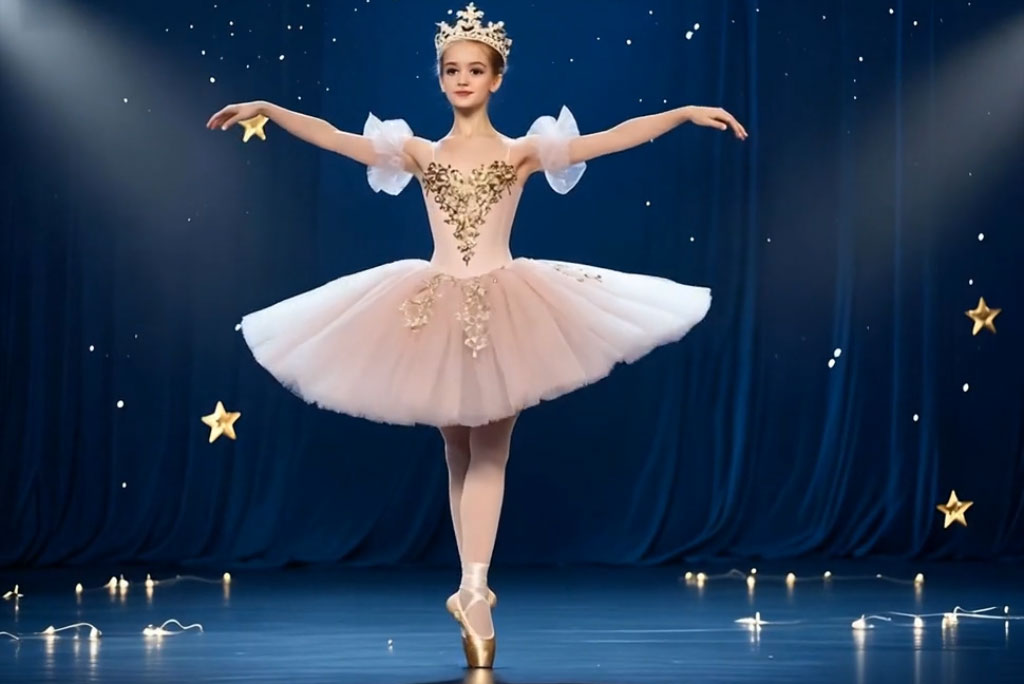
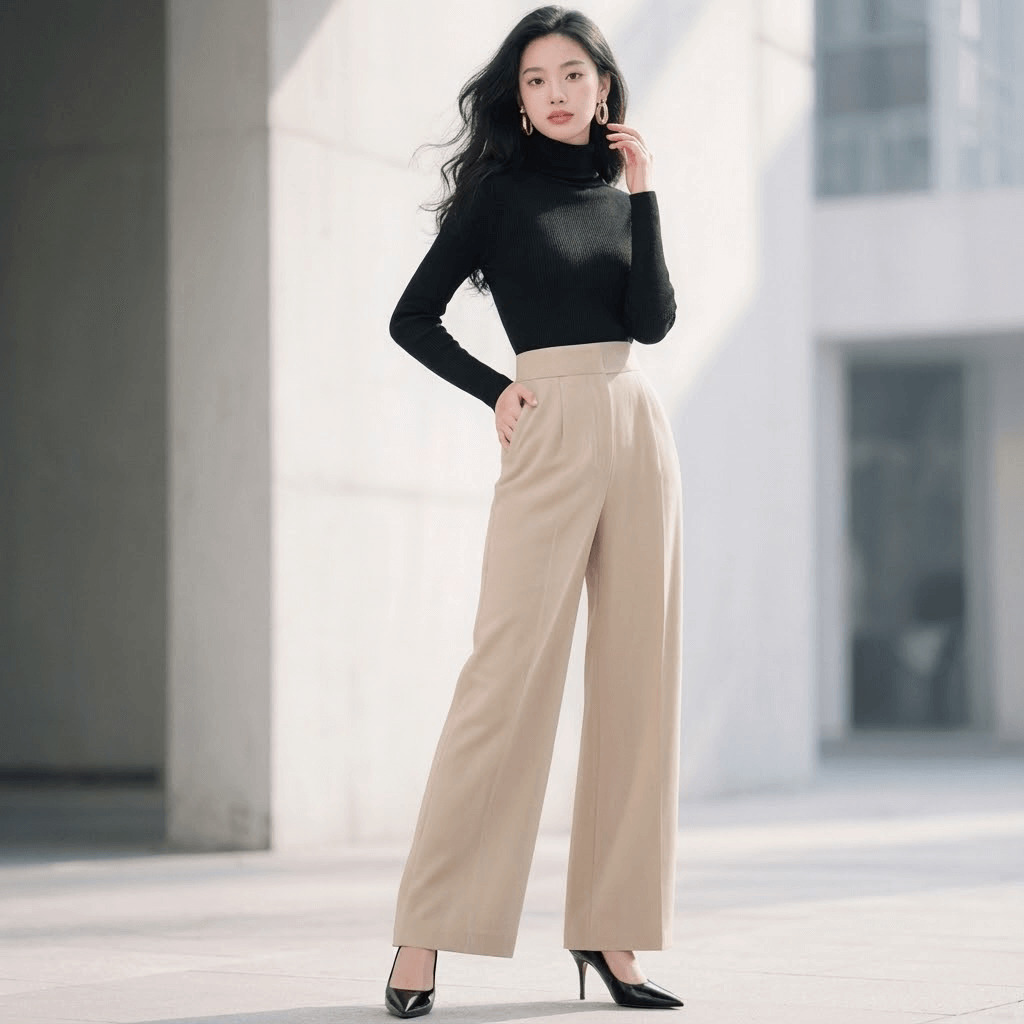
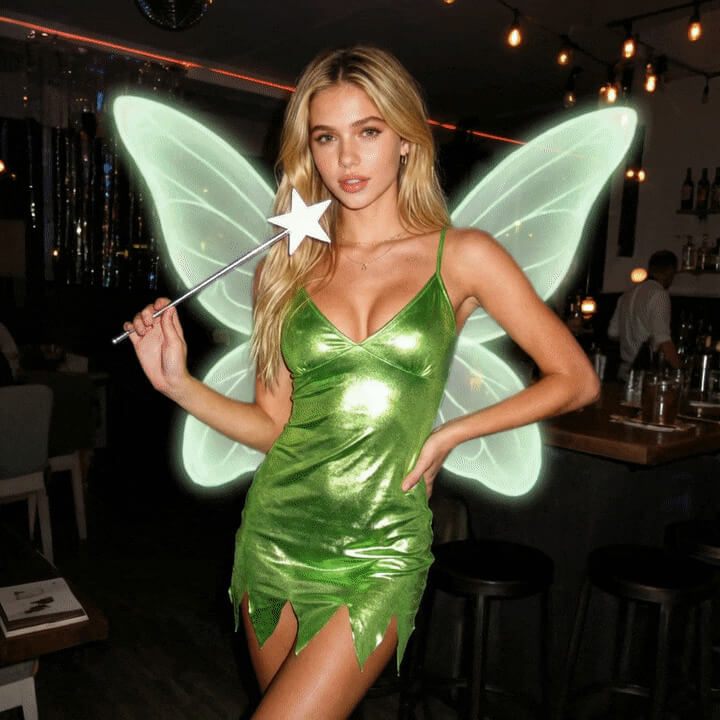
Create Elegant AI Ballet Dance Videos from a Single Photo in Seconds
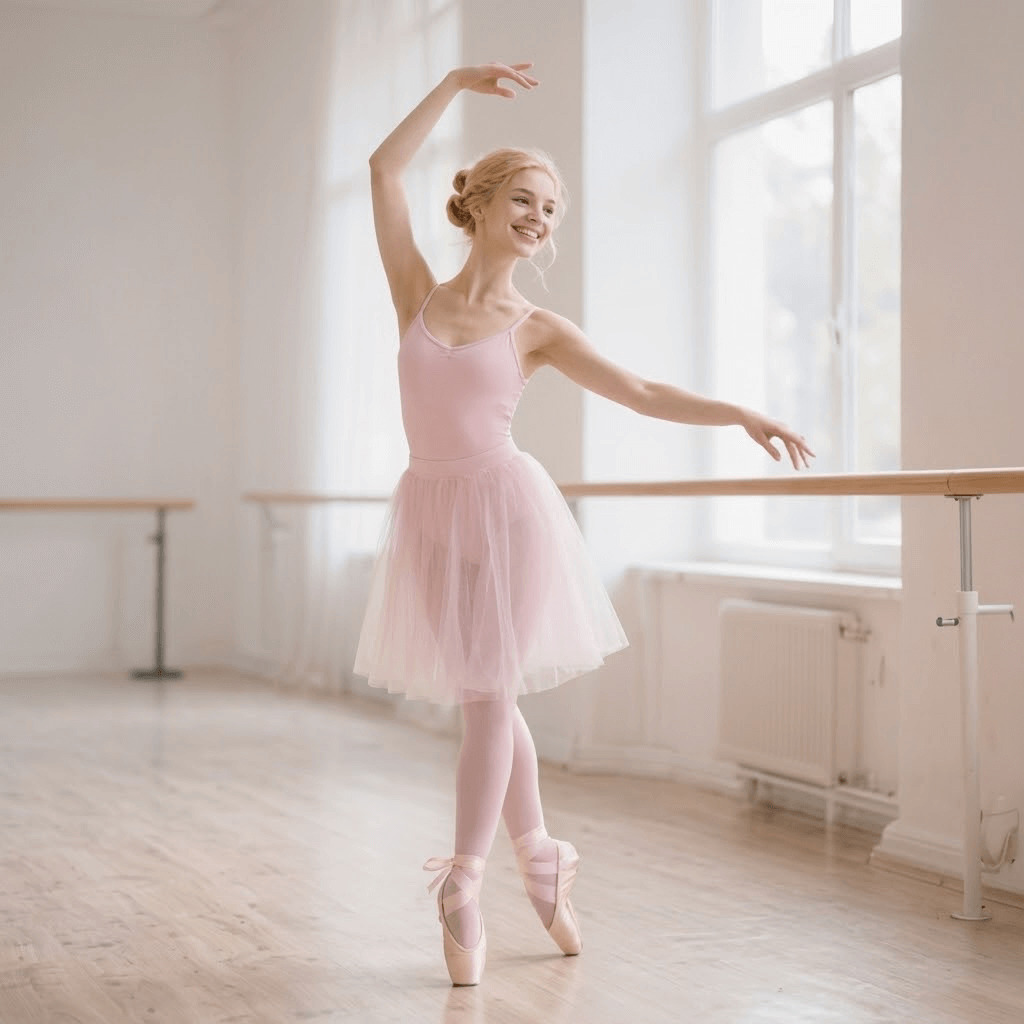
00:00
00:00
00:00
00:00
How to Create a Ballet Dance Video with AI?
Step 1: Upload a Portrait Photo
Upload a clear image of one person. The AI detects body posture, proportions, and pose structure to prepare the photo for ballet motion.
Step 2: Select the Ballet Dance Effect
Choose the Ballet Video effect. The AI applies ballet-style choreography modeling, posture refinement, and elegant movement patterns.
Step 3: Generate the Ballet Dance Video
AI produces smooth, graceful dance motion with balanced timing, flowing transitions, and artistic performance aesthetics.
Step 4: Download and Share
Preview and download your ballet dance video for creative projects, social sharing, or personal use—ready instantly.
Why Choose insMind Ballet Dance Video Generator

Graceful AI Motion Design
The ballet dance AI focuses on elegance, balance, and fluidity—avoiding exaggerated or unnatural movement common in basic animations.

One-Photo Creation Workflow
Create a complete ballet dance video from a single portrait photo, without filming, choreography, or motion capture.

Artistic Performance Aesthetics
insMind emphasizes refined posture, smooth transitions, and visual harmony—ideal for artistic and creative content.

Consistent Body Proportions
AI preserves realistic body alignment and proportions throughout the dance, ensuring a natural and believable performance.

Beginner-Friendly Experience
No animation or dance knowledge required. The interface is simple, fast, and designed for effortless creation.

Ideal for Creative Visuals
Perfect for artistic projects, storytelling, and aesthetic content.
FAQs About insMind Ballet Dance Video Generator
What is the Ballet Dance Video Generator?


The Ballet Dance Video Generator is an AI tool that transforms a single portrait photo into a graceful ballet dance video. It applies ballet-inspired choreography, smooth motion, and artistic performance aesthetics without requiring filming or editing.
How does the AI create ballet movement from a photo?
The AI analyzes body posture, proportions, and pose structure, then applies ballet-style motion modeling. This ensures smooth transitions, balanced timing, and elegant movement that reflects classical ballet principles.
Do I need dance or animation experience?
No. The tool is designed for beginners and creatives alike. You simply upload a photo, select the ballet effect, and the AI handles all motion generation automatically.
What kind of photos work best?
Clear portrait photos with one visible person work best. Neutral backgrounds and visible body posture help the AI generate smoother and more balanced ballet motion.
Can I use this for professional projects?
Yes. The generated ballet dance videos are suitable for creative portfolios, artistic visuals, concept presentations, and social content.
Is this a photo to ballet dance video AI?
Yes. insMind specializes in photo to ballet dance video AI, turning still images into refined dance animations with minimal effort.
Will the video look realistic or exaggerated?
The AI prioritizes elegance and realism. Movements are soft, controlled, and visually balanced rather than exaggerated or cartoonish.