
Create a Video Resume from One Professional Photo
Upload a headshot and guide the AI with your target role, experience, and speaking style. insMind turns that single image into a polished video resume with a clear introduction, career highlights, and motion that feels ready for LinkedIn, job portals, and recruiter messages.
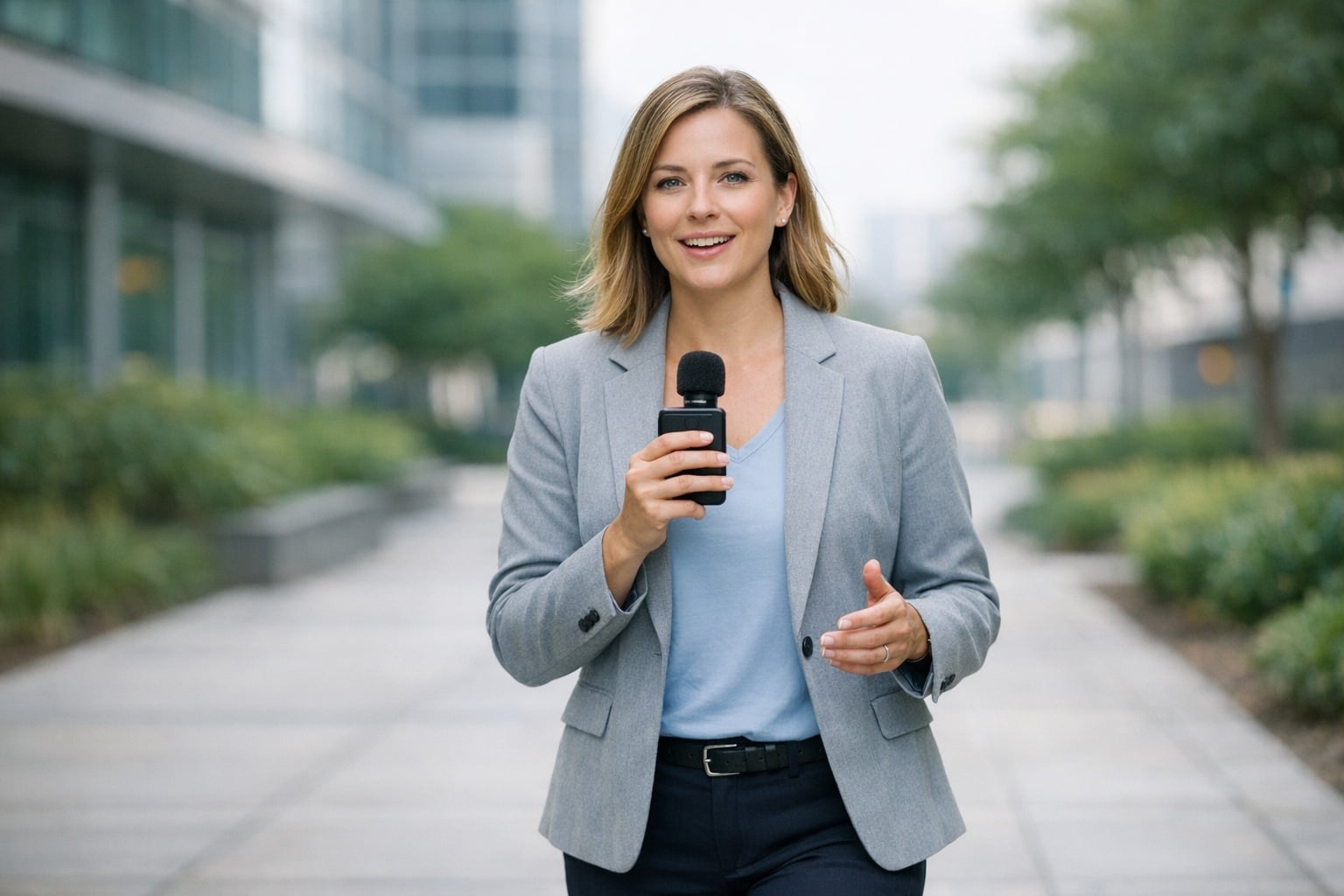
Shape Your Career Story into a Shareable Video CV
Use prompts, subtitles, portfolio moments, and clean scene pacing to present more than a static resume can show. Whether you are changing careers, applying for creative roles, or preparing different formats for multiple platforms, you can refine the result and export a video CV that fits the opportunity.
Video Resume Ideas You Can Create
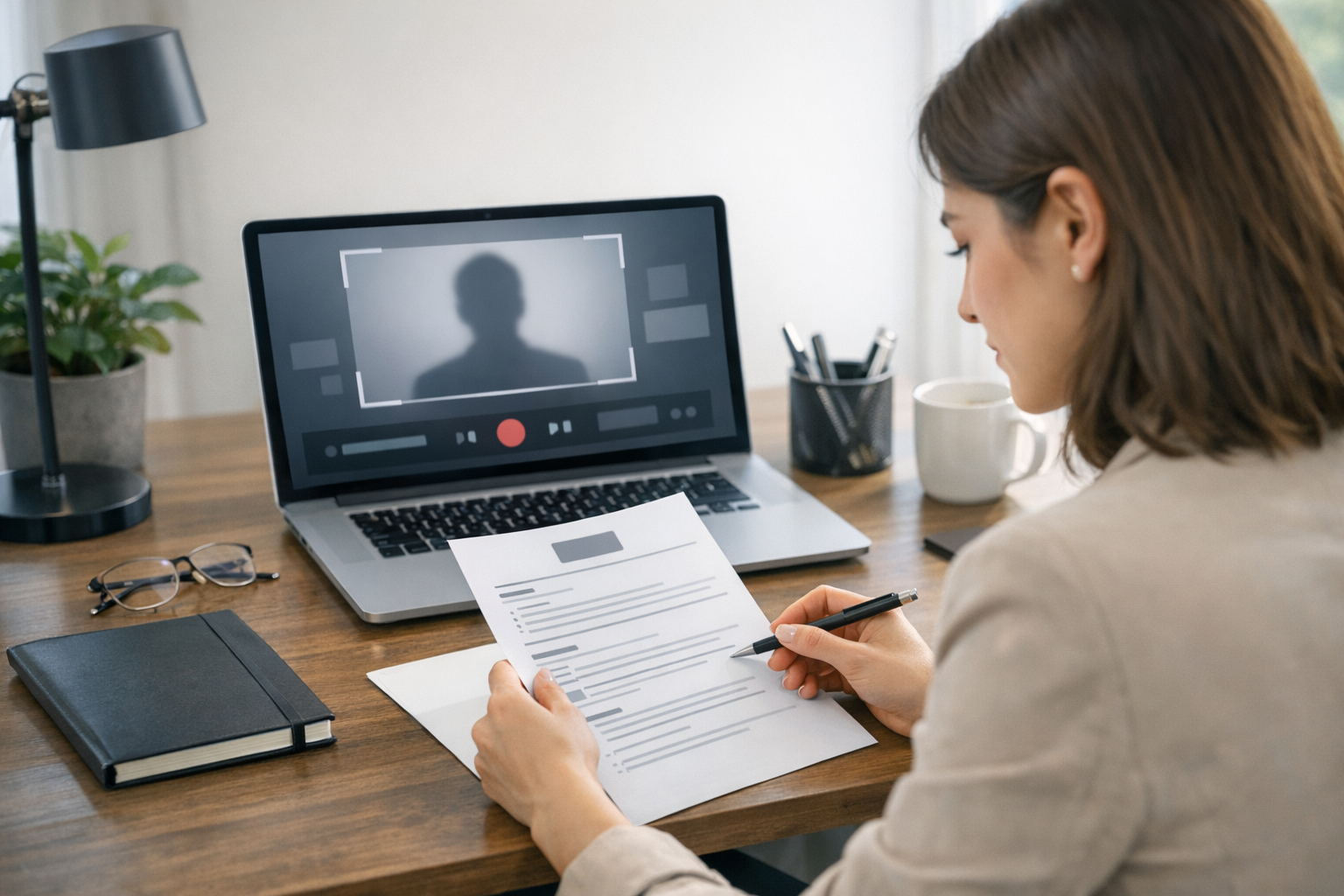
Job Applications
Applicants can create a concise video resume that introduces their background, skills, and motivation before a recruiter opens the full resume.

LinkedIn Profiles
Professionals can add a polished video CV to LinkedIn posts, profiles, or messages to make career updates feel more personal and memorable.

Graduate Applications
Students and recent graduates can turn internships, projects, and academic achievements into an entry-level video resume for competitive roles.
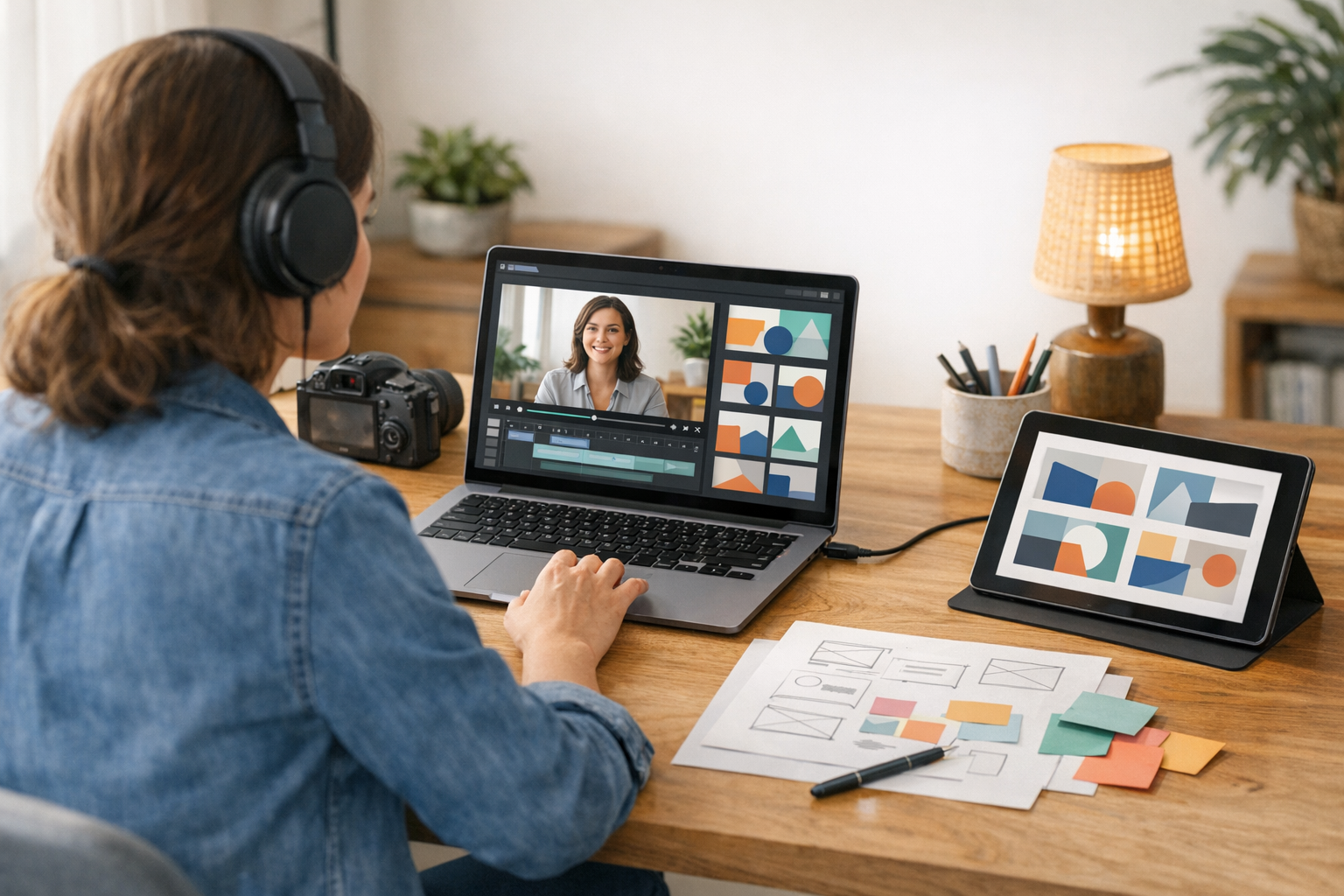
Freelance Portfolios
Freelancers can create short resume videos that introduce services, past work, and communication style for clients reviewing online portfolios.
How to Make a Video Resume Online
Step 1: Upload an Image
Start by uploading a headshot, portrait, or professional image you want to turn into a video resume. Choose a clear photo with good lighting so the final video CV looks polished and recruiter-ready.
Step 2: Enter a Relevant Prompt
Describe the role, industry, tone, and self-introduction style you want. Add details about your skills, career highlights, or target position so the AI can create a focused video resume.
Step 3: Click Generate
Click the generate button and let insMind create your video resume from the uploaded image and prompt. Preview the result to check the speaking style, pacing, and overall professional presentation.
Step 4: Edit or Download
Fine-tune the generated video with edits, subtitles, or text highlights if needed. When it looks right, download your video CV and share it on applications, LinkedIn, portfolios, or recruiter emails.
Why Choose insMind Video Resume Maker

AI-Assisted Resume Videos
Turn resume points, career summaries, and self-introduction ideas into structured video resume drafts without starting from a blank timeline.

Professional Video Resume Formats
Create vertical video CVs for social profiles or landscape resume videos for portfolios, applications, and personal websites. For a face-led intro, try AI Talking Photo Generator.

Easy Subtitles and Text Highlights
Make your experience easier to follow with subtitles, skill callouts, role highlights, and clean visual structure.

Works for CVs and Resumes
Use the same workflow for a video CV, resume video, graduate intro, career pitch, or job-specific application clip.

Fast Editing for Job Applications
Move quickly from raw notes or clips to a polished resume video when an application deadline is close.

Share-Ready Career Content
Create videos suitable for LinkedIn, recruiter emails, portfolio pages, interview follow-ups, and personal brand updates. For lip-synced speaking clips, see AI Lip Sync Video Generator.
FAQs About insMind Video Resume Maker
What is a video resume?


How do I make a video resume?
What should I say in a video CV?
What is the best video resume format?
Can AI help create a video resume?
How long should a video resume be?
Can I use a video resume for LinkedIn?
Is a video CV different from a resume video?
Explore More AI Video Tools

AI Video Editor

AI Video Generator
Script to Video
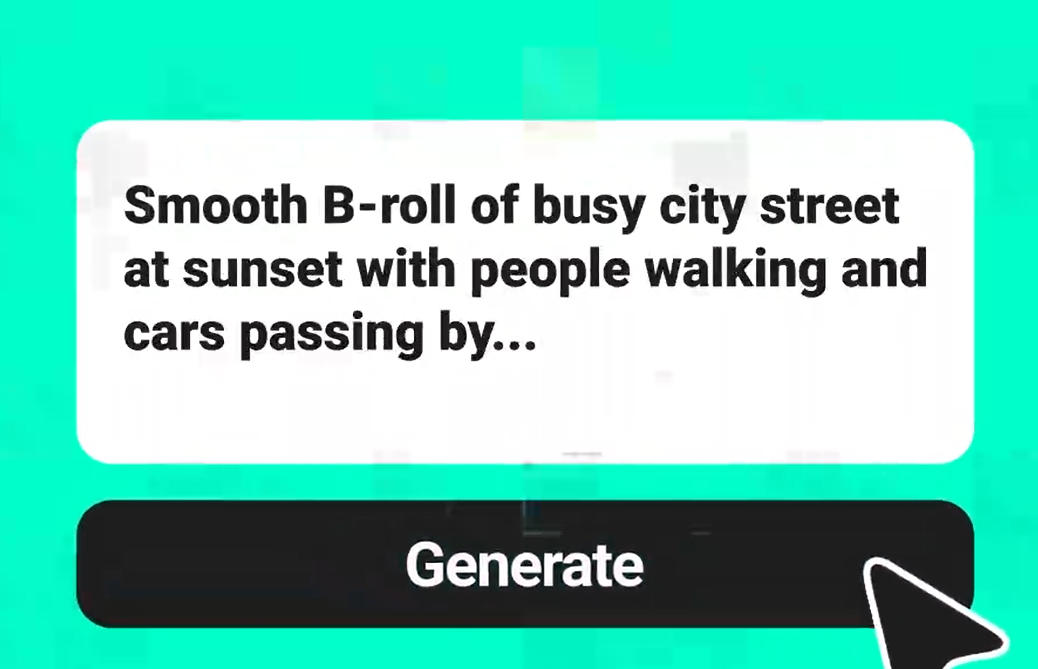
Text to Video
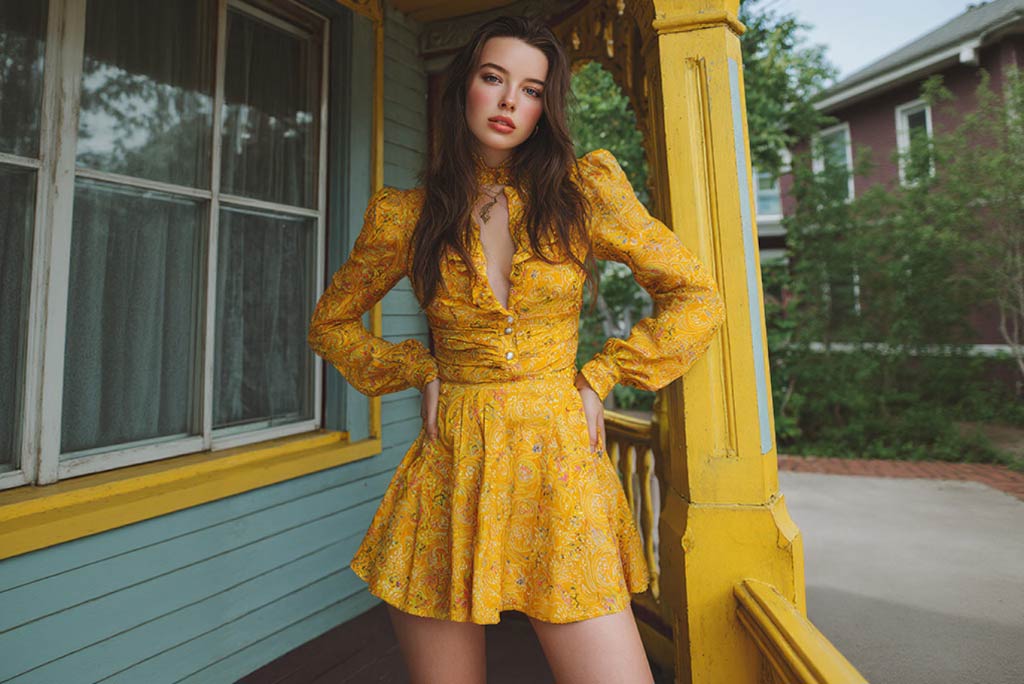
AI Avatar Video Generator
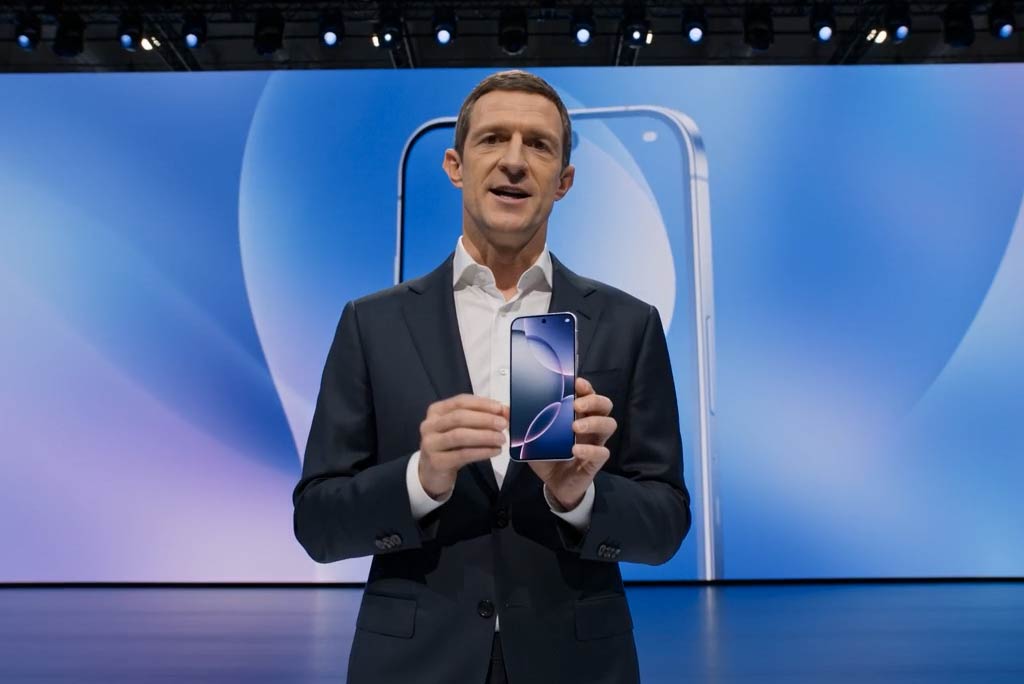
Business Video Maker

AI Talking Photo Generator