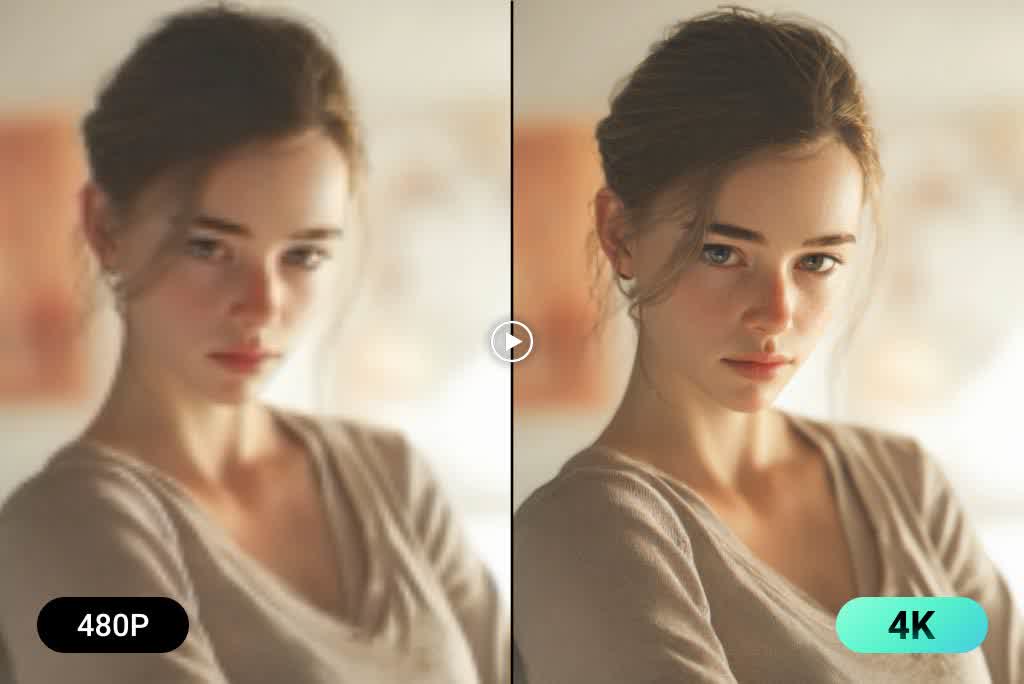
Remove Subtitles and Captions from Video Online with AI
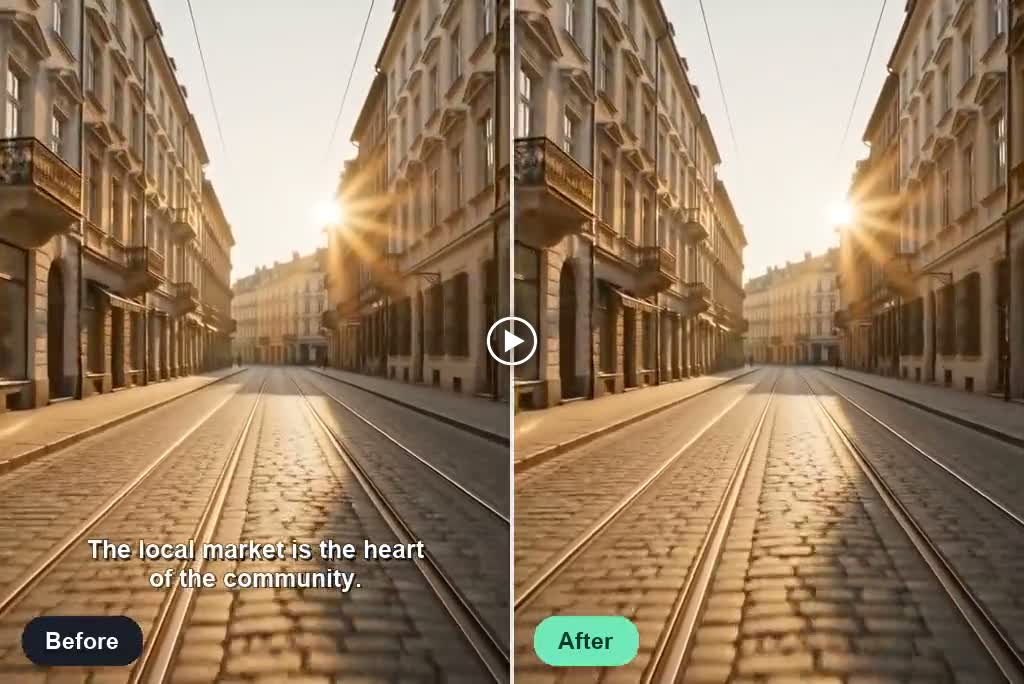
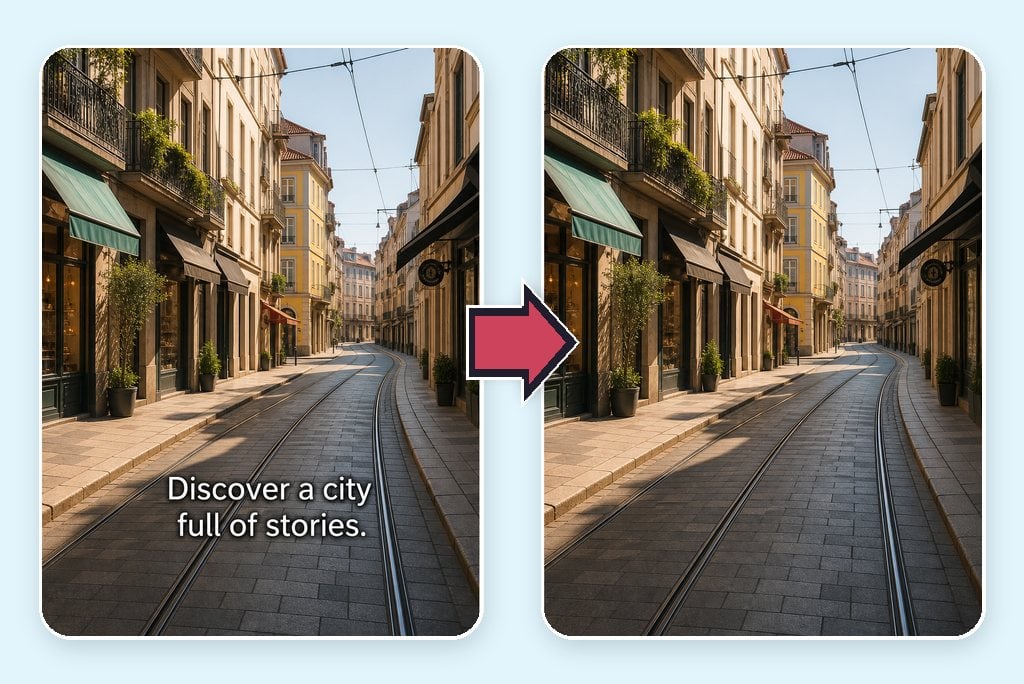
Remove Hardcoded Subtitles and Captions Cleanly
Upload a video with burned-in subtitles, captions, or bottom text bars. insMind identifies the unwanted text and reconstructs the covered area using surrounding visual context, giving you a cleaner result than simply blurring or cropping the frame. For broader overlays, try the AI video text remover.
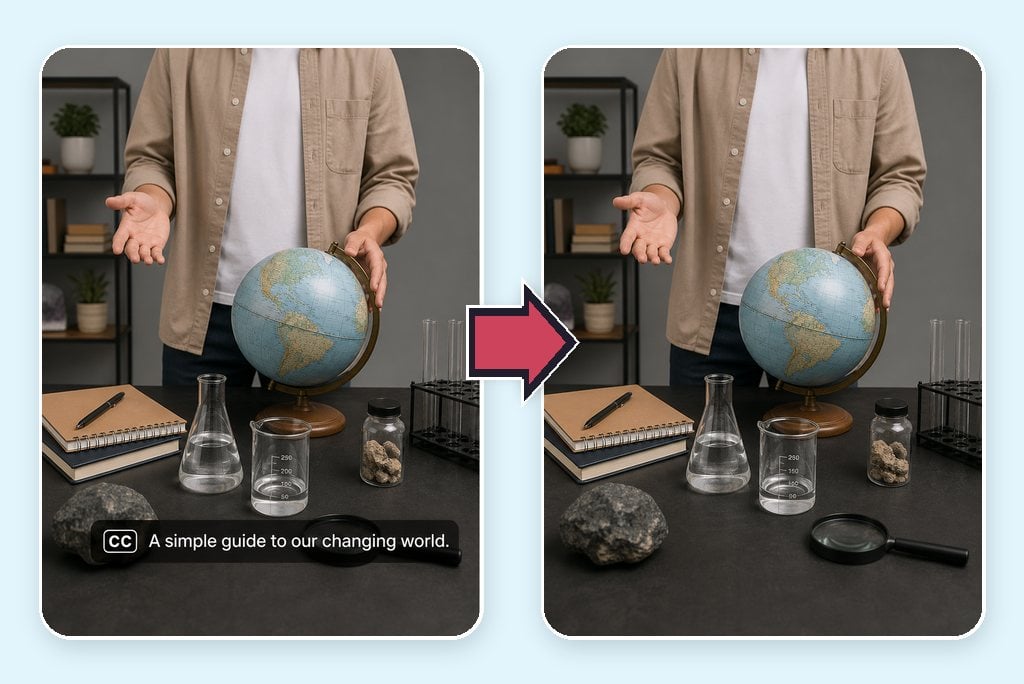
Remove Softcoded Subtitle and Caption Tracks
If your video contains a separate caption or subtitle track, remove the softcoded text to create a clean export. This makes it easier to share an uncluttered version, replace the language, or prepare the footage for another platform without rebuilding the entire edit.

Create Clean Videos for Re-captioning and Localization
Turn caption- or subtitle-covered footage into a reusable master for new captions, translations, dubbing, or campaign messaging. After cleaning the original text, add a new language or layout while preserving the source composition. If needed, polish the result with the AI video enhancer.
How to Remove Subtitles and Captions from a Video
Step 1: Upload Your Video
Upload a video up to 2 minutes long containing the captions or subtitles you want to remove. Wait for the file to load, then preview it in the workspace.
Step 2: Choose a Resolution
Select the output resolution that fits your needs. Choose from the available 1080p, 720p, 480p, or 360p options before processing the video.
Step 3: Click Generate
Click Generate to start removing the subtitles and captions. insMind processes the video and reconstructs any covered areas to create a clean result.
Step 4: Download Your Video
Preview the generated result to confirm the subtitles and captions are gone, then download the cleaned video to your device.
Remove Video Subtitles and Captions for Any Workflow
Clean existing subtitles or captions before localization, social reuse, campaign updates, or dubbing.

Localize Videos for New Audiences
Remove the original subtitles before adding translated captions for another language or market. A clean master helps localization teams update wording, subtitle styling, timing, and regional messaging without covering the previous text.

Repurpose Captioned Videos for Social Media
Clean platform-specific captions from videos you own before adapting them for Reels, Shorts, TikTok, or another channel. Add a fresh hook, caption style, or aspect ratio without stacking new text over the old version.

Refresh Product Ads with Outdated Captions
Remove expired prices, promotional subtitles, campaign messages, or product claims from existing ad footage. Reuse the cleaned visual for a new offer instead of rebuilding the entire video from the original project files.

Create Clean Masters for Dubbing and Voice-over
Prepare subtitle-free footage before recording a new voice-over or localized dub. A clean frame gives editors room to add translated captions afterward and produce a consistent version for each target audience.
Why Choose insMind AI Subtitle and Caption Remover

Subtitle and Caption Support
Remove visible hardcoded subtitles or captions and separate softcoded text tracks through one focused online video-cleanup workflow.

Natural Background Reconstruction
AI reconstructs the area behind hardcoded captions using surrounding scene details, helping repaired frames look natural in motion.

No Need to Crop the Frame
Keep the original composition instead of cutting away the bottom of the frame just to hide unwanted captions.

More Precise Prompt Control
Describe the caption type, position, color, or timing so the tool can focus on the text you want removed.

Simple Online Editing
Work from your browser without building masks or repairing individual frames on a traditional video-editing timeline.

Ready for Further Editing
Create cleaner masters for translation, dubbing, social republishing, campaign updates, and other authorized editing workflows.
FAQs About Removing Video Subtitles and Captions
How do I remove subtitles and captions from a video?


Can AI remove hardcoded subtitles or captions from a video?
How do I remove softcoded subtitles?
What is the difference between hardcoded and softcoded subtitles?
Can I remove subtitles or captions without blurring the background?
Can I remove subtitles and captions without cropping the video?
Which video formats can I upload?
Can I remove subtitles and captions from video online for free?
Can I add new captions after removing the original ones?
Can I remove subtitles or captions from videos I do not own?
More Subtitle, Caption, and Video Editing Tools
Continue removing subtitles and captions, cleaning footage, and preparing videos for your next edit.