
AI Image
AI Video
Photo Editor
Resources
InspirationsPricing

Easily Unblur Image and Restore Clarity with AI

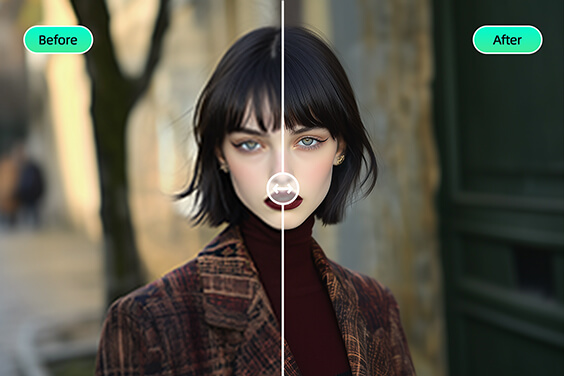
Tired of blurry photos ruining your memories? Use our unblur image ai to instantly fix fuzzy shots and sharpen image online for professional results. Get crystal-clear visuals in seconds—completely hassle-free.

00:00
00:00
up to 30 images
Or drop image here, paste image or URL
Try with one of these
insMind AI Crying Filter Sample 1
insMind AI Crying Filter Sample 2
insMind AI Crying Filter Sample 3
insMind AI Crying Filter Sample 4
insMind AI Crying Filter Sample 5
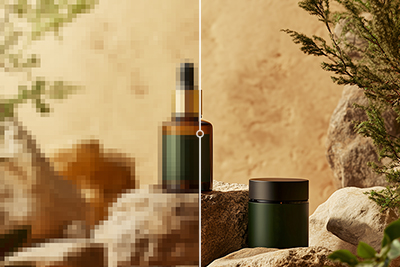
Sharpen Product Images for Better Sales

Sharpen Product Images for Better Sales

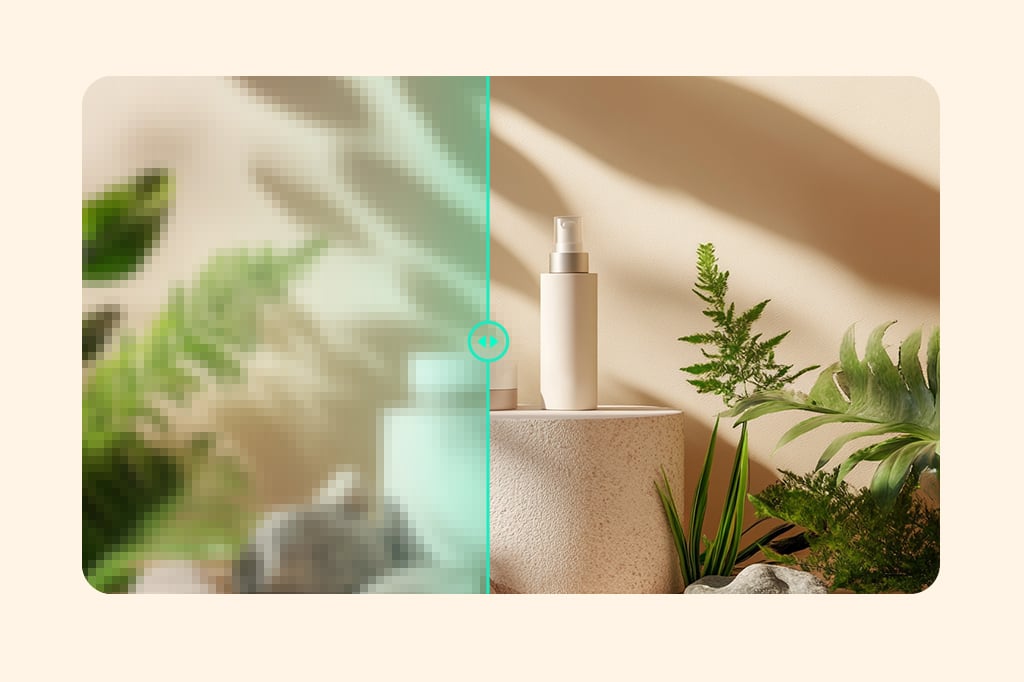
First impressions matter in e-commerce. Use our ai sharpen image technology to remove blurriness from photos of your products. By highlighting fine details and textures, you create a professional look that builds buyer trust and boosts your conversion rates effortlessly.

Try It Free
Unblur Text for Instant Readability

Unblur Text for Instant Readability

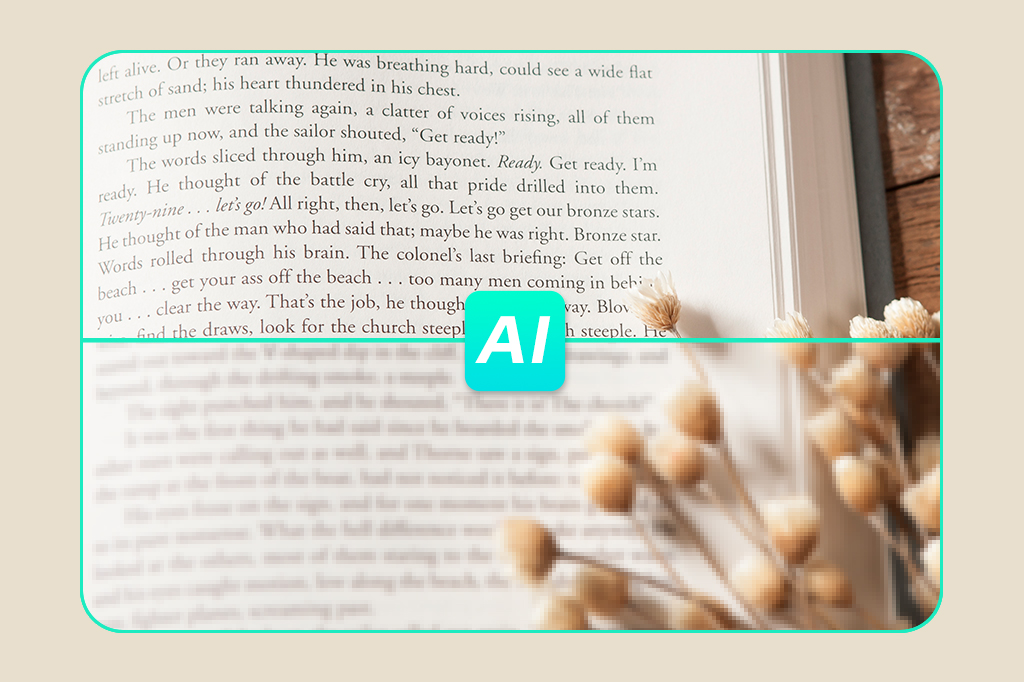
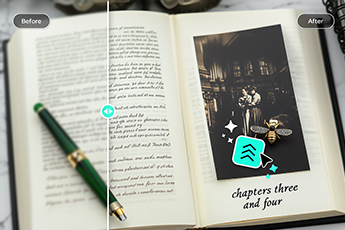
Stop struggling with fuzzy documents or low-quality screenshots. Our unblur image online tool focuses on text recovery, making blurry words in posters and scans sharp and legible. It's the fastest way to extract important information from a messy image.

Try It Free
Restore and Revive Old Memories

Restore and Revive Old Memories

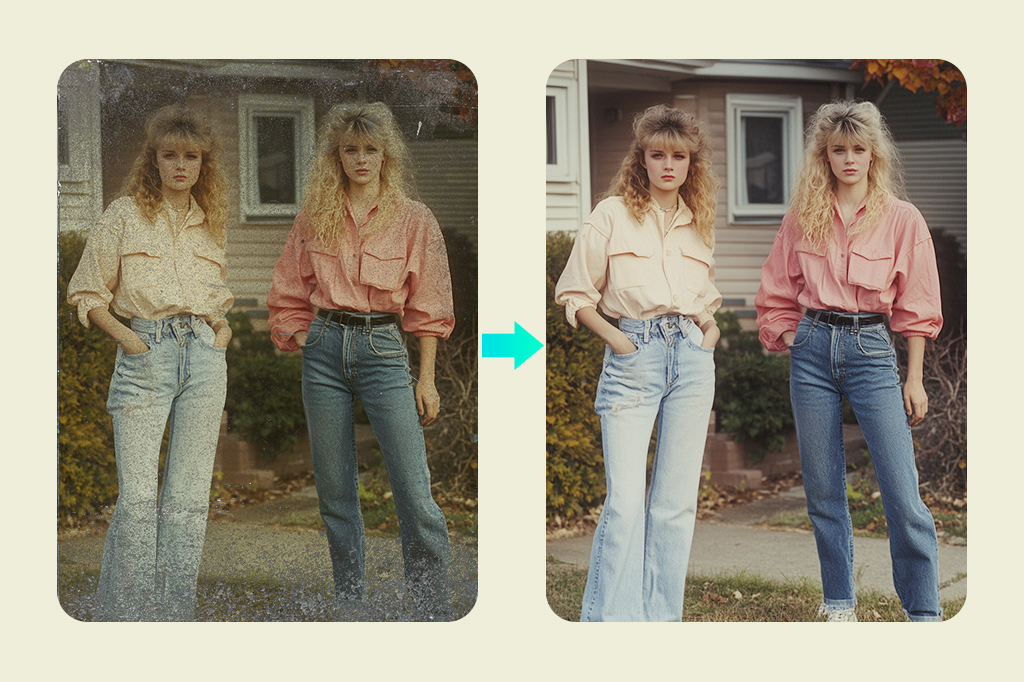
Bring faded, blurry family photos back to life. Our unblur image ai restores clarity to vintage snapshots, preserving your precious history. You don't need complex software to give your old gallery a fresh, modern, and high-definition look.

Try It Free
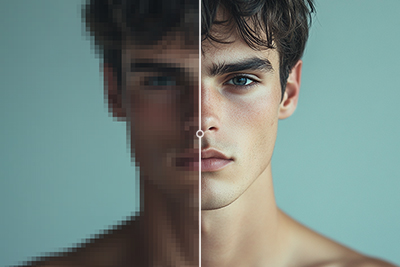
Perfect Portraits with Face Sharpening

Perfect Portraits with Face Sharpening

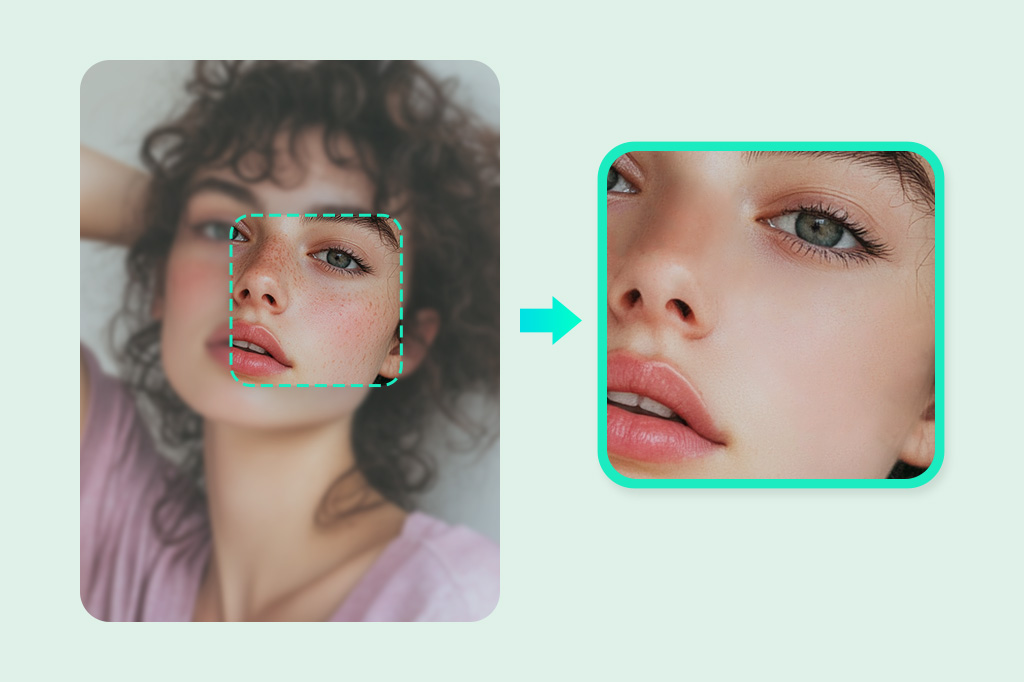
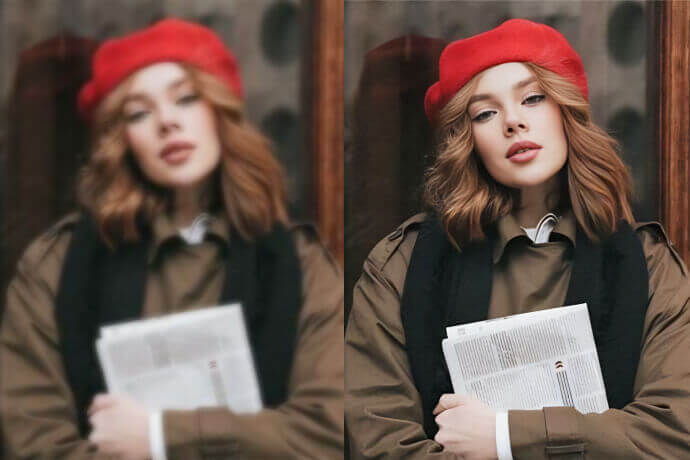
Fix shaky camera movement in your selfies and headshots. The AI automatically detects faces to remove blur and sharpen image details like eyes and hair. Create stunning profile pictures and professional portraits that look clear and natural.

Try It Free
Upscale Your Photos Without Quality Loss

Upscale Your Photos Without Quality Loss

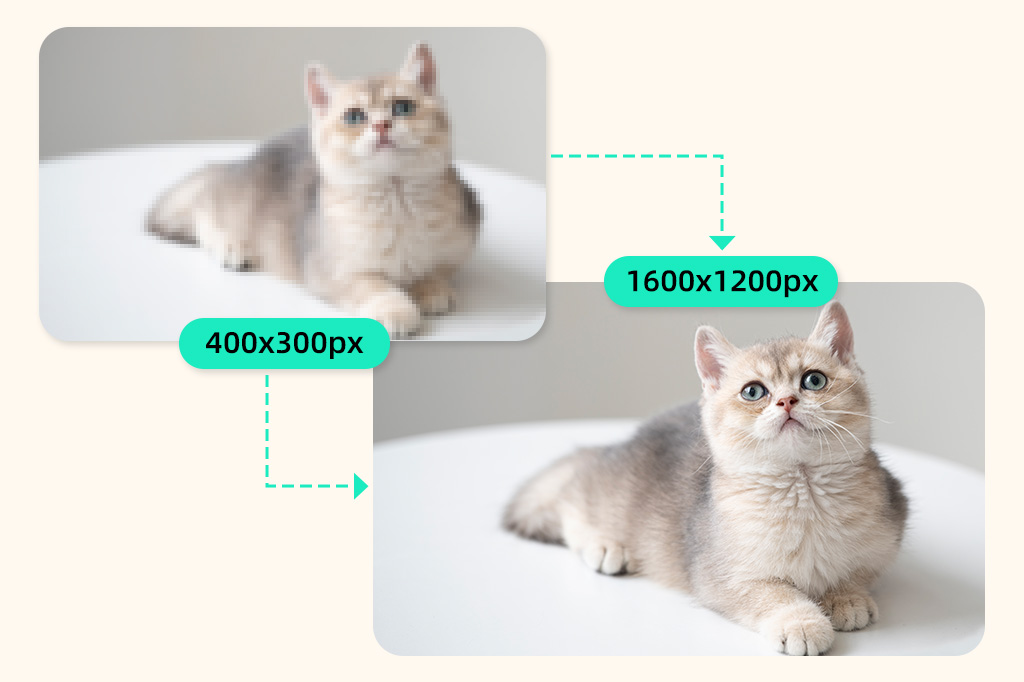
Don't let low resolution hold you back. Our tool helps you unblur image free while increasing overall quality. By reducing noise and pixelation, you can transform small, blurry files into high-resolution assets suitable for printing or large screens.

Try It Free

Explore More AI Photo Blur Remover Features

How To Remove Blurriness From Photos In One Click

Upload Your Blurry File
1

1 Upload Your Blurry File

Select and upload the photo you want to fix. Our unblur image free tool supports all common formats, making it easy for anyone to remove blurriness from photos without any technical skills.
Auto-Enhance with AI
2

2 Auto-Enhance with AI

Let the ai sharpen image engine do the heavy lifting. The system automatically analyzes your file to detect fuzzy edges and restores lost detail by sharpening every pixel instantly.
Refine Your Visuals
3

3 Refine Your Visuals

Once the AI finishes, you can fine-tune the results. Adjust the brightness or contrast to perfectly sharpen image quality and ensure your photo looks exactly how you envisioned it.
Save and Share
4

4 Save and Share

Download your crisp, high-quality image to your device. Now that you’ve used our unblur image online tool, you can share your perfect shots on social media or use them for work.

Free Online AI Photo Blur Remover For Every Need

Instantly transform blurry shots into high-definition masterpieces. From reviving vintage memories to perfecting product listings and portraits, our AI ensures every detail is crisp, clear, and professional.

Professional Portrait Refinement

Professional Portrait Refinement

Fix focus issues in portraits by using unblur image ai to sharpen facial features. This ensures your headshots look crisp, professional, and lifelike for any platform.

E-commerce Product Clarity

E-commerce Product Clarity

Ensure every item in your shop looks its best. Sharpen image online to reveal hidden textures and details that convince customers your products are high quality.

Daily Photography Fixes

Daily Photography Fixes

Save those "almost perfect" shots from your phone. Quickly remove blurriness from photos caused by hand-shake or fast-moving subjects to keep your memories vivid and clear.

use case2

use case2

Make property listings pop by sharpening interior and exterior shots. Clear images help potential buyers see the true beauty of a home without distracting blur.

Social Media Post Optimization

Social Media Post Optimization

Stand out on Instagram or LinkedIn. Use our unblur image free features to ensure your posts look polished and sharp, regardless of the device your followers use.

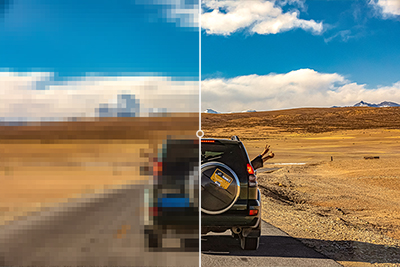
Vacation Photo Cleanup

Vacation Photo Cleanup

Don't let a blurry sunset ruin your trip. Use the unblur image online tool to fix focus errors in your travel photos and capture the magic perfectly.

Why Choose insMind AI photo blur remover?

Seamless Background Integration

Seamless Background Integration

Our smart technology doesn't just fix focus; it allows you to swap or enhance backgrounds effortlessly. Transform the entire look of your photo in seconds without any manual editing or complex tools.

Instant Clarity Restoration

Instant Clarity Restoration

The insMind unblur image ai uses professional-grade algorithms to bring back lost details instantly. It effectively removes motion blur and fuzziness, allowing you to sharpen image quality while keeping the final result looking natural, crisp, and high-end.

All-in-One Sharpening Solution

All-in-One Sharpening Solution

Whether you are fixing vintage family snapshots or optimizing product photos for e-commerce, our tool handles it all. It is the perfect versatile choice for creators, business owners, and casual users who need to remove blurriness from photos and create stunning visual content.

Frequently Asked Questions About Unblur Image

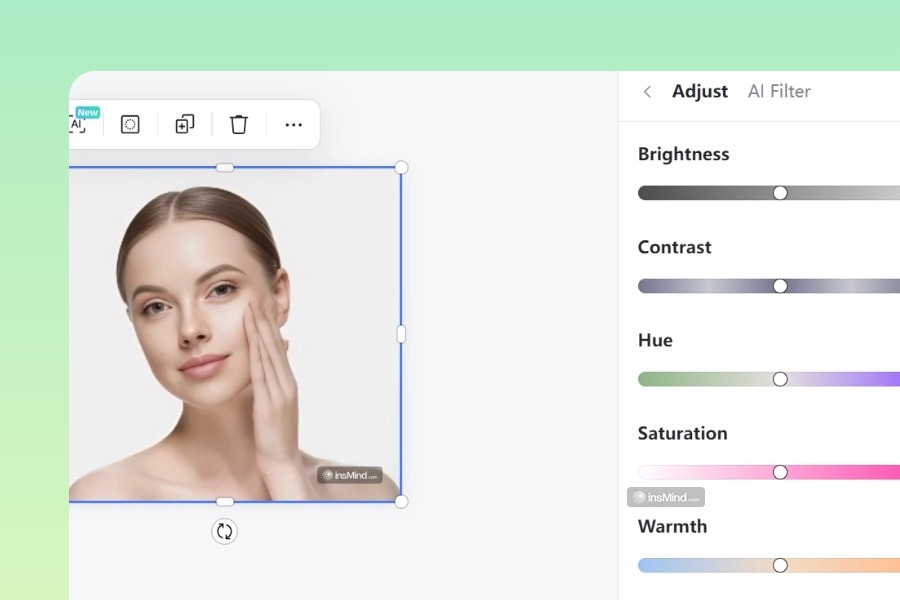
How Does The Blur Remover Work?

insmind expand icon
The tool uses advanced AI to scan your photo for soft edges. It automatically calculates how to sharpen image pixels, restoring clarity and detail that was previously lost or hidden.

How Many Pictures Can I Fix?

insmind expand icon
The tool uses advanced AI to scan your photo for soft edges. It automatically calculates how to sharpen image pixels, restoring clarity and detail that was previously lost or hidden.

What Kinds Of Pictures Can I Fix?

insmind expand icon
We support all standard formats, including JPG, PNG, and WebP. Whether it’s a smartphone snap or a web graphic, our unblur image online tool can handle it with ease.

Will My Picture Be Ruined?

insmind expand icon
Not at all. The sharpening process creates a new, enhanced version of your file. Your original photo stays safe and unchanged on your device throughout the entire sharpen image process.

Can this tool fix severely blurred images?

insmind expand icon
Our ai sharpen image tool works wonders on most photos. While it can't "create" data from a completely unrecognizable blob, it significantly improves mild to moderate blur to make images usable.

Will image quality be reduced after sharpening?

insmind expand icon
No, the goal is to improve quality. The AI is designed to remove blurriness from photos while maintaining a natural look, avoiding the "plastic" or over-processed appearance of traditional filters.

You might be interested in

Make your pictures pop with features that are completely free.