
AI Nose Piercing Filter: Try Nose Rings Online
Or drop image here, paste image or URL
Try with one of these





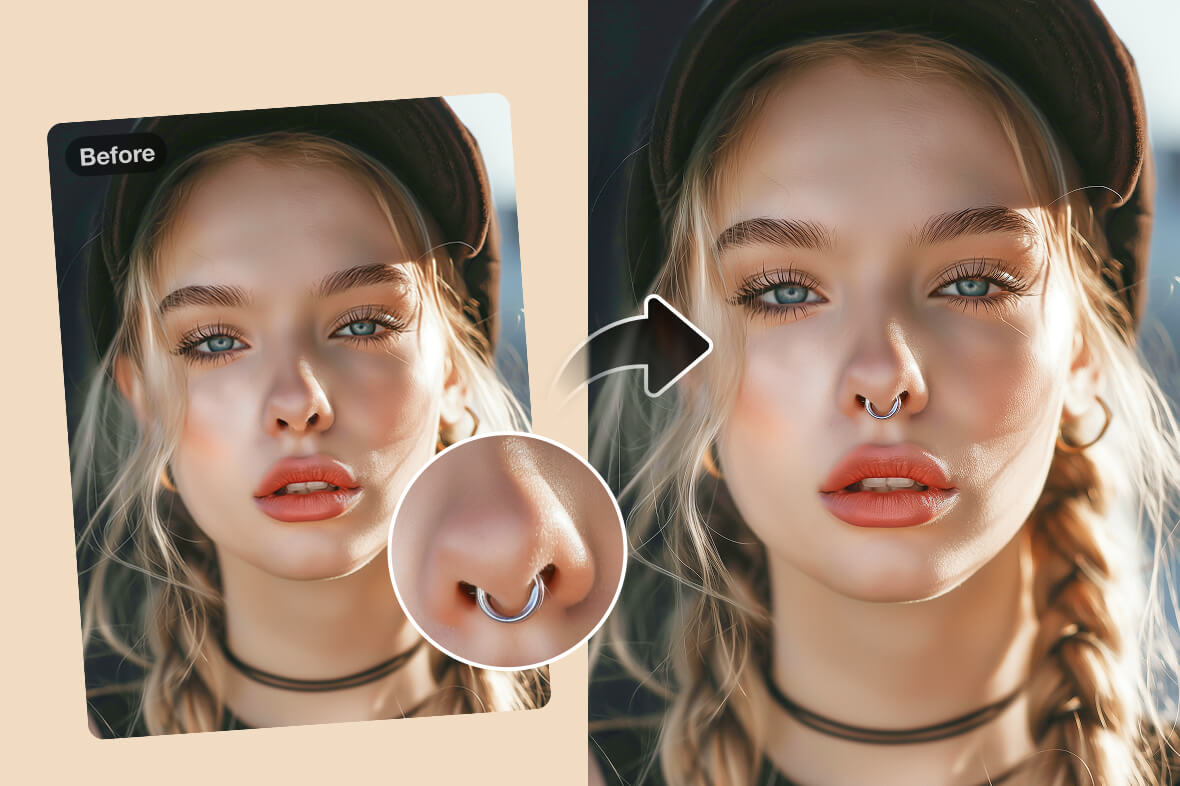
See How You Look with a Nose Ring
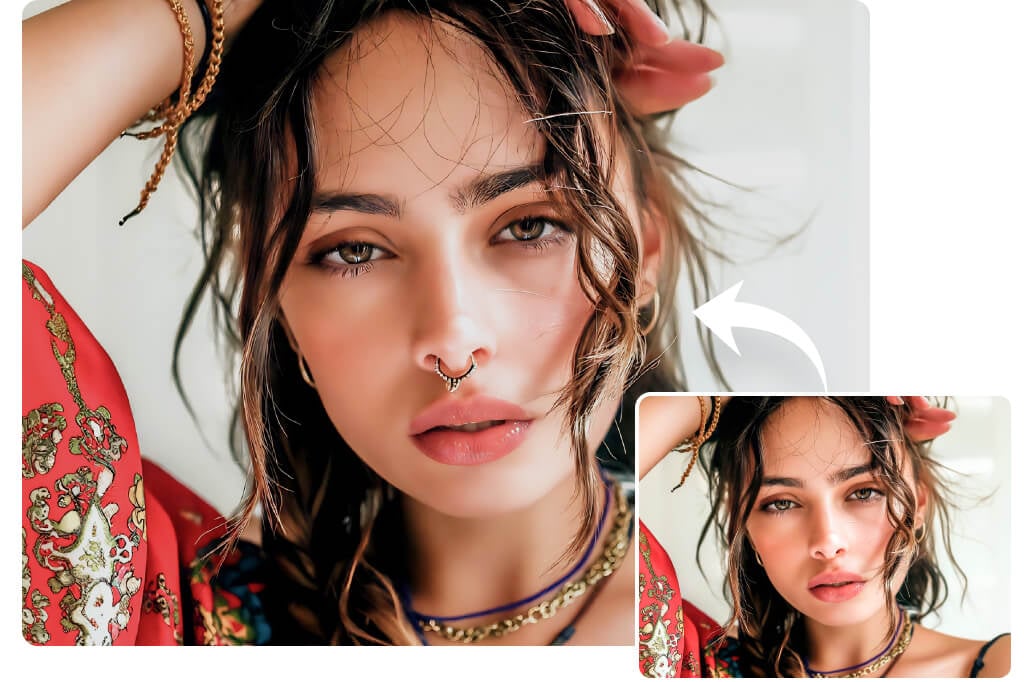
Describe the Nose Piercing Style You Want
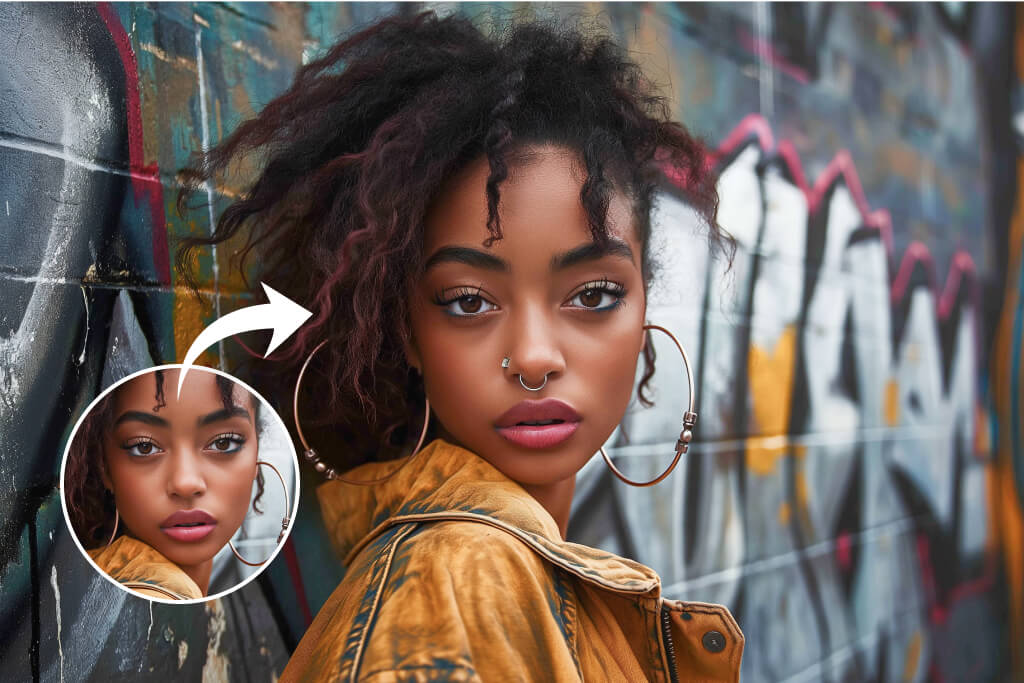
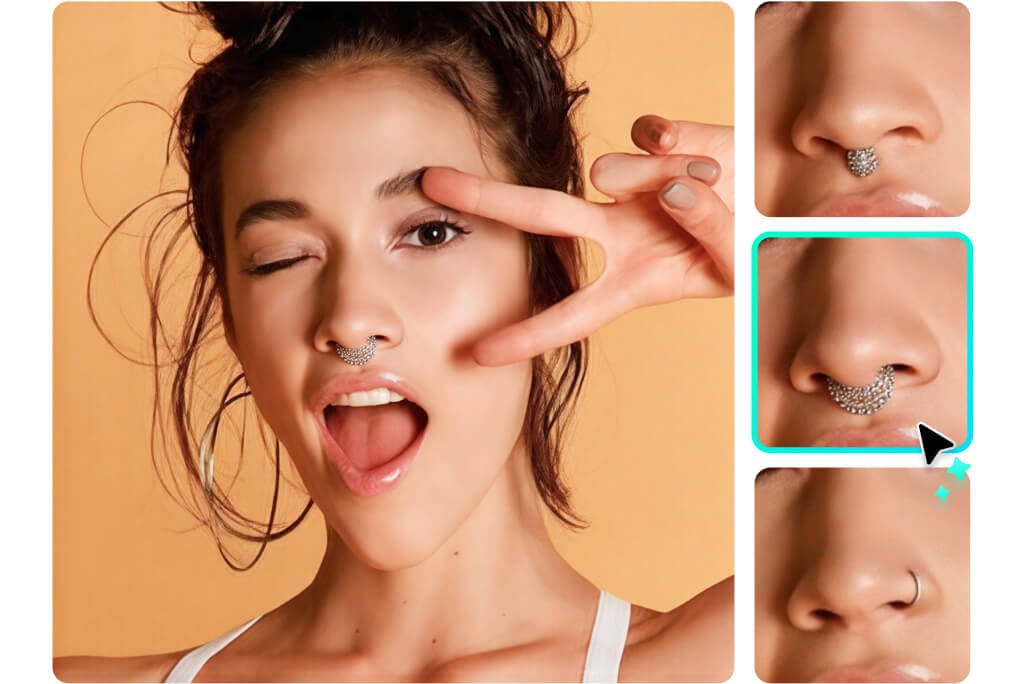
Preview Before a Real Piercing
How to Use the AI Nose Piercing Filter Step by Step
1
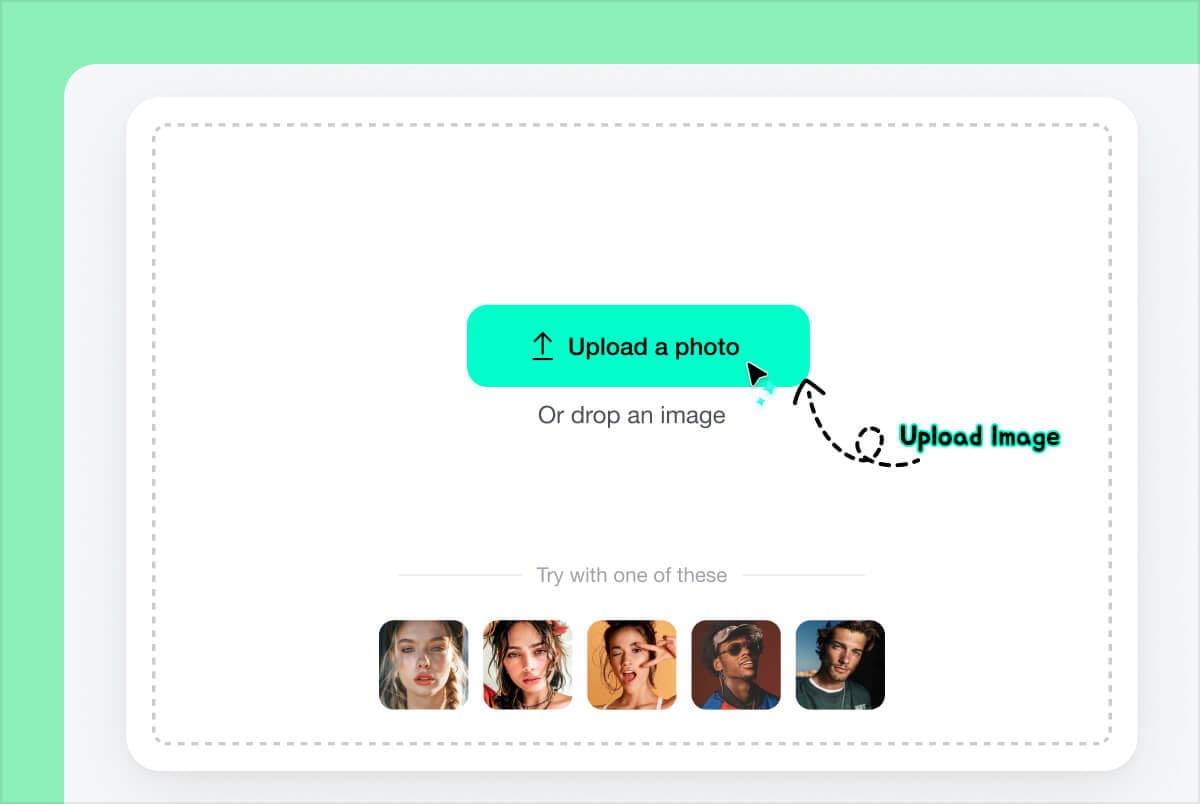
1 Upload a clear selfie
Choose a front-facing or slight-angle photo where the nose is visible. Avoid heavy shadows, filters, or hair covering the nostril area.
2
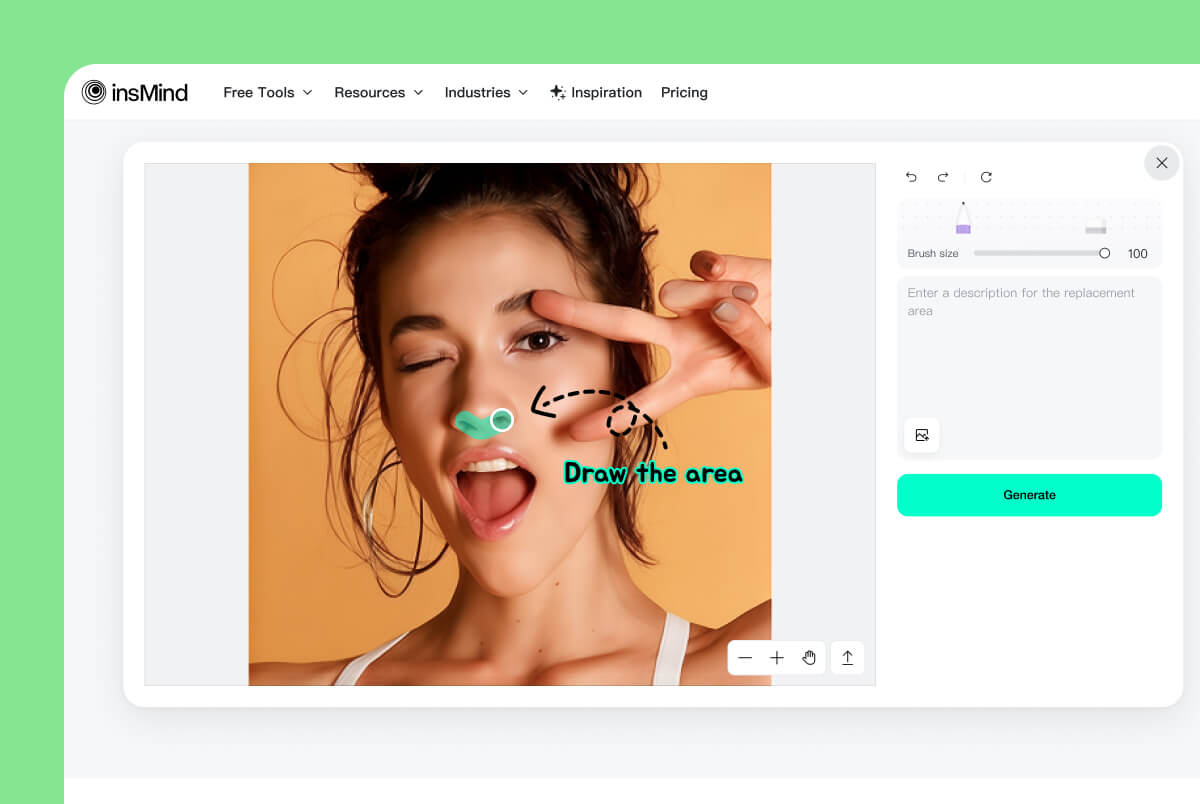
2 Brush the nose area
Mark the exact spot where you want the piercing. Keep the brush tight around the nostril or septum so the AI has a clear placement area.
3
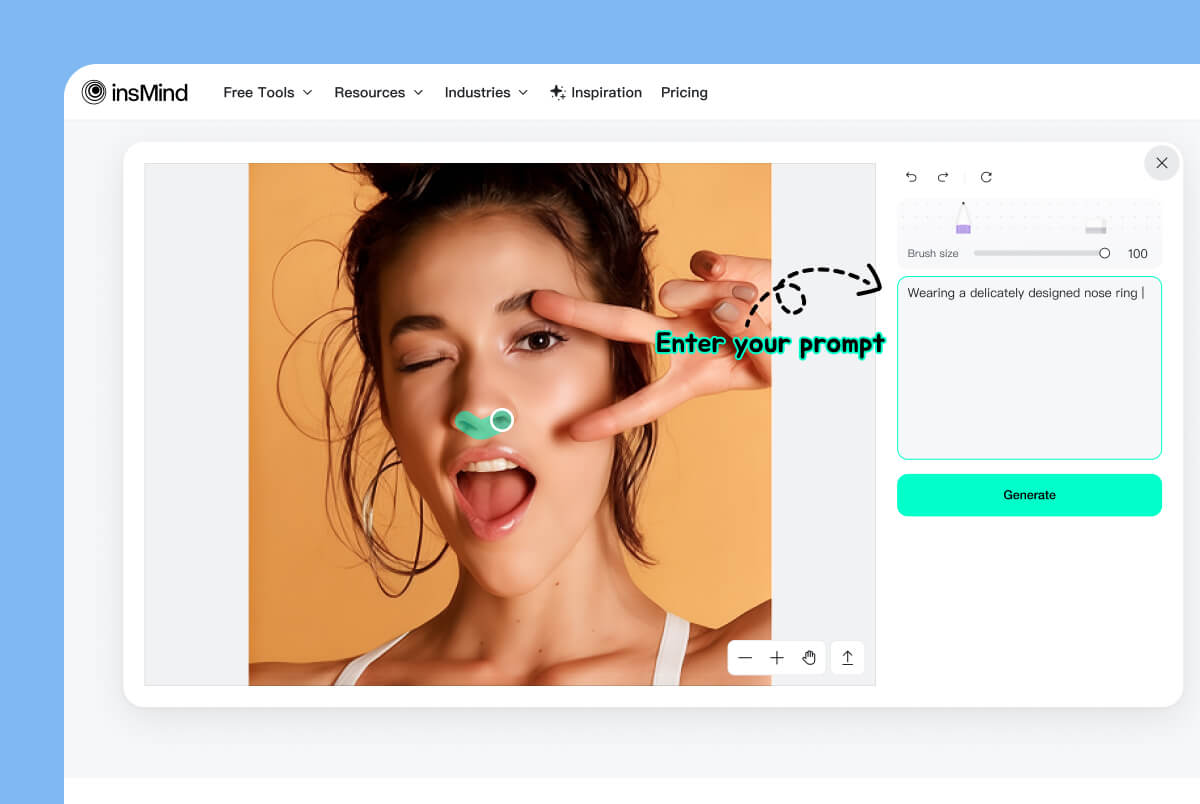
3 Write the piercing prompt
Describe the jewelry: tiny gold stud, silver nose hoop, diamond nose pin, septum ring, or double nostril piercing. Add size or side if it matters.
4
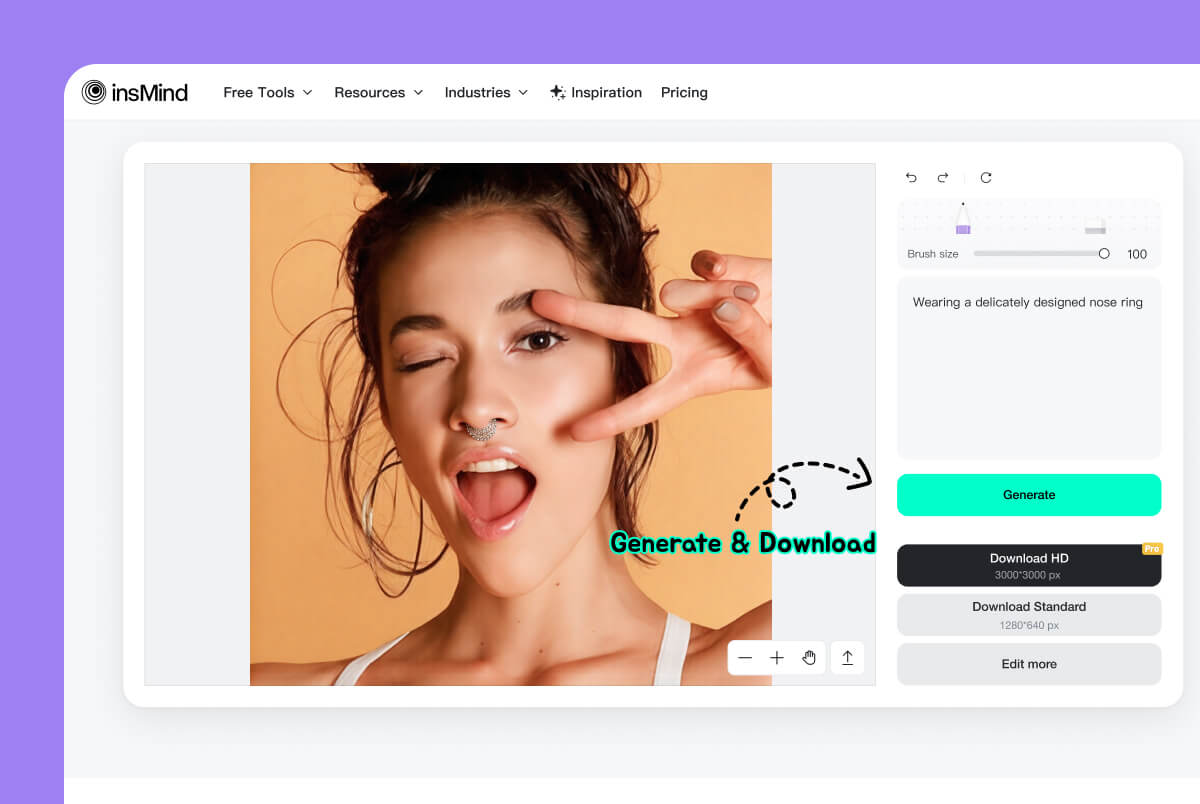
4 Generate and compare
Click Generate, check the angle and size, then try another prompt if the jewelry looks too large, too high, or mismatched with the face.
Why Try a Nose Piercing Simulator First?
The best use of a virtual piercing filter is decision-making: compare styles, placement, and jewelry color before you make a permanent change.
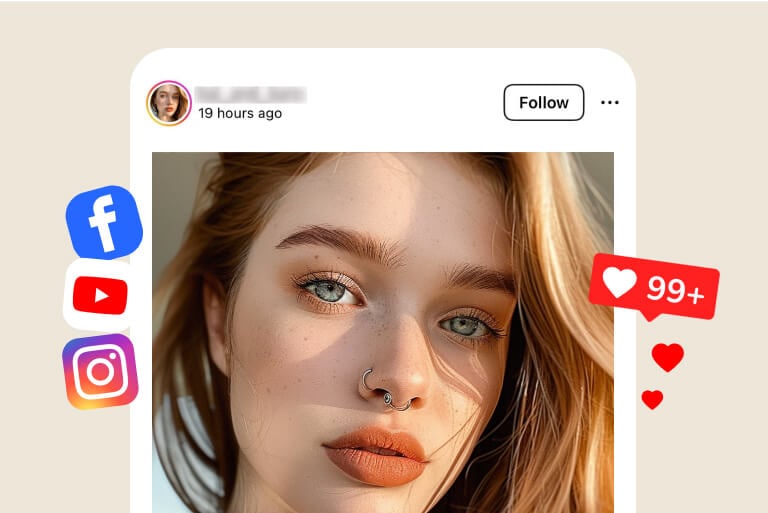
Social media previews
Create a quick nose ring photo for Instagram, TikTok, or a group chat when you want feedback on a new look.
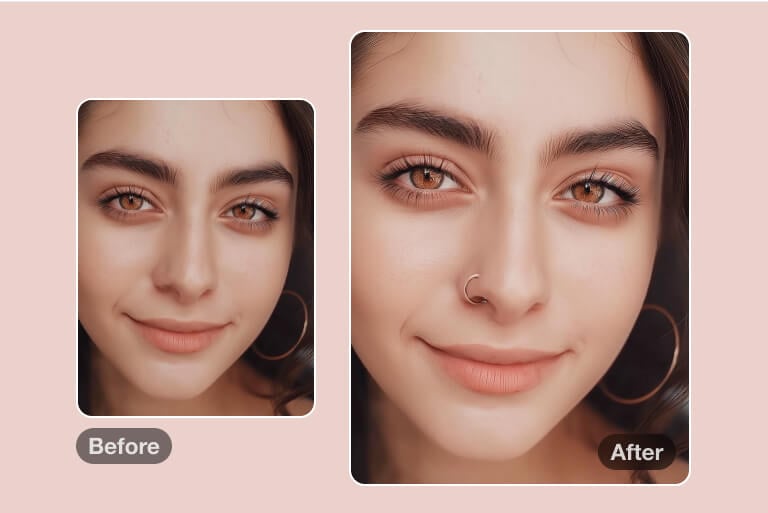
Trying before committing
Compare nostril studs, hoops, nose pins, septum rings, and double piercings before spending money or booking a piercing.
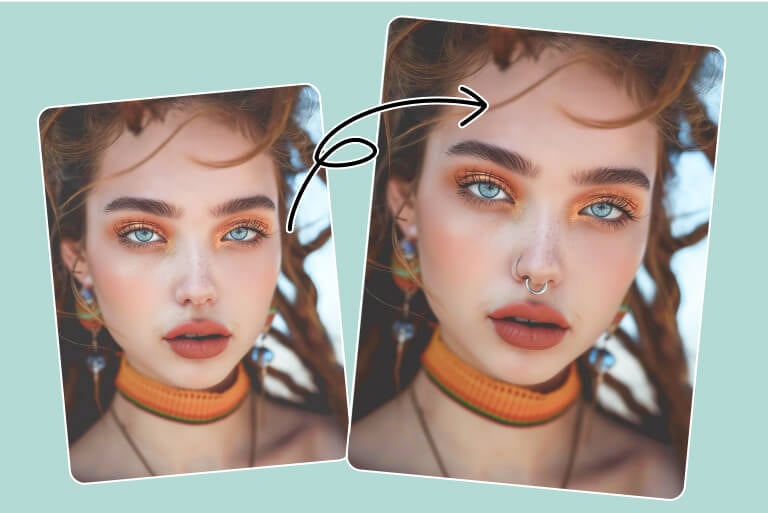
Styling and outfit planning
Check whether gold, silver, black, or gemstone jewelry fits your hairstyle, makeup, outfit, or event look.
Why Choose insMind AI Nose Ring Simulator?

Quick to test
Upload a photo, brush the placement area, enter a piercing style, and generate a preview without editing skills.

Better style comparison
Try studs, hoops, septum rings, and nose pins on the same photo so the differences are easier to judge.

Useful prompt control
Change size, metal color, placement, or style in the prompt instead of settling for one fixed filter.
FAQ About Nose Piercing Filters
What is a nose piercing filter?


It is an AI photo tool that adds a virtual nose ring, stud, hoop, septum, or nose pin to your picture so you can preview the look before trying real jewelry.
How can I know if I look good with a nose ring?
Upload a clear selfie and try several sizes and placements. Compare a small stud, a thin hoop, and a septum ring to see which one fits your face best.
What prompt should I use for a nose ring?
Start simple: silver nose hoop on left nostril, tiny gold stud, diamond nose pin, septum ring, or double nostril piercing. Add size, side, and metal color if needed.
Will the piercing look natural?
It depends on photo quality, placement, and prompt detail. A clear selfie and precise brush area usually give a more believable preview.
Can I try a nose ring online for free?
You can try the tool online and generate previews. Available usage, export quality, and advanced options depend on the current account plan.
Related Tools for Virtual Style Try-Ons

AI Hairstyle Changer
Try a new hairstyle to see how it works with a piercing.
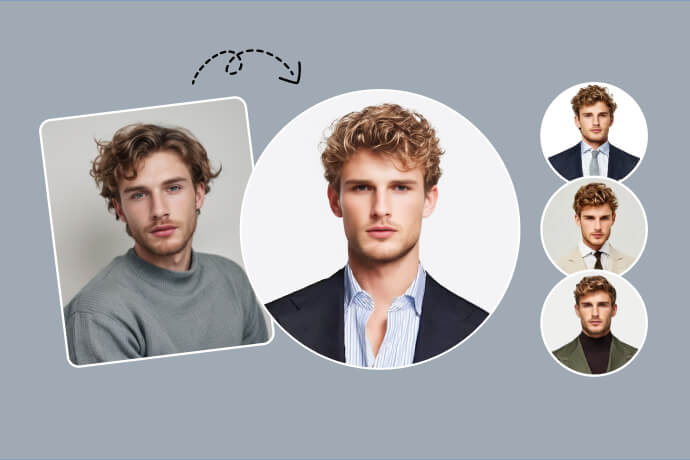
AI Headshot Generator
Create a cleaner profile photo after testing a new look.
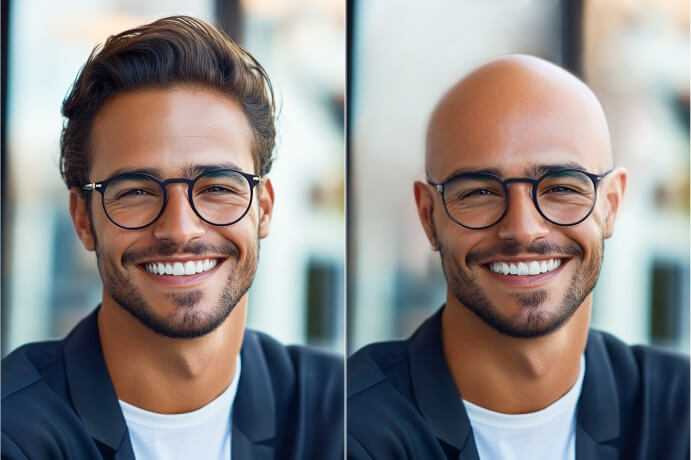
Bald Filter
Preview a dramatic hair change alongside face accessories.
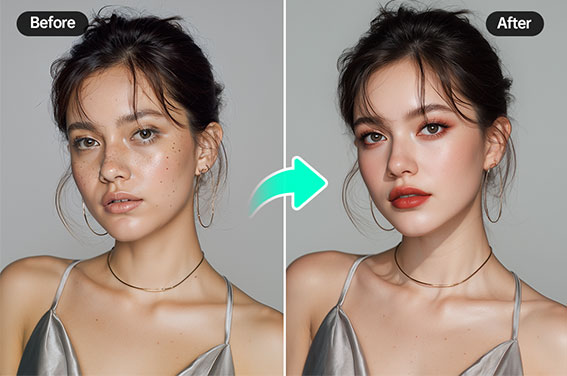
AI Makeup Generator
Test makeup styles that match a nose ring or stud.
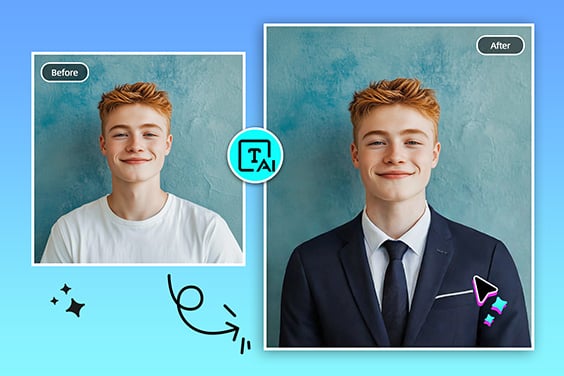
AI Clothes Changer
Change outfit style to see how the piercing fits the full look.
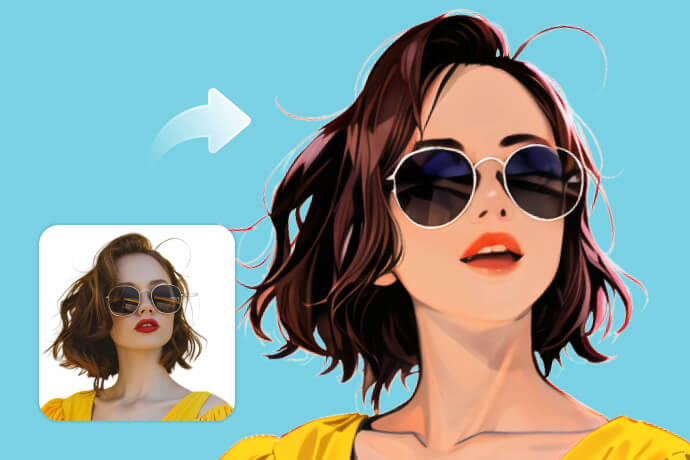
AI Photo Filter
Apply an artistic filter after creating the piercing preview.

Blemish Remover
Clean small skin details before sharing the edited portrait.