
Instant Halloween Filter for Fun
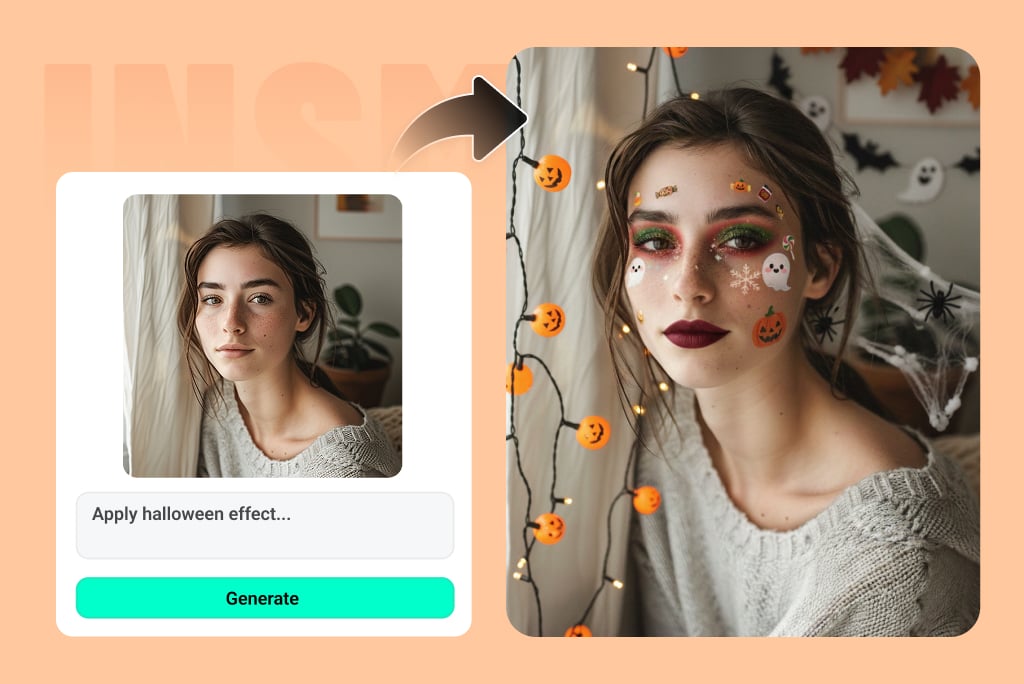
Try These AI Halloween Photo Effects & Templates!


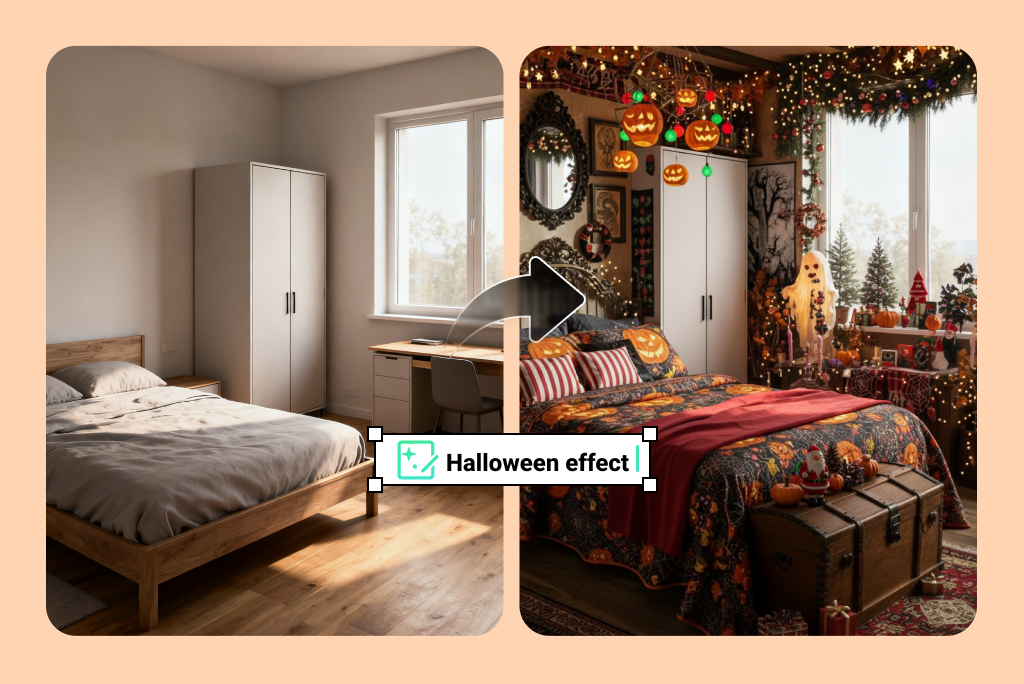
Turn Any Photo Into a Spooky Halloween Creation
The AI Halloween filter makes it easy to create fun, festive art pieces from normal pictures. Just upload a selfie, family shot, school photo or Halloween cat, and let the magic begin. The photo will instantly turn into something spooky, fun, or downright scary. You don't have to have any editing experience, AI does all the work. You can create a creepy vampire, or a cute pumpkin, whatever you want, the AI filter will work its magic. In seconds the photo becomes Halloween-ready. The results will be fun and something you can share family memories about.
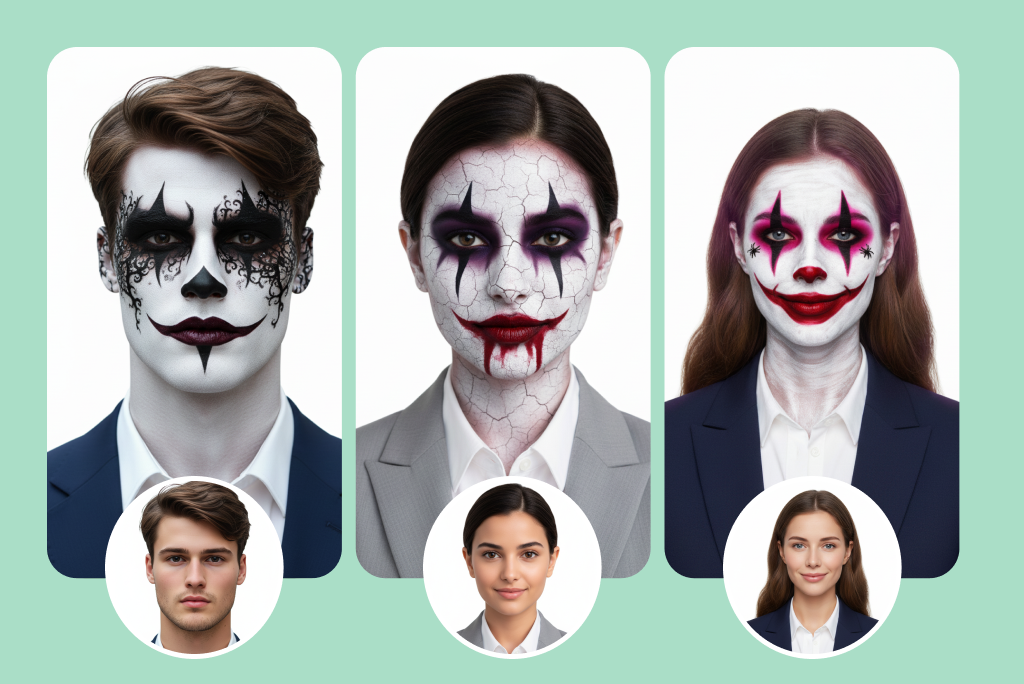
Design a Standout Halloween PFP This Season
Are you excited about the spooky month? Happy to upgrade your profile picture? The Halloween filter is a great way to update your DP on Snapchat, TikTok, Discord, or Instagram. Try the creepy clown look, the zombie look, or even a cute black cat look, whatever matches your style. You will be able to choose from so many cool looks. Your online identity can be scary, funny or mysterious as you want it to be. Seasonal profile pictures are a staple of social media and with AI, you will create your Halloween picture in just seconds. Get geared up for heads to turn with your Halloween-ready profile image!
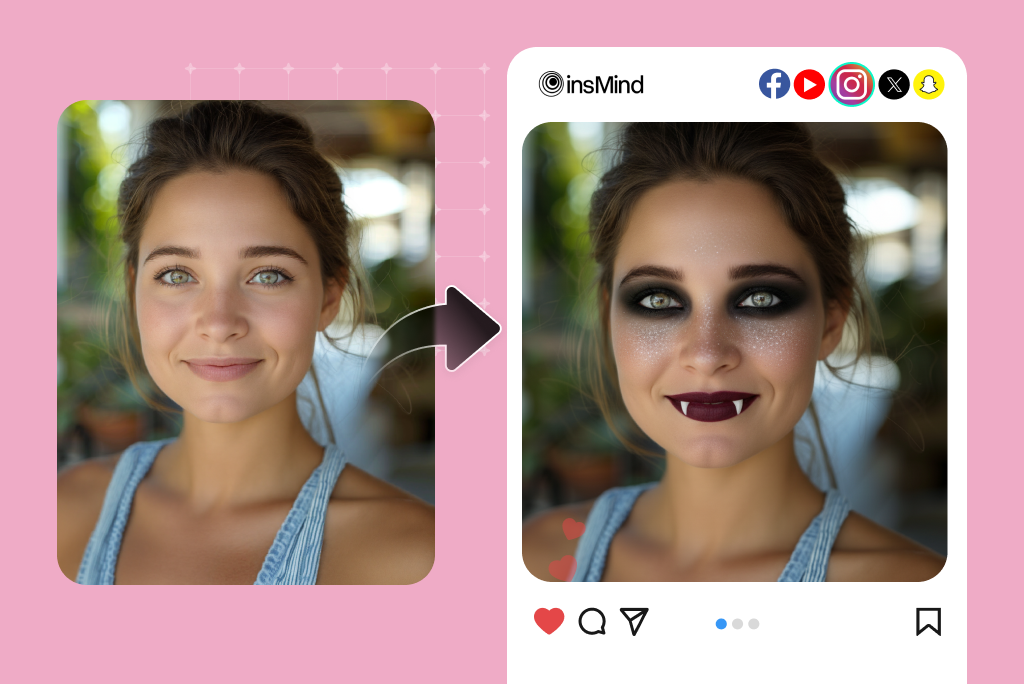
Share Your Halloween AI Photos Across Social Media
You can't have Halloween without sharing scary memories in a social media post. Once you have filtered your photo in the Halloween AI format, you will simply post the transformed version of your photo on your Snap, TikTok, or Instagram (wherever you enjoy to share specter photos). There are many ways to surprise your friends with creepy photo-editing, share in the fun of viral Halloween filter challenges, or decorate your feed for the holiday. Everyone is sharing festive photos in the month of October, and you won't want to miss the social buzz. Make sure your Halloween photo really stands out and be a part of the creepy social media vibe before the holiday passes.
More Than Just Halloween Filter — Discover Endless Creative Possibilities with AI
Real User Reviews – What People Are Saying About Our AI Halloween Filter
The Ultimate Choice for Halloween Photo Fun
High-Quality
Our AI creates realistic, festive Halloween effects that make every picture look professional, no editing skills required.
Customizable
Choose from spooky, funny, or cute effects and experiment with endless Halloween photo styles.

Works with Any Photo
Selfies, group shots, or pet pictures, the AI adapts to all images perfectly.
FAQs about AI Halloween Filter
What is AI Halloween Filter for photos?


Can I use the Halloween photo filter on my pets?
Does this Halloween AI work on mobile?
Is the Halloween Filter free?
What is the best Halloween Filter?
You might be interested in
Make your pictures pop with creative AI tools you can explore during a free trial.
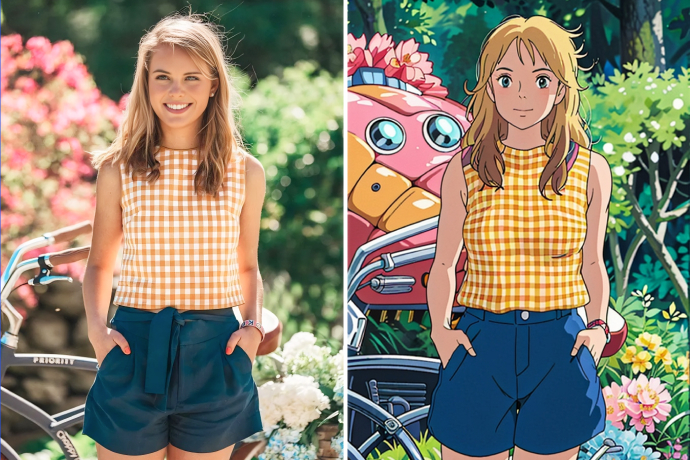
Studio Ghibli Filter
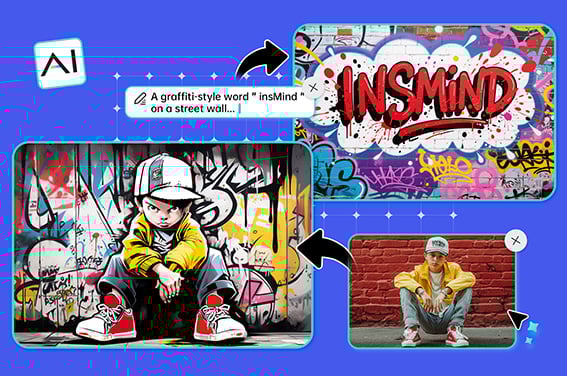
AI Graffiti Generator
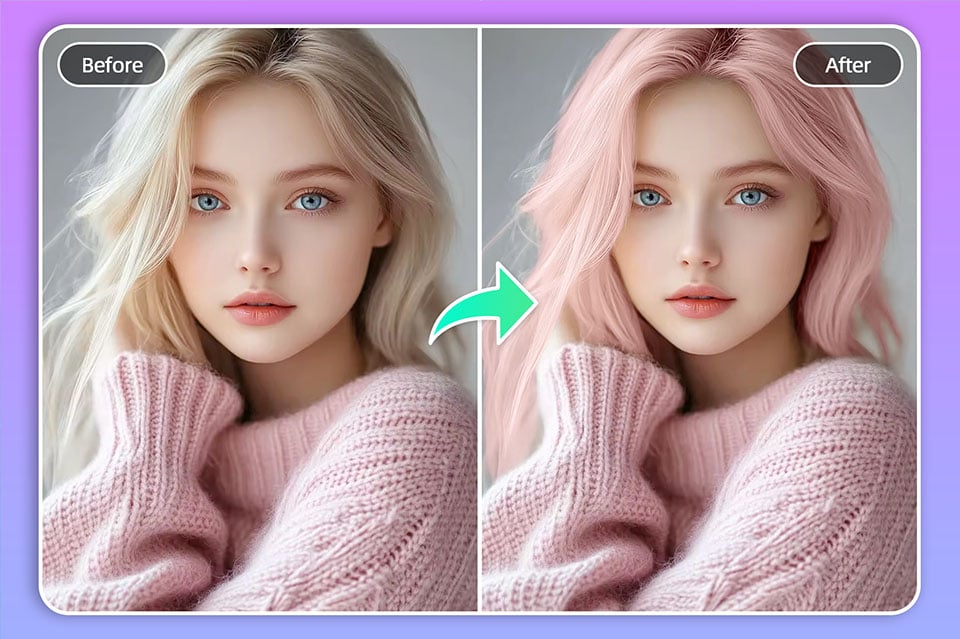
Hair Color Changer
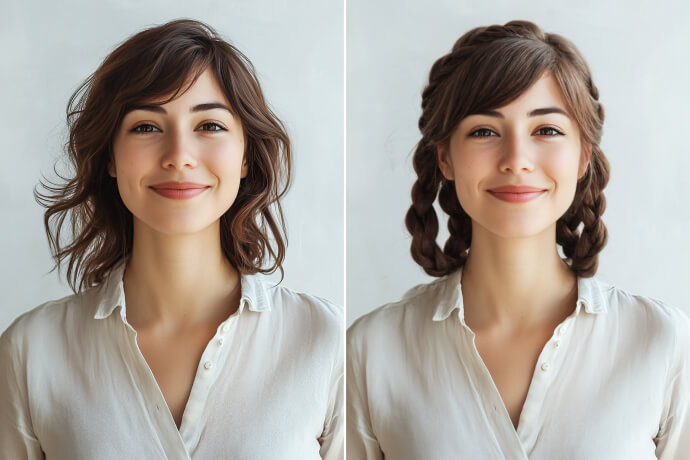
AI Hairstyle Changer
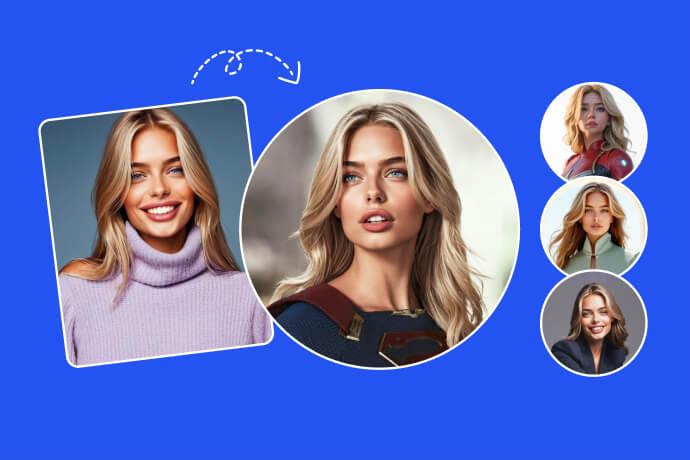
Avatar Maker
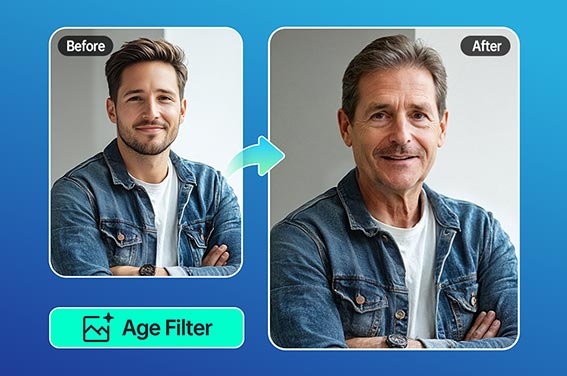
Old Filter
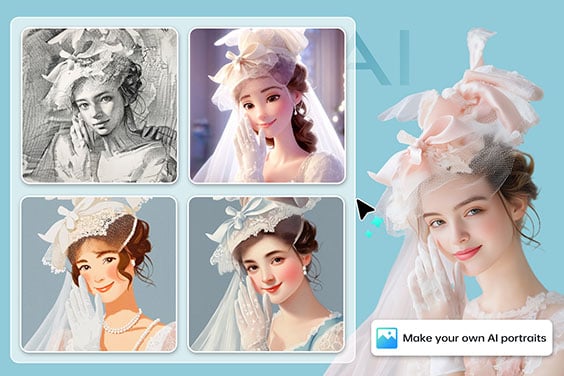
AI Portrait Generator
"This filter is a must for spooky month PFPs. I made three different versions for TikTok and got tons of comments."
@Sophie Turner, Content Creator