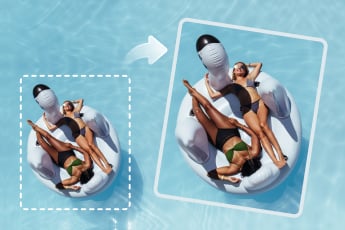
Straighten Photo Online - Edit Image Perspective Easily
Fix Photo Tilt Instantly with One-Click Straightening
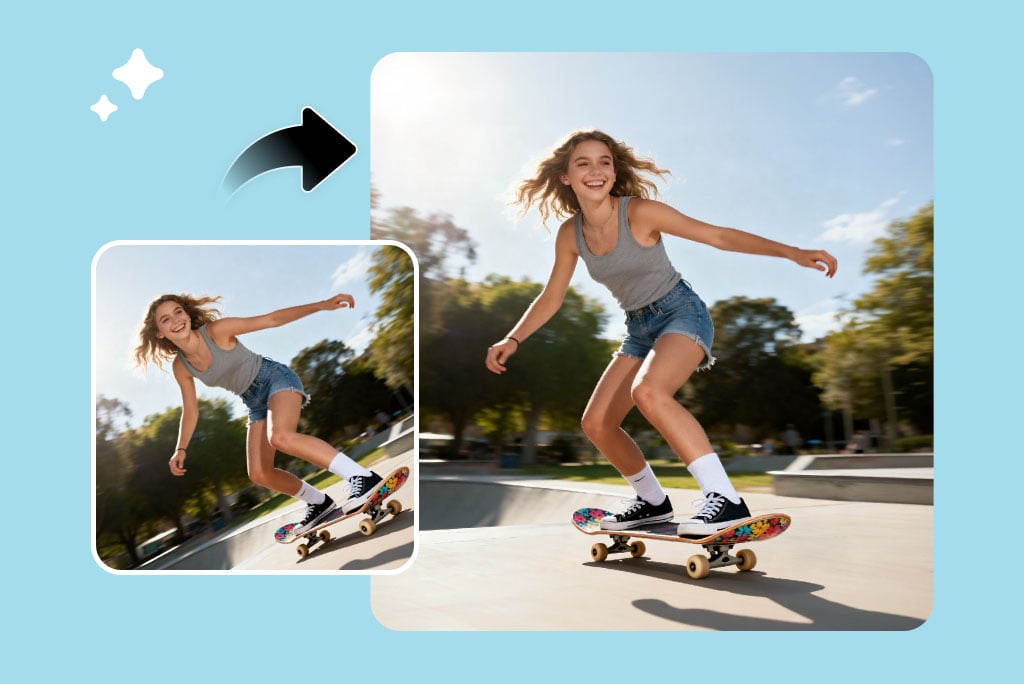
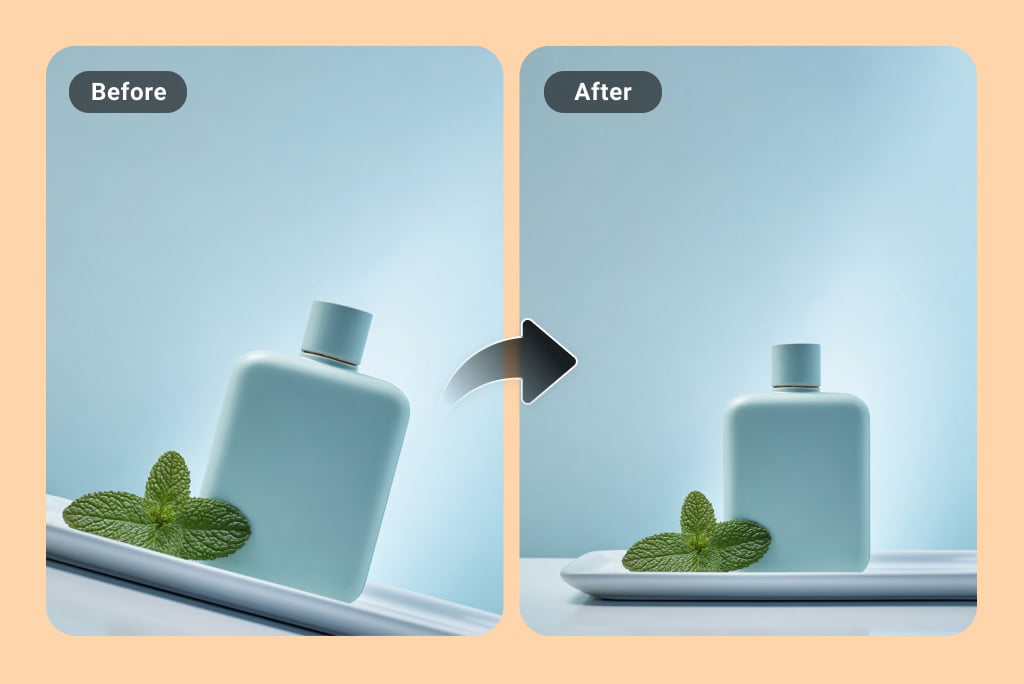
Tilted horizons and uneven angles can distract from an otherwise great shot. The photo straightener helps you correct these issues instantly. Just upload your image and apply one-click photo tilt correction.
Simply drag the image using your mouse to align the horizon and fix skewed framing for perfect visual balance. It maintains the original quality, proportions, and composition. So, straighten the image online for personal use or professional product photography and get precise alignment in seconds with zero manual adjustments.
Flip Horizontally or Vertically for a Fresh Visual Look
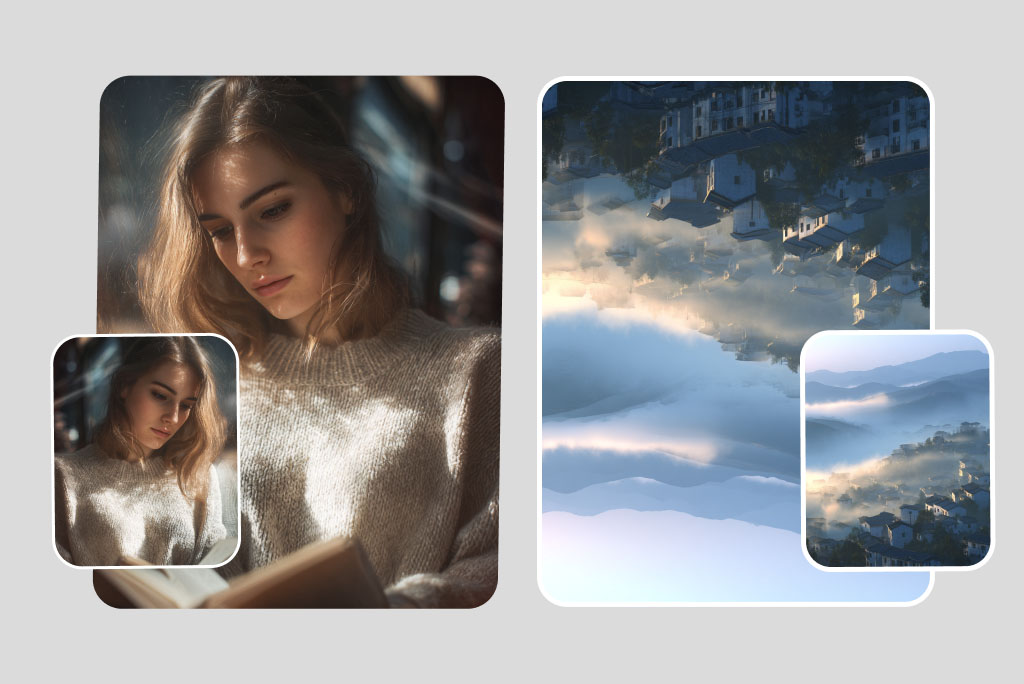
Flipping an image is useful for symmetry correction, mirrored text fixes, layout adjustments, or creating the perfect mirror selfie. insMind photo flipper lets you instantly flip an image online horizontally or vertically.
You can flip horizontally to correct a mirror photo or reversed text, or flip vertically for creative reflections or layouts. All it takes is a simple toggle for real-time previews and unlimited undos. Best for creators, designers, and social media users who want to adjust compositions quickly.
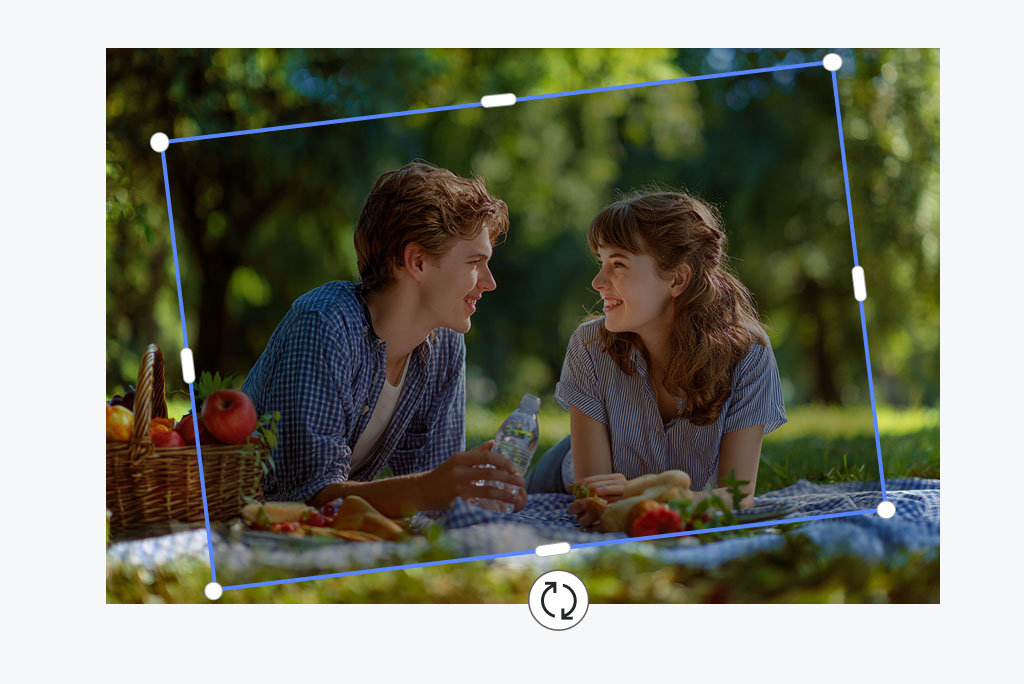
Edit Image Perspective and Adjust Angle Easily
Get complete control over how your image looks by easily adjusting angles from the left, right, top, or bottom. Our editor lets you fix image perspective online and correct distortions for professional and natural results.
You can straighten building photos, fix skewed product shots, refine selfie angles, or more for better proportions. You get full flexibility to fix the photo angle or create a clean, straight-angle image. So, rotate your photo freely and achieve a professionally balanced perspective without losing quality.
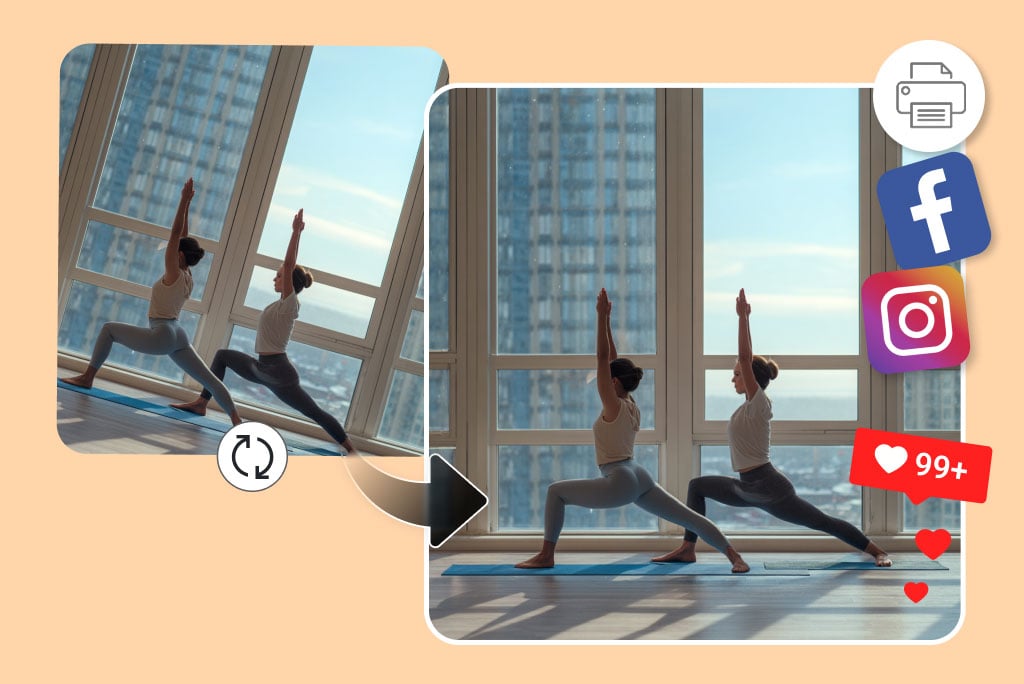
Straighten Images for High-Quality Print or Social Media
Straightening and perspective correction are essential for a strong visual presentation. High-quality image correction and alignment improve clarity and professionalism for both print and digital use. Our photo straightener helps you straighten photos for print without losing HD resolution. No distortions, no unwanted cropping, and clear edges preserved.
Use it for posters, catalogs, and magazine layouts, or polish your photo alignment for social media such as Instagram grids, Pinterest boards, and LinkedIn banners. Every image looks sharp and ready for high-quality publishing.

Straighten Images Automatically with AI Precision
AI makes straightening hassle-free. No flipping, rotating, or manual adjustment required. Just upload your image, enter your prompt, and the system will auto-straighten photos online with precise alignment.
Our AI straighten image feature understands your intent and adjusts the angle naturally while keeping the rest of the image unchanged. With the image-to-image generator, you can refine or enhance your uploaded photo further and maintain consistent characters and details. It's the fastest way to get professionally aligned photos with zero manual editing.
Step-by-Step Guide: How to Straighten a Photo Online
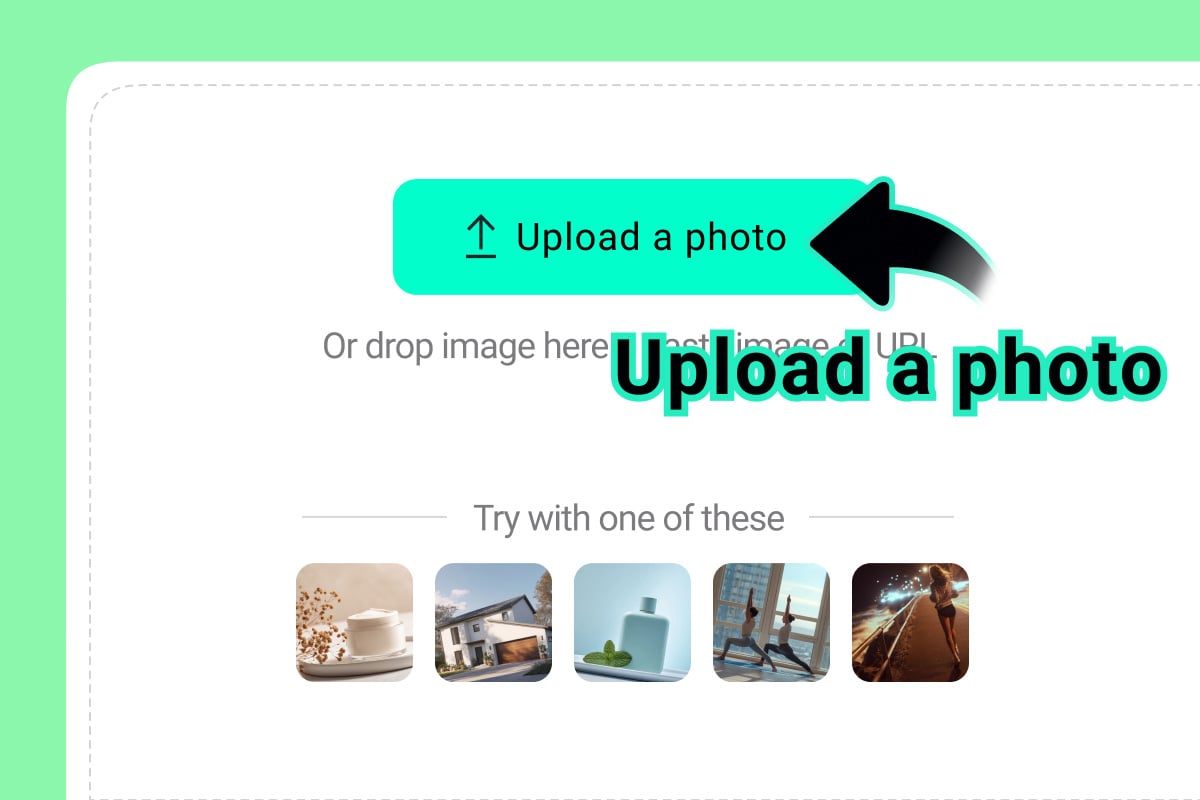
1 Upload Your Photo
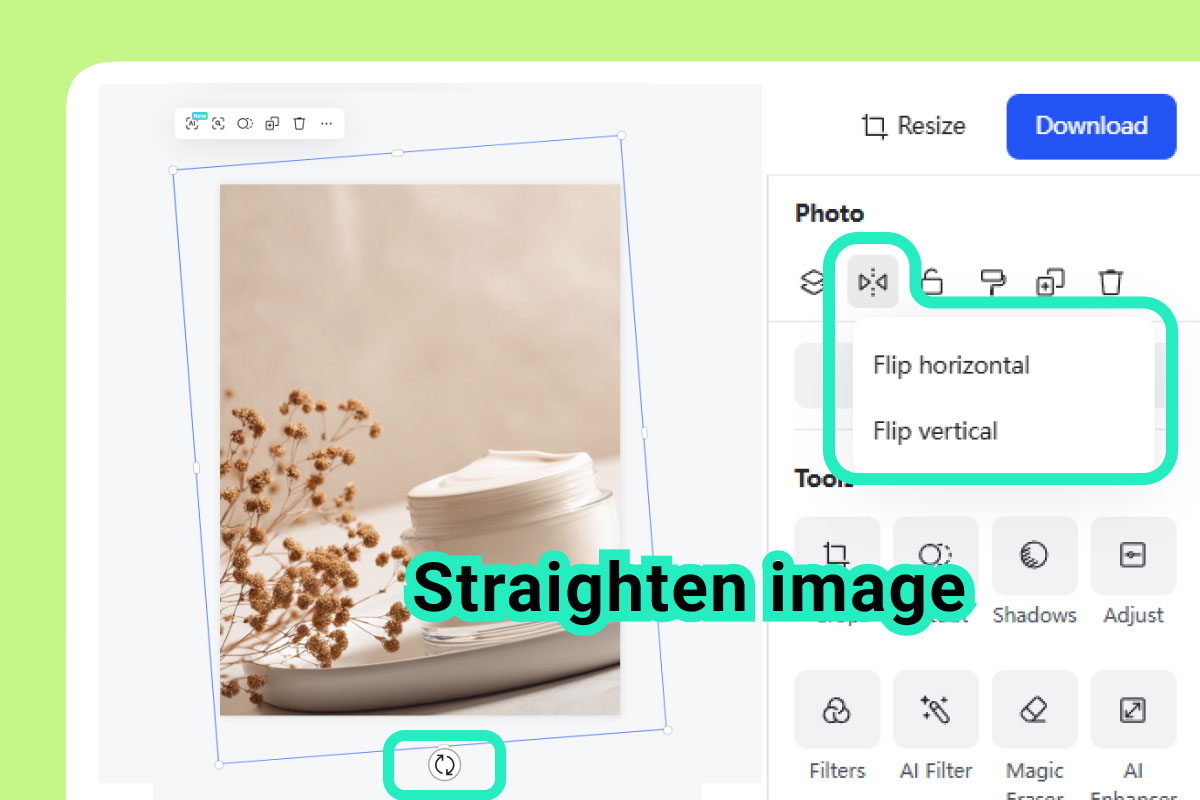
2 Straighten the Photo
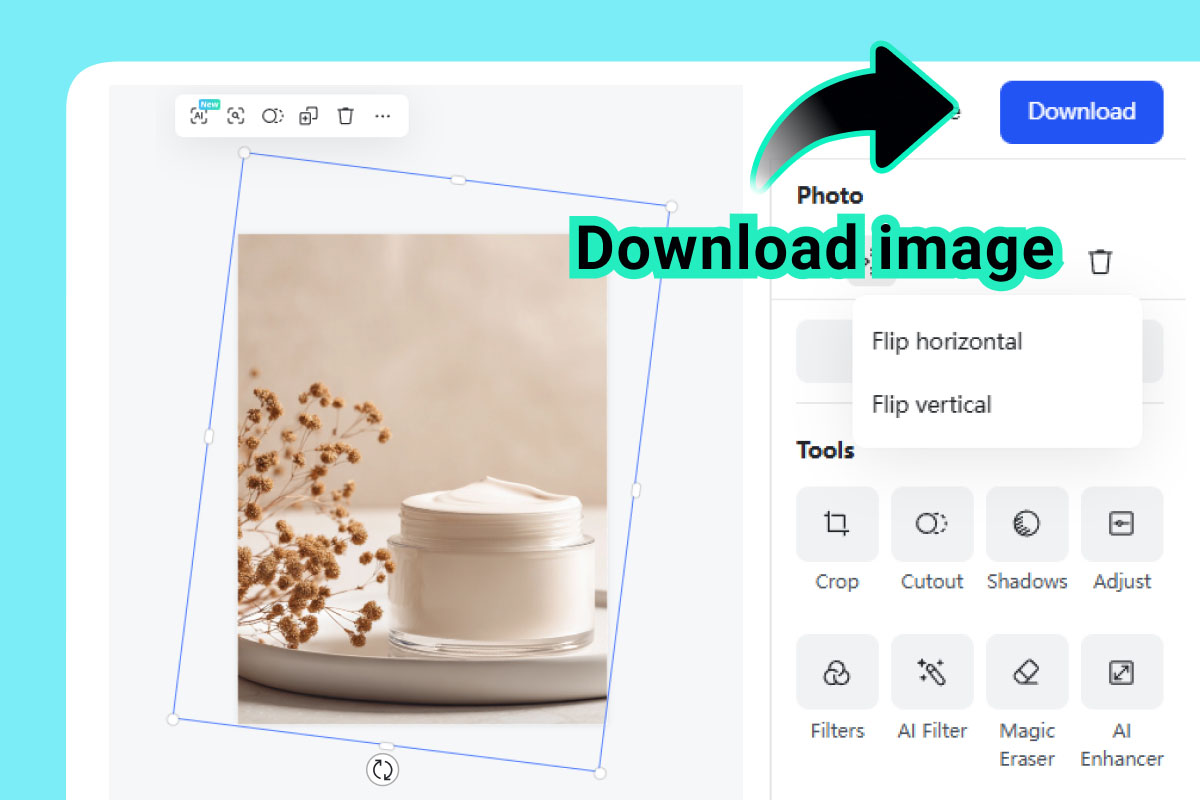
3 Download Your Photo
When and Why Straightening Your Images Matters?
An image straightener provides an instant way to improve clarity and balance in any photo. You can easily fix scanned pages, product shots, vacation pictures, or other photos and get properly aligned and polished results ready for print or digital use.
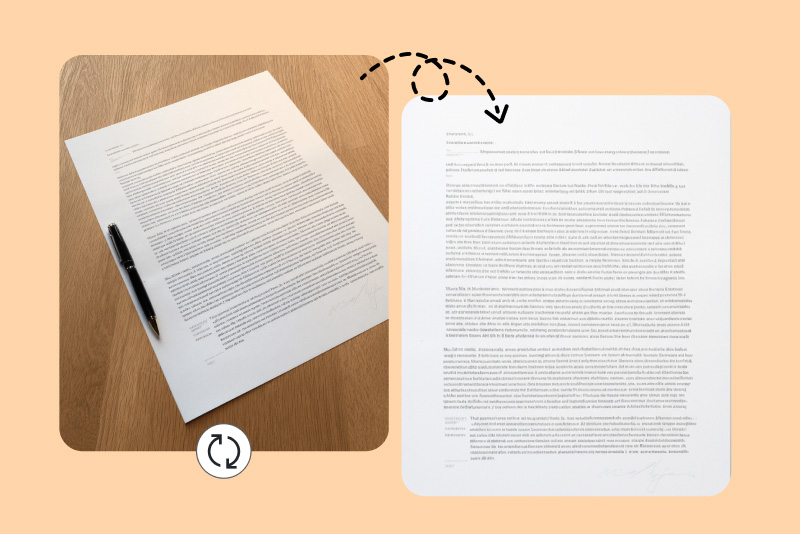
Straighten Scanned Documents
By simply dragging, you can correct tilted or unevenly scanned pages. The text becomes easy to read with perfect alignment. Ideal for achieving important records, preparing business PDFs, or printing clean copies.

Correct Angles in Real Estate Photos
Straightening building and room photos preserves clean vertical and horizontal lines, which is essential for real estate listings. Proper alignment creates a more trustworthy and professional presentation, which helps properties stand out with visually pleasing images.
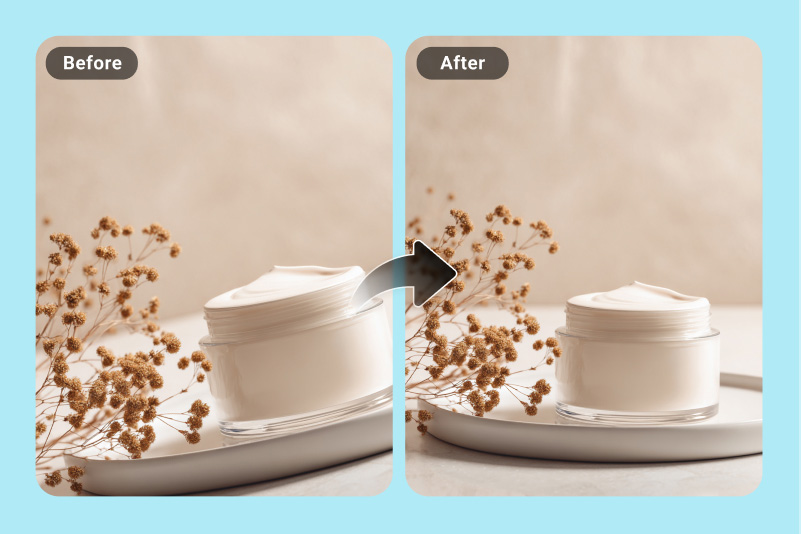
Align Product Images for E-Commerce
Centered and correctly aligned product photos increase trust and conversions. Straightening fixes leaning angles and restores balance with enhanced composition, crucial for marketplaces and product galleries that rely on clean visuals.
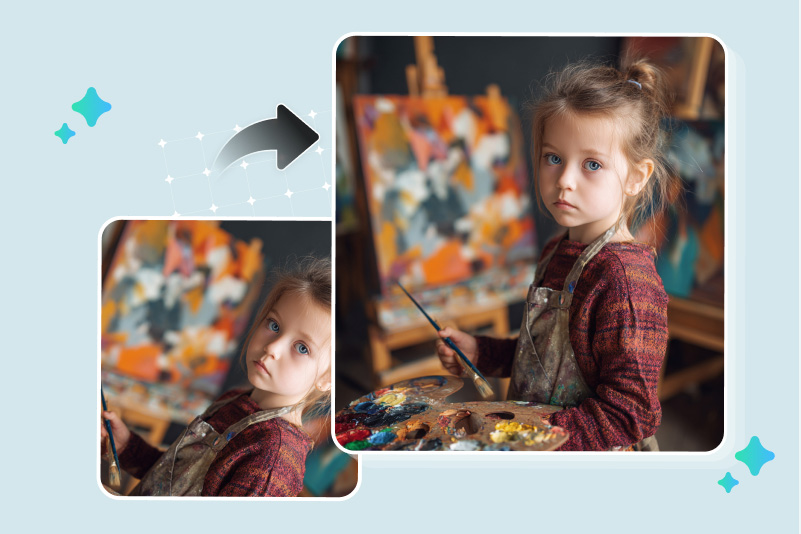
Fix Tilted Portraits for a Polished Look
Headshots and selfies look more professional when the frame is straight. Adjusting the angle improves symmetry, enhances facial balance, and gives your portraits a refined appearance. Best for resumes, profile pictures, and personal branding.
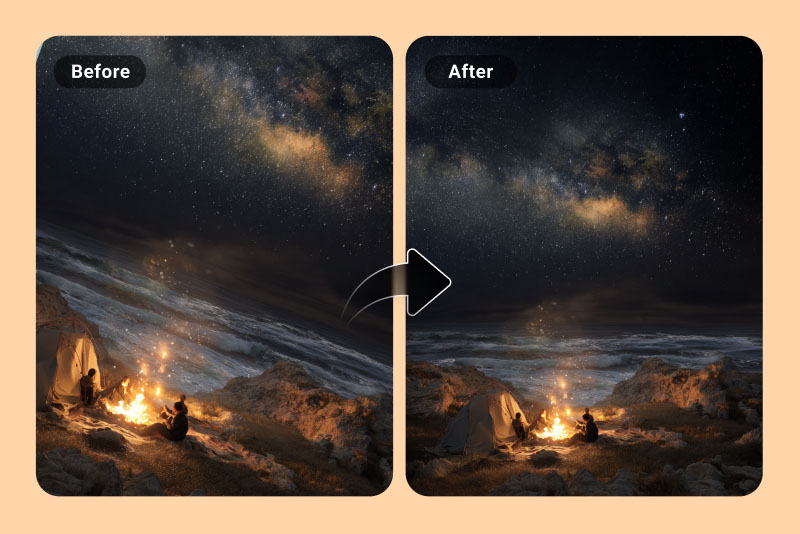
Level Landscape Shots
A straight horizon is crucial for strong landscape photography. Correcting tilted or uneven angle lines brings natural balance and realism to outdoor shots, which makes scenery appear more immersive and visually appealing.
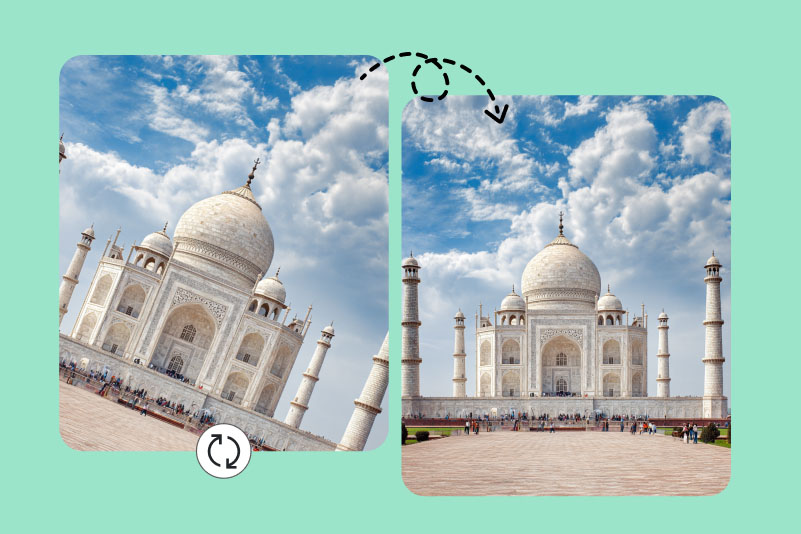
Enhance Travel Photos
Travel photos often end up slightly slanted when taken quickly. Straightening restores proper framing and improves composition, which lets you share well-balanced vacation memories across social media or photo albums.
What are the Reasons to Choose Our Image Straightener Tool?

Safe & Privacy Protected
Your images stay secure from upload to download. You get complete privacy for personal photos and sensitive files, with no data stored or shared. So, straighten images with confidence, knowing your content remains fully protected.

Fast Result
Straighten photos in a matter of seconds. Our tool processes tilt correction and perspective adjustments instantly and helps busy creators with faster fixes and professional-quality results.

User Friendly
Our image straightener is intuitive and designed for everyone. All it requires is photo uploading, adjusting angles, and downloading the edited image. Plus, AI prompt-based fixing makes the process even more convenient.
Frequently Asked Questions
What is a photo straightener?


Can I change the angle of an image?
Will the image lose quality after straightening?
What are the benefits of straightening your photos?
Can I straighten a photo with AI?
How long does it take to straighten an image?
Do I need Photoshop skills to straighten a picture?
You might also be interested in

AI Background

Smart Resize

AI Expand

AI Image Enhancer

AI Filter

AI Shadows

AI Replace
Overlay Images
Flip Images
Image Cropper

Mirror images
Circle Crop Images