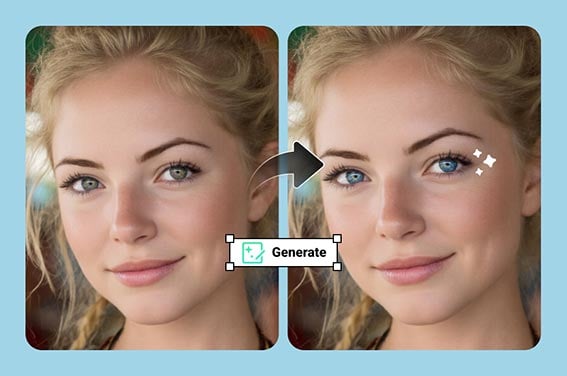
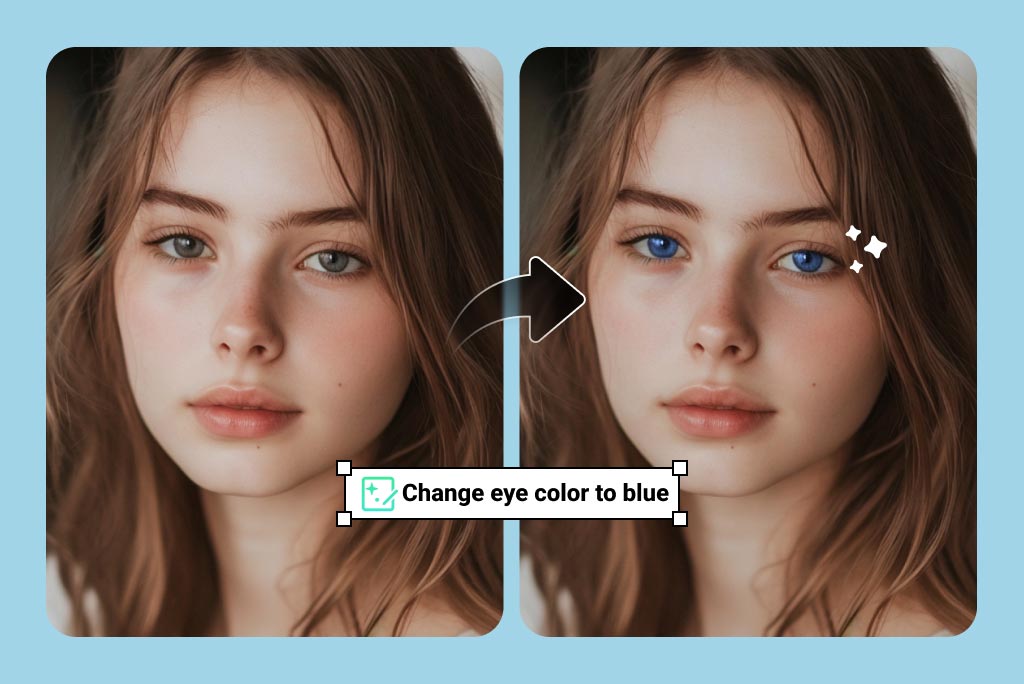
Use the eye color changer when you want a realistic preview, not a full face makeover. Mark the iris area carefully, describe the shade, and keep catchlights and pupils visible so the edit still looks like a real photo.

Eye Color Changer Online
Or drop image here, paste image or URL
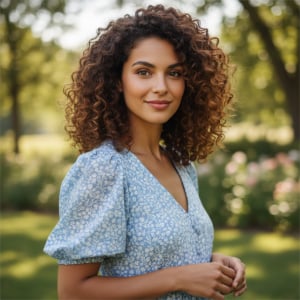
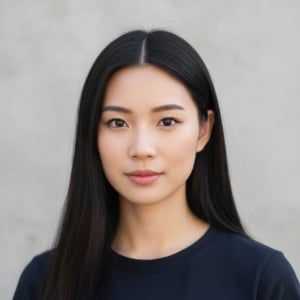
Try with one of these



See How a New Eye Color Looks on Your Photo
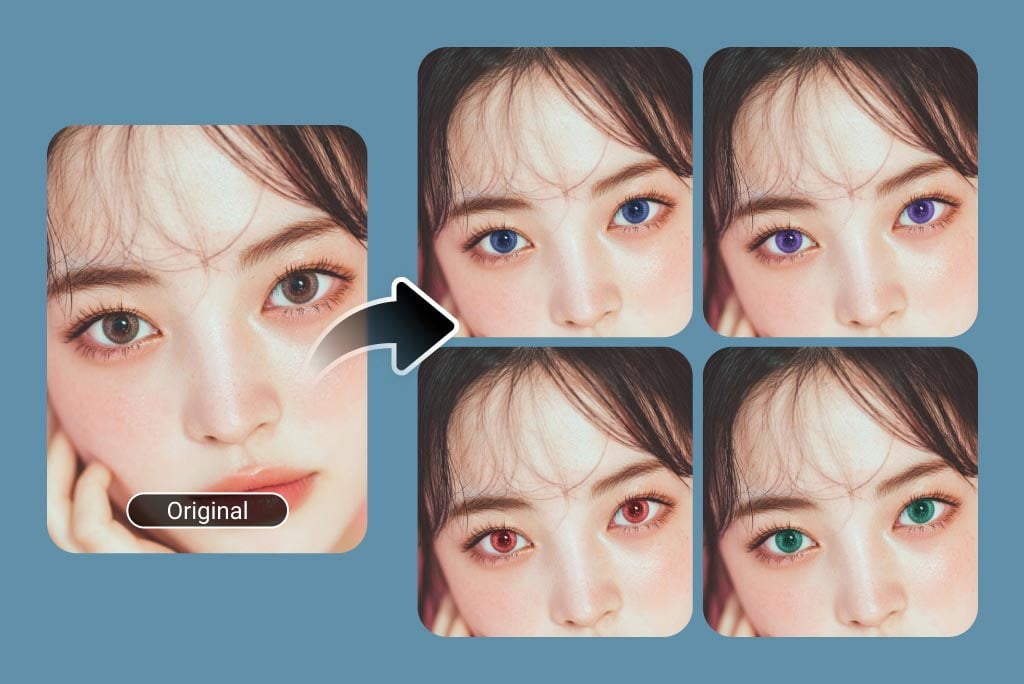
Preview Colored Contacts Before You Buy
Test blue, green, hazel, gray, amber, or violet tones on your own portrait before choosing lenses. For a more complete beauty edit, pair the result with AI makeup or subtle skin retouching.
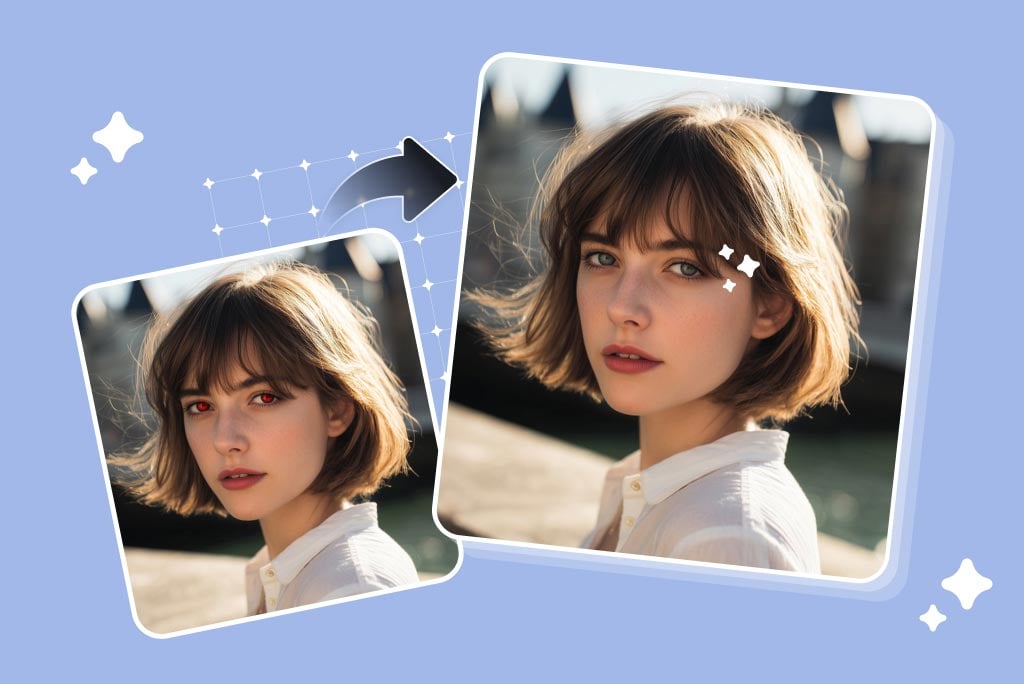
Correct Red-Eye and Uneven Eye Color
If flash or lighting makes the eyes look red, dull, or mismatched, use the editor to rebuild a cleaner iris color. For pure flash correction, the red-eye remover may be faster.
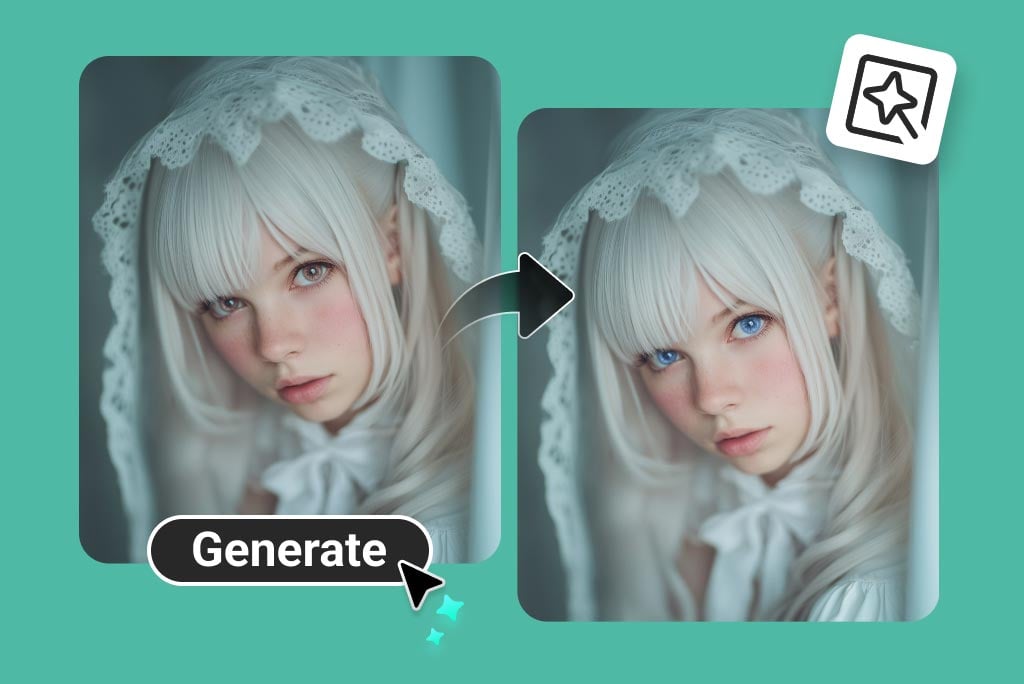
Create Character and Cosplay Eye Colors
For cosplay, fantasy portraits, thumbnails, or roleplay avatars, describe the exact look: icy blue, golden cat-eye, vampire red, anime purple, or glowing cyberpunk teal. Keep the rest of the face unchanged for a cleaner result.
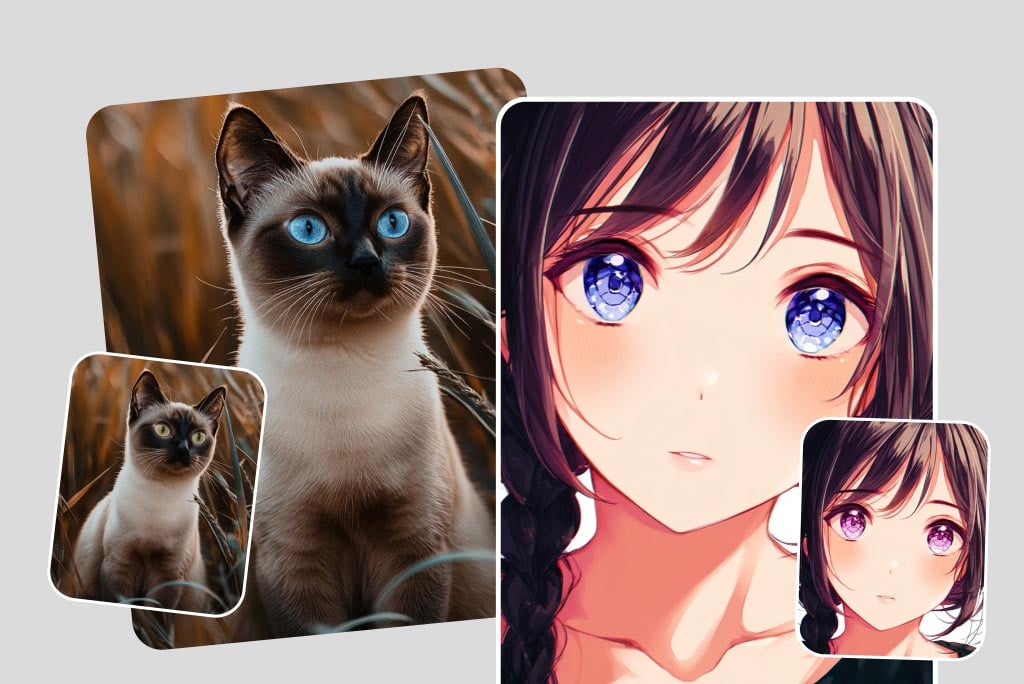
Try Eye Color Edits for Pets, Avatars, and Fun Shots
The tool can also be used on pets, stylized portraits, and cartoon-like images when the eyes are visible. Results are best when the iris is not hidden by shadows, glasses, or heavy motion blur.
More Tools for Portrait and Beauty Photo Edits
How to Change Eye Color in a Photo
Upload, select the eyes, describe the color, then review the result before downloading.
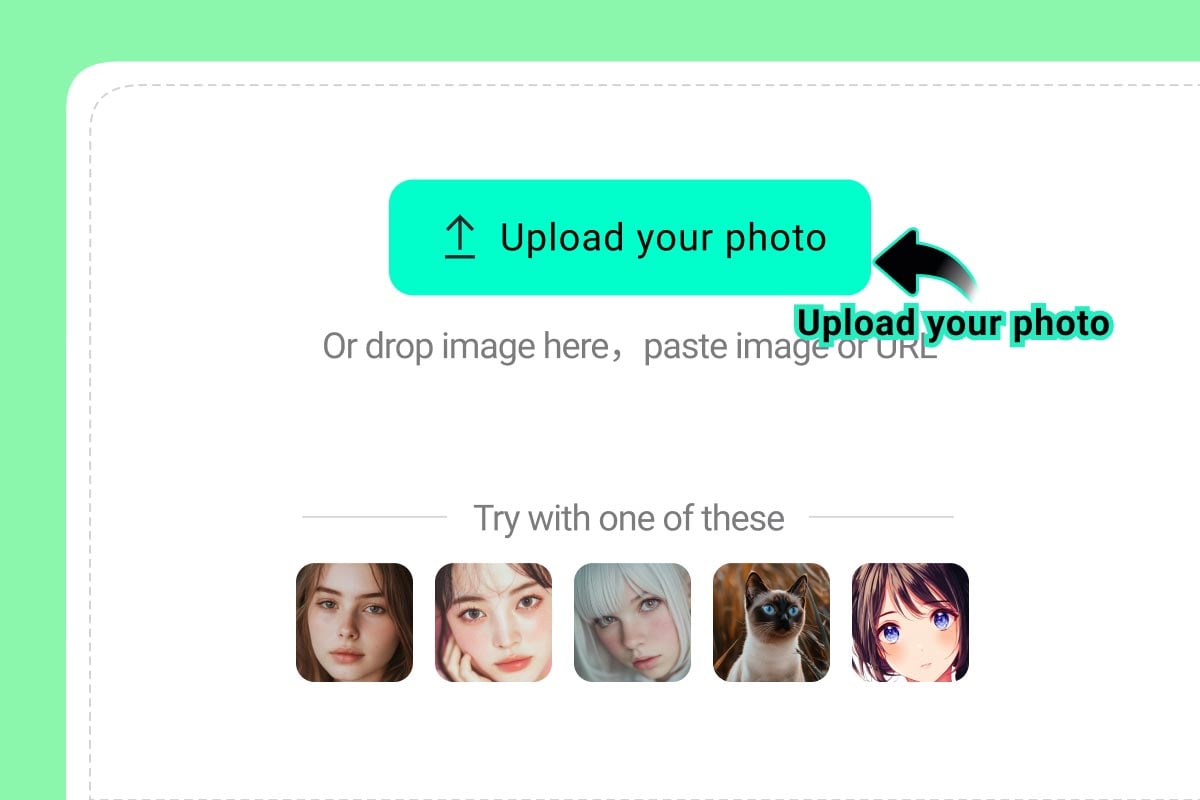
1
1 Upload a Clear Portrait
Choose a photo where the eyes are open, sharp, and not covered by heavy shadows or glare.
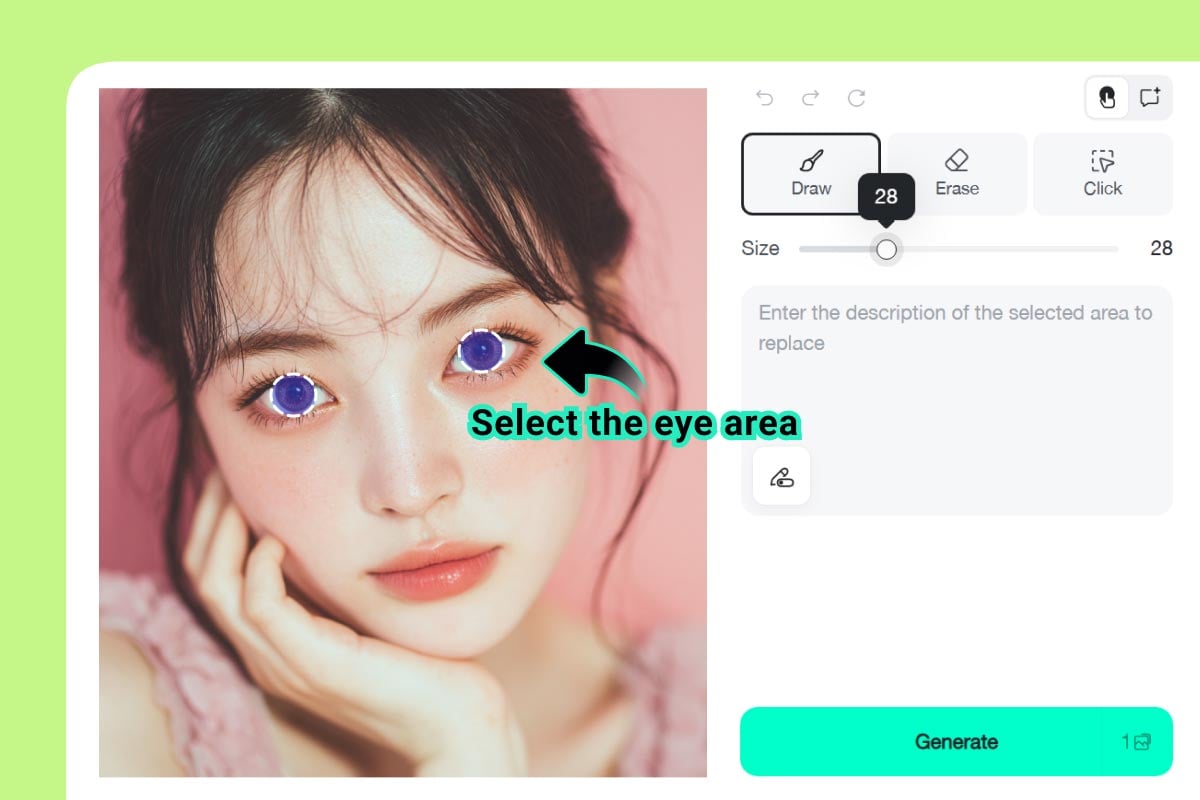
2
2 Brush Over the Iris Area
Zoom in and mark the iris, not the whole eye socket. A careful selection keeps eyelashes, eyelids, and skin texture natural.
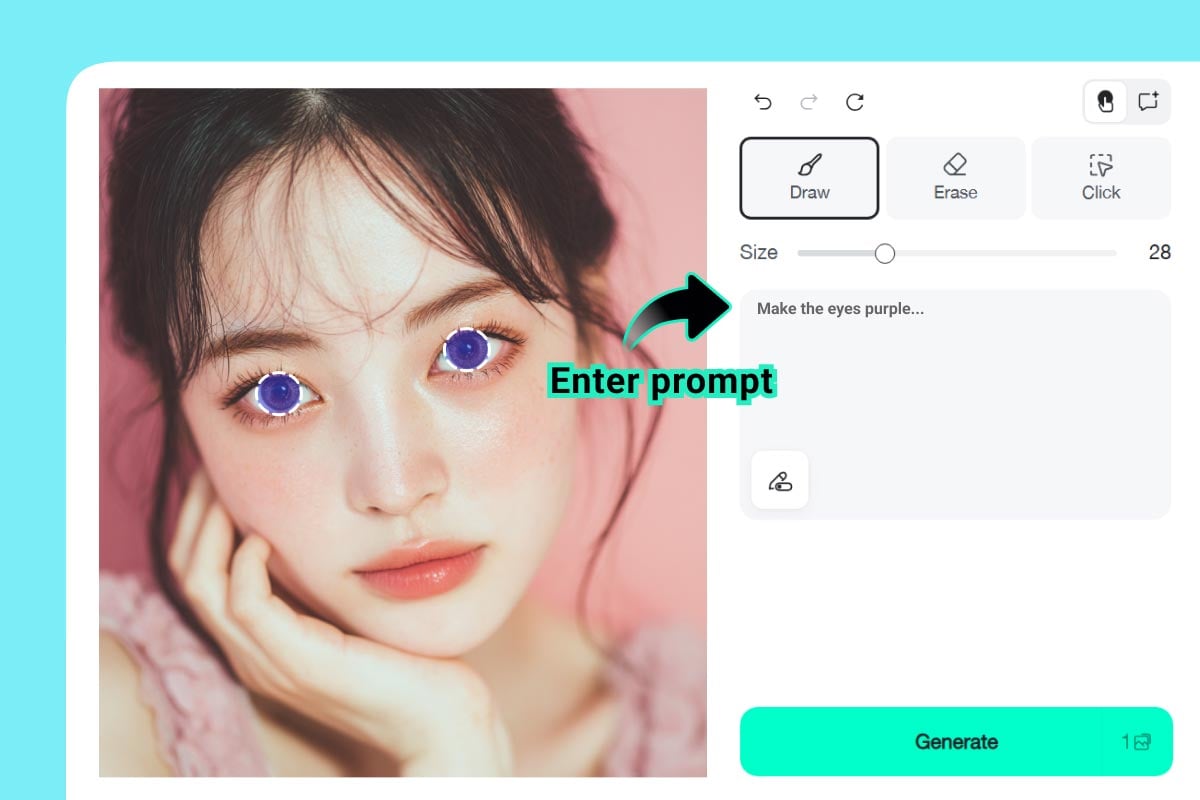
3
3 Describe the Eye Color
Write a specific prompt such as "natural hazel eyes," "soft gray-blue eyes," or "bright anime purple eyes."
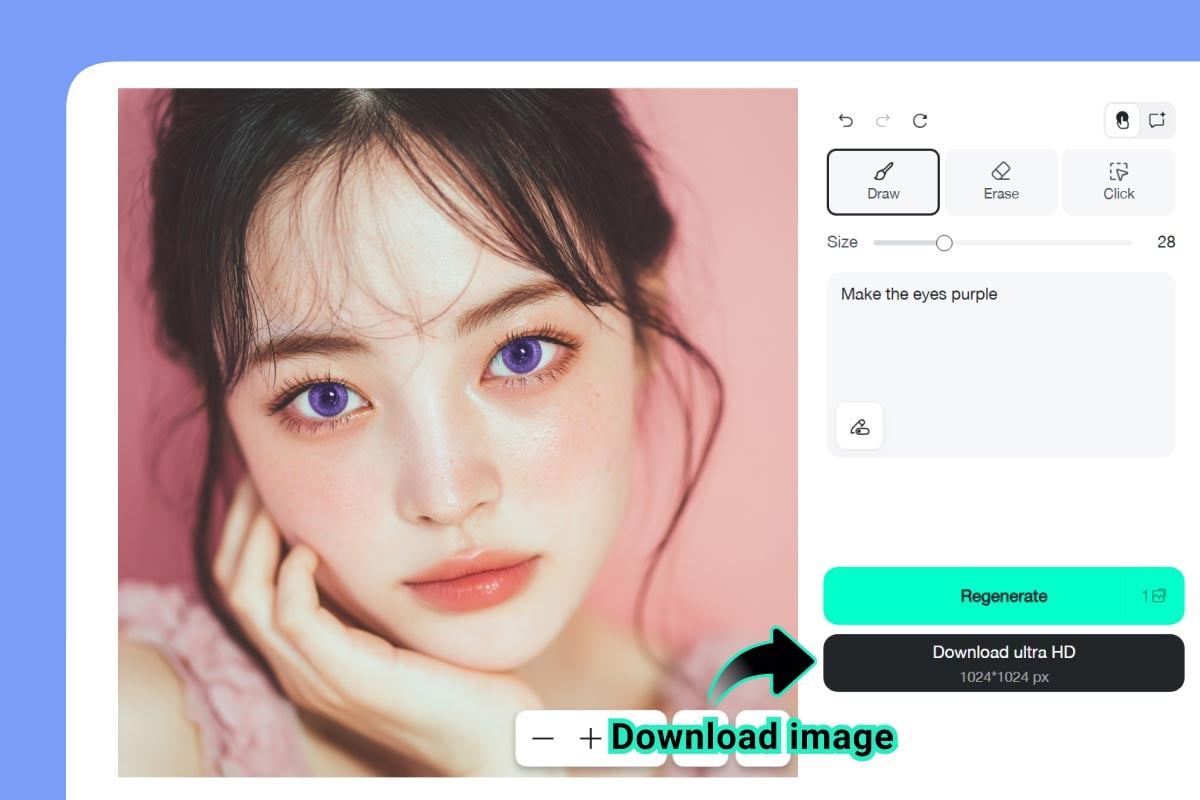
4
4 Generate, Compare, and Download
Preview the result at full size. If the color looks too strong, adjust the prompt and generate again before downloading.
Eye Color Editing Checklist
Why Use insMind's Eye Color Changer?

Precise Eye-Area Editing
Brush only the eyes and keep the rest of the portrait intact. This is faster than rebuilding the whole image.

Natural or Creative Results
Use soft contact-lens shades for realistic previews, or stronger fantasy colors for cosplay, avatars, and thumbnails.

Works in a Browser
Edit eye color online without installing a separate app. Upload, generate, compare, and download from one workflow.
FAQs About Eye Color Changer
What is an eye color changer?


An eye color changer is an online photo editor that lets you change the color of eyes in a picture. With insMind, you select the eye area and describe the shade you want.
How do I change eye color in a photo?
Upload a clear portrait, brush over the iris area, type a color prompt, generate the edit, and compare the result before downloading.
Can I make the eye color look natural?
Yes. Use prompts such as natural hazel, soft blue, warm brown, or gray-green. Avoid selecting the eyelids or skin if you want a realistic result.
Can I use it as an eye color filter for cosplay?
Yes. You can create red, purple, gold, icy blue, or other fantasy eye colors for cosplay, anime-style portraits, thumbnails, or character references.
Is the eye color changer free to try?
You can try this tool online for free. Available features and usage limits may vary by account and permissions.
Related Tools for Portrait Retouching and Style Tests
After you edit eye color, use these tools to refine expressions, hair, makeup, and profile-ready portraits.
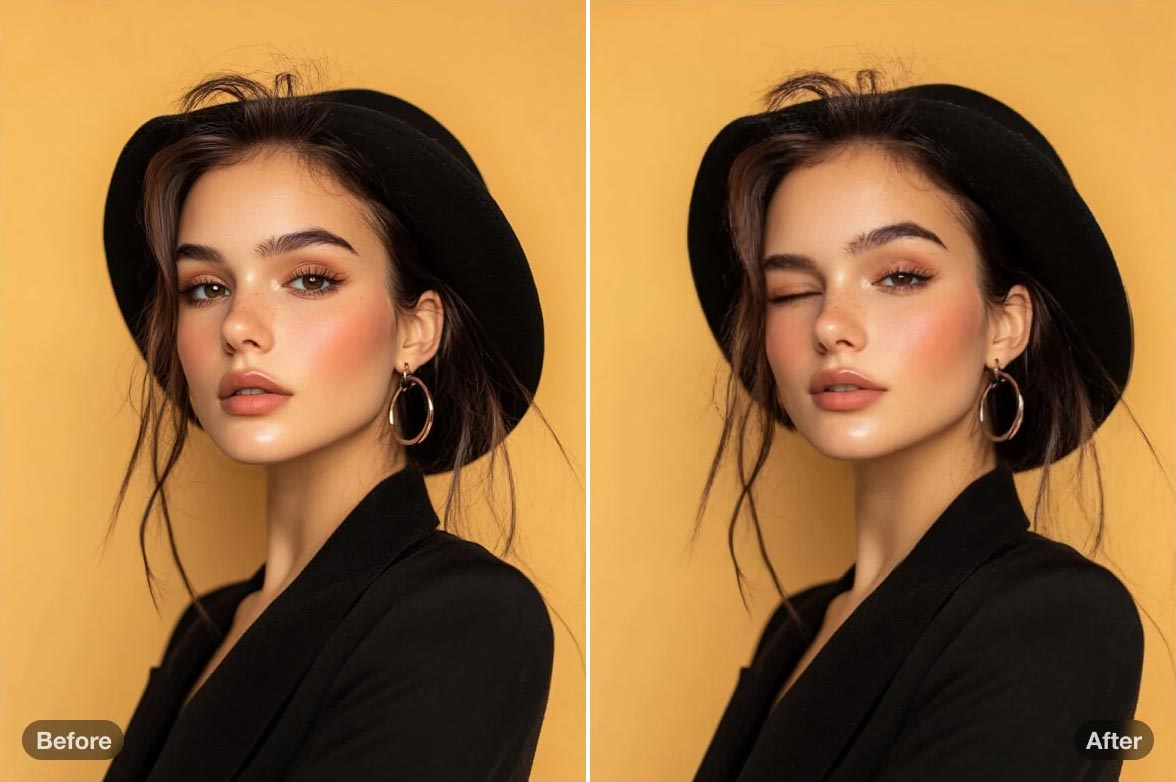
AI Wink Filter
Create a playful wink effect for profile photos, thumbnails, and social posts.
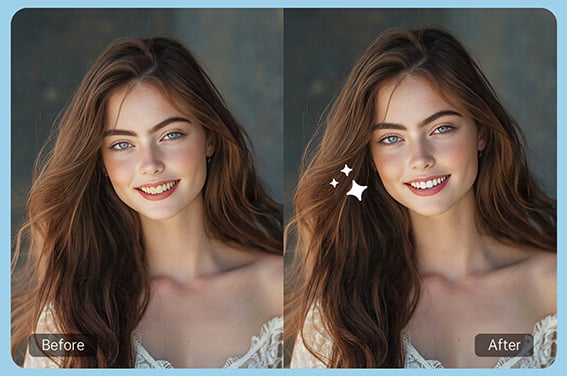
Teeth Whitening
Brighten teeth in portraits while keeping the smile natural.
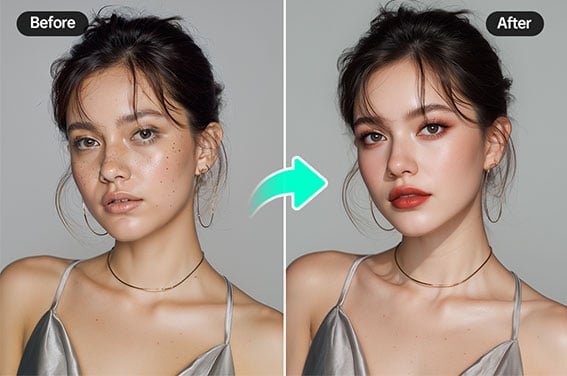
AI Makeup Generator
Preview makeup styles that match your new eye color.
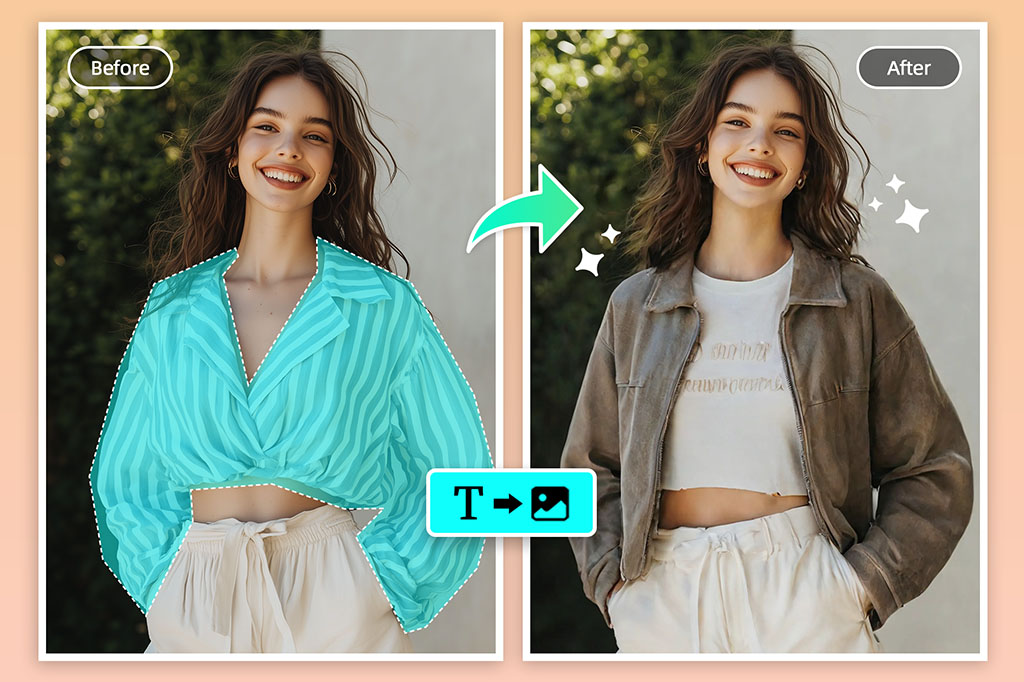
AI Clothes Changer
Try a different outfit when you are building a full profile or character look.
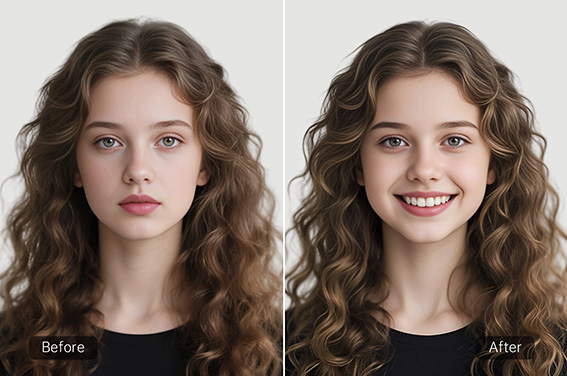
Smile Filter
Add or soften a smile for a warmer portrait.
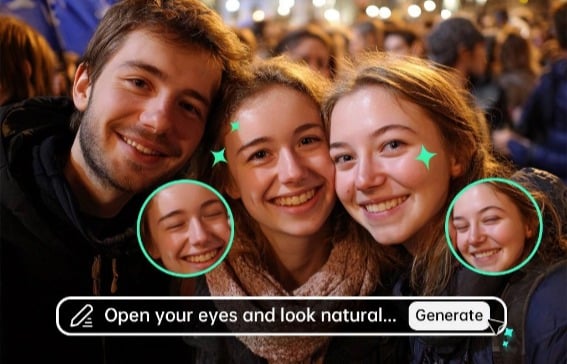
Open Eyes in Photo
Fix closed or half-closed eyes before changing eye color.
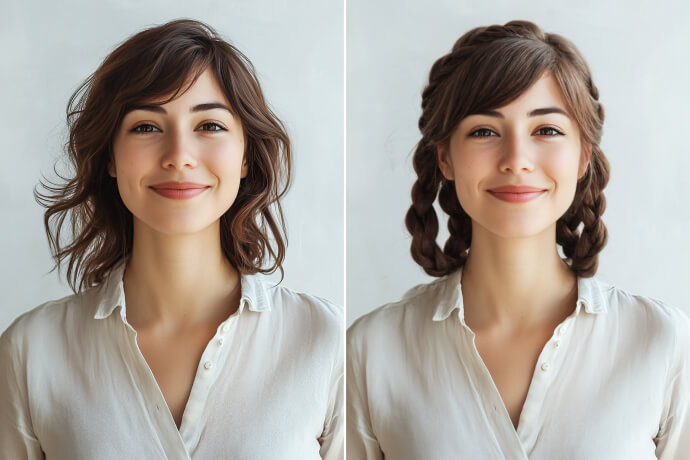
AI Hairstyle Changer
Try a new hairstyle that fits your eye color and overall portrait style.
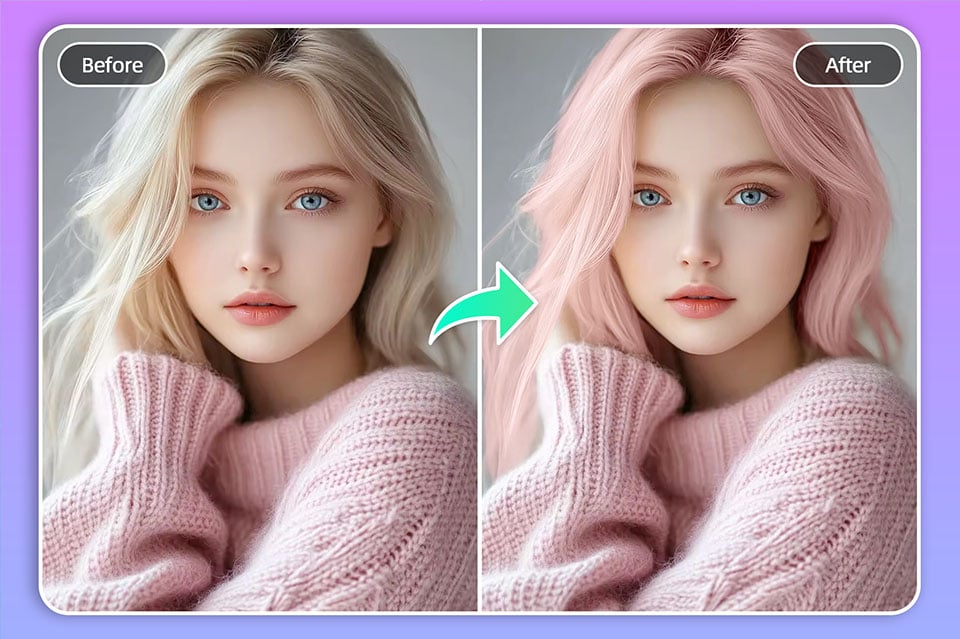
Hair Color Changer
Change hair color to match natural, fantasy, or cosplay eye colors.
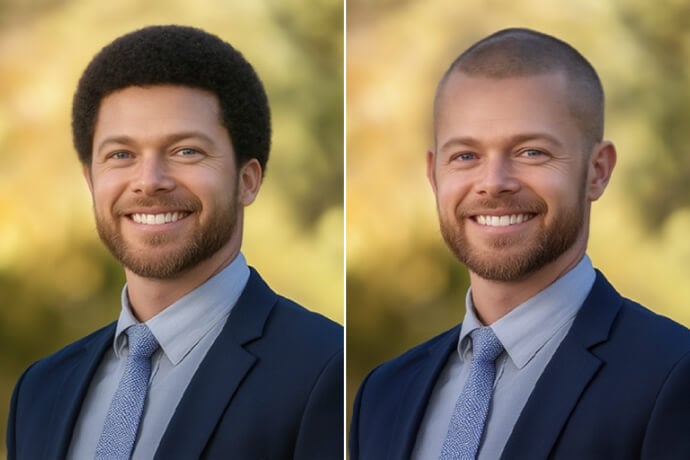
Buzz Cut Filter
Preview a short haircut before making a bigger style change.
For cosplay colors, make the shade bold but keep eyelids and skin untouched so the portrait still reads clearly.
Creative edits