
AI Eye Contact Correction for Photos Online
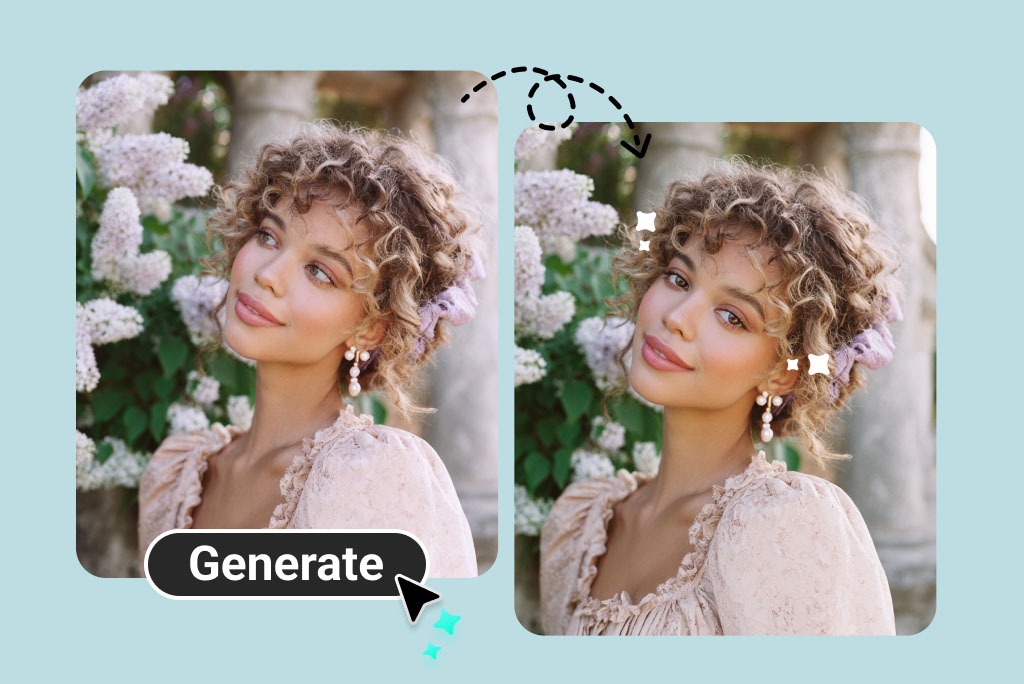
How to Use AI Eye Contact Correction Online
1
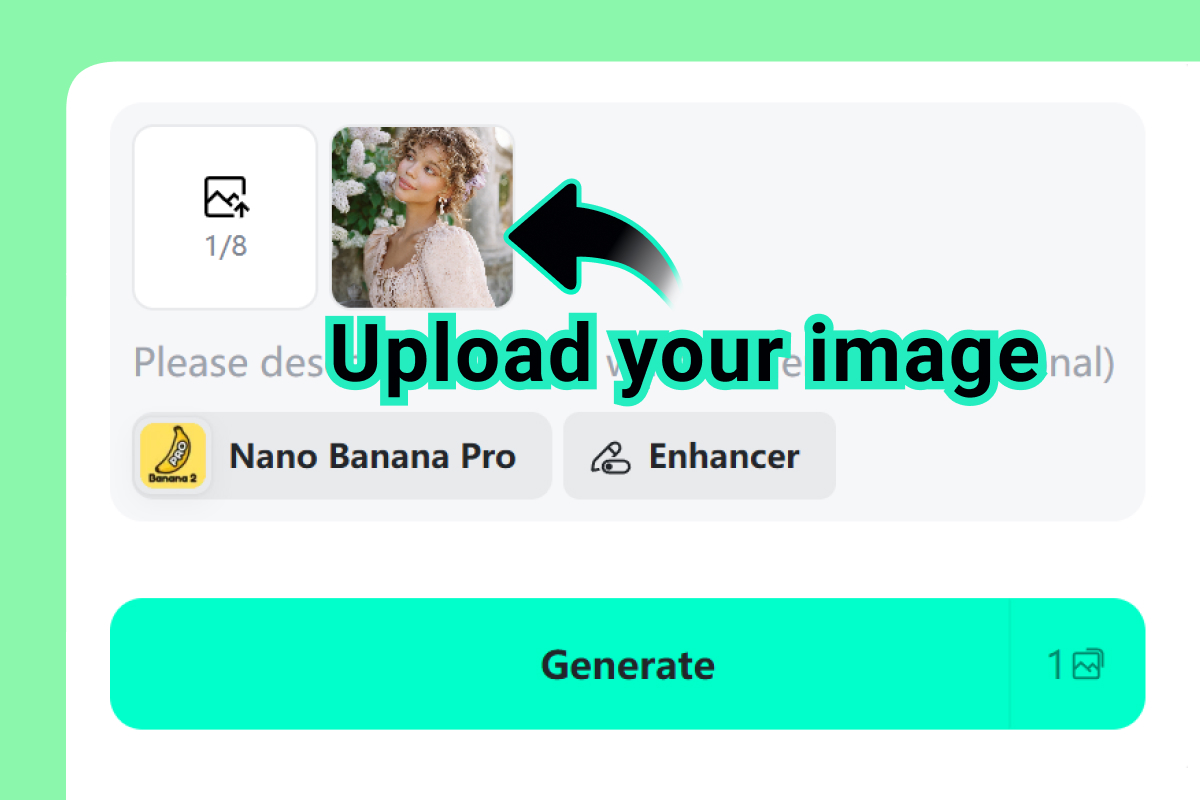
1 Upload a portrait photo
Choose a clear photo where both eyes are visible. The tool works best when the face is not heavily turned, blocked, or blurred.
2
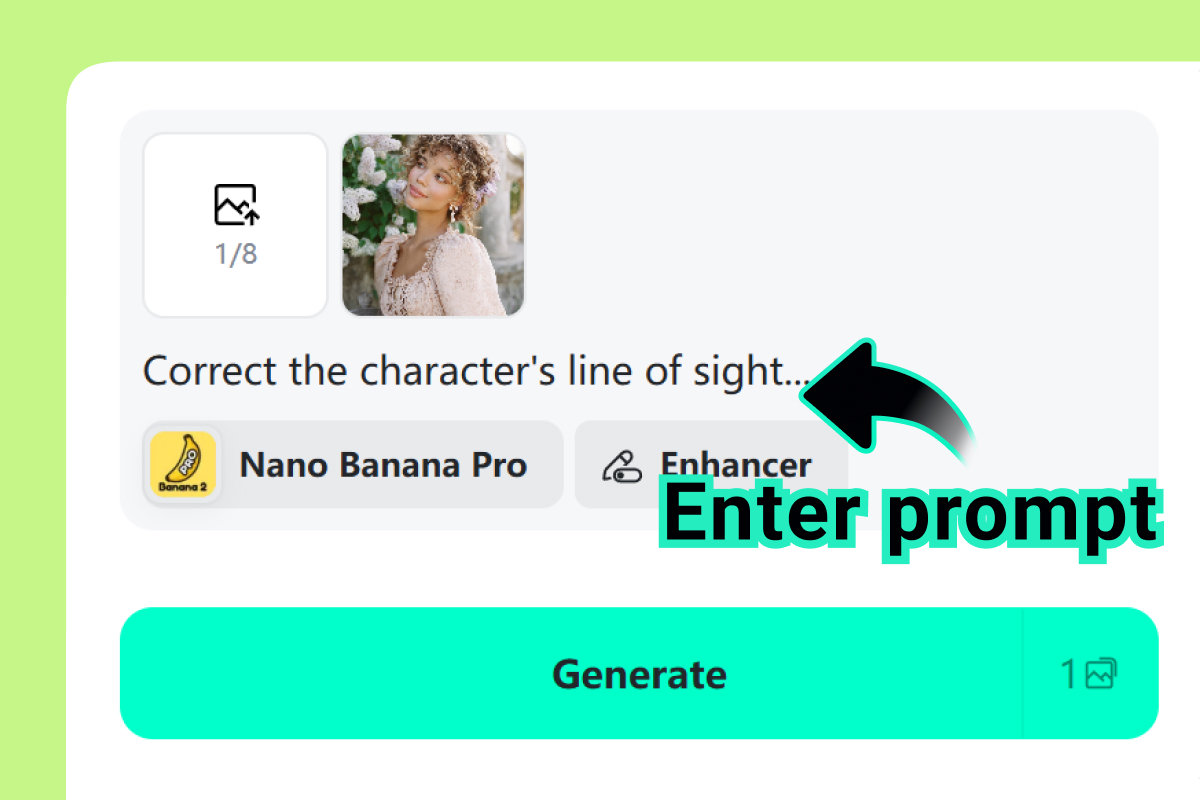
2 Describe the gaze you want
Use a simple prompt such as “make the person look at the camera” or “create softer direct eye contact.” Keep the request realistic for the original pose.
3
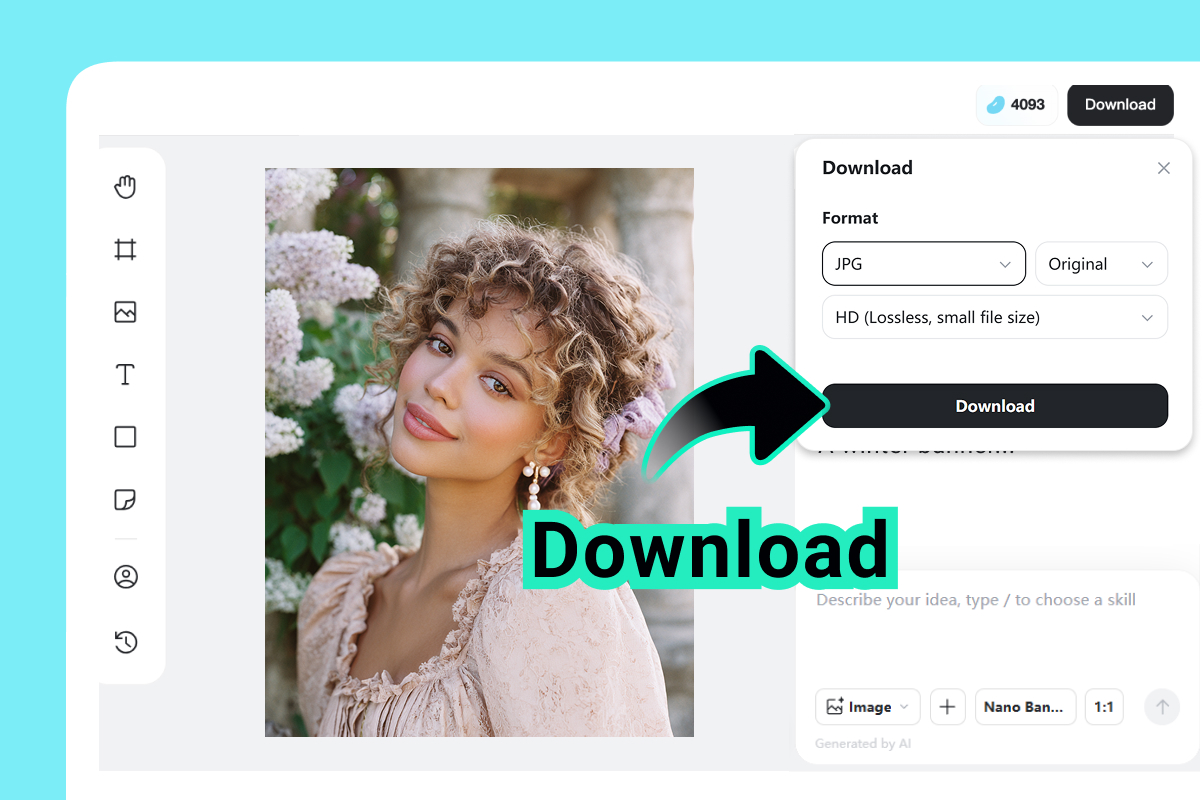
3 Generate, compare, and download
Preview the result and check eye shape, highlights, color, and expression. Download the image when the gaze feels natural.
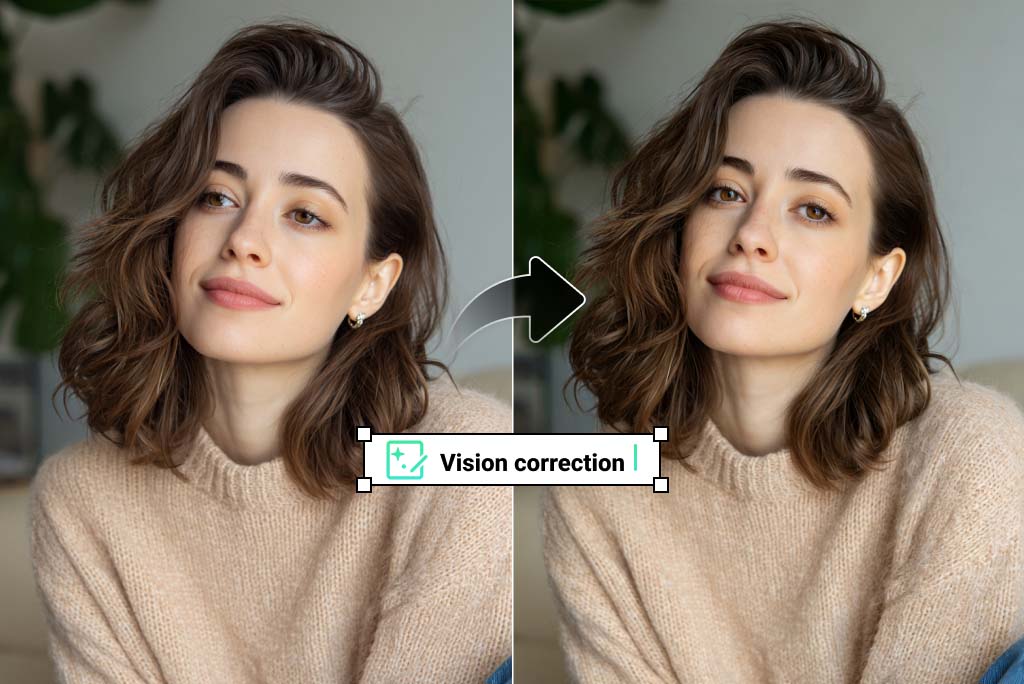
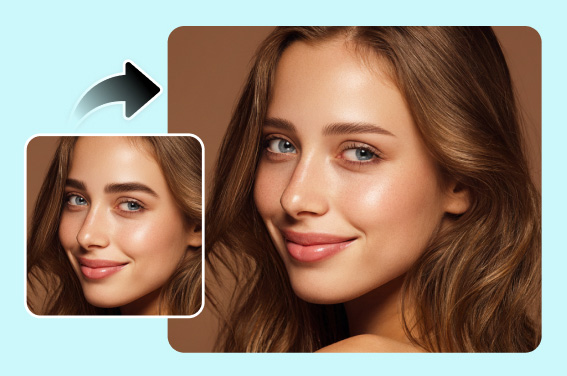
Make Portraits Look More Camera-Aware
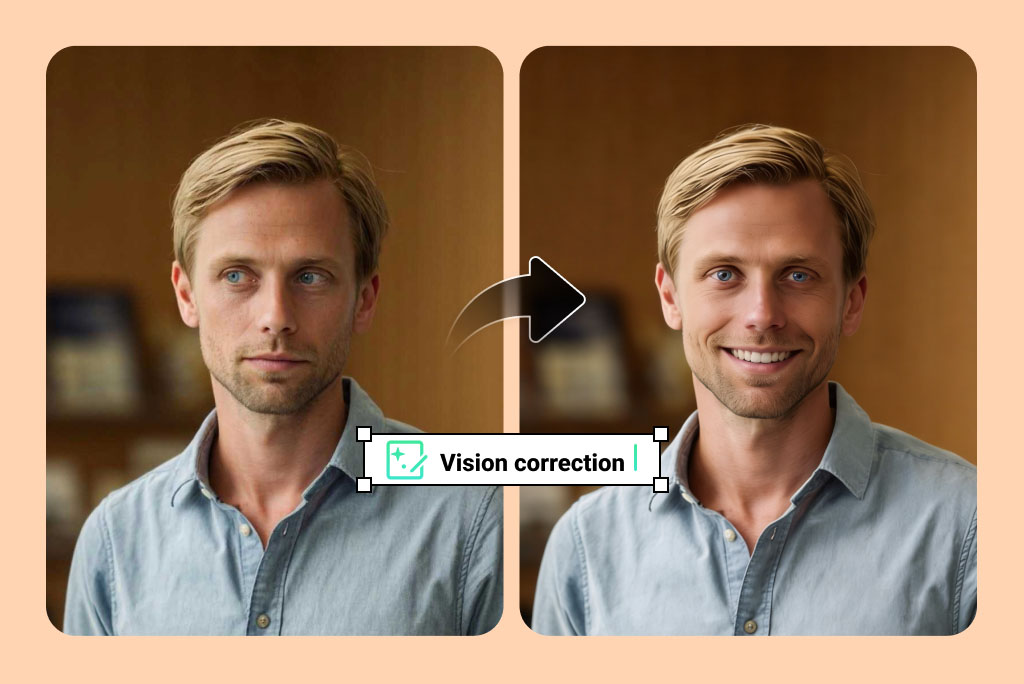
Fix Distracted Gaze in Profile and Work Photos
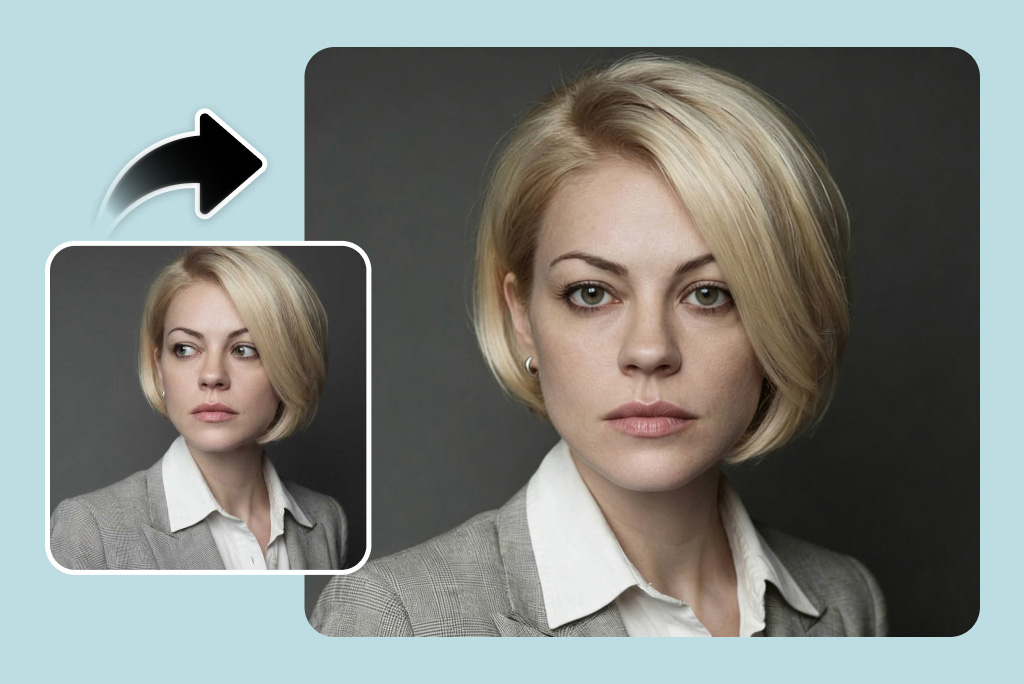
Keep Eye Color, Highlights, and Expression Natural
Related Eye, Face, and Portrait Tools
Why Use insMind AI Eye Contact?

Designed for Natural Photo Results
The correction adjusts gaze direction while keeping eye color, highlights, and the original expression as natural as possible.

Simple Prompt-Based Editing
Upload a photo and describe the desired gaze instead of manually retouching eyes in a complex editor.

Useful for Professional Portraits
Improve headshots, profile images, team photos, and creator portraits when direct eye contact matters.
Frequently Asked Questions
What is AI eye contact correction?


AI eye contact correction adjusts the gaze direction in a photo so the person appears to look more naturally toward the camera.
Can I use AI eye contact correction online for free?
You can try this tool online for free. Available features and usage limits may vary by account and permissions.
Does this work for videos?
This page is focused on photo eye contact correction. If you need gaze correction for talking-head video, use a video-specific eye contact tool.
What photo works best?
Use a clear portrait with visible eyes, even lighting, and a face that is not too far turned away from the camera.
Will it change my eye color?
The tool is designed to preserve natural eye color and highlights while adjusting the direction of the gaze.
Can I use it for a resume or profile photo?
Yes. It is useful for headshots, profile photos, team bios, and social portraits when the original gaze feels slightly off.
More Tools for Better Portrait and Eye Edits
Fix red eyes, open closed eyes, change eye color, or polish a portrait after correcting eye contact.
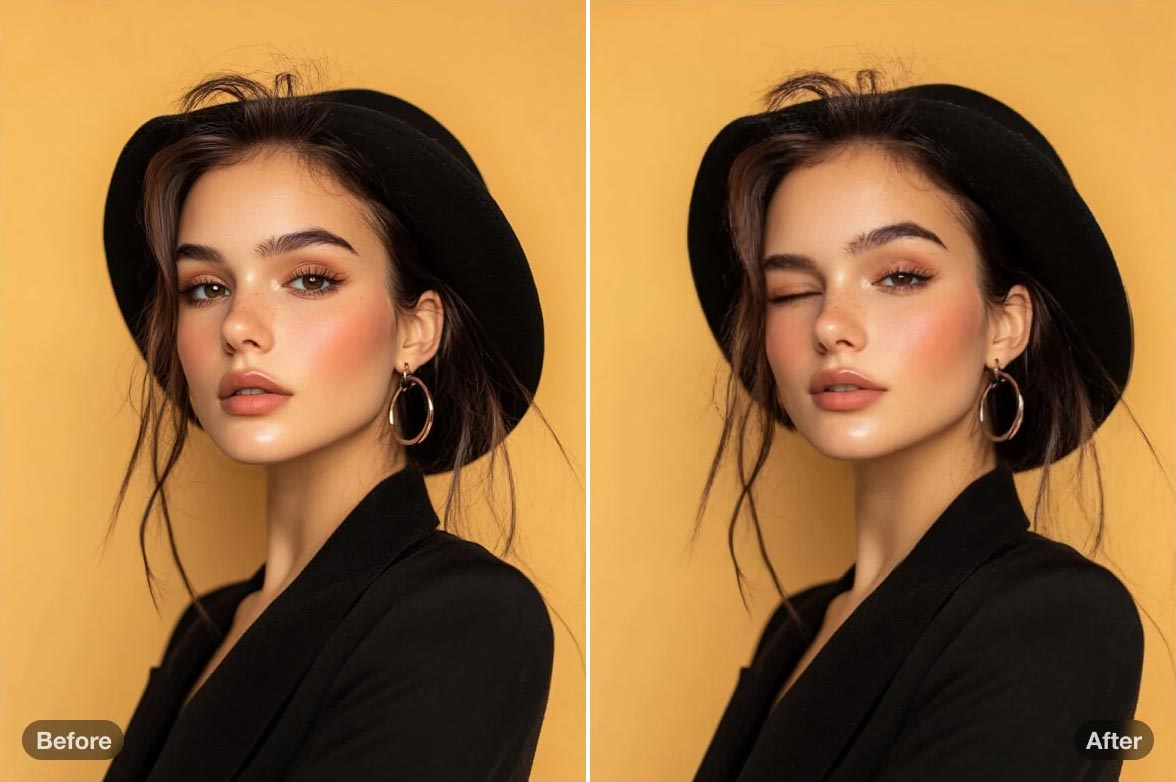
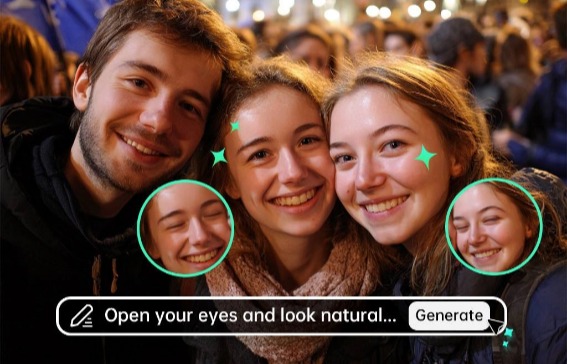
Open Eyes in Photo
Fix closed or half-closed eyes in portraits with AI.
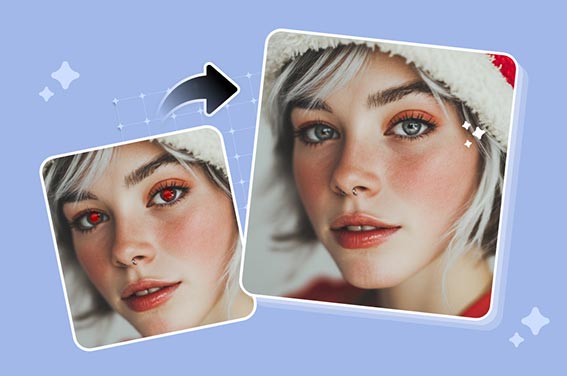
AI Red Eye Remover
Remove red-eye artifacts and restore more natural-looking eyes.
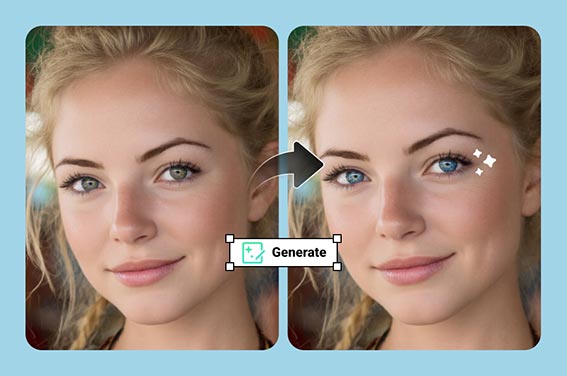
Eye Color Changer
Try natural or creative eye color changes in a photo.
AI Wink Filter
Create a playful wink effect for social portraits and fun edits.
AI Eyebrow Filter
Adjust eyebrow shape and style when the whole eye area needs refinement.
AI Photo Filter
Apply a broader photo style after finishing the eye correction.