
AI Eyebrow Filter Online – Redefine Your Brow Style Instantly
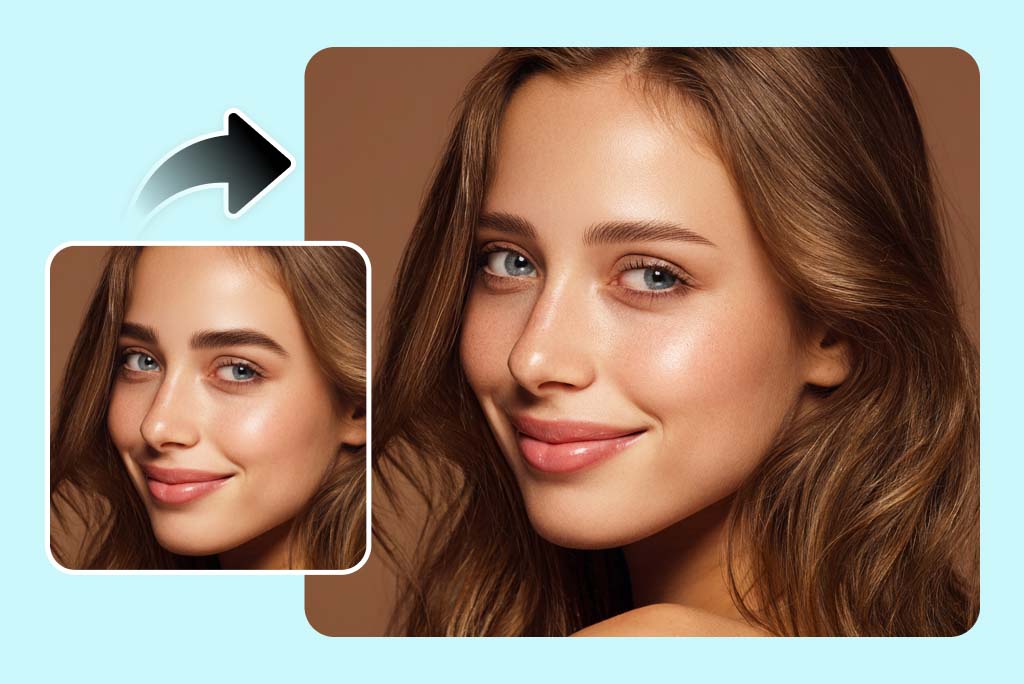
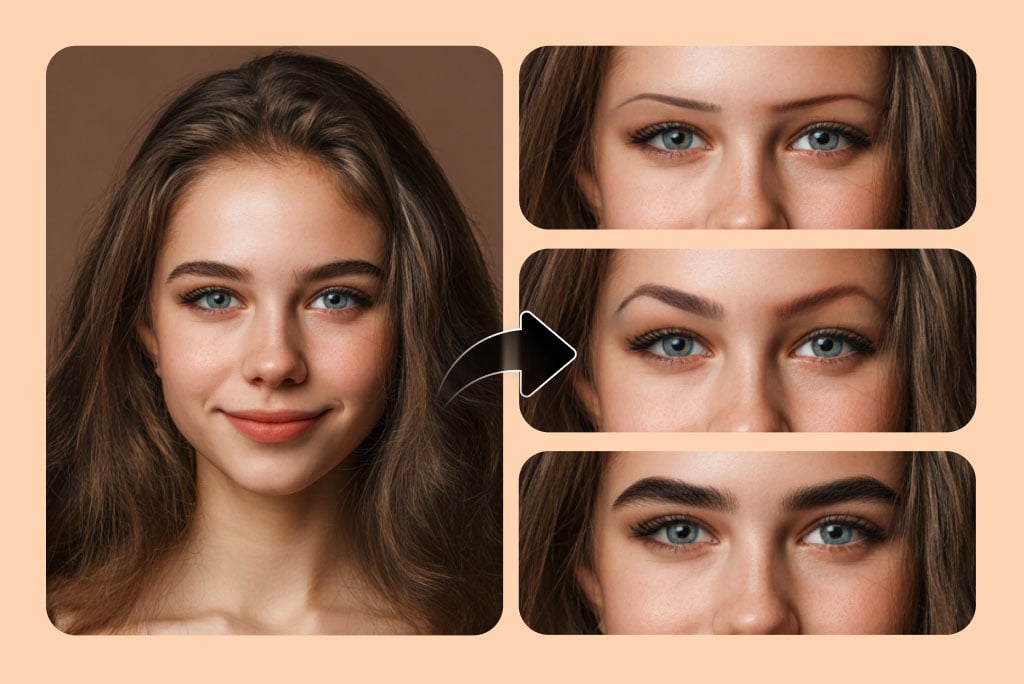
Transform Brow Shape & Thickness Instantly with AI
With the AI eyebrow filter online, you can switch between different eyebrow shapes and styles in seconds. Whether you want arched, straight, round or softly curved brows, the tool analyzes your face and applies balanced, natural adjustments automatically. You can also control eyebrow thickness, making them fuller, sharper, thinner or more defined depending on the look you want.
The thin eyebrow filter and different eyebrow shapes filter make it simple to experiment freely until you find your perfect match.
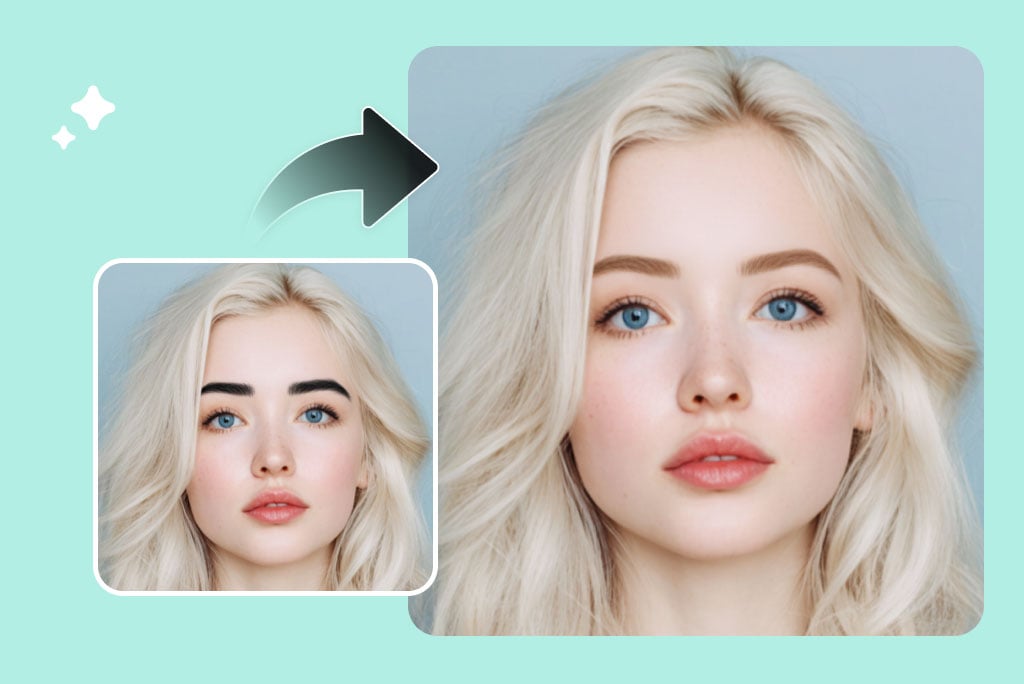
Adjust Eyebrow Texture and Color Precisely
The AI eyebrow filter gives you full control over both texture and color.
Choose a matte brow for a soft, natural finish or try a shimmer texture for photoshoots and glam looks. You can also explore the blonde eyebrow filter, brown, black, white or fully custom shades to match your style. The AI adapts to your skin tone, lighting and facial structure, ensuring your new eyebrow color looks seamless and flattering in any photo.
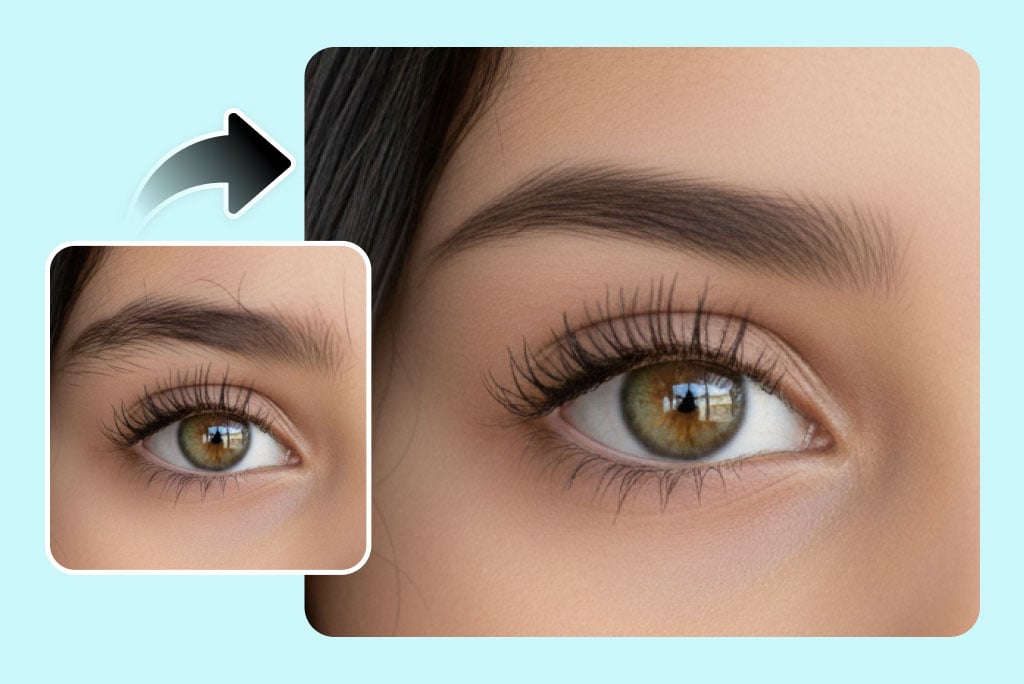
Refine Every Brow Imperfection for a Flawless Look
Uneven, sparse or asymmetrical brows can be fixed in seconds with the perfect eyebrows filter.
The AI eyebrow replacer fills gaps, smooths inconsistent lines and corrects brow height so both sides appear more aligned. It maintains your natural shape while enhancing symmetry and density for a clean, polished look.
Instead of manually retouching each hair, the AI detects imperfections and adjusts them automatically. This gives you flawless eyebrows with minimal effort and no need for complicated beauty apps or makeup skills.
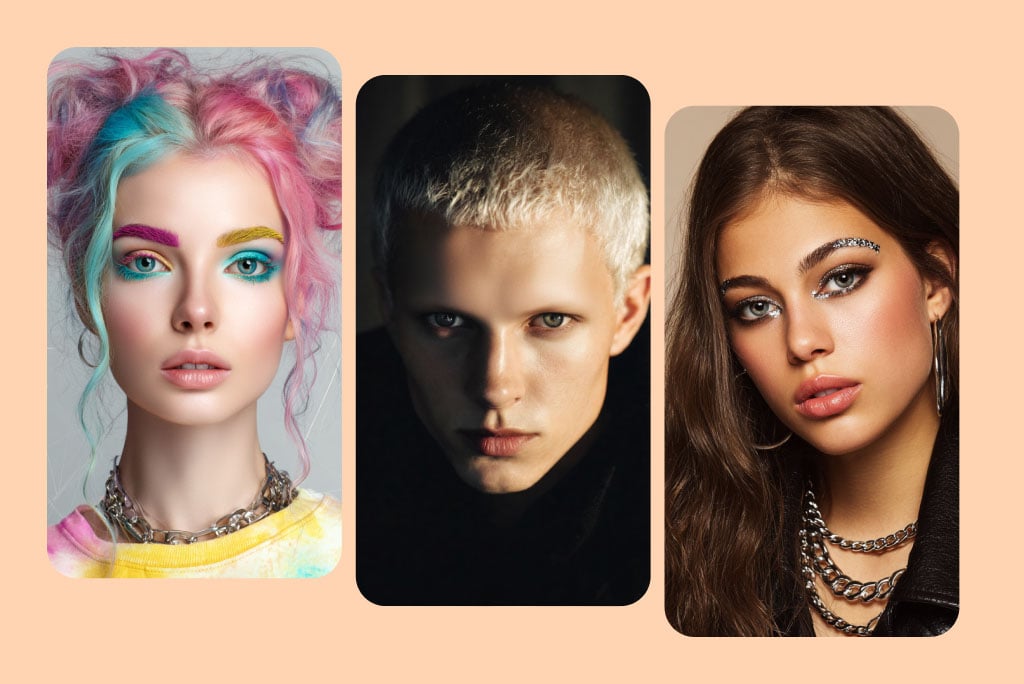
Design Creative Looks with Custom Eyebrow Styles
If you love experimenting with bold or artistic styles, the different eyebrow filter options give you endless creative possibilities.
You can experiment with stylish brow shapes, creative fashion looks or playful character designs perfect for cosplay or themed shoots. You can also play around with color gradients, stylized textures, dramatic arches or fantasy-inspired shapes.
The filter supports both subtle enhancements and extreme transformations, making it ideal for social media content, photoshoots and playful edits.
More Than Just Eyebrow Filter — Discover Endless Creative Possibilities with AI
How to Use insMind's AI Eyebrow Filter
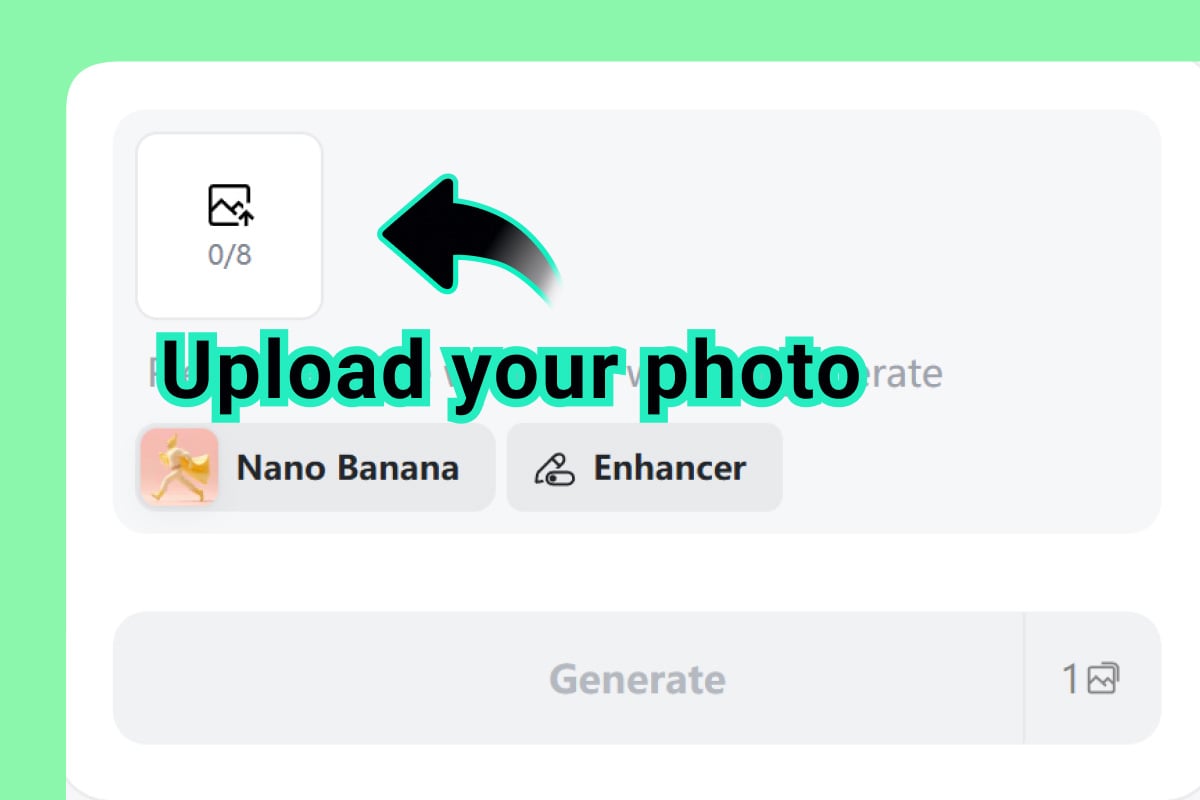
1 Upload Your Photo
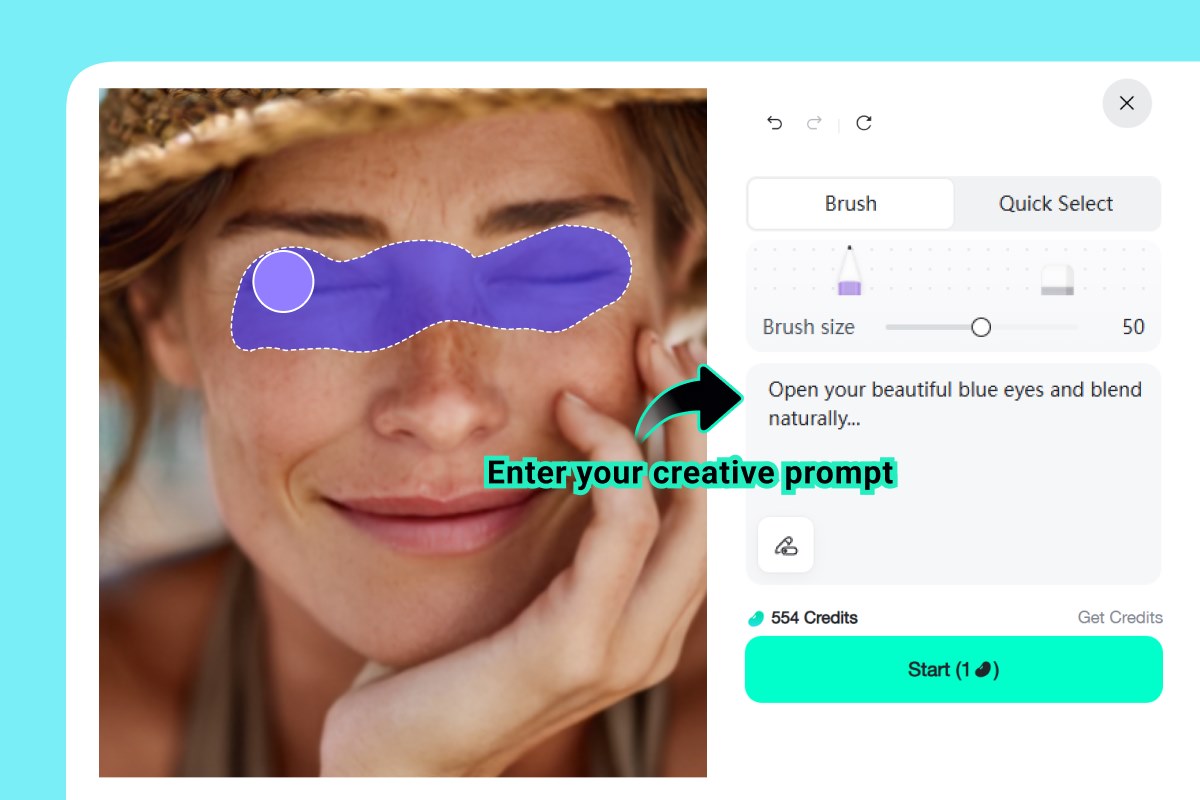
2 Select the Eye Area
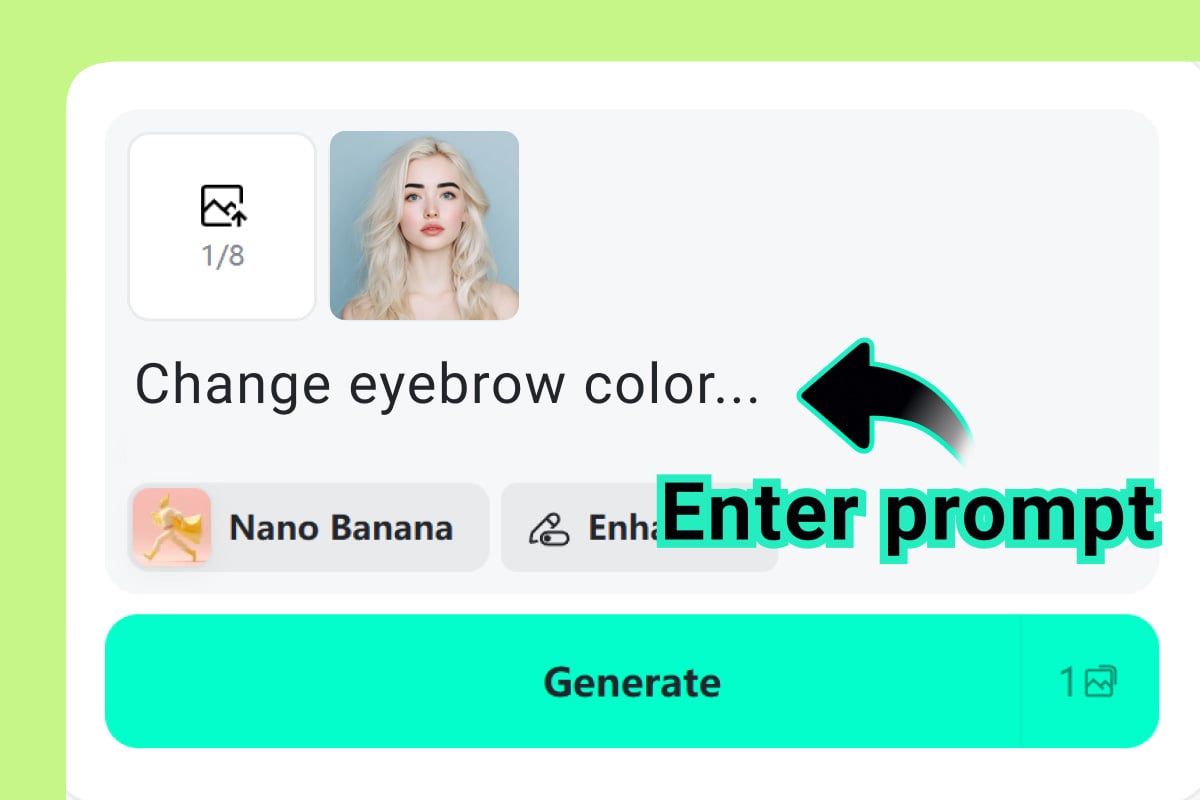
3 Enter the Prompt
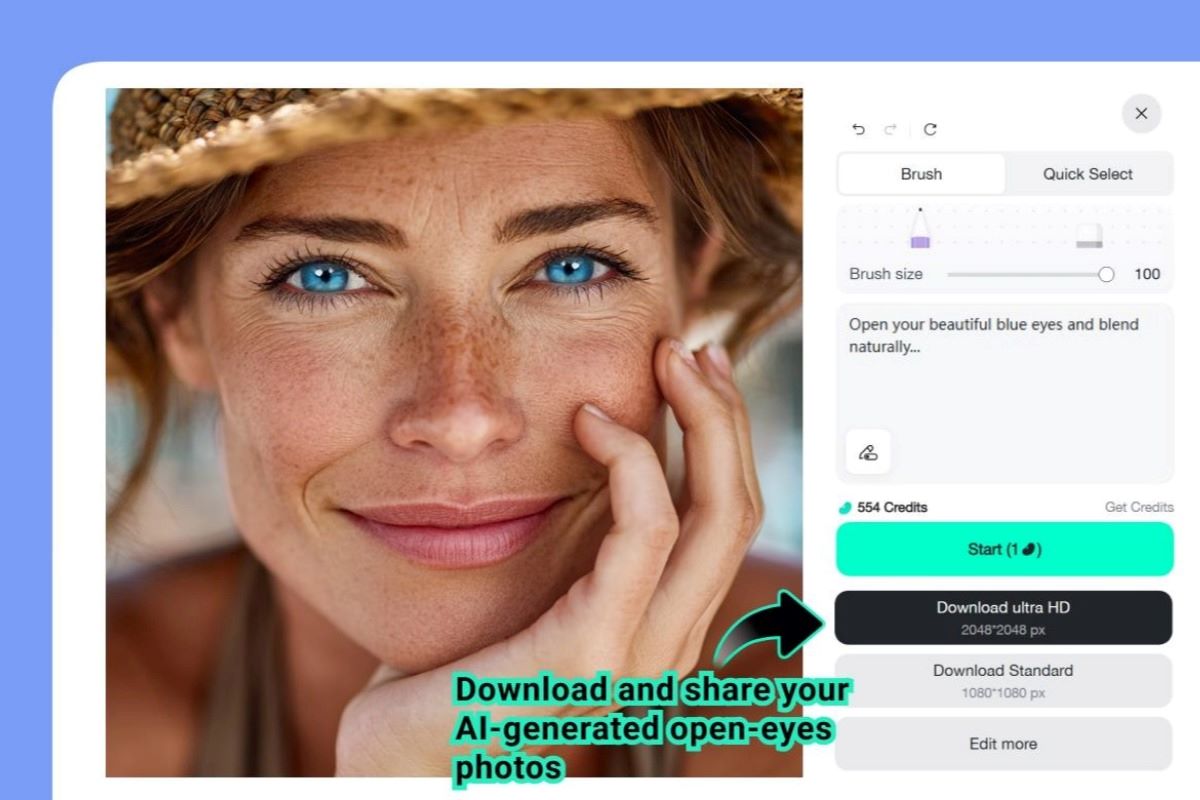
4 Preview and Download
Real User Reviews – What People Are Saying About Our AI Eyebrow Filter
Why Choose insMind's AI Eyebrow Filter?

Realistic Results
The filter blends seamlessly with your natural features, ensuring smooth textures, believable shadows and eyebrow shapes that look like real hair.

Personalized Styles
Create eyebrow looks that match your personality. You can choose custom thickness, shape, color and texture for a look that feels uniquely yours.

Fast and Effortless
The AI does the work for you. Upload a photo, describe your style and get a refined, polished eyebrow look in seconds.
FAQs About AI Eyebrow Filter
What Is AI Eyebrow Filter?


Can I use the AI Eyebrow Filter online for free?
How can I change my eyebrow shape or thickness with the tool?
Does the AI Eyebrow Filter look realistic on my face?
Can I try different eyebrow colors like blonde, brown, or black?
Is my photo data safe when using the Eyebrow Filter Online?
You might be interested in
Make your pictures pop with creative AI tools you can explore during a free trial.
AI Clothes Changer
Smile Filter
AI Hairstyle Changer
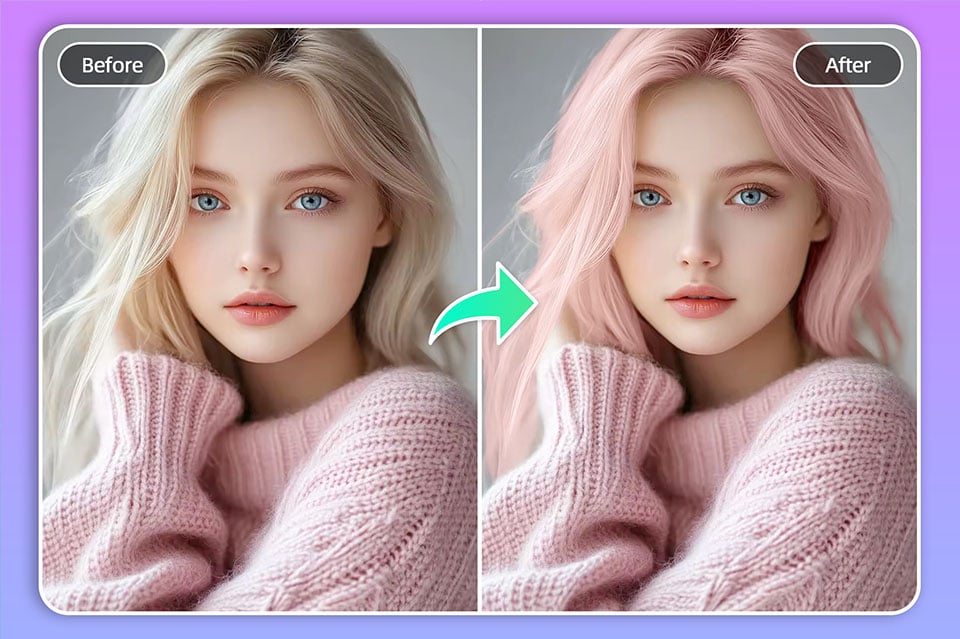
Hair Color Changer
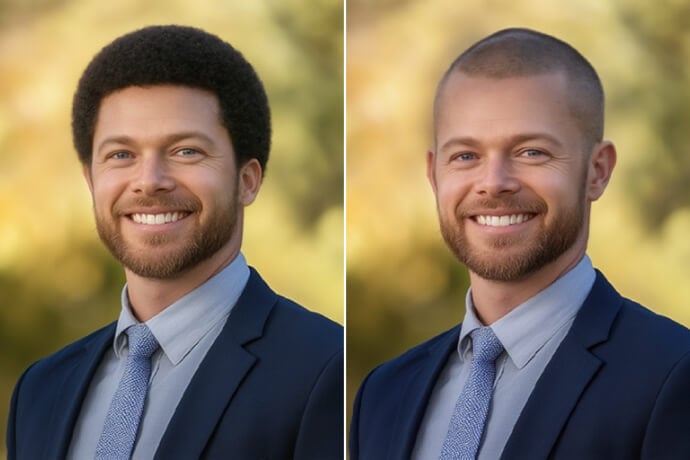
Buzz Cut Filter

"Used it for cosplay brows and it's so fun! The colors pop and switching styles is super easy."
@Maya Lin, Student