Bring your vision to life without design experience. With the AI brochure maker, simply describe what you imagine and watch it turn into a polished, professional layout. Whether you need clean corporate messaging, expressive visuals, or creative storytelling, the system adapts to your style effortlessly. This AI brochure design workflow helps you save hours of manual editing while still giving you full creative control. Create stunning brochures that communicate clearly and look professionally crafted from the very first draft.

AI Brochure Maker for Effortless Brochure AI Design
Turn Your Ideas Into Beautiful Brochures Instantly
Generate Custom Brochures With Styled AI Design
Create brochures tailored to specific themes, audiences, and visual styles using intuitive AI prompting. Whether you want modern, minimalist layouts or bold and colorful marketing visuals, the AI brochure maker adjusts instantly to your preferences. This flexible AI brochure generator helps you experiment with structure, icons, illustrations, and tone, making it easy to craft unique materials for schools, campaigns, or promotions. Produce consistent, high-quality designs that match your goals without relying on complex software.
How to Create a Brochure With an AI Brochure Generator
Define Your Goal
Start by uploading a clear photo or asset you want to include in your poster so the AI can understand the visual direction and composition you prefer.
Describe What You Want
Enter simple prompt details about colors, themes, messaging, and style to guide the AI brochure generator to produce a design that fits your intended look and content structure.
Click Generate
Let the system instantly create multiple AI brochure design options based on your prompt. Review the variations and choose a layout that captures the message and visual direction you want.
Refine and Download
Adjust text, colors, and visuals until the brochure matches your needs perfectly. Once everything is ready, download the final AI-generated brochure in high quality for printing or reference.
Practical Ways to Use AI-Generated Brochures
School Program Promotion
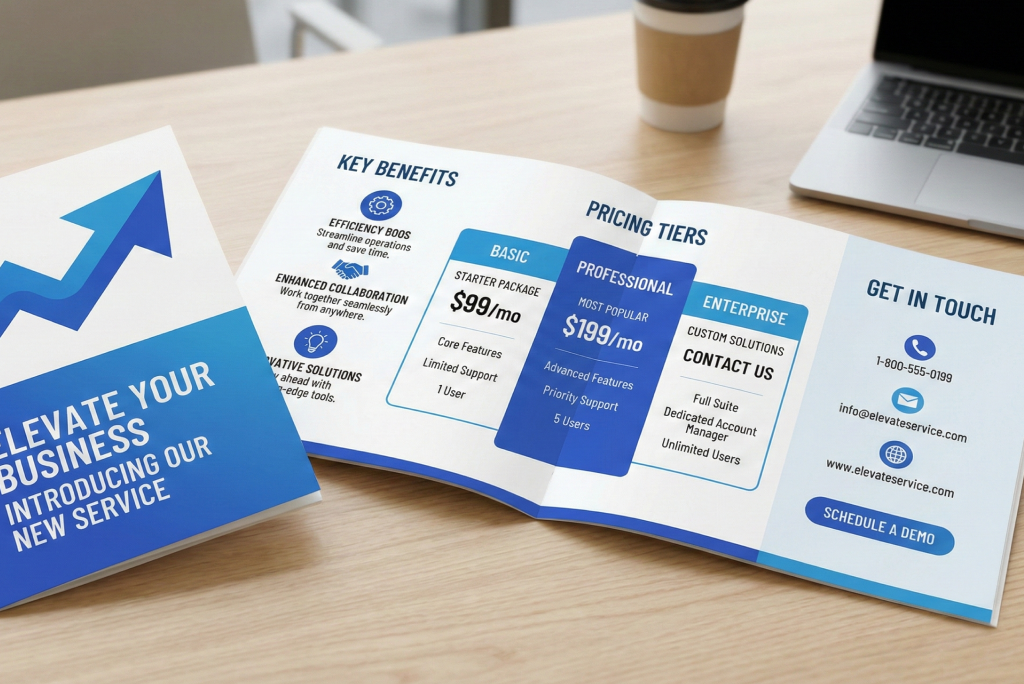
Create persuasive brochures that highlight the benefits of paid school programs, including course features, learning outcomes, and enrollment details. AI helps schools present value clearly and attract more student participation.
Mental Health Awareness Materials
Design gentle, calming brochures that explain mental wellness topics with clarity. Use AI to create supportive layouts and approachable visuals for workshops, clinics, and awareness campaigns.
Recycling and Waste Sorting Guides
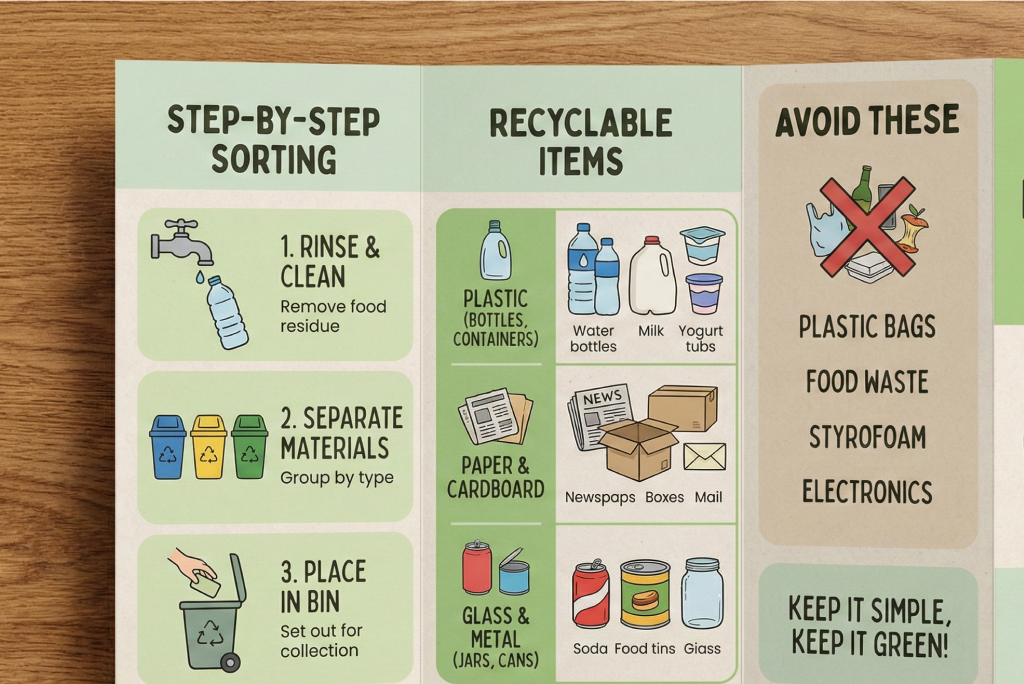
Generate easy-to-understand brochures that teach proper recycling habits. Clear sections, icons, and color coding help communities follow correct waste-sorting rules and improve environmental awareness.
Gym and Fitness Program Brochures
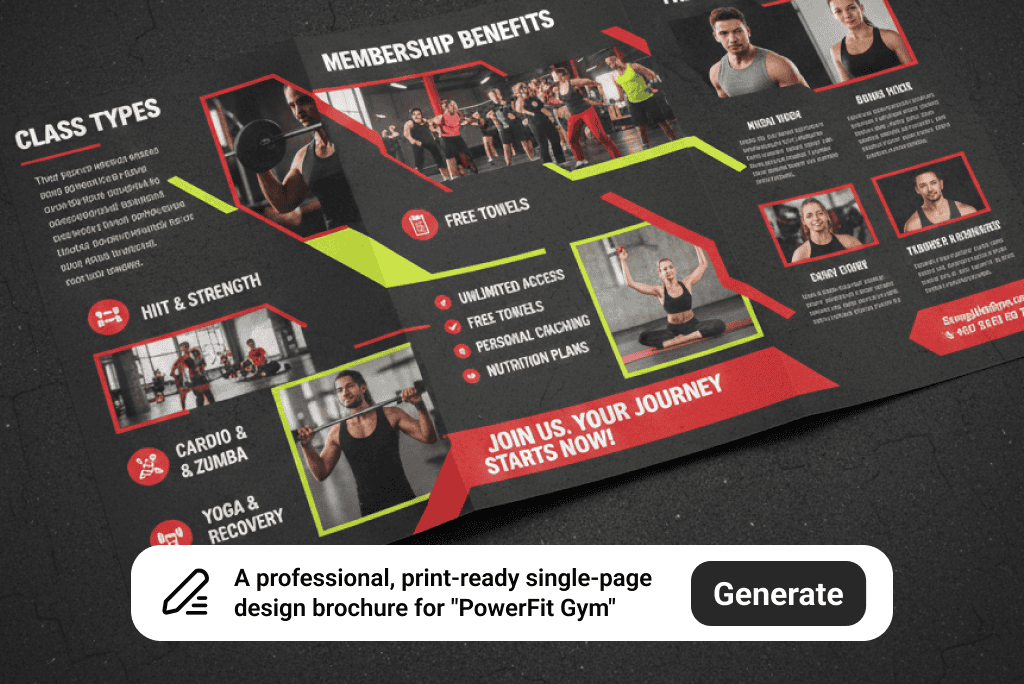
Produce bold and energetic fitness brochures for gyms, trainers, and health programs. AI helps highlight class schedules, benefits, and motivational visuals that attract new members effectively.
Explore More AI Photo Effects & Templates
Frequently Asked Questions
What Is an AI Brochure Maker?


An AI brochure maker is a tool that automatically generates brochure layouts, visuals, and messaging using artificial intelligence, helping you design polished materials quickly and easily.
Why Should I Use an AI Brochure Maker?
Many people need brochures for promotion but don't know design. An AI brochure generator lets you create professional materials without hiring a designer. As long as you know your goal, AI helps you present it clearly and attract more customers and sales.
Is the AI Brochure Maker Free?
Yes. New users receive free credits to try the tool at no cost. For unlimited designs, downloads, and premium features, you can upgrade to the Pro plan or purchase additional credits.
How Do I Write a Prompt That Generates the Brochure I Want?
Start by deciding your goal and the type of brochure you want to create. Write down the style, colors, and key points you want included. If you're not sure what to say, create a simple prompt first, generate a few ideas for inspiration, then refine your prompt with more details about layout or tone until the AI brochure generator matches the look you want.
Can I Use This brochure AI for Professional Work?
Yes. You can create professional marketing materials, school documents, promotional brochures, and more using AI brochure design features tailored to your goals.
Can I Edit the Brochure After AI Generates It?
Absolutely. You can adjust text, colors, images, and layout elements to refine your AI brochure design until it fits your exact requirements.