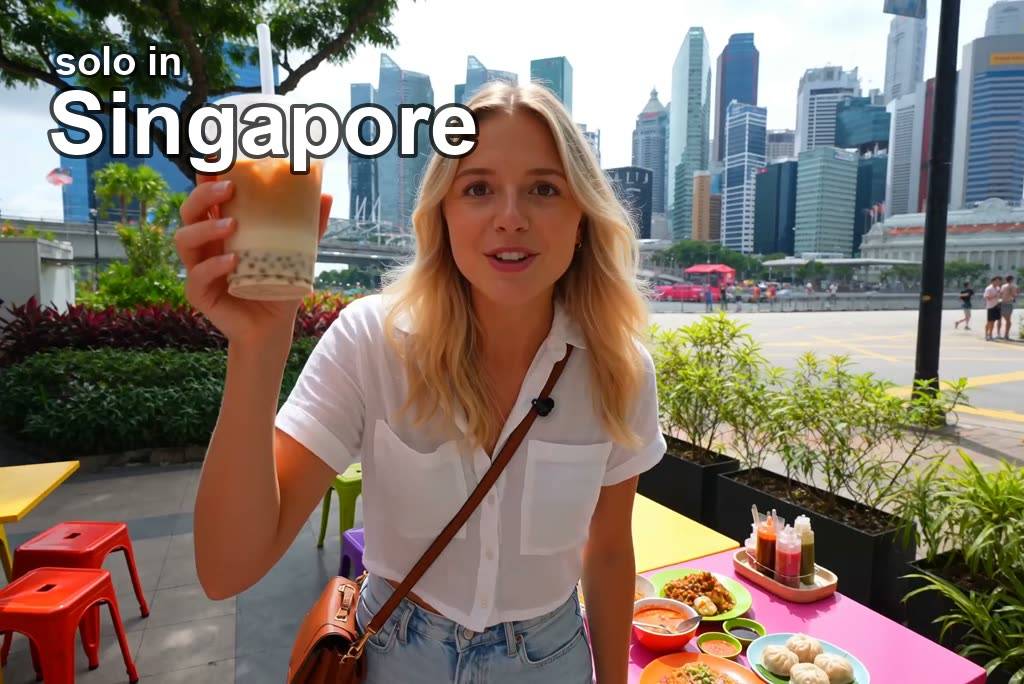
Most vlog ideas begin as casual photos, not polished footage. Upload travel pictures, lifestyle shots, or day-in-life images and guide the motion toward a short vlog scene. The result feels closer to a moving memory than a static slideshow.

00:00
00:00
Turn Your Static Images into Vlog Clips
00:00
00:00
Create AI Vlog from an Idea
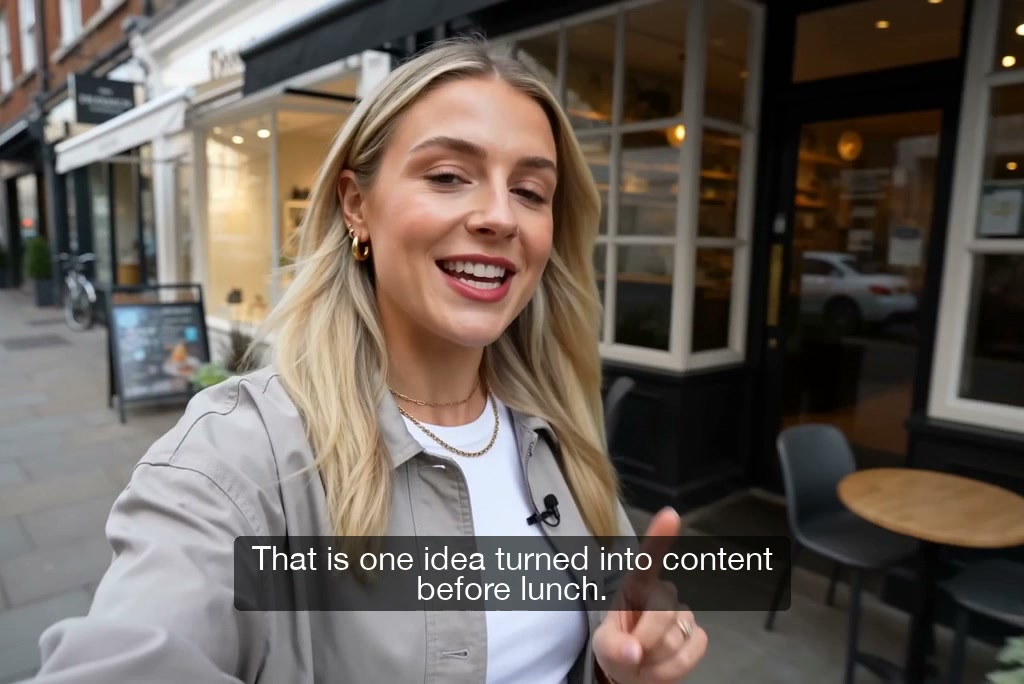
Some vlog concepts start as a note, script, or paragraph instead of a camera roll. Enter the scene, mood, subject, action, and camera feel you want the AI to interpret. This gives you a draftable vlog scene before you plan any filming.
00:00
00:00
Create All Kinds of AI Vlogs with AI
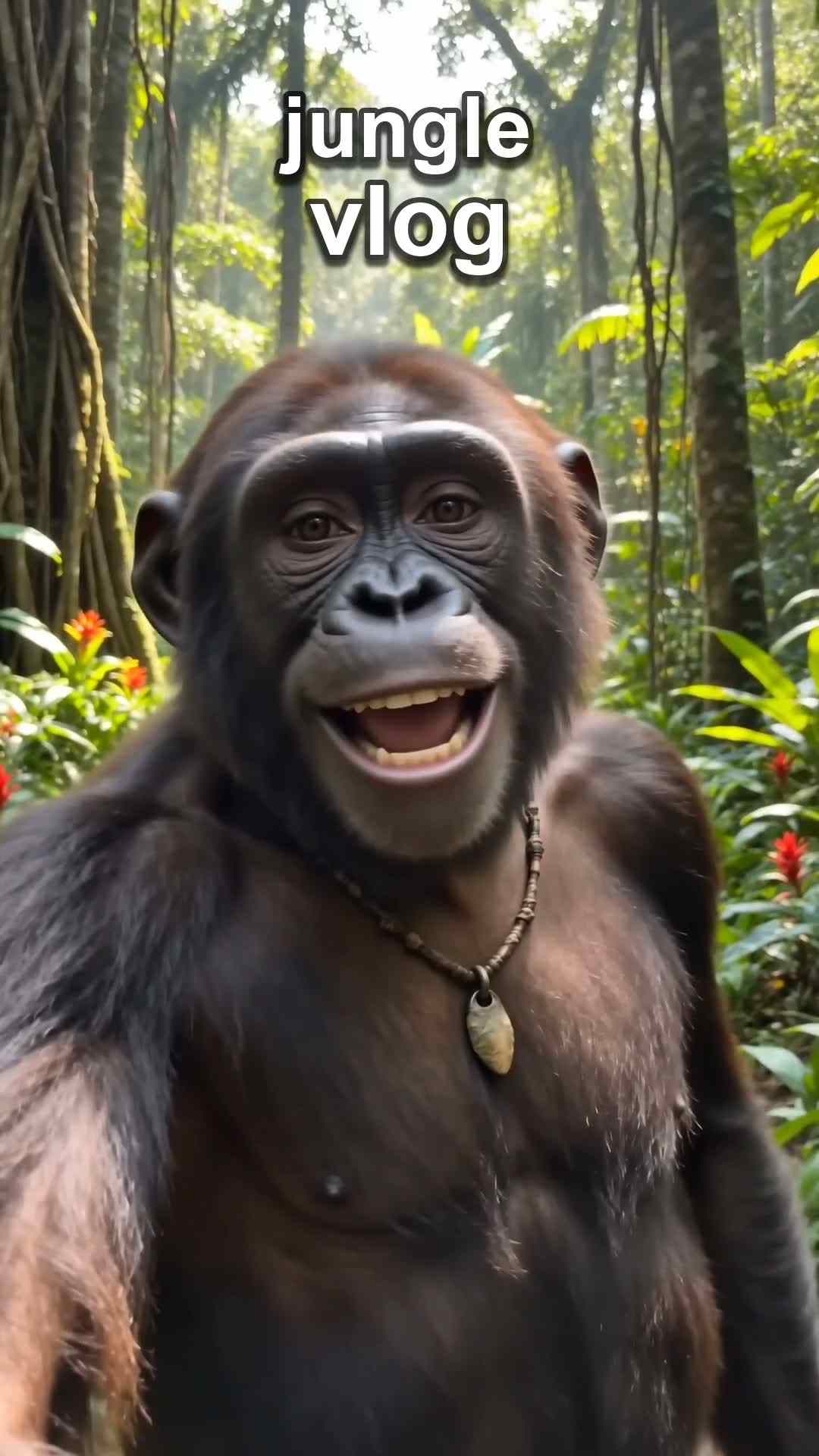
Vlog content has its own rhythm, from travel recaps to morning routines and casual product updates. Build AI video clips around life updates, lifestyle moments, scenic stops, or product-in-life stories. Each output stays focused on a vlog-style moment instead of a generic video concept.
How to Make AI Vlog Videos in 4 Steps
Step 1. Add Vlog Photos or Ideas
Upload JPG, PNG, or WEBP vlog photos, such as trip shots or daily routine images. You can also start with a written vlog idea if the scene exists only as a note or script.
Step 2. Describe the Vlog Scene
Write a prompt that explains the location, subject, action, mood, camera movement, and story beat. For example, describe a rainy cafe walk, a desk reset, or a weekend market recap.
Step 3. Choose Vlog Settings
After the scene prompt, choose the video model and generation settings that fit your vlog plan. Set the format for vertical, square, or widescreen use before you send your prompt.
Step 4. Generate and Download
Send your prompt and wait for the AI vlog to generate. Preview the clip, check whether the scene matches your idea, then download the finished video file for later use.
Why Choose Our AI Vlog Maker

Vlog Model Choice
Compare Seedance 2.0, Kling 3, and Veo 3.1 to find motion that fits your vlog’s pace and style.

Vlog Format Control
Set aspect ratio, duration, and quality before generation, so each vlog fits vertical, square, or widescreen edits.

Downloadable MP4 Vlogs
Save finished AI vlog videos as MP4 files, ready for later editing, review, storage, or use outside insMind.

Regenerate Vlog Scenes
Refine the prompt or regenerate a scene when movement, mood, framing, or visual direction does not match your vlog idea.

Cleaner Vlog Output
Use enhancement or upscale workflows to clean up casual vlog clips before final download or further editing.

Two Starting Paths
Start from text-to-video when you have an idea, or image-to-video when memories already exist as visuals.
Who Should Use This AI Vlog Maker?
Travel Creators
Trip footage is often scattered across phone photos, location notes, and half-remembered moments. Use AI vlog videos to shape those materials into a short travel recap with scenic motion and a clear route. The result feels like a compact weekend story.
Lifestyle Creators
Daily content ideas can fade before you record anything. Turn morning routines, weekend memories, and day-in-life notes into AI vlog videos that show the moment with a clear visual direction. You get a draft clip before planning a full shoot.
Small Brands
Brand updates often need a more personal format than polished ads. Use the AI vlog video maker to create product-in-life clips, launch teasers, and casual story updates from short campaign ideas. The output gives teams a softer, more relatable creative angle.
Content Teams
Content calendars move faster than production schedules. Draft AI vlog videos from scripts, social post ideas, and campaign notes before committing to shoots or edits. Teams can preview story direction and align on the concept earlier.
Frequently Asked Questions
What is an AI vlog maker?


An AI vlog maker is a tool that creates vlog-style videos from prompts, scripts, photos, or everyday ideas. Instead of recording every scene, you describe the moment or provide visuals, then generate a short AI vlog clip.
How to make AI vlog videos with insMind?
To learn how to make AI vlogs, start by uploading photos or entering a vlog idea, then describe the scene, mood, action, and camera feel. Choose your video settings, generate the clip, preview the result, and download it.
Can I make AI vlogs from photos?
Yes, you can upload JPG, PNG, or WEBP images and turn them into photo-based AI vlog clips.
Is there an AI vlog maker free option?
Yes, a free AI vlog maker option is available to try online, though credits or access limits may vary by account.
Which AI vlog formats can I create?
You can create vertical, square, or widescreen AI vlog outputs by choosing format settings before generation.
Can I edit or regenerate an AI vlog?
Yes, refine your prompt or regenerate when the motion, mood, pacing, or scene details miss your vlog idea.
What is the difference between an AI vlog maker and a regular video editor?
An AI vlog maker generates vlog-style scenes from prompts, scripts, ideas, or photos, while a regular video editor mainly arranges footage you already have. You still review the result, but the starting point is generation rather than manual timeline assembly.
More Vlog and Social Video Tools
00:00
00:00
AI YouTube Shorts Generator
Create viral YouTube Shorts instantly with smart, easy-to-use AI tools.
00:00
00:00
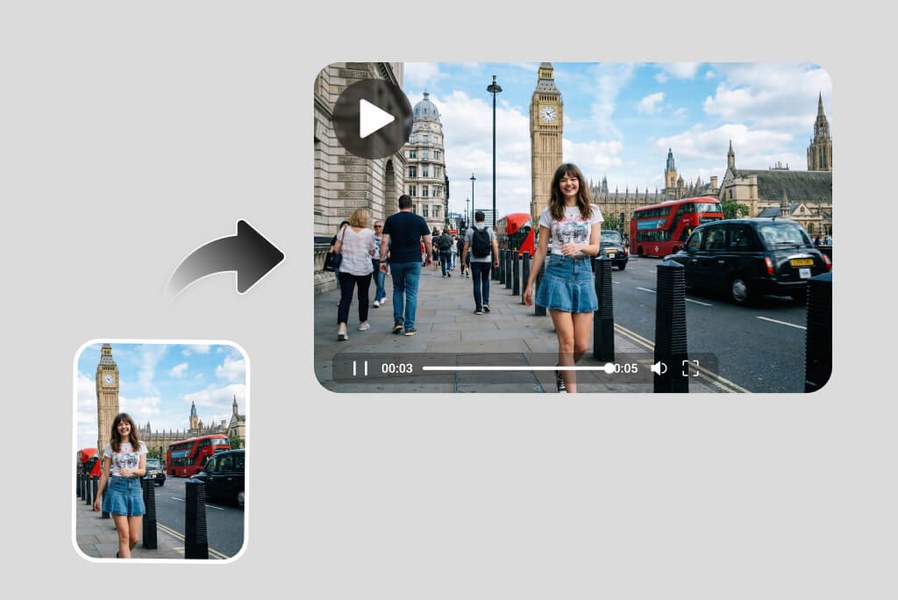
Instagram Video Generator
Create polished Instagram videos for posts, stories, and reels.
00:00
00:00
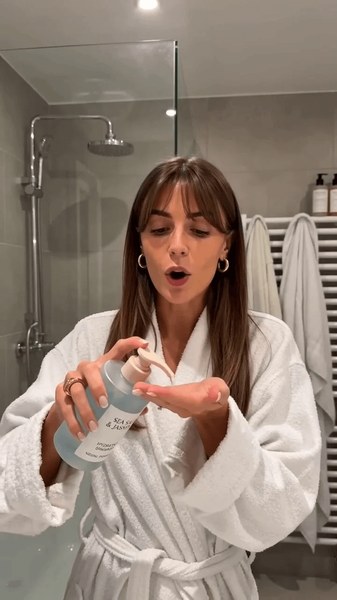
Travel Video Maker
Turn travel photos and clips into cinematic videos with AI.
00:00
00:00
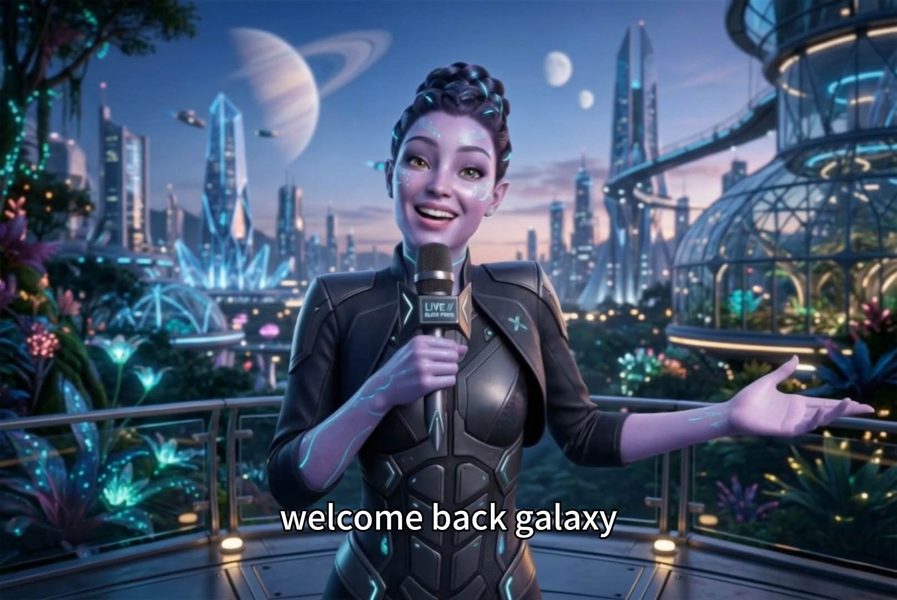
AI UGC Video Generator
Create UGC-style videos for ads, reviews, and social content.
00:00
00:00
AI Faceless Video Generator
Create engaging videos without appearing on camera using AI.
00:00
00:00
Business Video Maker
Generate business videos, promo videos, and brand videos with AI.
00:00
00:00
Tutorial Video Maker
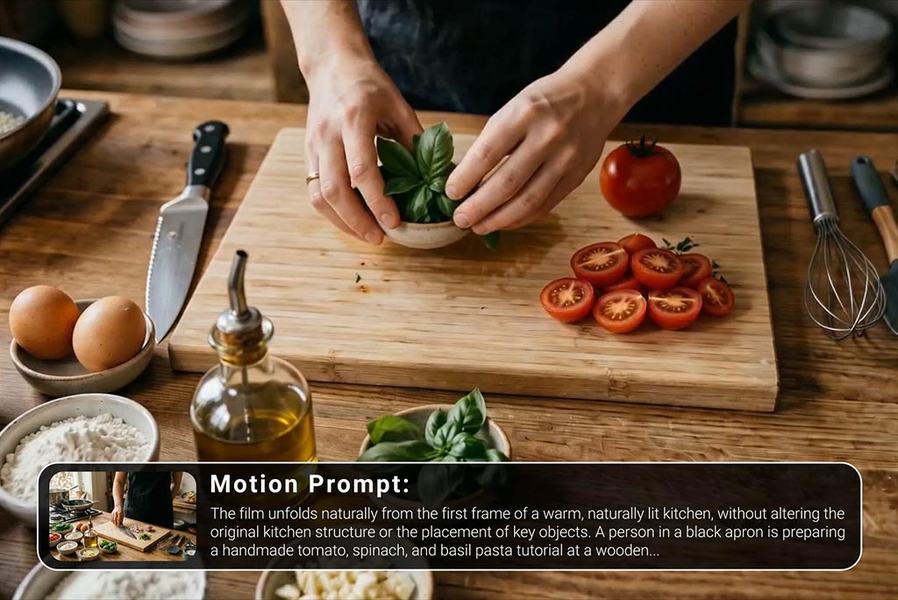
Create how-to guides, DIY tutorials, and instructional videos in minutes.
00:00
00:00
AI Video Generator
Create high-quality videos from text and images with AI tools.
@Priya Nair, Lifestyle Marketer