Retirement Video Maker
Create retirement tribute videos, coworker farewell clips, family memory montages, and retirement invitation videos with AI.

Create Retirement Tribute Videos from Career Memories
Many retirement celebrations start with scattered photos, old workplace moments, and short farewell messages. Upload those memories, add the person's role, career highlights, and tribute mood, then let insMind turn them into a warm retirement video for a party screen, team message, or family keepsake. If you want to bring older family or career photos to life first, try the AI Old Photo Animation workflow.
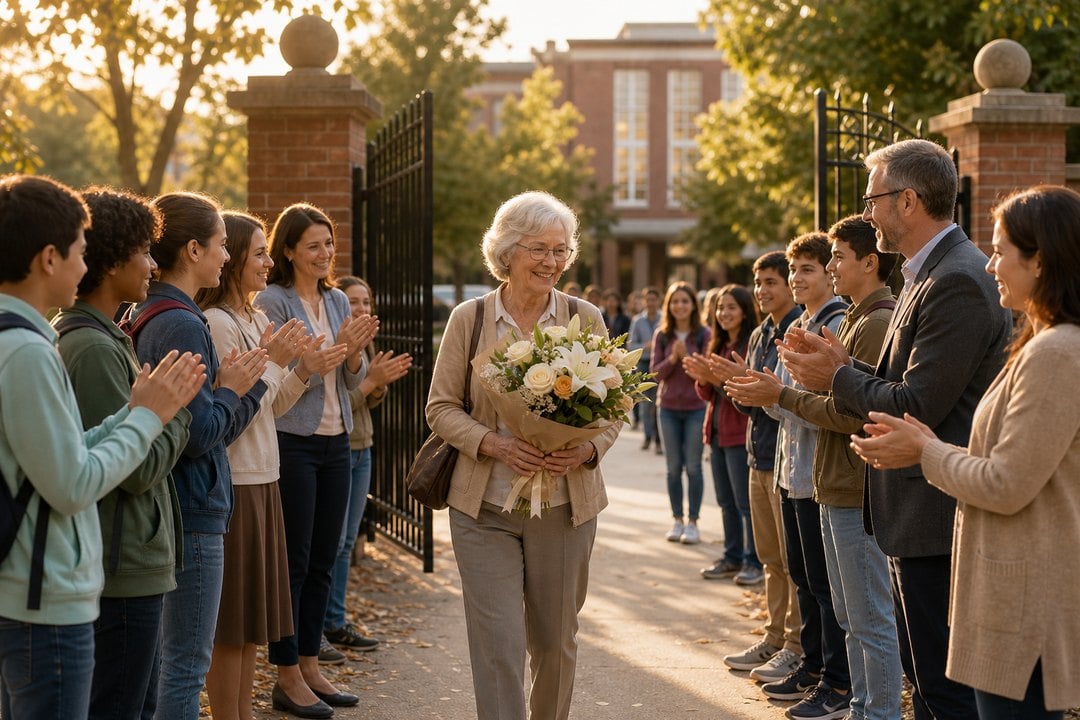
Build Farewell Videos for Real Send-Off Moments
Some retirement videos need to show the final moment, not just a photo collage. Describe a teacher walking out of school, a coworker leaving the office, or a factory worker receiving a heartfelt farewell gesture, then generate a respectful scene with clear action, soft emotion, and realistic movement. For a closer goodbye moment, creating expressive scenes is a natural fit for emotional send-off scenes.
How to Make a Retirement Video with insMind
Step 1: Upload a Retirement Photo
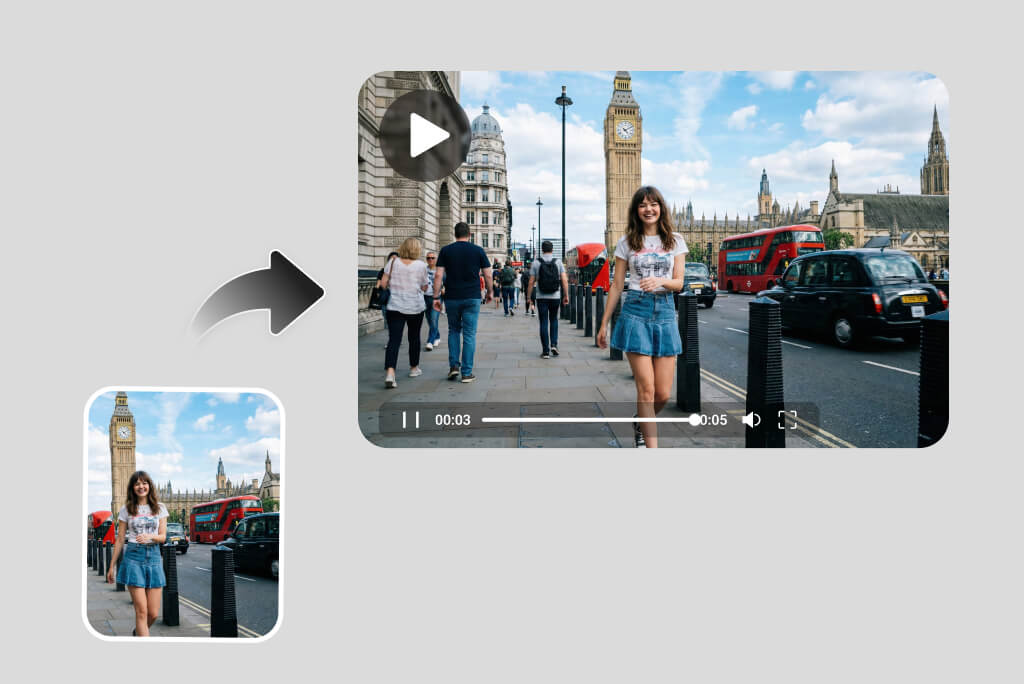
Upload a clear photo that can anchor the retirement video, such as a workplace portrait, family memory, teacher farewell scene, office desk, factory workshop, or party invitation image. Choose a photo with stable faces, visible props, and enough background for natural motion.
Step 2: Describe the Send-Off Story
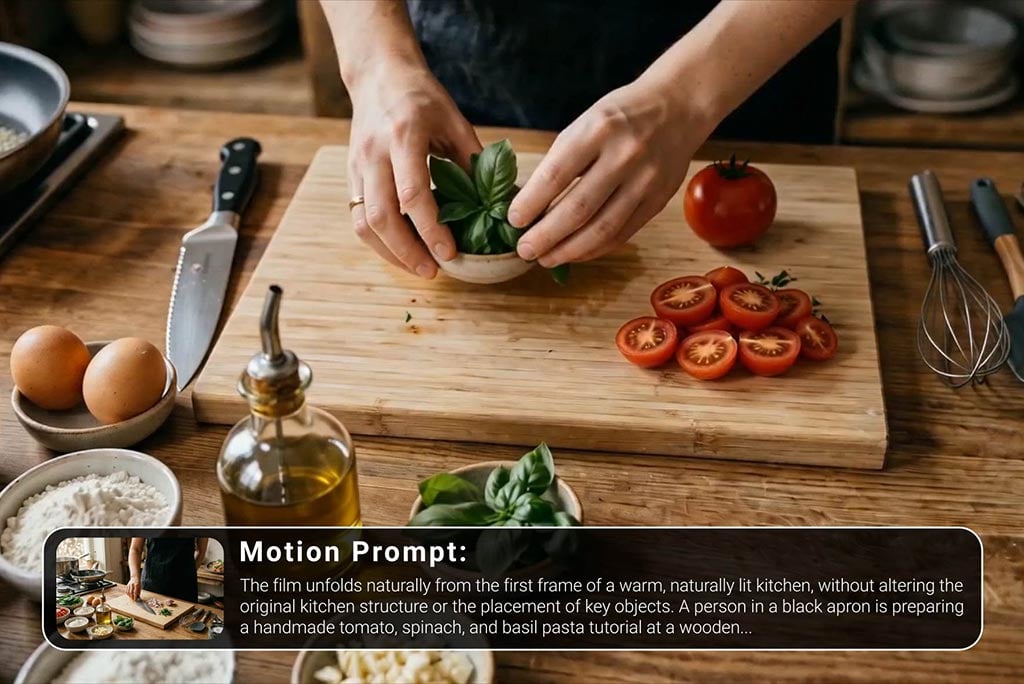
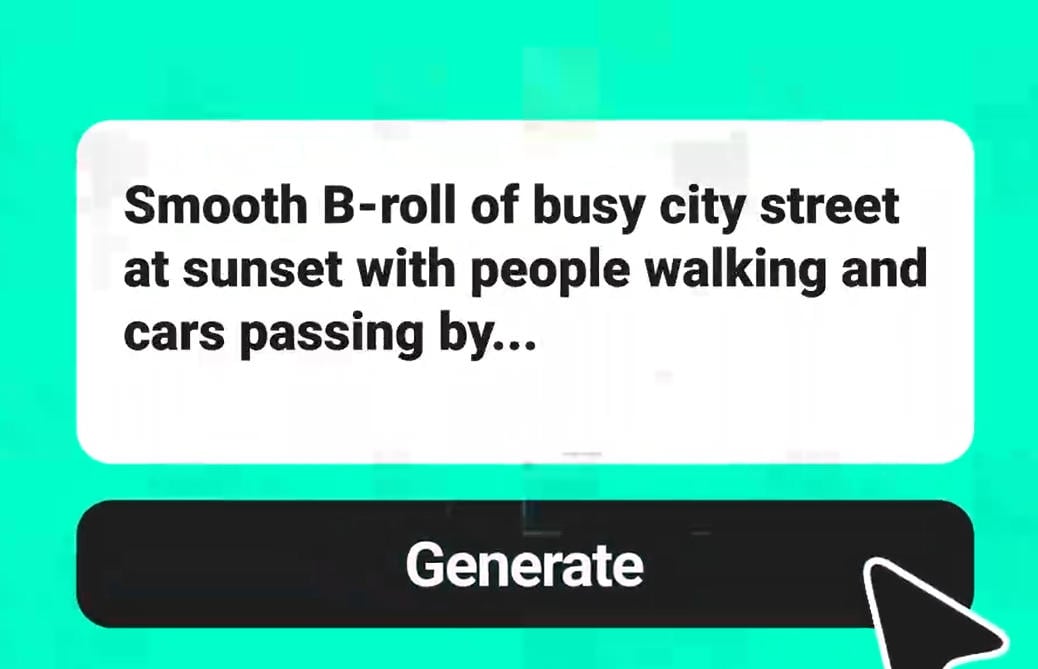
Add a short prompt that explains who the video is for, where the scene happens, and what should move. For example, ask for a coworker walking out on the last day, a teacher leaving school with flowers, or a factory worker receiving a farewell gift.
Step 3: Set Duration and Format
Choose 10 seconds for a complete retirement moment and 16:9 for presentations, ceremony screens, email, or family sharing. Add mood notes such as warm, sad, respectful, celebratory, or quiet so the video matches the farewell tone.
Step 4: Generate, Review, and Refine
Generate the video, then check whether people, hands, props, and background edges look stable. If needed, refine with clear limits like no background people, walking forward, soft applause, stable office edges, or one-direction album page turns before downloading.
Why Choose insMind Retirement Video Maker

Built for Retirement Stories
Create videos around real retirement moments, such as a last day at work, a teacher farewell, a factory send-off, or a family tribute from photos.

Scene-Based Prompt Control
Describe the setting, people, props, mood, and action you need, like an empty office, school gate, workshop entrance, memory table, or party setup.

Realistic Farewell Motion
Guide achievable movement such as walking forward, colleagues waving, soft applause, one-direction album page turns, or a slow camera push-in.

Tribute and Invitation Uses
Make heartfelt tribute videos, coworker farewell clips, family memory montages, retirement party invites, and presentation-ready send-off videos.

Easy Refinement for Stable Results
Refine prompts with practical limits like no background people, stable office edges, no readable text, fixed props, or a sadder retirement mood.

Ready for Sharing and Presentations
Generate 10-second 16:9 clips for retirement meetings, school ceremonies, workplace screens, email messages, and family celebration pages.
FAQs About insMind Retirement Video Maker
What is a retirement video maker?


How do I make a retirement video with insMind?
What should I include in a retirement video prompt?
Can I make coworker farewell or retirement invitation videos?