
Try the AI Pregnant Filter Online – Make Fake Pregnancy Photos Easily
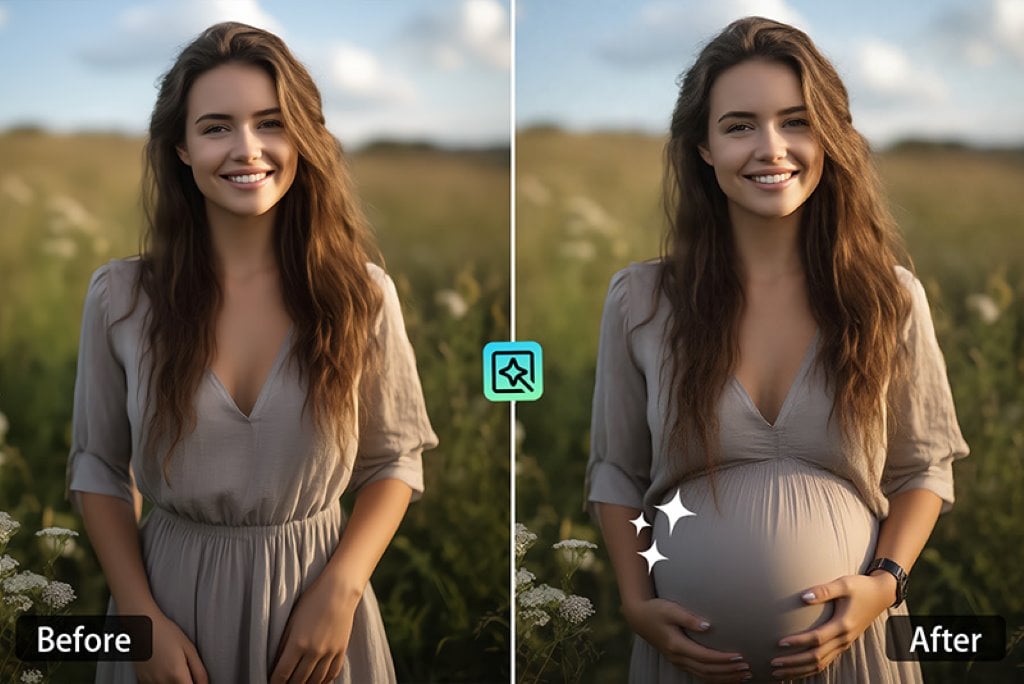

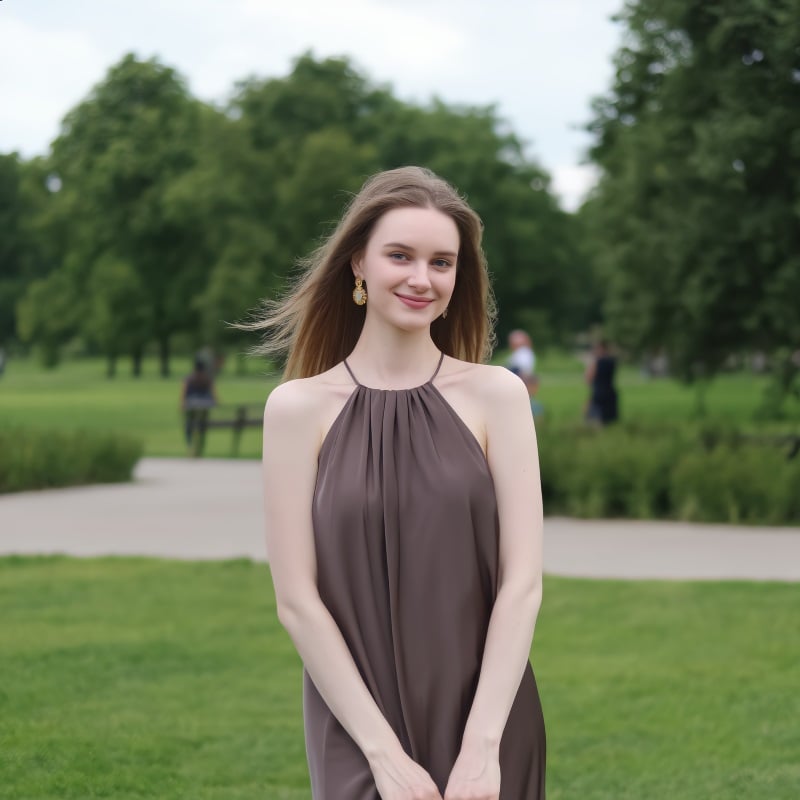
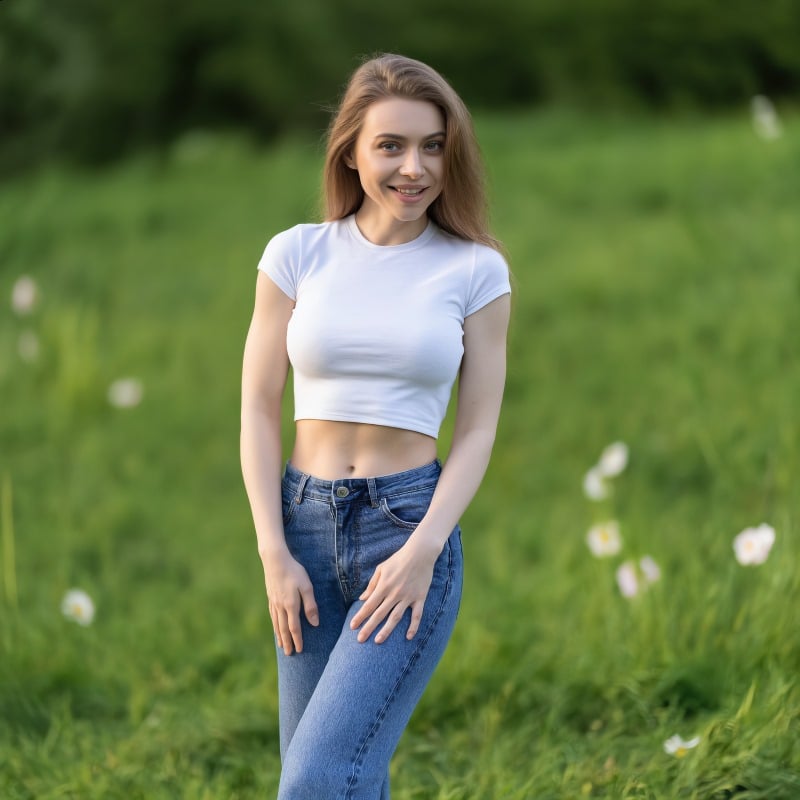

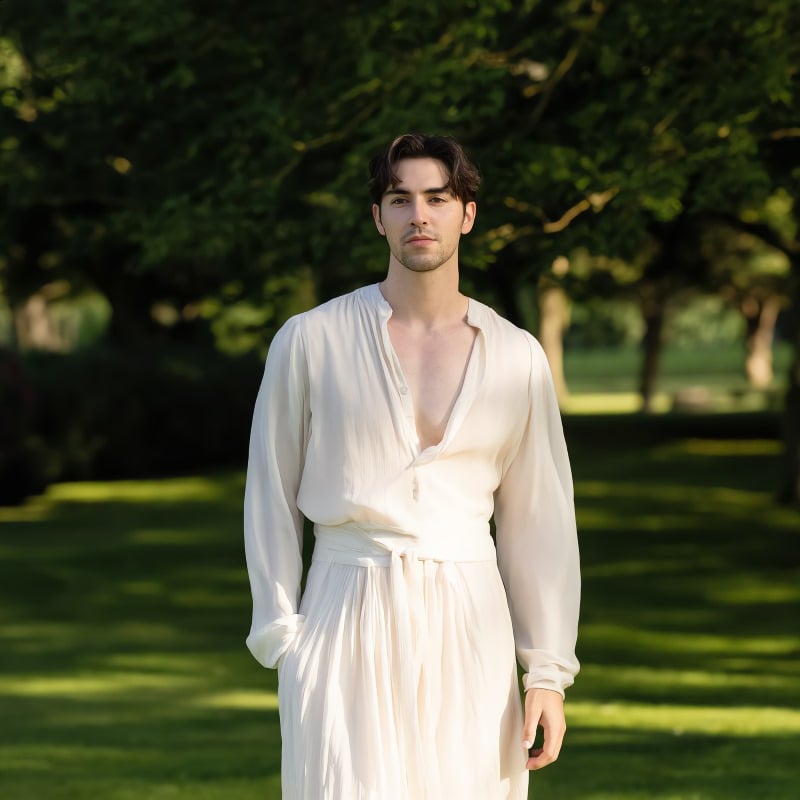
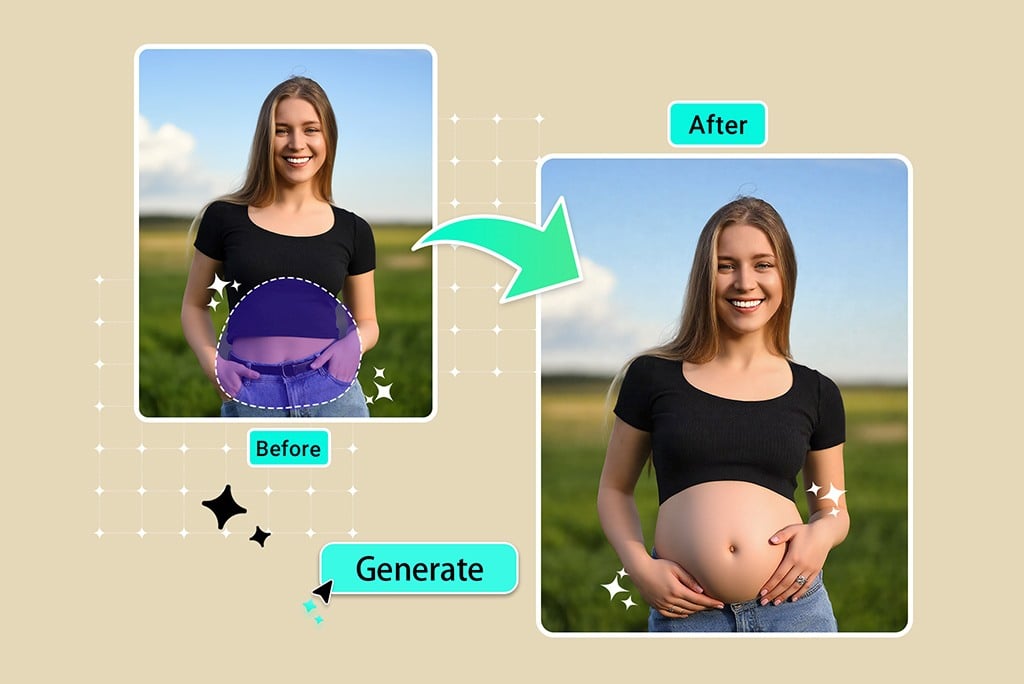
Transform Any Photo with AI-Powered Pregnancy Effects
You can now quickly and easily transform any image into lifelike pregnancy photos with the insMind AI pregnant filter. No need for any experience in photoshopping, just upload your photo, indicate what part of your photo is a belly, and watch as AI magically generates a believable pregnant belly to your photo.
The tool operates on women, men, or even animated characters, and is a great way to make fun edits to photos, social media, or even visual stories. If you want to see what you would look like pregnant, or are just trying to prank a friend, our AI pregnancy tool generates lifelike effects with incredible details.
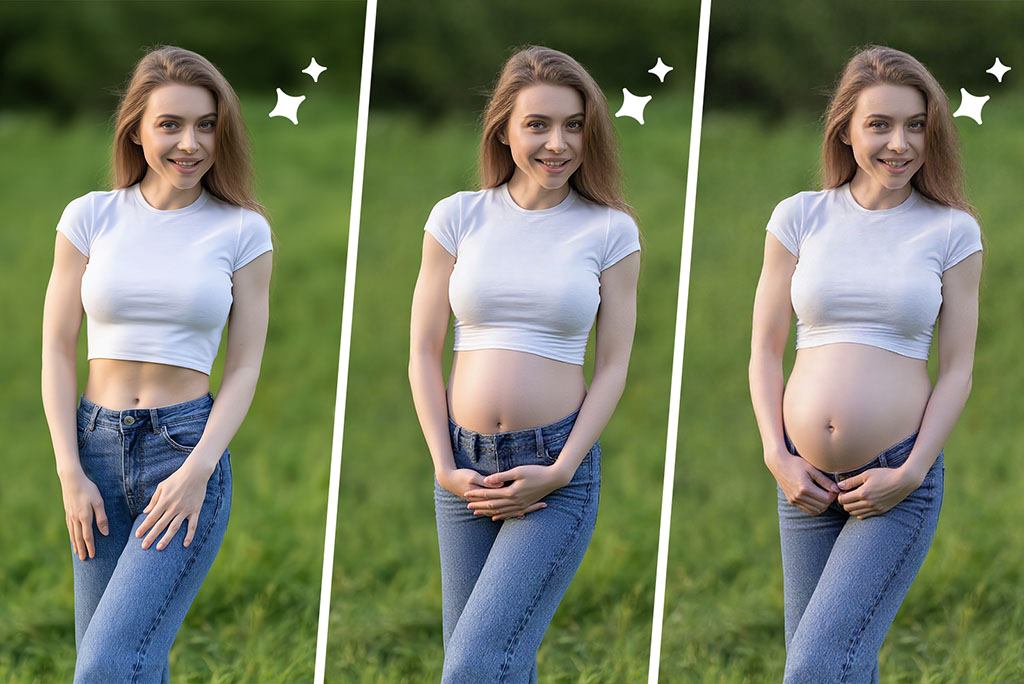
Create AI Pregnant Photos at Different Stages
Whether you're visualizing a first trimester bump or a full-term belly, the insMind AI pregnancy generator lets you simulate pregnancy across all stages. Just describe the look you want using our prompt feature, and AI will create highly realistic results.
This tool is perfect for maternity bloggers, baby announcement previews, and journaling. Try various looks, standing poses, seated, indoor lighting, or maternity clothing and see how pregnancy transforms over time. It's easy, fast, and personalized. If you've ever wondered, "What would I look like pregnant?" this AI tool gives you an answer, visually and creatively.
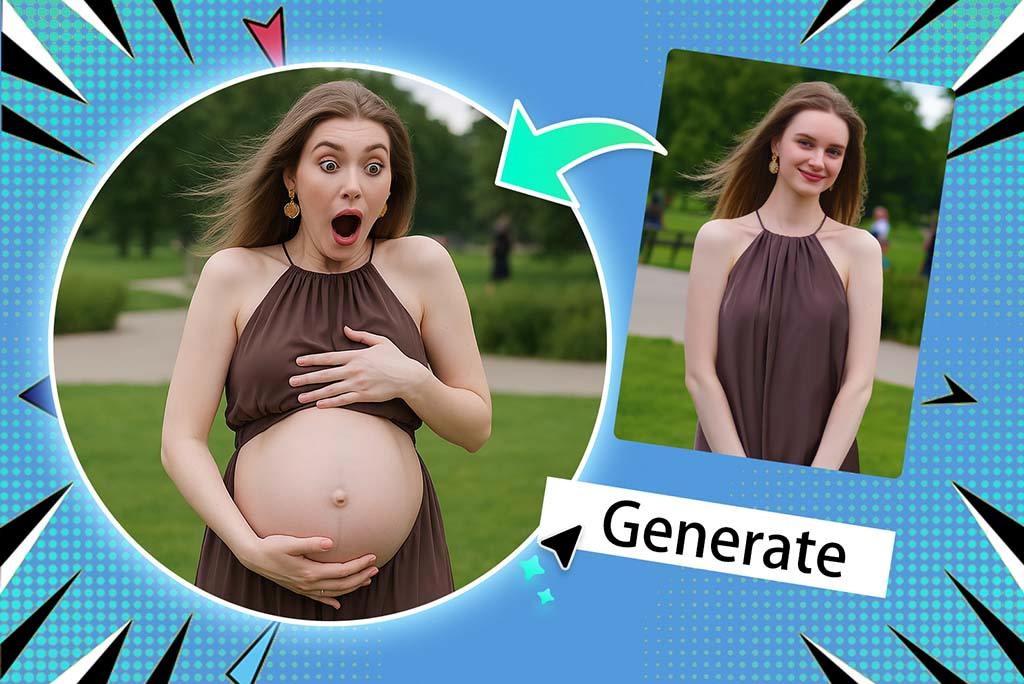
Create Convincing Pregnancy Photos for Fun or Pranks
Want to create a fake pregnancy photo that looks completely believable? With the insMind AI pregnant filter, you can prank your friends or generate trending content in seconds. The process is simple, fast, and surprisingly realistic.
Just upload a photo, paint the belly area, add a prompt like "a realistic pregnant bump" and click generate. The result? A realistic baby bump tailored to your image. Perfect for social challenges, funny edits, or role-play content. It's also safe, no images are saved, and everything is processed online with privacy in mind.
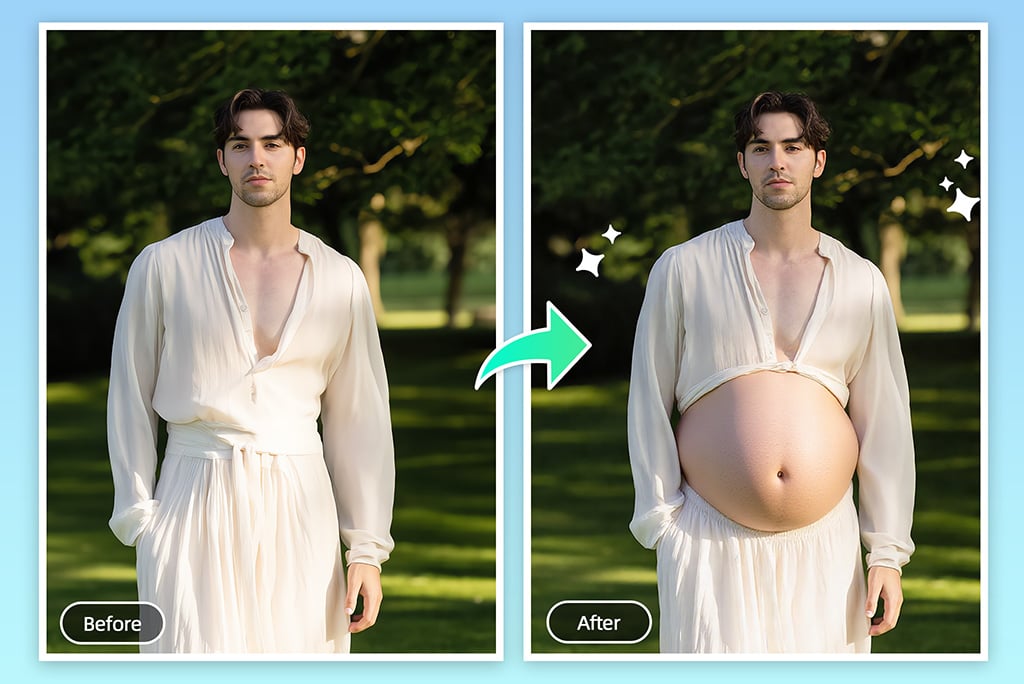
Apply the Pregnant Belly AI Filter to Anyone
With insMind's pregnancy generator, you're not limited to female subjects. Apply the AI pregnant belly effect to men, pets, avatars, or even cartoon characters for hilarious or creative results. The AI adjusts details to make the belly look proportionate and natural in context.
Great for content creators, meme makers, or those curious about unexpected scenarios, this tool brings imagination to life. Whether you're producing pregnancy AI art or just having fun, the generator supports high-quality results while respecting your privacy. Your files stay private and are never stored on our servers.
Explore More AI Pregnant Filter Features
How to Use AI Pregnant Filter Step-by-Step
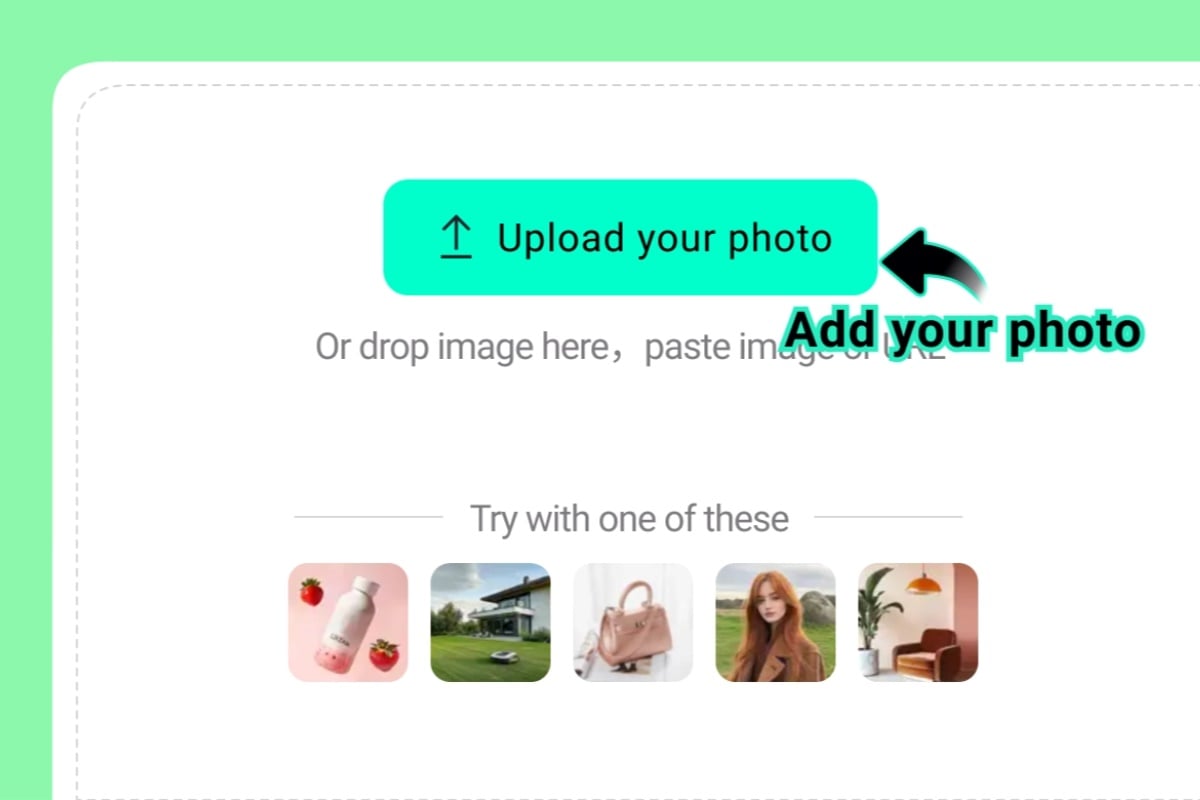
1 Step 1: Upload your photo
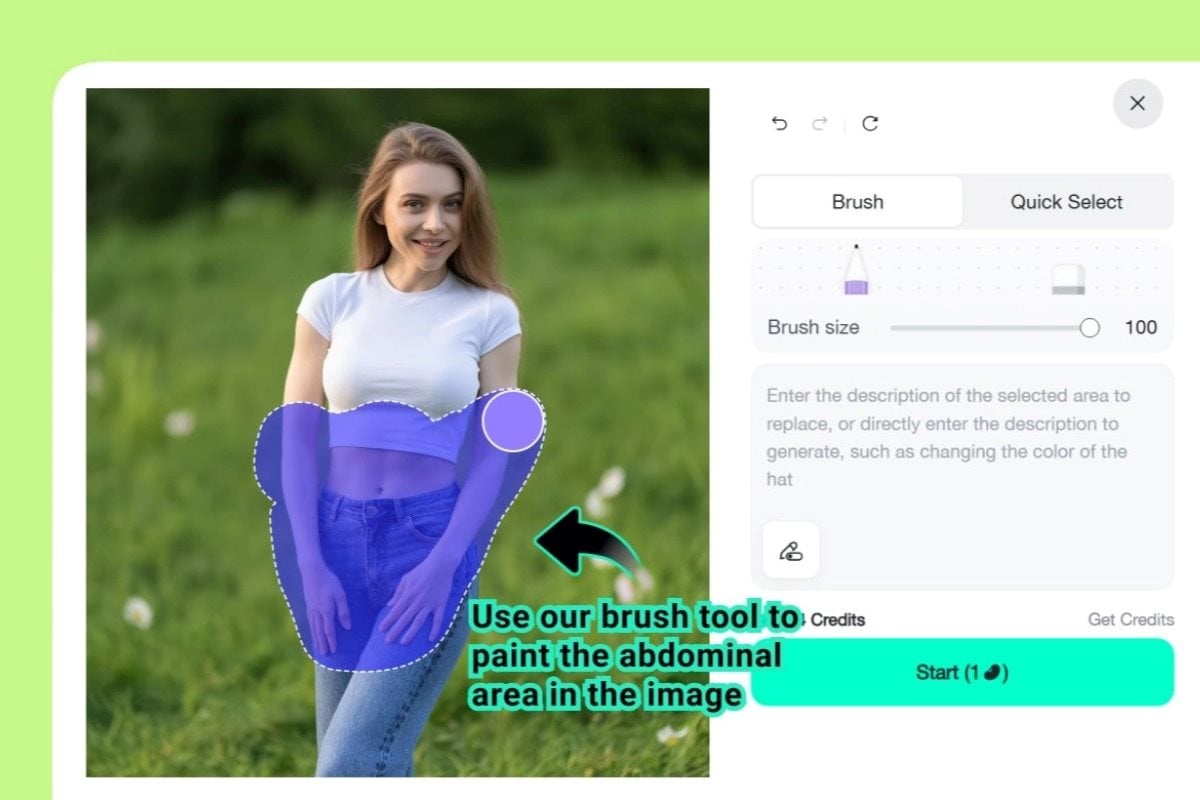
2 Step 2: Use our brush tool to paint the abdominal area
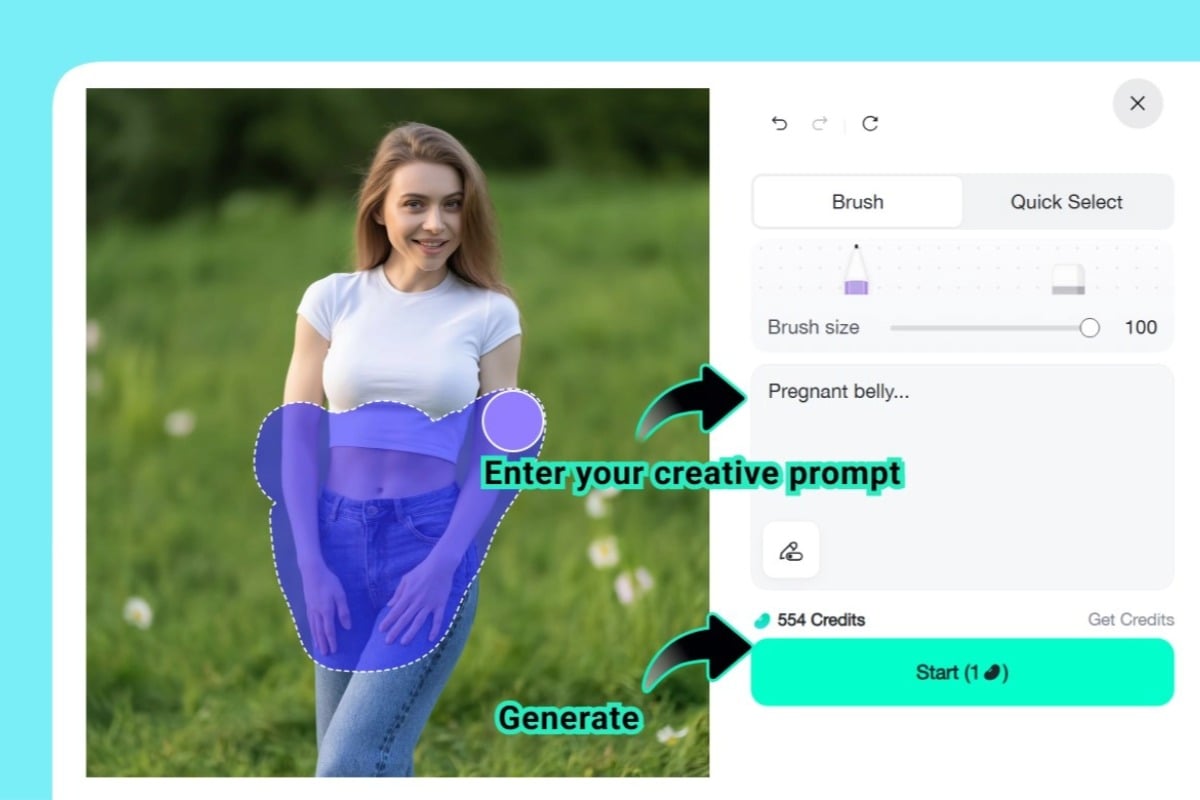
3 Step 3: Enter your creative prompt
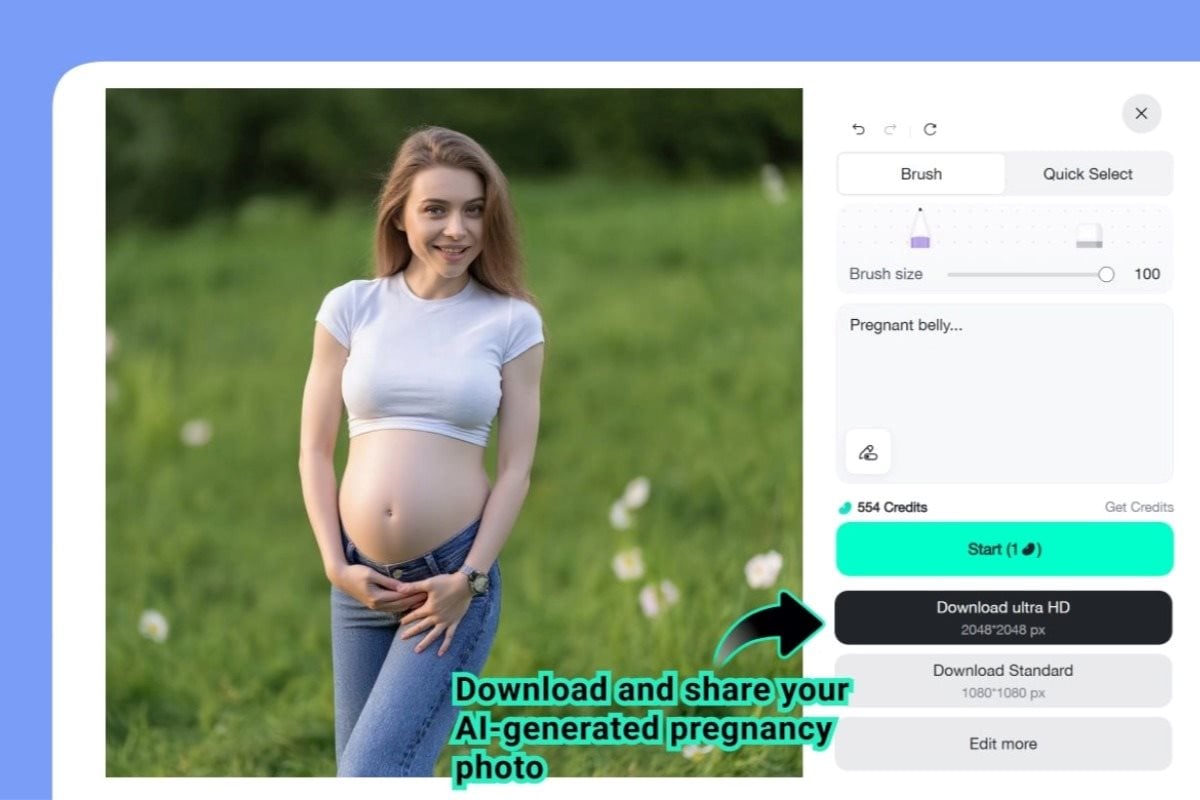
4 Step 4: Download and share your AI-generated pregnancy photo
What Our Users Say About insMind AI Pregnant Filter
Why Use insMind AI Pregnant Filter?

Ultra-Realistic AI Simulation
Our AI creates natural pregnancy effects with detailed lighting, curves, and textures for lifelike, believable results.

Creative and Fun
Use it for pranks, storyboards, social content, or planning maternity shoots. The tool is fun and surprisingly versatile.

Safe and Private
We don't save your images. All edits happen securely in-browser, protecting your data every step of the way.
FAQs About insMind AI Pregnant Filter
Is the AI pregnant filter free to use?


How does the AI pregnant filter work?
Can I use this filter on men or group photos?
How realistic are the AI-generated pregnancy effects?
Can I customize the pregnancy stage or clothing?
Can I share my AI pregnant photos on social media?
What devices does the AI Pregnant Filter support?
You might also be interested in
Make your pictures pop with creative AI tools you can explore during a free trial.
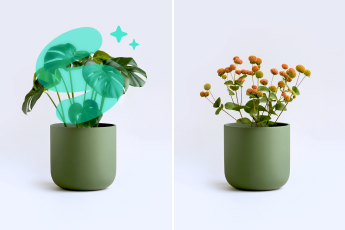
AI Replace
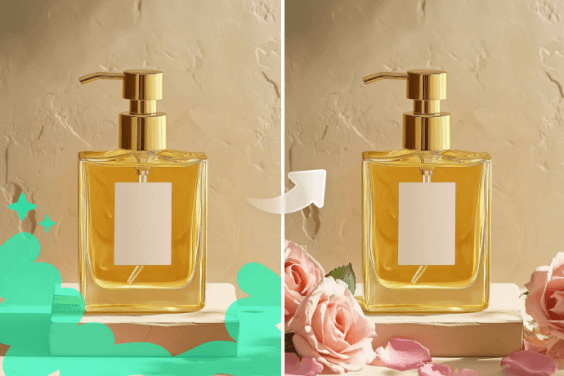
AI Generative Fill
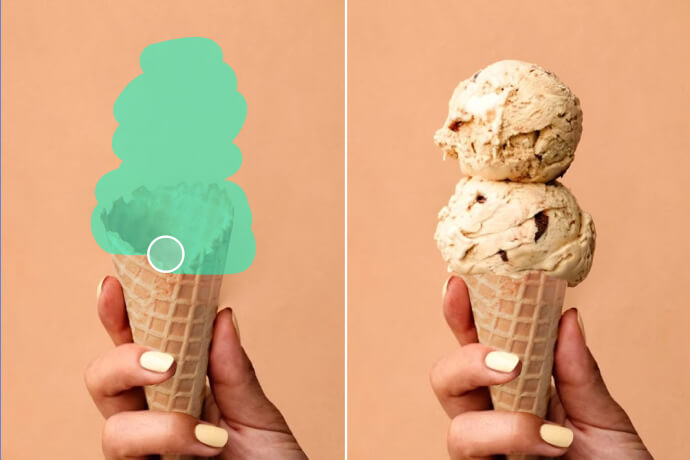
Add Object to Photo AI
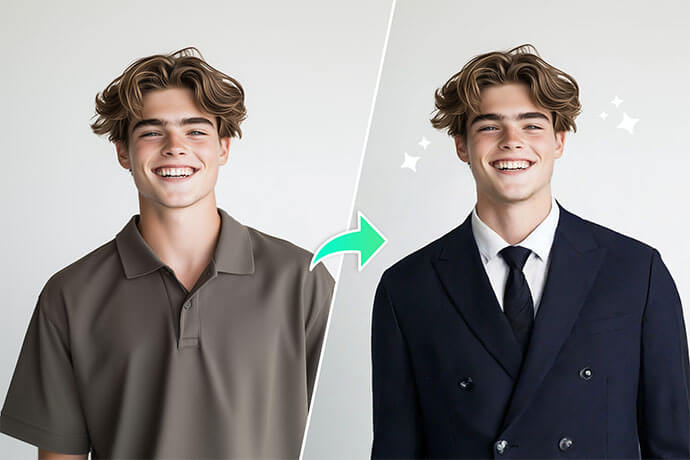
AI Outfit Generator
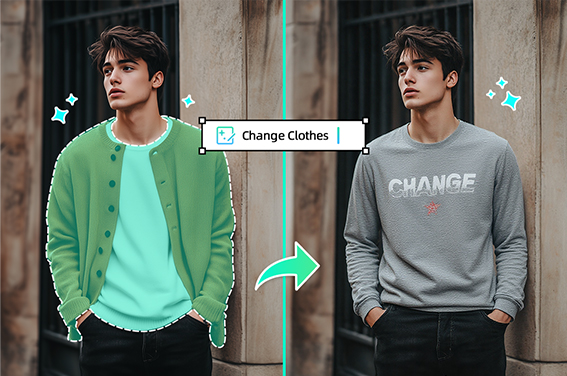
Virtual Try On Clothes
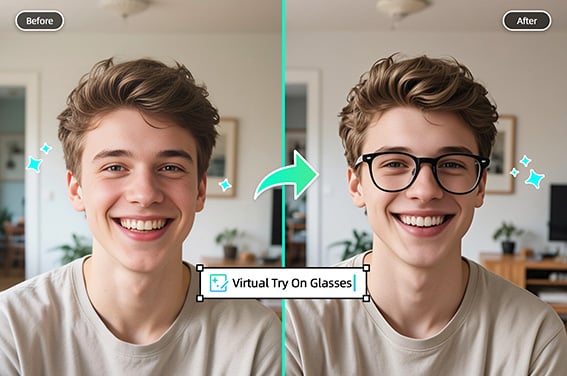
Virtual Glasses Try-On
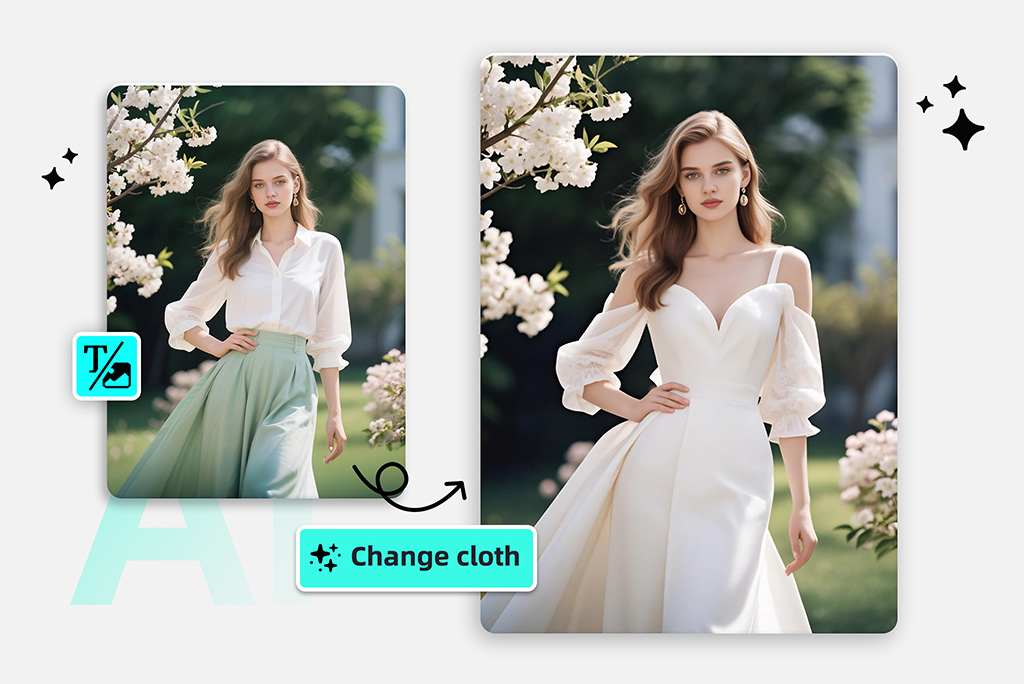
Clothes Swap
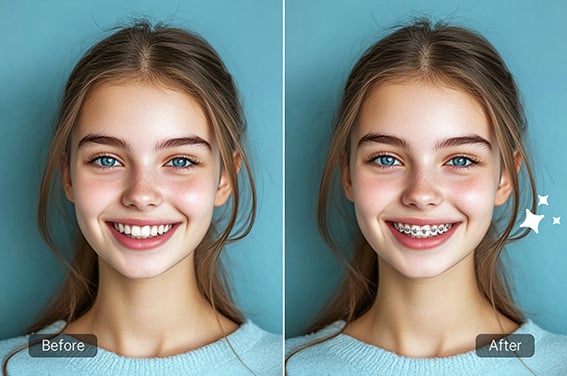
Braces Try-On
Clothes Color Changer
Recolor Image
"This AI pregnancy filter made a hilarious and convincing edit of me. It worked instantly and looked amazing!"
@Jake Miller