
Selfie With Celebrity AI Image Generator


How to Create a Selfie With a Celebrity Using AI
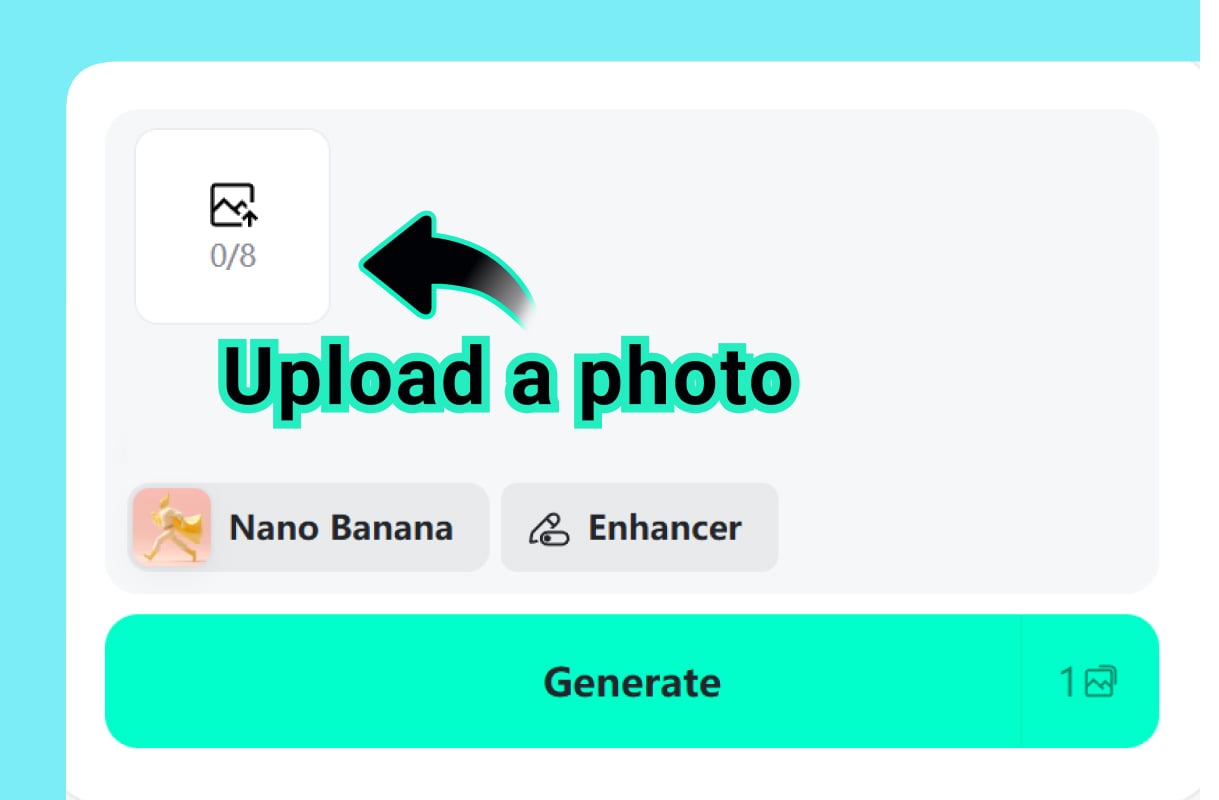
1 Upload a Reference Photo
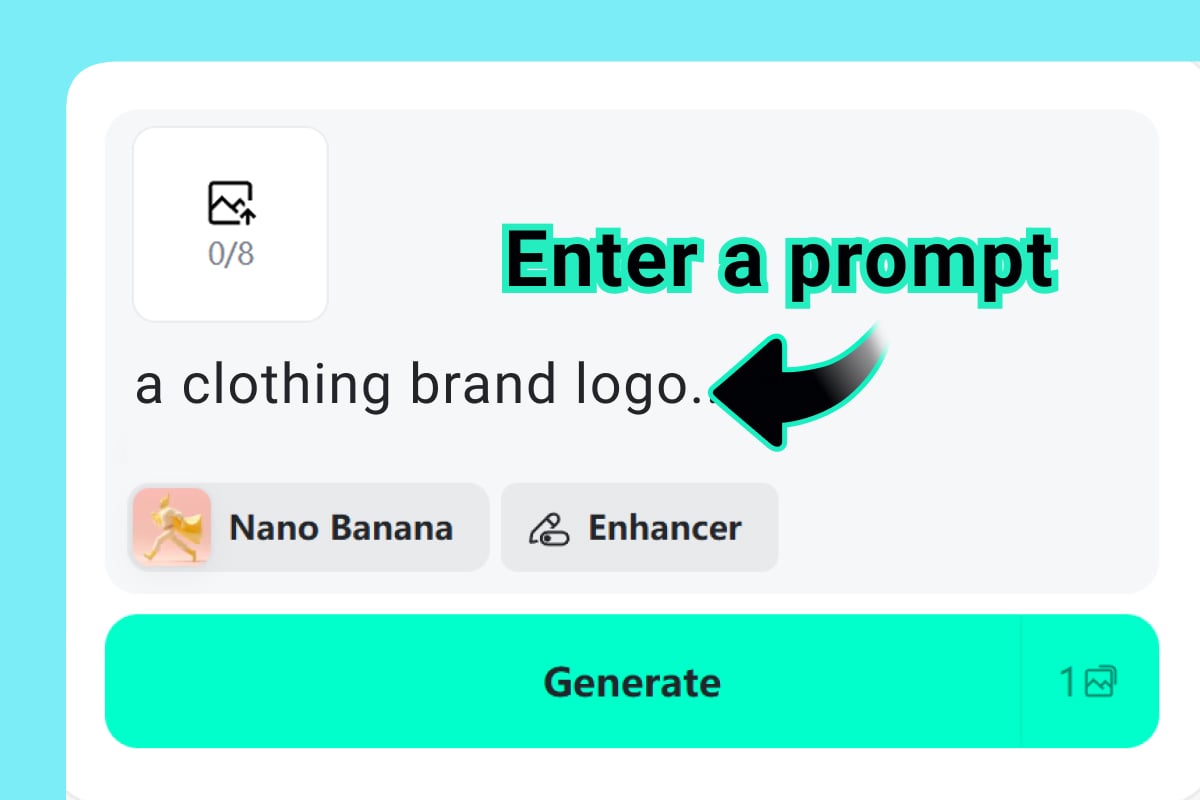
2 Describe the Celebrity-Style Scene
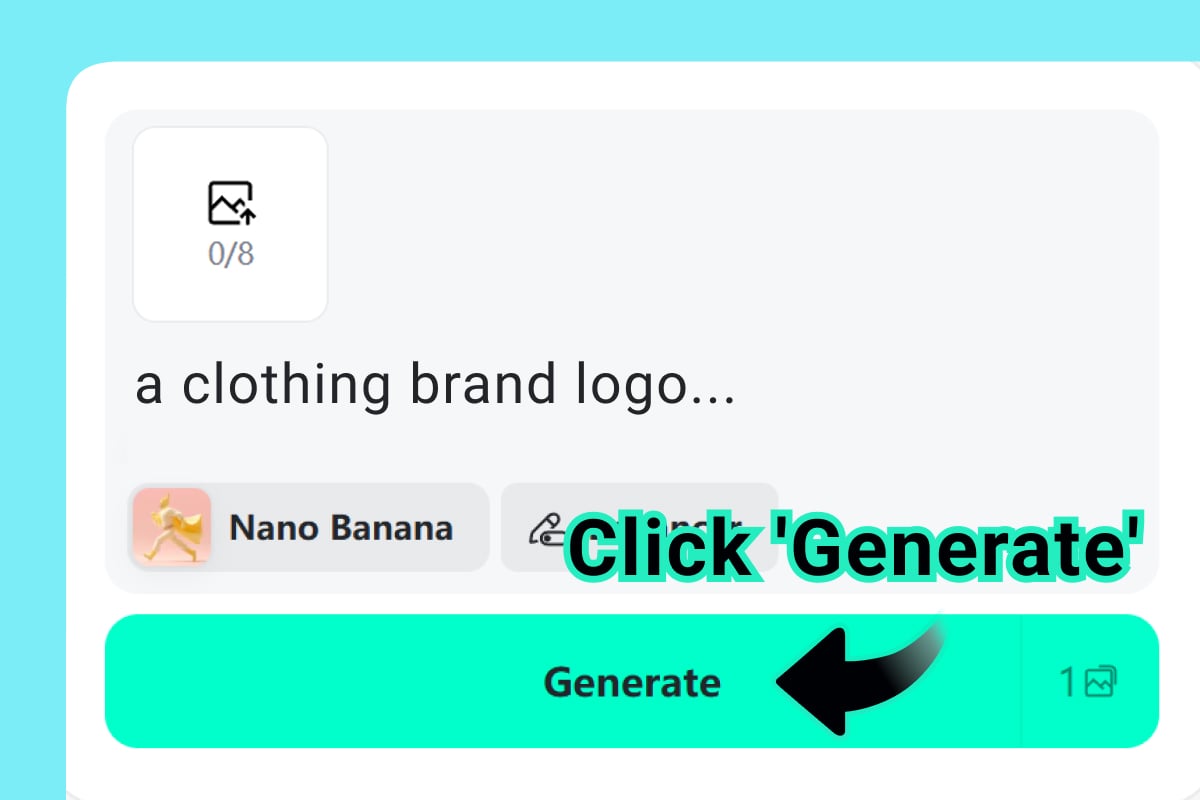
3 Generate and Review the Details
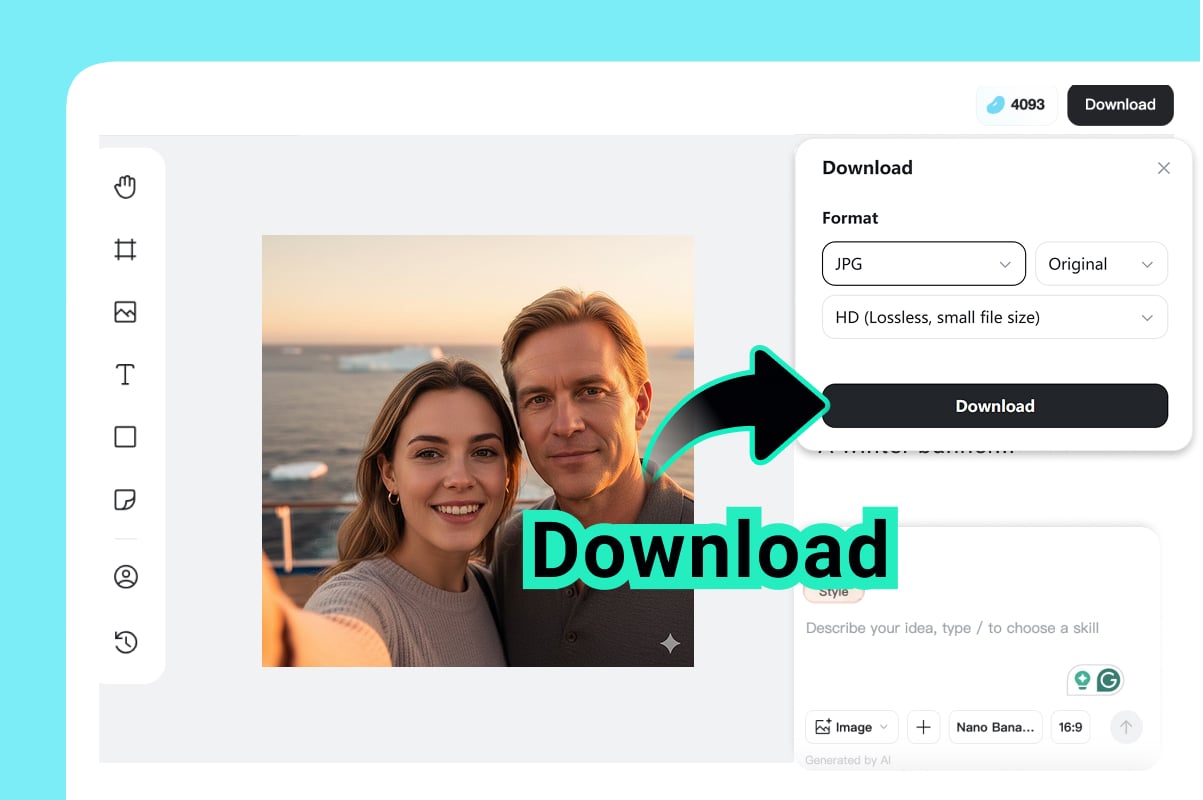
4 Download for Creative Use
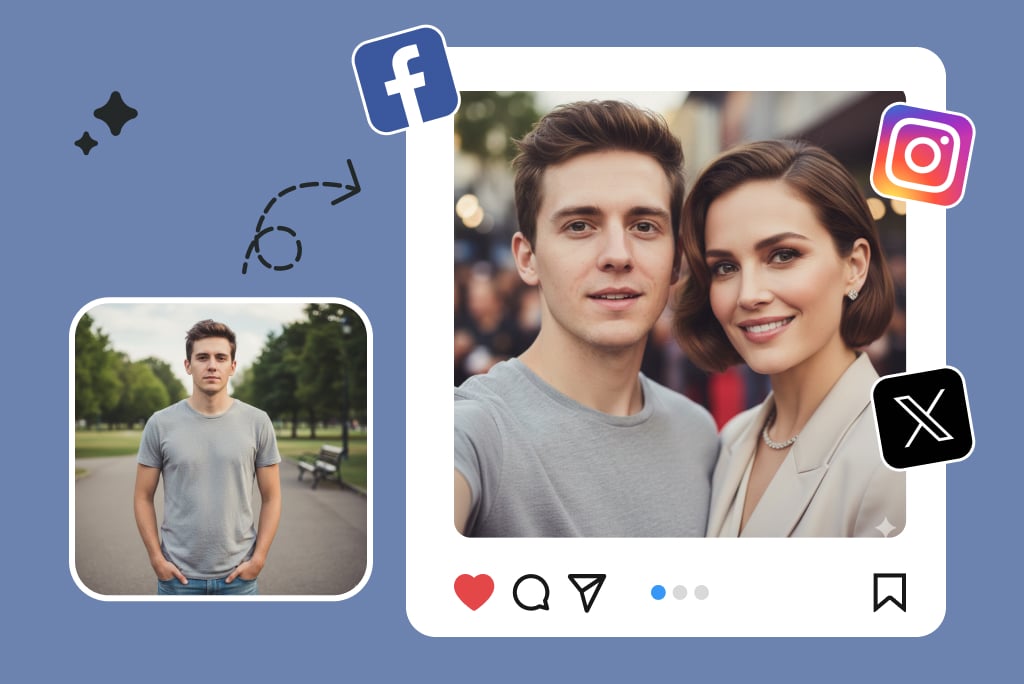
Create a Selfie With a Celebrity in a Specific Scene
Turn a simple idea into a celebrity-style photo that has a real setting: a premiere entrance, a studio interview, a concert crowd, a street snapshot, or a casual meet-and-greet. The strongest results come from prompts that include the scene, pose, lighting, and what each person is doing; if the main goal is a face-first portrait rather than a scene, compare the workflow with the AI Portrait Generator.
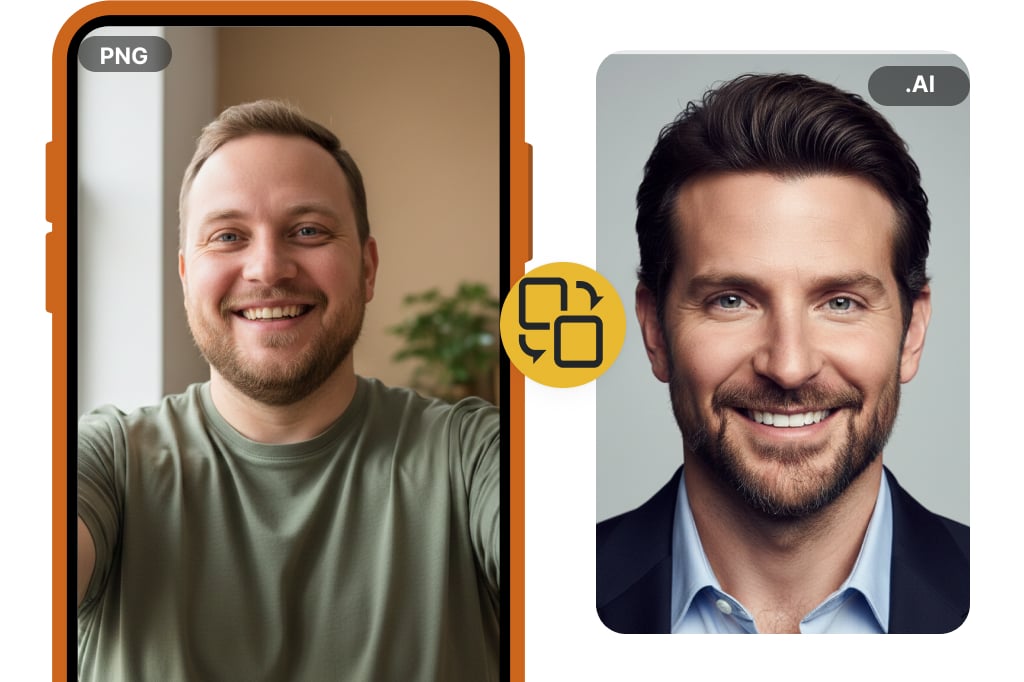
Build Celebrity-Inspired Portraits Without a Look-Alike Test
Use the celebrity AI image generator when you want a new image, not a face-match result. If you want to upload a photo and compare your face with famous matches, use the Celebrity Look Alike Finder instead. Describe the visual style, era, outfit, hairstyle, expression, and background, then let AI create a polished portrait or character concept from that direction.
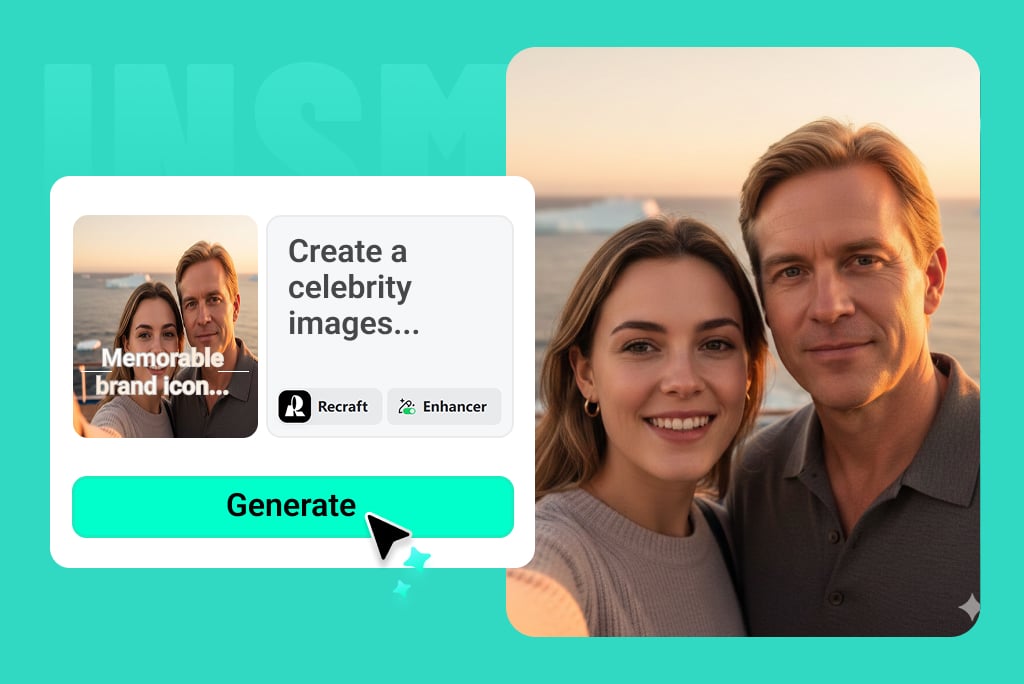
Make Fan Posters, Profile Images, and Social Concepts
Create images for fan edits, profile banners, moodboards, blog visuals, and social experiments. For a cleaner avatar workflow, pair the finished concept with the Profile Picture Maker. Keep the copy and context honest: label the image as AI-made when needed, and avoid implying that a real celebrity approved or appeared in the photo.
Celebrity AI Image Ideas You Can Create
Red Carpet Selfie
Prompt idea: “Create a realistic red-carpet selfie of me beside a famous actor, warm flash lighting, crowded premiere background, candid smile.” Use this for playful social posts or fan edits, not as a real event photo.
Backstage Meet-and-Greet
Prompt idea: “Make a backstage meet-and-greet photo with a celebrity-style singer, soft venue lights, casual pose, security barrier in the background.” Add small scene details so it does not look like a blank studio render.
Movie Poster Concept
Prompt idea: “Turn my portrait into a cinematic movie poster with a celebrity-style co-star, dramatic side lighting, bold title space, action-film atmosphere.” This works better than asking for a generic famous face.
Album-Cover Portrait
Prompt idea: “Create an album-cover portrait inspired by a legendary pop-star look: glossy jacket, stage lights, close crop, editorial color grading.” Good for profile experiments and creative moodboards.
Vintage Celebrity Magazine Shot
Prompt idea: “Create a 1990s celebrity magazine photo, studio backdrop, soft grain, flash photography, relaxed pose.” Give the AI a decade, camera feel, and wardrobe direction.
Sports or Fan Moment
Prompt idea: “Create a stadium selfie of me with a celebrity-style athlete after a big game, bright floodlights, cheering crowd, phone-camera framing.” Keep it clearly framed as AI fan content.
Fictional Celebrity-Style Character
Prompt idea: “Design a fictional celebrity with red-carpet styling, confident pose, elegant suit, paparazzi background, cinematic realism.” This is a safer choice when you want the celebrity feel without copying a real person.
Profile Banner or Avatar
Prompt idea: “Create a polished profile banner with me in a celebrity-style photoshoot, clean background, editorial lighting, room for text on the left.” Add size or layout notes if you plan to crop it.
Related AI Image and Portrait Tools
Celebrity AI Image Generator FAQs
What is a celebrity AI image generator?


How do I create a selfie with a celebrity using AI?
Is there an AI celebrity image generator free to use?
Can I upload my own photo?
Is this the same as a celebrity look alike finder?
What prompt works best for celebrity AI images?
Can I use AI celebrity images on social media?
Can I create celebrity-inspired images without naming a real person?
Why does my celebrity AI image look unrealistic?
What should I avoid when creating celebrity AI images?