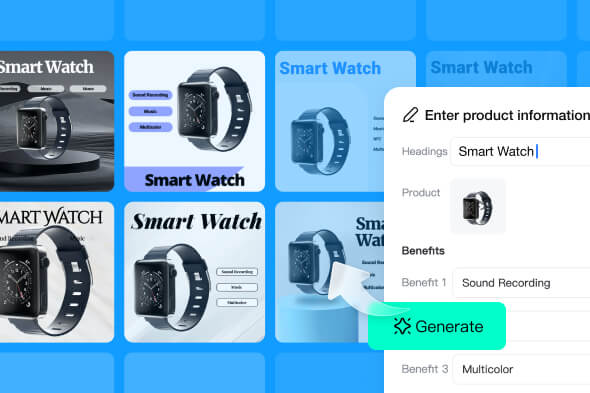
AI Image Blender: Blend Two Images Online
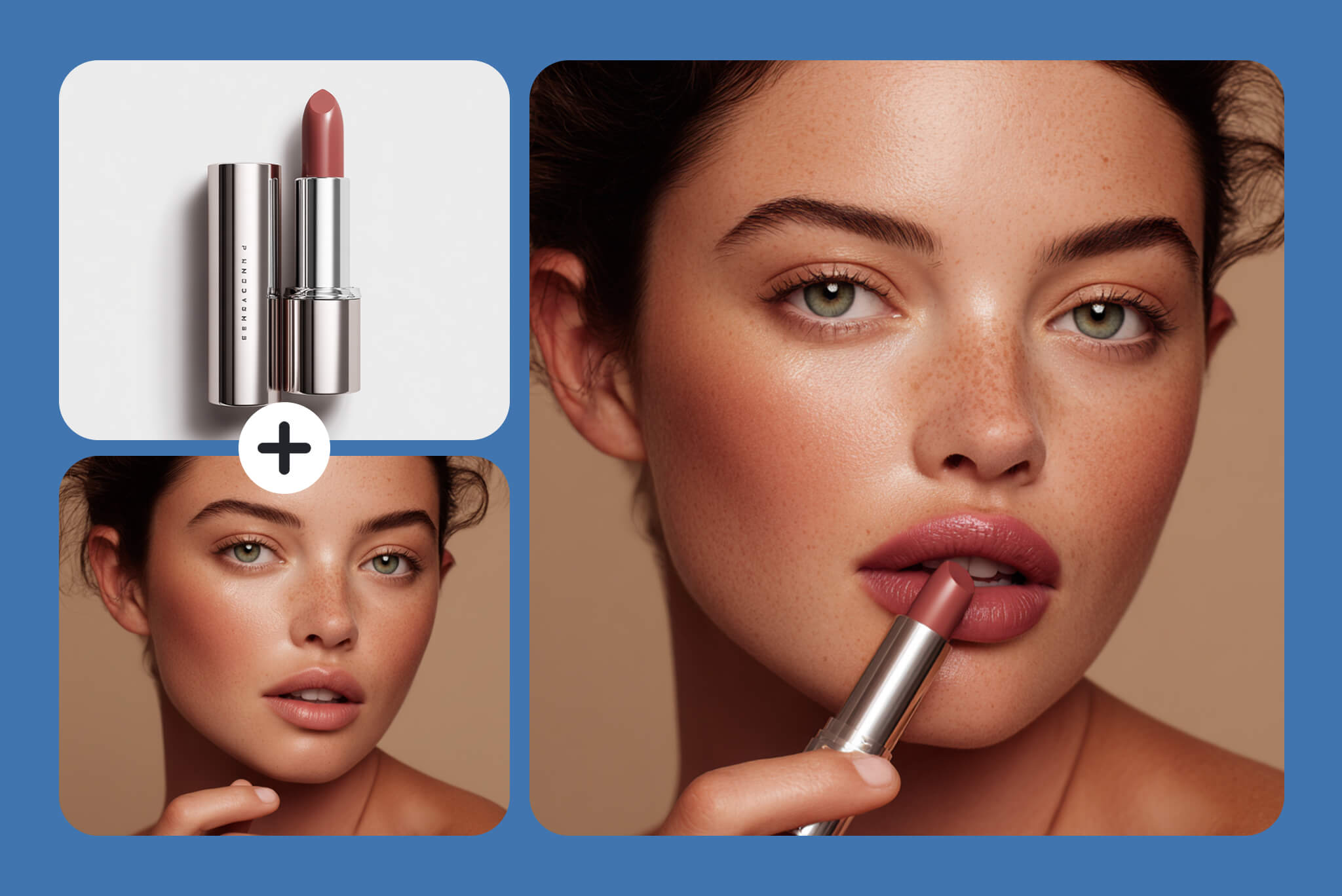
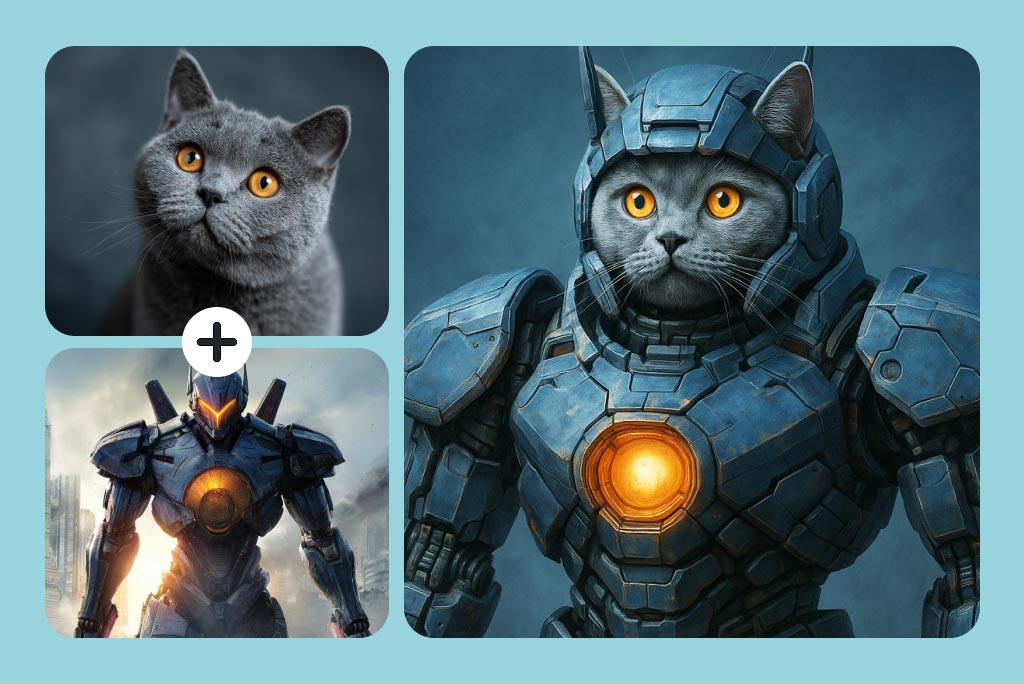
Blend Two Images into One Coherent Scene
Use one image for the main subject and another for the setting, material, or visual idea. The AI photo blender generates a new composition instead of simply placing one layer over the other.
For cleaner results, pair sources with a similar camera angle and light direction. After generation, check the contact points where the subject meets the new scene, especially edges, shadows, and reflections.
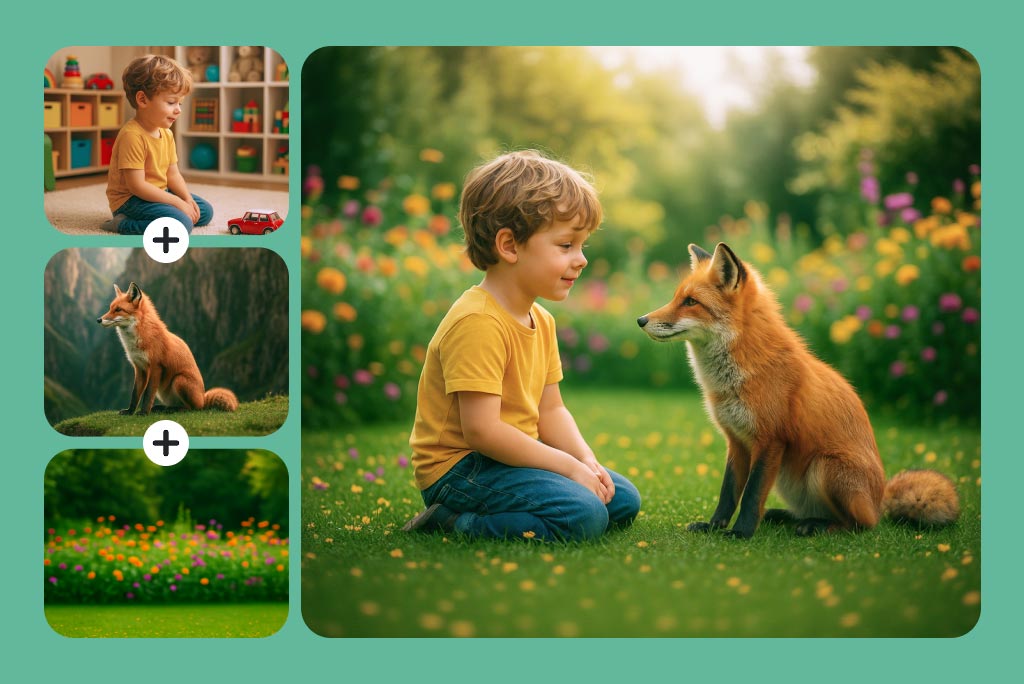
Mix Multiple Reference Images in One Result
Upload several references when the result needs more than one subject, object, texture, or background. State the role of each source in the prompt so the model does not have to guess which details matter.
This workflow creates a newly generated scene. If your goal is to place photos side by side without changing their content, use the image combiner instead.
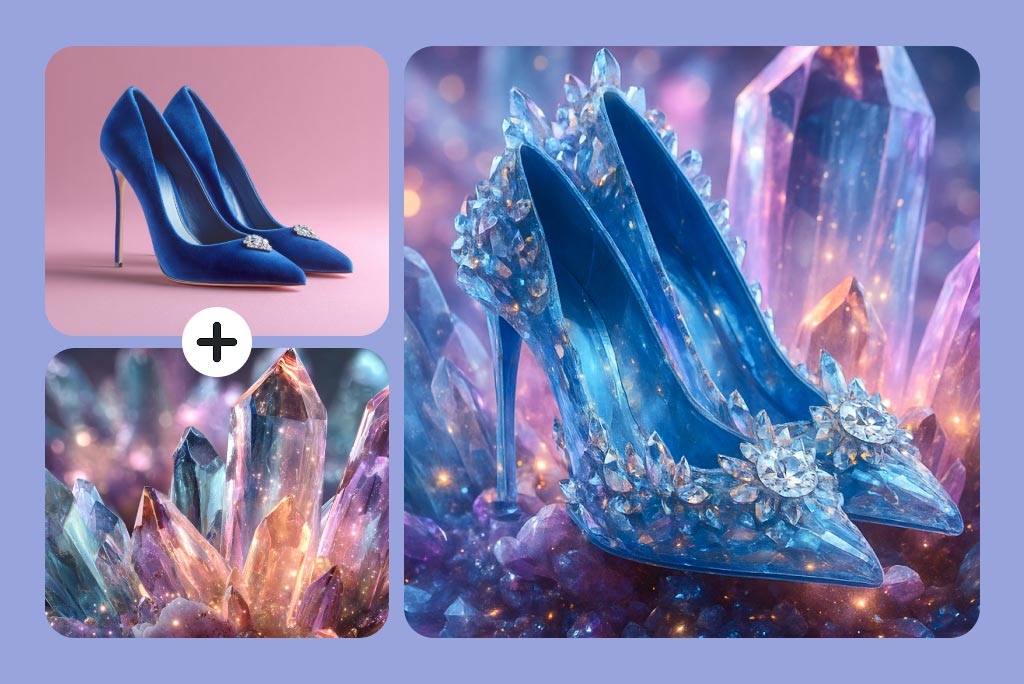
Guide the Blend with a Specific Prompt
The prompt controls what the AI image mixer should preserve, move, restyle, or combine. Describe the subject, placement, setting, lighting, and finish instead of using a broad instruction such as blend these images.
When a result changes an important detail, make the instruction narrower. For example, ask to keep the product shape and label unchanged while borrowing only the background and light from the second image.
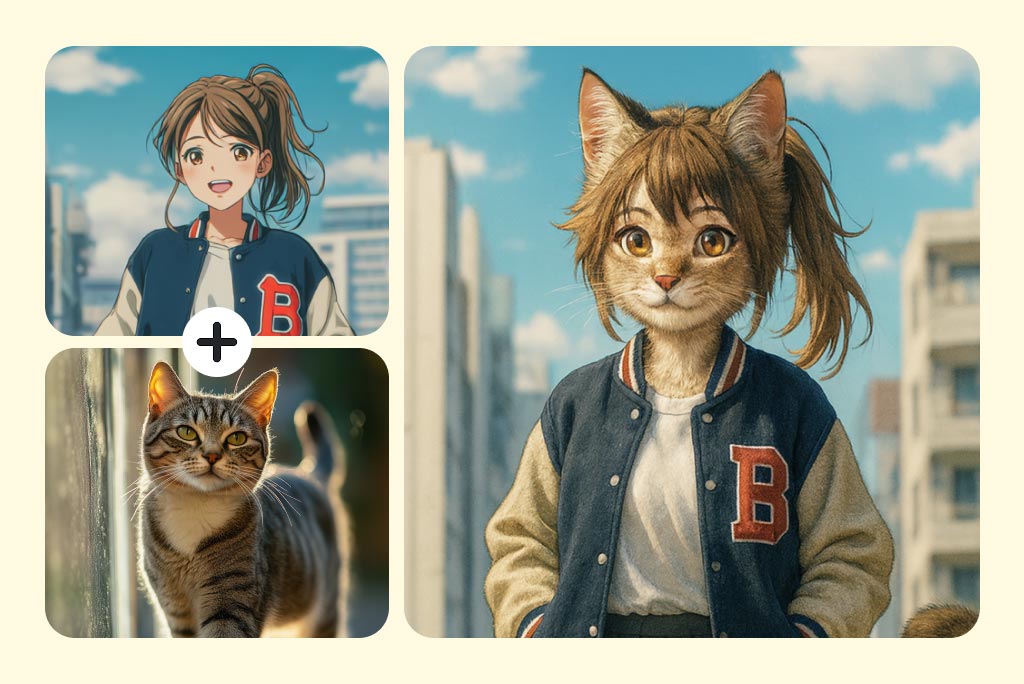
Combine Subjects, Textures, and Art Styles
Create concept art by blending a subject with a material, pattern, or illustrated style. You can mix an object with crystal texture, place a character in a new environment, or combine visual traits from several references.
If you only want to restyle one existing photo rather than merge several sources, an AI photo filter is the more direct workflow.
Practical Ways to Use an AI Photo Blender
Turn separate source images into one concept for product scenes, campaign graphics, social posts, or character exploration. Use the source images to control the idea, then review the generated details before publishing.
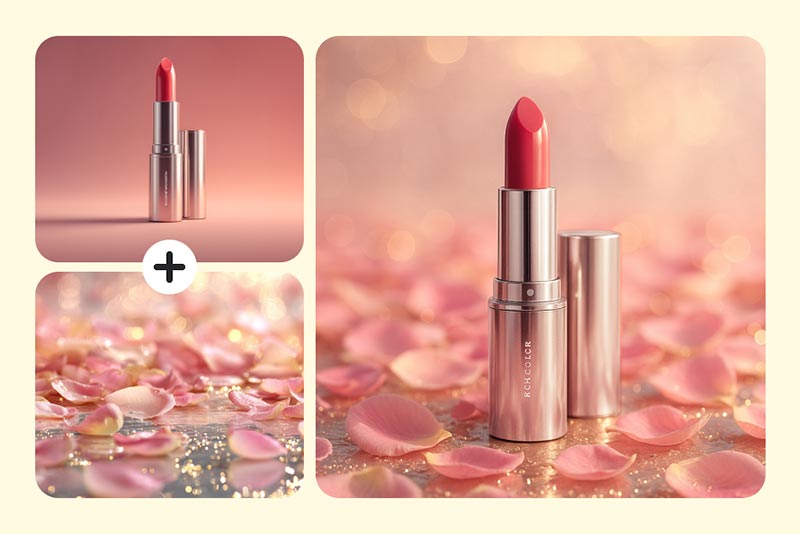
Create Product and Campaign Composites
Combine a product photo with a lifestyle background, seasonal texture, or campaign concept. Keep the product as the main reference, describe its placement and light direction, and inspect the label, shape, and shadow before using the result. For a complete campaign layout, continue with the AI ad generator.
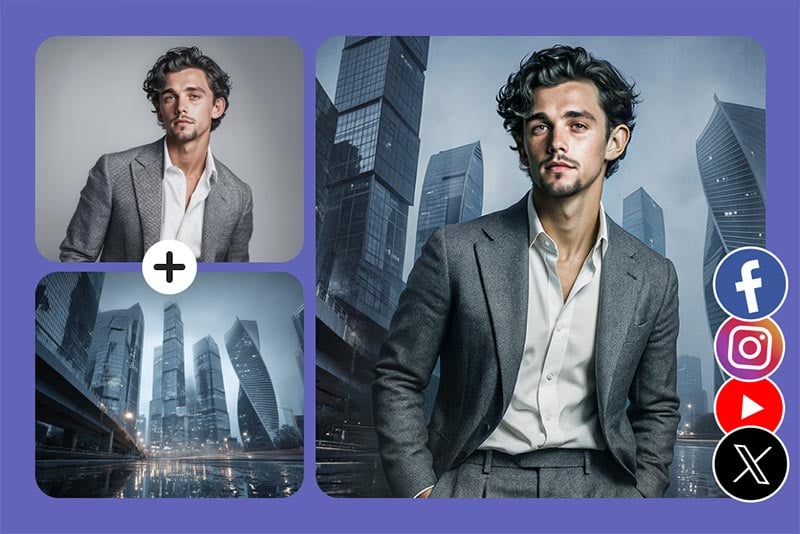
Develop Social and Editorial Concepts
Blend a portrait, location, prop, or graphic style to explore a visual direction for a post, thumbnail, or editorial concept. Leave enough open space for later copy, and check faces, hands, logos, and small text at the final publishing size.
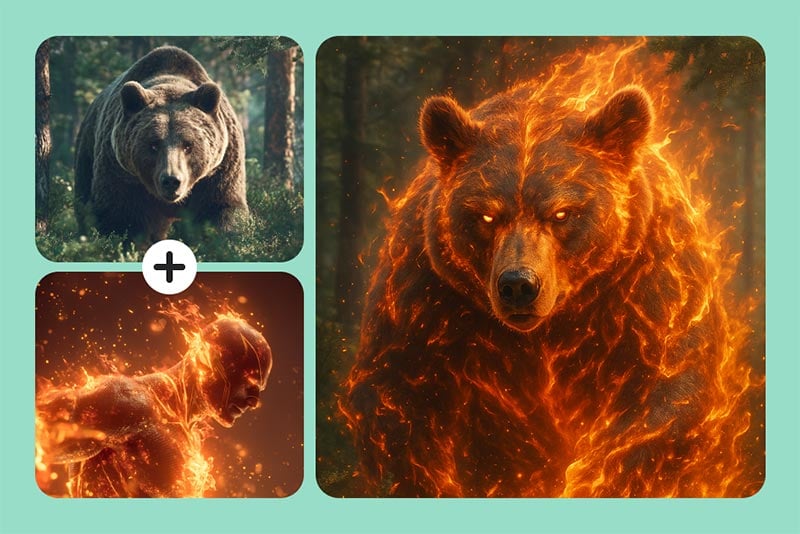
Explore Characters and Fantasy Scenes
Mix a character reference with an animal, costume, material, or environment to prototype a new look. Tell the model which traits belong to the character and which belong to the setting, then compare several results for silhouette, anatomy, and design consistency.
Why Use insMind as Your AI Image Blender?
Prompt-Guided Image Blending
Describe what each source should contribute instead of manually masking and layering every part. A clear prompt gives the model a practical composition brief while leaving you in control of the final review.

Support for Multiple References
Upload up to 16 source images when a concept needs several subjects, objects, textures, or scene references. Use fewer, more relevant sources when the result starts to feel crowded or inconsistent.

Results You Can Review and Refine
Generate a blend, inspect important details, and try a revised prompt or source image when the first result is not right. This review step matters most around faces, text, logos, edges, shadows, and repeated objects.
AI Image Blender FAQs
What does an AI image blender do?


How do I blend two images online with AI?
Which image formats can I upload?
Can I blend images with different sizes or orientations?
What is the difference between an image blender and an image combiner?
How can I get a cleaner image blend?
Can I blend more than two images together?
Continue Creating with Related AI Image Tools
Choose a focused tool when your next step is to generate a new image, add a person, change a style, prepare a design, or clean up the background.
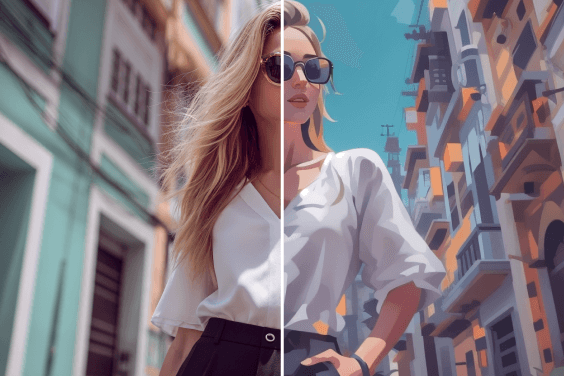
AI Cartoon Generator
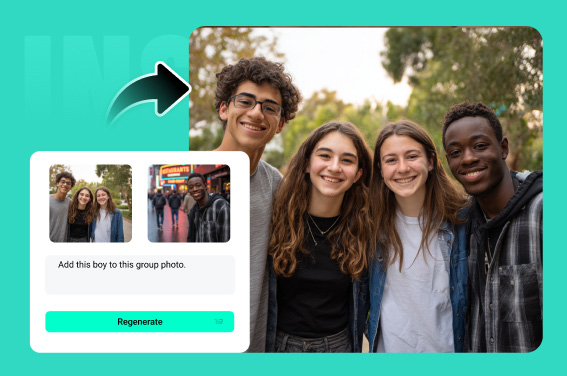
Add Person to Photo with AI
AI Image Generator
AI Art Generator
AI Tattoo Generator
AI Headshot Generator
AI Girl Generator

Transparent Background
HD Photo Converter