What is a Photo Frame Editor?


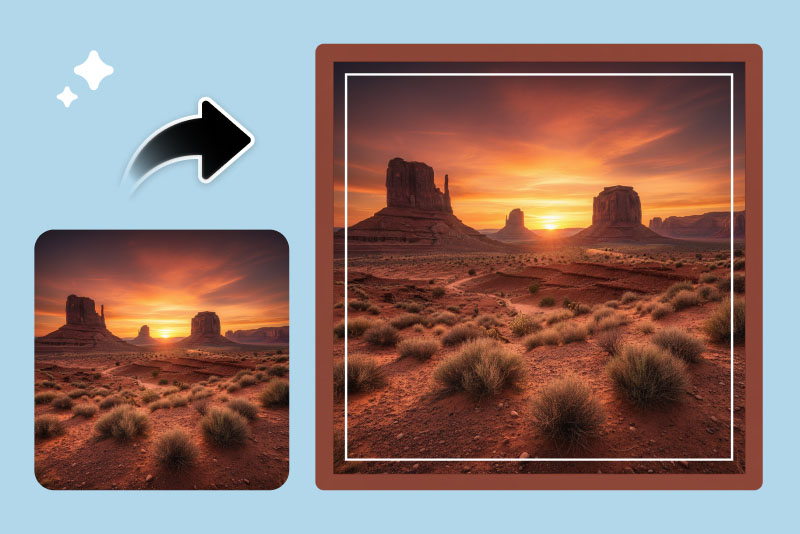
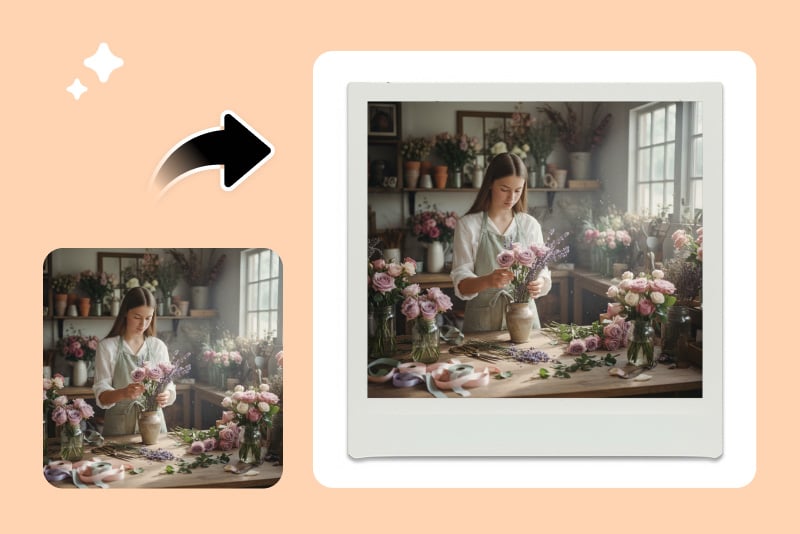
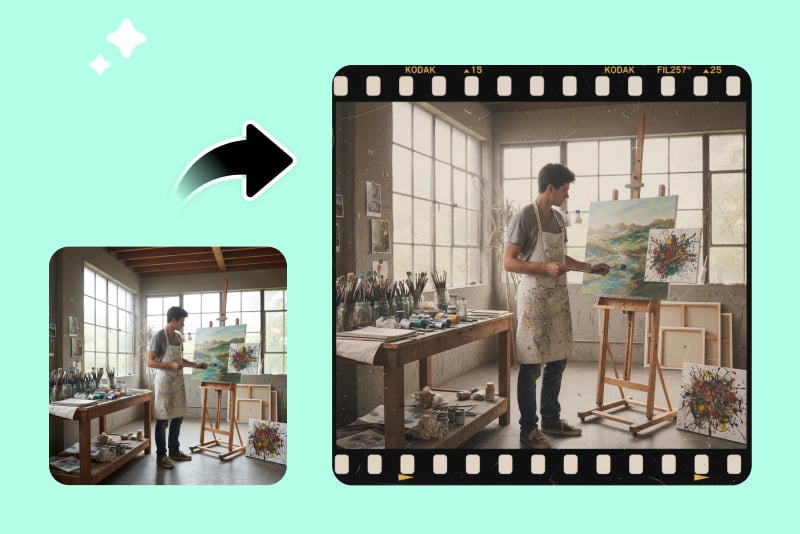
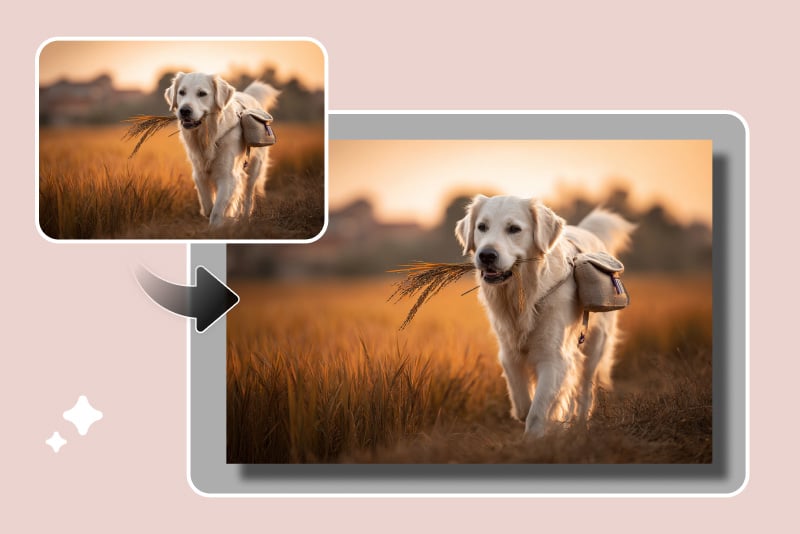
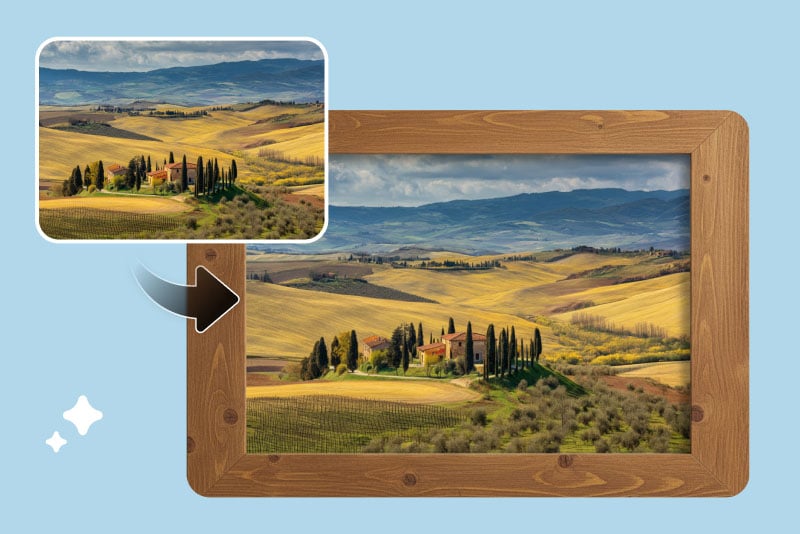
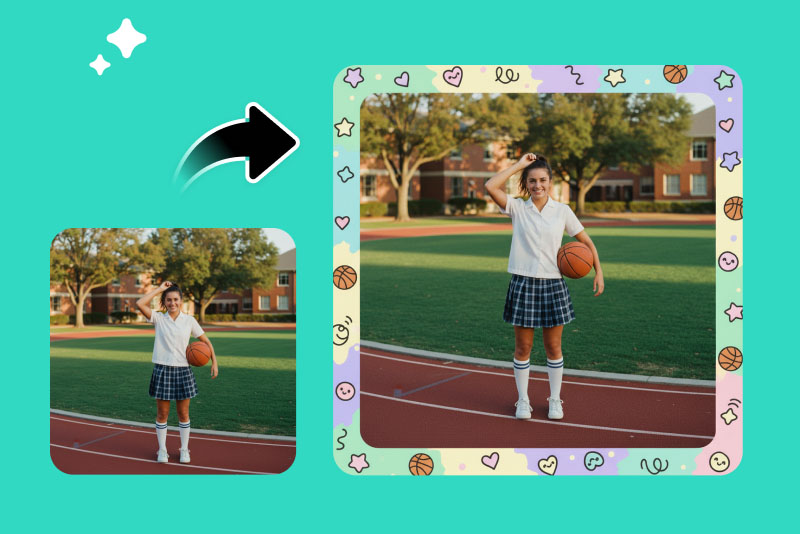
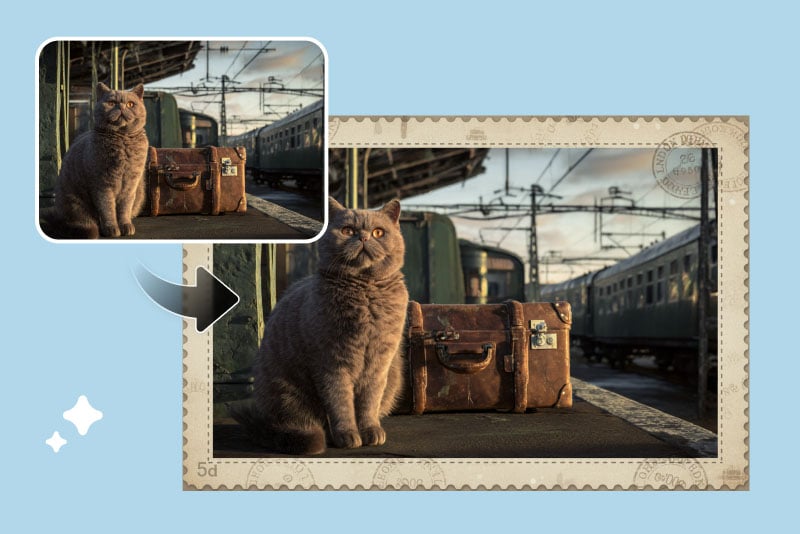
A photo frame editor is a digital tool that lets you add a frame to an image easily. It surrounds your photos with stylish borders or patterns to enhance their look for sharing, printing, or professional use.
Does Adding a Frame Reduce Photo Quality?
No. The AI adds frames without lowering image resolution. You'll get crisp, high-quality results suitable for printing, digital galleries, or online posts, keeping every detail sharp and clear.
Can I Customize the Frame Style and Color?
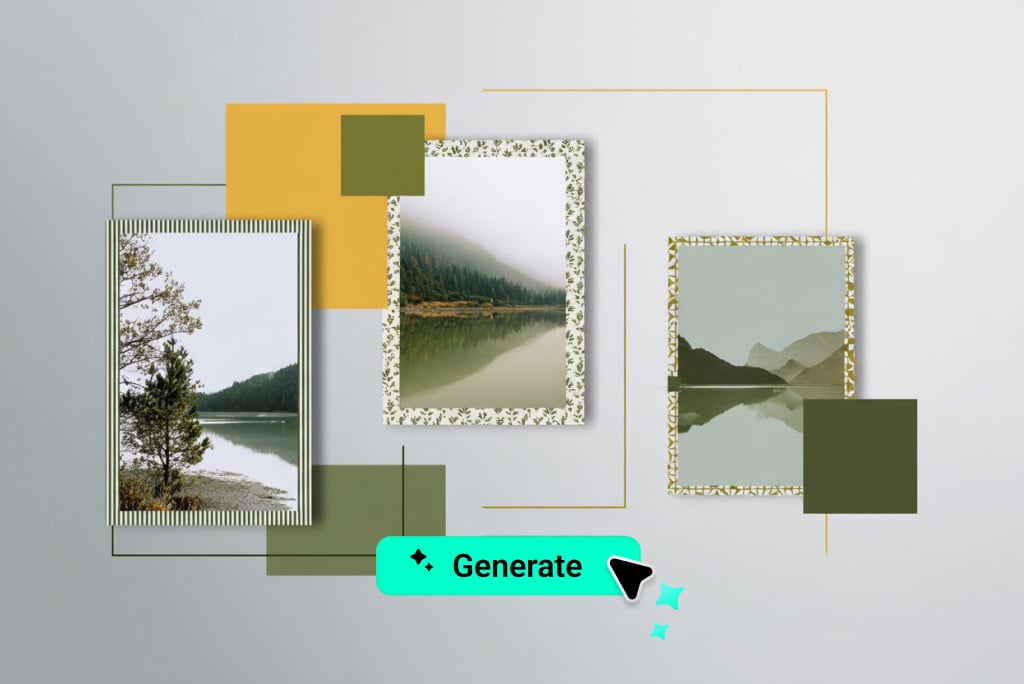
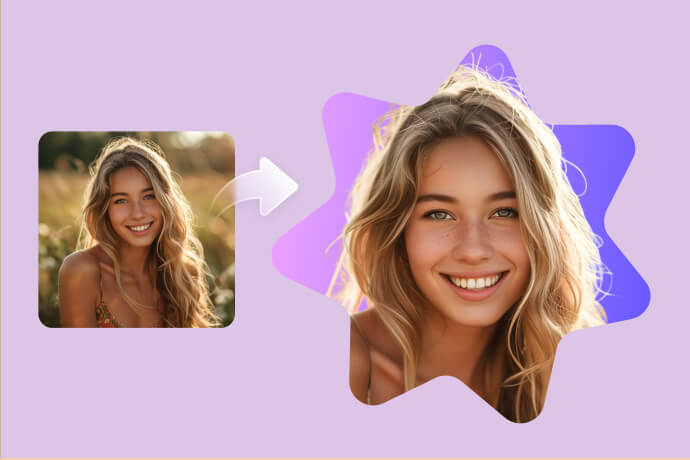
Yes. You can change frame color, size, and pattern with ease. Simply type your desired style, and AI applies it instantly, letting you achieve exactly the look you want.
What Types of Photos Can I Frame?
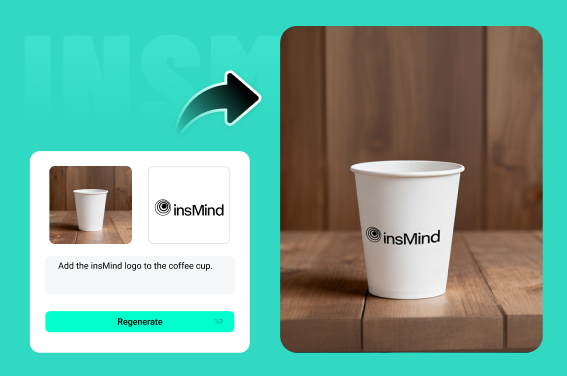
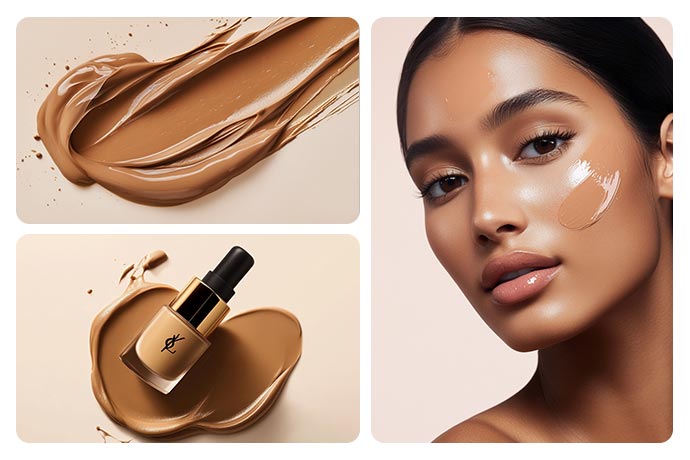
You can add frames to portraits, selfies, couple pictures, travel photos, family images, or even digital artwork. The tool works perfectly for any format, maintaining detail and quality in every edit.
What Kind of Photo Frame Effects Can I Use?
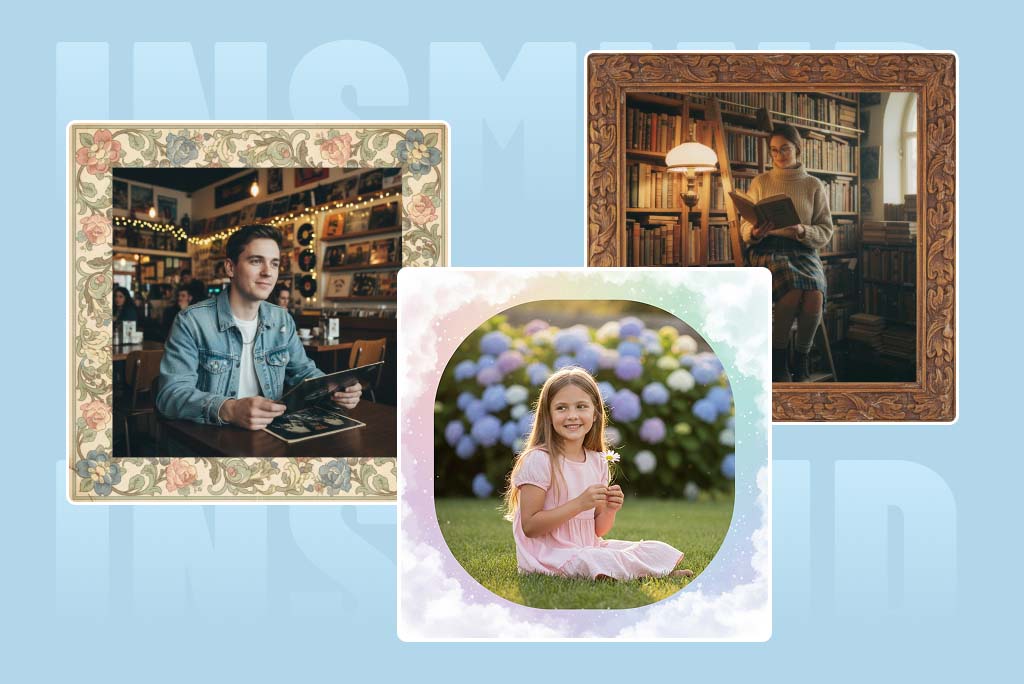
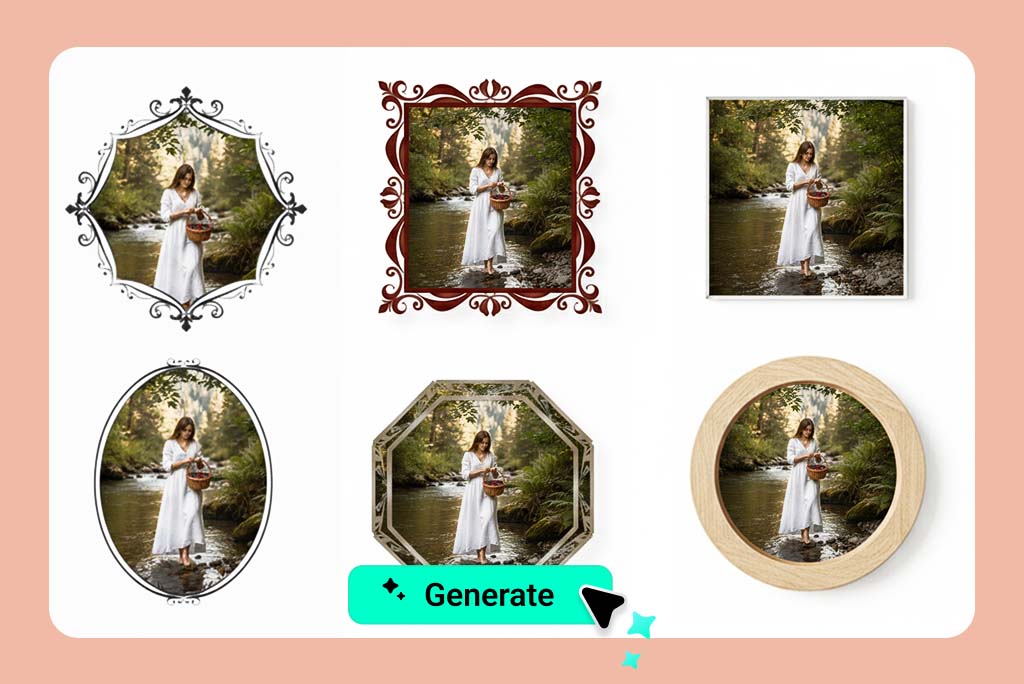
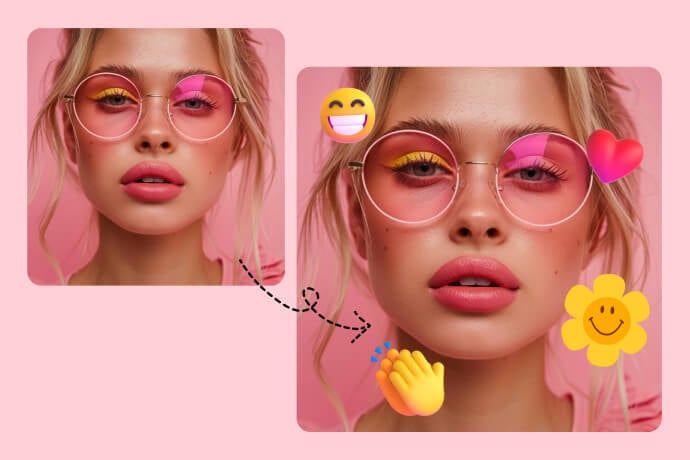
Use any effect you like, metallic, floral, vintage, cartoon, or neon styles. The AI adapts your prompt to create stunning photo into frame designs automatically with unique visual accuracy.
Is This Tool Available on Mobile Devices?
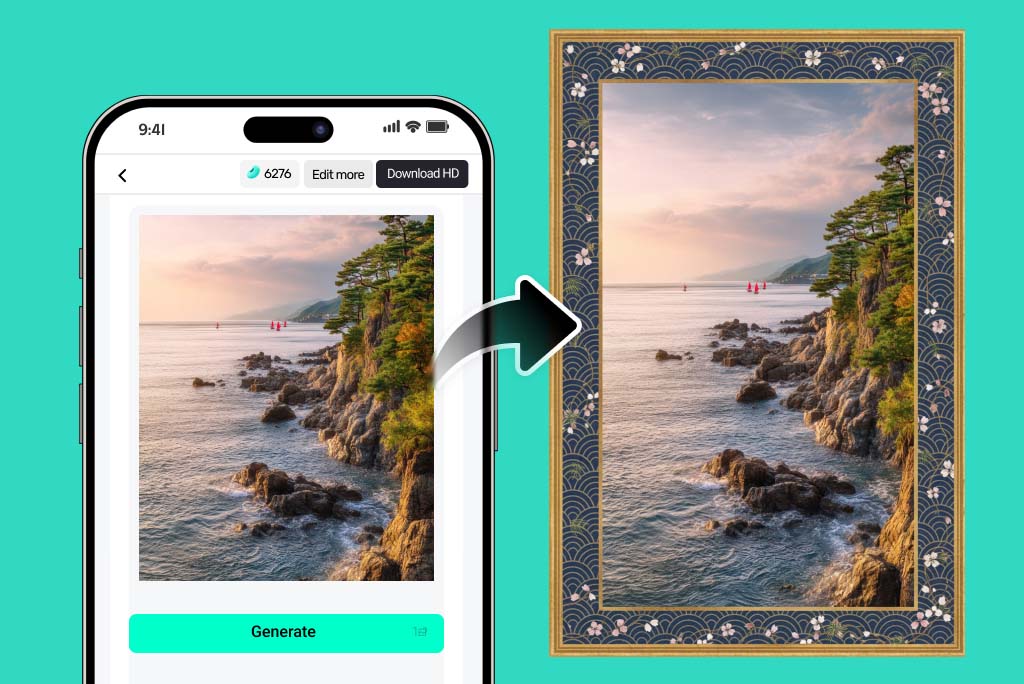
Yes. The editor runs smoothly on both desktop and mobile browsers. You can put a frame on photos instantly without downloading any app, anytime and anywhere you like.
Can I Add Multiple Frames or Collage Borders?
Absolutely. You can layer several frames or create collage-style borders. The AI ensures balance, making your photo look creative and professional at the same time.








"This tool can bring any photo frame idea to life. I used to get bored with traditional frames, but now I can make something creative and unique."
@Chloe Anderson