Use the photo frame maker when the image is already good but needs a finished edge. A simple frame can make portraits, product shots, and art previews feel more intentional.

Add a Frame to Photo Online
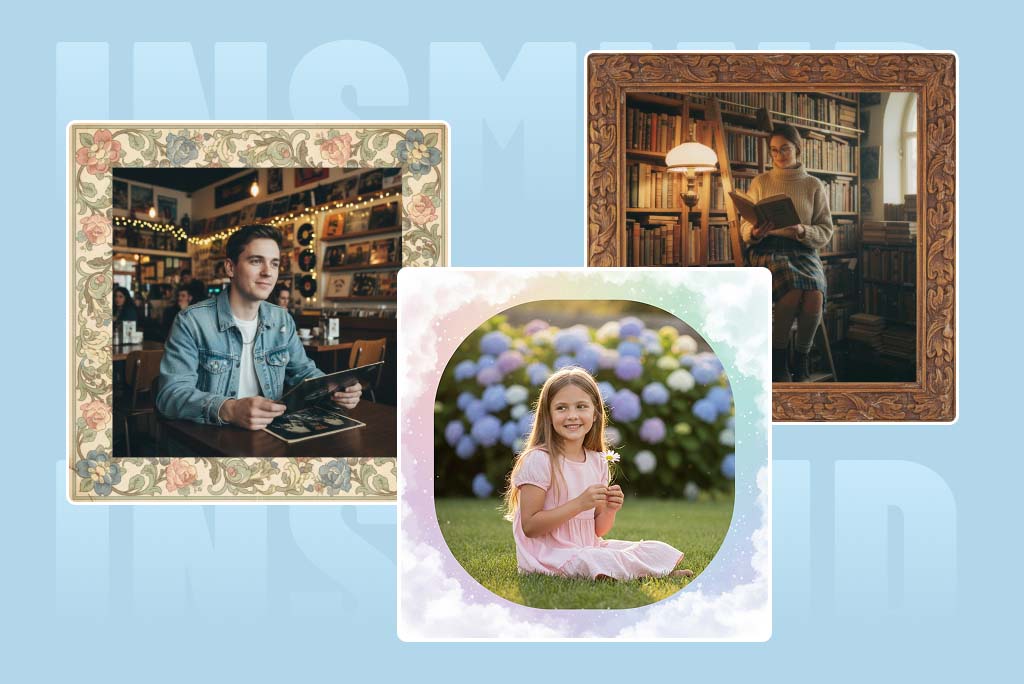
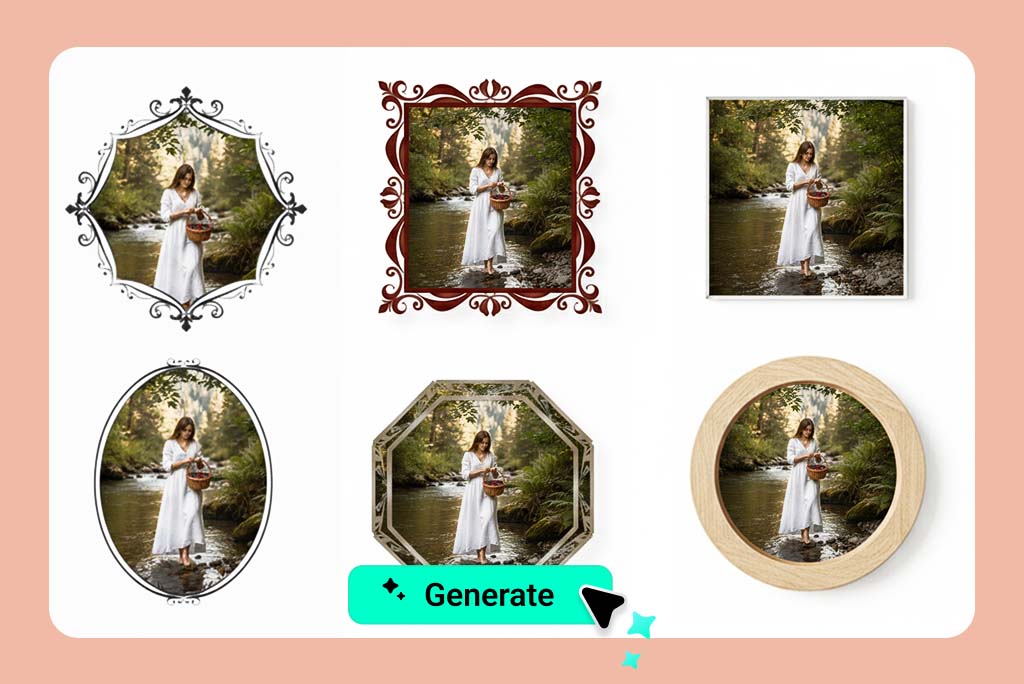
Put a Picture Into a Clean Frame
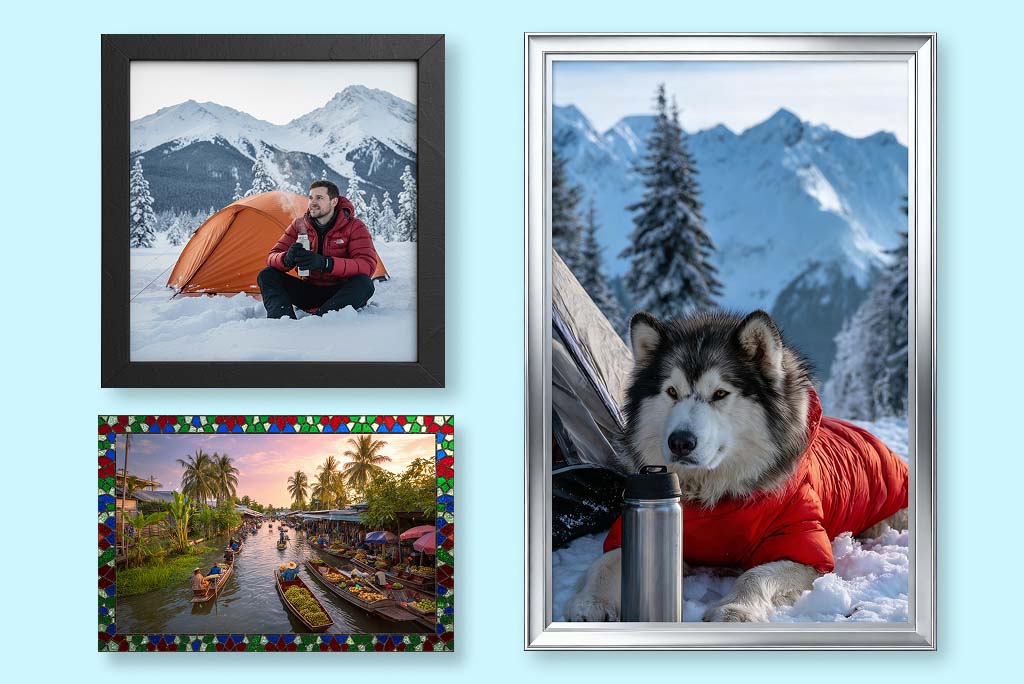
Add Borders for Social and Portfolio Images
White borders, solid outlines, and soft shadows help photos stand out in feeds or galleries. Keep the border width consistent if you are preparing a set.

Make Casual Photos Feel Like Prints
A polaroid or film-style frame works well for travel, events, memories, and creator posts. Check that the bottom caption area does not cover important image details.

Frame Product and Promo Images
For ecommerce or ads, choose a frame that supports the product rather than distracting from it. Avoid heavy decoration when the product edge or logo must stay clear.
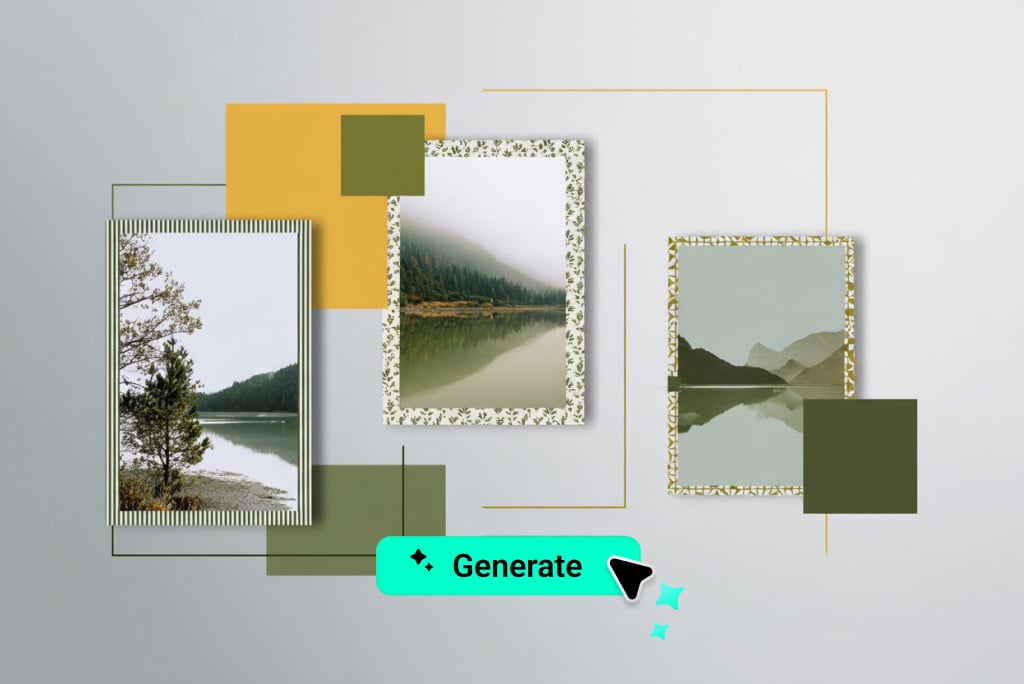
Fit the Picture Without Awkward Cropping
If the subject is too close to the edge, use a thinner frame or expand the image first. The best frame should make the photo easier to view, not hide key details.
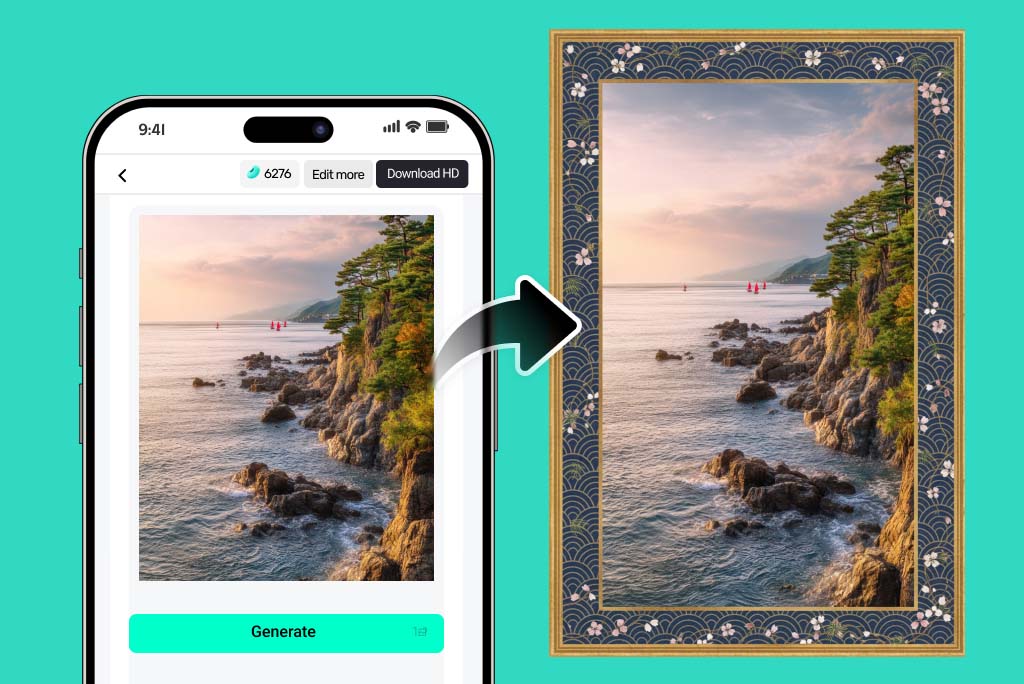
Export a Ready-to-Use Framed Photo
Once the layout feels balanced, download the framed image for social posts, profile photos, cards, presentations, or product visuals.
Photo Frame Ideas for Different Images
Frame style should follow the job of the image: clean borders for portfolios, playful frames for memories, and restrained layouts for products.
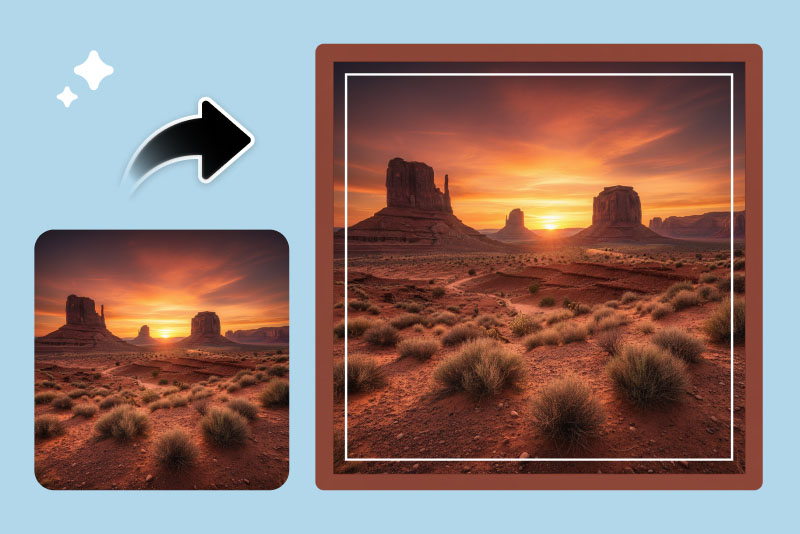
Classic Borders for a Clean Look
A thin white, black, or neutral border adds structure without changing the image mood. It is useful for portraits, galleries, and professional posts.
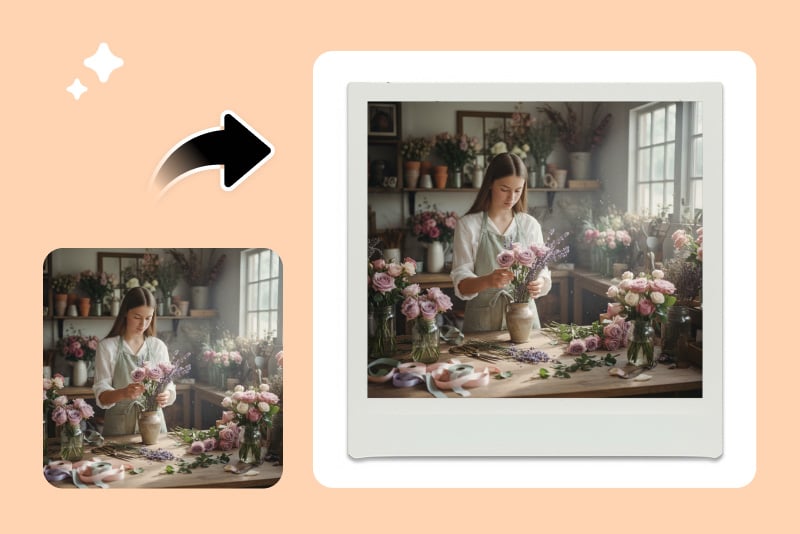
Polaroid Frames for Memories
Use a polaroid-style frame for travel, family, party, or event photos. Leave the caption area readable and avoid covering faces.
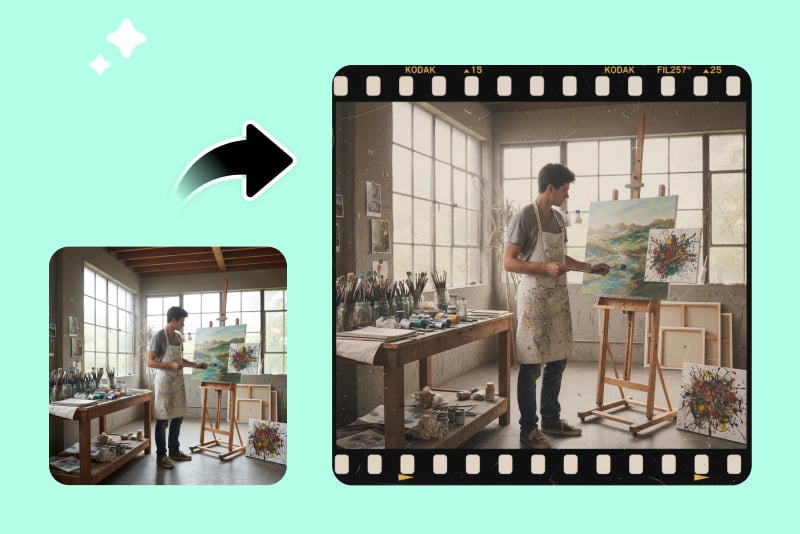
Social Media Frames
Create a frame that helps the image stand out in a feed. Check how it looks in square, vertical, and story formats before posting.
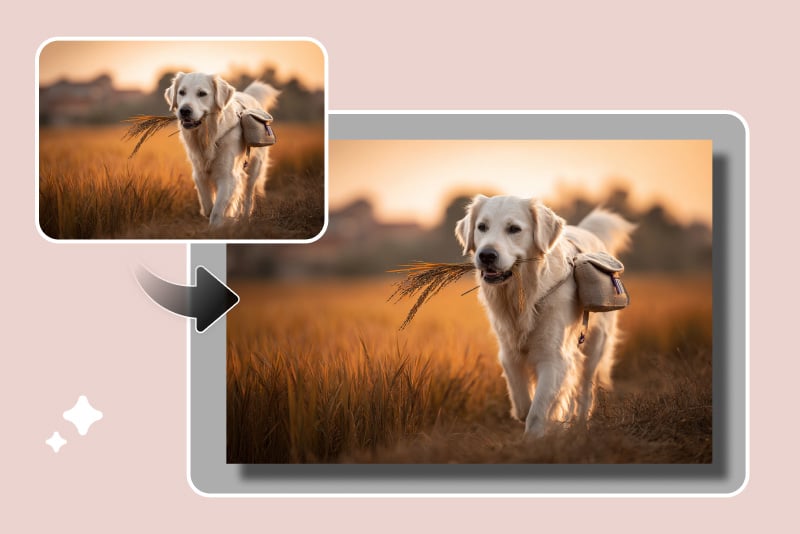
Product Photo Frames
A subtle frame can make product visuals look consistent across a store or campaign. Keep decoration away from the product edge and logo.
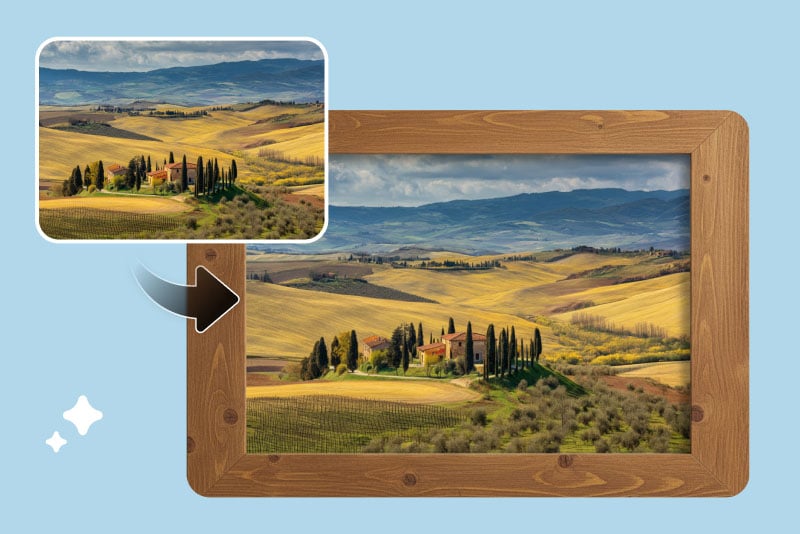
Wood and Paper Textures
Warm textures can make artwork, prints, and lifestyle photos feel more tactile. Use them when the frame supports the image's mood.
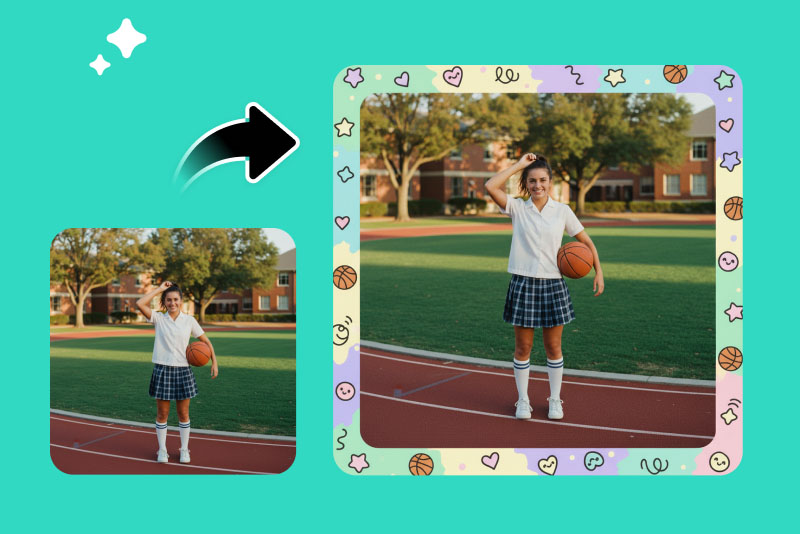
Minimal Gallery Frames
For portfolios and presentations, a minimal frame keeps the focus on the picture. Choose simple spacing and avoid busy edges.
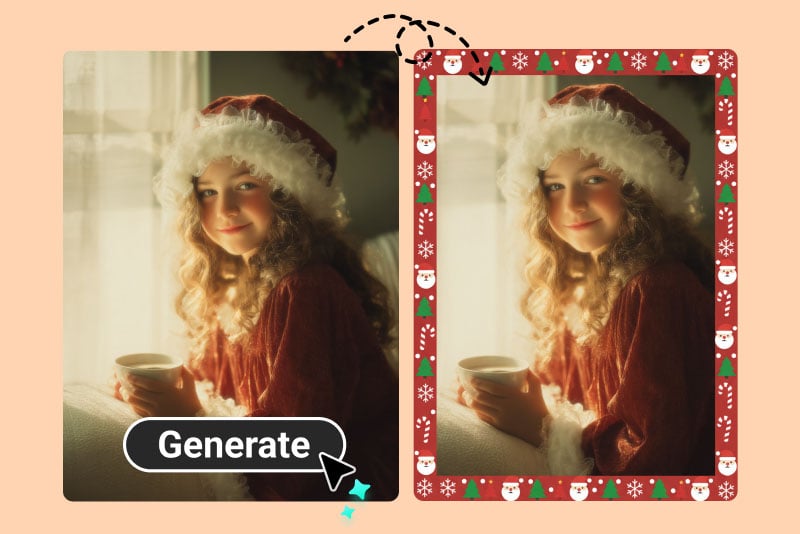
Decorative Event Frames
Birthdays, weddings, holidays, and announcements can use more expressive frames. Make sure names, dates, and faces stay readable.
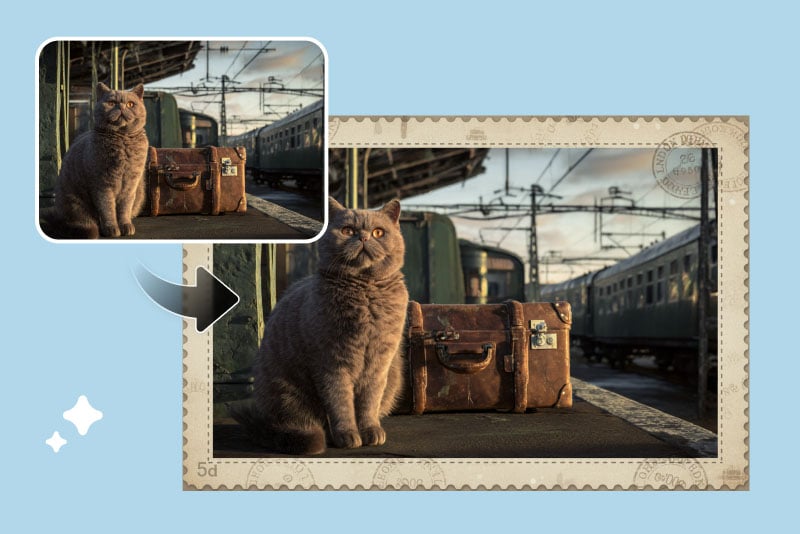
AI-Generated Frame Concepts
If you describe a custom frame, be specific about material, color, border width, and mood. Vague prompts often produce frames that overpower the photo.
Why Use insMind's Photo Frame Maker?

Flexible Frame Styles
Create simple borders, polaroid looks, decorative edges, or more custom AI frame ideas depending on the image and use case.

Useful for Single Images and Sets
Frame one photo or use the same frame direction across a group of visuals so a campaign, album, or portfolio feels consistent.

Preview Before Export
Check crop, frame thickness, and subject placement before downloading. A good frame should support the picture, not hide it.
Frequently Asked Questions About Photo Frames
How do I add a frame to a photo online?


Upload your photo, choose or describe a frame style, preview the crop and border, then download the framed image.
What is a photo frame maker?
A photo frame maker is an editing tool that adds borders, decorative frames, polaroid layouts, or custom frame styles around an image.
Can I put a picture into a frame for free?
You can try this tool online for free. Available features and usage limits may vary by account and permissions.
How do I fit a picture to a frame online?
Start with an image that has enough space around the subject. If the crop feels tight, use a thinner frame, adjust the image, or expand the canvas first.
What frame works best for product photos?
Use a simple, low-contrast frame that keeps the product clear. Avoid heavy decoration when product edges, labels, or logos matter.
Can I create a polaroid-style photo frame?
Yes. Choose or describe a polaroid-style frame and make sure the bottom area does not cover the subject or important details.
Will a frame change my original photo?
The frame changes the final exported layout. Keep a copy of the original if you want to compare or reuse the image without a frame.
More Tools for Framed and Finished Images
Use these when the photo needs cleanup, expansion, enhancement, or text before adding the final frame.
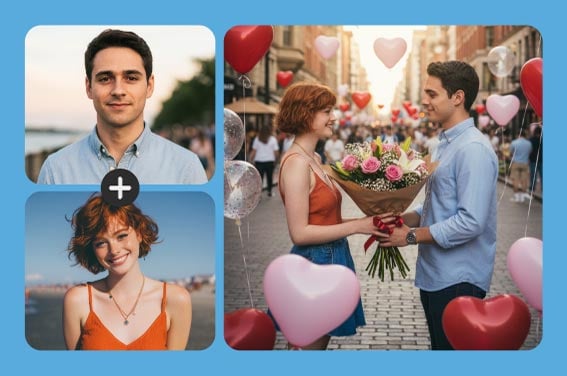
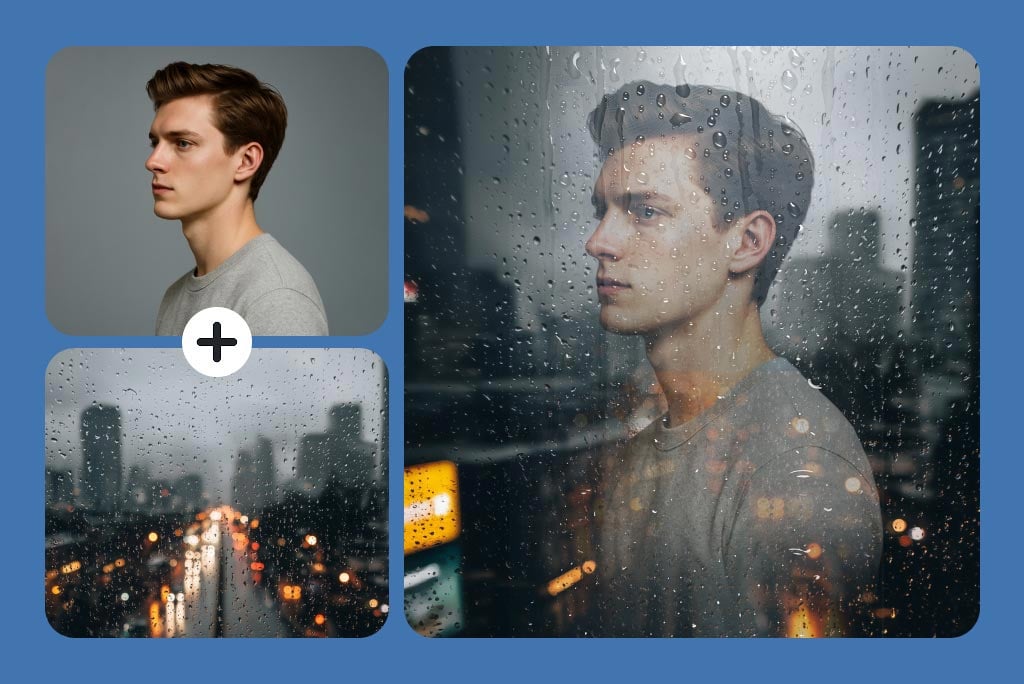
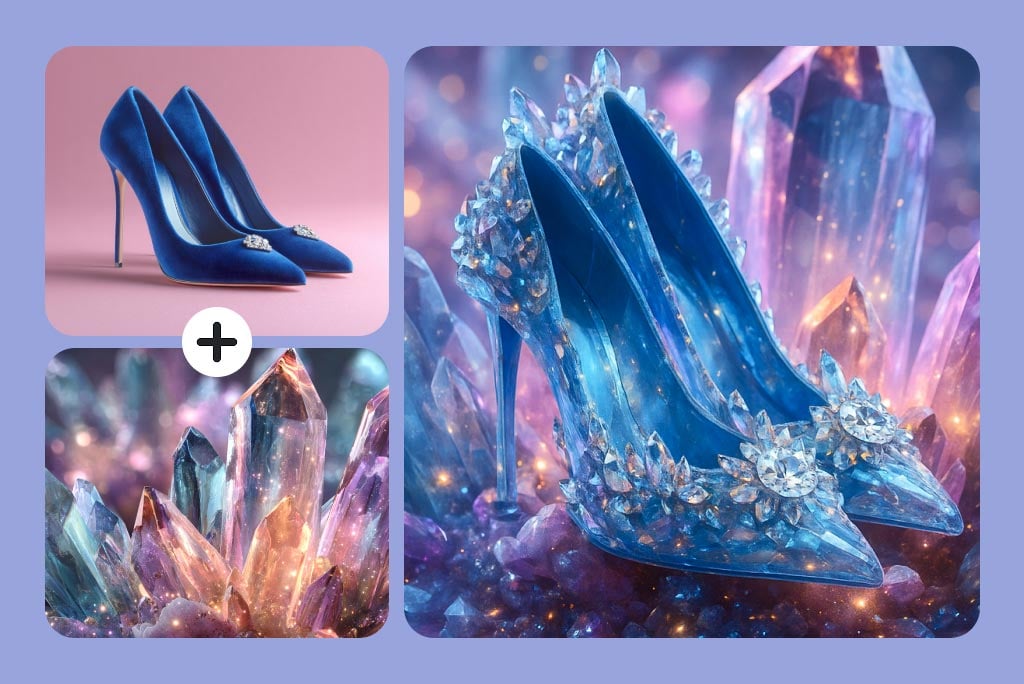

"This tool can bring any photo frame idea to life. I used to get bored with traditional frames, but now I can make something creative and unique."
@Chloe Anderson