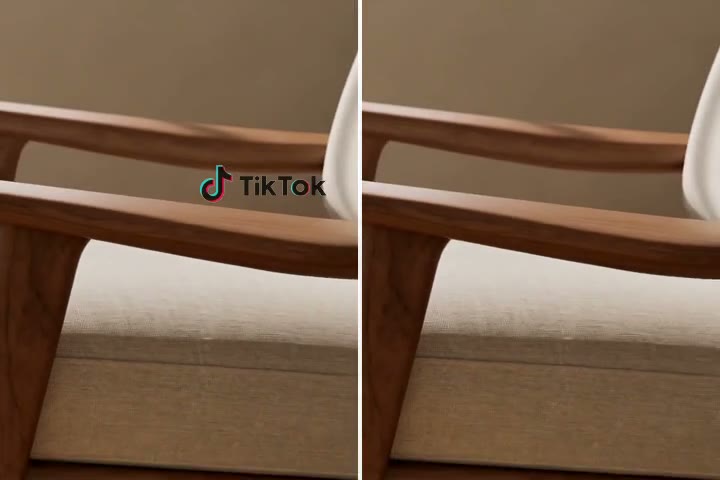
Remove TikTok Watermarks Without Cropping
Upload your downloaded TikTok video and let insMind clean the logo, username mark, or corner watermark without cutting away important parts of the frame. Keep the original composition, subject, and social-video pacing while creating a cleaner version for editing or reposting.

Clean Moving TikTok Logos from Downloaded Video
TikTok watermarks often move between corners, which makes simple cropping or blur patches look messy. insMind helps identify watermark areas across the video and repair the background behind them, so the final clip looks more natural from start to finish.
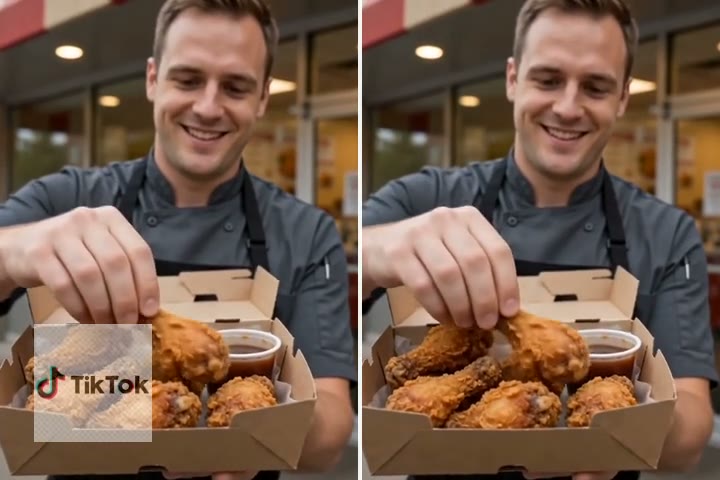
Erase Captions, Stickers, and Username Marks
Beyond the standard TikTok logo, you can remove distracting text overlays, stickers, captions, and username marks from your video. Use the AI edit workflow to target unwanted elements while keeping faces, products, backgrounds, and motion details as clean as possible.
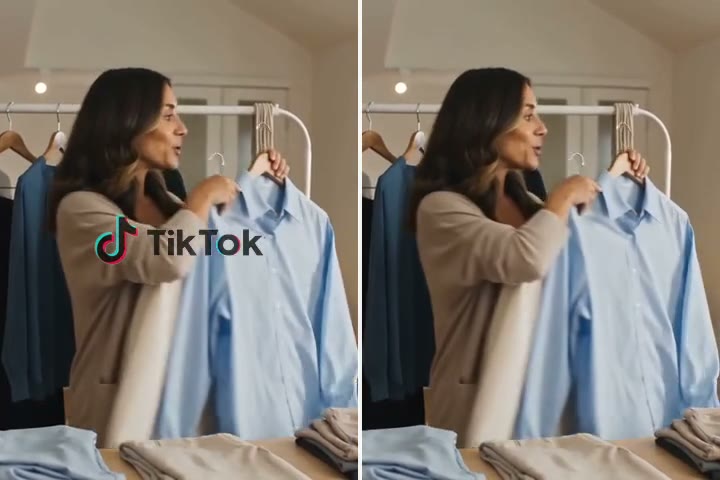
Reuse Clean TikTok Videos for Reels, Shorts, and Ads
Turn TikTok downloads into cleaner assets for Instagram Reels, YouTube Shorts, paid social ads, UGC edits, or brand content libraries. If you need to remove marks from other platforms too, try insMind's Video Watermark Remover.
TikTok Watermark Remover for Every Video Need
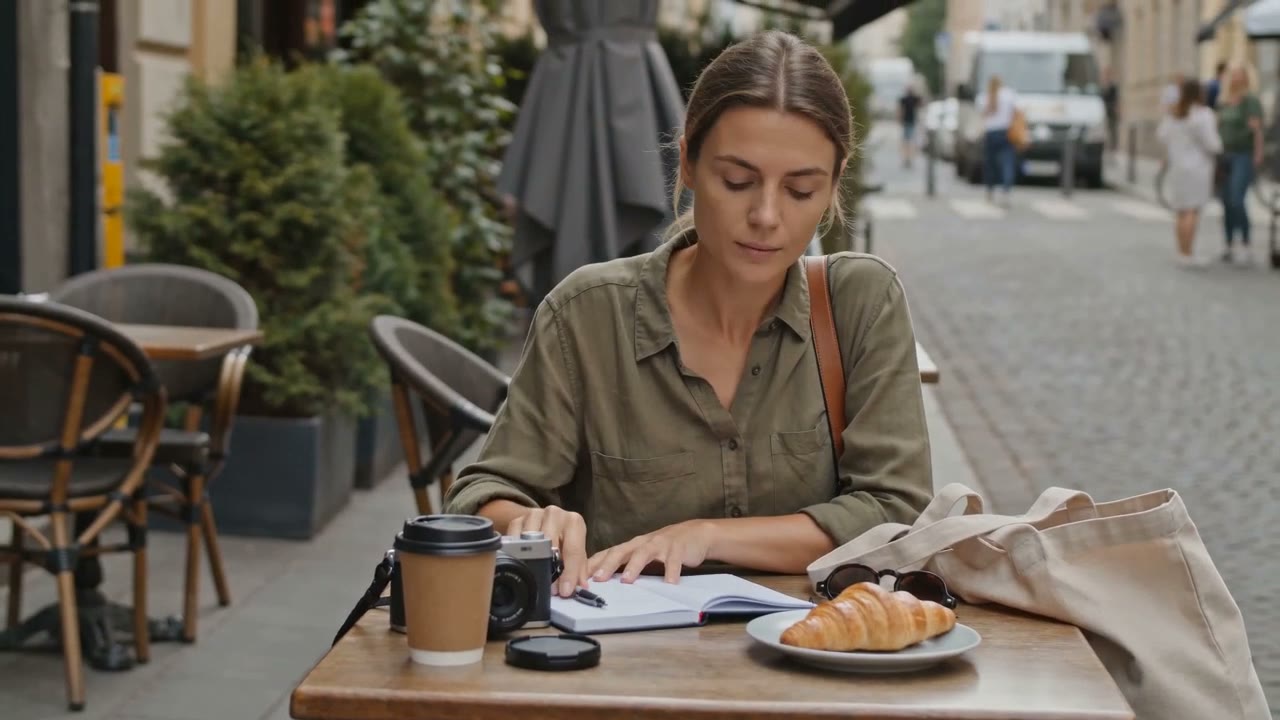
Cross-Platform Creators
Creators can clean their own TikTok downloads before republishing clips to Instagram Reels, YouTube Shorts, Facebook Reels, or other social channels with a more polished look.

UGC Marketing Teams
Brands and agencies can remove TikTok logos or username marks from approved creator videos before adapting them for paid social ads, product pages, or campaign edits.
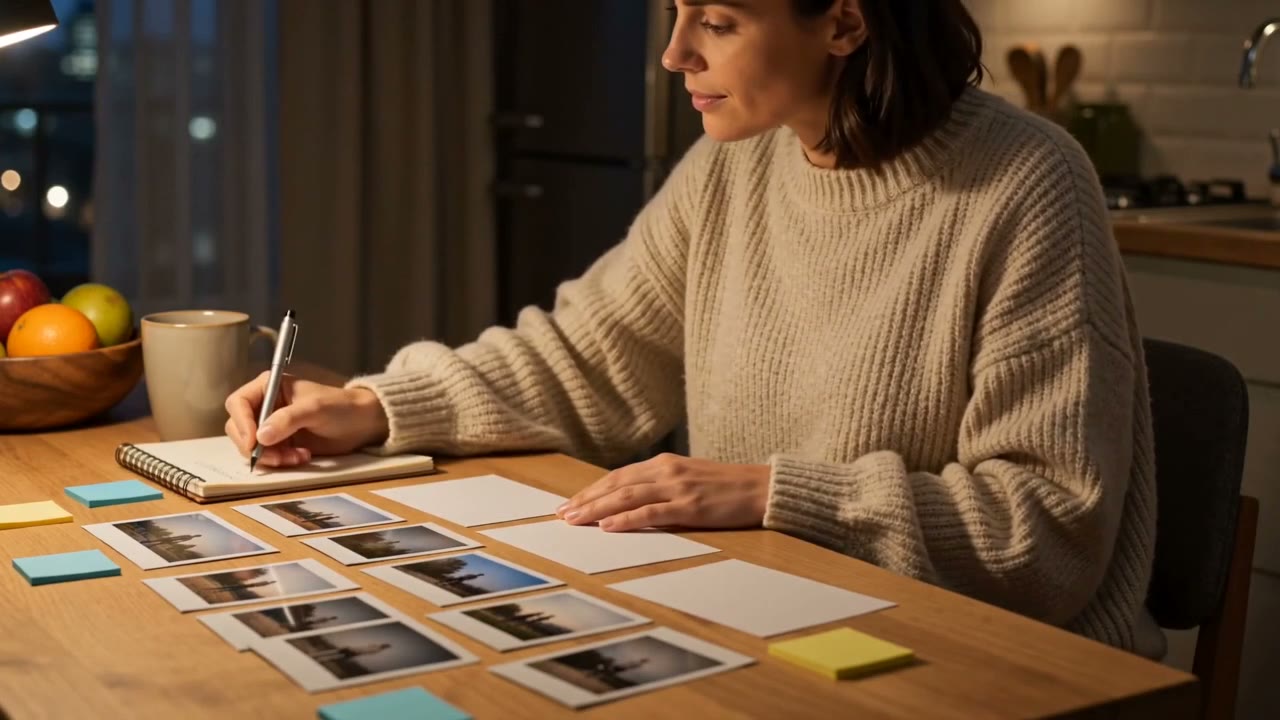
Social Video Editors
Editors can prepare cleaner source clips for trimming, resizing, captioning, color edits, or montage work without leaving platform watermarks in the final version.

Ecommerce Sellers
Online sellers can clean product demos, try-on clips, unboxings, or customer videos before reusing them across storefronts, short-form ads, and brand-owned content channels.
How to Remove TikTok Watermark with AI
Step 1: Upload Your TikTok Video
Choose a clear TikTok video file where the logo, username, or moving watermark is visible. Only upload videos you own or have permission to edit.
Step 2: Tell AI What to Remove
Enter a direct instruction, such as removing the TikTok watermark in the corner and restoring the background behind it. If the watermark moves or switches corners, describe where it starts and where it travels.
Step 3: Start AI Removal
Send the instruction to AI and let insMind generate the cleaned version. The original framing, subject, motion, and camera movement stay as the reference.
Step 4: Preview and Download
Play the full video and check for faint edges, flicker, or mismatched repair areas. Refine the edit if needed, then download the TikTok video without the watermark.
Why Choose insMind TikTok Watermark Remover

AI TikTok Watermark Detection
Detect TikTok logos, username marks, and corner watermarks so the edit starts from the exact area you want to clean.

No Cropping Required
Remove the watermark without cutting away important subjects, products, captions, or composition details from your original video. For other logos and overlays, try our Video Watermark Remover.

Handles Moving Watermarks
Clean watermarks that shift between corners by describing the movement and letting AI repair affected frames.

Ready for Social Reuse
Prepare cleaner clips for Reels, Shorts, ads, creator edits, ecommerce videos, and brand content libraries.

Browser-Based Editing
Upload, edit, preview, and download online without installing extra apps or switching between desktop editing tools. You can also use the AI Video Editor for more video edits.

Clean Background Repair
Fill the removed area with a natural-looking background so the result avoids obvious blur blocks or rough patches.
FAQs About insMind TikTok Watermark Remover
What is a TikTok watermark remover?


How do I remove TikTok watermark online?
Can I remove TikTok watermark from a downloaded video?
Is insMind TikTok watermark remover free to try?
Can it remove moving TikTok watermarks?
Will removing the watermark reduce video quality?
Can I remove TikTok captions or text overlays?
Can I use the cleaned video for Instagram Reels or YouTube Shorts?