AI Image
AI Video
Photo Editor
Resources
InspirationsPricing

Convert Photo to Cartoon Online for Free with AI Cartoon Filter

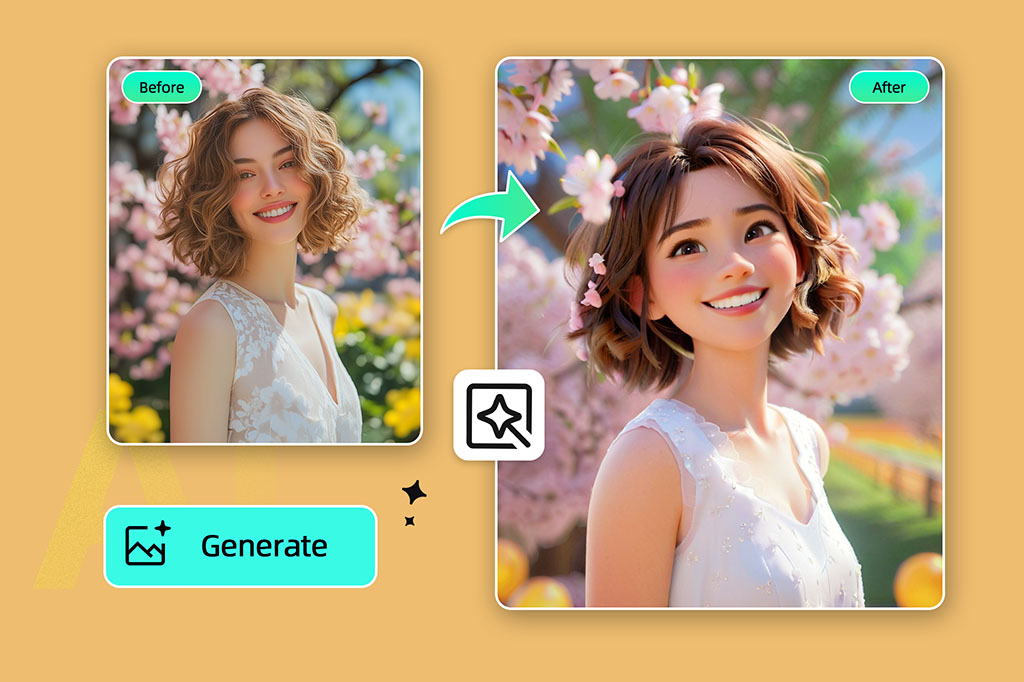
Transform your photo into a cartoon-style image instantly! Use our free online photo to cartoon converter — simply upload your picture and cartoonize it in seconds.

Convert Photo to Cartoon Online for Free with AI Cartoon Filter
Or drop image here, paste image or URL
Try with one of these
insMind AI Crying Filter Sample 1
insMind AI Crying Filter Sample 2
insMind AI Crying Filter Sample 3
insMind AI Crying Filter Sample 4

Create Similar

{ "scene": { "type": "street_photography_cyber_surveillance_collage", "source_image": "user_uploaded_photo", "layout": "fragmented_collage", "elements": [ "full_body_shot", "detail_crops", "red_tactical_lines_connecting_elements", "CCTV_UI_overlays: bounding_boxes, telemetry_data, digital_HUD" ], "lighting": "natural_harsh_sunlight_late_afternoon, strong_contrast, long_diagonal_shadows", "background": "urban_paved_plaza, grey_concrete, tiled_pavement, sharp_focus" }, "subject": { "use_uploaded_image": true }, "camera": { "angle": "high_angle_surveillance", "lens": "35-50mm", "focus": "deep_focus", "composition": "main_image_plus_inset_detail_crops" }, "render": { "quality": "8K_ultra_HD, hyperrealistic, photoreal_high_fidelity, full_color, cool_urban_tones, vibrant_red_UI_accents", "aspect_ratio": "4:5", "resolution": "1440x1920", "post_processing": "high_sharpness, digital_grain, scanline_imperfections, red_vector_graphics_overlays (numbers 19 5 3 21 18 9 20 25, text CCWW, TR521, timecode 18/02, bounding_boxes with #83575// #25747//)" }, "theme": "urban_surveillance, tactical_data_visualization, candid_fashion_moment, cool_detached_observation, chaotic_data_stream, privacy_invasion_chic" }
Ultra-realistic digital illustration style, themed around the scene from the user-uploaded image, presenting the passage of the four seasons within a single, unified composition. From left to right, the image naturally transitions through winter, spring, summer, and autumn: The far left depicts winter, showing a cold, snow-covered environment. Gradually moving right, the snow melts, nature awakens, and fresh buds emerge, signaling a vibrant spring. Continuing further, vegetation becomes dense and lush under bright, intense sunlight, revealing the fullness of summer. Finally, the scene gently transitions into autumn on the far right, where leaves gradually turn golden yellow and orange-red, expressing the rich colors and atmosphere of fall. The entire image has no visible dividing lines; climate, lighting, and vegetation blend seamlessly between seasons, creating smooth transitions and forming a unified composition filled with a sense of time’s flow and symbolic meaning. Rich, highly realistic details, cinematic-quality lighting and shading, 8K ultra-high resolution, fine and delicate textures, 4:3 aspect ratio.
A highly detailed, photorealistic extreme low-angle photograph from ground level looking up, featuring the subject from the user-uploaded photo positioned at Shibuya Crossing. The subject appears at a colossal scale, crawling on their knees and reaching out to hold the top of a taxi with their left arm. To emphasize the immense scale, use strong foreshortening from ground level, showing the massive hand reaching toward the taxi. Bright sunny daylight illumination.
Make a photo in a perfectly isometric angle. It must be a realistic live-action photographic style, not illustration or CGI. It is not a miniature; it is a real captured photo that happens to be perfectly isometric. The photo shows a real-life office Christmas party.
Use the subject from the uploaded photo — including the subject’s actual gender — and apply an artistic red–blue double-exposure effect using two poses of the same person. Keep the base layer as the original pose and background exactly as in the uploaded photo. Generate a second pose where their head angle, facial direction, or expression is slightly different, as if captured a moment earlier or later. Color the second pose in red, the base pose in cyan, and offset the layers to create a clean ghosting effect. Preserve skin texture, tattoos, contrast, and maintain the original background.
Use the subject from the uploaded photo and transform it into a 1/7–scale premium ornament. Preserve the original shape, structure, and details of the product exactly as in the uploaded image (do not remove lids, change openings, or alter any design elements). Render it realistically with smooth, high-quality textures, clearly toy-like but not lifelike human skin. Hang this ornament on an indoor Christmas tree using a wide silk ribbon or string, ensuring it blends naturally with the branches. The scene should be warm and festive, filled with golden lights, ornaments, and a cozy Christmas glow. Ensure the product feels like a high-end collectible, fully integrated with the environment, with the image clean, clear, and focused on the ornament.
{ "scene": { "type": "aerial_drone_view", "perspective": "top-down, looking directly at the object from above", "background": { "type": "urban_cityscape", "lighting": "realistic daylight with natural shadows and reflections" } }, "subject": { "object_type": "large_luxury_shopping_bag", "material": "smooth, premium leather or high-quality glossy finish", "details": { "logo": "golden 'InsMind' embossed", "contents": "filled with products from user-uploaded images", "suspension": "hanging from a wide silk ribbon under a drone" }, "lighting": "soft and realistic highlights and shadows on the surface", "texture": "highly detailed, tactile, realistic reflections" }, "composition": { "framing": "ultra high-quality, professional, cinematic composition", "focus": "shopping bag in sharp detail, cityscape slightly blurred", "quality": "ultra-detailed, photorealistic, high-resolution rendering" } }
Use the nano pro model to generate a Christmas tree formed by deep green ribbons spiraling upward with smooth curves and a glossy, dimensional texture. Decorate the tree with the beauty products from the user-uploaded image, preserving their original appearance, colors, packaging, and printed details without alteration. Add silver Christmas balls, heart-shaped ornaments, a vintage pocket watch, and red-and-white candy canes as additional festive elements. The background should be a clean, rich red tone that feels premium and vibrant. Use soft, bright lighting to highlight the ribbon texture and showcase the beauty products clearly. Maintain a centered, balanced composition with a modern, celebratory visual style.
Use the animal from Image 1 as the subject. Use the tall product from Image 2 as the giant object. A bright, clean European-style living room corner with warm tones, soft textures, and elegant home décor. Top-down (slightly high-angle) perspective. Soft, bright ambient lighting. The animal from Image 1 stands upright on its hind legs, lifting its front paws to hold and cling onto the super-enlarged, vertically standing product from Image 2 (the product should be significantly taller than the animal). The animal slightly turns its head toward the camera, looking directly into the lens with a lively, natural, energetic expression. The product from Image 2 must receive lighting, reflections, shadows, and ambient bounce light consistent with the European-style living room, ensuring it visually blends into the environment naturally and convincingly. Clear textures, gentle color palette, warm atmosphere, natural shadows, harmonious scale contrast. Cute, fresh, soft-Japanese aesthetic blended with a European interior setting. High-resolution render, no additional characters, no extra props unless necessary for realism. This is an EDIT using the subjects from the uploaded images: – The animal identity, fur, and posture must follow Image 1. – The product appearance, material, and shape must strictly follow Image 2, with environmental lighting integration. – Background is new (European-style living room). – Keep composition consistent with a warm lifestyle photo.
Use the person from the user’s uploaded Image 1 holding a giant-sized version of the product from Image 2. Bright metal elevator interior, brushed stainless-steel texture, clean reflections, soft overhead lighting. Slight top-down camera angle from elevator ceiling corner. Fresh Japanese aesthetic: airy tones, gentle contrast, light desaturation, natural skin texture. The person’s expression and posture remain true to Image 1, but with natural, youthful energy, relaxed shoulders, lively eyes. The giant product should feel physically present with correct lighting, proportional shadows, and slight squeeze in the character’s arms to show weight. Elevator control panel and metal seams visible for realism. Overall atmosphere: playful, clean, bright, modern. This is an EDIT, not a new character. Preserve: facial identity, hairstyle, clothing style, and camera perspective from Image 1. Integrate giant product from Image 2 seamlessly into the person’s arms.
The Cat robot, presented in a high-contrast scientific studio render against a pure black void. This tight right-side profile features a false-color thermal X-ray aesthetic, where the transparent shell reveals a sharply detailed internal architecture of batteries, drivers, and sensors using a vibrant heatmap gradient. The colors shift from deep cool blues to intense yellows and red highlights, creating a futuristic, clinical look with orthographic perspective and a soft, neon-like glow.
Puppy nose close-up with a fisheye lens, exaggerated perspective, rounded frame, edges warped, playful expression, soft daylight, warm tones, social media viral style, background outside fisheye area completely black.no text
Comical selfie with an extreme fisheye lens, exaggerated nose and cheeks, circular bubble frame, flattering soft light, vibrant grading, slight vignetting, background outside fisheye is pure black, no text
A hyper-realistic fisheye wide-angle selfie, captured with a vintage 35mm fisheye lens creating heavy barrel distortion. without any camera or phone visible in the subject’s hands. Subject & Action: A close-up, distorted group photo featuring [Person From Uploaded Image] taking selfie with Jesus and Santa Claus. Everyone is making wild, exaggerated faces, squinting slightly from the flash. Lighting & Texture: Harsh, direct on-camera flash lighting that creates hard shadows behind the subjects. Authentic film grain, slight motion blur on the edges, and chromatic aberration. It looks like a candid, amateur snapshot as if captured during a chaotic behind-the-scenes moment, not a studio photo.
Extreme wide-angle remix EDIT. Use the original image as strict reference for the person’s identity, hairstyle, outfit style, and the SAME location type. This is an EDIT, not a new character. Generate a 4-panel grid (2×2). Each panel MUST have a different pose, angle, and near-lens body part. No repetition. Camera / Perspective Ultra-wide / fisheye (12–18mm). Dramatic angles required: worm’s-eye, bird’s-eye, low/high, Dutch tilt. Strong foreshortening: near-lens parts appear huge. Photorealistic fashion/street style. Background Keep SAME location; do NOT replace it. Different angles may show new areas—extend environment logically with matching structures, materials, colors, lighting. Near-lens Parts (1–2, sometimes 3) Each panel uses different parts: hands/fingers, feet/shoes, knees/thighs, face, shoulders/chest. Must come extremely close with clear texture and distortion. Pose / Body Each panel must have a UNIQUE dynamic pose: standing with limbs forward, crouching, sitting, lying with feet toward lens, leaning in, twisting, crossed legs, arched back. Complex combos allowed (hands+feet, both hands, both feet, face close with limbs in perspective). Anatomy must remain believable. Angle / Attitude Randomize orientation per panel (up/down/side/tilt). Keep cool, confident fashion/editorial or street vibe. Expressions can vary but must remain the same person. Lighting / Rendering Keep lighting/time consistent with original. You may enhance contrast/color. Maintain realistic shadows and ground contact. High-resolution, sharp textures. Variation (VERY IMPORTANT) All 4 panels must differ clearly: – different camera angles – different poses – different near-lens parts – different orientation Avoid ANY repeated composition. Strict Rules Do NOT change the person. Do NOT change outfit type. Do NOT move to another location. Do NOT add text/logos. Do NOT use illustration/anime; keep photorealistic.
A giant Christmas 3D billboard on the side of a modern building in a lively urban street adorned with festive Christmas lights, wreaths, and ornaments. On the 3D billboard is a confident woman (from attached image) wearing a festive yet fashion-forward outfit — glittery red jacket, green stylish scarf, patterned boots. She’s striking a playful pose, throwing a snowball that seems to come out of the billboard. Next to her, bold text styled like a luxury holiday slogan reads: “FROSTY & FABULOUS” with tagline "MAKE WINTER FUN". The 3D billboard combines high-fashion elegance with humorous Christmas vibes. Photorealistic, stylish, culturally modern, and meme-inspired.
A giant Christmas curve-edge horizontal long-strip 3D anamorphic billboard on the side of a modern building at a busy crossroad, streets decorated with Christmas lights, garlands, and festive ornaments. Inside the wide 3D billboard is a cozy Christmas-decorated living room scene — warm fireplace glow, decorated tree, stockings, red-green holiday accents. In this scene stands a woman (from attached image) dressed in a cozy winter-chic outfit — oversized red coat, patterned mittens, wool hat. She’s playfully tossing tiny wrapped presents that appear to float off the billboard and land on the street below. Next to her, bold text styled like a luxury holiday slogan reads: “SPREAD JOY, ONE GIFT AT A TIME” with tagline "MAKE IT MAGICAL". The 3D billboard mixes high-fashion elegance with whimsical anamorphic style. Photorealistic, stylish, culturally modern, and meme-inspired.
A giant Christmas 3D billboard designed as a vertical long-strip screen on the side of a modern building in a busy urban street decorated with festive Christmas lights, garlands, and ornaments. Inside the 3D billboard is a Christmas-themed interior space, filled with warm red-green color accents, soft golden holiday lighting, subtle snow-sparkle reflections, and elegant Christmas decorations such as ornaments, ribbons, and festive patterns along the background surfaces. Within this Christmas-decorated space stands a cheerful person (from attached image, gender-neutral wording), fully positioned inside the billboard. They are wearing a festive Santa-inspired outfit with a modern twist — red velvet jacket, playful patterned scarf, stylish boots. They hold a giant candy cane that slightly extends out of the 3D billboard, creating a playful breaking-the-frame illusion. Next to them, bold text styled like a luxury holiday slogan reads: “MERRY & BRIGHT SINCE BIRTH” with tagline “BUT MAKE IT FESTIVE”. The 3D billboard mixes high-fashion elegance with joyful Christmas humor. Photorealistic, stylish, culturally modern, and meme-inspired.
{ "task_configuration": { "task_type": "screen_simulation_photorealism", "target_model": "SDXL_1.0_Refiner", "aspect_ratio": "3:4", "resolution": { "width": 1152, "height": 1536 } }, "visual_hierarchy": { "layer_1_physical_macro": { "camera_angle": "high-angle", "framing": "MacBook screen dominant", "surface_imperfections": ["pixel texture","dust","reflection","smudges"] }, "layer_2_digital_interface": { "theme": "Dark Mode", "window_layout": { "left_panel": "Spotify Liked Songs", "right_panel": "Photo Booth" } }, "layer_3_nested_subject_content": { "environment": "dim bedroom", "lighting_simulation": "cool screen glow + warm tones", "subjects": { "shared_attributes": ["black hoodies","reclining"], "subject_a_guy": { "identity_target": "male from uploaded image", "action": "holding phone" }, "subject_b_girl": { "identity_target": "female from uploaded image", "action": "resting beside A" } } } }, "prompt_assembly": { "positive_prompt": "Hyper-realistic downward shot of a MacBook screen with dust and reflections. Photo Booth shows a couple in a dark room, identities from uploaded male and female subjects, wearing black hoodies. Low-key, candid, nocturnal.", "negative_prompt": "vector, flat, clean, daylight, cartoon, 3d, painting, watermark" }, "identity_preservation_settings": { "strictness_level": "CRITICAL", "methodology": { "face_restoration": false, "control_net_stack": [ { "unit": "ControlNet_Tile","weight": 0.4 }, { "unit": "IP-Adapter_FaceID_Plus","weight": 0.95 } ] } }, "rendering_parameters": { "sampler": "DPM++ 3M SDE", "steps": 40, "cfg_scale": 5.5, "denoising_strength": 0.35 } }
task: "edit-image: add widened torn-paper layered effect" base_image: use_reference_image: true preserve_everything: - character identity - facial features and expression - hairstyle and anatomy - outfit design and colors - background, lighting, composition - overall art style rules: - Only modify the torn-paper interior areas. - Do not change pose, anatomy, proportions, clothing details, shading, or scene elements. effects: - effect: "torn-paper-reveal" placement: "across chest height" description: - Add a wide, natural horizontal tear across the chest area. - The torn interior uses the style defined in `interior_style`. - effect: "torn-paper-reveal" placement: "lower abdomen height" description: - Add a wide horizontal tear across the lower abdomen. - The torn interior uses the style defined in `interior_style`. interior_style: mode: "line-art" style_settings: line-art: palette: "monochrome" line_quality: "clean, crisp" paper: "notebook paper with subtle ruled lines" sumi-e: palette: "black ink tones" brush_texture: "soft bleeding edges" paper: "plain textured paper" figure-render: material: "PVC-like" shading: "semi-realistic highlights" paper: "plain smooth surface" colored-pencil: stroke_texture: "visible pencil grain" palette: "soft layered hues" paper: "rough sketchbook paper" watercolor: palette: "soft transparent pigments" blending: "smooth bleeding" edges: "soft contours" paper: "watercolor paper texture" pencil-drawing: graphite_texture: "visible pencil grain" shading: "smooth gradients" line_quality: "mixed sharp and soft" tone: "gray-scale" paper: "notebook paper with faint ruled lines"
Product photography, perfectly straight-on frontal view. CRITICAL: The original art style, linework, and character features of the input illustration MUST BE STRICTLY PRESERVED. Do not abstract or simplify the drawing itself. The artwork is a physical multi-layered construction mounted on a white wall. **COMPOSITION RULE:** 1. The aspect ratio and orientation of the final product photography should match the dimensions of the input source image. 2. A large clear base panel is secured with visible metallic standoffs. 3. Crucially, the entire die-cut illustration (all layers) MUST be contained entirely within the boundaries of this base panel. 4. There should be an appropriate clear margin between the edges of the illustration and the edges of the base panel. **MATERIAL PHYSICS RULE (HIGH TRANSMISSION):** On top of the base, the illustration is reconstructed using **ultra-clear, highly luminous tinted acrylic sheets** designed for maximal light transmission. 1. The colors are the color of the transparent material itself (glass-like), not painted. 2. **For Skin/White Areas:** MUST be **pure, colorless, ultra-clear glass-like acrylic**. 3. **For Colored Areas (Hair/Clothes):** Use **highly translucent colored acrylic**. The color is vibrant but extremely see-through, allowing significant light to pass. **LIGHTING & SHADOWS:** Strong cool diagonal lighting passes through the highly transparent artwork. **Instead of creating dark or heavy shadows, the light casts bright, glowing, highly translucent colorful caustics onto the wall, showing the wall's texture underneath.** The shadow area should feel light and airy, revealing the original colors as bright projections. 8k resolution, ultra-detailed.
Use the person from the uploaded image as the main subject. A table covered with CDs and album covers featuring this person’s face. Bold colors, shiny discs, and the exaggerated, flashy, tacky aesthetic of 2000s rap, fully embodied by this subject.
Make a screenshot from an early-2000s American cooking show, in a Bake-Off style, shot-by-shot format, with subtle realistic glitches on an old SD TV screen featuring this person.
Use the subject from the user-uploaded image. Generate a hand-drawn portrait illustration in red and yellow pen on notebook paper, inspired by doodle art and comic annotations. Keep full likeness of the subject, express spontaneous gestures, bold outline glow, handwritten around, realistic pen stroke texture, 4K resolution.
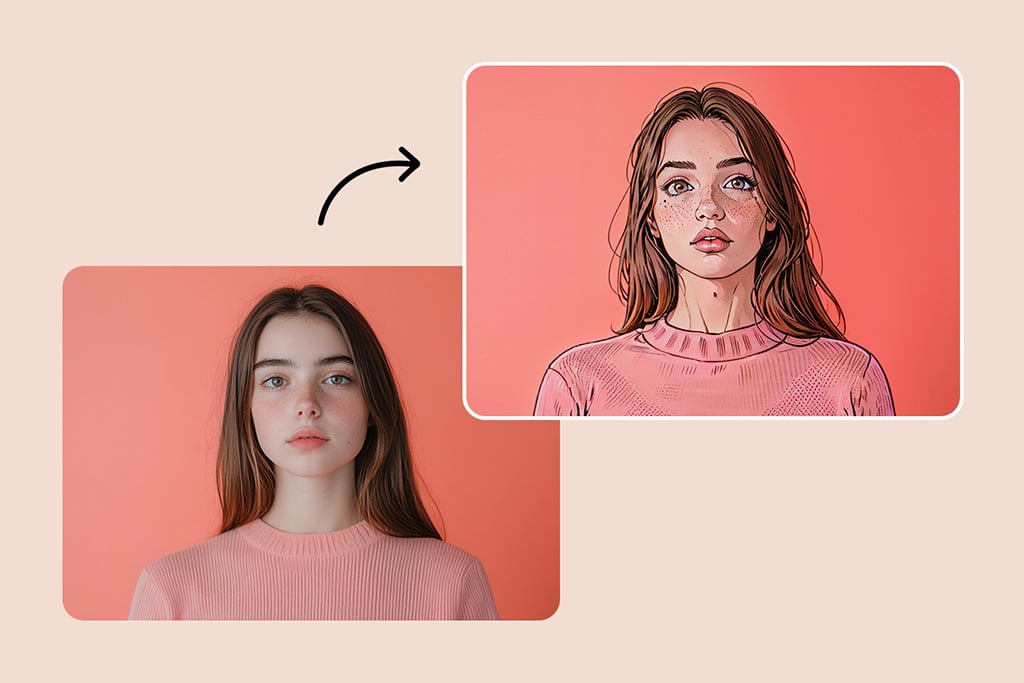
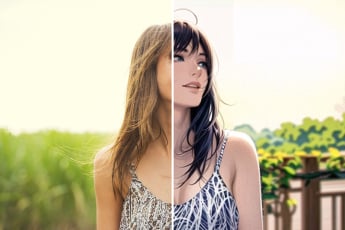
Add some fun by converting your photos to cartoon painting

Add some fun by converting your photos to cartoon painting

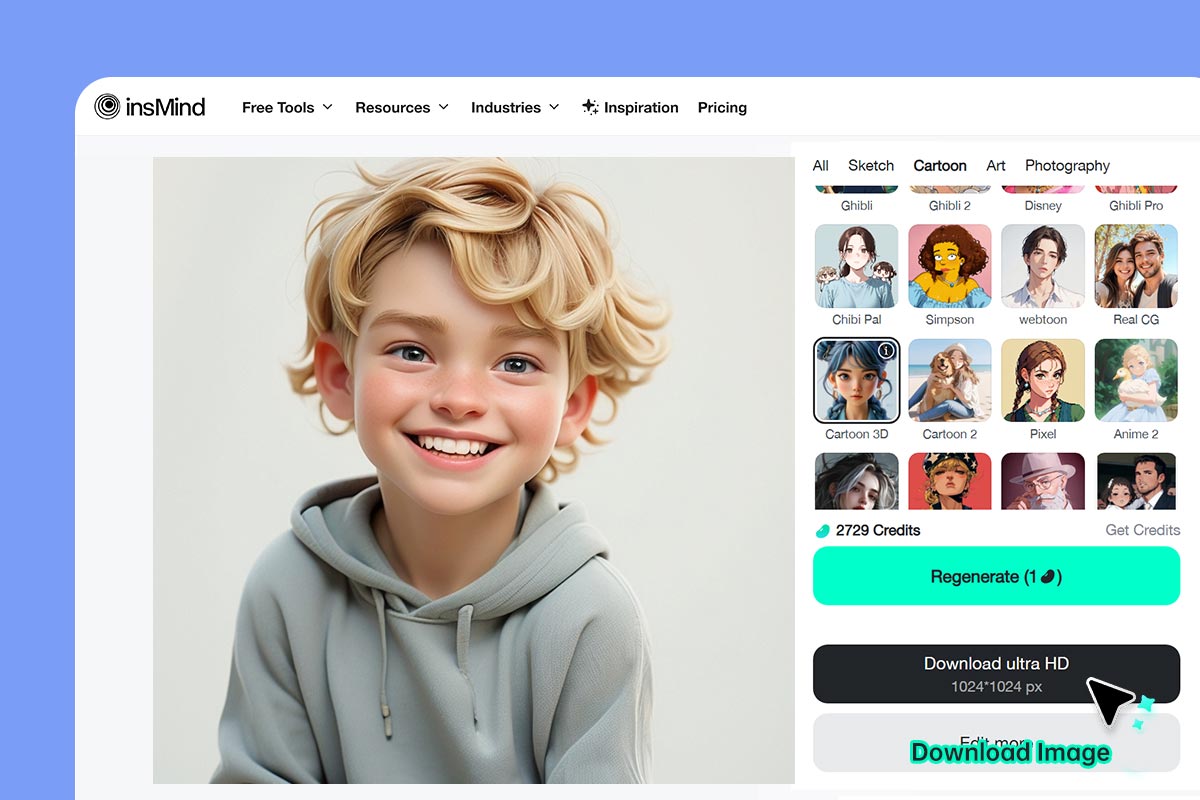
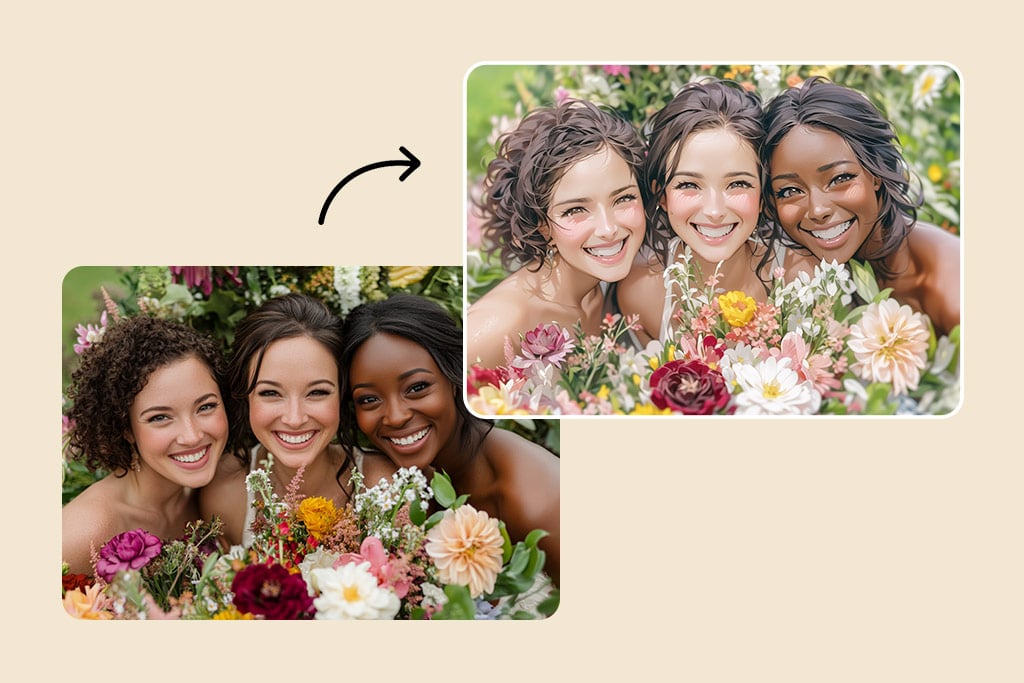
Use our cartoon filters to cartoonize your photo and turn your picture into a cartoon image! No complicated editing - just upload your photo — and in a split second see it transformed into cartoony goodness. Our intuitive tool allows you to add a dash of character and whimsy to your memories.


Send your cartoon creations to family and friends, or add some serious fun to your social media posts. Explore cartooning and discover your inner creative genius. Capture your imagination and turn photos into cartoons and make them pop.

Cartoonize Your Photo
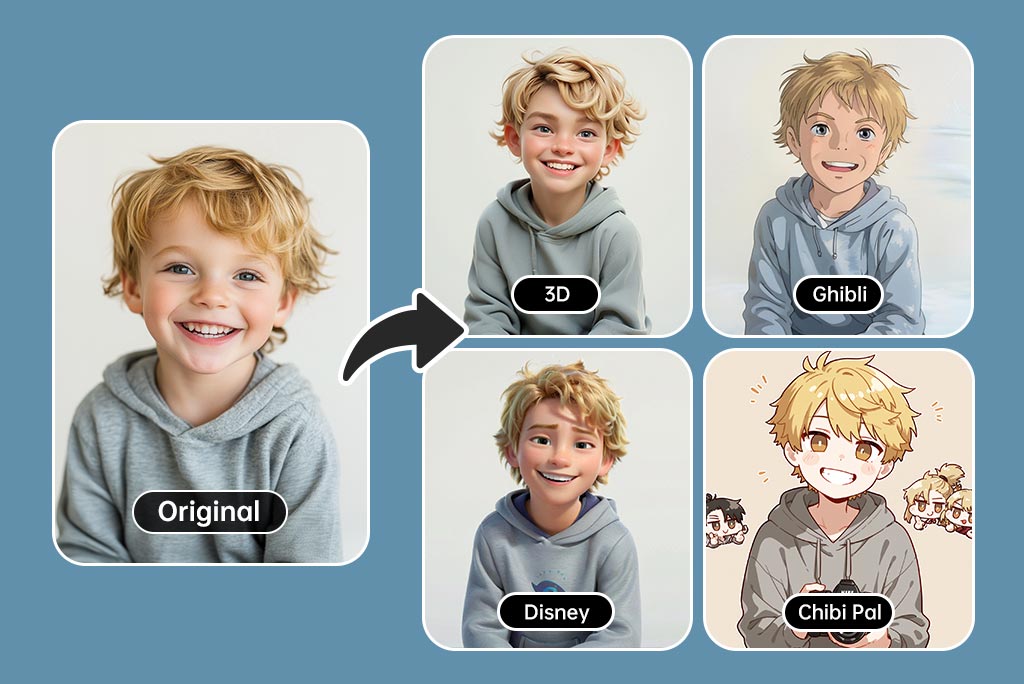
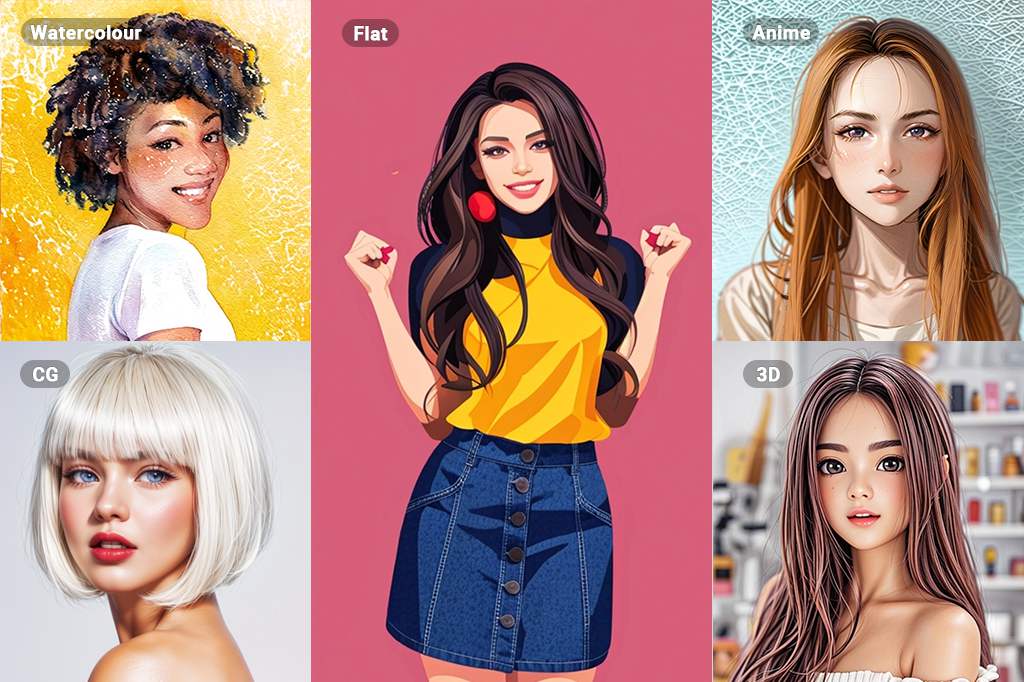
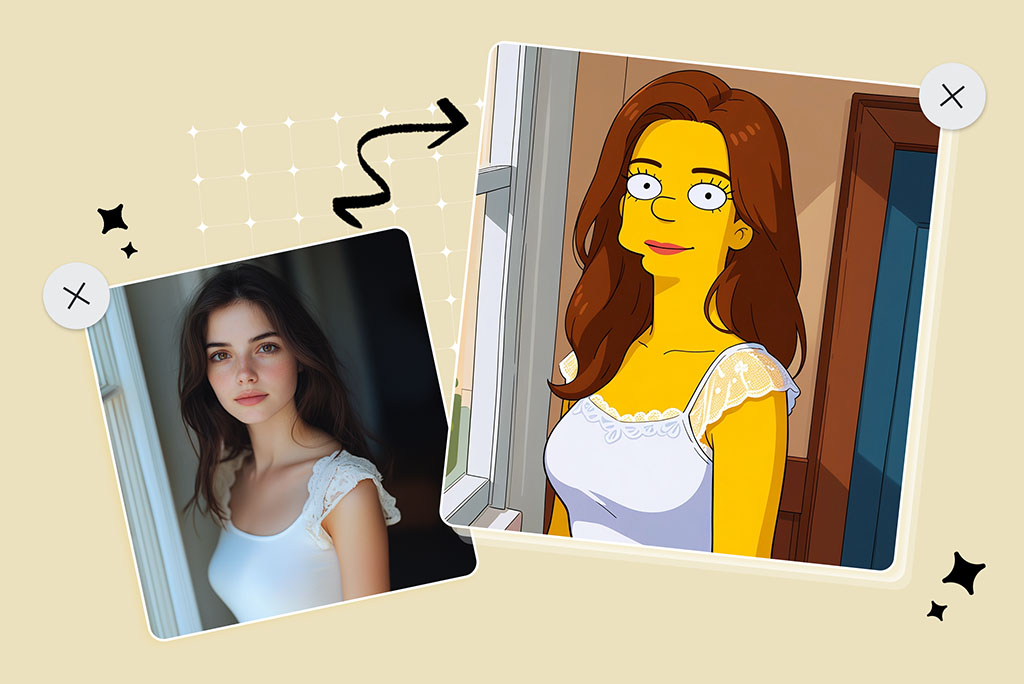
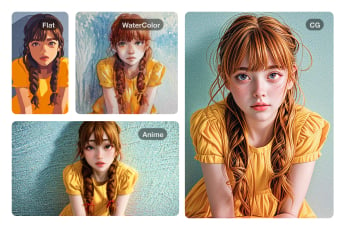
Cartoon Filters—Disney, Ghibli, Simpsons, Anime & More

Cartoon Filters—Disney, Ghibli, Simpsons, Anime & More

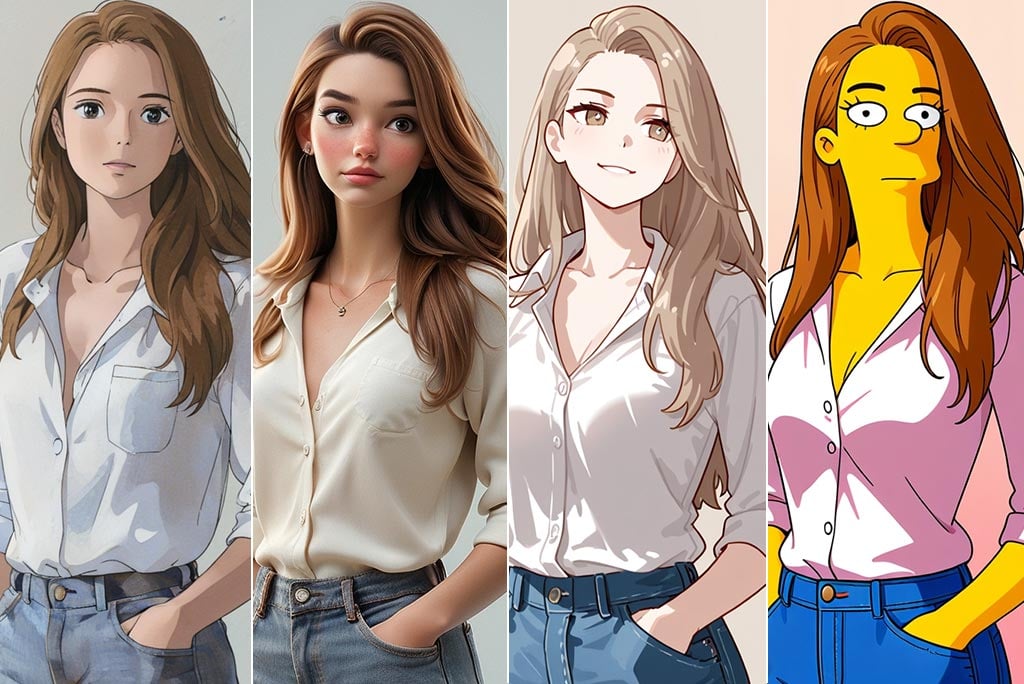
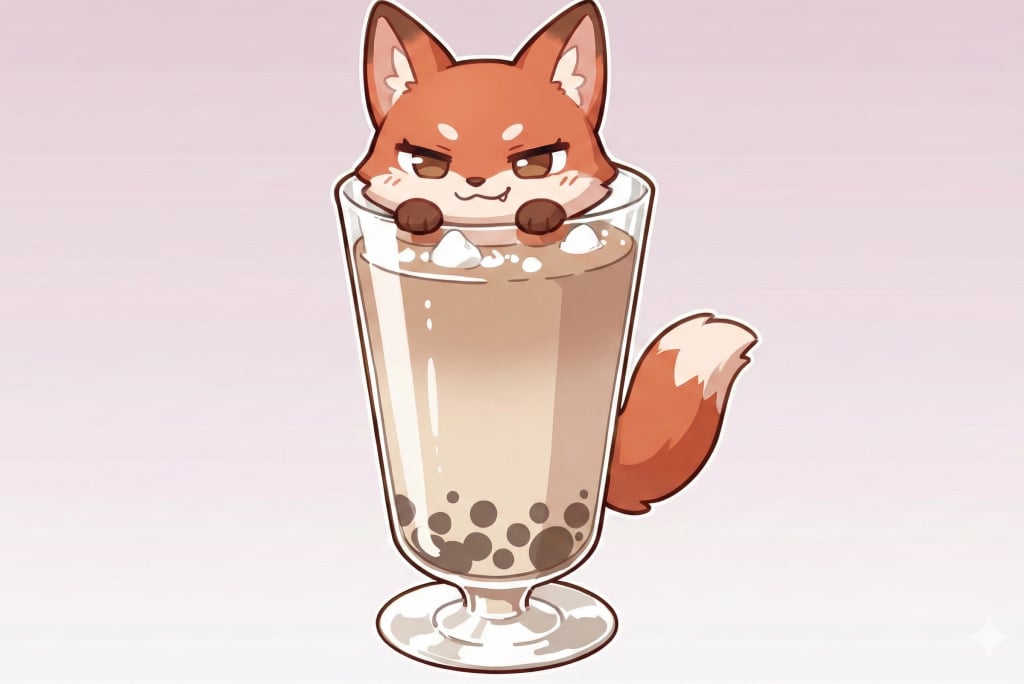
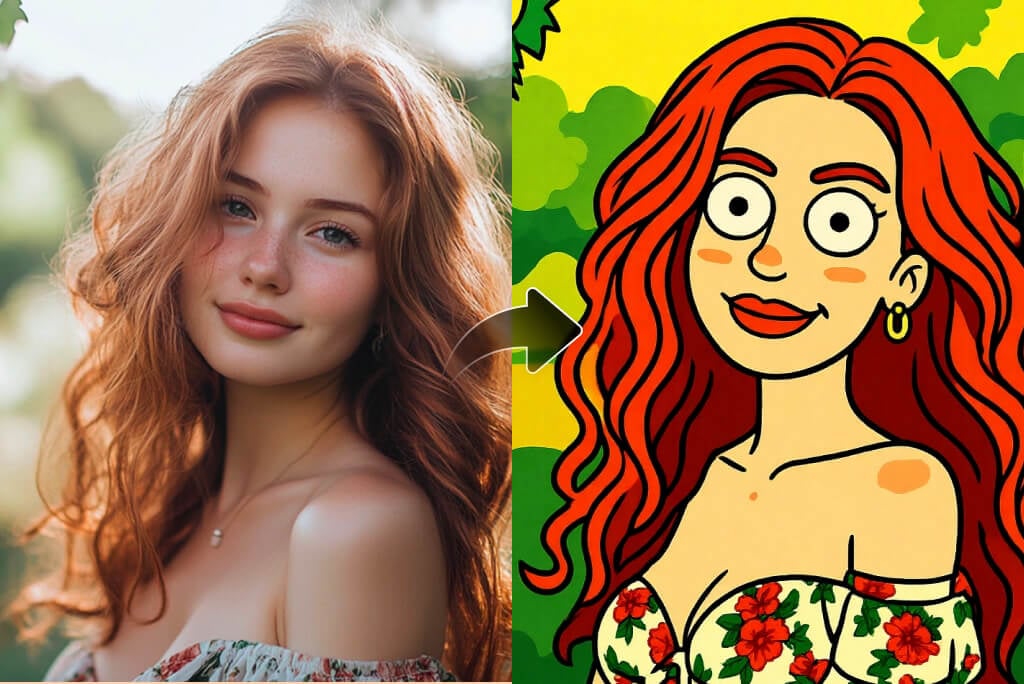
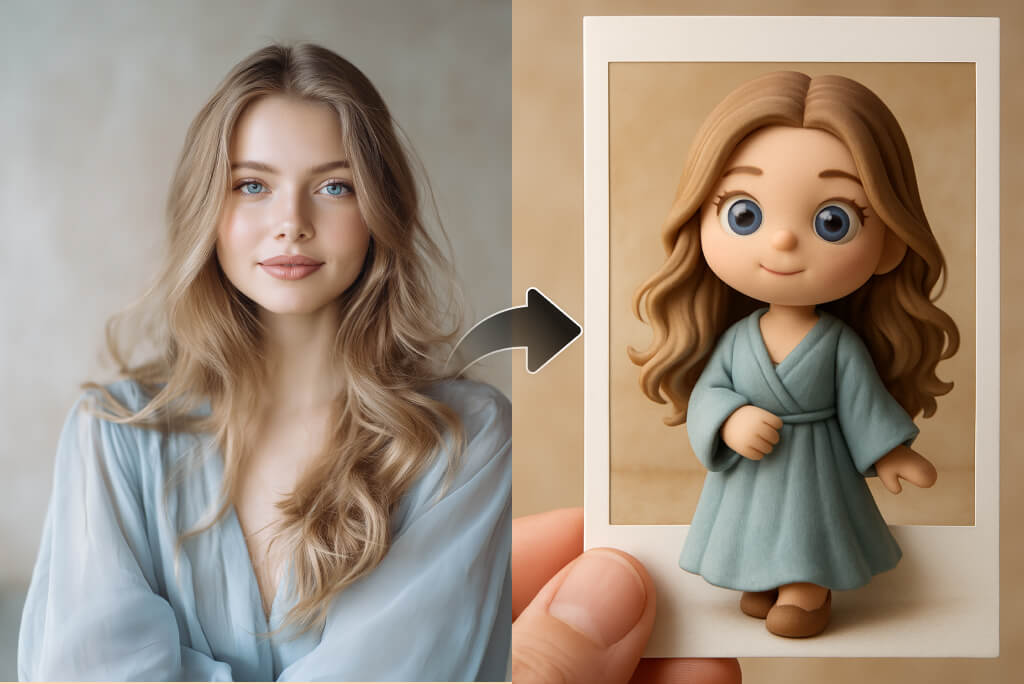
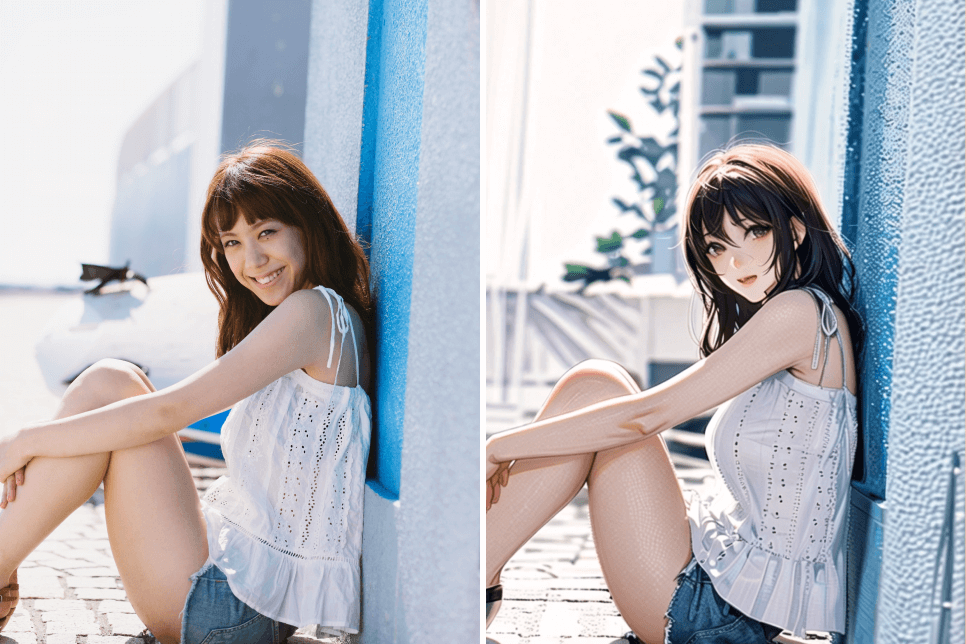
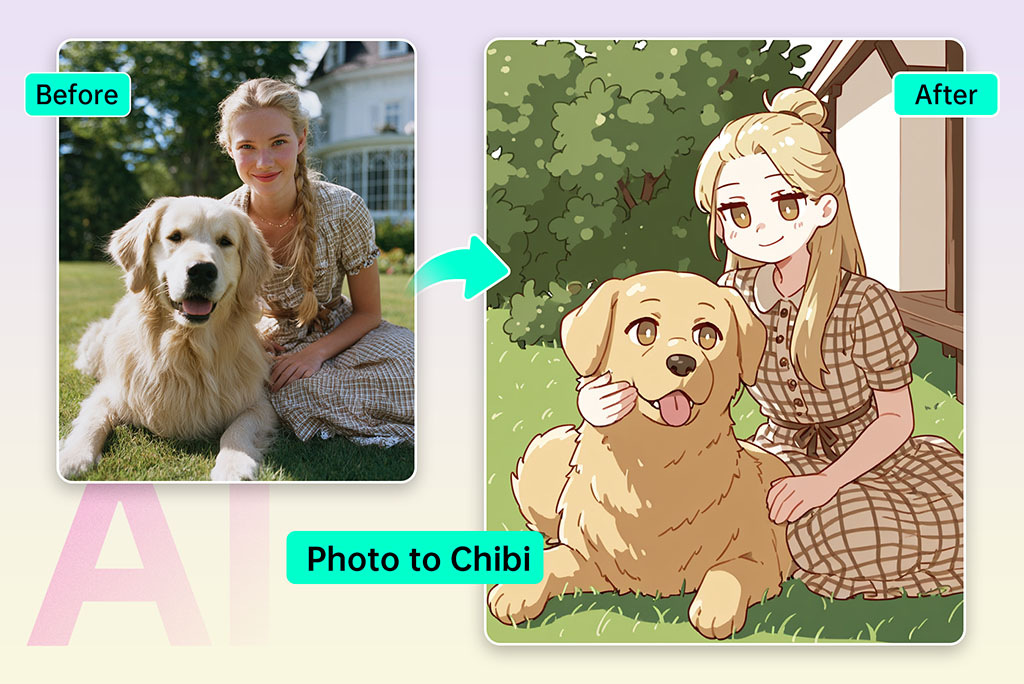
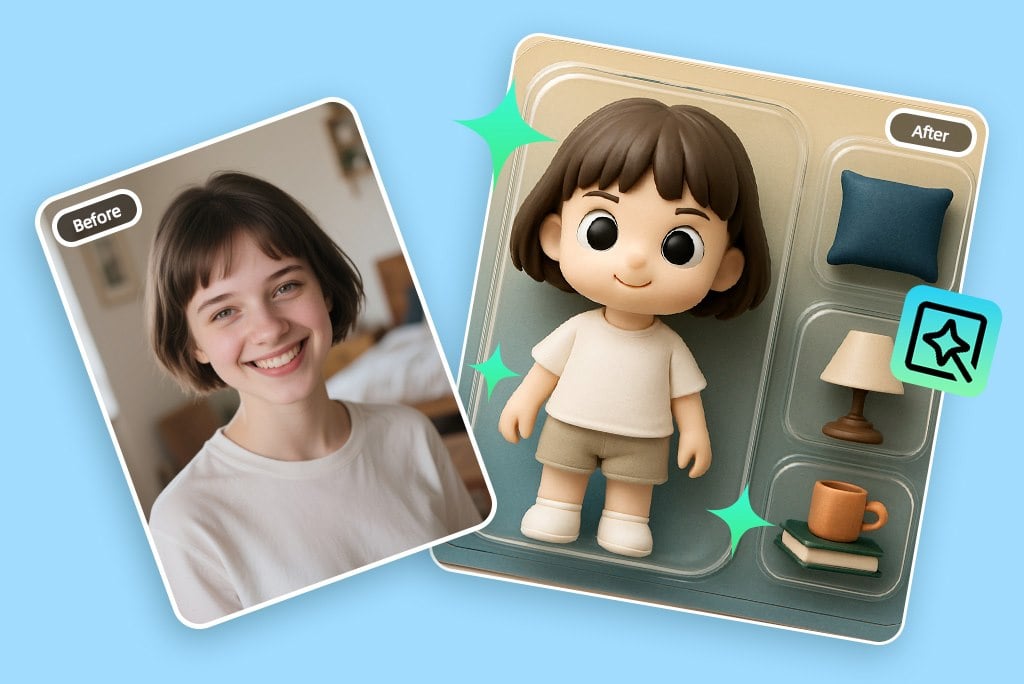
Are you looking to explore more than just a basic photo to cartoon effect? With insMind's AI cartoon generator, you can experiment with a wide range of artistic styles. Choose from iconic filters like Disney, Anime, Ghibli, Chibi, Simpsons, Clay, or even retro PS2 vibes.


These designs are created with high end AI so as to create a unique piece that will turn your image into a masterpiece. Whether you're using a cartoon photo editor for fun or turning your image into custom prints, insMind's cartoon filters are perfect for all levels, from casual users to content creators.


All you have to do is to upload your photo, pick your favorite style, and have a high-resolution, instantly attractive and eye-catching cartoon look-alike of yourself.

Try Cartoon Filter Now
Cartoon Avatar Maker—Perfect for Social Media

Cartoon Avatar Maker—Perfect for Social Media

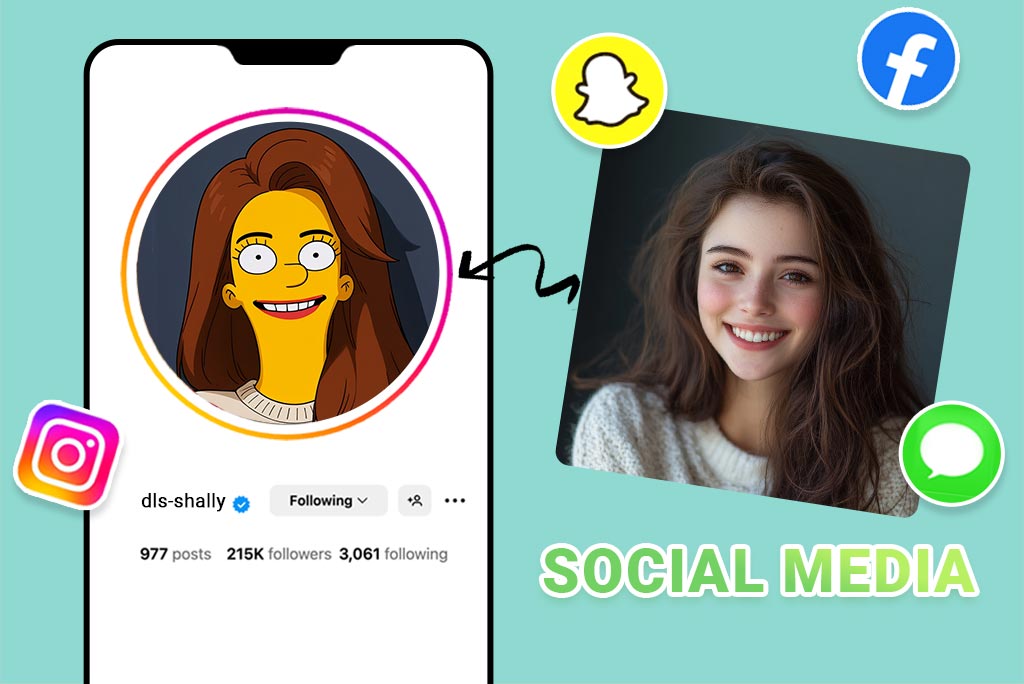
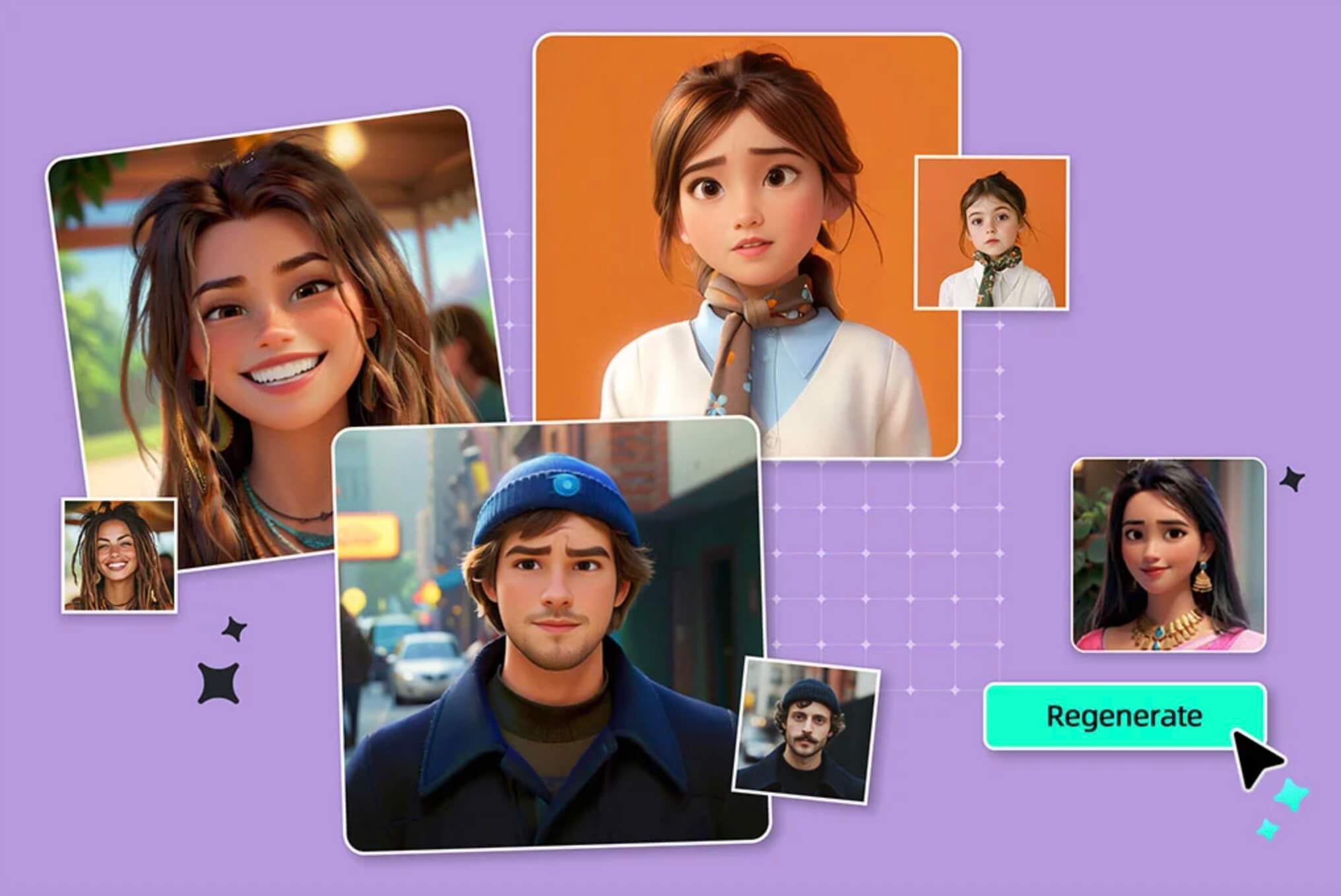
Are you in need of a social refresh? With our cartoon avatar maker, you can transform your selfie into a stylized character in seconds. This tool isn't just another cartoon face maker, it creates highly personalized, high-resolution avatars perfect for platforms like TikTok, Instagram, or Twitch.


Using insMind's smart cartoon picture maker, your photo is automatically optimized for lighting, angles, and facial expressions. It gives a fine, vitalized avatar that shows you in cartoon form. Meanwhile, there is no need for design skills or complex tools, just upload, click, and share your new cartoonized identity across all your favorite platforms.

Create Your Cartoon Avatar
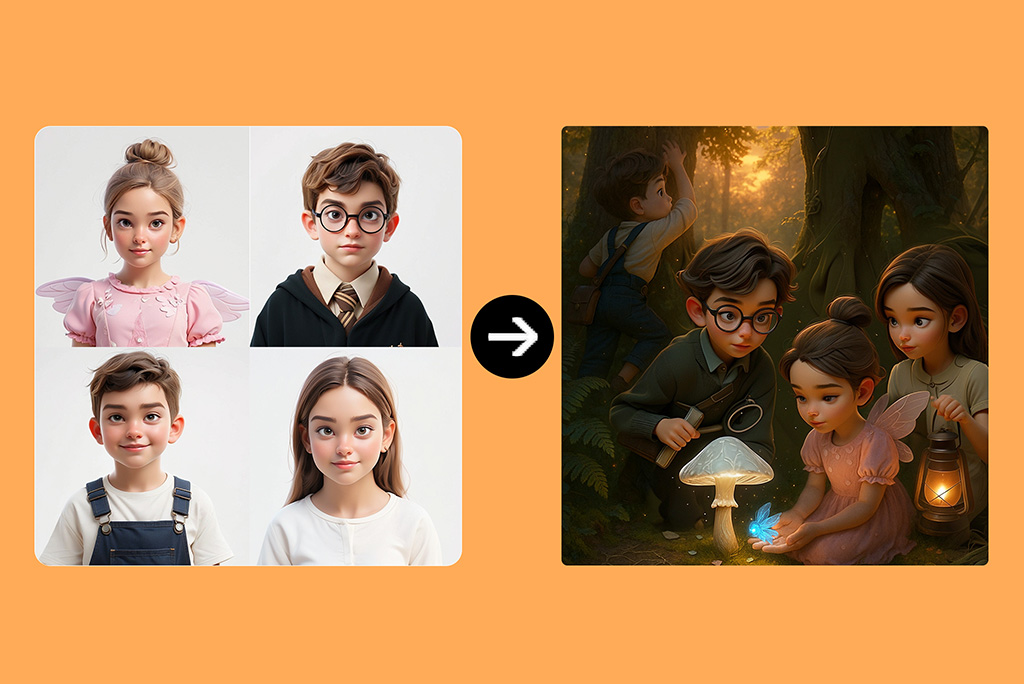
Convert Photos to Animated Cartoons in Seconds

Convert Photos to Animated Cartoons in Seconds

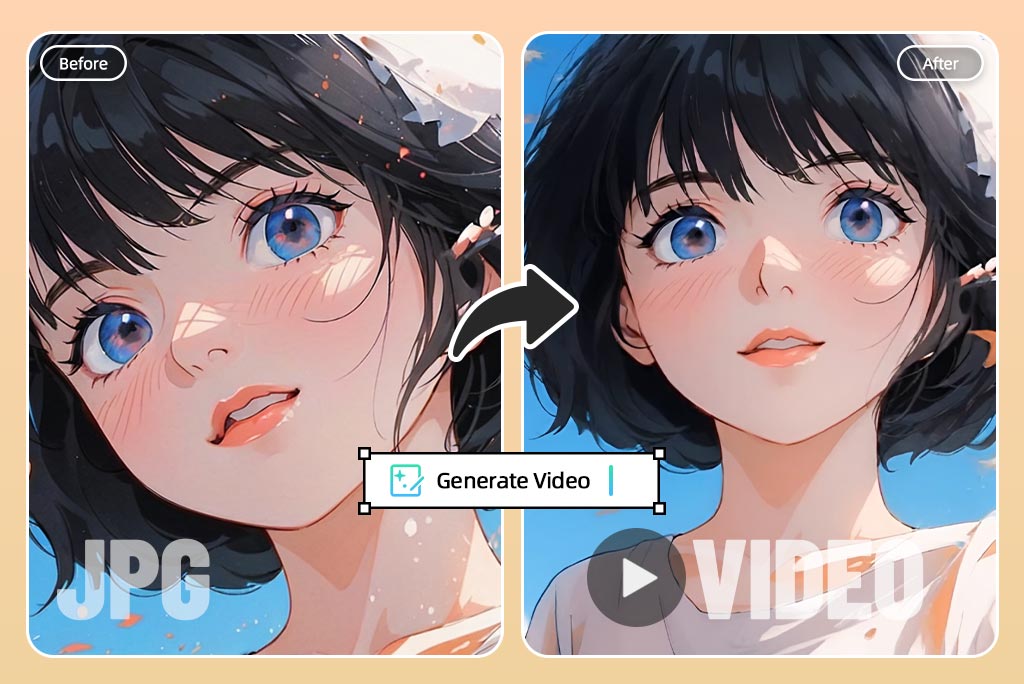
Why stick with static when you can bring your cartoon self to Anime style? insMind's photo to animated cartoon feature uses AI face animation to make your character blink, smile, and react in fun, engaging ways.


Whether you're creating GIFs, short clips, or just something playful, this tool adds a whole new level of interaction. Just carbonize your image using our photo to cartoon generator and apply animation to enhance expressions. The AI face animator handles the movement, delivering a smooth and lively result.

Turn Photo into Animated Cartoon
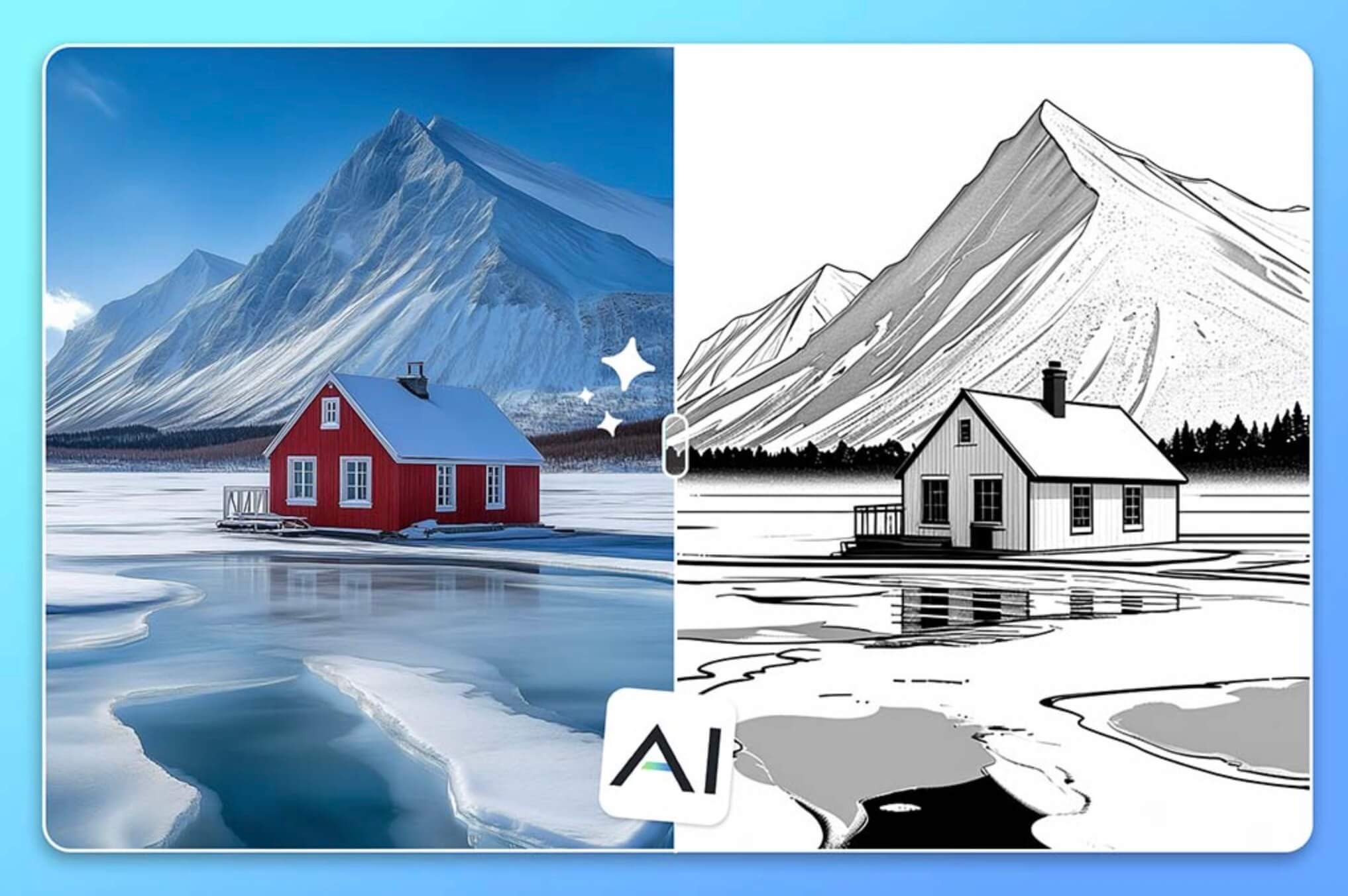
Transform Your Landscape Photos With AI Cartoon Filters

Transform Your Landscape Photos With AI Cartoon Filters

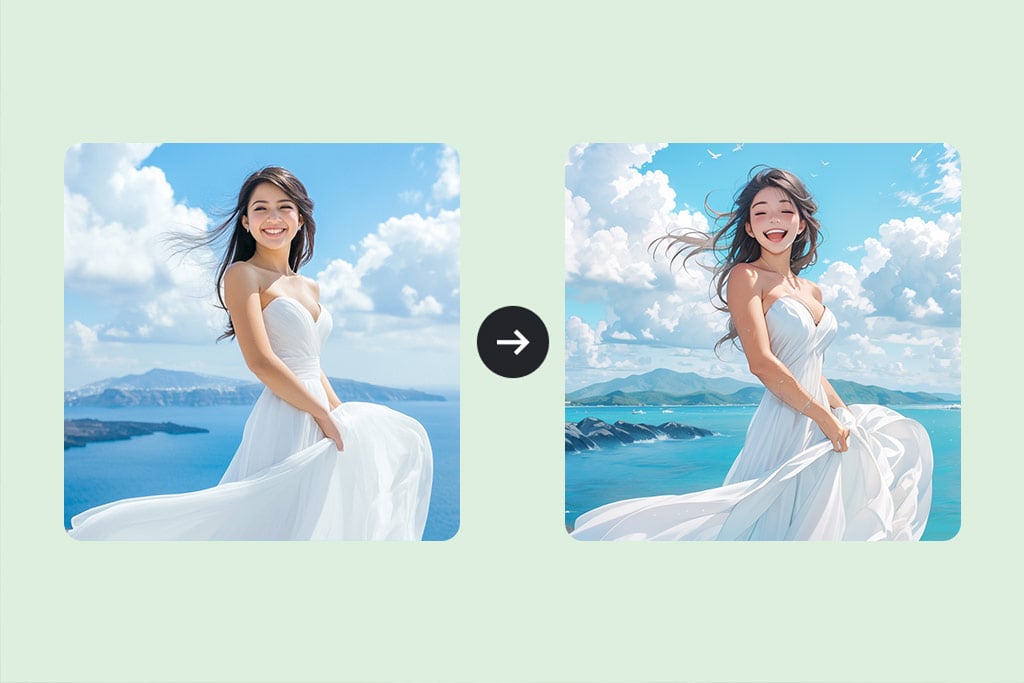
Using cartoon filters based on artificial intelligence, you can turn your landscape photos into charming cartoons. By using our unique technology, one can instantly apply the wonderful cartoon effects to your pictures and yet retain all the particulars of your setting.


No matter whether you are capturing mountains, beaches or cities, our filters add more beauty to your photos. Easily convert a photo to cartoon without any hassle. Choose any picture you want, upload it, and in a few seconds, it will become cartoon-style. This cartoon filter was designed for anyone with no background or knowledge of photo editing applications. One can easily make wonderful cartoon pictures!

Cartoonize Your Photo
Magically turn your pet's photo into cartoon versions

Magically turn your pet's photo into cartoon versions

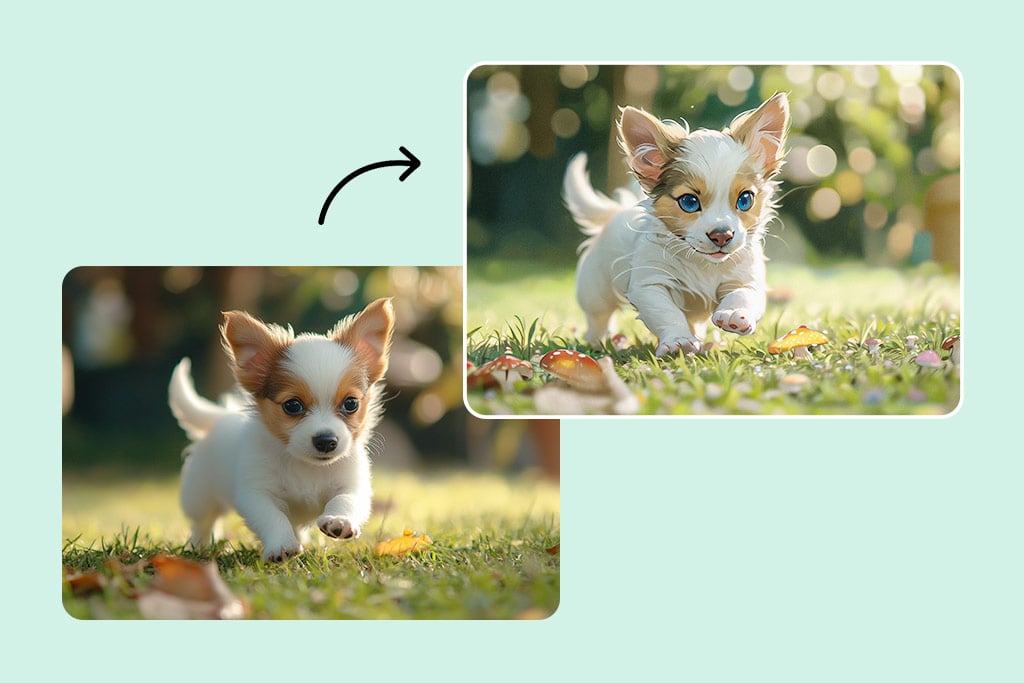
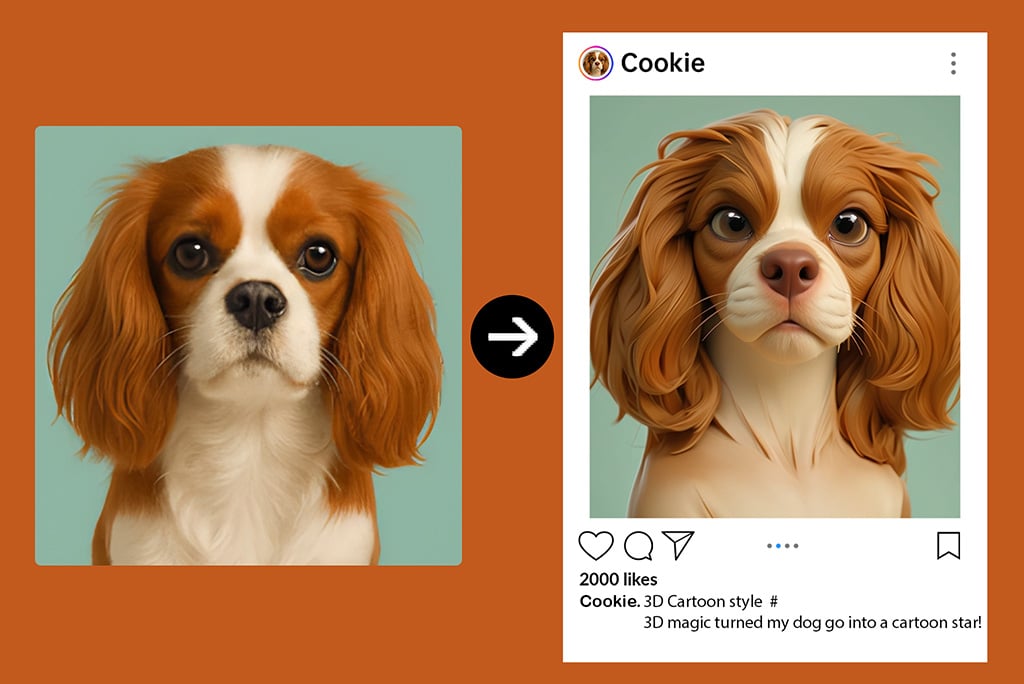
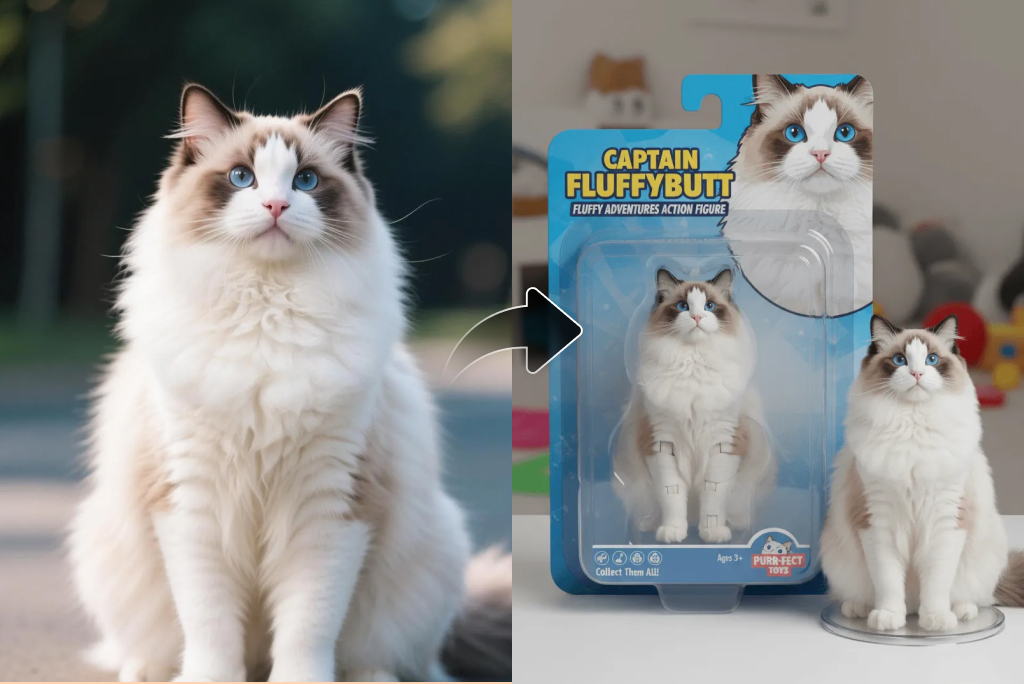
Want to turn the picture of your pet into a cute cartoon? You can transform your pet photos into cute cartoon photos with the help of our cartoon face maker. Within seconds, convert your favorite pet pictures into cute cartoon pictures that will leave a smile and clever impact on people.


Our unique technology retains all the important aspects of your pet's appearance and character and creates true custom pictures. You can select the cartoon style for your pet, add fun items, and even write your texts to make the pictures even more unique.

Cartoonize Your Photo
Discover More Different Photo Filters

Discover More Different Photo Filters

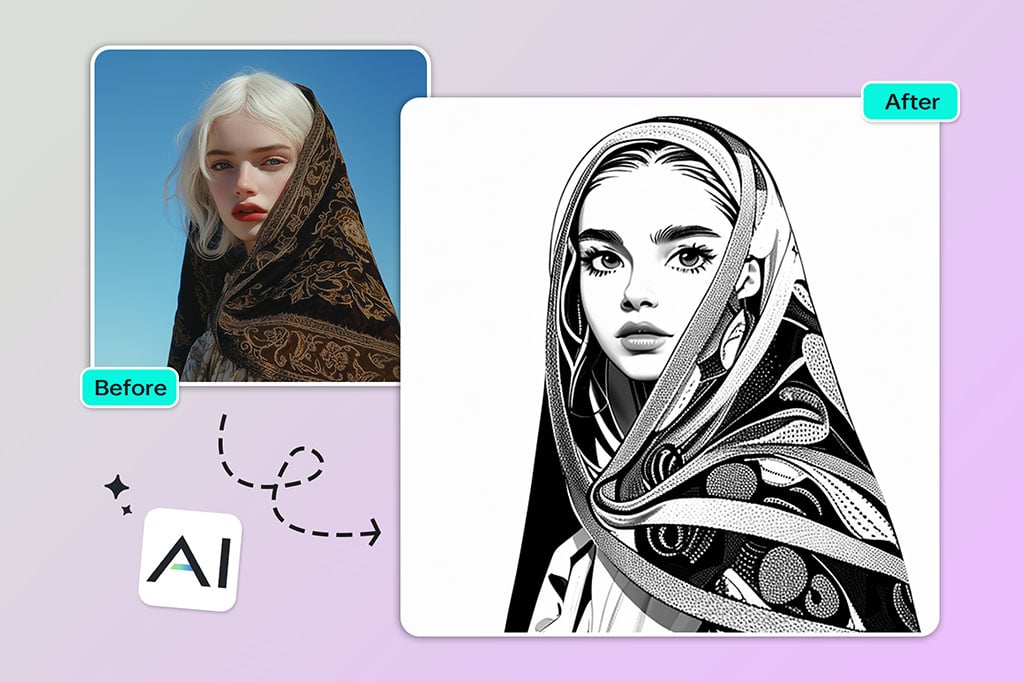
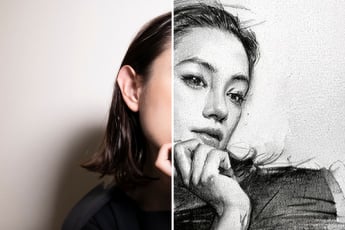
Explore various AI photo filters to cartoon yourself, convert photos to sketches, or apply cartoon face filter and cartoon picture maker effects. From the gentle strokes of a watercolor painting to the bold lines of an oil painting, our filters provide numerous opportunities for creativity. Use line drawing for simplicity and modesty, sketching to express emotions and erotic appeal, and for fun, use anime, ps2, and 3D. Be creative and paint pretty and artistic pictures that depict your uniqueness.

Cartoonize Your Photo

Explore More Photo to Cartoon Converter Features

How to turn a photo into a cartoon?

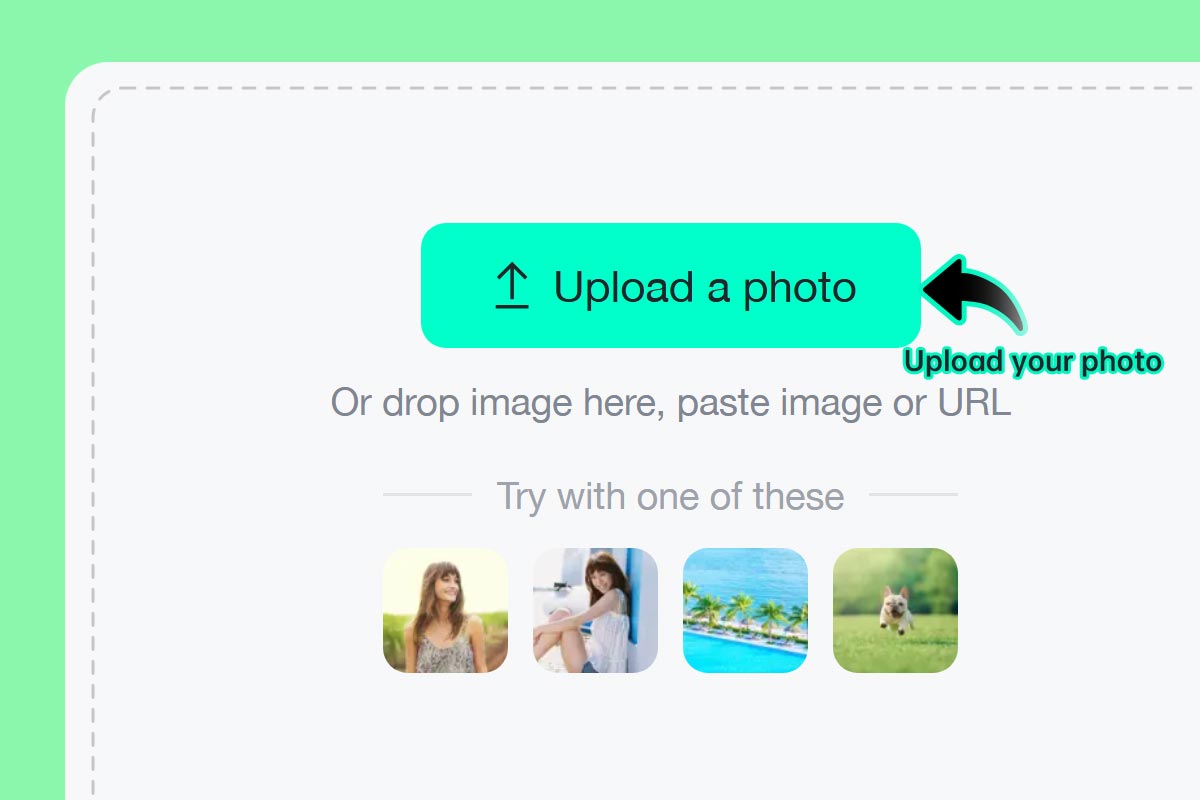
Step 1: Upload a photo
1

1 Step 1: Upload a photo

Select your favorite picture or selfie and upload it to insMind. You can do this from your computer or even your smartphone. Our tools work online and do not require any installation or downloads.
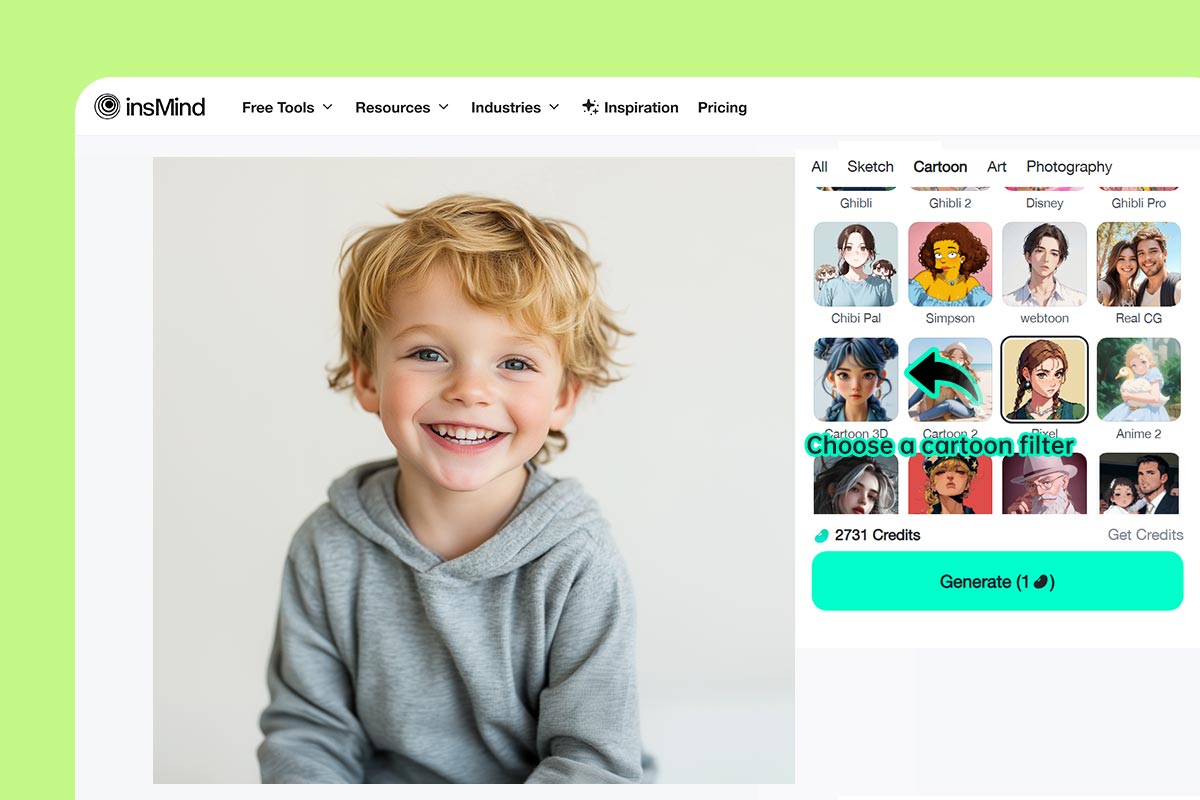
Step 2: Choose your favorite cartoon filter
2

2 Step 2: Choose your favorite cartoon filter

Choose between Simpsons, Anime, Ghibli, and other cartoon filters to fit your mood.
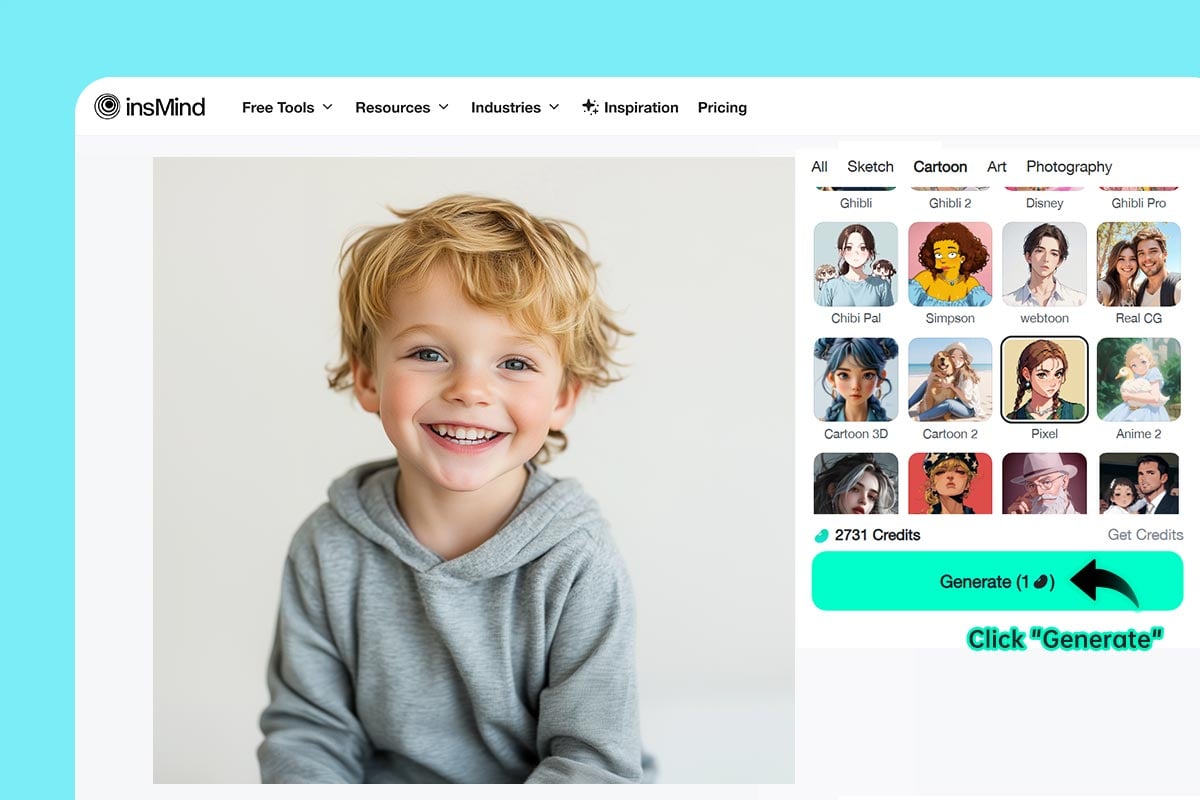
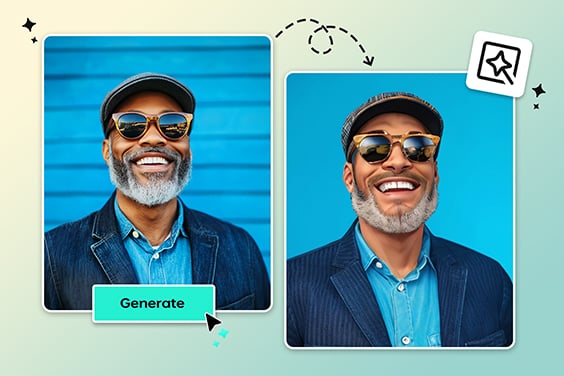
Step 3: Click “Generate”
3

3 Step 3: Click “Generate”

Click "Generate” for your photo to be cartoonized by the AI with a high level of detail and artistic imagination.
Step 4: Download and share
4

4 Step 4: Download and share

Click “Download”. In a few seconds, you can get your cartoon photo, share it on social media, or print it.

Make Your Photos into Cartoons with AI Filters

Now effortlessly cartoonize your images with our AI whether for fun or professional projects.

Cartoonize Your Pet

Cartoonize Your Pet

Make their photographs look like cartoons for your playful friend to show their energy. AI technology preserves its unique features and personality by giving custom pictures that will bring a smile to people’s faces.

Turn Photo Into Comic Book

Turn Photo Into Comic Book

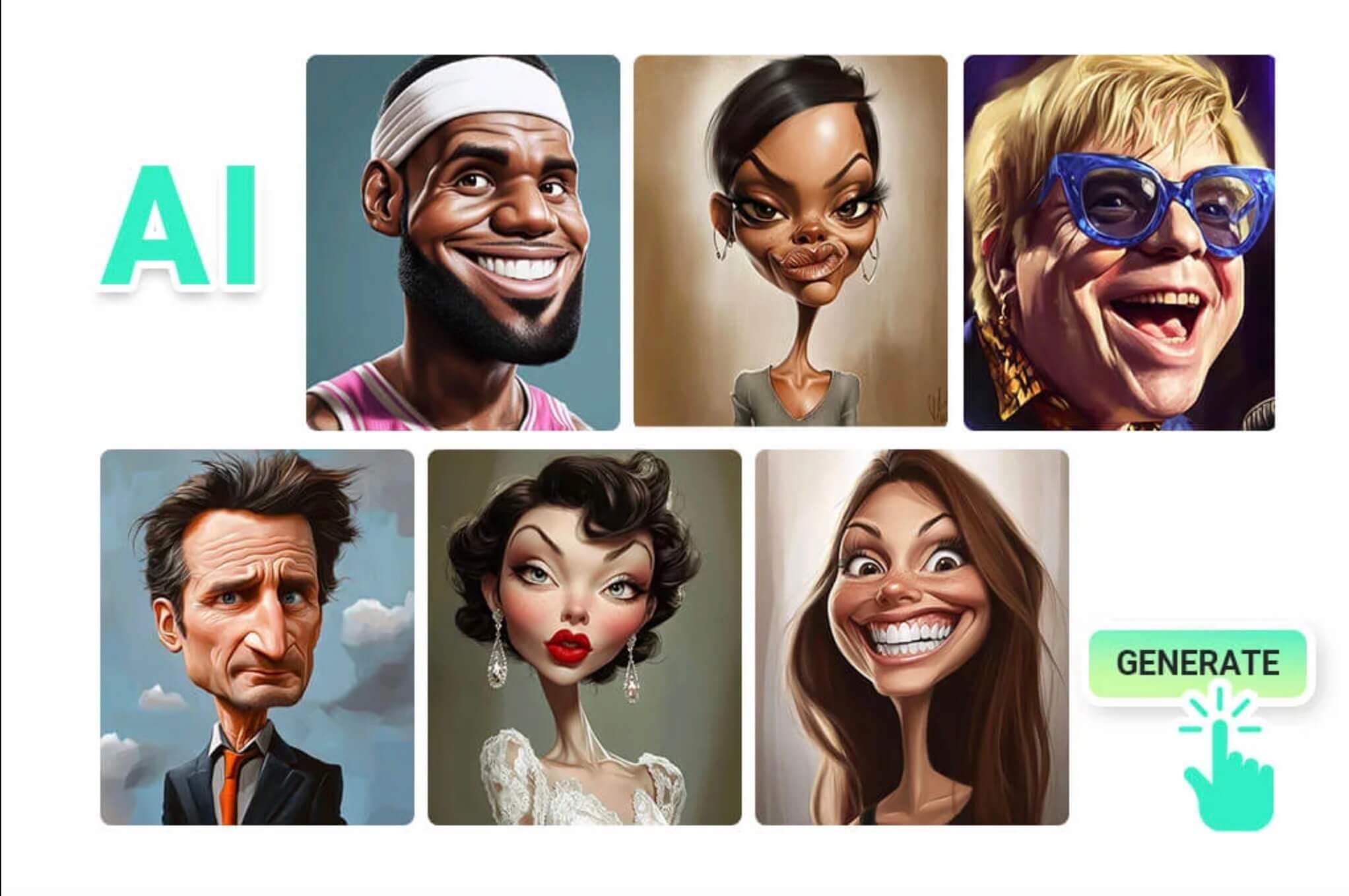
Transform your pictures and become part of the great world of comic book heroes and villains. The provided AI filters can let you create your pages and add interesting backgrounds, speech balloons and action scenes.

Cartoon yourself

Cartoon yourself

Create an animated version of yourself and live in a world full of cartoons. AI filters can transform you into an unpredictable anime character, a creative manga hero, or a chic superhero.

Why Choose insMind Picture to Cartoon Converter?

Quick and Easy Cartoon Effects

Quick and Easy Cartoon Effects

Transform your photos into great cartoons in one click. insMind has a user-friendly website and, most importantly, an AI that does not require learning about photo editing.

High-Resolution Output

High-Resolution Output

Get beautiful cartoons with insMind's cartoon converter tool. Our tool provides cartoons that are easy to read and look sharp on any device and display.

Multiple Unique Cartoon Styles

Multiple Unique Cartoon Styles

Take part in a selection of various artistic directions, ranging from traditional anime to amusing manga and cartoon avatar maker filters. There are numerous cartoon filters in insMind, and they have been designed to fit the personality and creativity of their users.

FAQs About Photo to Cartoon Generator

What types of cartoon styles can I choose from?

insmind expand icon
You can pick from a wide range of styles using our photo to cartoon tool, including Anime, Ghibli, Disney, 3D, Chibi, Clay, PS2, Simpsons, and more.

Can I export high-resolution cartoon images?

insmind expand icon
Yes, every image processed through our cartoon photo editor is available in high resolution, perfect for printing or sharing.

Can I Cartoonize black and white photos?

insmind expand icon
Absolutely. Our photo to animated cartoon tool can colorize black and white images and apply your chosen cartoon filter for a vibrant, stylized result.

How can I change my photo into a cartoon?

insmind expand icon
Just upload your photo to insMind's AI cartoon maker and choose the cartoon style you like. Our special AI will quickly change your photo into a fun cartoon.

Is insMind's picture to cartoon converter free?

insmind expand icon
Yes, If you don't need to download ultra-high-resolution images, insMind's picture-to-cartoon converter is completely free to use. There are no hidden costs or subscription requirements.

What picture formats can I use to make a cartoon?

insmind expand icon
You can save your cartoonized picture in high-quality JPEG or PNG format.

Can I make a cartoon of a landscape picture?

insmind expand icon
Absolutely! Our AI cartoon generator can change any kind of picture, including landscapes, portraits, and even abstract art.

Can I make a cartoon of my pet?

insmind expand icon
Of course! Making a cartoon of your pet is a great way to show their special personality. Just upload your pet's photo and let our AI do the rest.

You might be interested in

Make your pictures pop with features that are completely free.

Photo to Sketch

Photo to Sketch

Easily turn your photos into sketches with our simple image-to-sketch converter for stunning results.
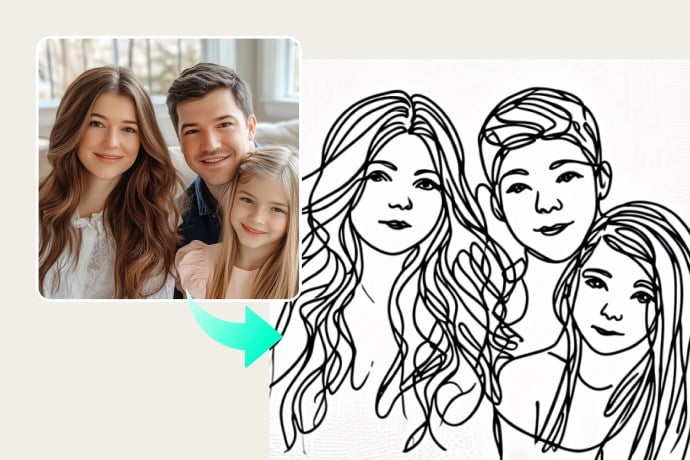
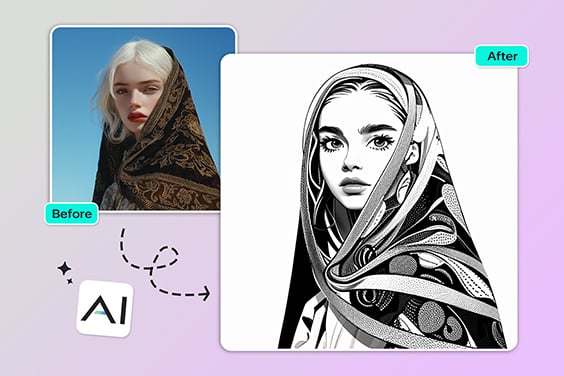
Photo to Line Drawing

Photo to Line Drawing

Easily turn photos into minimalistic line drawings for creative or professional use.
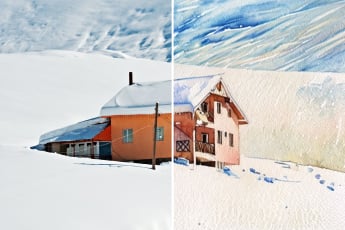
Photo to Watercolor

Photo to Watercolor

Convert your photos into beautiful watercolor paintings with photo-to-watercolor tool.
Photo to Painting

Photo to Painting

Transform your photos into stunning paintings with photo-to-painting converter for a unique artistic touch.
AI Filter

AI Filter

Unlock a multitude of AI filters that effortlessly turn any photo into captivating art with insMind
Photo to Anime

Photo to Anime

Easily convert your photo to anime for a fun look.
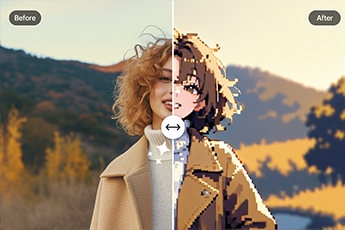
Photo to Pixel Art

Photo to Pixel Art

Convert your photo to pixel art online with our easy-to-use pixel art converter.
Comic Book Filter

Comic Book Filter

Apply comic-style effects to your photos for a fun, bold, and artistic transformation.
AI PS2 Filter

AI PS2 Filter

Recreate the nostalgic PS2 aesthetic in your photos with AI-powered filters.
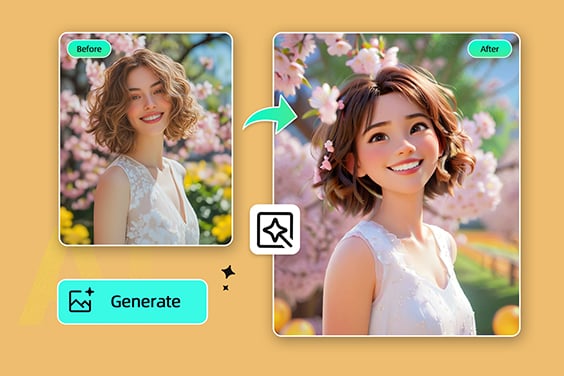
Disney Filter

Disney Filter

Turn your photos into magical Disney-style characters with our AI-powered Disney filter.
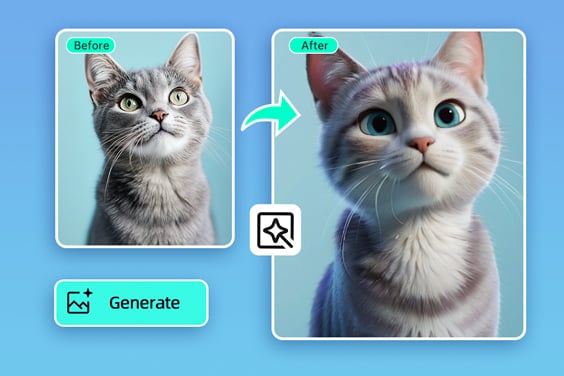
Disney Pixar Filter

Disney Pixar Filter

Transform photos into adorable Pixar-inspired characters for a fun, animated look.
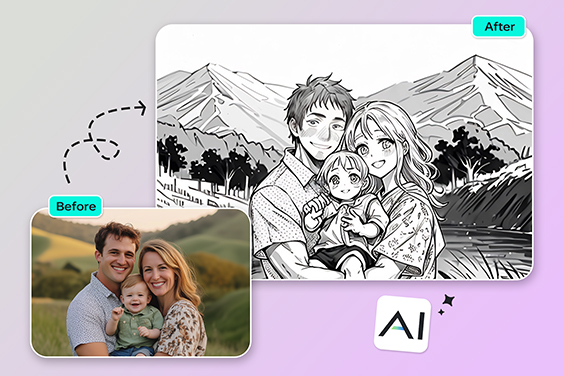
Photo to Outline

Photo to Outline

Convert photos to clean outlines effortlessly. Ideal for sketches, art projects, or creative designs.
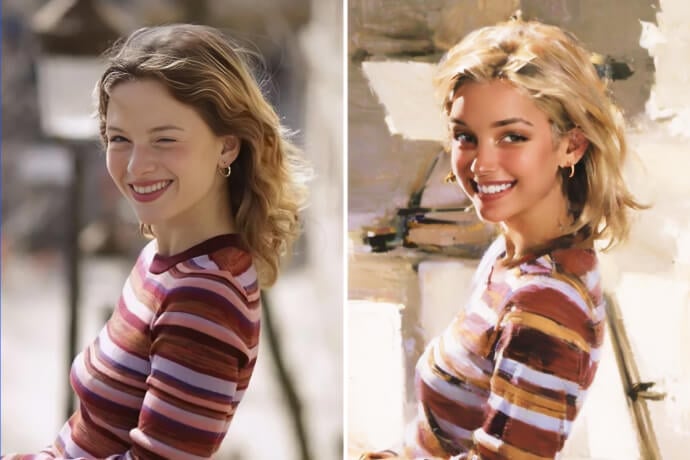
Vintage Filter

Vintage Filter

Transform your everyday photos into retro art with just one click.
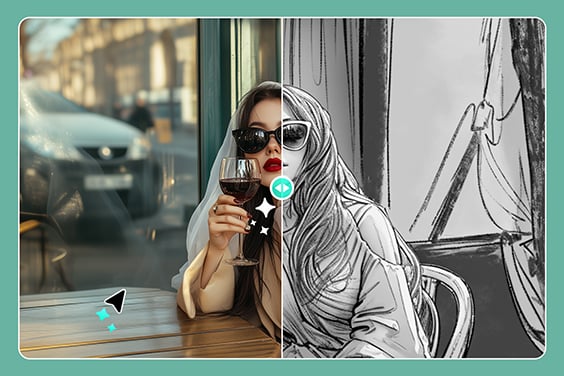
Photo to Pencil Drawing

Photo to Pencil Drawing

Transform photos into realistic pencil drawings with detailed shading for an artistic touch.
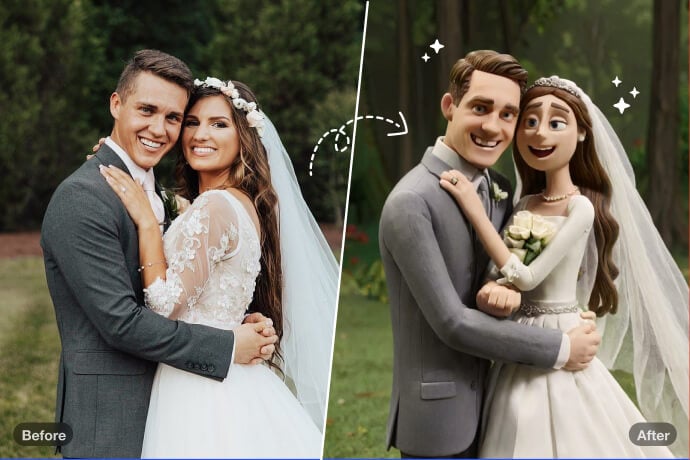
AI Clay Filter

AI Clay Filter

Turn your photo into clay art with AI in just seconds!
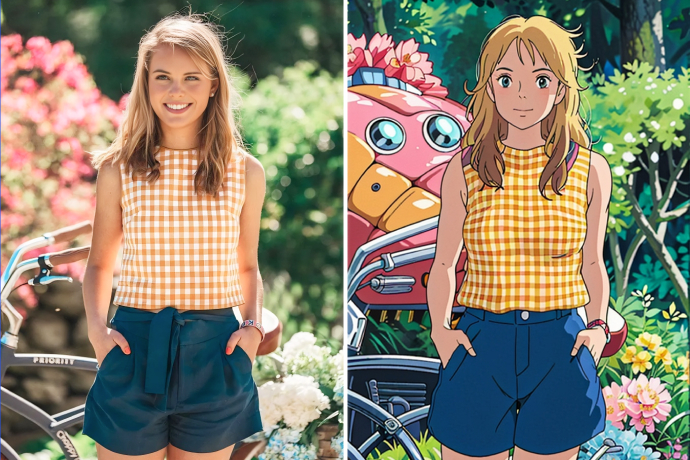
Studio Ghibli Filter

Studio Ghibli Filter

Transform your photo into Studio Ghibli-style art with one click.