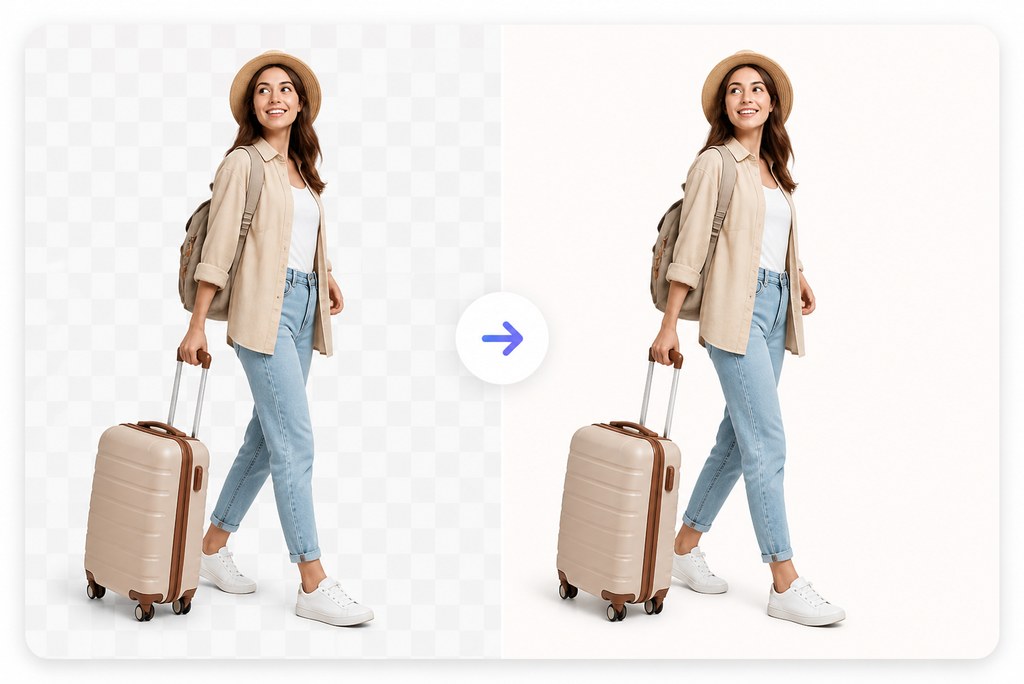
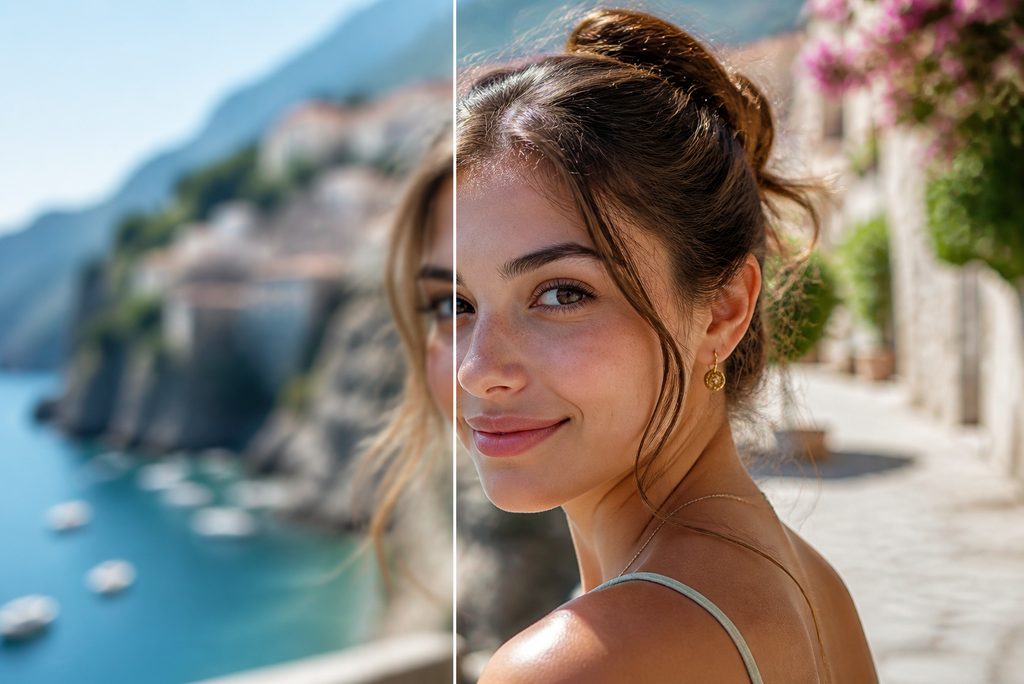
What are Gemini AI travel photo prompts?


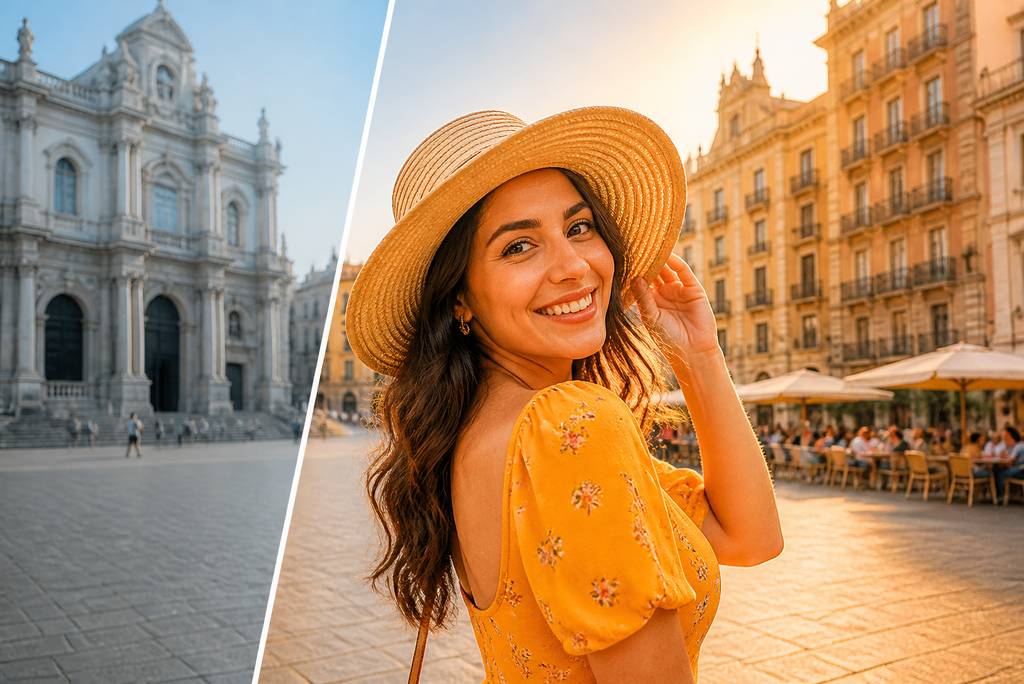
Gemini AI travel photo prompts are detailed instructions for creating or transforming vacation images. They describe the destination, traveler, wardrobe, pose, lighting, weather, camera style, and aspect ratio. When paired with a reference photo, they can also tell the model to preserve recognizable facial identity.
How do I create a travel photo with Gemini?
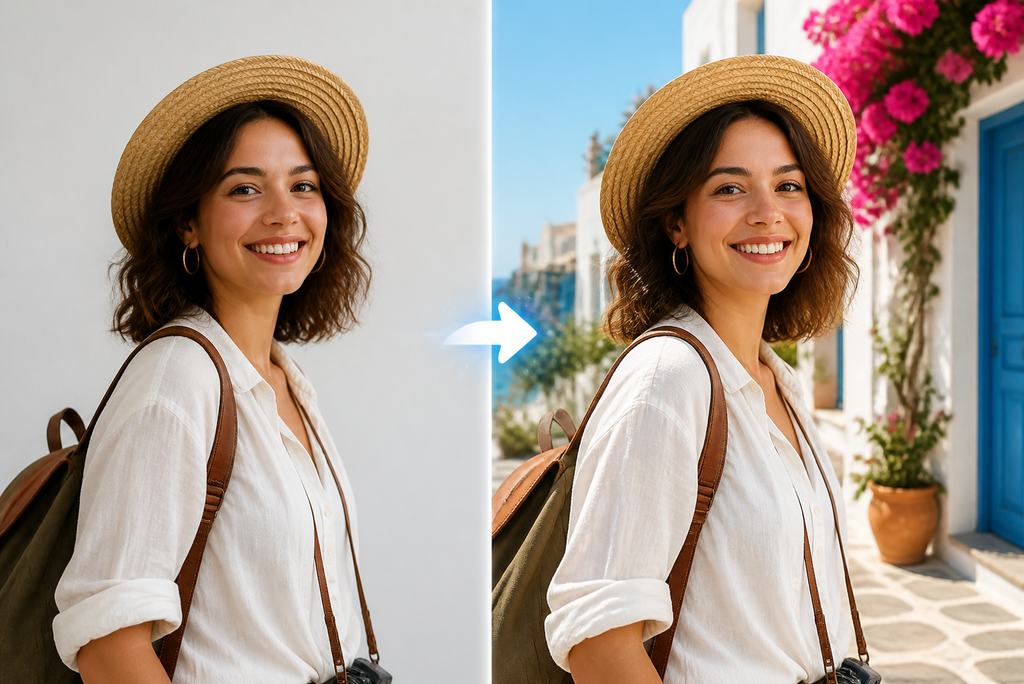
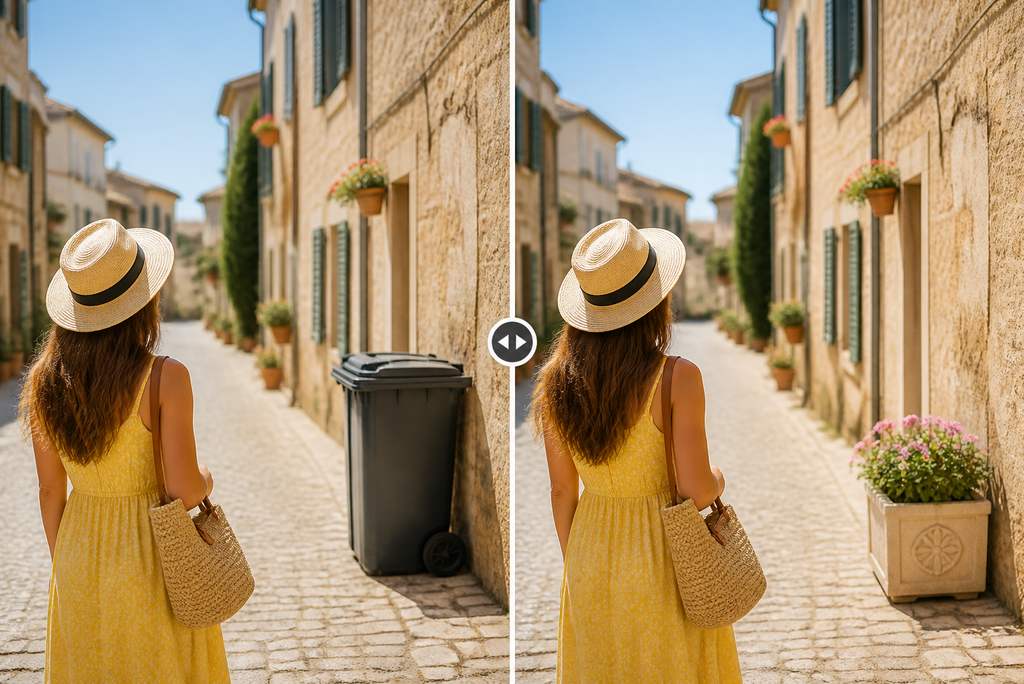
Upload a clear portrait, paste a travel prompt, and customize the destination, outfit, pose, lighting, and ratio. Keep the identity-preservation instruction if you want the result to resemble you. Generate the image, inspect the face and background, then refine one detail at a time.
Can I turn a selfie into a realistic vacation photo?
Yes. Use a sharp selfie with even light and a clearly visible face. Ask for a substantially different destination, wider composition, travel-ready outfit, natural pose, grounded shadows, and believable perspective. A three-quarter or full-body reference usually gives the model more room than a tightly cropped selfie.
How can I keep my face recognizable?
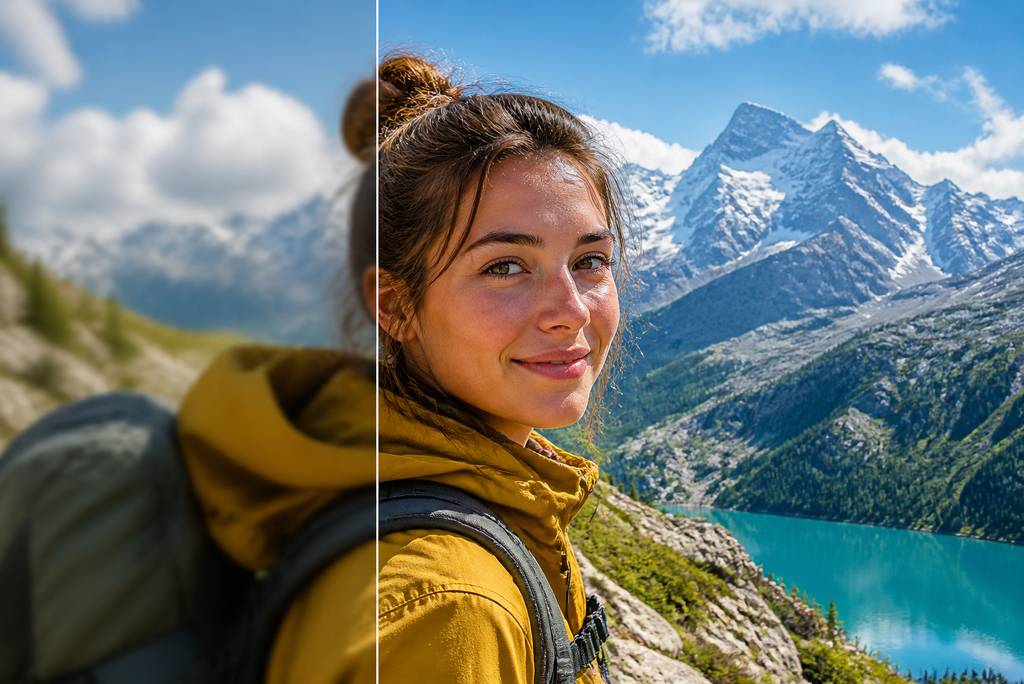
State that the model must preserve facial structure, eyes, nose, mouth, skin tone, hairstyle, age, and natural proportions. Use a well-lit reference without sunglasses, heavy filters, or motion blur. Avoid asking the subject to resemble a celebrity or changing too many facial details at once.
What should a realistic travel prompt include?
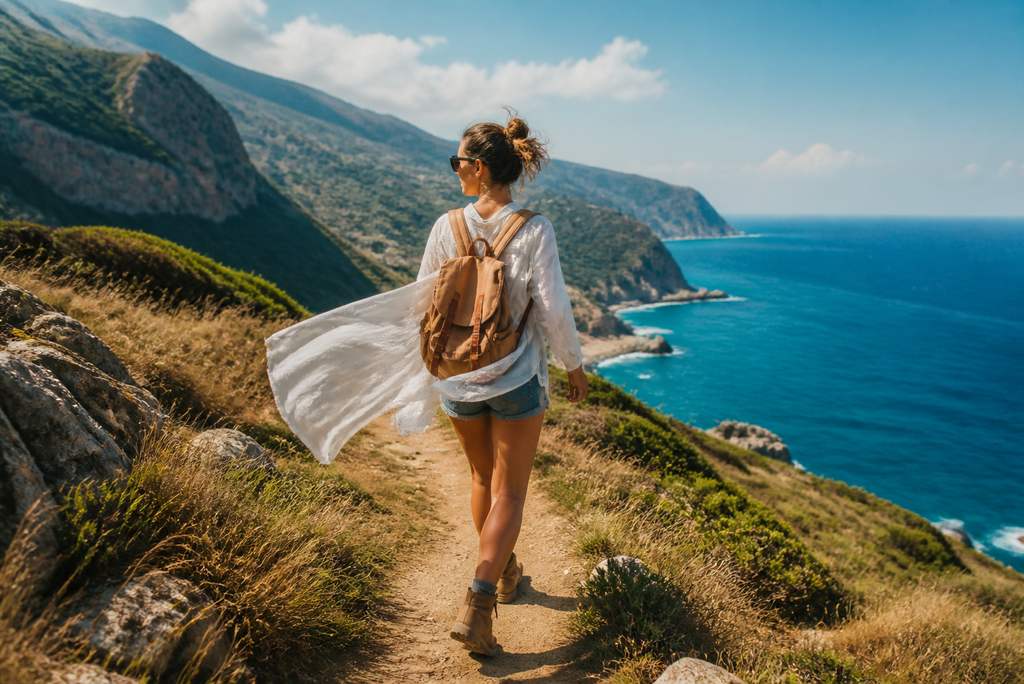
Include one specific destination, two or three recognizable environmental details, a practical outfit, a natural pose, the time of day, light direction, weather, camera style, and aspect ratio. Request realistic scale, shadows, skin texture, anatomy, and perspective so the traveler looks integrated into the scene.
Can I change the destination without changing my face?
Yes. Tell the model to transform the environment, wardrobe, pose, framing, and lighting while preserving your facial identity. Describe the destination precisely and make the requested scene change strong enough to avoid receiving a lightly edited copy of the original photo.
Which source photos produce the best results?
Choose a high-resolution image with even lighting, visible eyes, natural skin detail, and minimal obstruction. Three-quarter or full-body photos work well for travel poses. Avoid extreme angles, heavy beauty filters, deep shadows, motion blur, cropped heads, and hands covering the face.
Can Gemini create couple travel photos?
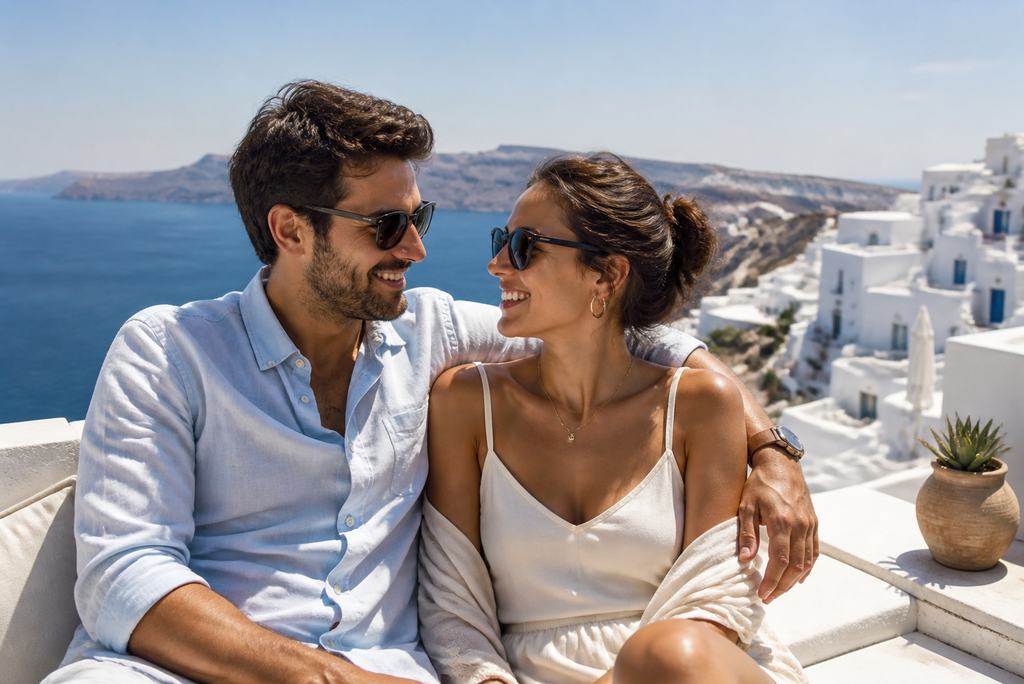
Yes. Upload one clear couple photo or two separate portraits and identify them as distinct references. Ask the model to preserve both faces, maintain believable height and scale, use natural hand placement, and apply one consistent light source so both people feel present in the same destination.
Can Gemini create family vacation photos?
Yes. Provide a clear group image or separate references with similar lighting and image quality. Specify each person's placement, relative height, expression, and clothing. Request natural spacing, unobstructed faces, accurate hands, consistent shadows, and a destination composition that does not crowd the group.
Are Gemini AI travel photo prompts free to try?
You can try insMind's core image-generation features for free. Available credits, generation limits, and premium options may vary by account or promotion. Start with a ready-to-use travel prompt, review the first result, and use later generations only for the details that need refinement.