Funny Face Filters Online for Photos

Upload a selfie or portrait and create silly, exaggerated, spooky, cute, or meme-ready face edits with AI. Use prompts to make funny photo filters that feel more personal than a preset effect.

Funny Face Filters Online for Photos

Create Similar Funny Face Effects

Keep the main character unchanged and create a set of realistic style emoticons, including nine-grid emoticons with different expressions and poses. The expressions vary greatly and the poses are exaggerated
masterpiece, best quality, ultra-detailed 3×3 grid, nine-panel meme pack of the same cartoon character from user image, keep original art style, color palette, line weight, proportions, and signature elements unchanged, each panel shows different expression or pose: happy, sad, angry, shocked, crying-laughing, smug, sleepy, thumbs-up, waving, simple flat background or transparent PNG style per panel, crisp edges, no text, no watermark, identical drawing technique to reference
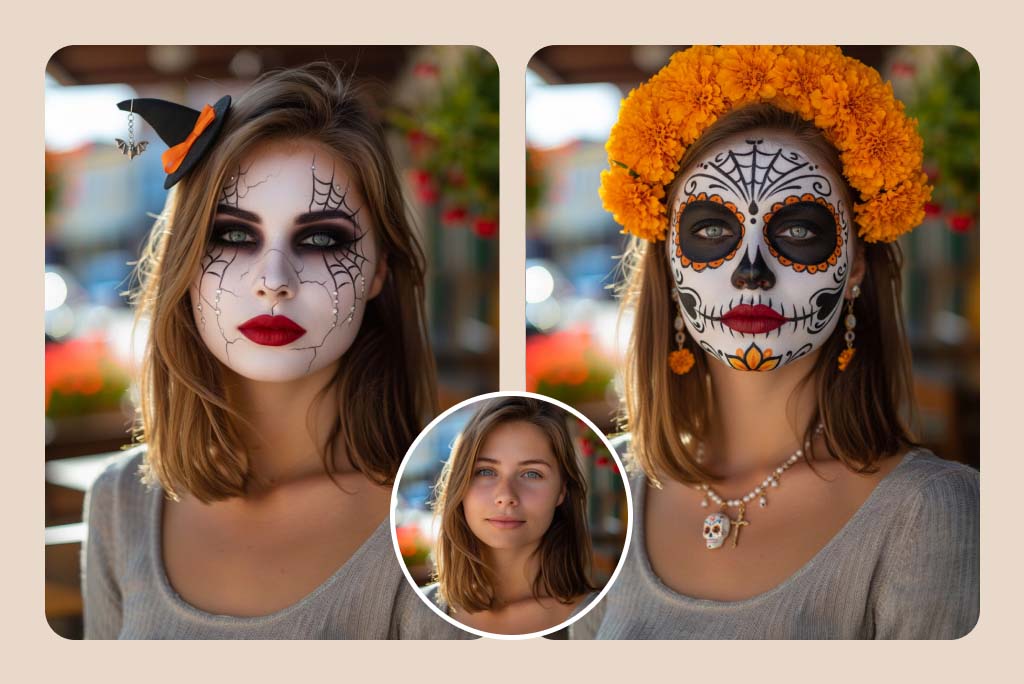
masterpiece, best quality, ultra-detailed, original girl, clothing, background, lighting, pose unchanged, only apply Día-de-los-Muertos makeover: - face paint — porcelain-white base with intricate black sugar-skull filigree around eyes, hollow-eye sockets, spider-web temples, vibrant marigold-orange accents on cheeks and nose tip, - rich crimson lips outlined in black, tiny marigold petals drawn along cupid’s bow, - jewelry: traditional marigold-flower crown (cempasúchil) on head, delicate beaded necklace with small sugar-skull pendant and golden cross, matching drop earrings,
masterpiece, best quality, ultra-detailed, original girl, clothing, background, lighting, pose unchanged, only replace makeup: dramatic Halloween look — porcelain-white base with subtle cracks, smoky black & violet eyeshadow, vivid blood-red lips, spider-web liner extending to temples, tiny rhinestones along cheekbones, faint orange pumpkin glow on cheeks, soft matte finish, seamless skin texture, Halloween. headpiece added: miniature black witch-hat fascinator tilted to left side, tiny orange ribbon bow & dangling bat charm, soft matte finish,
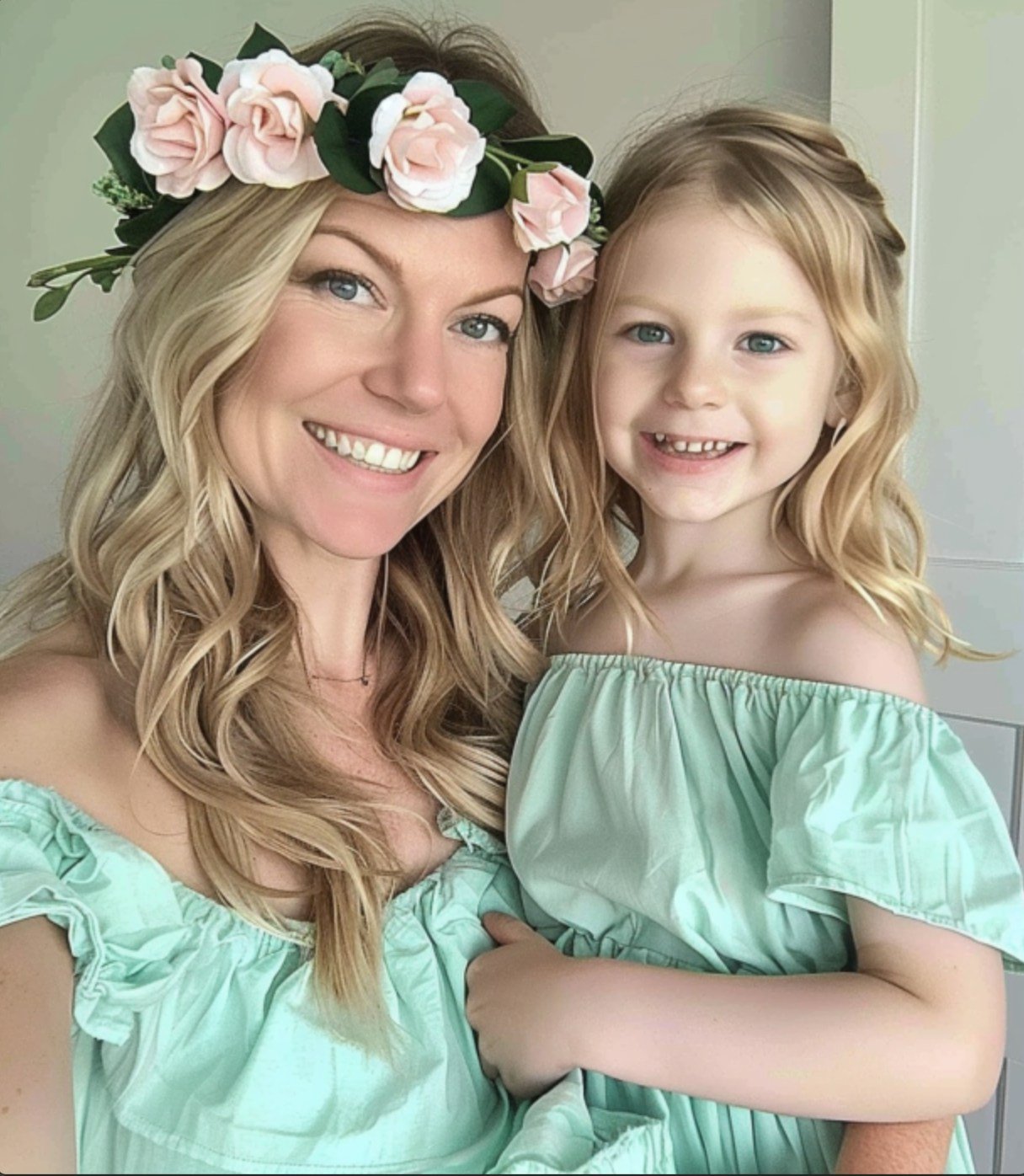
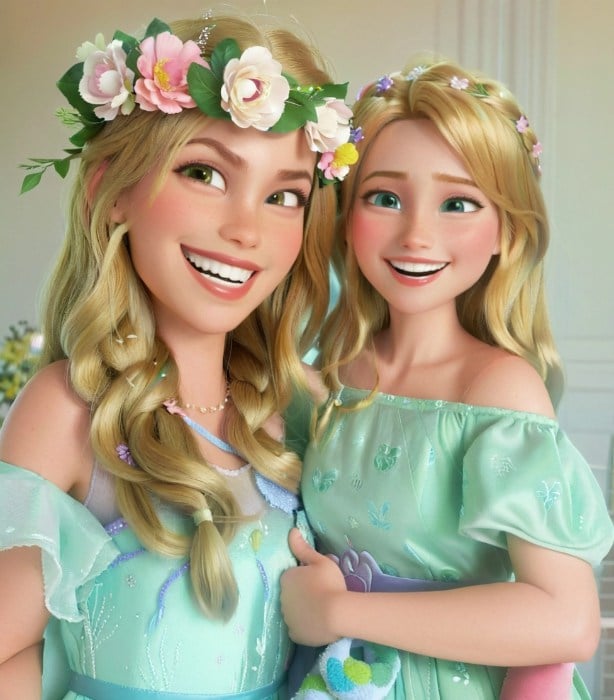
Mother's Day Disney Filter
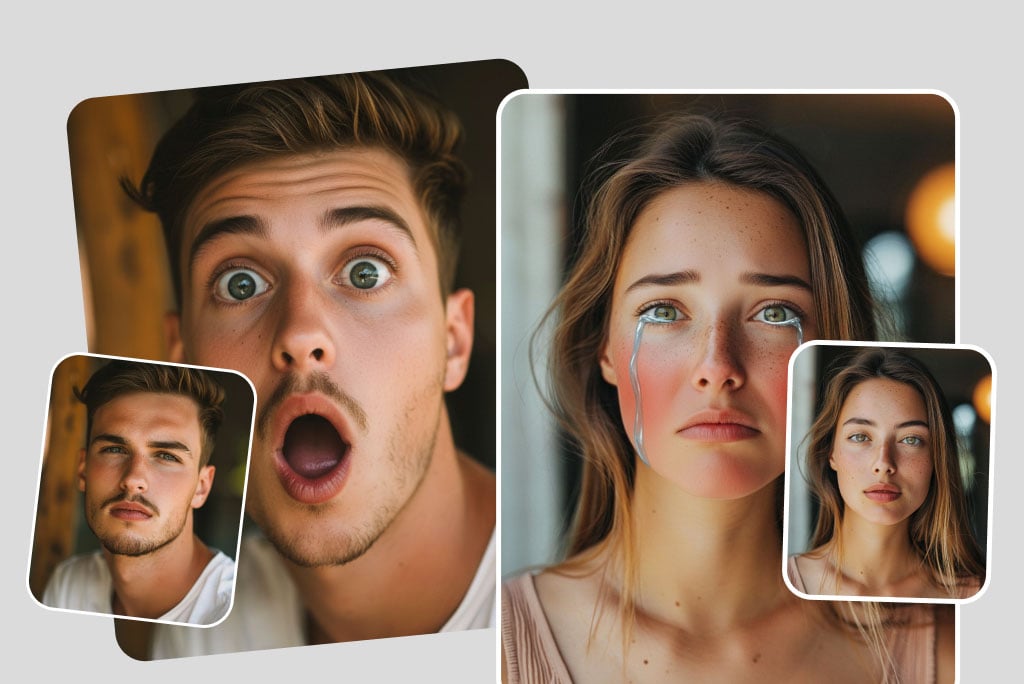
Create Funny Expressions from Any Selfie
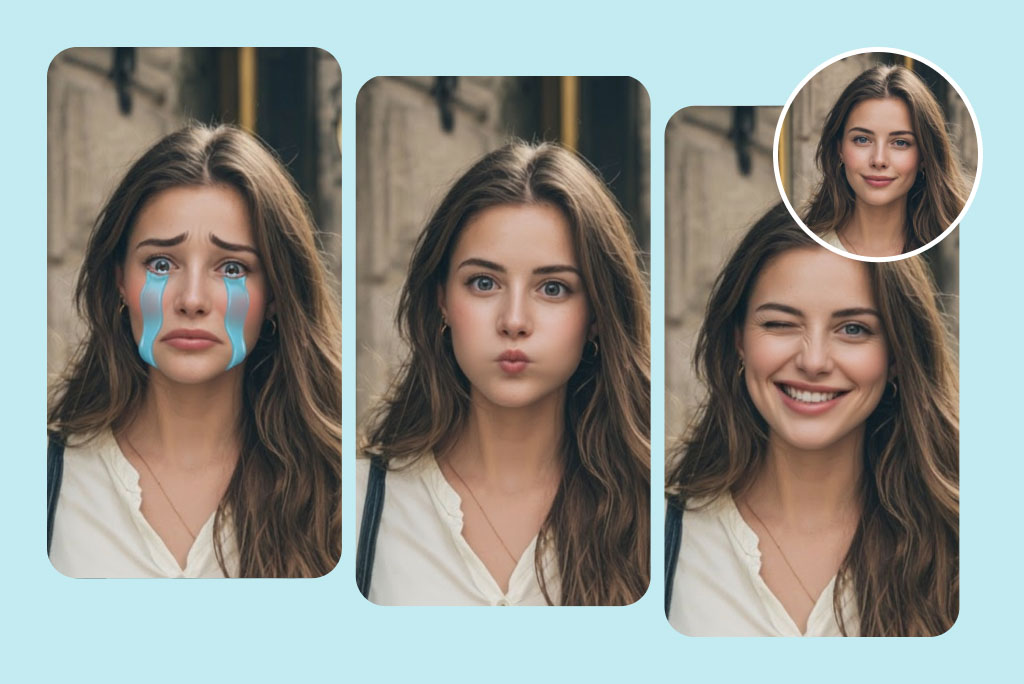
Create Funny Expressions from Any Selfie

Turn a serious portrait into a shocked, crying, smiling, winking, or over-the-top reaction image. The best funny face filters keep the face recognizable while changing the expression enough to make the edit feel playful.
Try Funny Face Filters
Make Spooky, Costume, and Party Face Edits
Make Spooky, Costume, and Party Face Edits

Use prompts to add vampire, zombie, witch, clown, or costume-inspired details. Keep the instruction simple and clear so the AI knows whether you want scary, cute, or ridiculous.
Create a Funny Face
Create Silly Distorted Faces for Memes
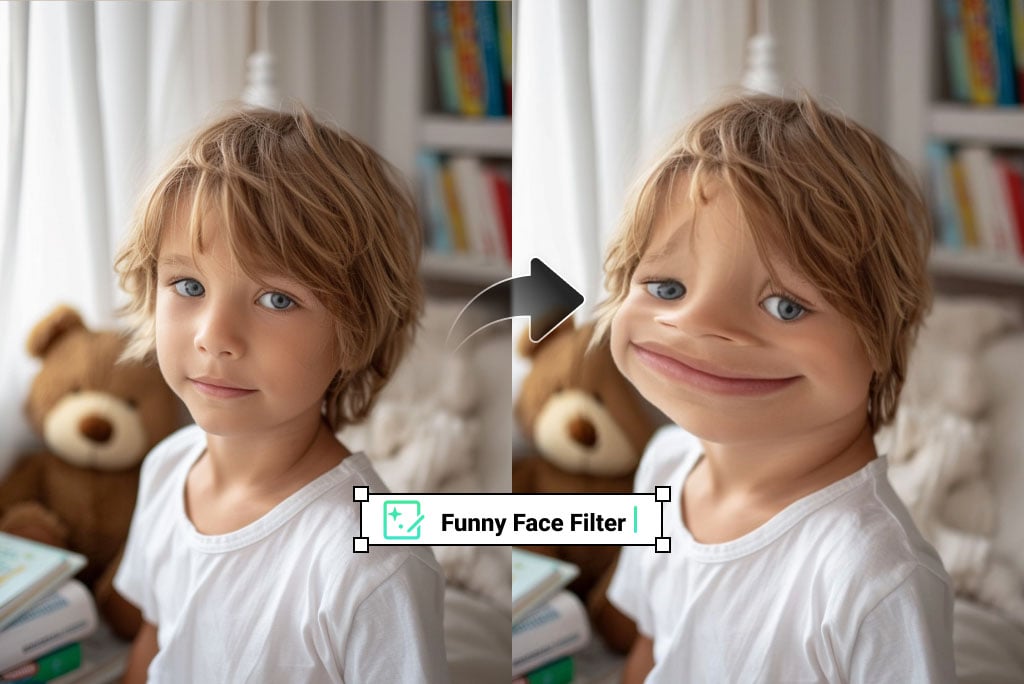
Create Silly Distorted Faces for Memes

Stretch cheeks, enlarge eyes, add a giant grin, or create a goofy reaction face. These edits work best on close-up photos with one clear subject.
Make a Funny Photo
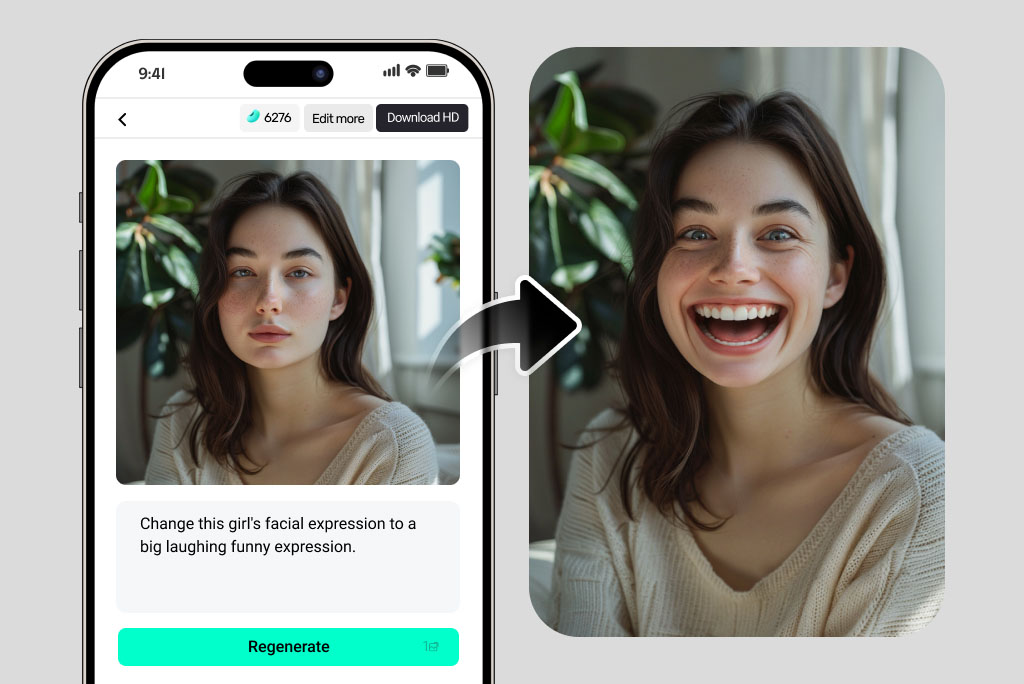
Customize Effects with Text Prompts

Customize Effects with Text Prompts

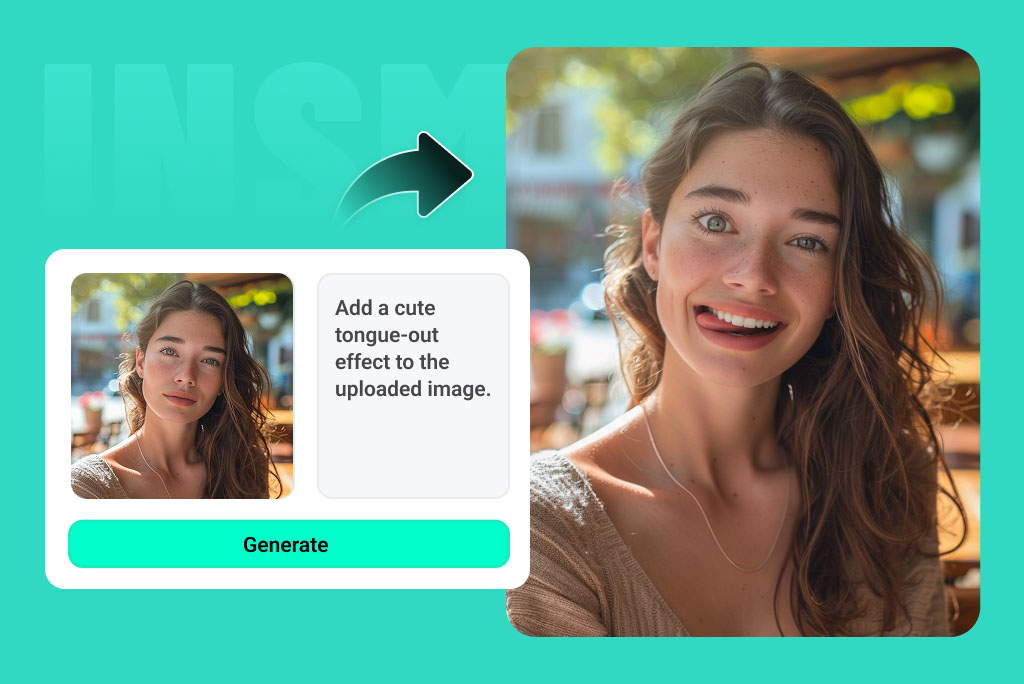
Instead of choosing only from fixed presets, describe the exact result: a baby face, dramatic crying face, cartoon villain smile, old-person prank, or exaggerated beard. Specific prompts lead to more interesting results.
Try a Prompt
Use Funny Filters on Mobile or Desktop

Use Funny Filters on Mobile or Desktop

Open the tool in your browser, upload a photo, enter a prompt, and generate. It is useful for quick memes, group chats, party invitations, and social posts.
Start Editing

Funny Face Ideas You Can Try

Use these examples as starting prompts, then adjust the style, mood, or exaggeration level until the result matches your photo.
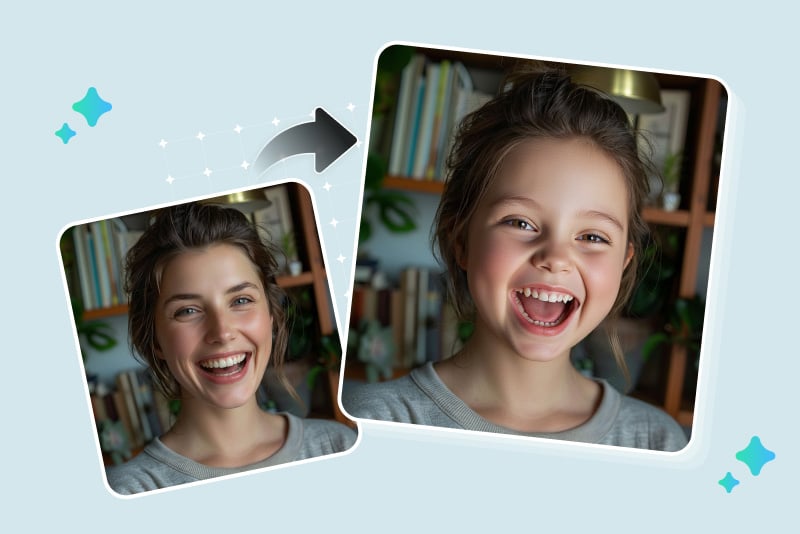
Baby Face Filter

Baby Face Filter

Create a cute baby-style version of a portrait with round cheeks, soft features, and a playful smile. It works well for harmless reaction images and birthday jokes.
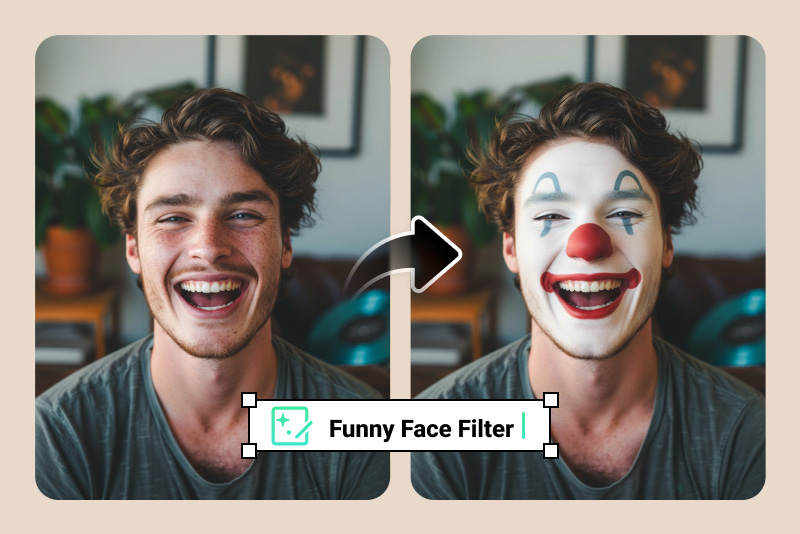
Clown Face Filter

Clown Face Filter

Add a red nose, colorful makeup, a bright wig, or a mischievous stage look. Keep it funny rather than overly busy so the face still reads clearly.
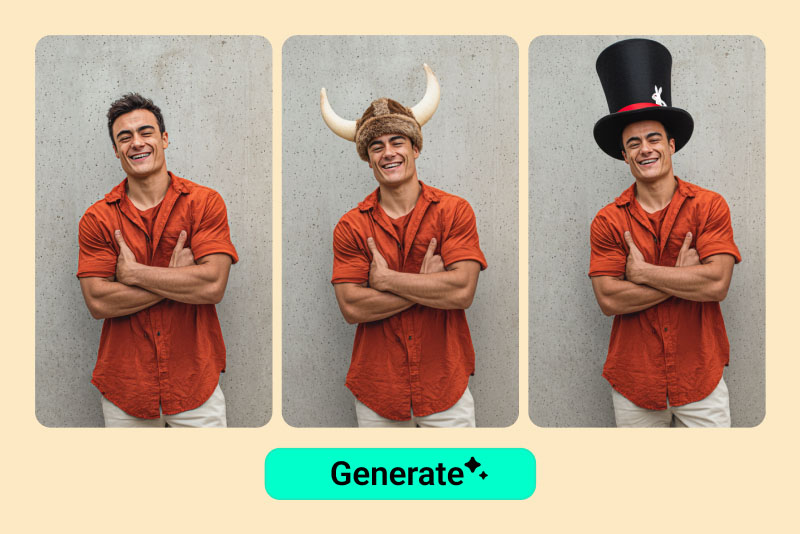
DIY Funny Faces

DIY Funny Faces

Combine prompts like huge sunglasses, wild eyebrows, dramatic crying, goofy teeth, or cartoon expressions to make a custom funny photo filter.
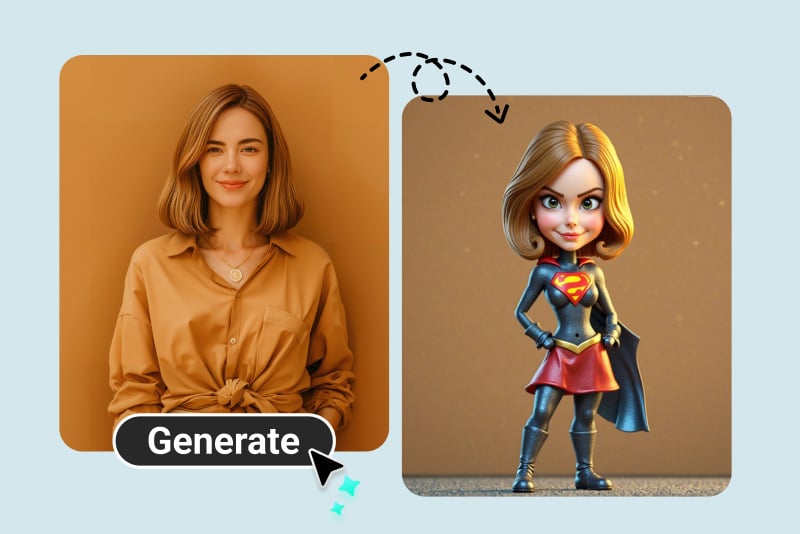
Funny Caricature

Funny Caricature

Turn a friend, pet owner, or creator portrait into a playful caricature with exaggerated but recognizable features.
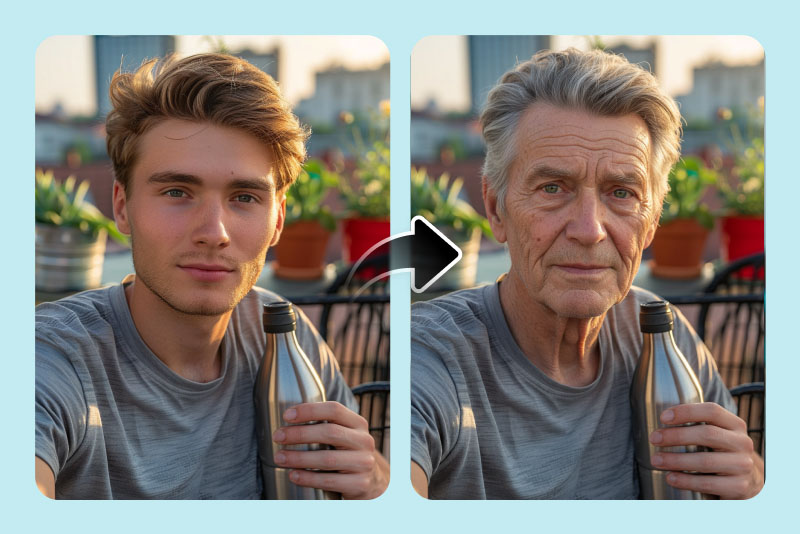
Old Face Prank

Old Face Prank

Use an old filter for a lighthearted future-self edit. Treat the result as entertainment, not a real prediction of aging.
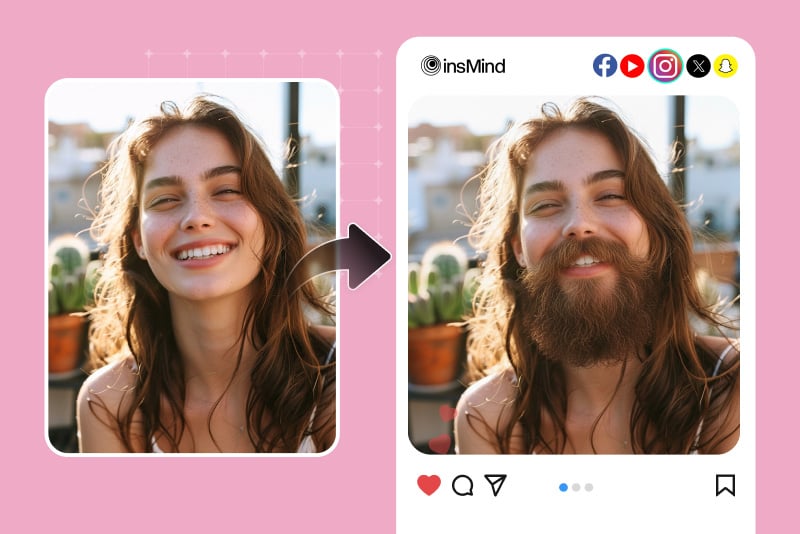
Funny Beard Filter

Funny Beard Filter

Add a beard, mustache, or unexpected facial hair style for quick jokes, character ideas, and meme images.

Why Use insMind Funny Face Filters?

Prompt-Based Creative Control

Prompt-Based Creative Control

Describe the effect you want instead of being limited to one fixed filter.

Fast Results for Social Posts

Fast Results for Social Posts

Upload, prompt, generate, and download a funny face edit in seconds when you need a quick reaction image.

Works with More Photo Editing Tools

Works with More Photo Editing Tools

After generating a funny face, you can keep editing with retouching, filters, background tools, or image enhancement.

FAQs about Funny Face Filters

What are funny face filters?

insmind expand icon
Funny face filters are photo effects that change expressions or facial features to create a silly, cute, spooky, or meme-like result.

Can I make funny face filters online for free?

insmind expand icon
You can try funny face filters online by uploading a photo and generating an AI effect. Available downloads and usage may depend on account limits.

What kind of photo works best?

insmind expand icon
Use a clear selfie or portrait with one visible face. Strong lighting and a front-facing angle usually create cleaner funny face results.

Can I create a custom funny face with a prompt?

insmind expand icon
Yes. Describe the exact effect, such as a shocked cartoon face, baby face, clown smile, goofy beard, or dramatic crying expression.

Are funny face filters good for memes?

insmind expand icon
Yes. They are useful for reaction images, group chats, social posts, party edits, and meme-style visuals.

Will the result still look like the original person?

insmind expand icon
The AI tries to keep recognizable features while applying the effect, but very extreme prompts can change the face more dramatically.

Try More Face Filters and Photo Effects

Explore related expression, selfie, makeup, and AI photo tools for more creative edits.