
Discord Banner Maker: The Ultimate Banner Generator
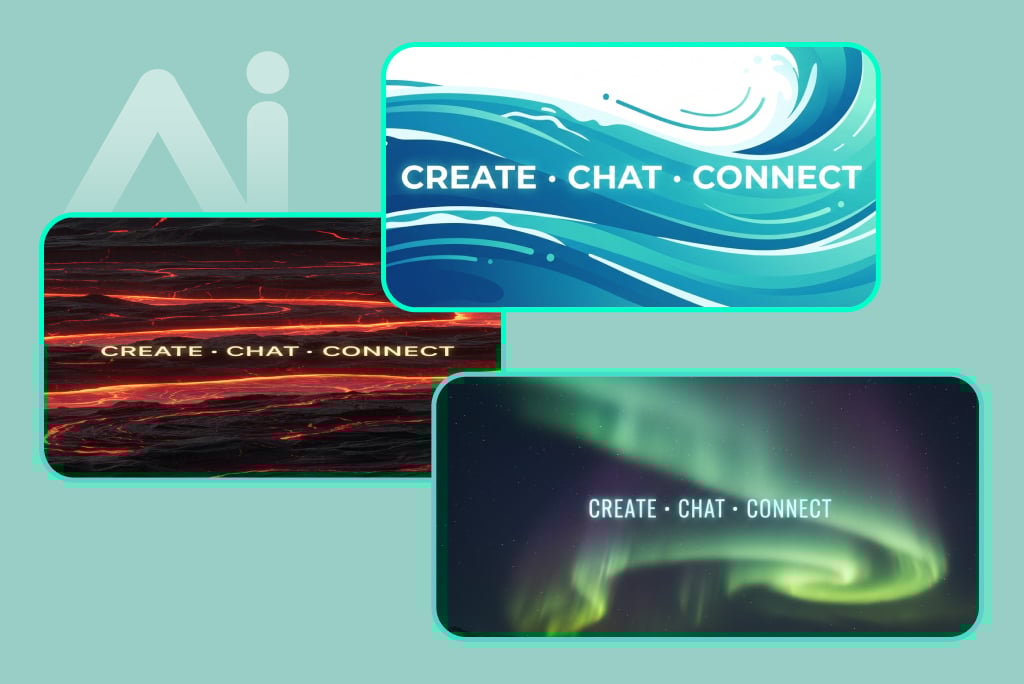
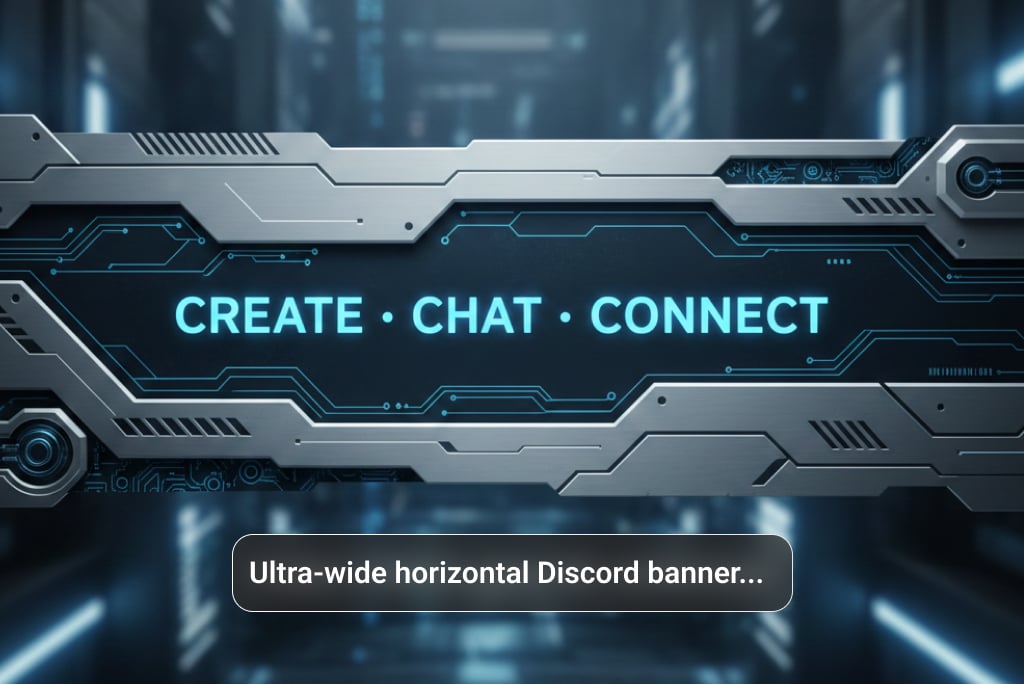
Create Custom Discord Banners with AI
Our AI Discord banner generator lets you create custom banners using simple text prompts. Describe the style you want, such as gaming, anime, minimal, futuristic, or branded, and the AI instantly generates a banner that matches your vision. This Discord banner maker gives you full control over colors, themes, and mood, with no design skills required. Unlike template tools, every banner is created from scratch, helping your server stand out with a unique look. Whether for a professional community or a gaming server, this Discord banner creator turns ideas into high-quality visuals in seconds.
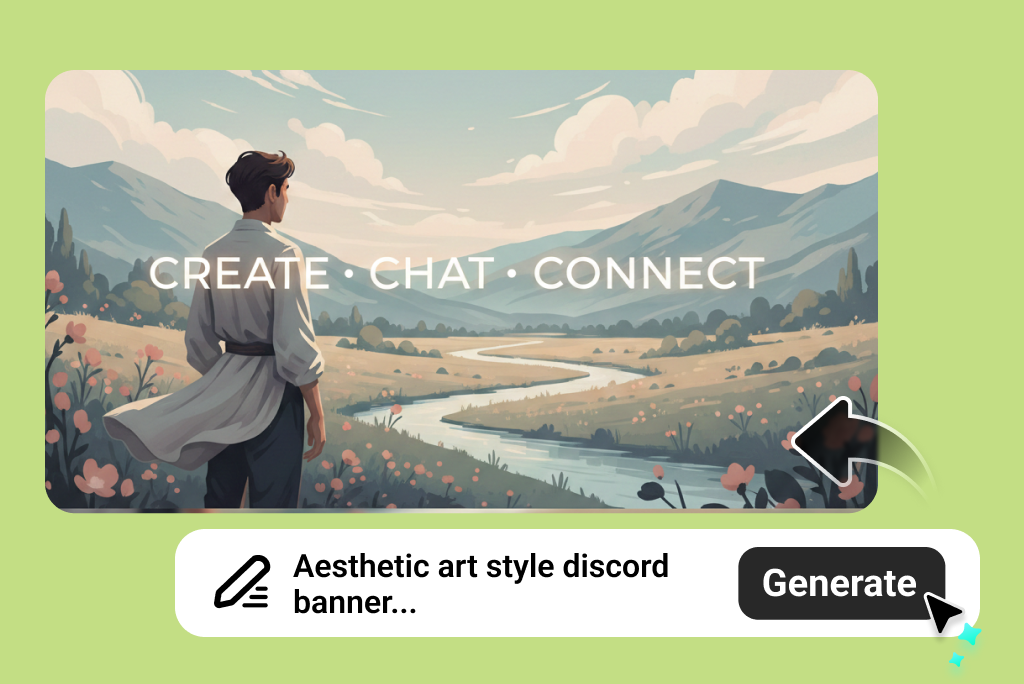
Design Discord Banners That Attract More Members
Our AI Discord banner generator helps you create custom banners using simple text prompts. Describe your style, including gaming, anime, minimal, futuristic, or branded, and the AI instantly generates a banner that fits your vision. This Discord banner maker lets you control colors, themes, and mood with no design skills needed. Unlike template-based tools, each banner is created from scratch, so your server stands out with a unique look. From professional communities to gaming servers, this Discord banner creator turns ideas into high-quality visuals in seconds.
How to Make a Discord Banner with AI
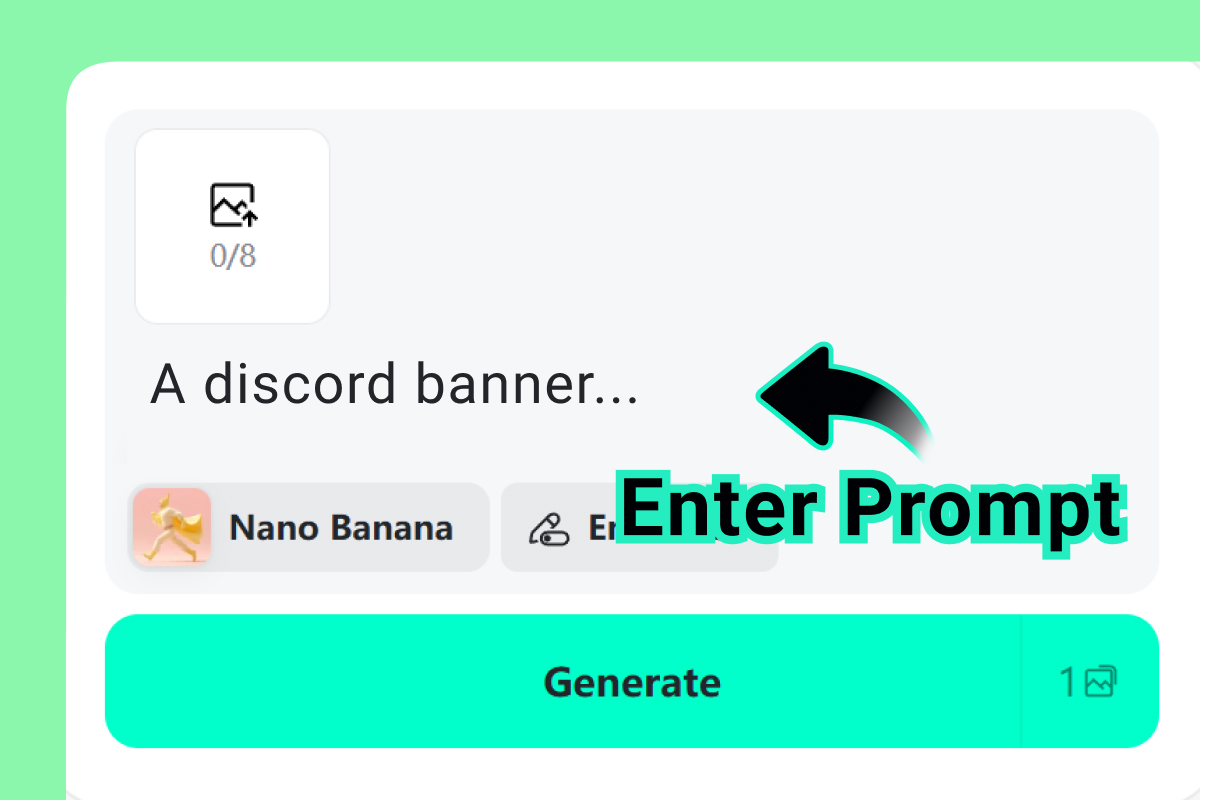
1 Enter Your Vision
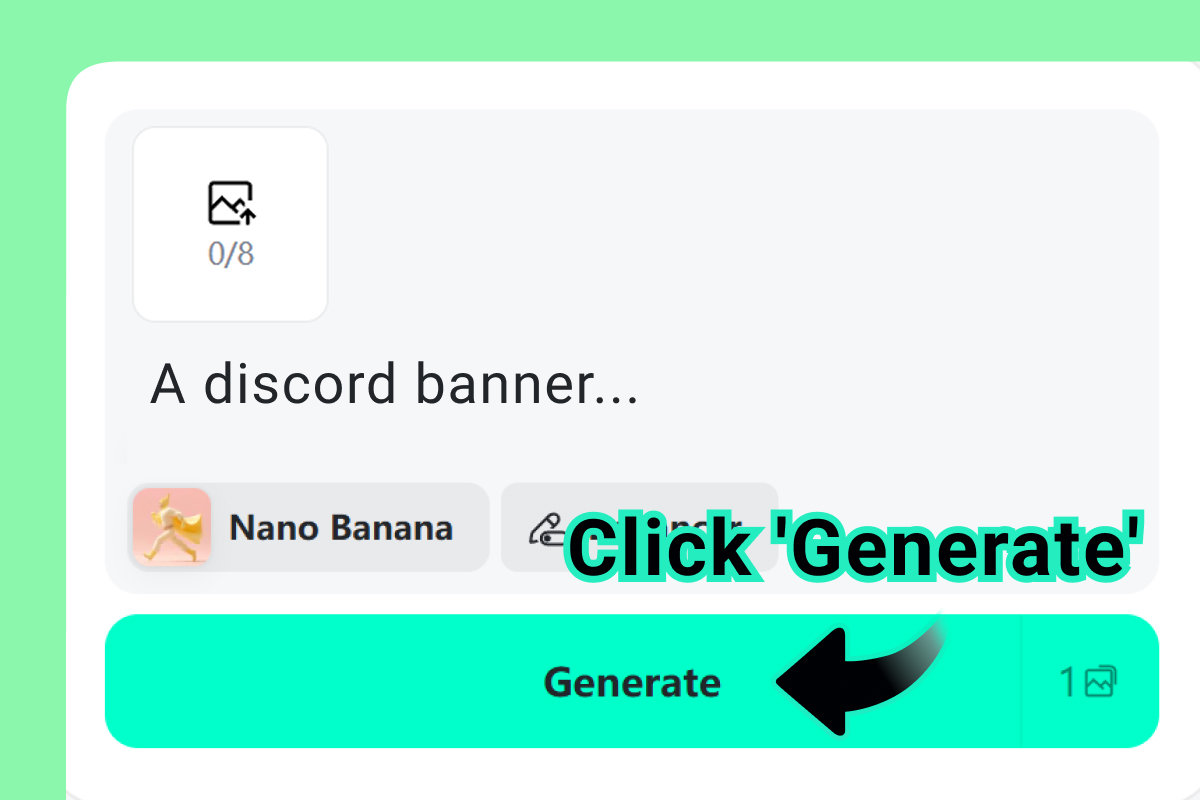
2 Run the Generator
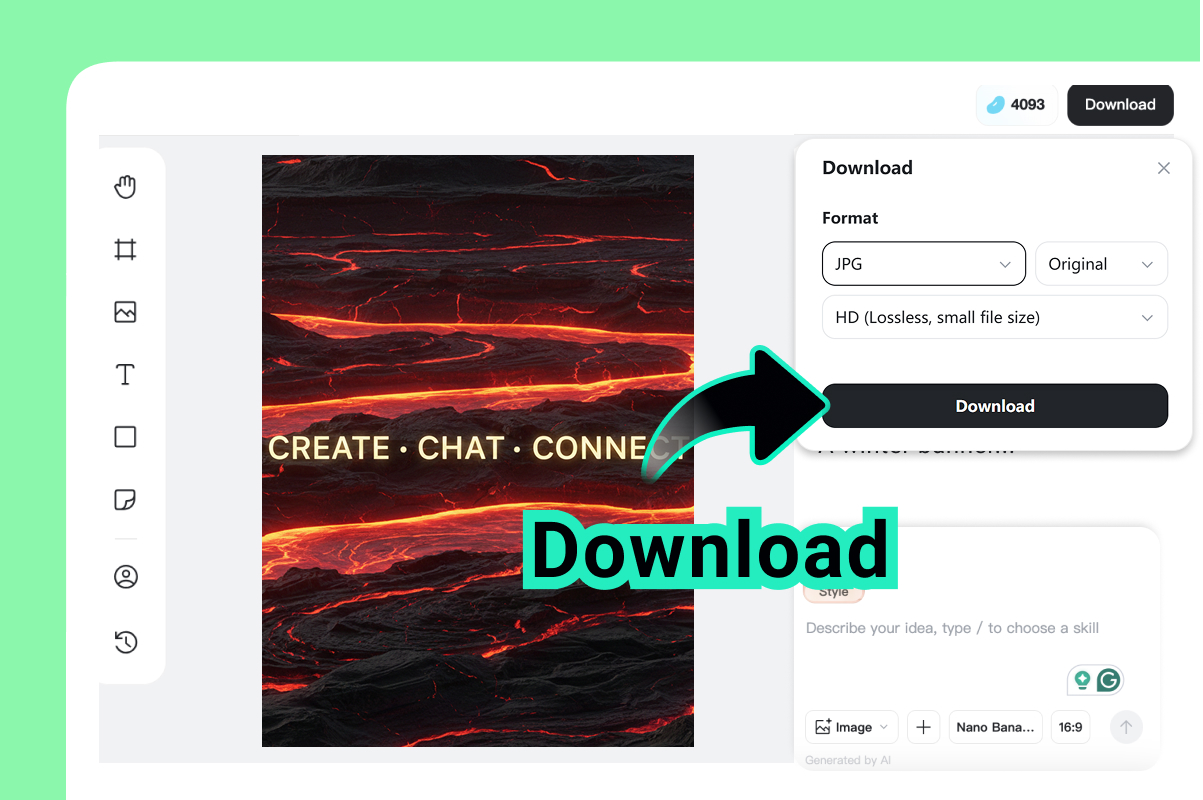
3 Save Your Masterpiece
Use Cases for Your Discord Banner Generator
Pro Gaming Server Banners
Use prompts like "cyberpunk neon city, high-tech esports vibe." Perfect for competitive teams looking for a bold, professional look that screams "winner."
Anime & Fan Community Styles
Try "Studio Ghibli aesthetic, peaceful meadow." Great for fan groups who want a cozy, artistic feel that represents their favorite shows and characters.
Creator & Influencer Branding
Enter "minimalist gold marble, elegant font." Ideal for YouTubers and streamers who need a clean, recognizable brand identity for their growing community.
Web3 & NFT Community Visuals
Use "futuristic blockcahain, 3D glass textures." Designed for crypto enthusiasts who want to showcase cutting-edge tech and digital ownership in their server header.
Study & Learning Group Themes
Try "cozy library, warm lighting, lofi style." Helpful for student groups who want a calm, focused environment that encourages productivity and collaborative learning.
Startup & Product Support Headers
Enter "professional software interface, clean blue colors." Best for tech companies providing customer support or sharing product updates with their user base.
Event & Limited-Time Server Art
Use "party fireworks, neon celebration." Perfect for seasonal tournaments, holiday parties, or special one-off community events that need high-energy visuals.
Friends & Private Group Banners
Try "polaroid collage, friendship memories." Ideal for small circles of friends who want a personal touch that makes their private server feel like home.
Explore More Discord Banner Styles
Frequently Asked Questions about Discord Banner Generator
What is a Discord banner generator?


How can I use the discord banner maker free of charge?
What is the ideal discord banner size?
How to make a discord banner with AI?
Do I need Discord Nitro to use these banners?
Can this banner maker for discord create anime styles?
How do I upload my new banner?
Is this the best discord banners maker for servers?
Can I make a banner from my own photo?