
World Cup AI Video Generator
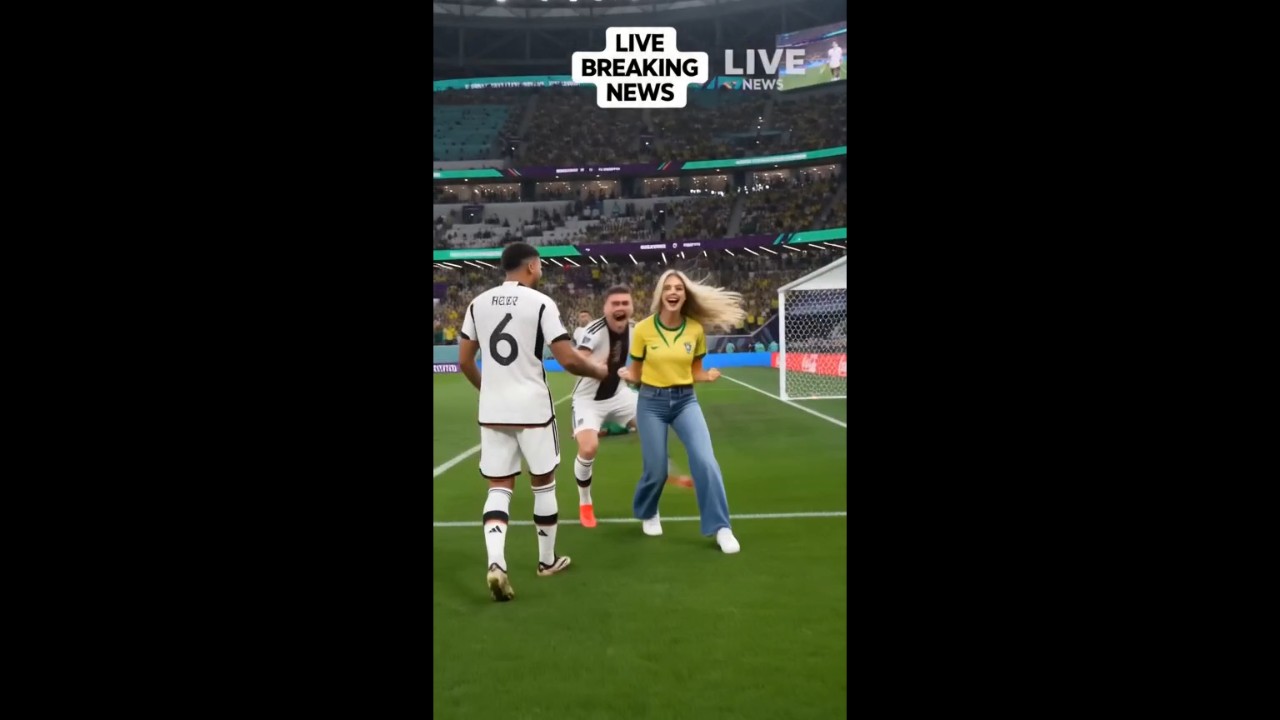
Turn Photos into World Cup Videos
Upload a fan selfie, team poster, product photo, or matchday graphic and turn it into a football video with AI. This is the best starting point when your visual already has the subject, and you only need motion, stadium atmosphere, and football energy. For image-first ideas, start from an image to video workflow, then guide the final result with a focused World Cup prompt.
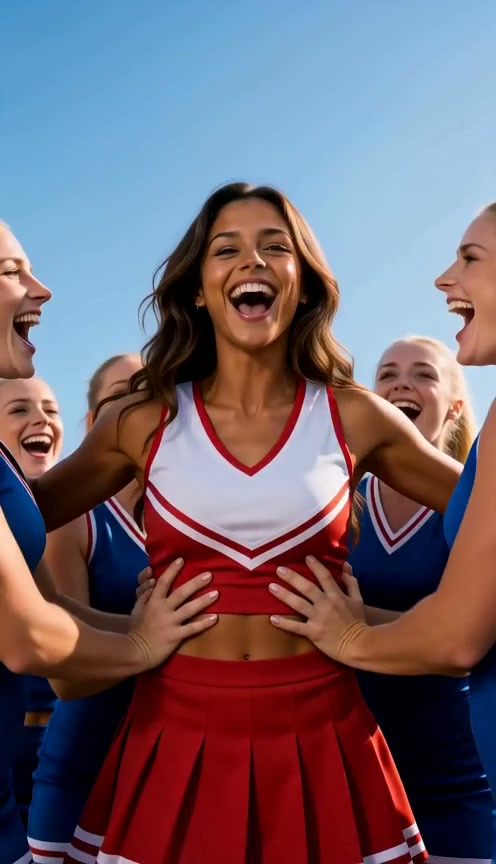
Create Football Videos from Text Prompts
No photo ready yet? Start with a prompt. Describe the football moment, subject, camera motion, setting, and mood you want, then let insMind turn the written idea into a World Cup-style video. This works well for creators who want to test several football ideas before choosing a final visual direction.
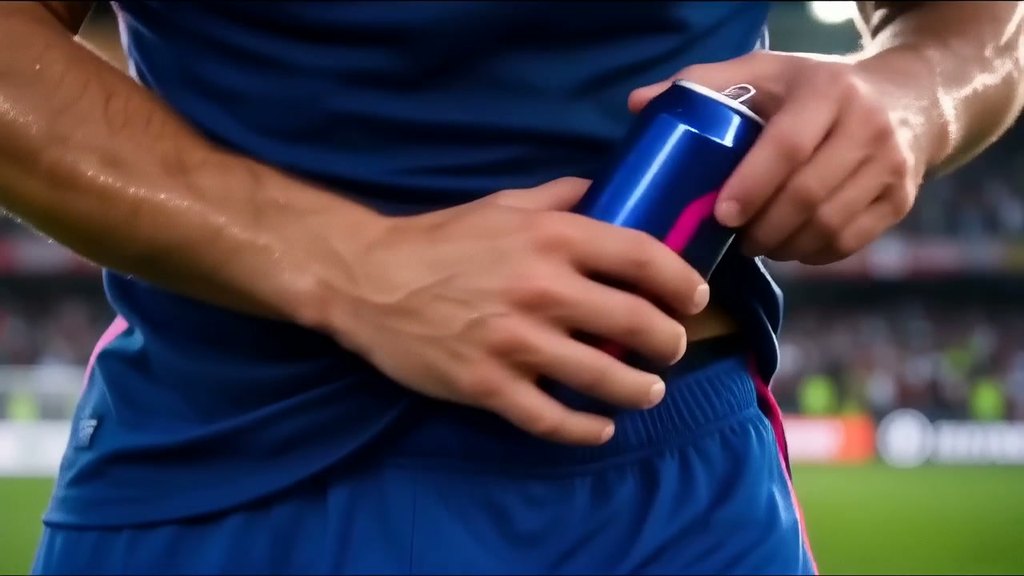
Create World Cup Marketing Videos
Turn product moments into football-themed campaign clips. Show a drink, product, poster, or sale visual inside a matchday scene, then use AI motion to make it feel like a short World Cup-style ad for social feeds.
How to Create a World Cup AI Video
Step 1: Choose Your Starting Point
Upload a fan photo, matchday poster, product image, or football-themed visual. You can also begin with text if you want to create the whole scene from a prompt.
Step 2: Write Your World Cup Video Prompt
Describe the football scene, stadium mood, camera movement, team-color energy, countdown reveal, or Pixar-style animated look you want.
Step 4: Download and Share
Download the final clip for your campaign, social post, fan page, event announcement, or creative project. Use only assets and brand elements you have the right to use.
Step 3: Generate the Video
Let insMind turn your image or prompt into a World Cup-style AI video. Preview the result and check whether the motion and football mood match your idea.
Best Ways to Use World Cup AI Videos
Explore fan, event, and marketing ideas for World Cup-style AI videos.

World Cup Fan Hype Shorts

Matchday Promo Video

World Cup Marketing Video

Copy-Ready World Cup Video Prompts
Frequently Asked Questions
What is a World Cup AI video generator?


Can I create World Cup-style videos from a photo?
Can I make a football video from a text prompt?
Is insMind's World Cup AI video generator free?
What should I write in a World Cup video prompt?
Can I make videos for TikTok, Reels, and Shorts?
Can I use official World Cup logos, team marks, or player images?
Can I create a World Cup Pixar-style video?