00:00
00:00

Turn Animal Photo into Talking Pet Videos

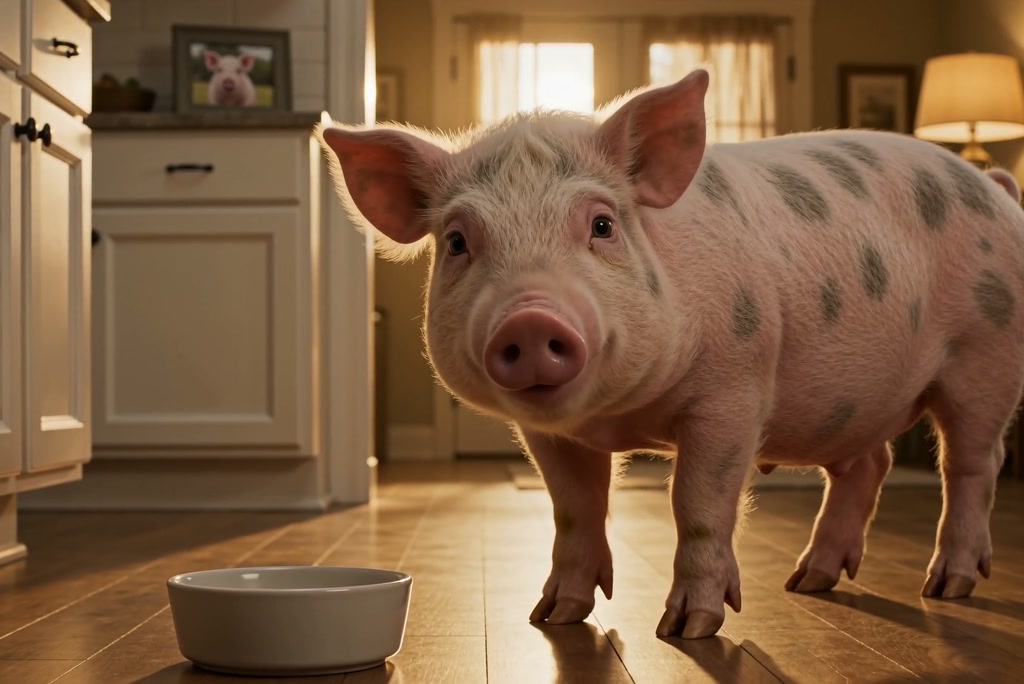
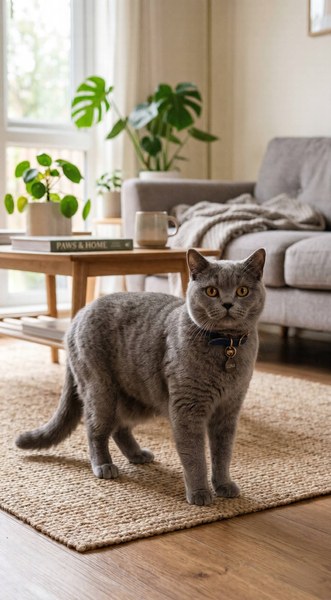
Pet owners often start with pictures saved from phones, social apps, or edited image files. Upload a JPG, PNG, or WEBP pet photo, then turn that still animal image into a talking AI video. It gives common pet pictures a new use without requiring camera footage.
00:00
00:00

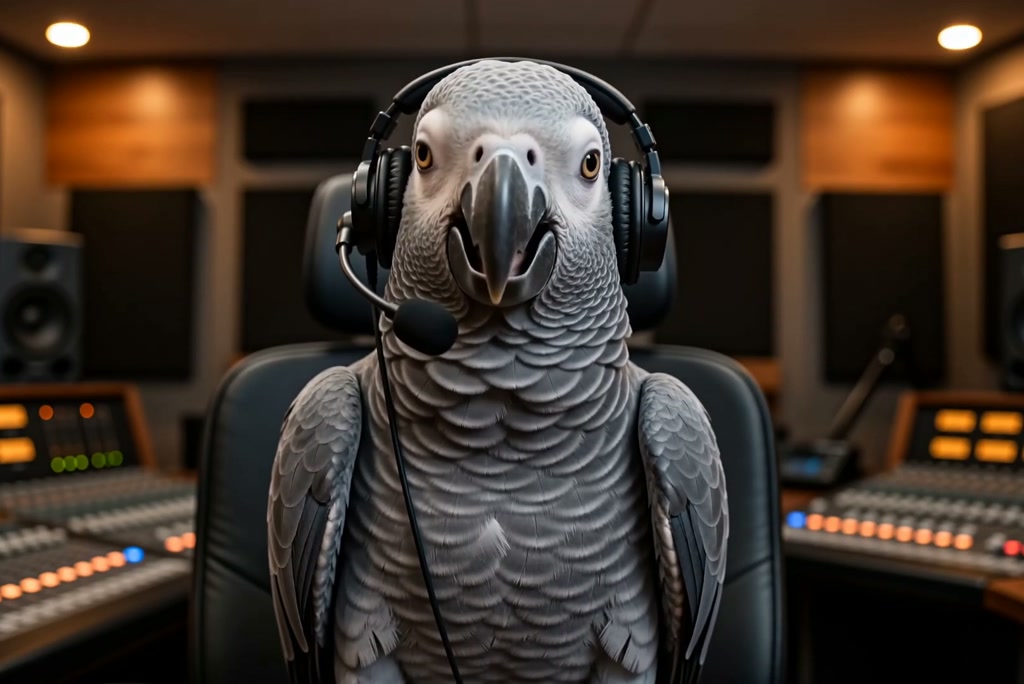
Make Your Dogs, Cats, and Parrots Sing and Talk

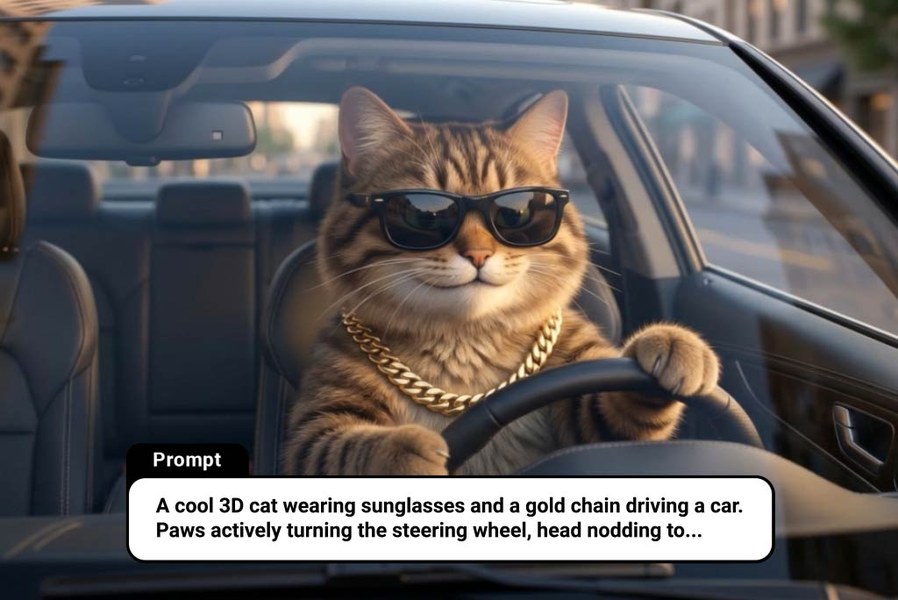
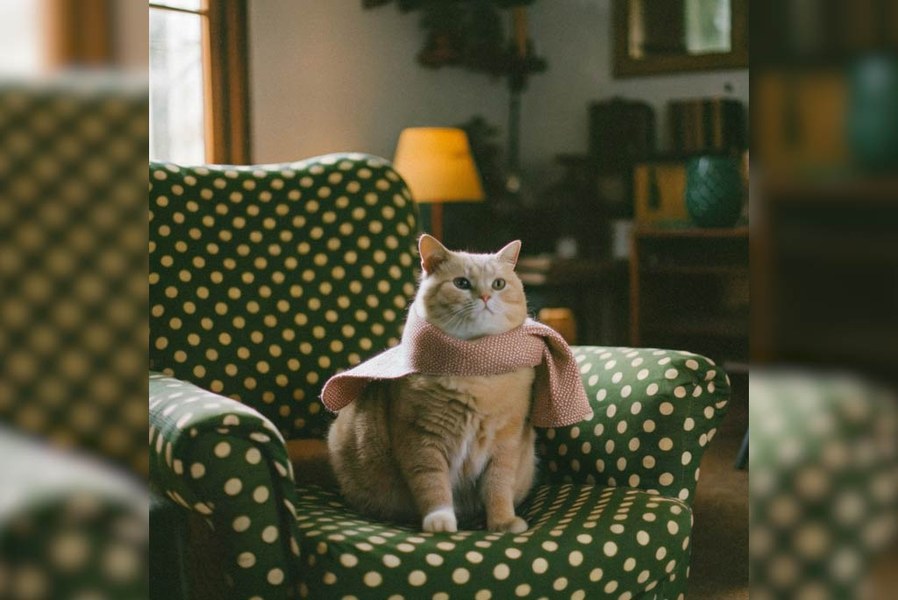
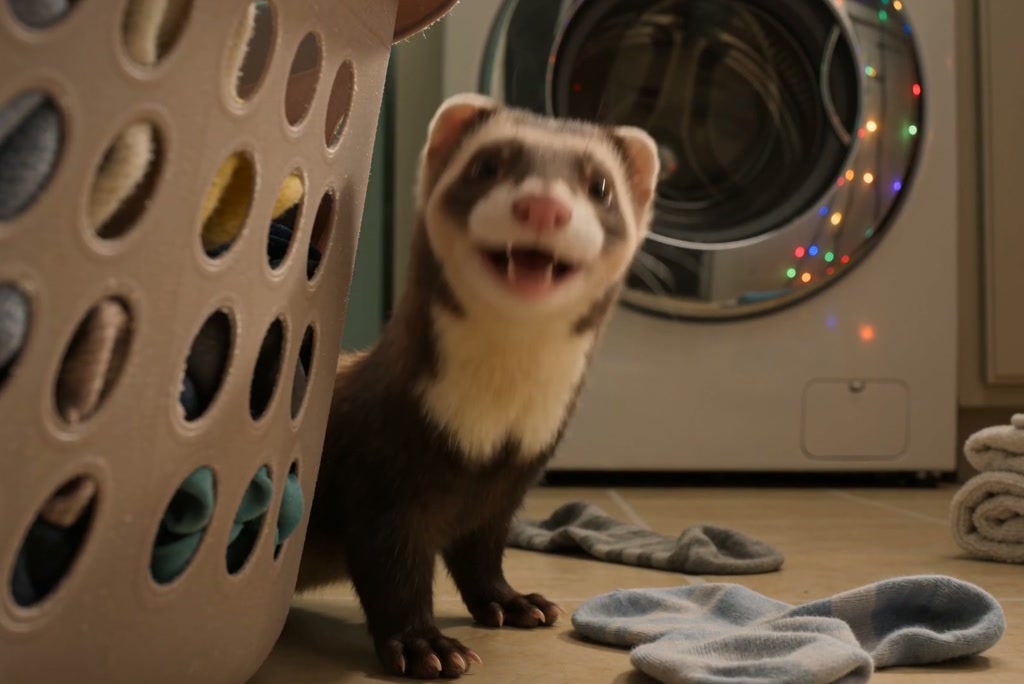
Write the pet's line, song idea, greeting, or reaction in the prompt box. The AI talking cat, AI talking dog, or parrot clip follows your message and scene direction from the prompt. Use short lines for punchy jokes and longer text for playful narration.
00:00
00:00

Make a Pet Podcast with AI

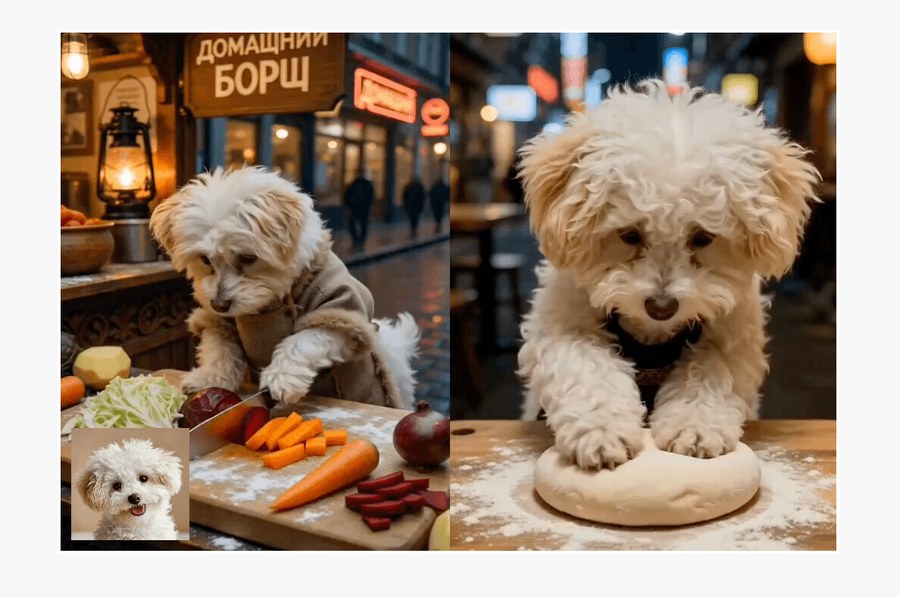
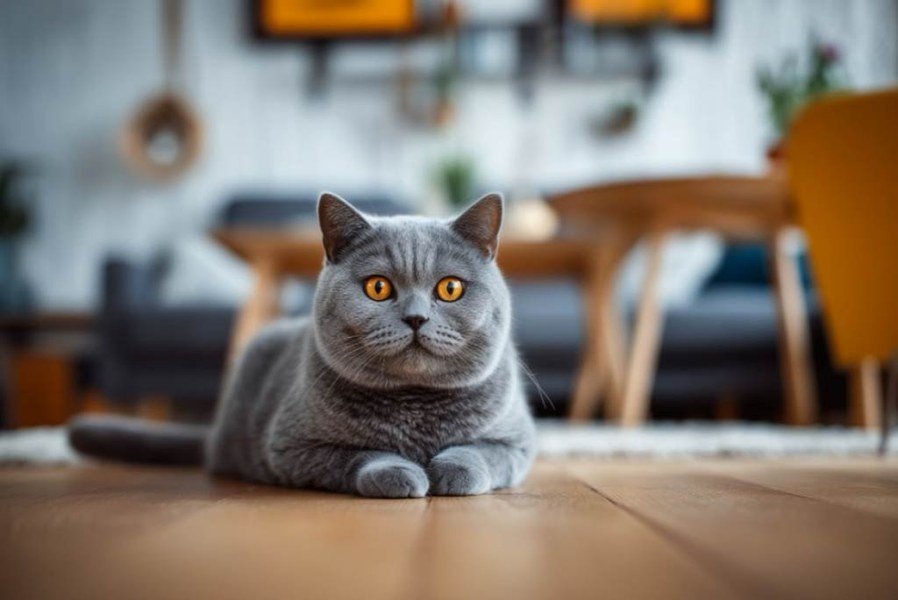
Some pet clips need more than one punchline. Use the AI pet podcast generator style to create animal hosts, two-pet chats, mock interviews, or commentary bits. The result fits short comedy segments, recurring pet pages, and playful episode teasers.

How to Make Your Pet Talk with AI in 4 Steps

Step 1. Upload Your Pet Photo

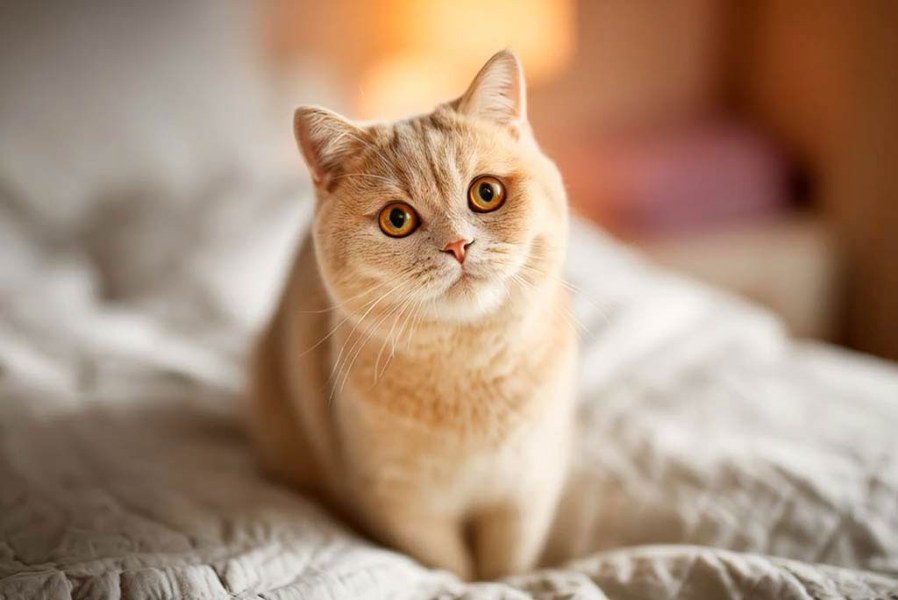
Choose a clear pet image with the face visible, such as a cat, dog, rabbit, parrot, panda, or another animal. A front-facing photo gives the generator stronger visual cues for the talking clip.

Step 2. Write the Pet's Message

Type what the animal should say, sing, host, or joke about in the prompt box. For make pet talk AI ideas or make your pet talk AI greetings, keep the message specific and readable.

Step 3. Set the Talking Style

Pick the animation mode, video length, motion strength, and style that match the scene. Use gentler settings for a calm greeting or stronger motion for a more expressive reaction before you send your prompt.

Step 4. Generate and Download

Send the generation request and preview the talking pet video when it is ready. If the clip matches the joke, greeting, or post idea, download it for sharing, saving, or further editing.

What Makes This Talking Pet AI Different

More Than Dogs

More Than Dogs

Create playful talking animal AI videos with cats, dogs, parrots, rabbits, pandas, and other animals beyond everyday house pets.
Pet Personality Control

Pet Personality Control

Shape the pet's joke, mood, character, setting, and speaking style with prompt details that match the scene.
Downloadable MP4 Videos

Downloadable MP4 Videos

Download the generated talking pet video as an MP4, then post, save, or edit it in your usual tools.
Social-Ready Pet Clips

Social-Ready Pet Clips

Turn pet reactions into short videos for pet accounts, memes, greetings, and social posts that feel made for sharing.
Adjustable Pet Motion

Adjustable Pet Motion

Tune mode, video length, animation strength, and style so the pet's movement fits a calm message or wild meme.
Easy to Try

Easy to Try

If you searched for talking pet AI free, start online and test a pet idea before checking current limits or credits.

Who Is Talking Pet AI for?

Pet Owners

Pet owners often want a fun way to turn a favorite animal photo into a message. Talking pets AI clips can frame birthdays, holiday greetings, adoption updates, or family jokes from the pet's point of view. The result feels personal without recording a new video.

Social Creators

Social creators need animal clips that can land a joke in seconds. Make an AI talking cat, dog, rabbit, or parrot react to a trend, meme, or comment. Use the finished clip as a Reel, reaction post, or short pet-account update.

Pet Businesses

Pet businesses need posts that feel warmer than a plain promo graphic. Use AI talking pet ideas to make a mascot announce grooming slots, shelter news, or small product updates. A talking animal video can turn routine announcements into character-led content.

Podcast Makers

Podcast makers can build recurring animal-host sketches without filming pets on set. Use an AI pet podcast generator format for two-animal chats, mock interviews, or episode-style commentary. It works well for comedy pages, pet newsletters, and character-based shorts.

Frequently Asked Questions

What is talking pet AI?

insmind expand icon
Talking pet AI is a photo-to-video tool that makes animals appear to speak, sing, or host short clips. You start with a pet image, add a line or scene idea, and generate an AI talking pet video.

How does AI make a pet talk?

insmind expand icon
It works by using image-to-video generation on your pet photo and your written prompt. The AI adds talking-style motion based on the scene, though results can vary by image quality and prompt detail.

What pet photo formats can I upload?

insmind expand icon
JPG, PNG, and WEBP are supported for pet photo uploads. For better results, use a clear front-facing image where the animal's face is visible.

Can I make an AI talking dog video?

insmind expand icon
Yes, you can make an AI talking dog video for birthday messages, reactions, product jokes, or regular dog-account posts.

Can I use it as an AI pet podcast generator?

insmind expand icon
Yes, you can create pet hosts, two-animal chats, mock interviews, and short commentary-style clips for a podcast-like format.

Is talking pet AI free to try?

insmind expand icon
Yes, you can start online; check the current page for any credit requirements or usage limits before generating.

Can I download the talking pet video?

insmind expand icon
Yes, finished clips can be downloaded as MP4 videos for sharing, saving, or editing elsewhere.

More Talking Pet and Animal Video Tools