Make Hype Videos Without Starting from Scratch
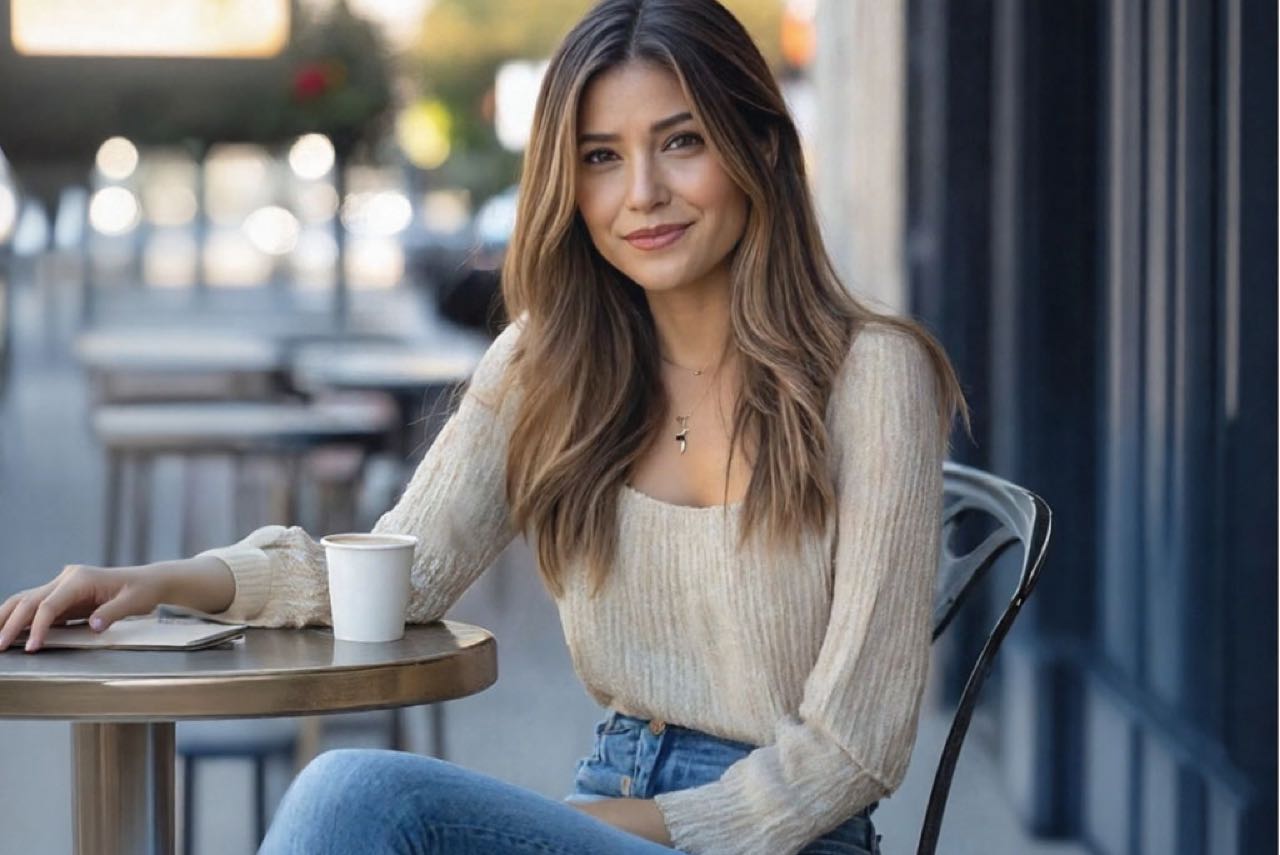
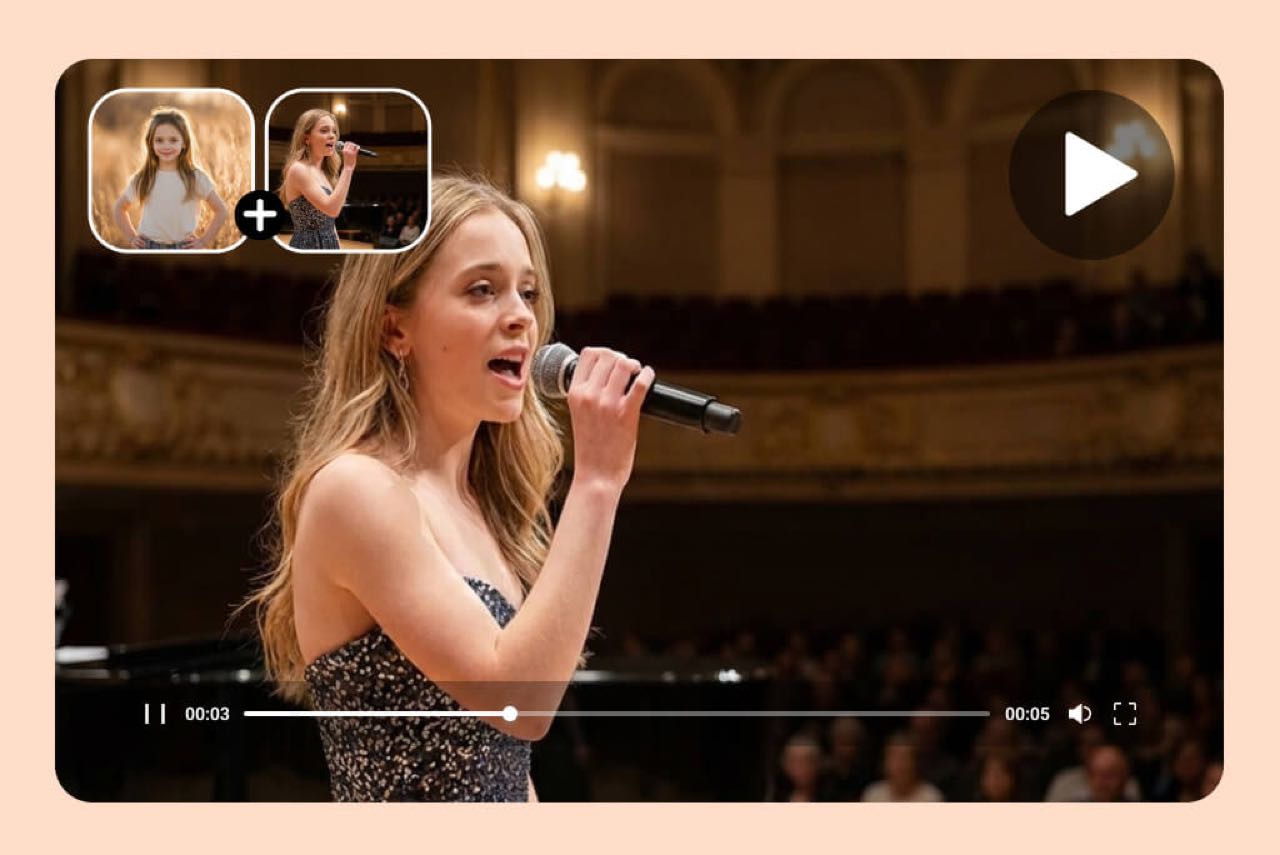
Not sure how to make a hype video from scratch? Upload a strong photo and tell insMind what the video is for, such as a sports announcement, concert teaser, product launch, event opener, or fan-page post. The Hype Video Maker turns that image and direction into a ready-to-share generated video, giving beginners a clear starting point without planning a full production.

Shape the Energy of Every Hype Video with a Prompt
Build anticipation by defining the energy in your prompt before you generate. Choose a fast social hook, dramatic entrance, celebratory reveal, tense pre-show mood, or performer-focused fancam, then specify the camera movement, lighting, atmosphere, and output format. This prompt-driven hype video creator also works as a practical fancam maker for fan pages, events, sports moments, and creator campaigns.
Hype Video Types You Can Create
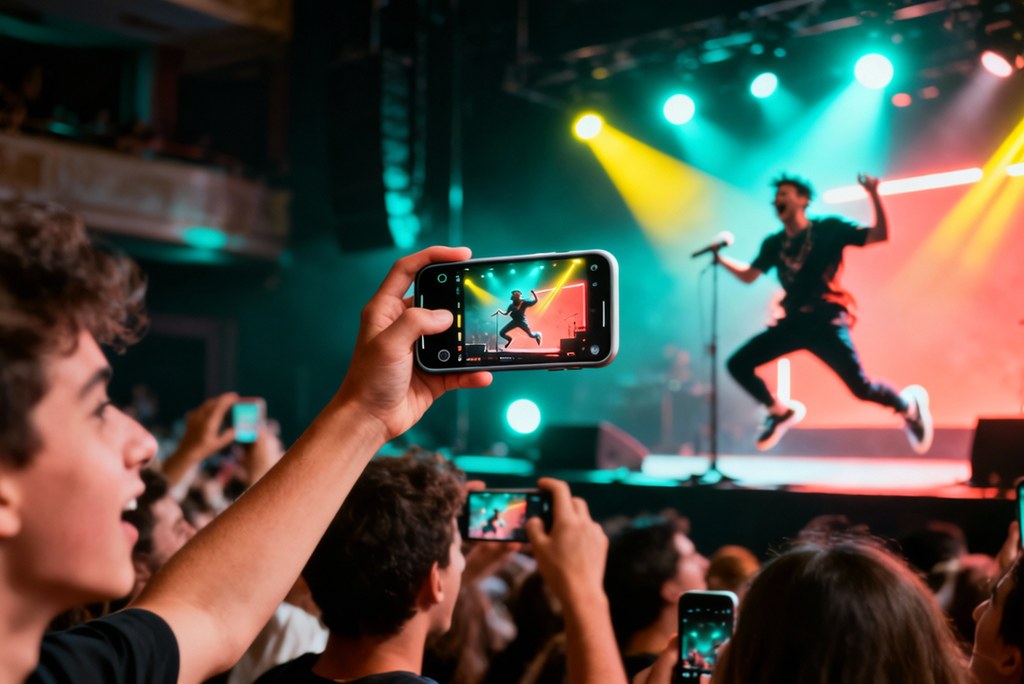
Fancam-Style Performance Videos
Turn a performer photo into a vertical fan video with focused motion, concert atmosphere, and an energetic reveal made for fan pages and social feeds.

Sports Hype and Walkout Videos
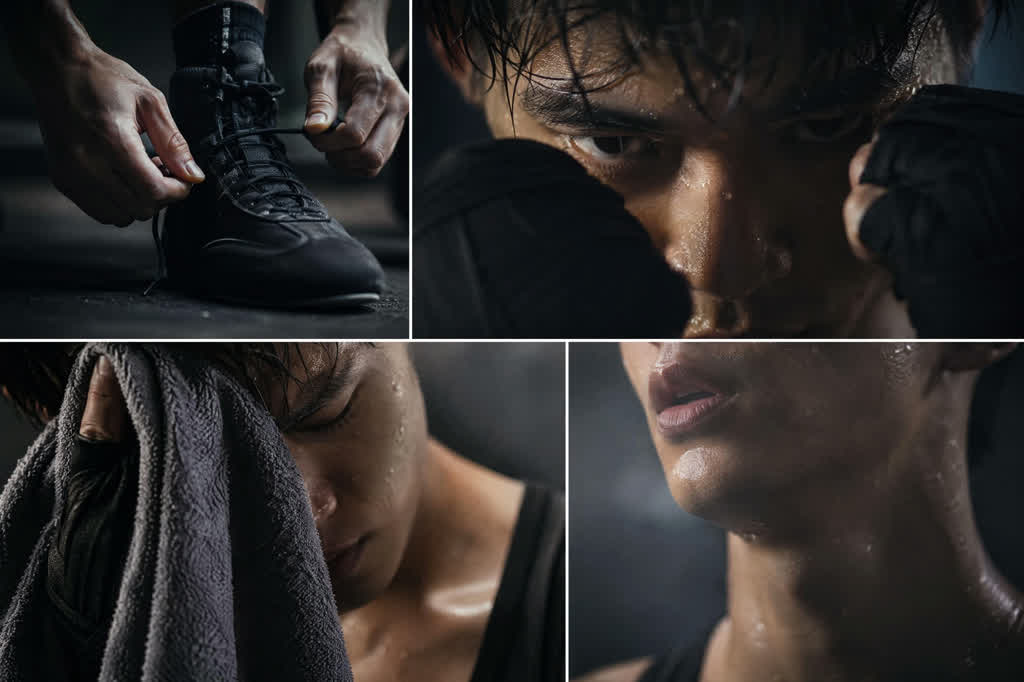
Generate athlete introductions, tunnel walkouts, and match-day recaps from a sports photo with dramatic lighting, confident motion, and strong pre-game atmosphere.

Concert and Event Hype Videos
Create anticipation for concerts, launches, and live events with stage lighting, crowd energy, cinematic entrances, and a memorable final reveal.
Creator and Campaign Promo Videos
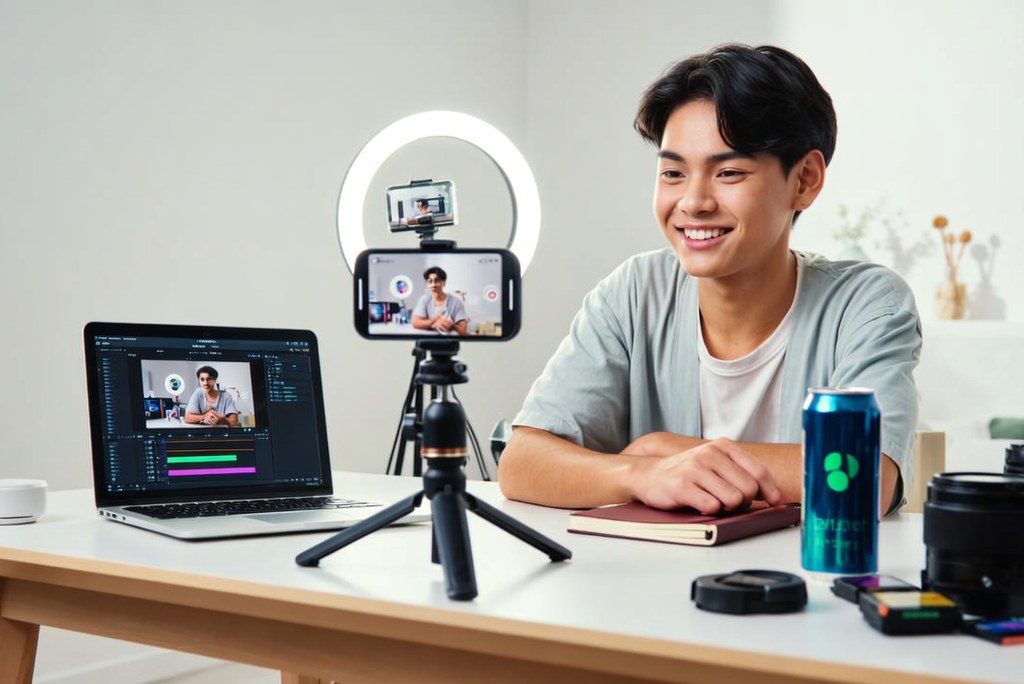
Turn a creator, product, or campaign photo into a short promotional video for announcements, launches, social posts, and fan communities.
How to Make a Hype Video
Step 1: Upload a Photo
Upload a clear photo with a visible subject, good lighting, and enough surrounding space for movement. A focused image with a clear composition gives the generated hype video a more consistent visual direction.
Step 2: Describe What You Want
Describe the mood, pacing, and camera movement you want to see. Add practical details such as dramatic slow motion, sweeping arena lights, smoke, a strong subject focus, beat-driven energy, or a vertical format for TikTok and Reels.
Step 3: Generate the Hype Video
Let insMind transform your image and prompt into a complete hype-video scene. The AI generates subject movement, camera motion, lighting changes, atmosphere, and a strong final reveal while keeping the core visual direction consistent throughout the clip.
Step 4: Refine and Share
Preview the result and adjust the prompt if you want faster pacing, a different camera angle, stronger lighting, or another format. Generate a new variation, choose the best version, and share it across social feeds, fan pages, event promotions, or campaign channels.
Why Choose insMind Hype Video Maker

Built for Fast Social Videos
Turn one photo and a clear prompt into a punchy social video with purposeful motion, strong lighting, and a memorable ending. The Image to Video workflow makes it easy to animate existing visuals.

Works for Fancams and Recaps
Generate energetic fancam-style videos, sports recaps, concert highlights, event promos, and creator reels from a flexible image-based workflow. Keep the main subject recognizable while building momentum through camera movement, atmosphere, and carefully directed action.

Prompt-Friendly Layout
Describe the mood, camera movement, pacing, lighting, and final reveal in everyday language instead of managing a complicated timeline. The AI Video Generator helps turn those creative directions into polished hype-video scenes.

Easy to Extend Later
Start with one strong image or idea, then develop it into multiple generated variations for different campaigns and audiences. Adjust the visual energy, scene direction, camera motion, and ending through the prompt without rebuilding the concept from the beginning.

Clear Creative Story
Guide viewers from anticipation to action with a clear beginning, rising energy, and memorable payoff. Strong visual progression helps every shot feel intentional, whether you are promoting a performer, athlete, event, channel, or new campaign.

Flexible Video Direction
Create landscape videos for websites and presentations or vertical videos for TikTok, Reels, and Shorts. Change the framing, camera motion, lighting, and intensity through your prompt while keeping the subject and core hype-video idea consistent.
FAQs About Hype Video Maker
What is a hype video maker?


Can I use it as a fancam maker?
How do I make a hype video?
What can I make with hype video maker?
Is it good for TikTok and Reels?
Do I need video production experience?
Is hype video maker free to try?
Can I make both vertical and horizontal videos?
More Video Tools from insMind

AI Video Editor
Youtube Video Editor
AI Video Generator

Image to Video
AI Dance Generator